Pascal — a 3D building editor that runs in your browser
Pascal
Pascal is a free app for designing a whole building right in your browser. You draw the walls, drop in furniture, then walk through the place in first person.
Serious building design, free, in a browser tab
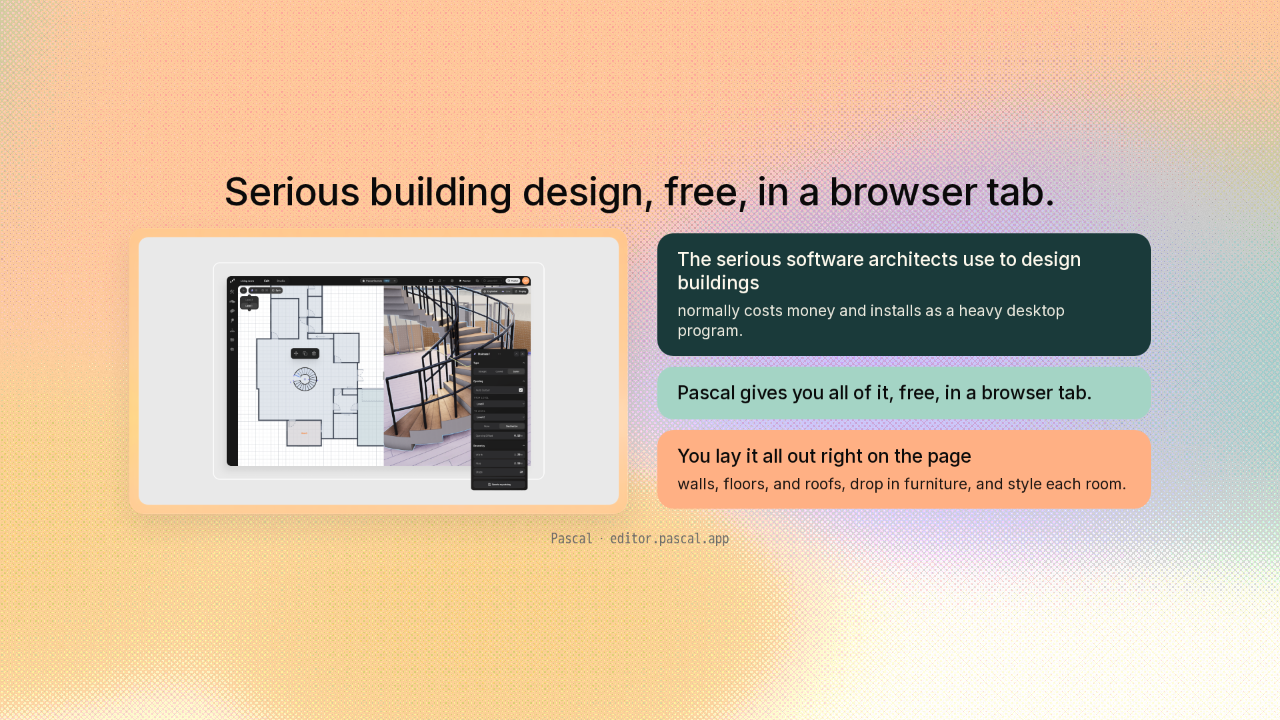
Serious building design, free, in a browser tab.
Here's what Pascal does. The serious software architects use to design buildings normally costs money and installs as a heavy desktop program. Pascal gives you all of it, free, in a browser tab. You lay out walls, floors, and roofs, drop in furniture, and style each room, right there on the page.
You'd expect to build every wall by hand
You'd expect to build every wall by hand.
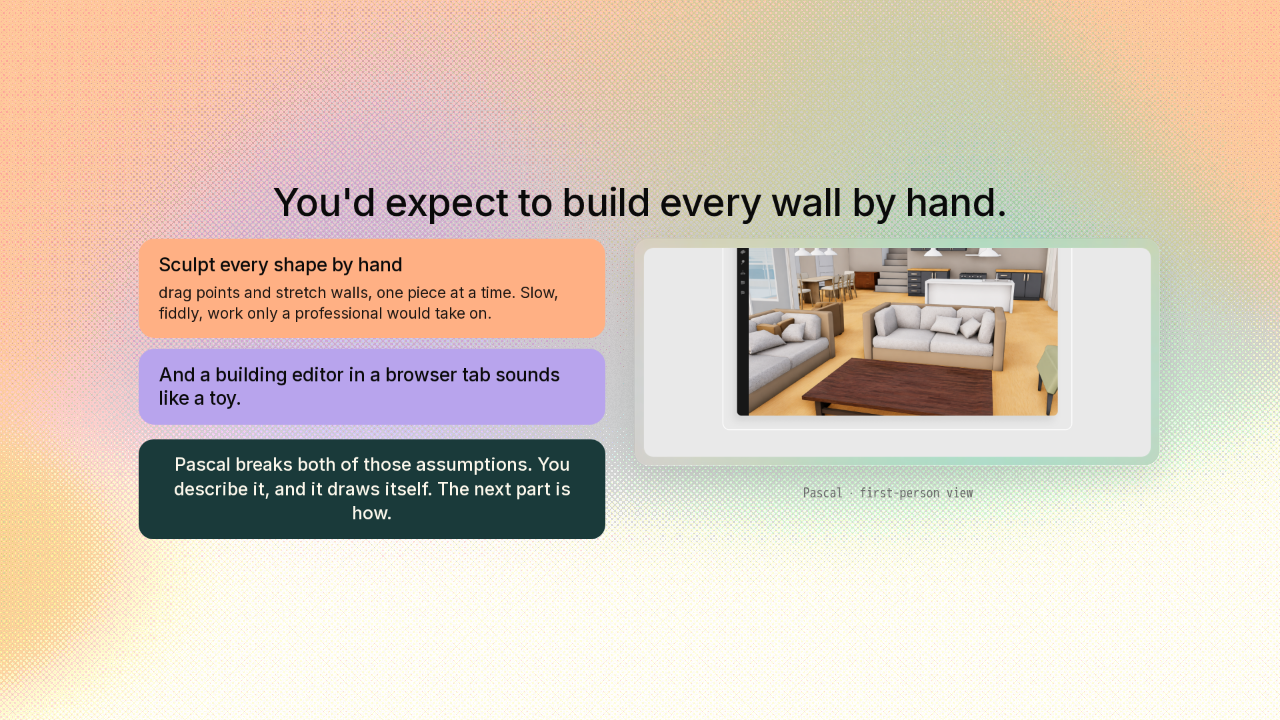
So here's the catch you'd expect. In a normal 3D tool, you build a shape by pushing it around by hand. You drag points and stretch walls, one piece at a time. It's slow, it's fiddly, and it looks like work only a professional would take on. And a building editor in a browser tab sounds like a toy. Pascal breaks both of those assumptions, and the next part is how.
You don't draw the shapes; you describe the building
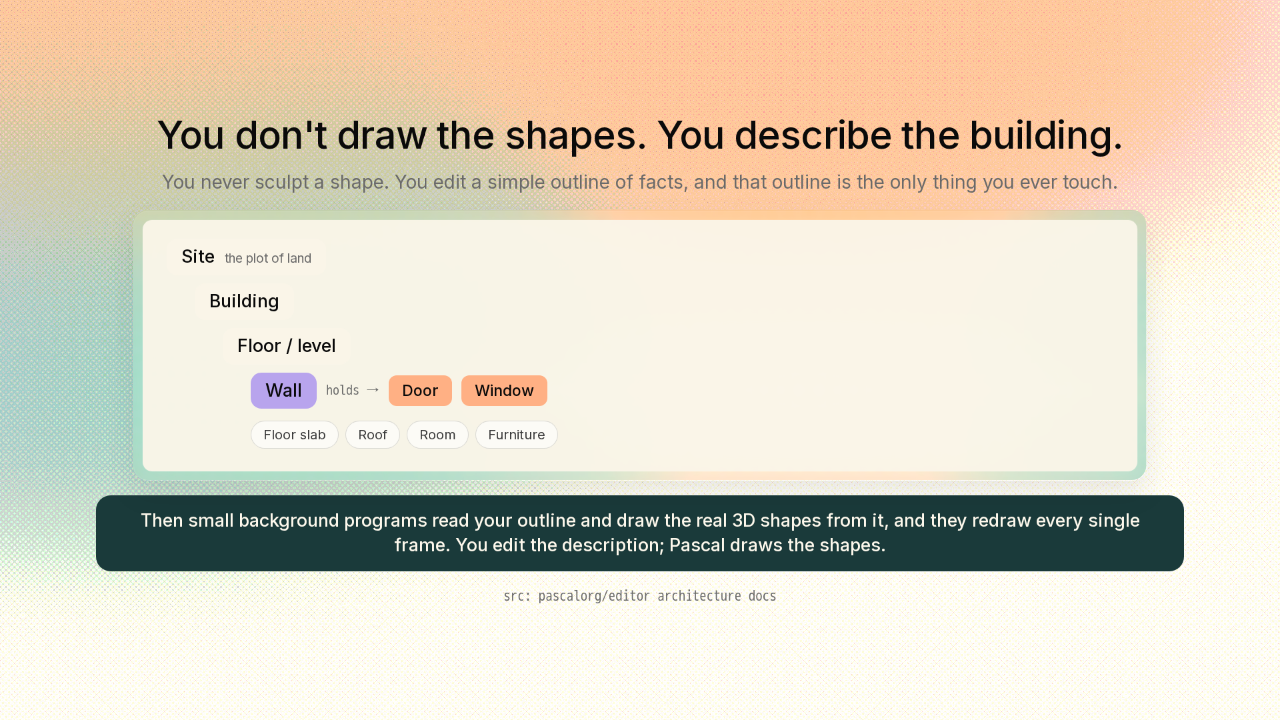
You don't draw the shapes. You describe the building.
Here's the trick. You never sculpt the shapes at all. Instead, you describe the building as a simple outline of facts. A site holds a building. The building holds floors. A floor holds walls. And a wall holds doors and windows. That outline is the only thing you ever touch. Then small background programs read your outline and draw the real 3D shapes from it. And they redraw every single frame. And this part's clever. You never touch the 3D shapes directly. You edit the description, and Pascal draws the shapes for you.
So the walls cut their own doorways and join their own corners
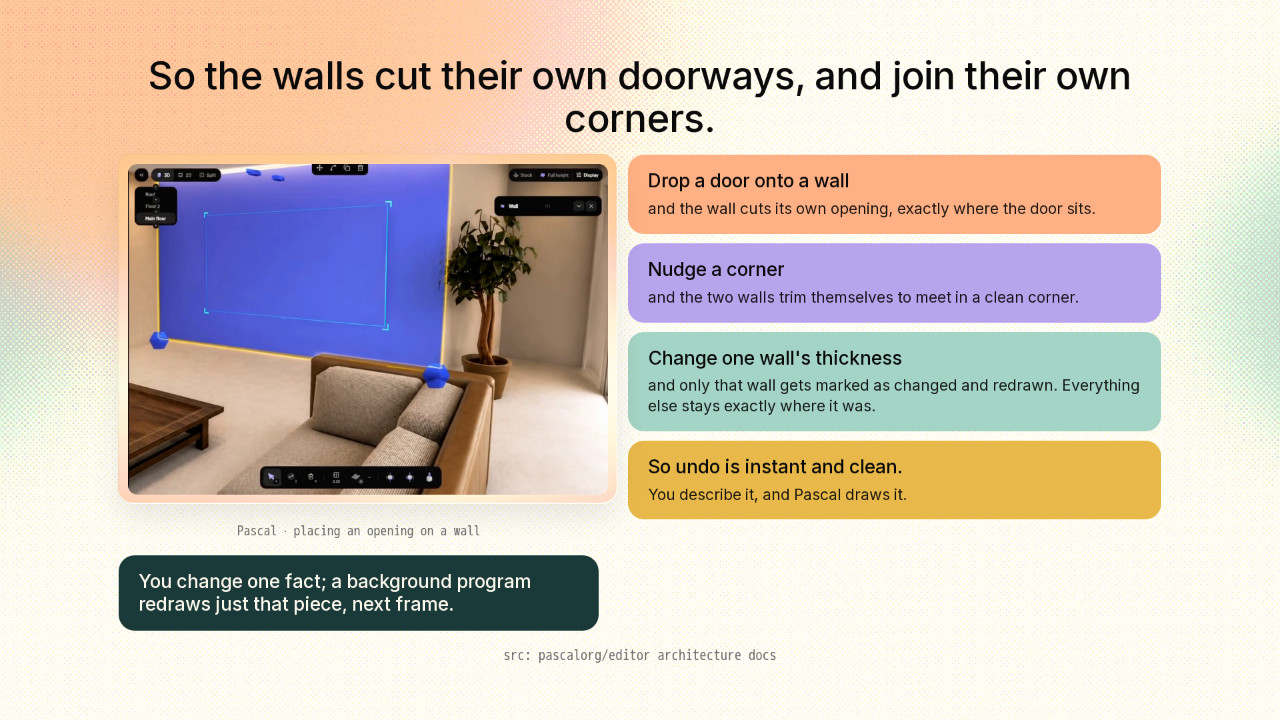
So the walls cut their own doorways, and join their own corners.
Now watch what that buys you. Because the shapes are drawn from your description, Pascal can be smart about it. Drop a door onto a wall, and the wall cuts its own opening, exactly where the door sits. Nudge a corner, and the two walls trim themselves to meet in a clean corner. Change one wall's thickness, and only that wall gets marked as changed and redrawn. Everything else stays exactly where it was. That's also why undo is instant and clean. You describe it, and Pascal draws it.
Walk through it in first person, and shape the ground it sits on
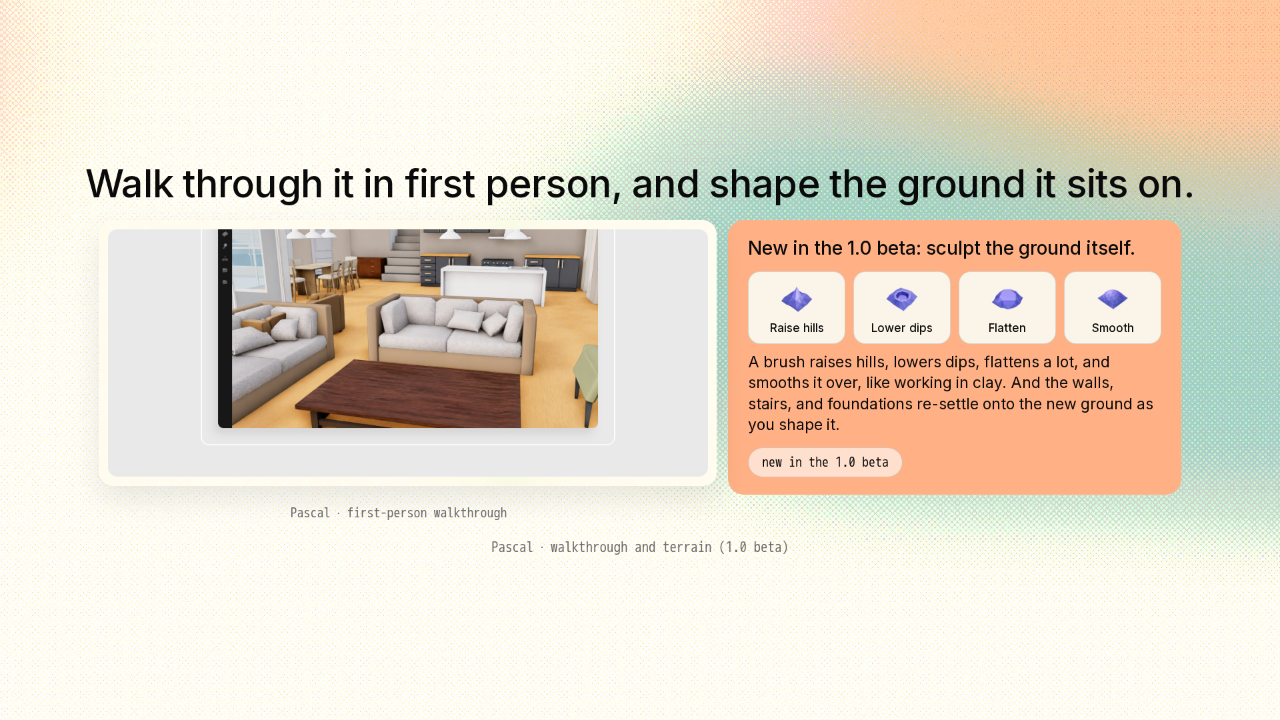
Walk through it in first person, and shape the ground it sits on.


So what does it feel like to actually use? Hit Present, and you drop straight into first person, walking through the rooms you just laid out. And the 1.0 beta, out today, adds something new. You can sculpt the ground itself. A brush raises hills, lowers dips, flattens a lot, and smooths it over, like working in clay. And the building reacts as you go. The walls, stairs, and foundations re-settle onto the new ground while you shape it.
The building is just a description, so an AI can write it
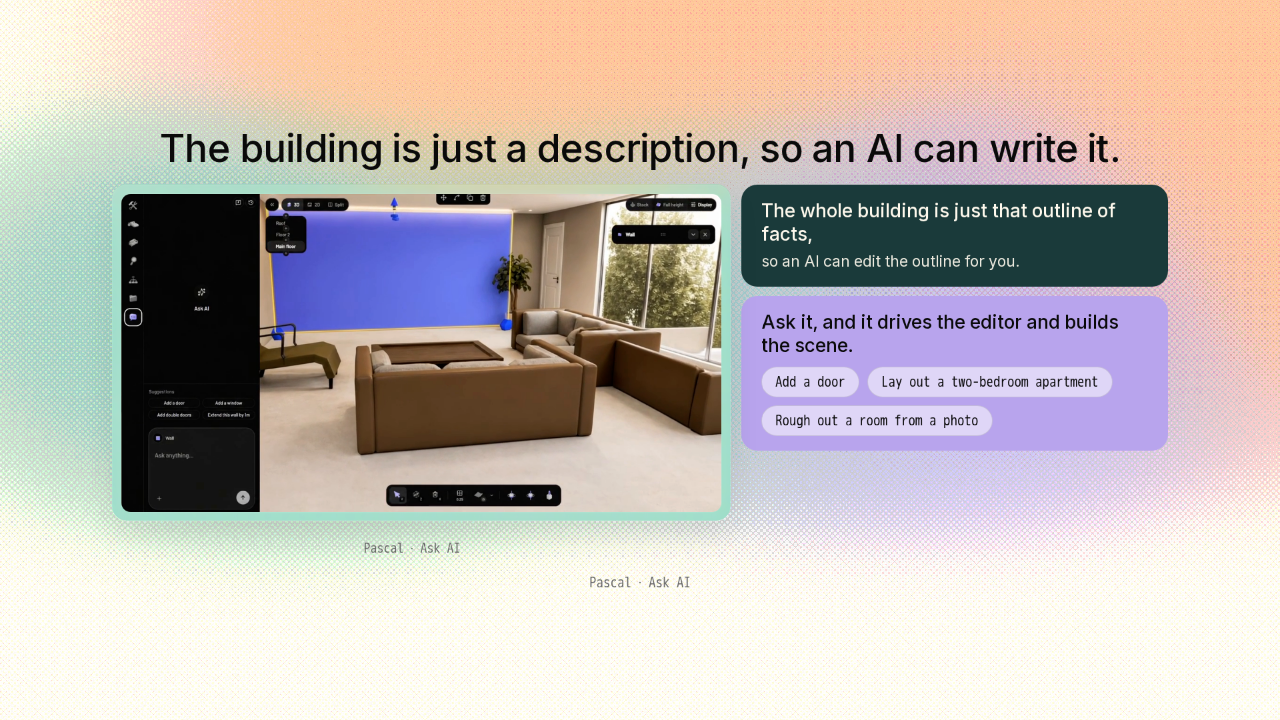
The building is just a description, so an AI can write it.
And here's the wild part, and it falls right out of the mechanism. Because the whole building is just that outline of facts, an AI can edit the outline for you. Ask it to add a door, or lay out a whole two-bedroom apartment, and it drives the editor and builds the scene. You can even hand it a photo of a room and have it rough that room out in 3D. You describe the building, or you let an AI do it.
Open it in a tab — free, open, and yours to extend
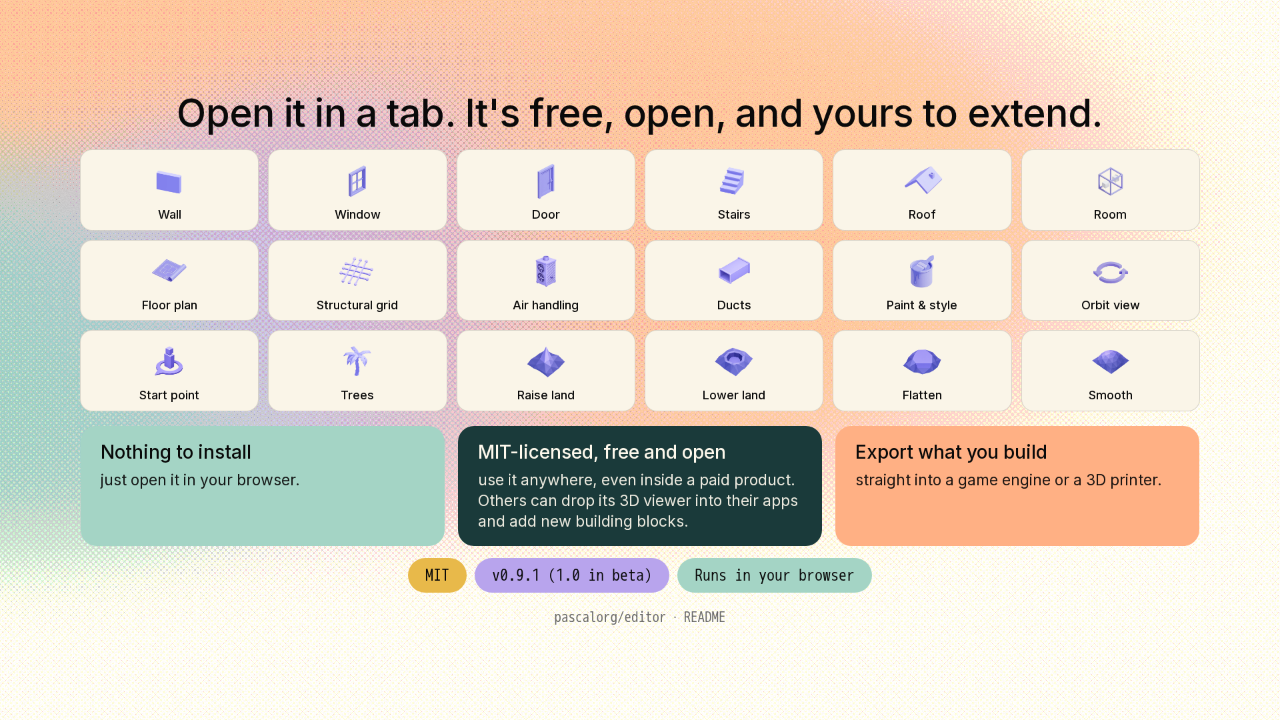
Open it in a tab. It's free, open, and yours to extend.


Getting it is the easy part. There's nothing to install; you just open it in your browser. It's MIT-licensed. That means it's free and open for anyone to use, even inside a paid product. Because it's open, other developers can drop its 3D viewer into their own apps and add new building blocks. And you can export what you build, straight into a game engine or a 3D printer. The latest stable is version 0.9.1, with 1.0 now in beta.
You describe the building; Pascal draws it
You describe the building; Pascal draws it, corners and cut doorways and all.
So that's Pascal. You don't sculpt a building, you describe it, and Pascal draws the whole thing for you, clean corners and cut doorways and all. Then you walk through it, right in your browser. The link's on screen, and there's a new repo tomorrow.











