cua gives AI its own window to use your computer
When an AI uses your computer, it grabs your mouse. You sit and watch. cua is the version where it never touches your screen. It's open-source plumbing for letting an agent drive a real machine.
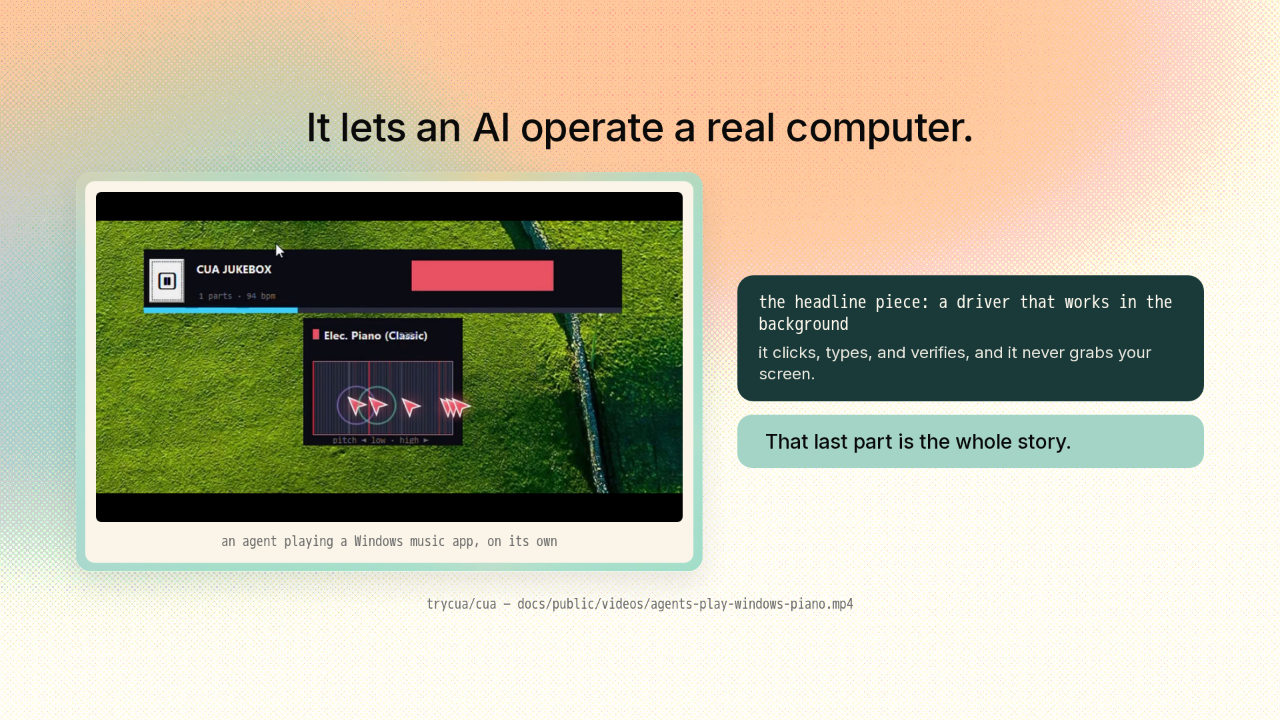
It lets an AI operate a real computer.

cua is an open-source stack that lets an AI agent actually operate a real computer. Here's one driving a Windows app on its own, start to finish. Its headline piece is a driver that works in the background. It clicks, types, and verifies. And it never grabs your screen. That last part is the whole story. Think about the demos you already know.
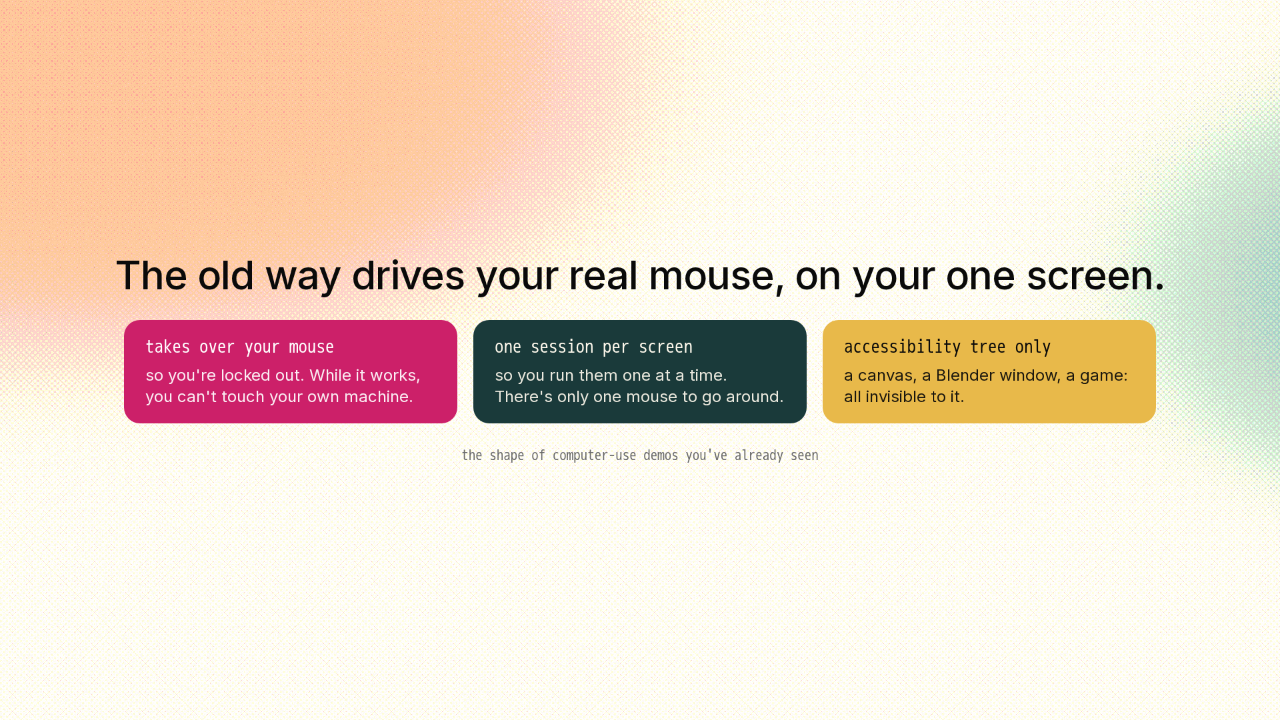
The old way drives your real mouse, on your one screen.
The demos you've watched drive your real mouse on your one screen. So while the agent works, you're locked out. You can't touch your own machine. You run them one at a time, since there's only one mouse to go around. And they only see what the accessibility tree hands them. A canvas, a Blender window, a game: all invisible.
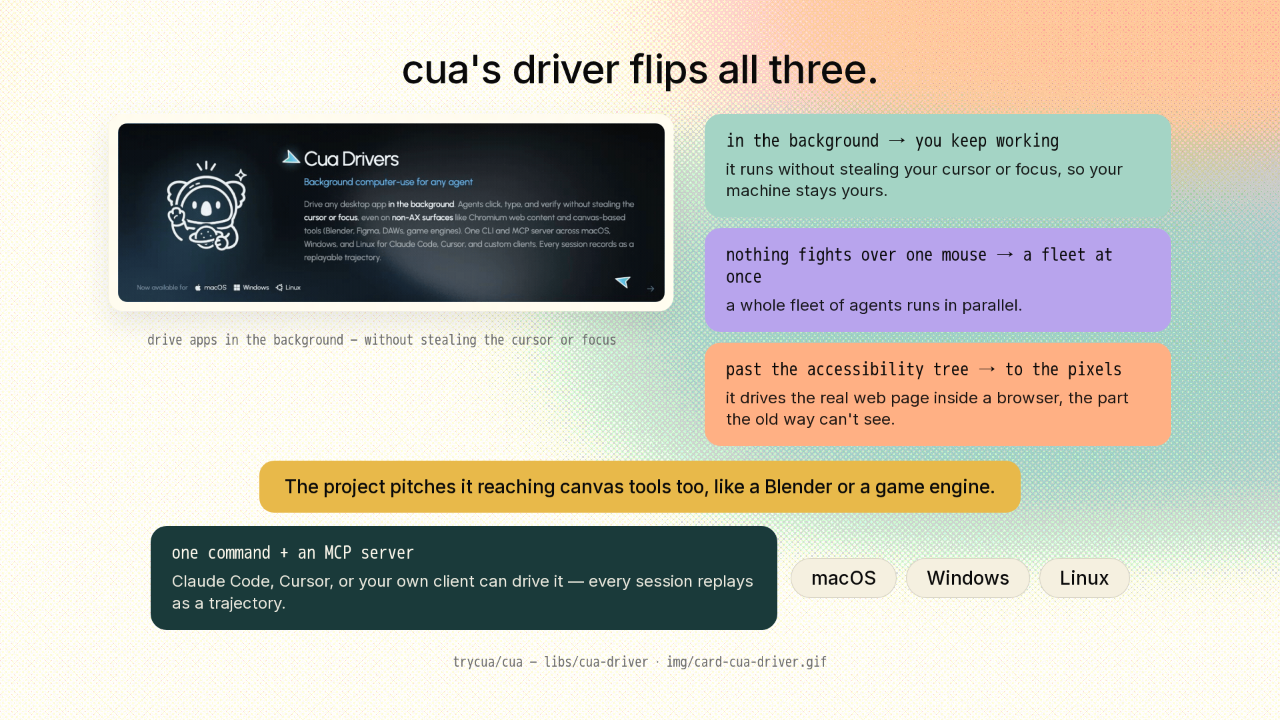
cua's driver flips all three.
cua's driver flips all three. It works in the background, without stealing your cursor or focus, so you keep using your machine while it runs. Nothing fights over one mouse, so a whole fleet of agents runs at once. And it reaches past the accessibility tree to the pixels. It drives the real web page inside a browser, the part the old way can't see. The project pitches it reaching canvas tools too, a Blender or a game engine. It's one command and an MCP server, so Claude Code, Cursor, or your own client can drive it. Every session replays as a trajectory. It runs on macOS, Windows, and Linux.
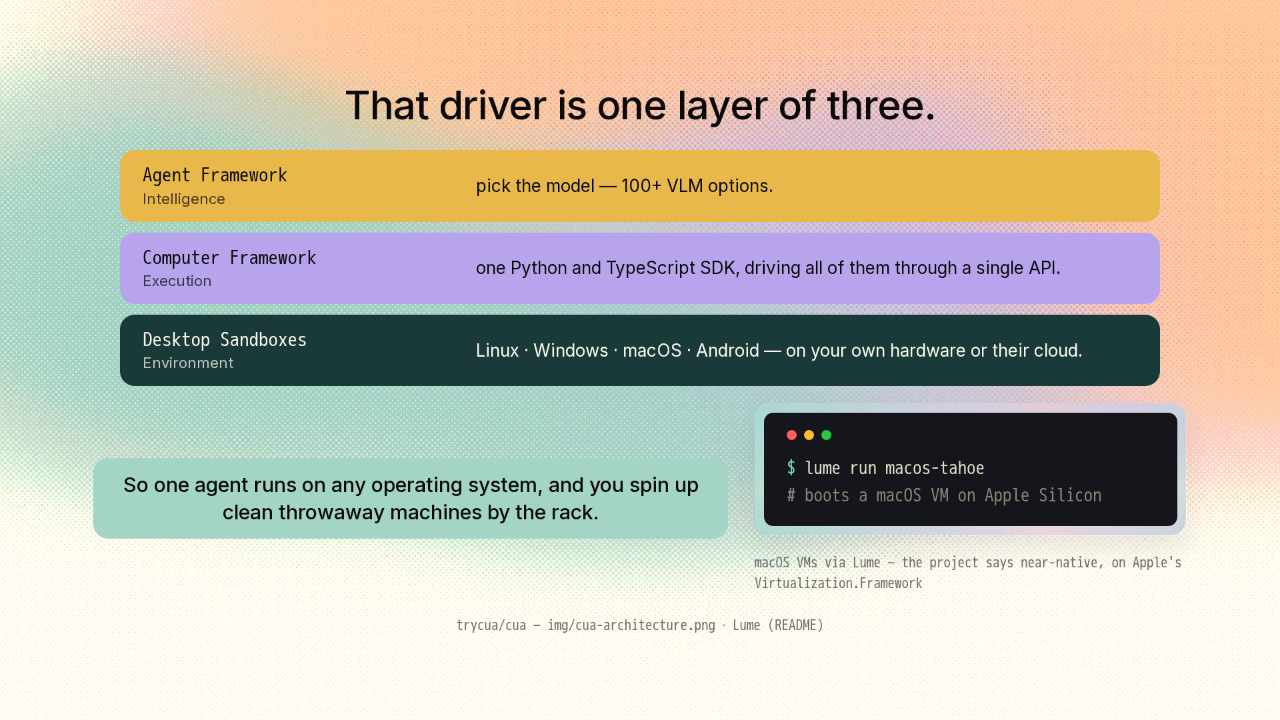
That driver is one layer of three.
$ lume run macos-tahoe
# boots a macOS VM on Apple Silicon
That driver is just one layer of three. At the bottom is the machine itself. A sandbox running Linux, Windows, macOS, or Android, on your own hardware or their cloud. In the middle, one Python and TypeScript SDK drives all of them through a single API. At the top, you pick the model, from over a hundred vision-language models. So one agent runs on any operating system, and you spin up clean throwaway machines by the rack. The macOS ones boot with Lume. The project says it runs them near-native on Apple Silicon, on Apple's own virtualization framework.
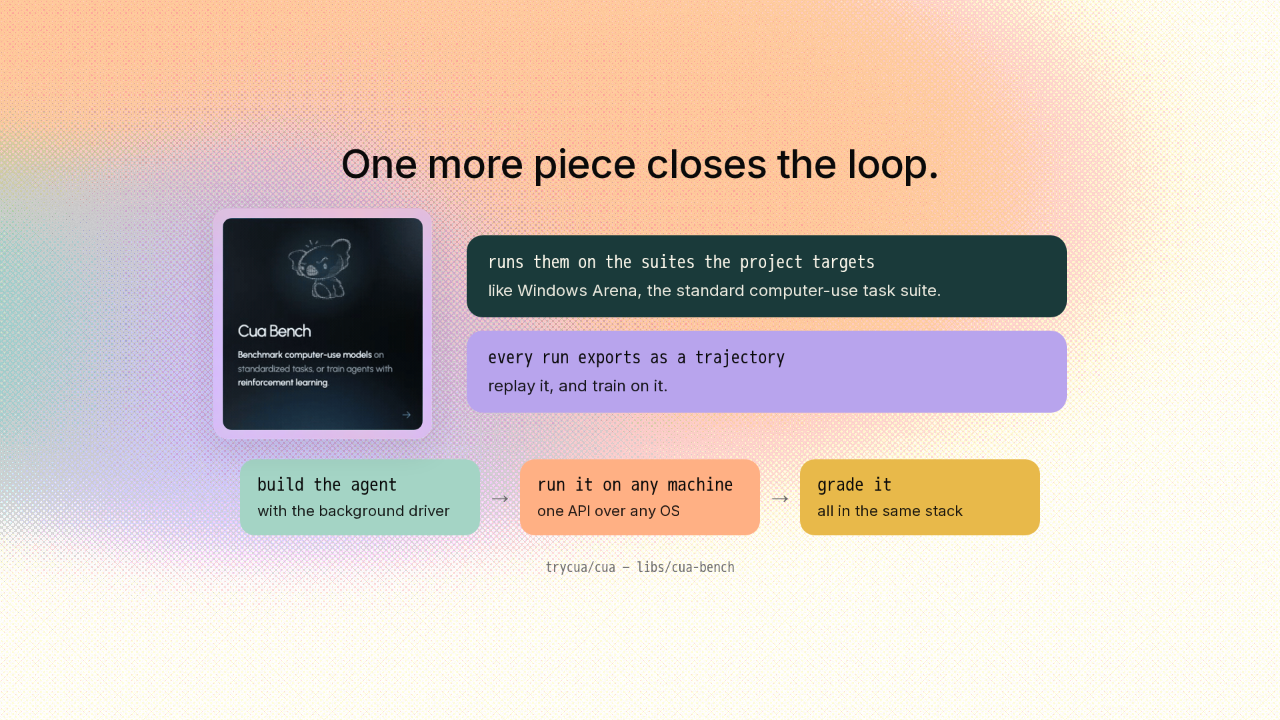
One more piece closes the loop.
And one more piece closes the loop. It's a harness to grade the agents you build. It runs them on the standard computer-use suites the project targets, like Windows Arena. Every run exports as a trajectory you can replay and train on. So you build an agent, run it on any machine, and grade it, all in the same stack.
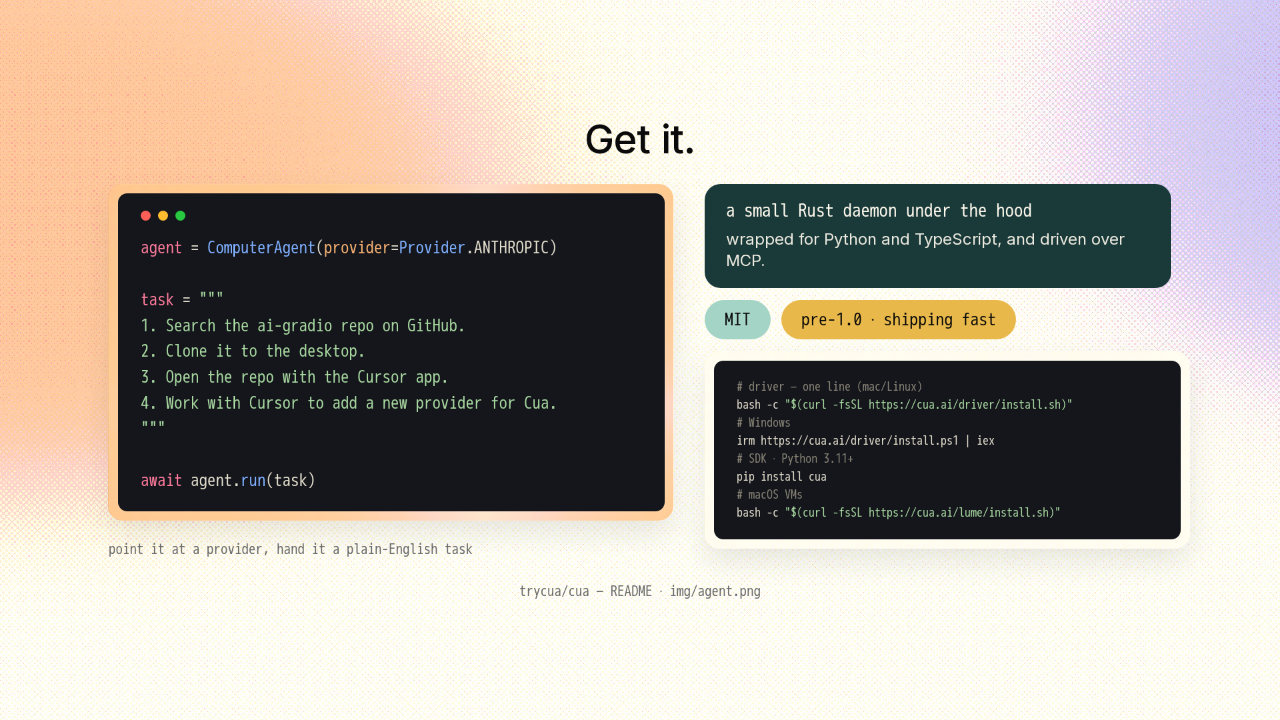
Get it.
agent = ComputerAgent(provider=Provider.ANTHROPIC)

task = """
1. Search the ai-gradio repo on GitHub.
2. Clone it to the desktop.
3. Open the repo with the Cursor app.
4. Work with Cursor to add a new provider for Cua.
"""

await agent.run(task)
# driver — one line (mac/Linux)
bash -c "$(curl -fsSL https://cua.ai/driver/install.sh)"
# Windows
irm https://cua.ai/driver/install.ps1 | iex
# SDK · Python 3.11+
pip install cua
# macOS VMs
bash -c "$(curl -fsSL https://cua.ai/lume/install.sh)"
Under the hood, the driver is a small Rust daemon, wrapped for Python and TypeScript and driven over MCP. It's MIT-licensed. The driver installs with one line. The SDK is a single pip install on Python 3.11 and up, and Lume brings its own installer. The commands are all on screen. It's pre-1.0 and shipping fast, so expect it to keep moving.
The interesting part was never the model.

So if you figured that AI using a computer meant handing over your mouse and watching, this is the one where you don't. The interesting part was never the model. It's the plumbing underneath it. The link's on screen. New repo tomorrow.











