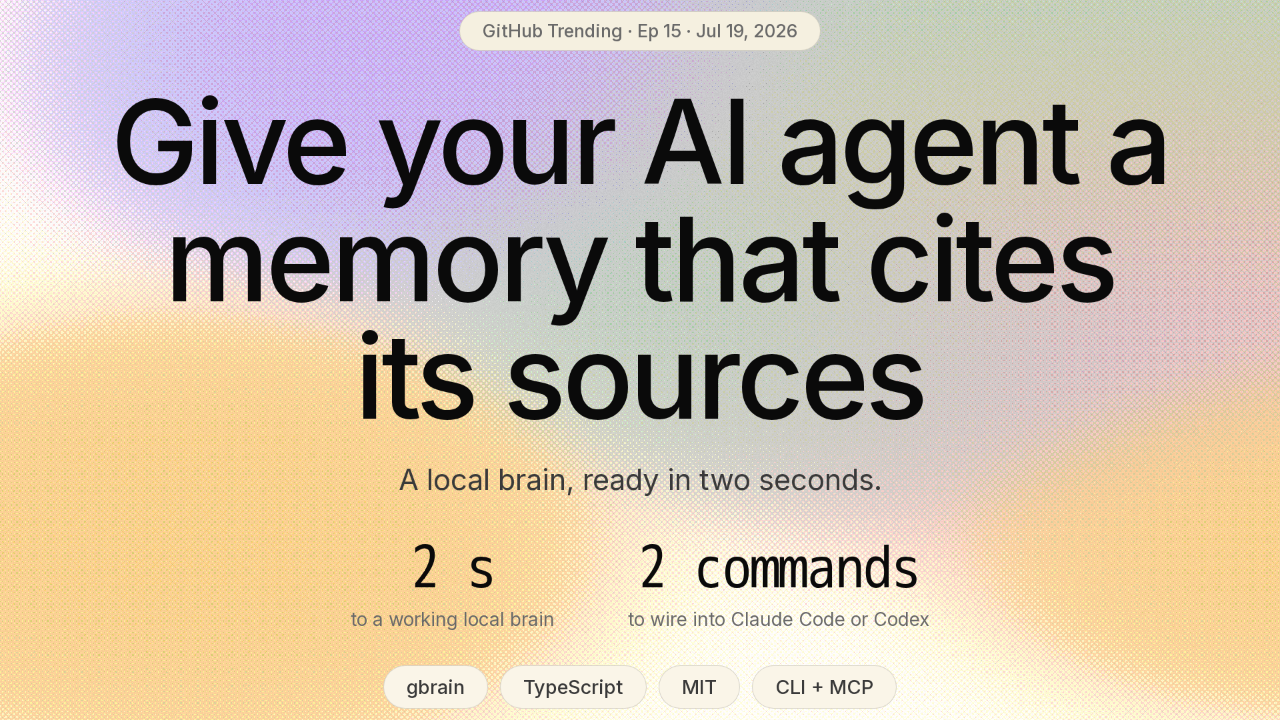
Give your AI agent a memory that cites its sources
Your AI agent starts every session from zero. GBrain gives it a memory. A local brain, ready in two seconds, no server to run. Two commands to wire it into Claude Code or Codex. And it is the same brain Y Combinator's Garry Tan built to run his own agents.
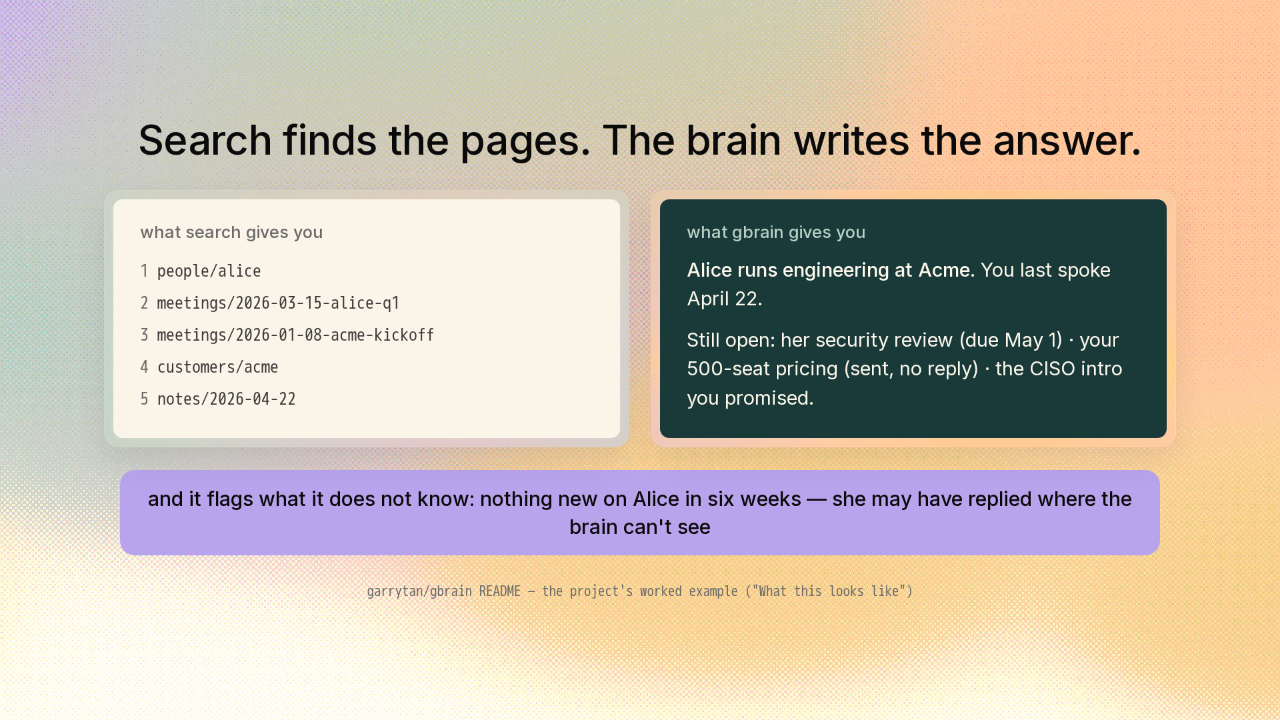
Search finds the pages. The brain writes the answer.
Say you have a meeting with Alice tomorrow, and you ask what you need to know. Most tools hand you five pages to go read yourself. GBrain reads them for you and writes the answer. Who she is, when you last talked, the three things still open between you. Every claim cites a source page. And this part is the differentiator. It tells you what it does not know. Six weeks of silence on Alice gets flagged, not hidden.
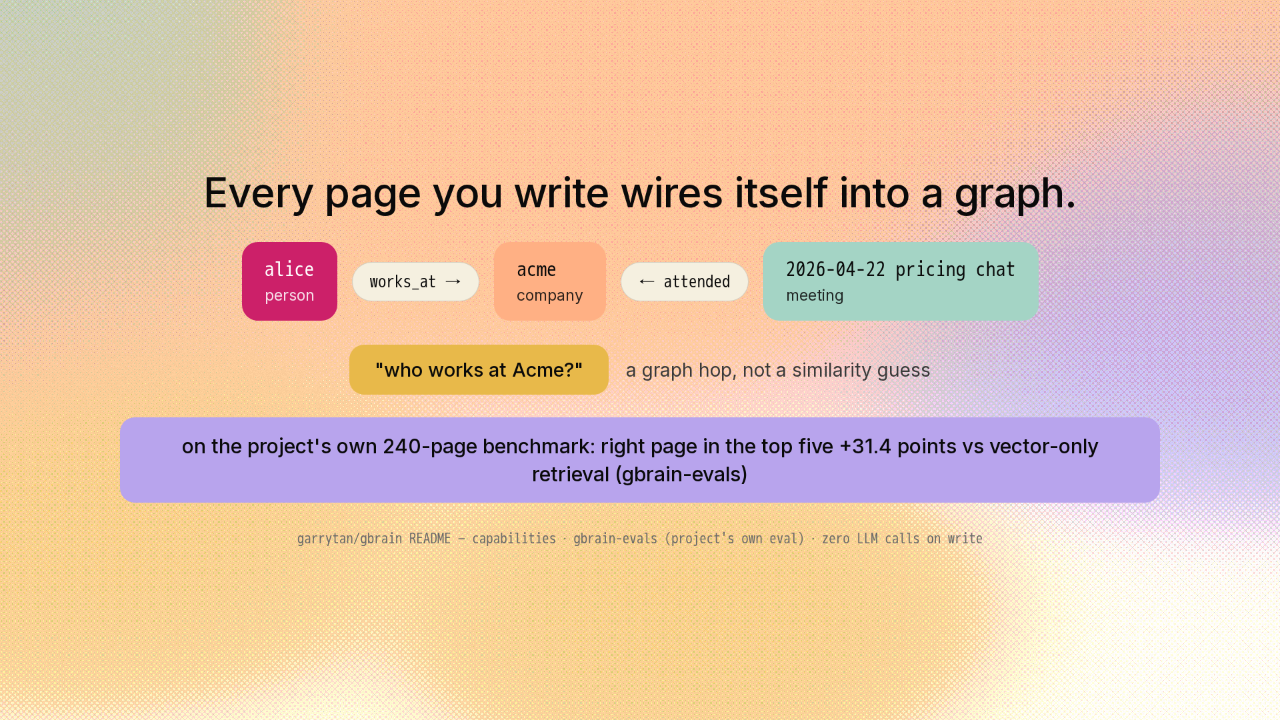
Every page you write wires itself into a graph.
Here is the clever part. Every time a page is written, GBrain pulls out the people and companies it mentions and draws typed edges. Alice works at Acme. The pricing chat connects them. No language model call, just pattern matching, on every single write. So a question like who works at Acme stops being a similarity guess and becomes a graph hop. On the project's own benchmark, the graph puts the right page in the top five thirty-one points more often than vector search alone.
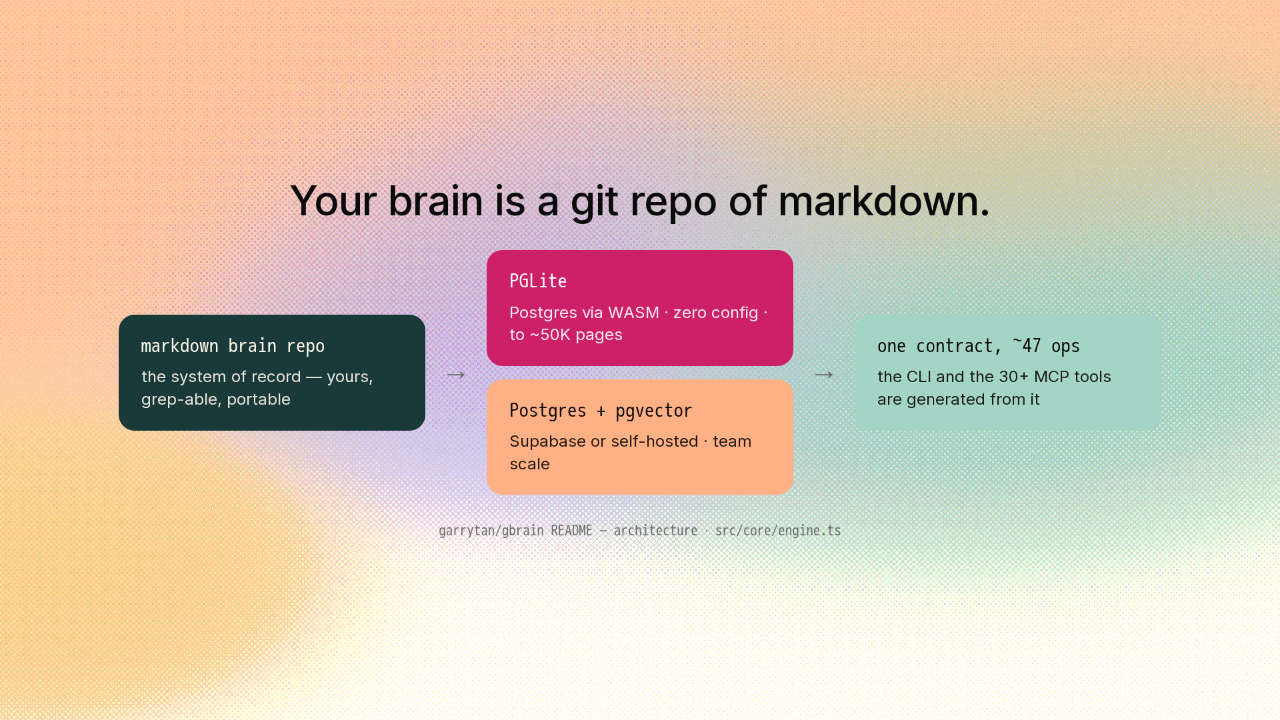
Your brain is a git repo of markdown.
The system of record is plain markdown in a git repo. You own it. You can grep it. You can walk away with it. GBrain syncs that repo into Postgres for retrieval. On your laptop that is PGLite, Postgres compiled to WebAssembly, zero setup. For a team it is real Postgres with pgvector. Both engines implement one contract of about forty-seven operations, and the CLI and the MCP server are both generated from it.
Run it under an agent and it becomes a daemon.
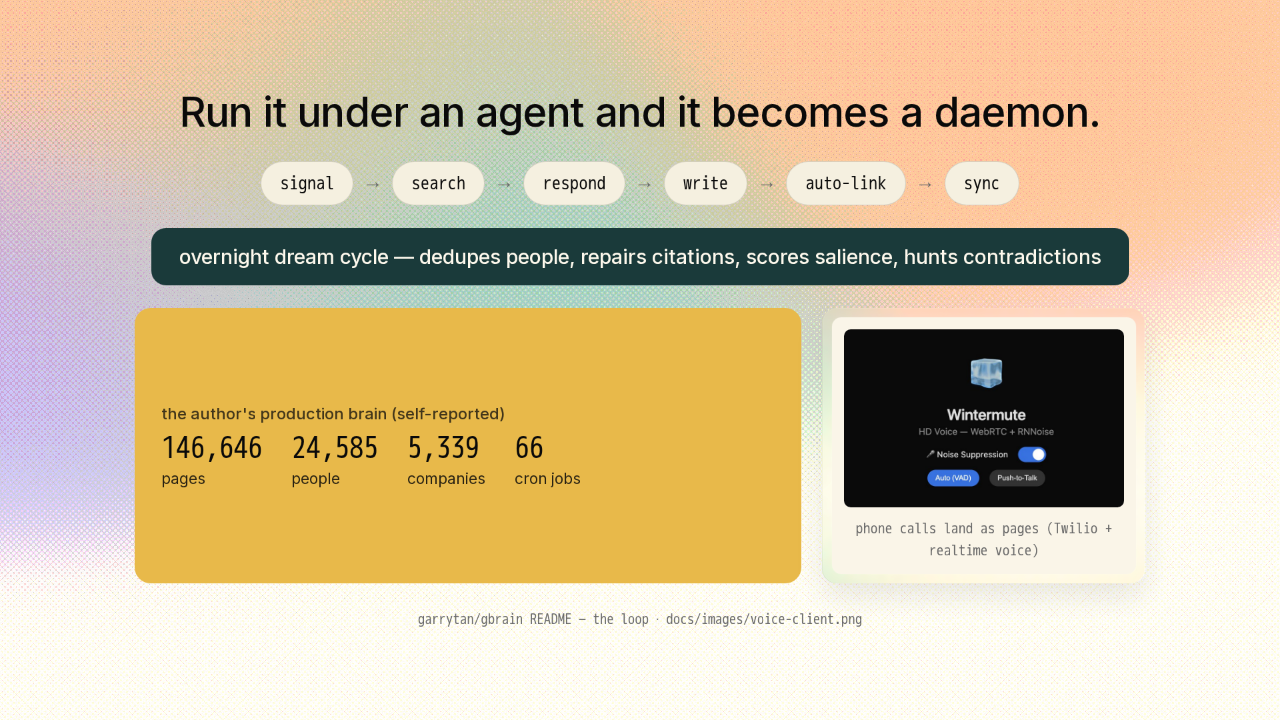
Run it under a full agent and it becomes a daemon. Every message gets scanned for things worth keeping. Every answer checks the brain before any external call. Every write links itself into the graph. Then a dream cycle runs overnight. It dedupes people, repairs citations, and hunts for contradictions. Tan runs his own agents on this. He reports a brain of a hundred and forty-six thousand pages and twenty-four thousand people, fed by sixty-six cron jobs. Even his phone calls land as pages.
The full setup installs itself.
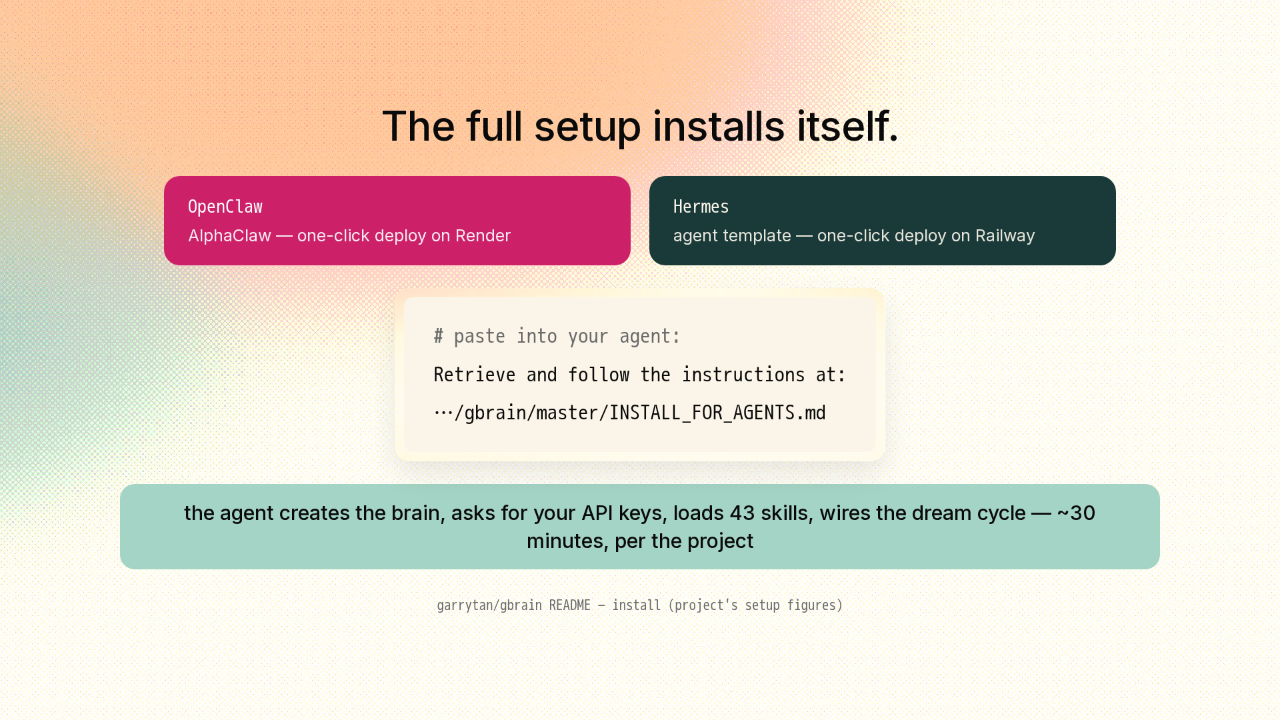
If you want the whole autonomous setup, you do not install GBrain. Your agent does. Running OpenClaw or Hermes, or deploying one fresh, there are one-click templates for Render and Railway. Then you paste a single instruction: retrieve and follow the install file. The agent creates the brain, asks you for API keys, loads forty-three skills, and wires up the overnight cycle. The project says about thirty minutes, and you only answer questions.
Already in Claude Code or Codex? Two commands.
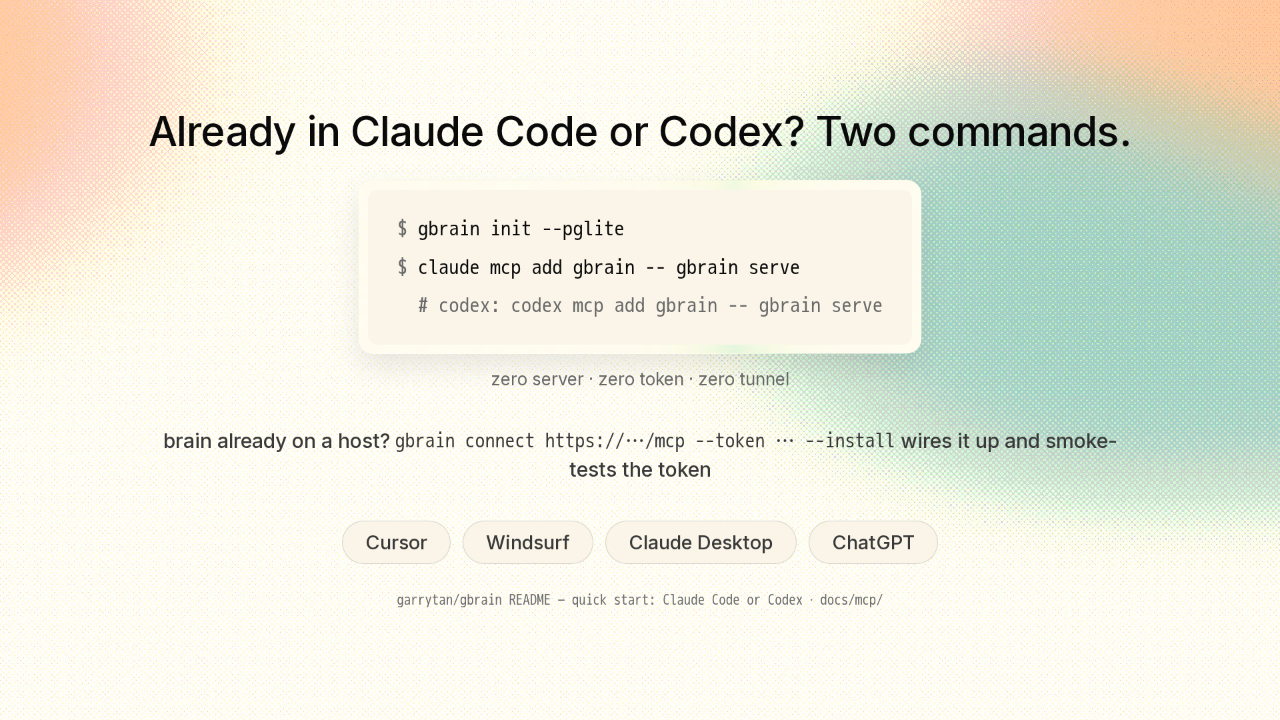
And you do not need any of that to get the good part. In Claude Code, it is two commands. Init builds the local brain. Two seconds, no Docker, no server. One MCP add and your coding agent can capture thoughts and query everything you ever told it. Codex is the same shape. If your brain already lives on a server, one connect command points your laptop at it and smoke-tests the token. Cursor, Windsurf, Claude Desktop, and ChatGPT connect too.
No agent at all? It's a CLI.
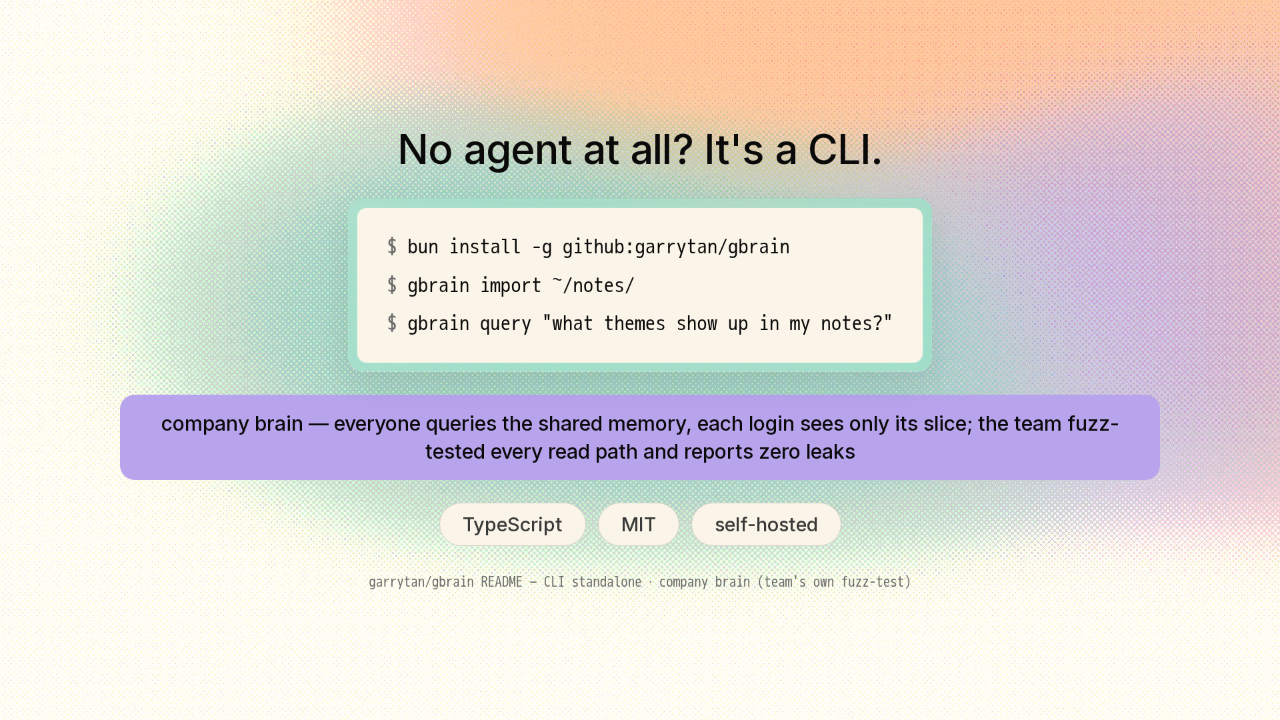
No agent at all? It is still a good CLI. One bun install, point it at your notes folder, and start asking questions. It also runs as a company brain. Everyone queries the same memory, and each login sees only its own slice. The team fuzz-tested every read path for leaks and reports zero. MIT licensed, TypeScript, and it all runs on your hardware.
Agents don't need to be smarter to be more useful.They need to remember.
So if your agent keeps asking you things you already told it, this is the fix. Give it a brain, and every day it knows you a little better. The link is on screen. New repo tomorrow.











