Gemini CLI v0.71.0 ends the Windows freeze before PowerShell commands
2 days ago
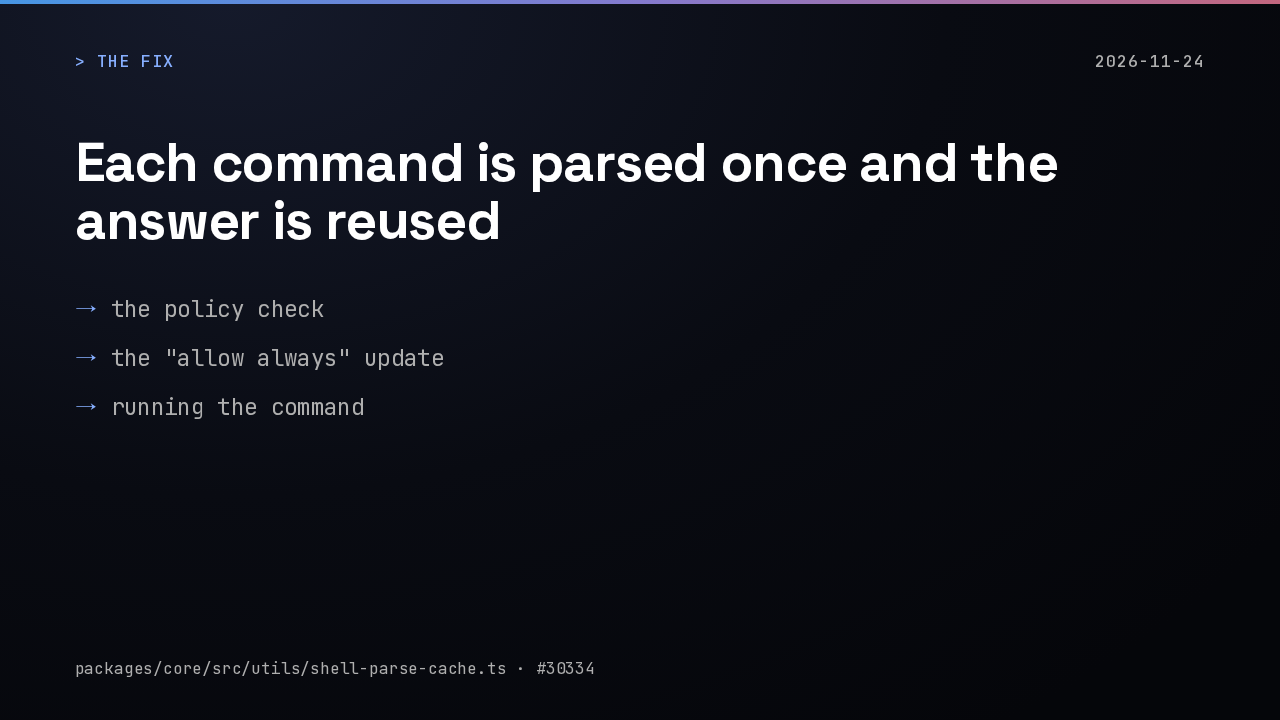
Gemini CLI v0.71.0 fixes a Windows freeze: the Thinking spinner and elapsed-time counter stopped for seconds while Gemini CLI parsed a PowerShell command. Parsing now runs in the background, and one parse is shared by the policy check, the "allow always" update and the run.
Links
Ask about this presentation
Chapters
Show transcriptHide transcript
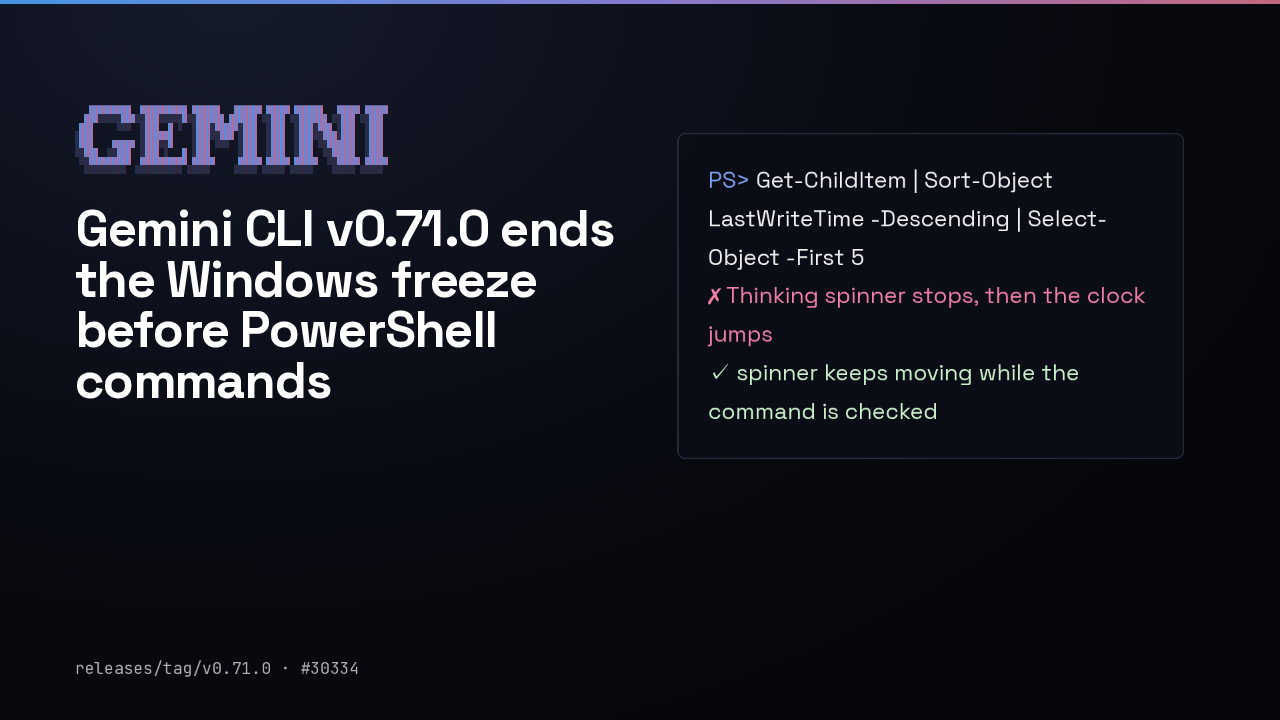
Gemini CLI v0.71.0 fixes a freeze on Windows. When the model was about to run a PowerShell command, the Thinking spinner and the elapsed-time counter stopped for seconds at a time. Now they keep moving.
Slide text

Gemini CLI v0.71.0 ends the Windows freeze before PowerShell commands
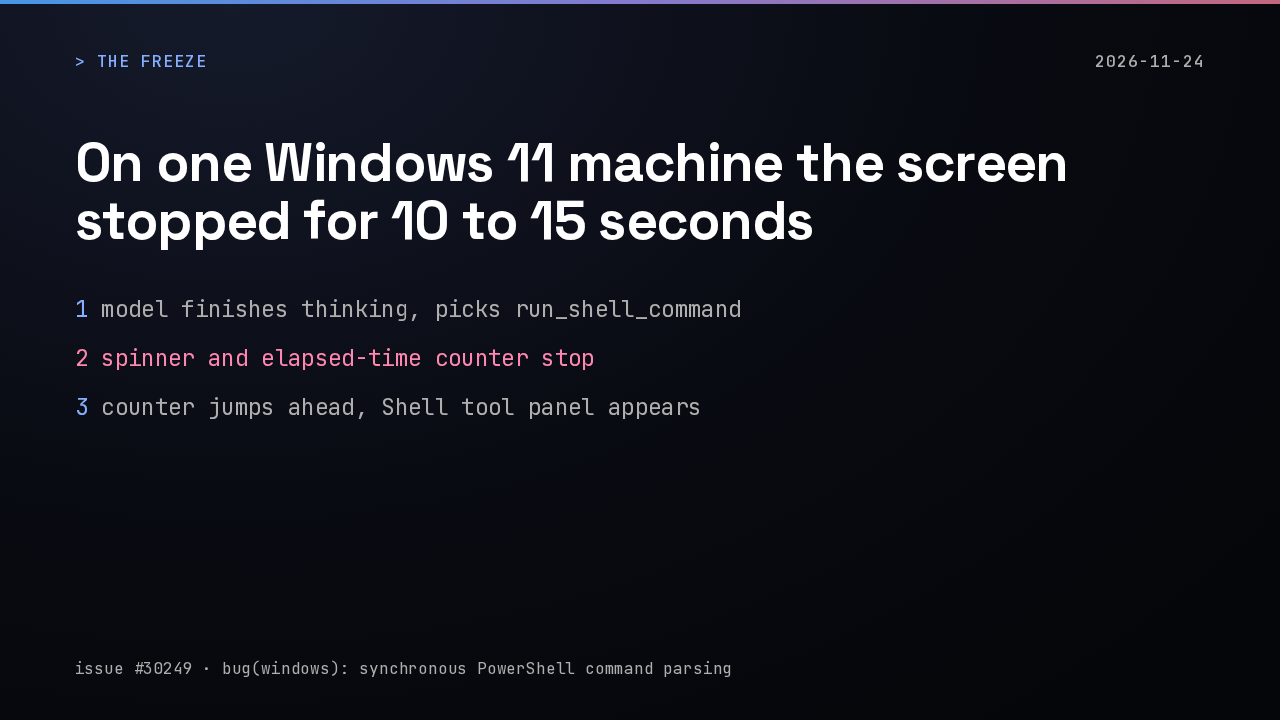
PS> Get-ChildItem | Sort-Object LastWriteTime -Descending | Select-Object -First 5 ✗ Thinking spinner stops, then the clock jumps ✓ spinner keeps moving while the command is checkedreleases/tag/v0.71.0 · #30334The freeze landed between the model's reasoning and the Shell tool panel. On the Windows 11 machine where it first showed up, the screen stopped for 10 to 15 seconds. Then the elapsed-time counter jumped ahead and the panel appeared.
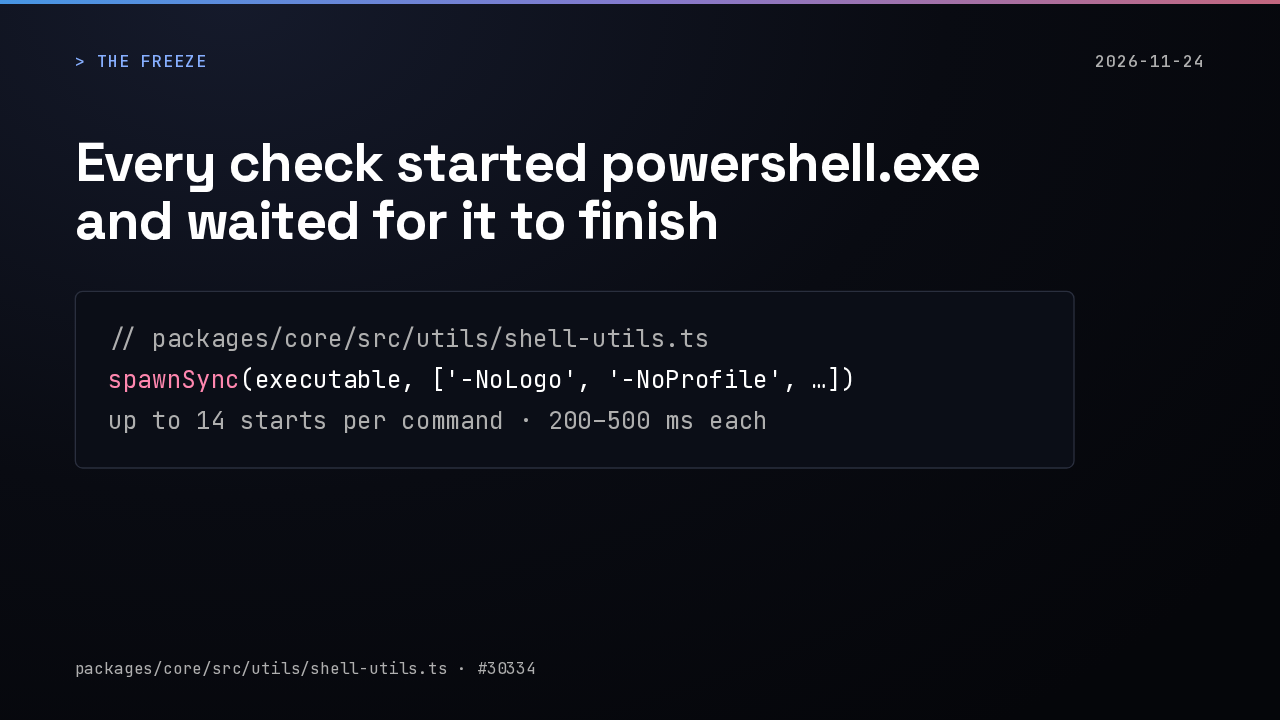
Gemini CLI asks PowerShell itself to parse each command before it runs. It started powershell.exe and waited, and the whole screen stood still until it finished. One command could start it up to 14 times, each costing up to half a second.
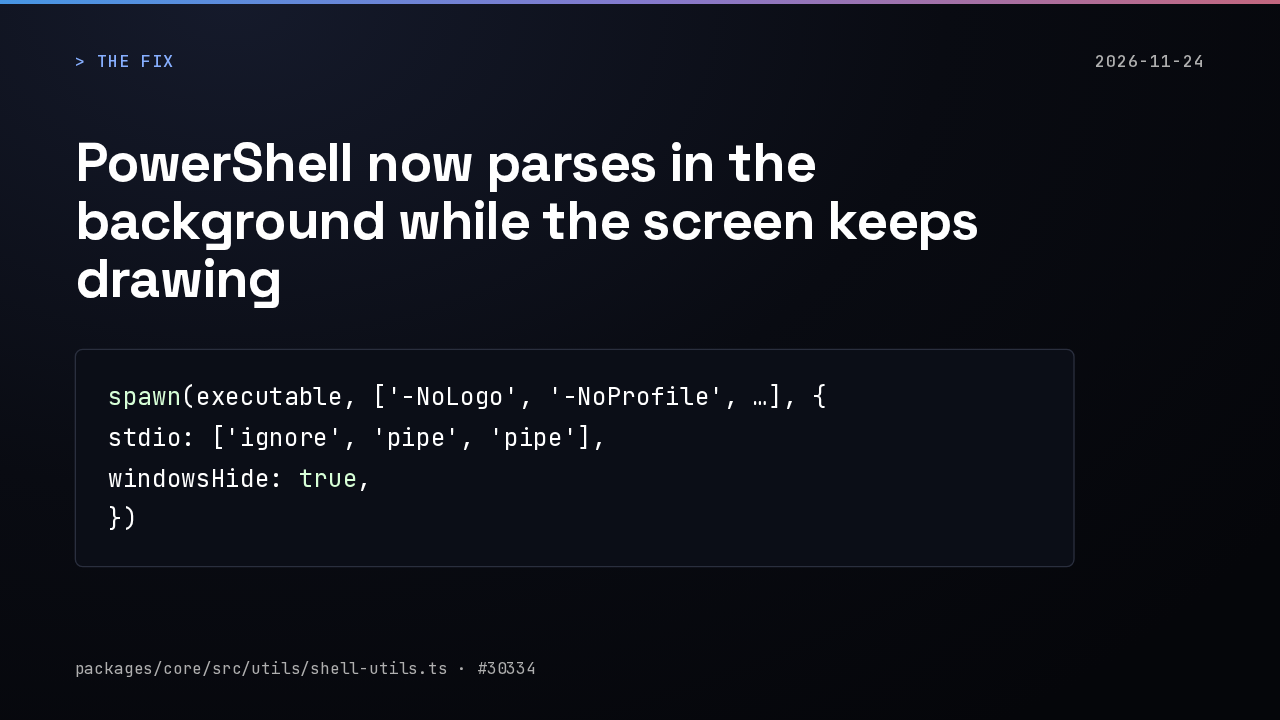
The parse now runs in the background. Gemini CLI starts PowerShell with a hidden window and goes on drawing the spinner and the clock while it waits for the answer.
Each answer is also saved. The policy check, the allow always update and the run itself share one parse of the command, instead of each one starting PowerShell on its own.
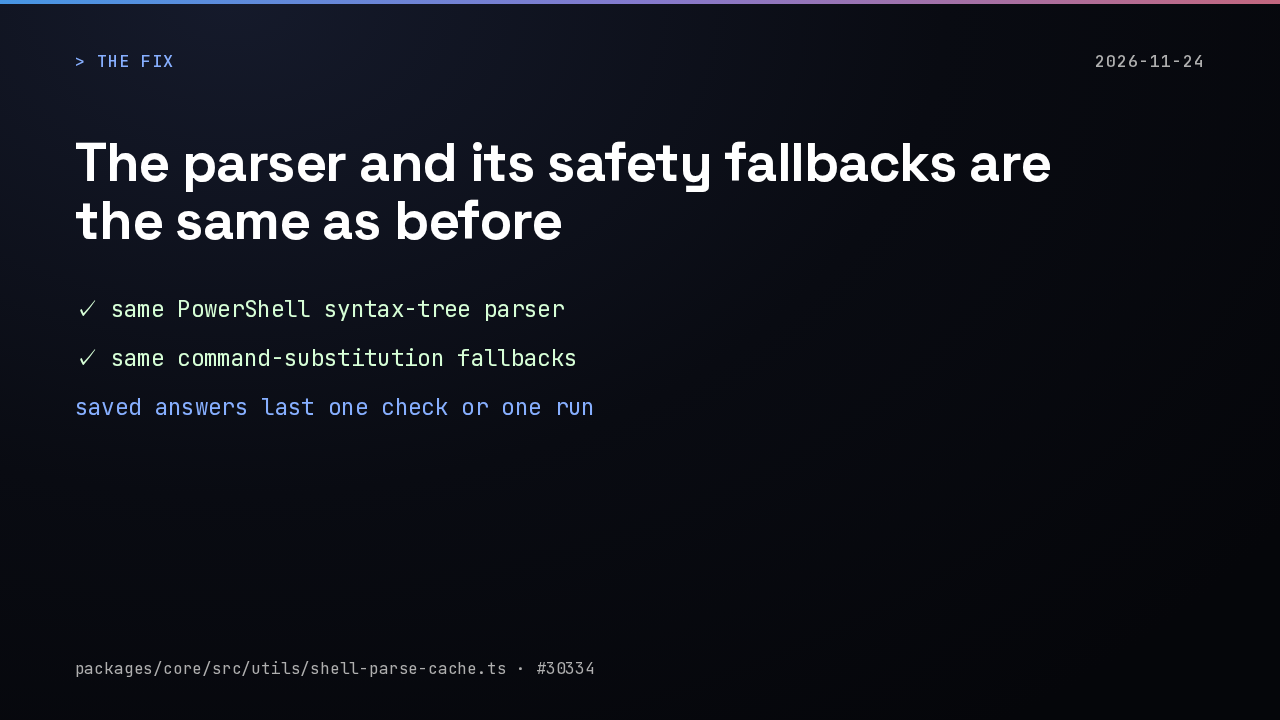
The checks themselves are unchanged. The same PowerShell parser and the same command-substitution fallbacks decide what needs your approval. A saved answer lasts for one policy check or one command run, and then it is thrown away.
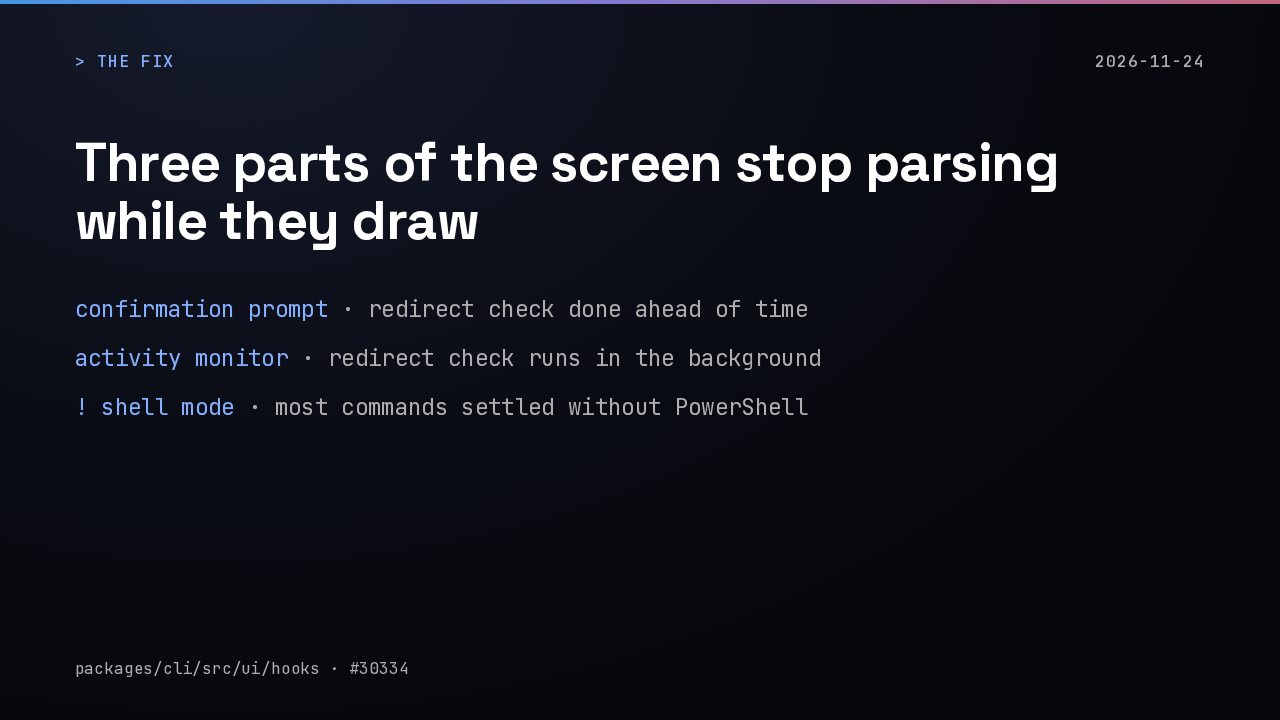
Three parts of the screen used to parse while drawing. The confirmation prompt gets its redirect check ahead of time, the activity monitor runs it in the background, and shell mode, the exclamation-mark prefix, settles most commands without starting PowerShell.
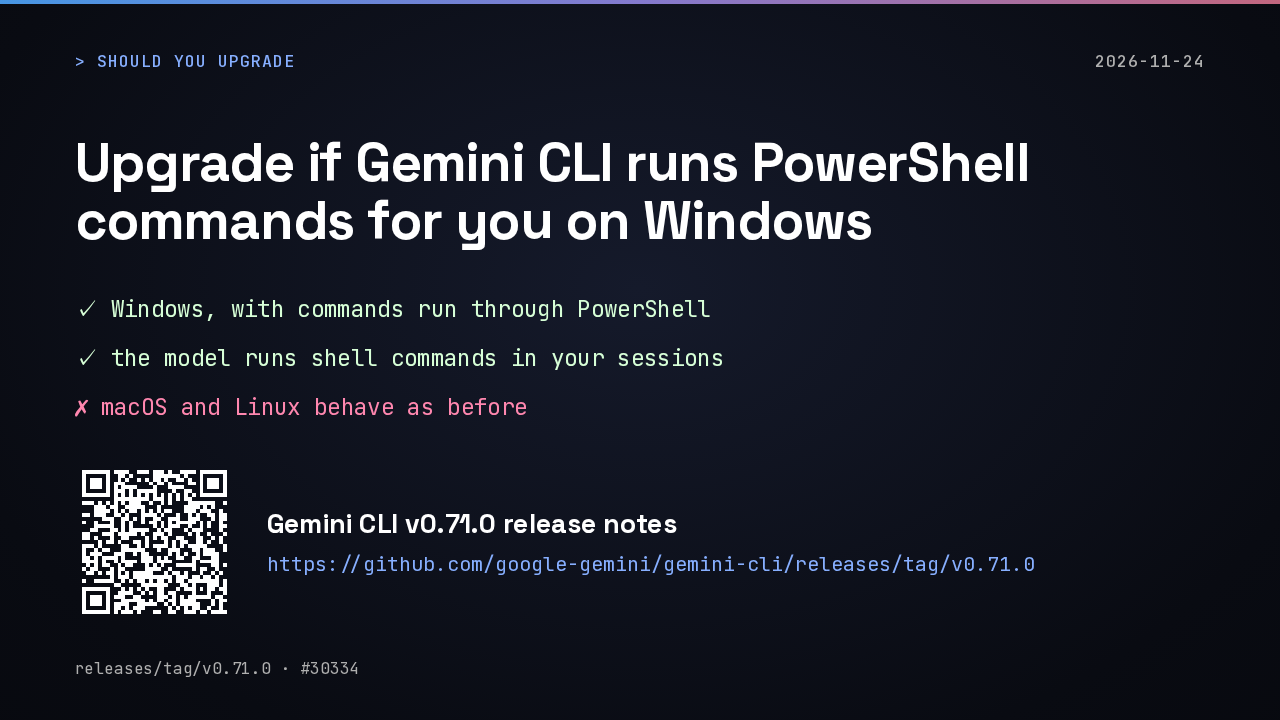
I would say yes, if you use Gemini CLI on Windows and let the model run PowerShell commands for you. On macOS and Linux it behaves exactly as before, and this one fix is the whole release. The release notes link the pull request with the details.
Up next
 3:04
Gemini CLI v0.70.0 lets long requests finish and asks before shell globs
@gemini-cli
1 week ago
 3:13
Gemini CLI v0.69.0 maps your token usage and stops silent network hangs
@gemini-cli
1 week ago
 3:26
Gemini CLI v0.68.0 isn't tuned for Gemini 4, and counts down rate limits
@gemini-cli
2 weeks ago
 3:18
Gemini CLI v0.67.0 opens VS Code diffs from inside Docker and gVisor sandboxes
@gemini-cli
3 weeks ago
 3:13
Gemini CLI v0.66.0 isn’t optimized for Gemini 4 Argon, so Google points you to Antigravity
@gemini-cli
3 weeks ago
 2:30
Gemini CLI v0.65.0 stops deleting your chat history when you resume and quit
@gemini-cli
1 month ago
 3:03
Gemini CLI v0.64.0 stops parallel agents overwriting each other’s edits
@gemini-cli
1 month ago
 3:04
Gemini CLI v0.63.0 caps memory in long agent runs
@gemini-cli
1 month ago
 2:38
Gemini CLI v0.62.0 keeps you signed in with Google
@gemini-cli
1 month ago
 3:05
Gemini CLI v0.61.0 adds Gemini 3.8 Flash and guards build files
@gemini-cli
2 months ago
 2:36
Gemini CLI v0.58.0
@gemini-cli
2 months ago