

Gemini CLI v0.65.0 stops deleting your chat history when you resume and quit

1 hour ago

Gemini CLI v0.65.0 keeps a resumed session's history when you quit right away, stops a double Ctrl+C from breaking the next resume, keeps an untrusted folder's settings intact, loads your other extensions when one fails the allowlist, stops @folder references from pasting every file into the prompt, speeds up file scans in large repos, ends the sign-in loop, and adds custom OTLP headers for telemetry. https://github.com/google-gemini/gemini-cli/releases/tag/v0.65.0 https://github.com/google-gemini/gemini-cli/compare/v0.64.0...v0.65.0

Ask

Ask about this presentation

Answers are generated from this presentation.

Chapters

  1. 0:00Gemini CLI v0.65.0
  2. 0:1601: Sessions and settings
  3. 0:18Two fast presses of Ctrl+C no longer break your next resume
  4. 0:32Adding an MCP server in an untrusted folder no longer wipes its settings
  5. 0:45One broken extension no longer stops the rest from loading
  6. 0:5902: Large repos
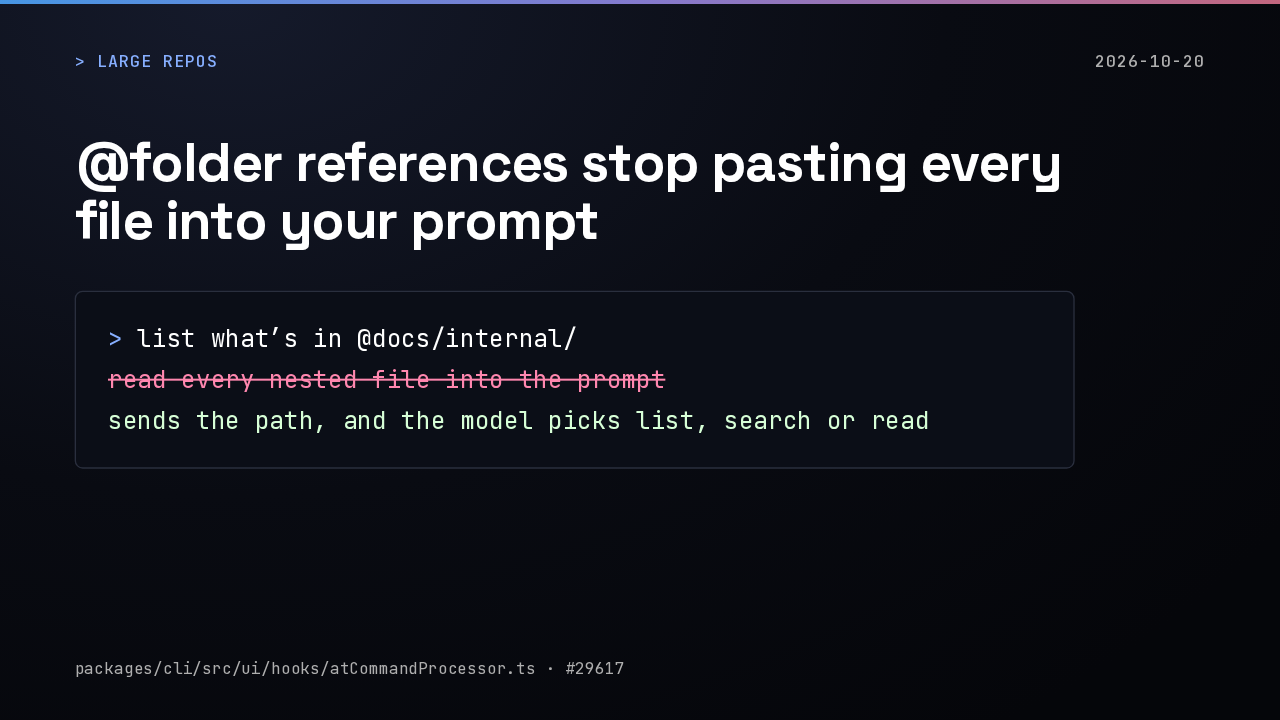
  7. 1:01@folder references stop pasting every file into your prompt
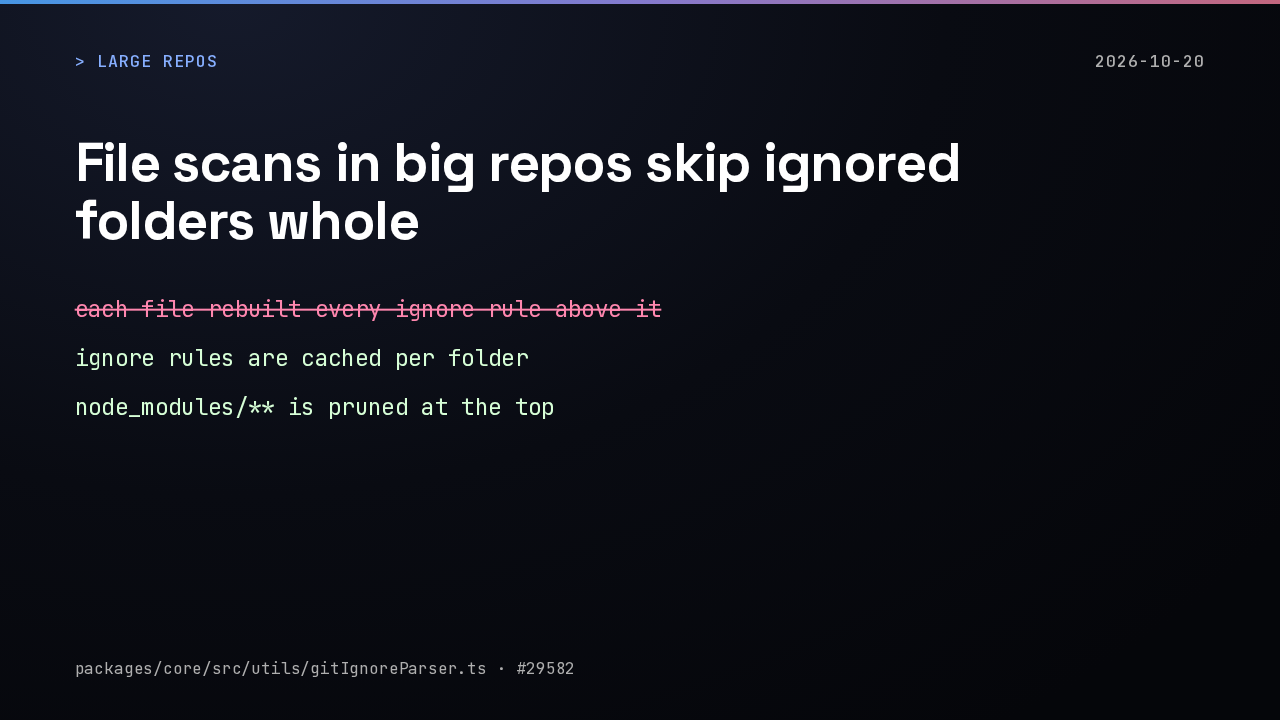
  8. 1:15File scans in big repos skip ignored folders whole
  9. 1:3203: Sign-in, prompts and telemetry
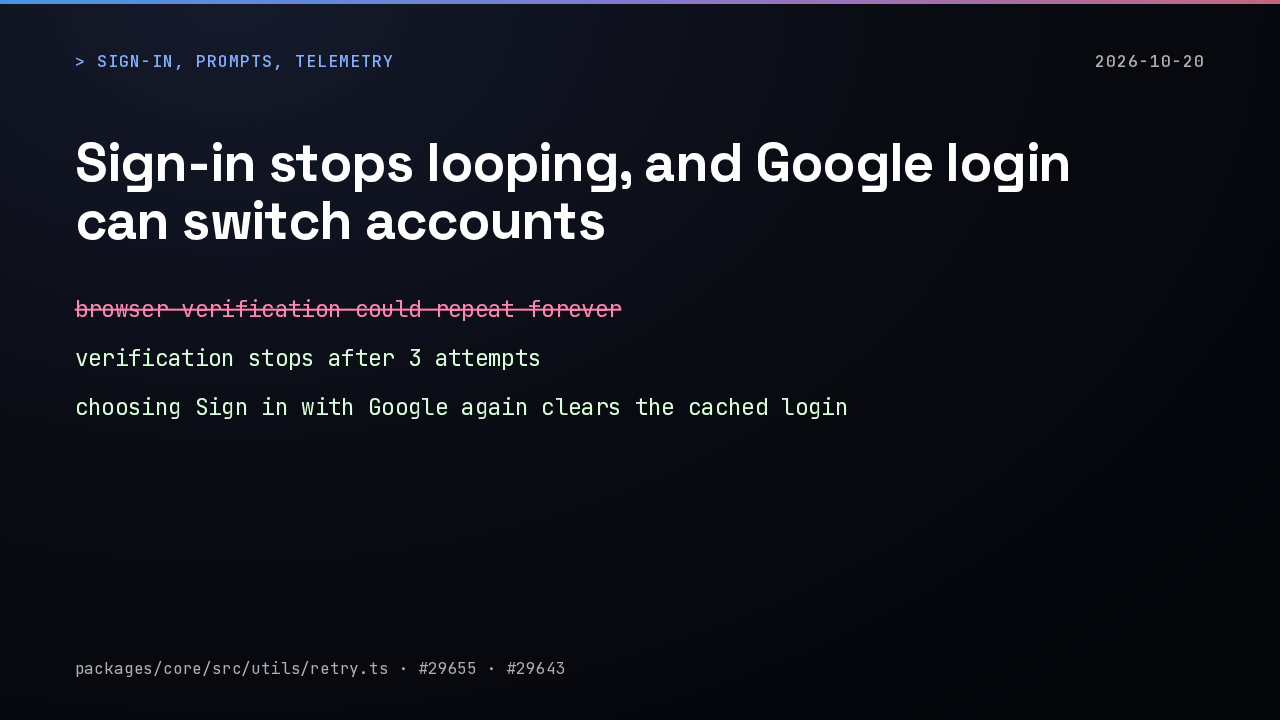
  10. 1:35Sign-in stops looping, and Google login can switch accounts
  11. 1:49Approvals, answers and Ctrl+O behave in the terminal
  12. 2:02Telemetry can send auth headers to your own OTLP collector
  13. 2:17Release notes
Show transcript

Gemini CLI v0.65.0

Gemini CLI

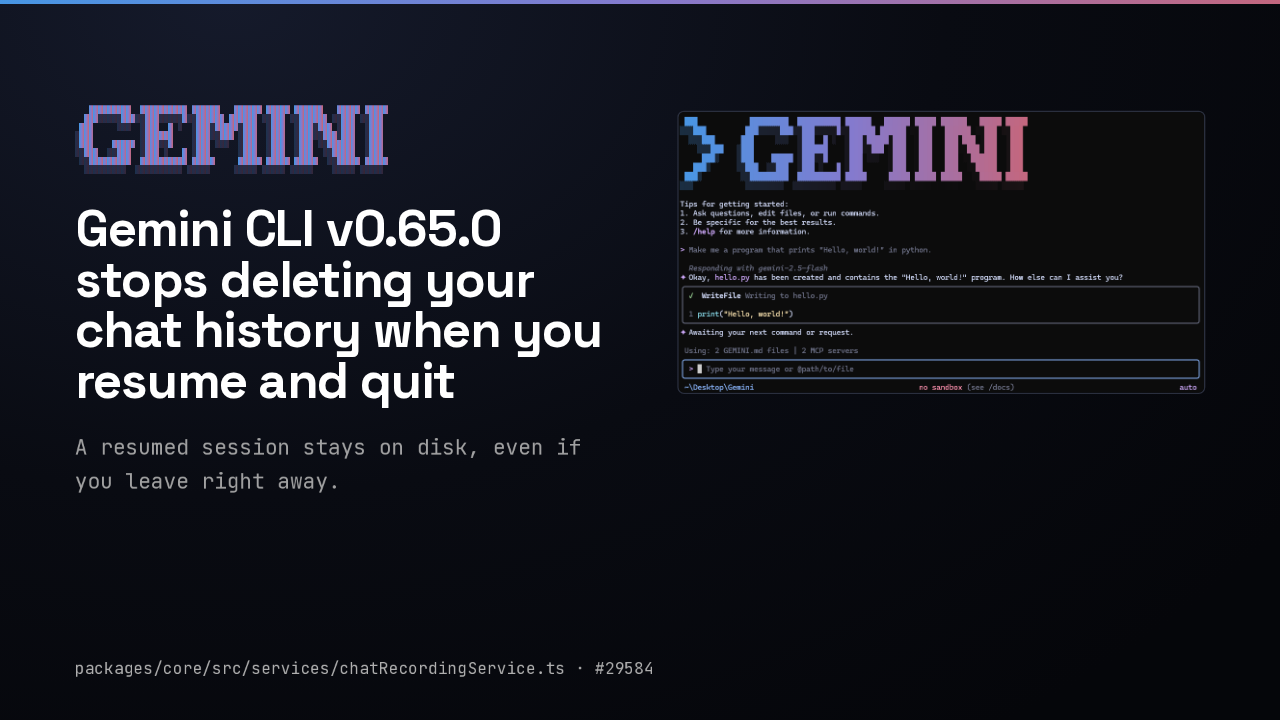
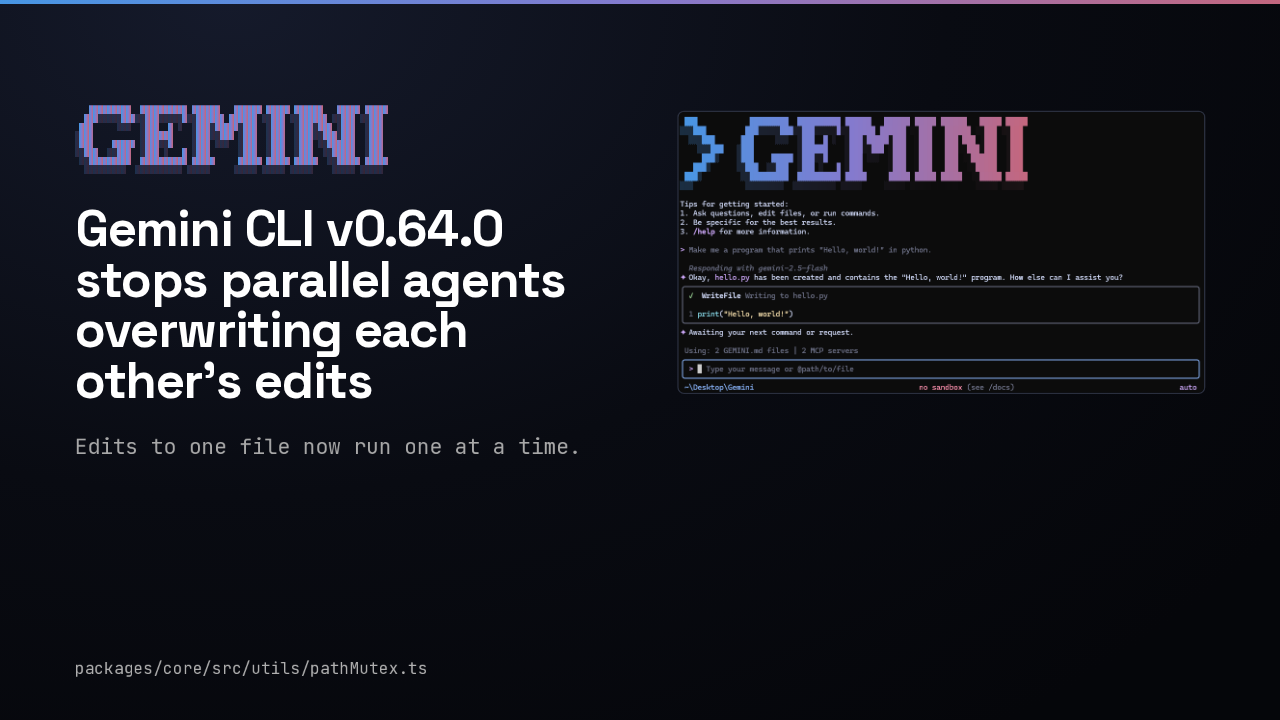
Gemini CLI v0.65.0 stops deleting your chat history when you resume and quit

A resumed session stays on disk, even if you leave right away.

Gemini CLI running in a terminal
packages/core/src/services/chatRecordingService.ts · #29584

In Gemini CLI, resuming a session and then quitting before your first prompt, with Ctrl+C or exit, deleted that session's history file from disk. Version 0.65 keeps a resumed session, however quickly you leave.

01: Sessions and settings

> sessions and settings2026-10-20
01
Sessions and settings

Sessions and settings.

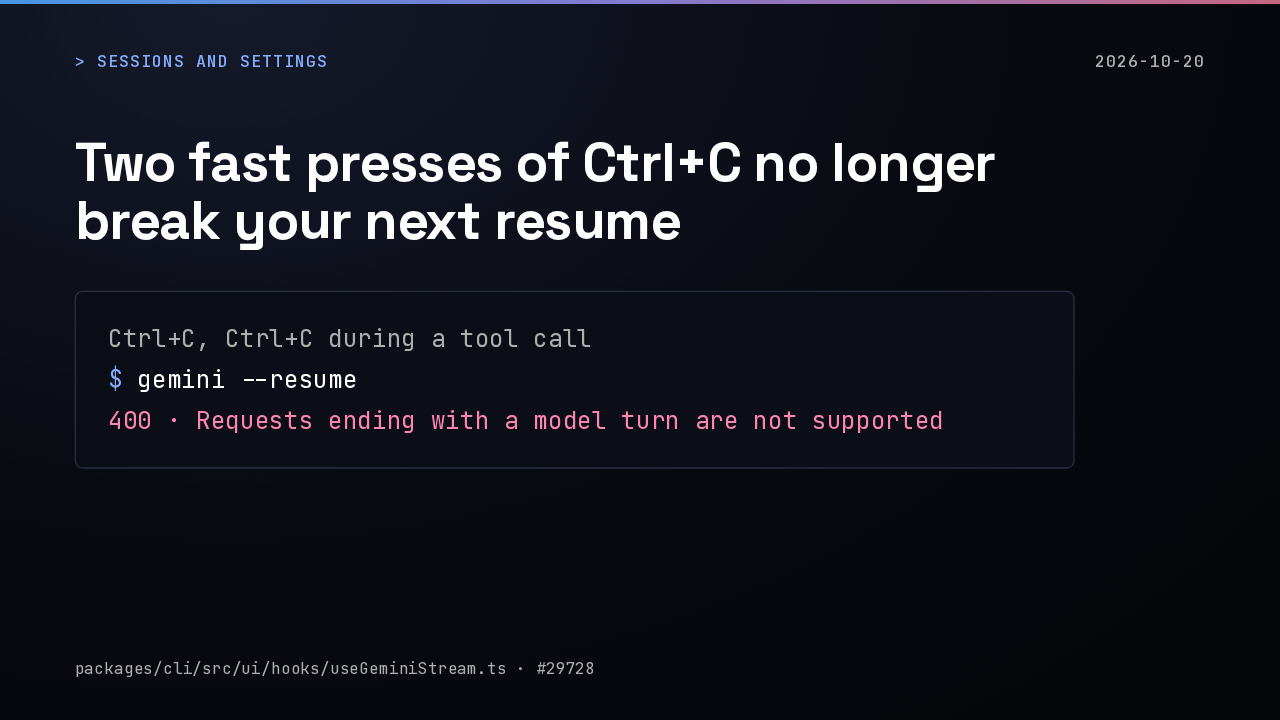
Two fast presses of Ctrl+C no longer break your next resume

> sessions and settings2026-10-20
Ctrl+C, Ctrl+C during a tool call$ gemini --resume400 · Requests ending with a model turn are not supported
packages/cli/src/ui/hooks/useGeminiStream.ts · #29728

Pressing Ctrl+C twice during a tool call could quit before the cancellation reached the session log. Resuming that session then failed with a 400 error. Gemini now logs the cancelled calls before it quits.

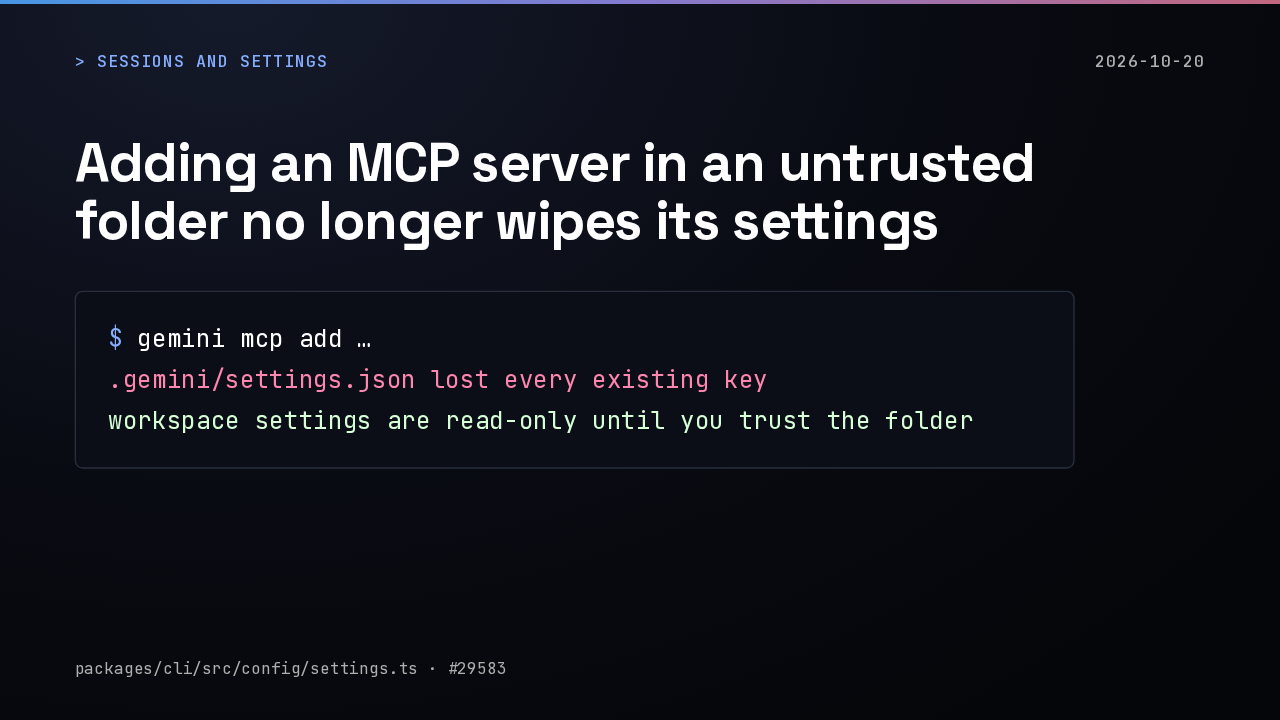
Adding an MCP server in an untrusted folder no longer wipes its settings

> sessions and settings2026-10-20
$ gemini mcp add ….gemini/settings.json lost every existing keyworkspace settings are read-only until you trust the folder
packages/cli/src/config/settings.ts · #29583

In a folder you hadn't trusted, the MCP add and remove commands could erase every existing key in that project's settings file. Workspace settings are now read-only there until you trust the folder.

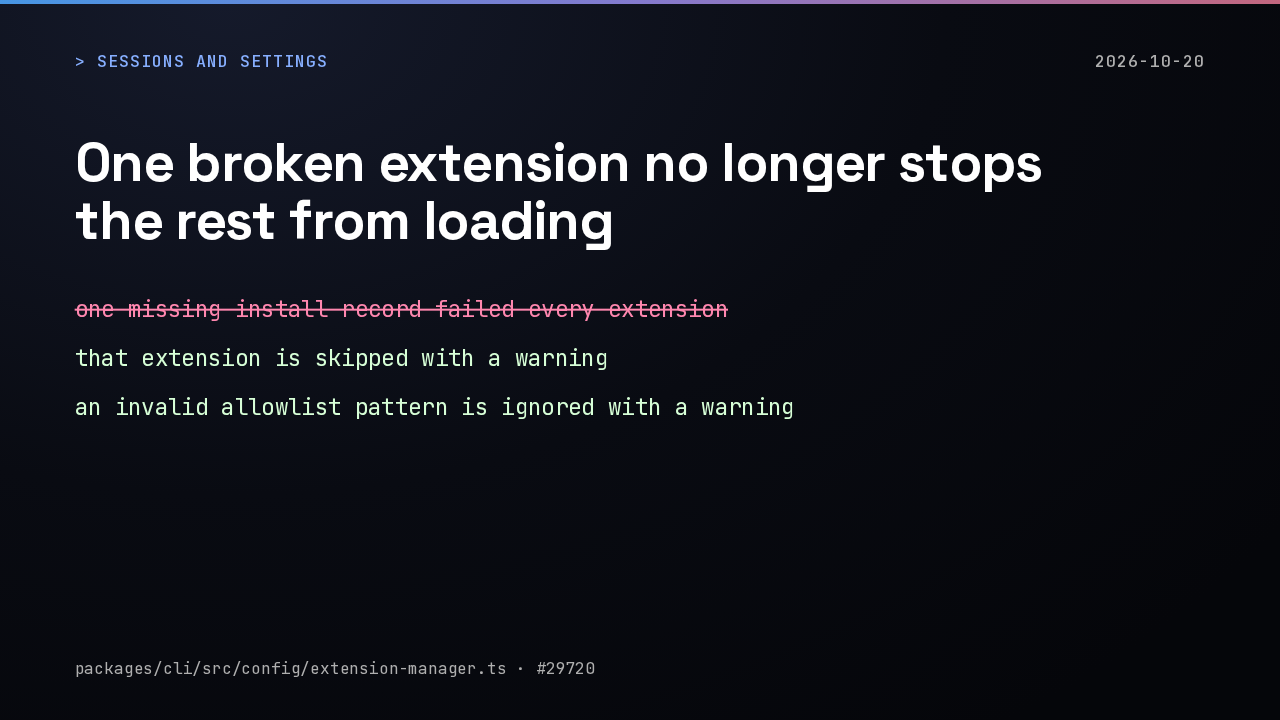
One broken extension no longer stops the rest from loading

> sessions and settings2026-10-20
one missing install record failed every extension that extension is skipped with a warning an invalid allowlist pattern is ignored with a warning
packages/cli/src/config/extension-manager.ts · #29720

With an extension allowlist set, one extension missing its install file, or one invalid pattern in the list, made every extension fail to load. Now only that one is skipped, with a warning.

02: Large repos

> large repos2026-10-20
02
Large repos

Large repos.

@folder references stop pasting every file into your prompt

> large repos2026-10-20
> list what’s in @docs/internal/read every nested file into the promptsends the path, and the model picks list, search or read
packages/cli/src/ui/hooks/atCommandProcessor.ts · #29617

An at-reference to a folder used to read every file inside it into your prompt, sometimes enough to overflow the context window. Now Gemini gets the path and chooses whether to list, search or read.

File scans in big repos skip ignored folders whole

> large repos2026-10-20
each file rebuilt every ignore rule above it ignore rules are cached per folder node_modules/** is pruned at the top
packages/core/src/utils/gitIgnoreParser.ts · #29582

In large repositories with long ignore lists, file discovery could block Gemini CLI for seconds at a time. Ignore rules are now cached per folder, and a pattern like node_modules is skipped at the top instead of file by file.

03: Sign-in, prompts and telemetry

> sign-in, prompts, telemetry2026-10-20
03
Sign-in, prompts and telemetry

Sign-in, prompts and telemetry.

Sign-in stops looping, and Google login can switch accounts

> sign-in, prompts, telemetry2026-10-20
browser verification could repeat forever verification stops after 3 attempts choosing Sign in with Google again clears the cached login
packages/core/src/utils/retry.ts · #29655 · #29643

Browser verification could send you around the same sign-in loop without end, even after you finished it. It now stops after three attempts, and choosing Sign in with Google again lets you pick a different account.

Approvals, answers and Ctrl+O behave in the terminal

> sign-in, prompts, telemetry2026-10-20
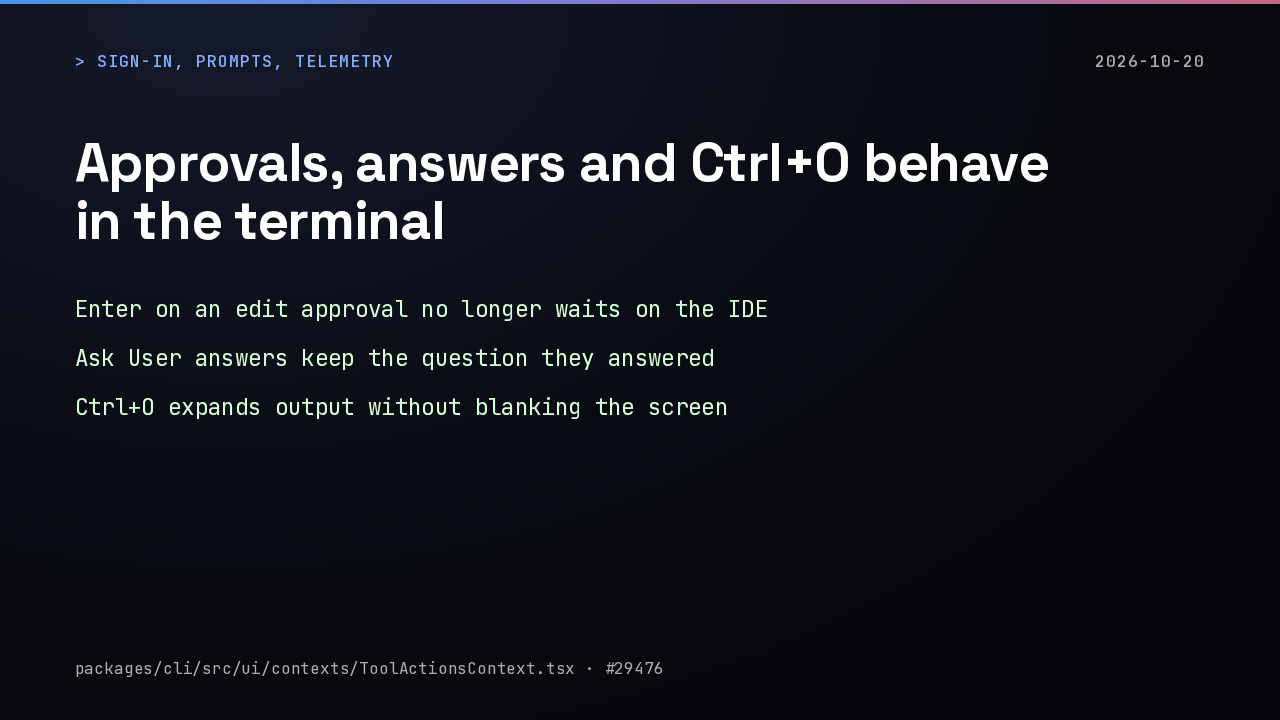
Enter on an edit approval no longer waits on the IDE Ask User answers keep the question they answered Ctrl+O expands output without blanking the screen
packages/cli/src/ui/contexts/ToolActionsContext.tsx · #29476

Pressing Enter on an edit approval could hang while the IDE companion was slow to respond. Answers you give the agent now keep the question above them, and Ctrl+O expands long output without blanking the terminal.

Telemetry can send auth headers to your own OTLP collector

> sign-in, prompts, telemetry2026-10-20
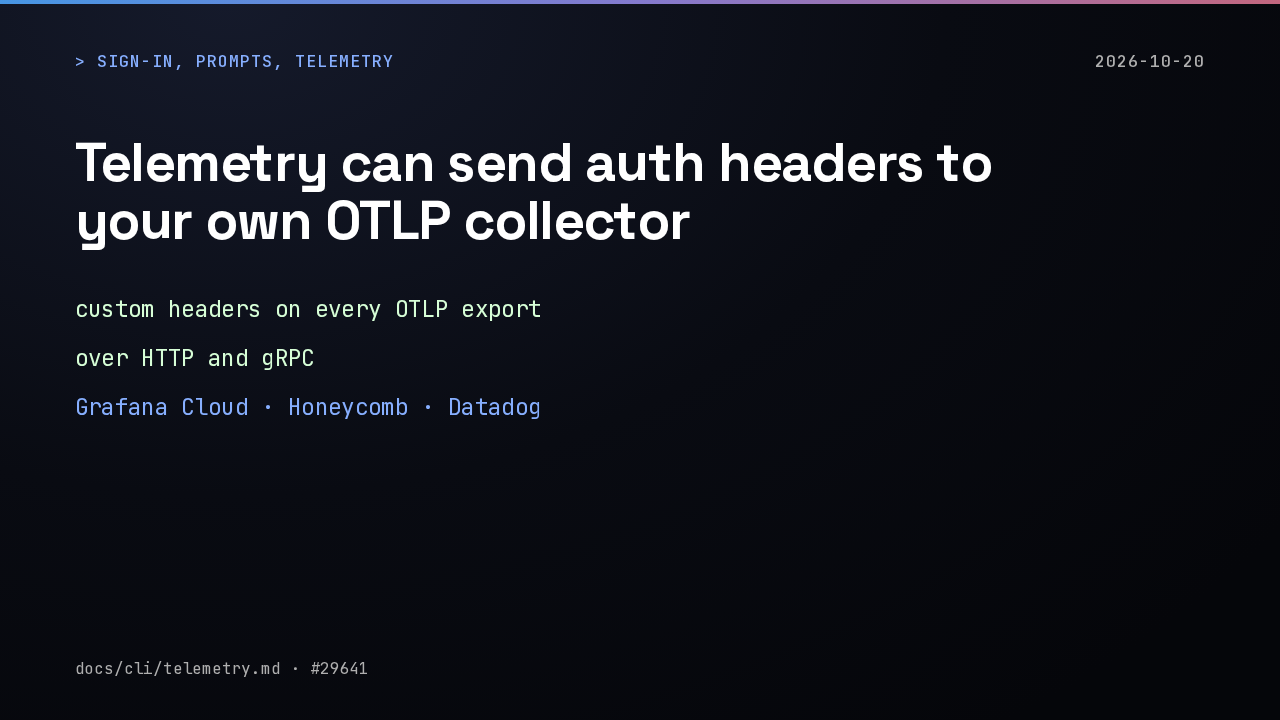
custom headers on every OTLP export over HTTP and gRPC Grafana Cloud · Honeycomb · Datadog
docs/cli/telemetry.md · #29641

If you send Gemini CLI telemetry to Grafana Cloud, Honeycomb or Datadog, you can now attach an API key or a token as headers on every export. It works over both HTTP and gRPC.

Release notes

> release notes2026-10-20
Gemini CLI

Which MCP servers do you sign into from Gemini CLI?
Gemini CLI v0.65.0 release notes on GitHub

github.com/google-gemini/gemini-cli/releases

Every fix in this version is listed in the Gemini CLI v0.65.0 release notes on GitHub. Which MCP servers do you sign into from Gemini CLI?