Claude Code v2.1.283
 v2.1.283
Claude Code
v2.1.283
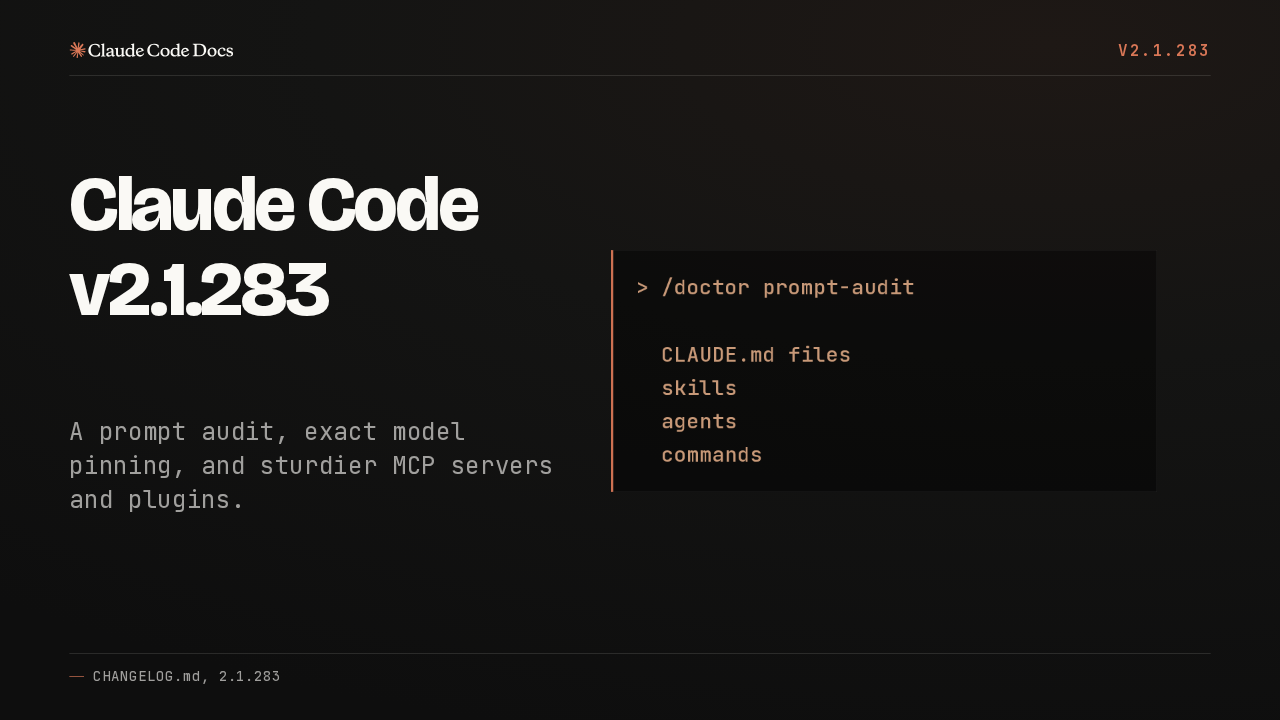
A prompt audit, exact model pinning, and sturdier MCP servers and plugins.
> /doctor prompt-audit

  CLAUDE.md files
  skills
  agents
commandsClaude Code v2.1.283 adds a prompt audit. Run /doctor prompt-audit, and it checks your CLAUDE.md files, skills, agents and commands for prompting patterns written for older models.
01 Models and gateways
v2.1.283
>Models and
gateways
Models and gateways.
availableModelsMatch and deniedModels
v2.1.283
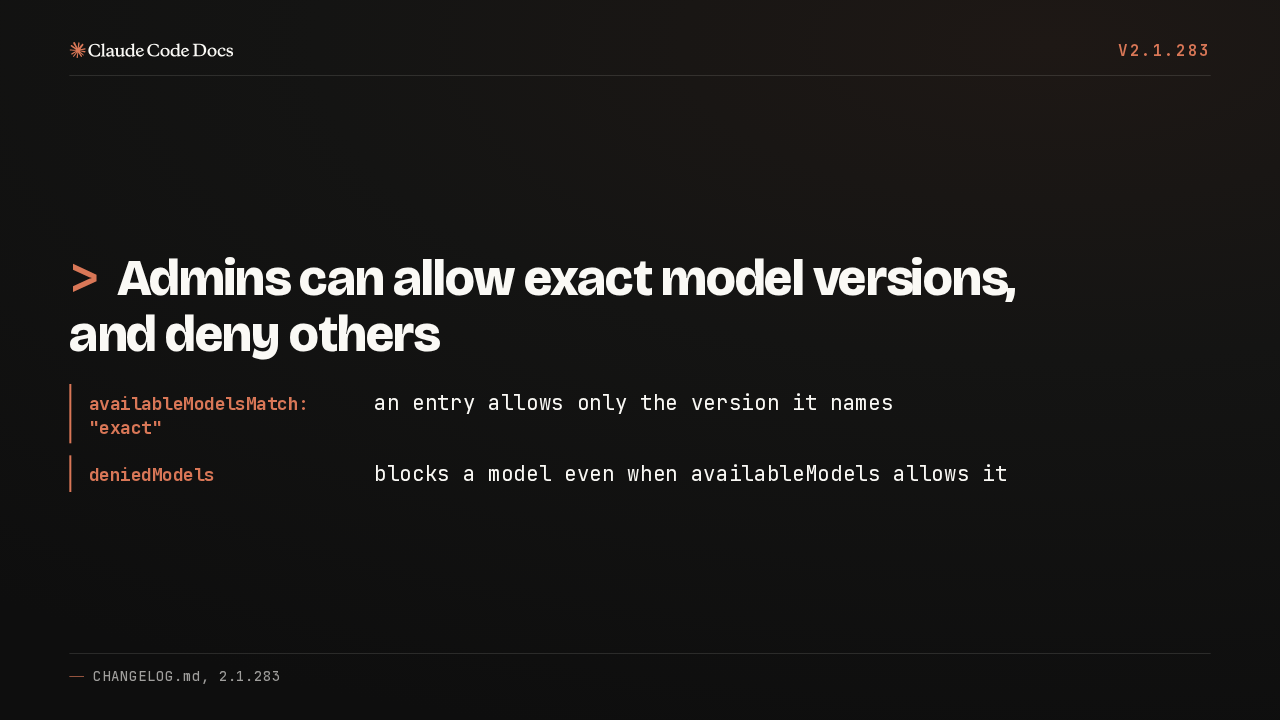
>Admins can allow exact model versions, and deny others
- availableModelsMatch: "exact"
- an entry allows only the version it names
- deniedModels
- blocks a model even when availableModels allows it
Set the managed setting availableModelsMatch to exact, and each entry allows only the version it names, so new releases stay blocked until listed. deniedModels blocks a model even when that list allows it.
x-claude-code-prompt-id
v2.1.283
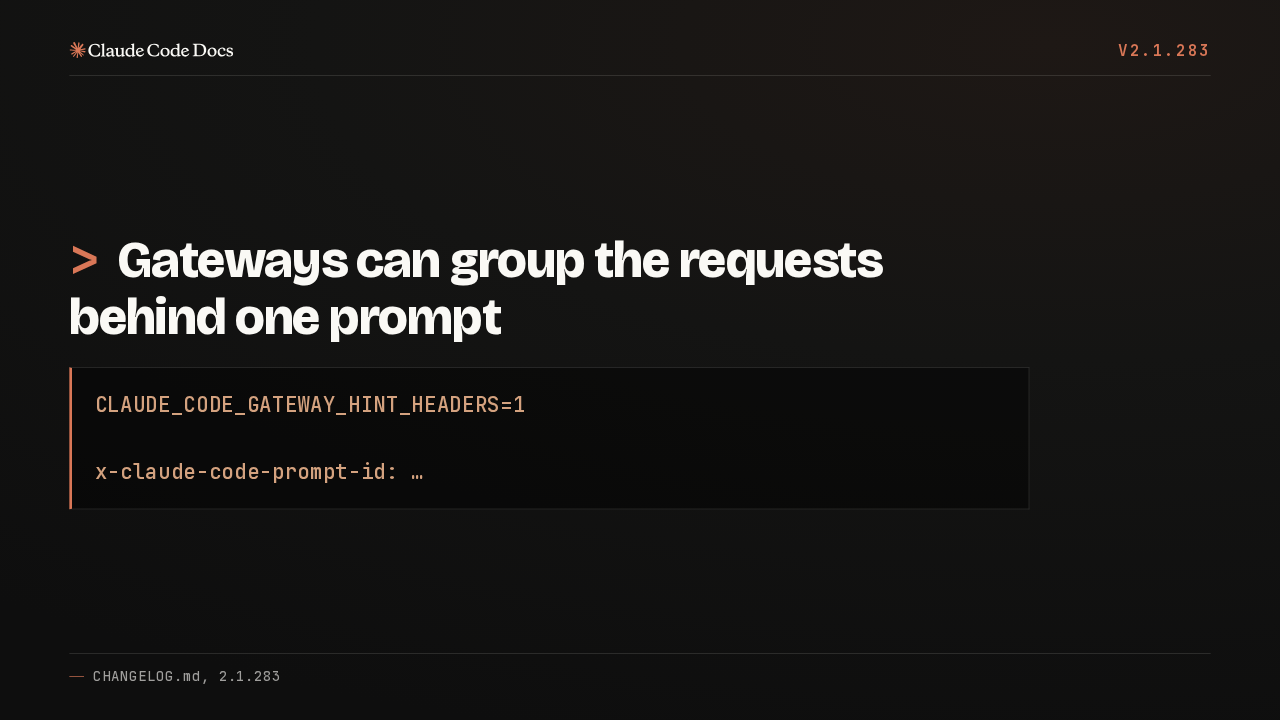
>Gateways can group the requests behind one prompt
CLAUDE_CODE_GATEWAY_HINT_HEADERS=1

x-claude-code-prompt-id: …Set the gateway hint headers variable to one, and every request now carries a prompt ID header, so an LLM gateway can group all the requests that serve a single prompt.
02 MCP servers
v2.1.283
>MCP servers
MCP servers.
MCP images saved to a file
v2.1.283
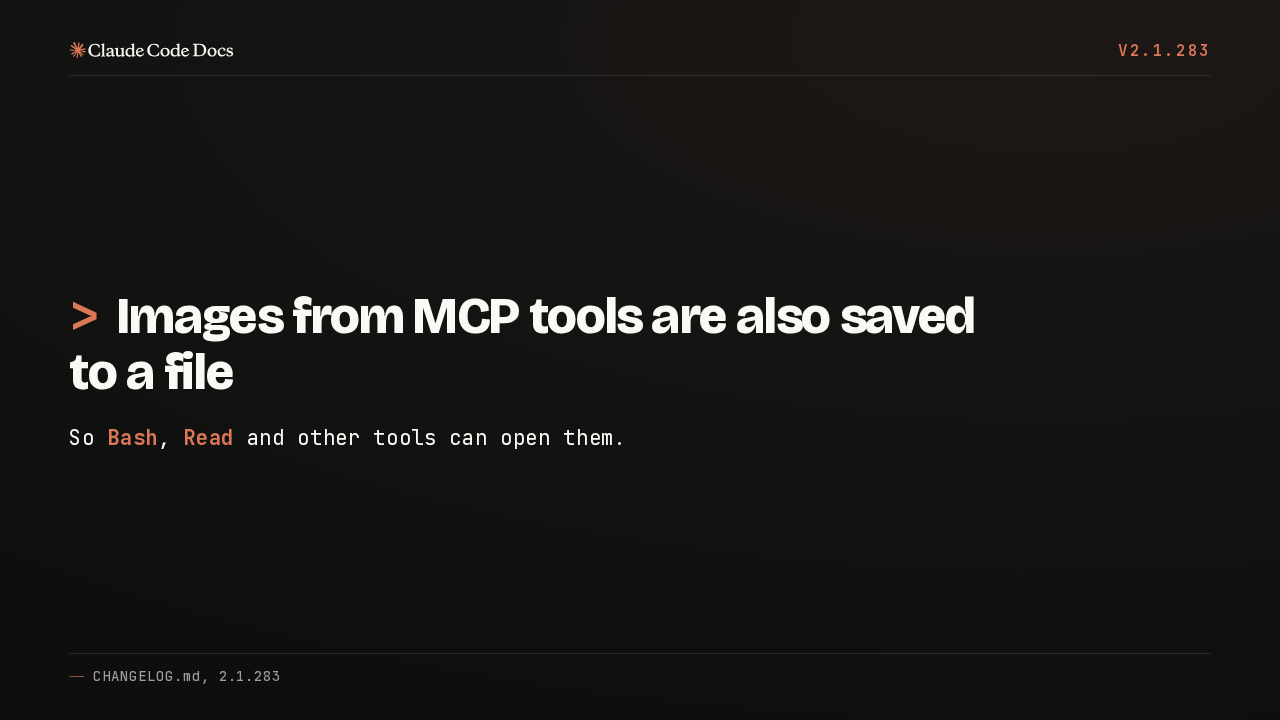
>Images from MCP tools are also saved to a file
So Bash, Read and other tools can open them.
When an MCP tool returns an image, Claude Code now also saves it to a file. That means Bash, Read and the other tools can open the image directly.
MCP servers recover
v2.1.283
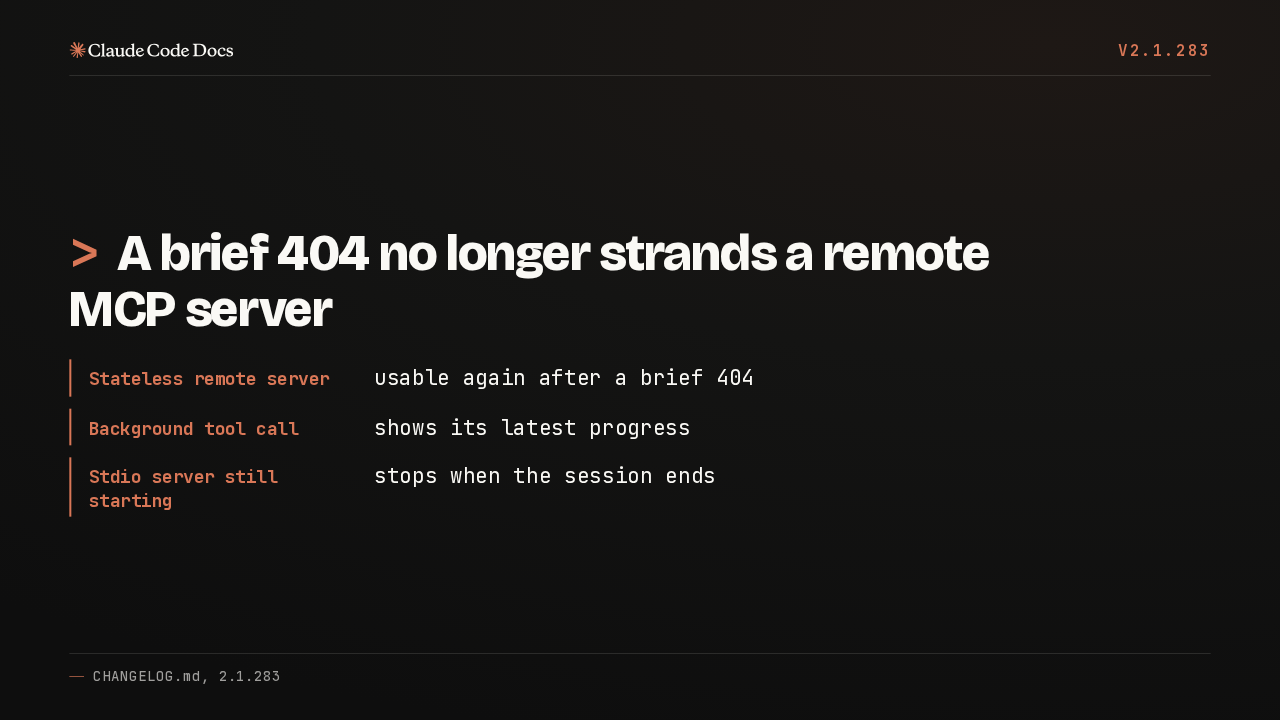
>A brief 404 no longer strands a remote MCP server
- Stateless remote server
- usable again after a brief 404
- Background tool call
- shows its latest progress
- Stdio server still starting
- stops when the session ends
A brief 404 from a stateless remote server used to break it for the rest of the session. Background tool calls now show their latest progress, and stdio servers still starting stop with the session.
03 Startup and safety
v2.1.283
>Startup
and safety
Startup and safety.
Auto mode by default
v2.1.283
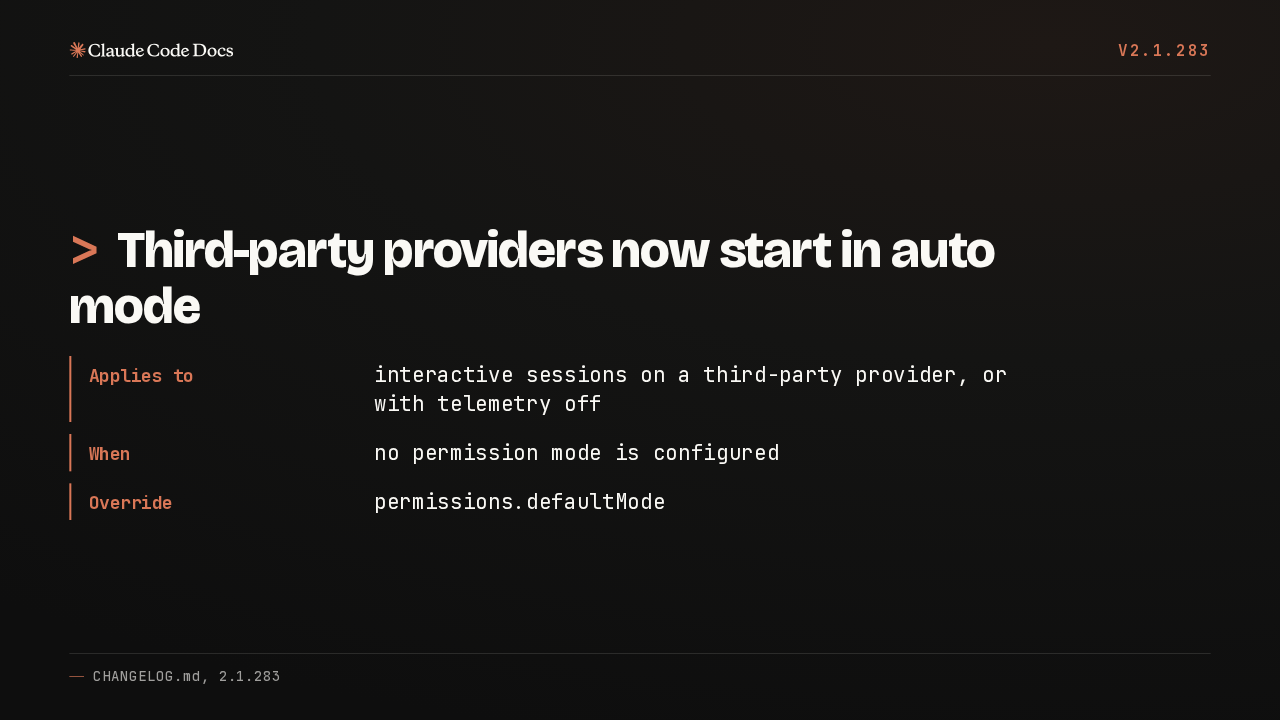
>Third-party providers now start in auto mode
- Applies to
- interactive sessions on a third-party provider, or with telemetry off
- When
- no permission mode is configured
- Override
- permissions.defaultMode
On a third party provider, or with telemetry turned off, an interactive session with no permission mode configured now starts in auto mode. Setting permissions.defaultMode still overrides it.
Faster startup and first reply
v2.1.283
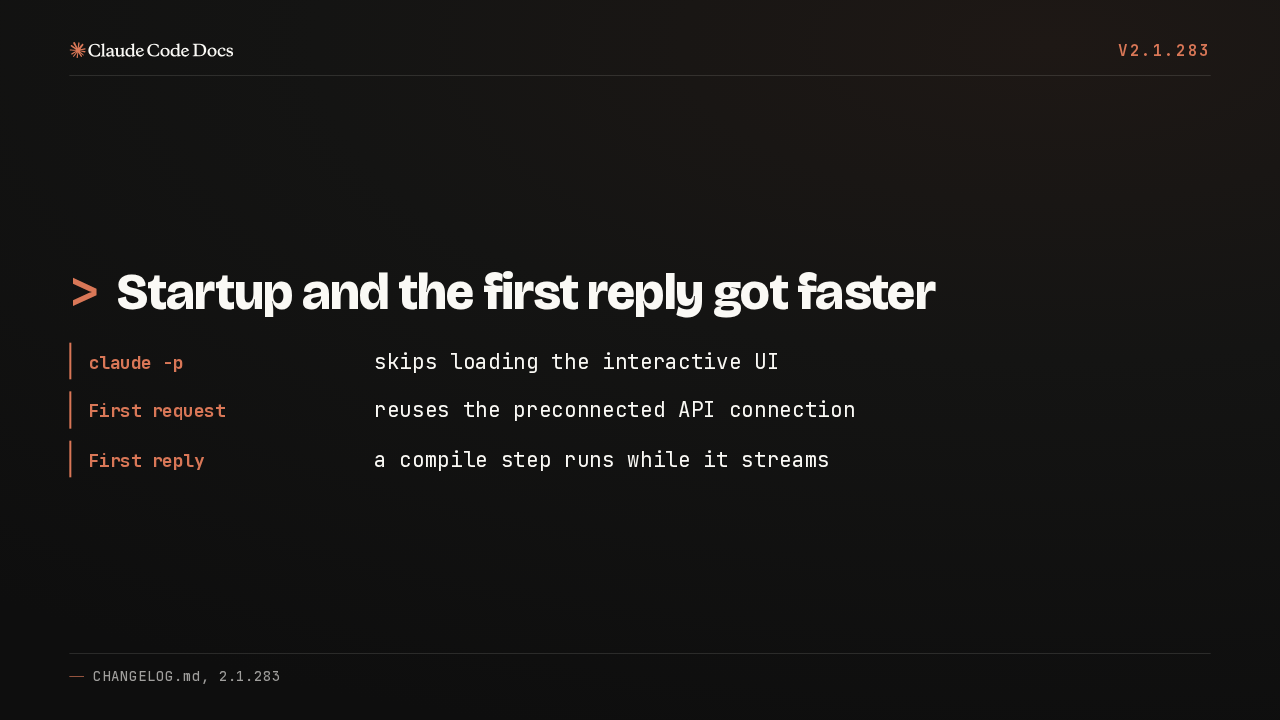
>Startup and the first reply got faster
- claude -p
- skips loading the interactive UI
- First request
- reuses the preconnected API connection
- First reply
- a compile step runs while it streams
Print mode and Claude Code Remote skip loading the interactive UI. The first request reuses the connection opened at launch, and a compile step after the first reply now runs while it streams.
PowerShell delete guard
v2.1.283
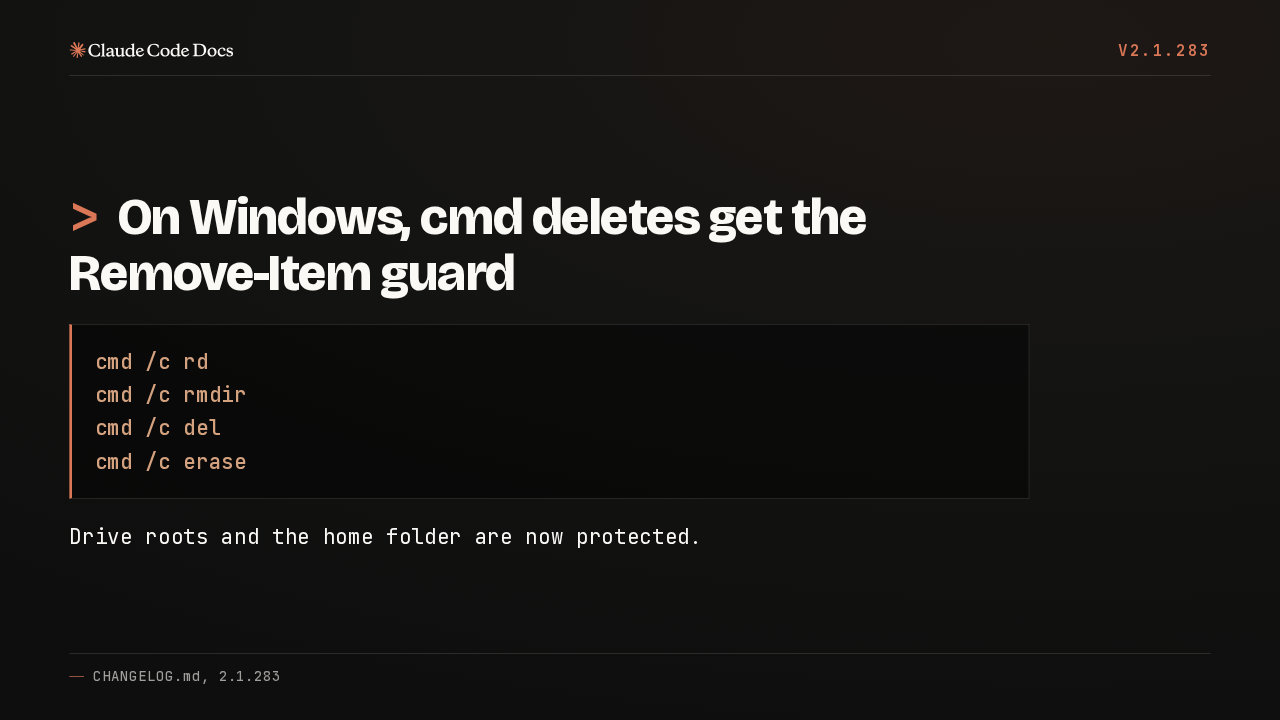
>On Windows, cmd deletes get the Remove-Item guard
cmd /c rd
cmd /c rmdir
cmd /c del
cmd /c erase
Drive roots and the home folder are now protected.
On Windows, the PowerShell tool let a delete routed through cmd remove drive roots and your home folder. Those folders are now protected, the same ones Remove-Item already refuses.
04 Plugins
v2.1.283
>Plugins
Plugins.
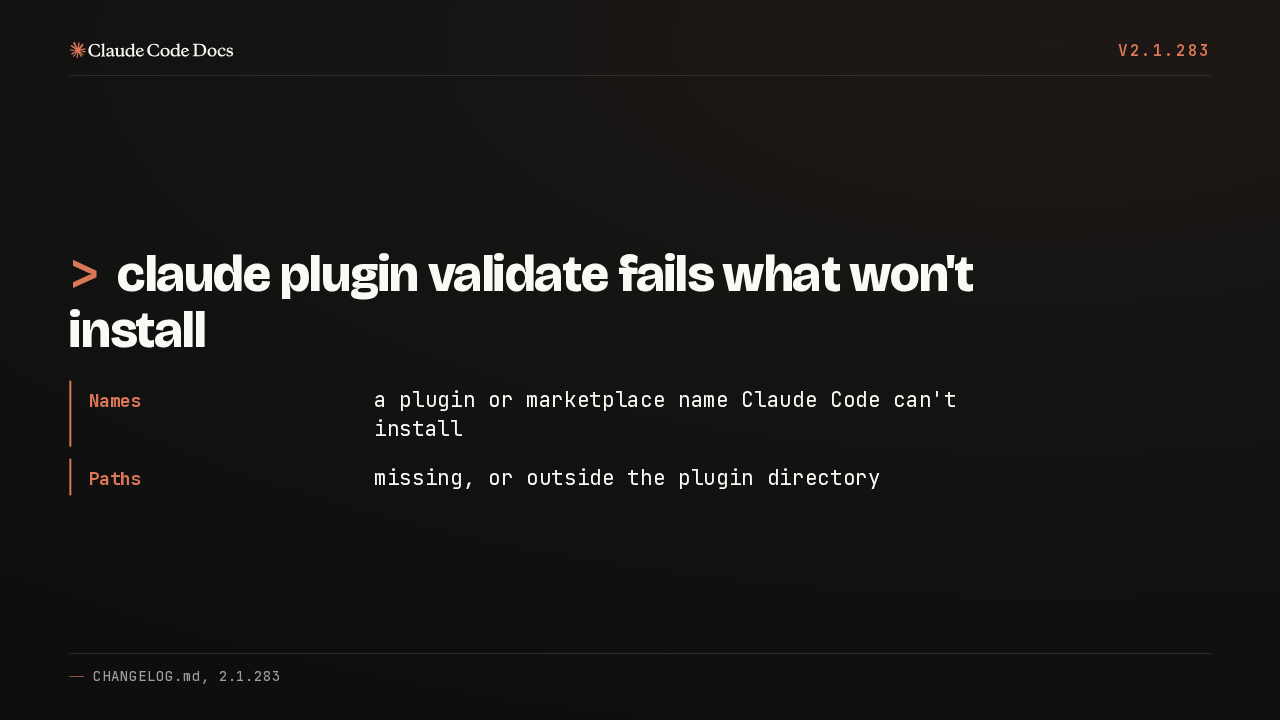
claude plugin validate
v2.1.283
>claude plugin validate fails what won't install
- Names
- a plugin or marketplace name Claude Code can't install
- Paths
- missing, or outside the plugin directory
The plugin validate command now fails a plugin or marketplace name that Claude Code can't install, and output style, theme, monitor or LSP server paths that are missing or point outside the plugin.
installed_plugins.json recovery
v2.1.283
>An unreadable plugin list is saved before the rebuild
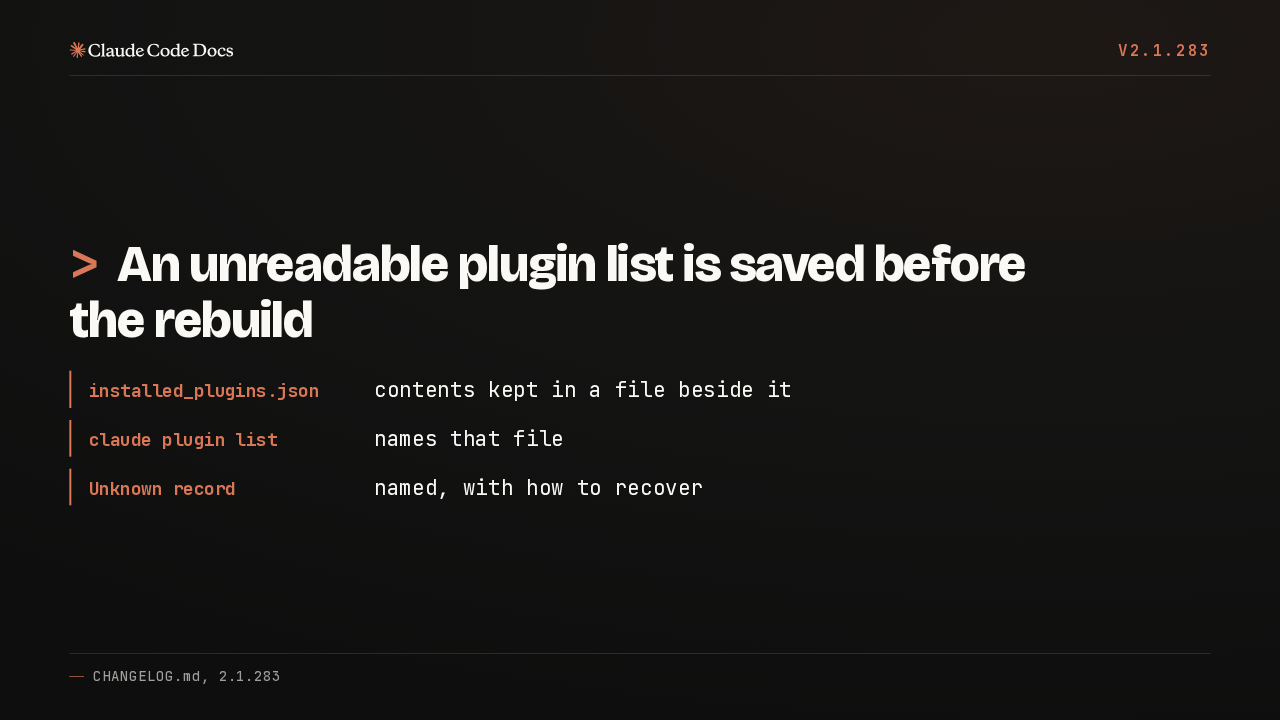
- installed_plugins.json
- contents kept in a file beside it
- claude plugin list
- names that file
- Unknown record
- named, with how to recover
When the installed plugins file can't be read, its contents are now kept in a file beside it before the rebuild, and plugin list names that file. An unreadable record gets named, with recovery steps.
05 In the terminal
v2.1.283
>In the
terminal
In the terminal.
Vim mode
v2.1.283
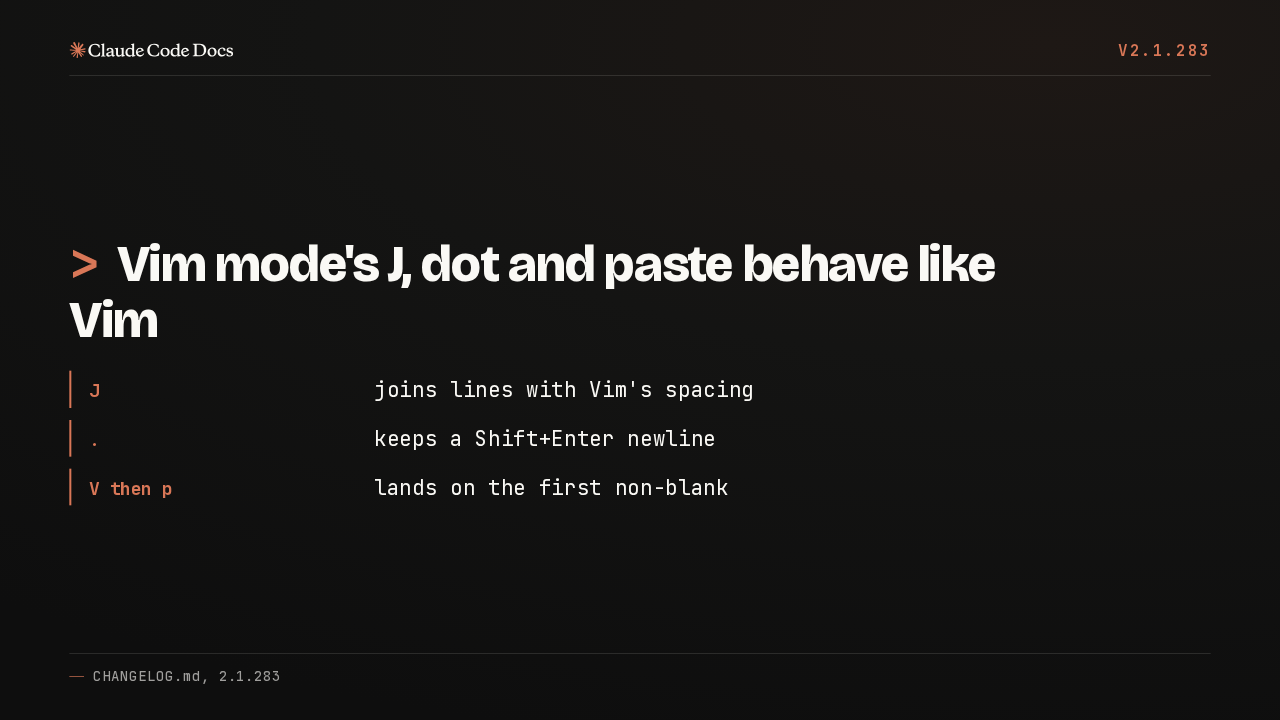
>Vim mode's J, dot and paste behave like Vim
- J
- joins lines with Vim's spacing
- .
- keeps a Shift+Enter newline
- V then p
- lands on the first non-blank
In vim mode, J now joins lines with the spacing Vim uses, dot repeat keeps a Shift Enter newline, and V then p puts the cursor on the first non blank character.
Lists scroll
v2.1.283
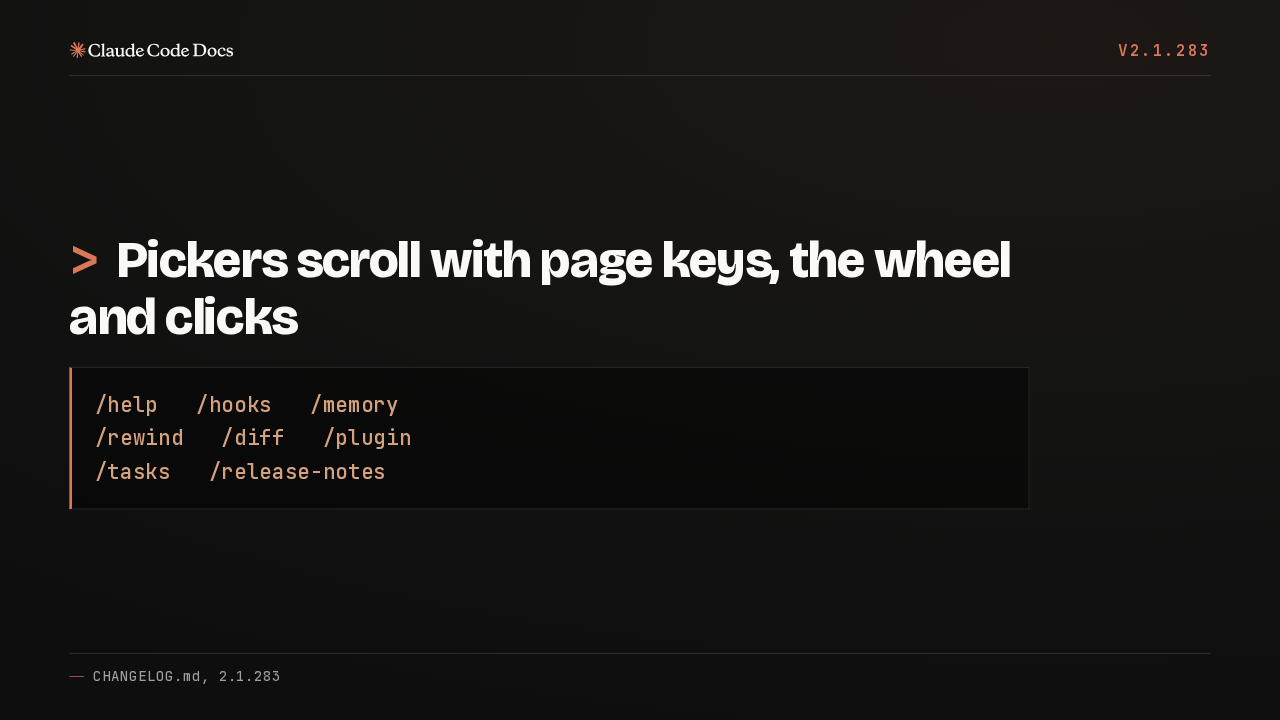
>Pickers scroll with page keys, the wheel and clicks
/help   /hooks   /memory
/rewind   /diff   /plugin
/tasks /release-notesLists across Claude Code, from help and hooks to rewind and plugin, now move with the page keys, the mouse wheel and clicks. The tasks list also shows a status icon on every row.
06 The VS Code extension
v2.1.283
>The VS Code
extension
The VS Code extension.
VS Code sessions
v2.1.283
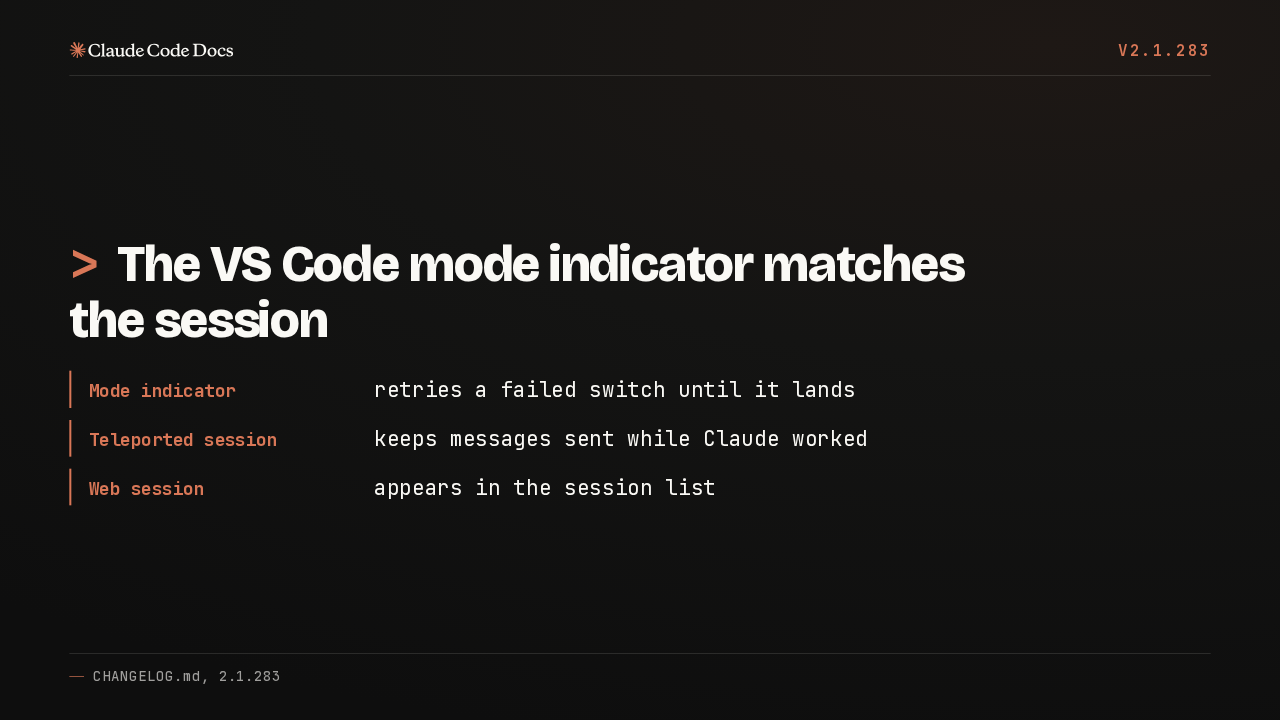
>The VS Code mode indicator matches the session
- Mode indicator
- retries a failed switch until it lands
- Teleported session
- keeps messages sent while Claude worked
- Web session
- appears in the session list
In VS Code, the mode indicator could show Default while a session ran in auto or bypass mode. The switch now retries until it lands. Teleported web sessions keep messages sent mid turn.