Slide 1
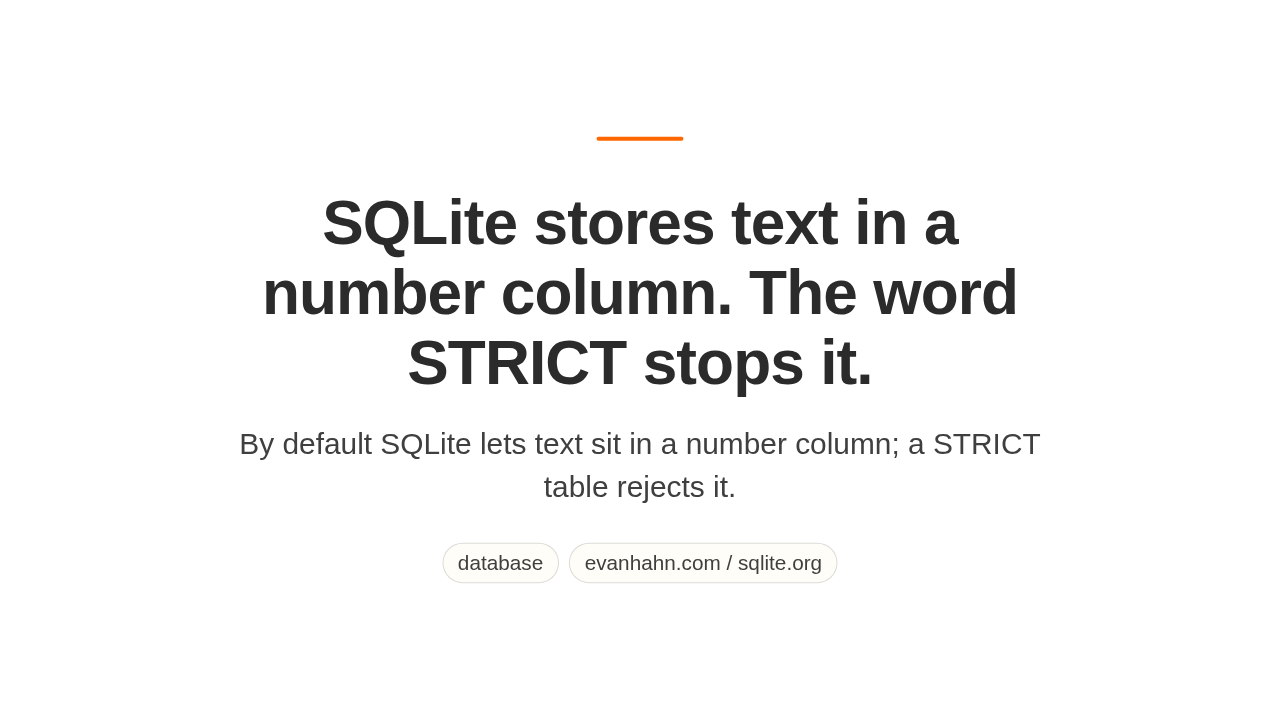
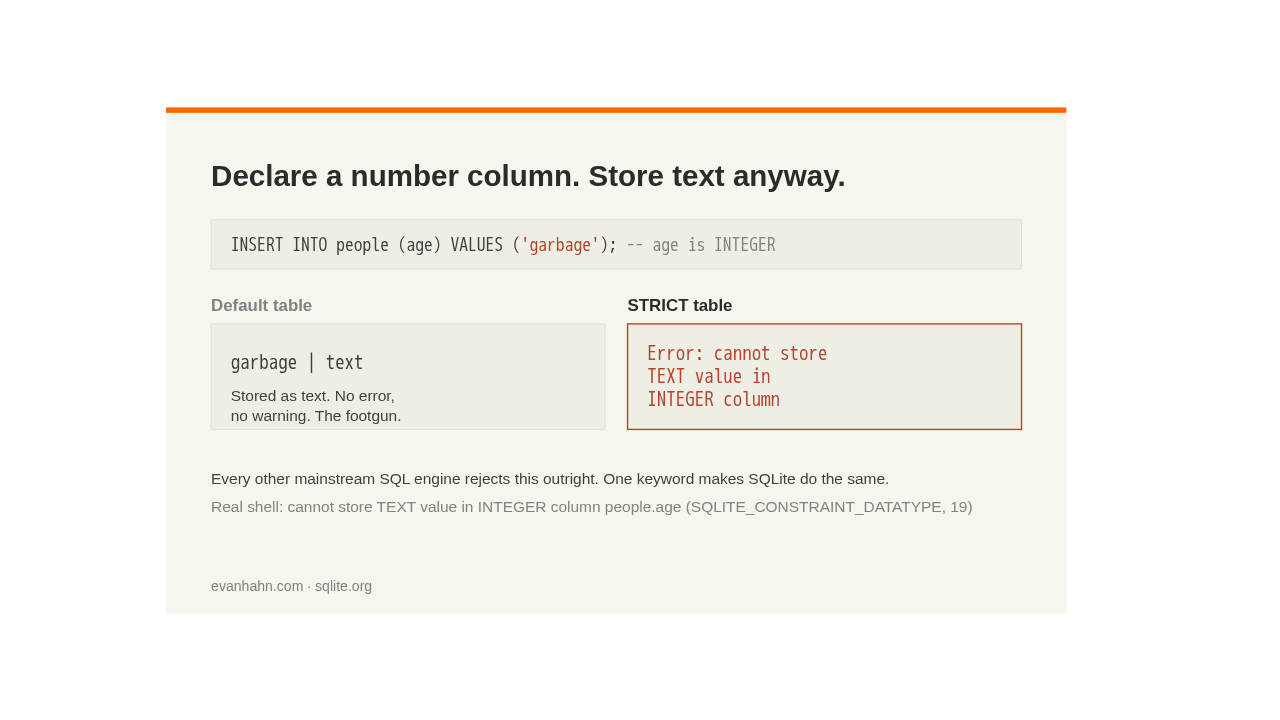
Declare a column in SQLite as a number, and the database will still let you store the word garbage in it. No error. No warning.
Slide 2
The type you declared is a preference, not a rule. So the wrong value slips in silently. Add one keyword, STRICT, and that same insert fails. It cannot store text in an integer column. Every other serious database already does this by default.
Slide 3
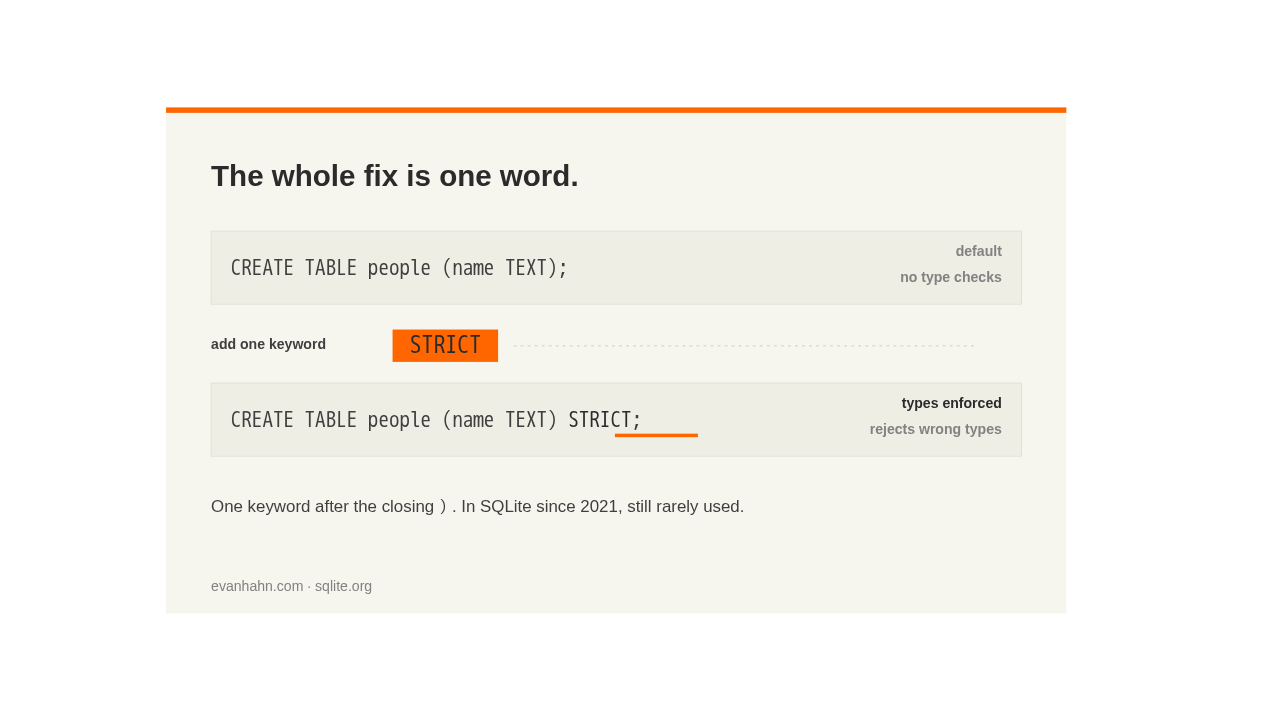
That's the whole change. The word STRICT, right after the closing parenthesis. It's been in SQLite since twenty twenty-one, and most builders have still never used it.
Slide 4
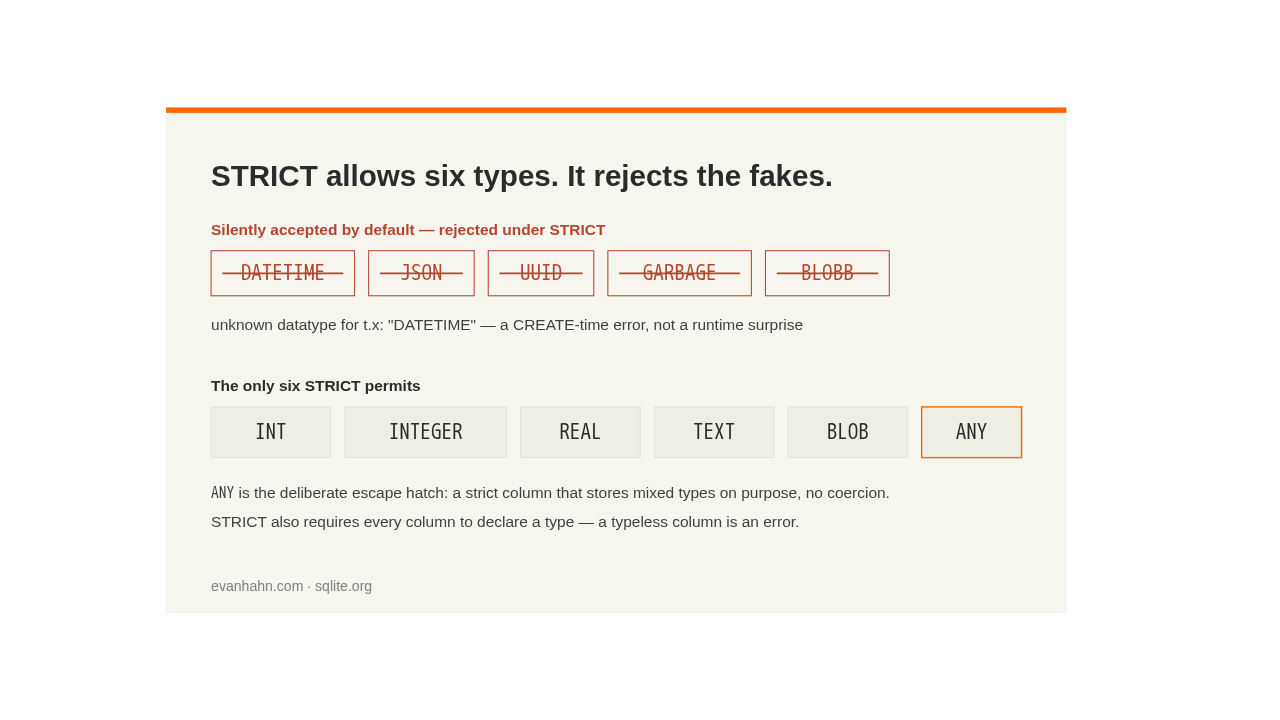
A strict table accepts only six real types, and every column must name one. Made-up types like datetime or uuid sail through by default, though SQLite has no such types. Strict rejects each at create time.
Slide 5
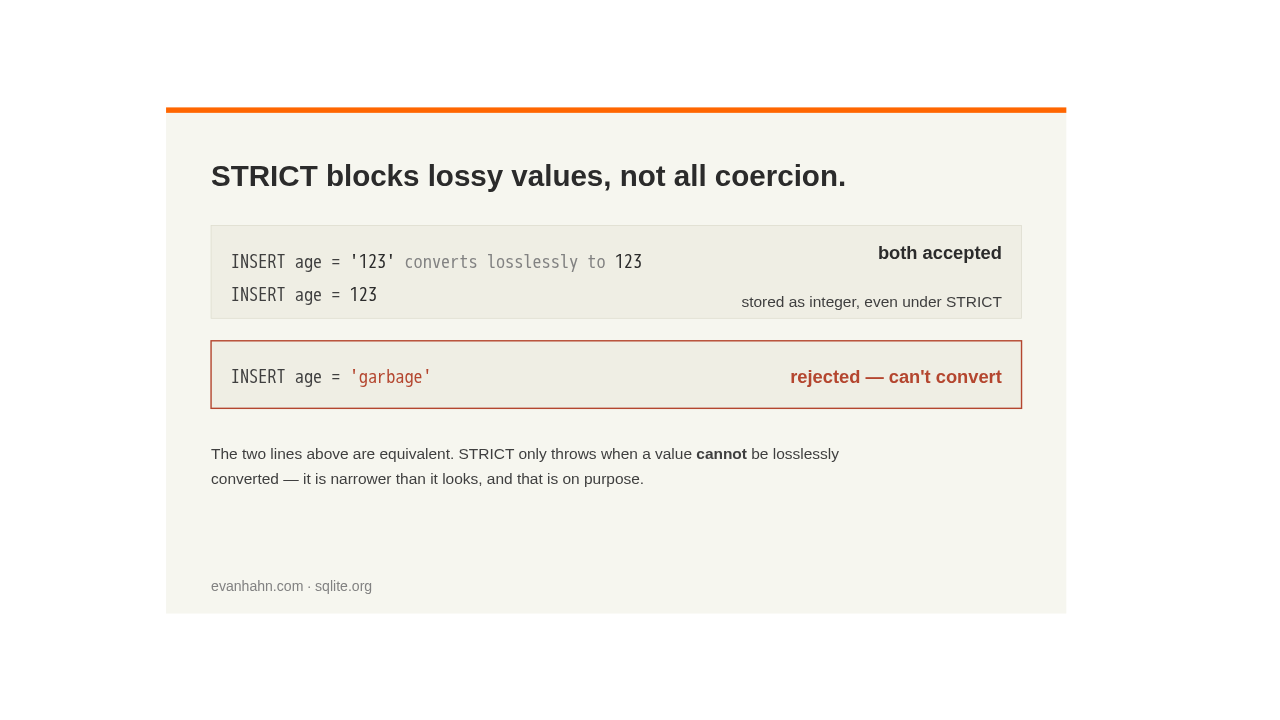
Here's the catch people miss. Strict blocks lossy values, not all coercion. The string one-two-three still goes into an integer column, because it converts cleanly. Only values that can't convert are refused. Narrower than it looks, and that's on purpose.
Slide 6
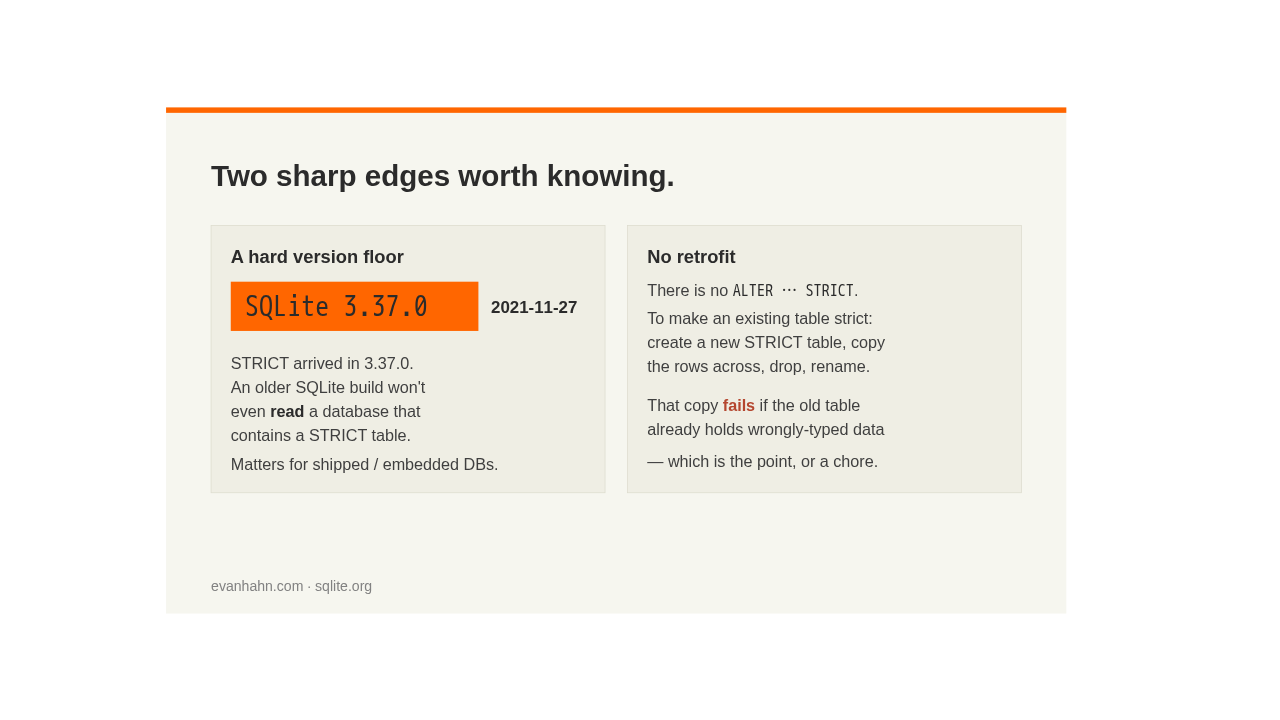
Two sharp edges. You can't convert an existing table. You build a new one and copy the rows, and the copy fails if the old data is already wrong. And there's a hard version floor. An older SQLite can't even read a database that contains a strict table.
Slide 7
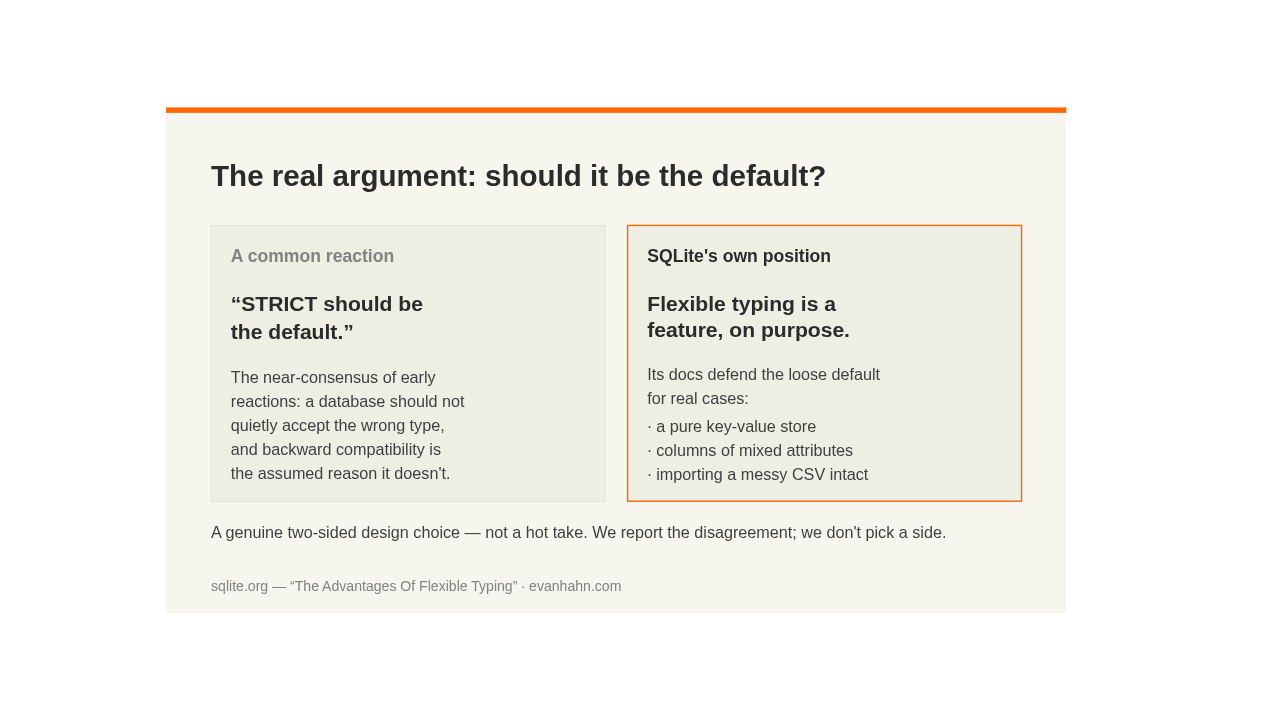
So why isn't it the default? A common reaction is that it simply should be. But SQLite's own developers keep flexible typing on purpose, and defend it, for key-value stores and messy imports where mixed types are the point. A genuine two-sided choice.
Slide 8
So the takeaway. A free, one-word upgrade to data integrity on new tables today, with a couple of edges worth knowing.