Connect apps

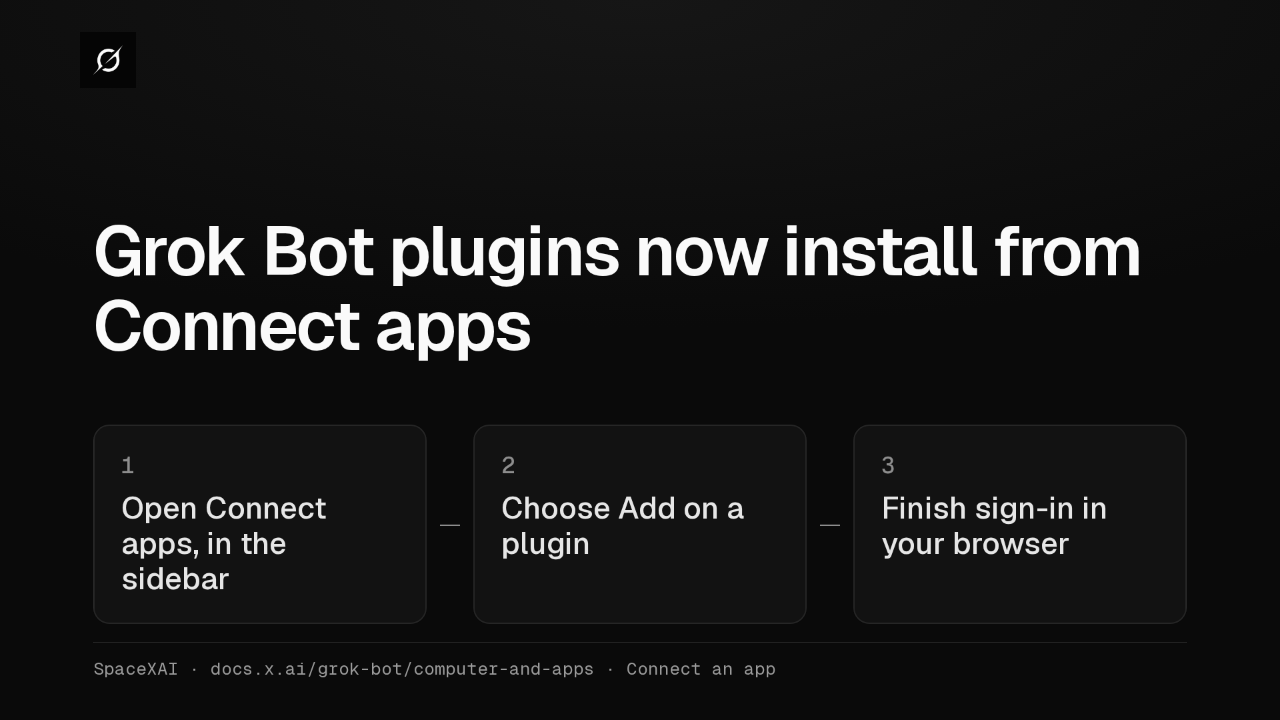
Grok Bot plugins now install from Connect apps
Grok Bot's plugins now live in Connect apps, in the sidebar. Choose Add on a plugin and finish signing in through your browser. The connector then works for every Bot on your account.
Attach in chat
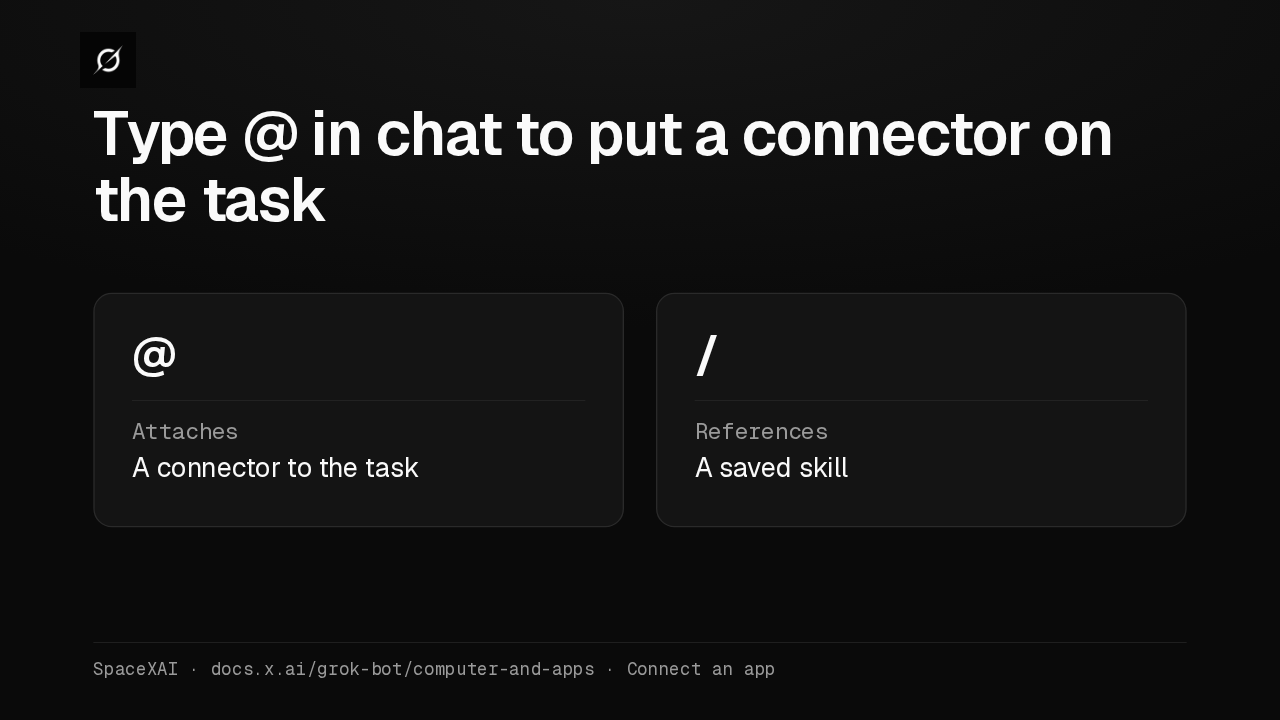
Type @ in chat to put a connector on the task
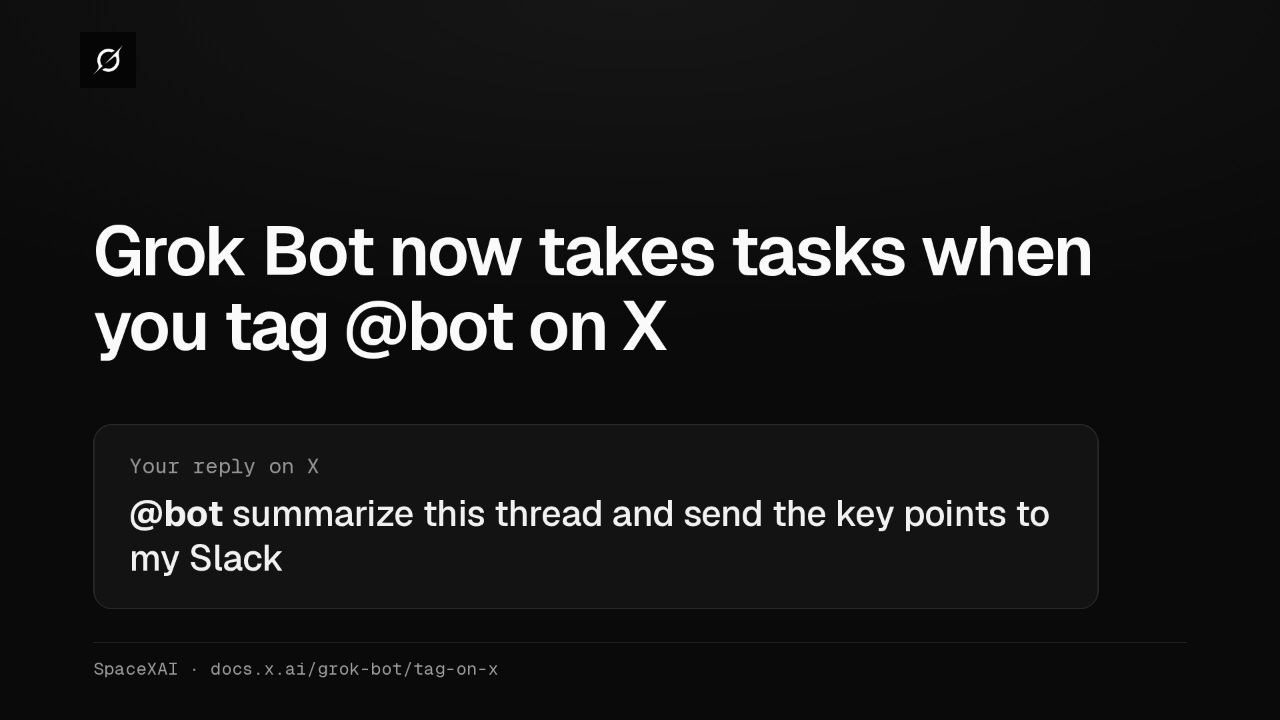
Connectors attach from the chat. Type the at sign to put one on a task, or a slash to call up a saved skill. A connector is often more reliable than clicking through a website.
Signing in to tools
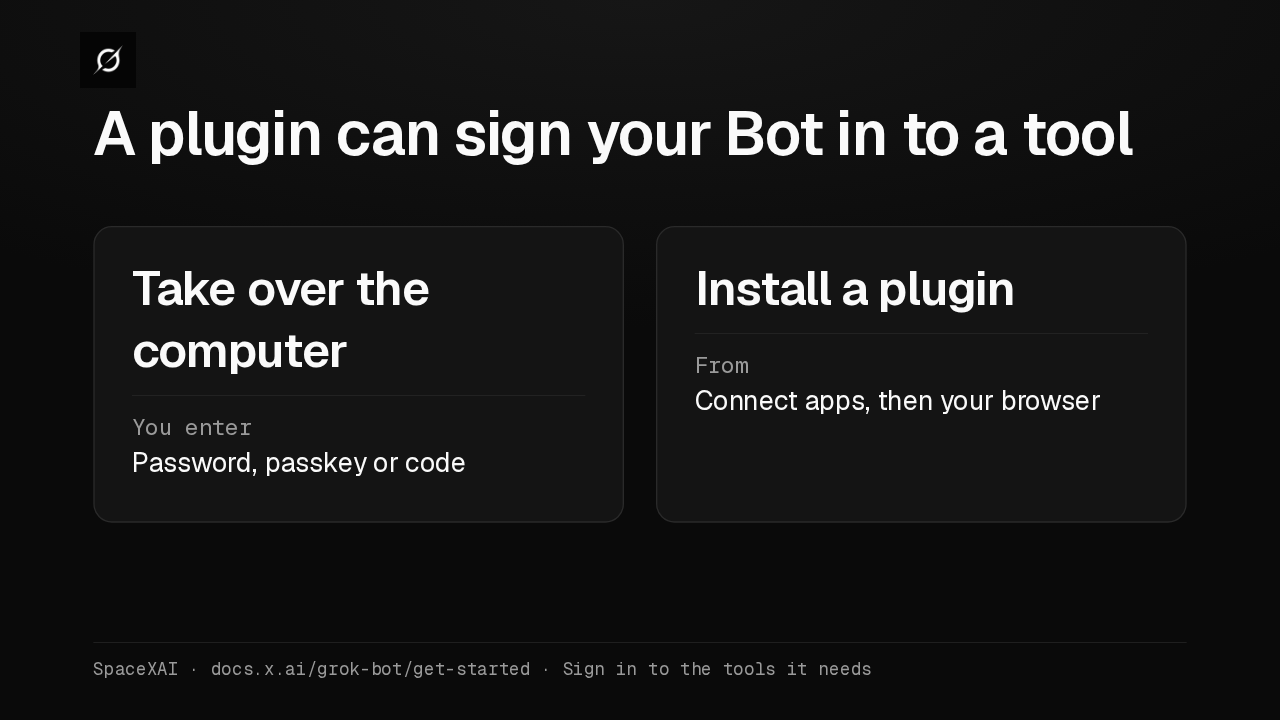
A plugin can sign your Bot in to a tool
When a Bot hits a login, it can ask you to take over its computer and type the password. For supported services, install the plugin from Connect apps and sign in through your browser instead.
The X plugin
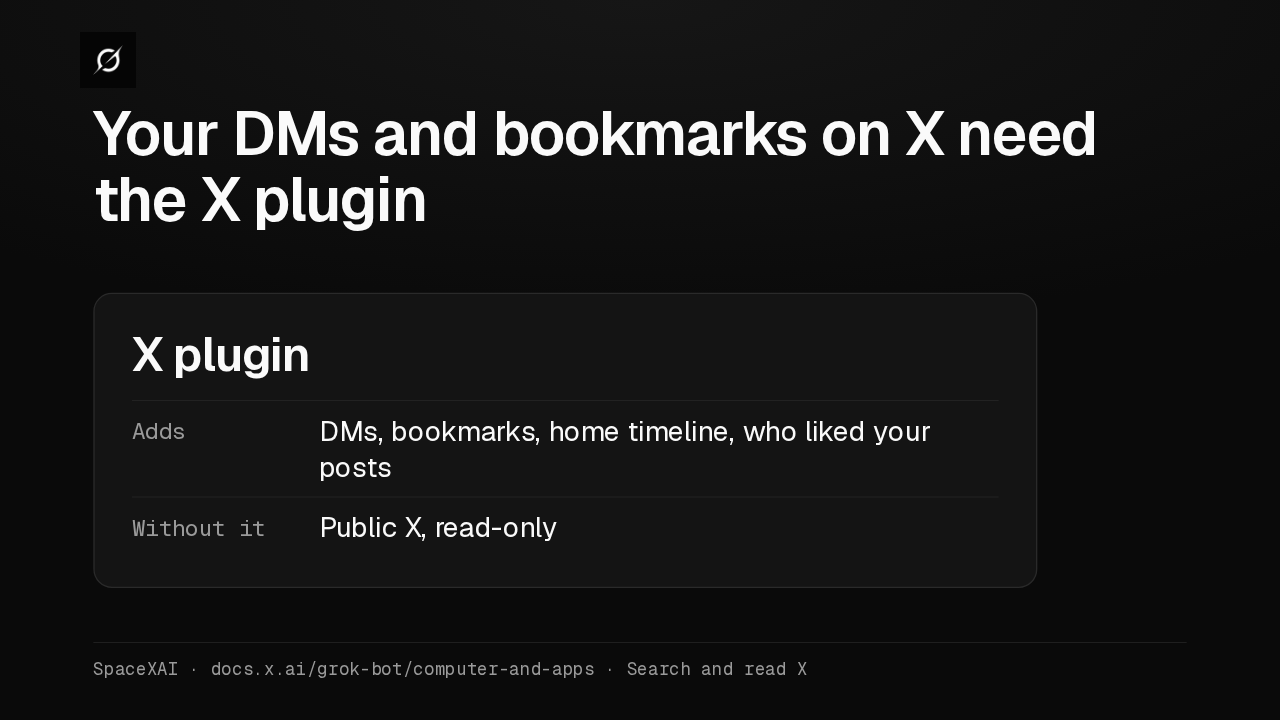
Your DMs and bookmarks on X need the X plugin
Bots already search and read public X, read-only, with no account connected. For your DMs, bookmarks, home timeline, or who liked your posts, add the X plugin from Connect apps and sign in with X.
Connect apps shortcut
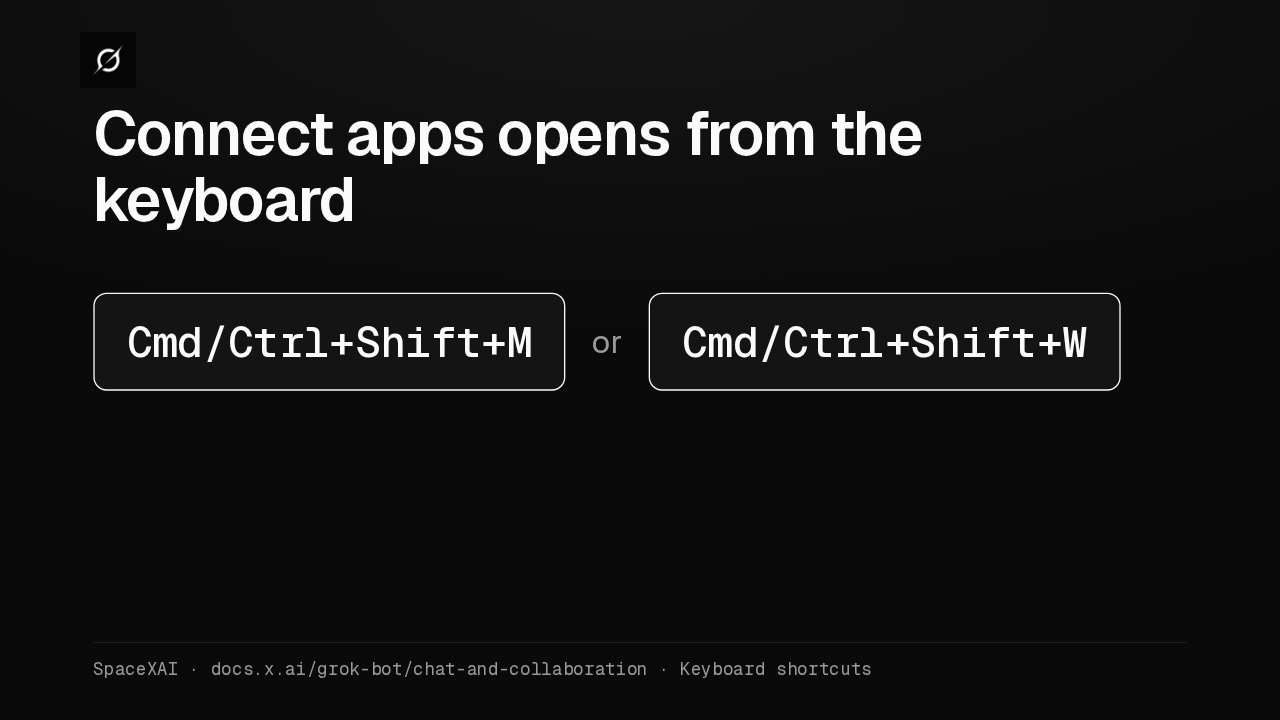
Connect apps opens from the keyboard
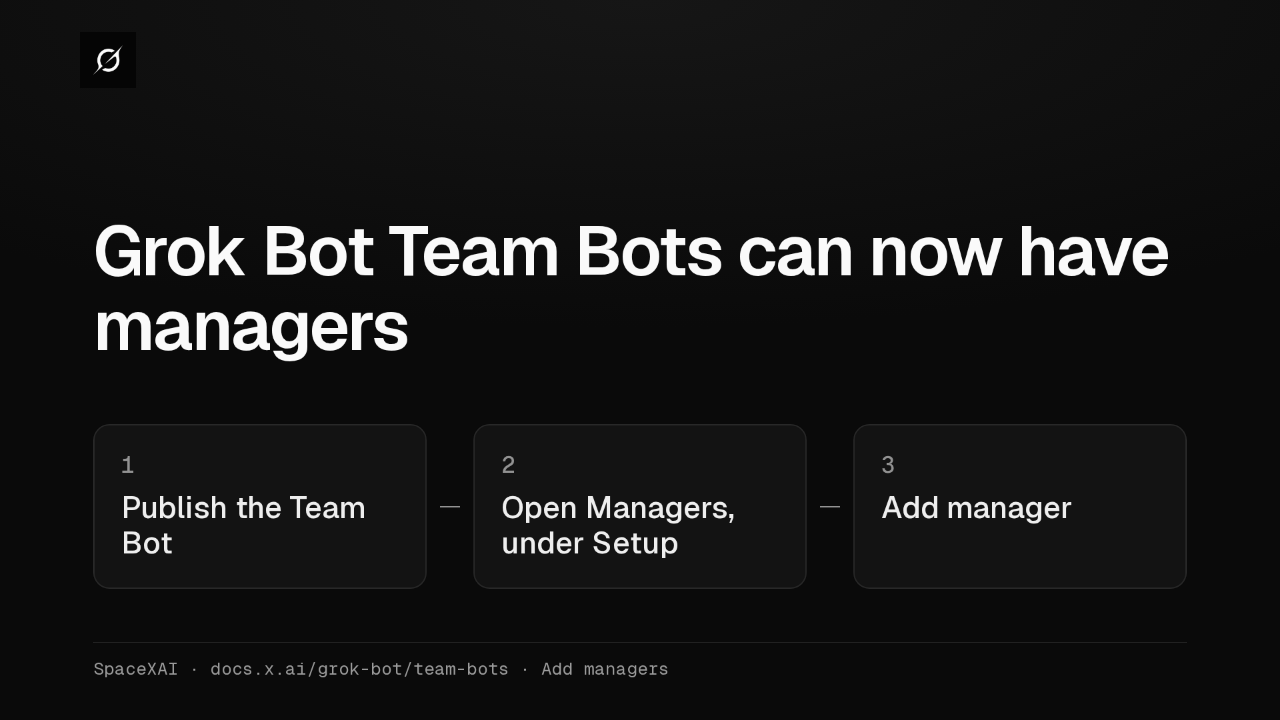
Connect apps has its own shortcut in the desktop app. Press Command or Control, Shift, M. Command or Control, Shift, W opens it too.
Desktop shortcuts
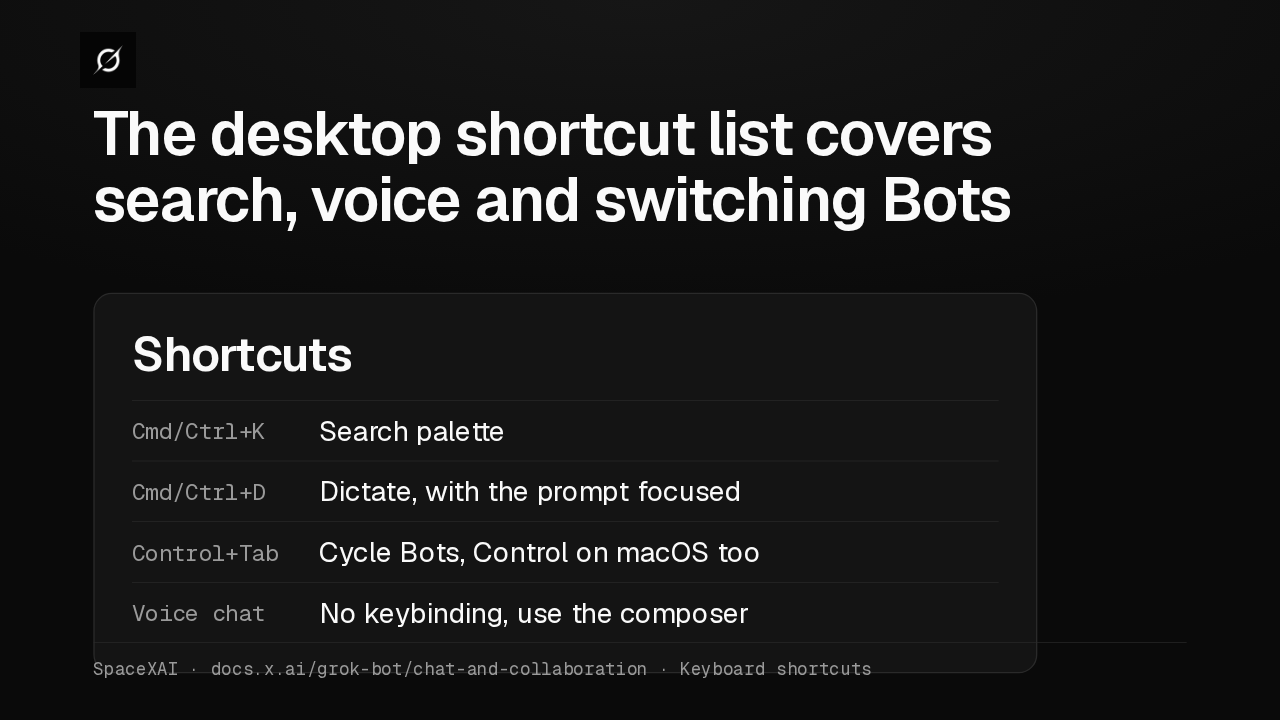
The desktop shortcut list covers search, voice and switching Bots
The same list covers the rest of the desktop app. Command or Control K opens search. Control Tab cycles your Bots, even on a Mac. Voice chat has no shortcut. The full list is on the Message and collaborate page.