Describe a diagram, get an editable draw.io file
4 months ago
You know draw.io. Now you just describe the diagram, and it draws itself in your browser. This is next-ai-draw-io. And the diagram it hands back isn't a picture. It's a real draw.io file you can grab and edit.
Ask about this presentation
Chapters
Show transcriptHide transcript
You know draw.io. Now you just describe the diagram, and it draws itself in your browser. This is next-ai-draw-io. And the diagram it hands back isn't a picture. It's a real draw.io file you can grab and edit.
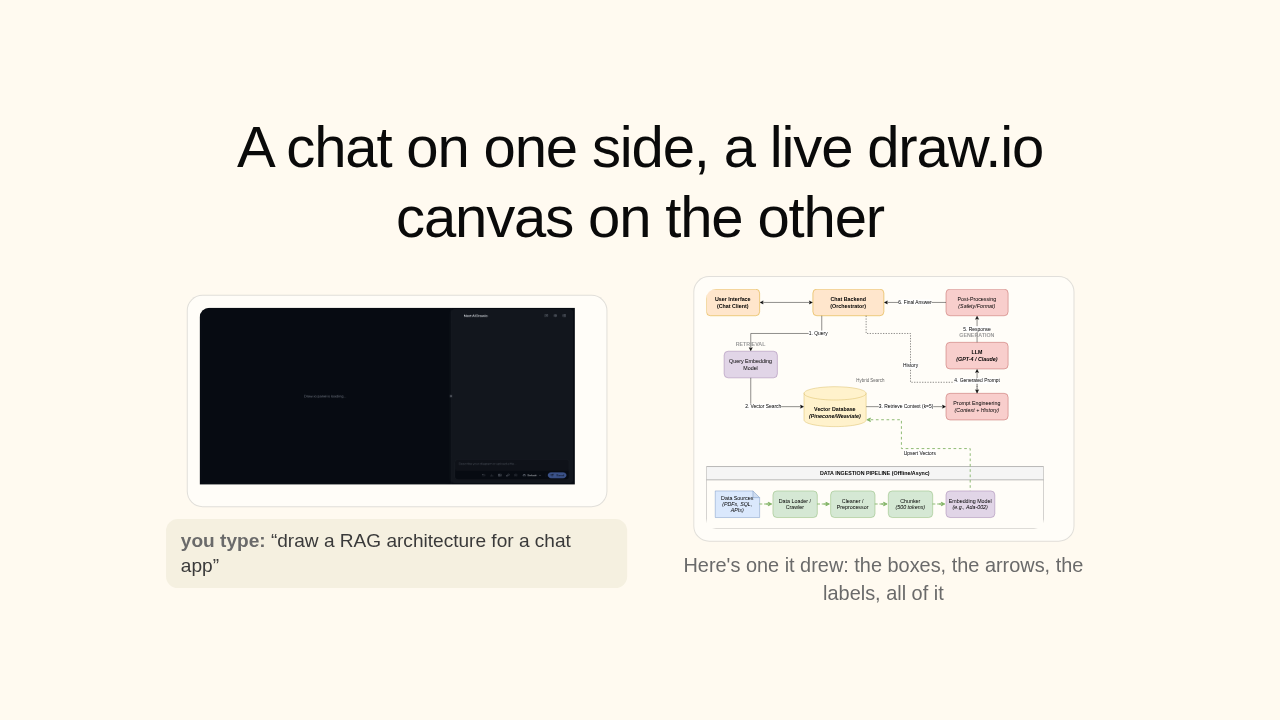
The setup's simple. A chat on one side, a live draw.io canvas on the other. You type something like "draw a RAG architecture for a chat app," and it fills in the boxes, the arrows, the labels, all of it. Here's one it drew.
Slide text
you type: “draw a RAG architecture for a chat app” Here's one it drew: the boxes, the arrows, the labels, all of it
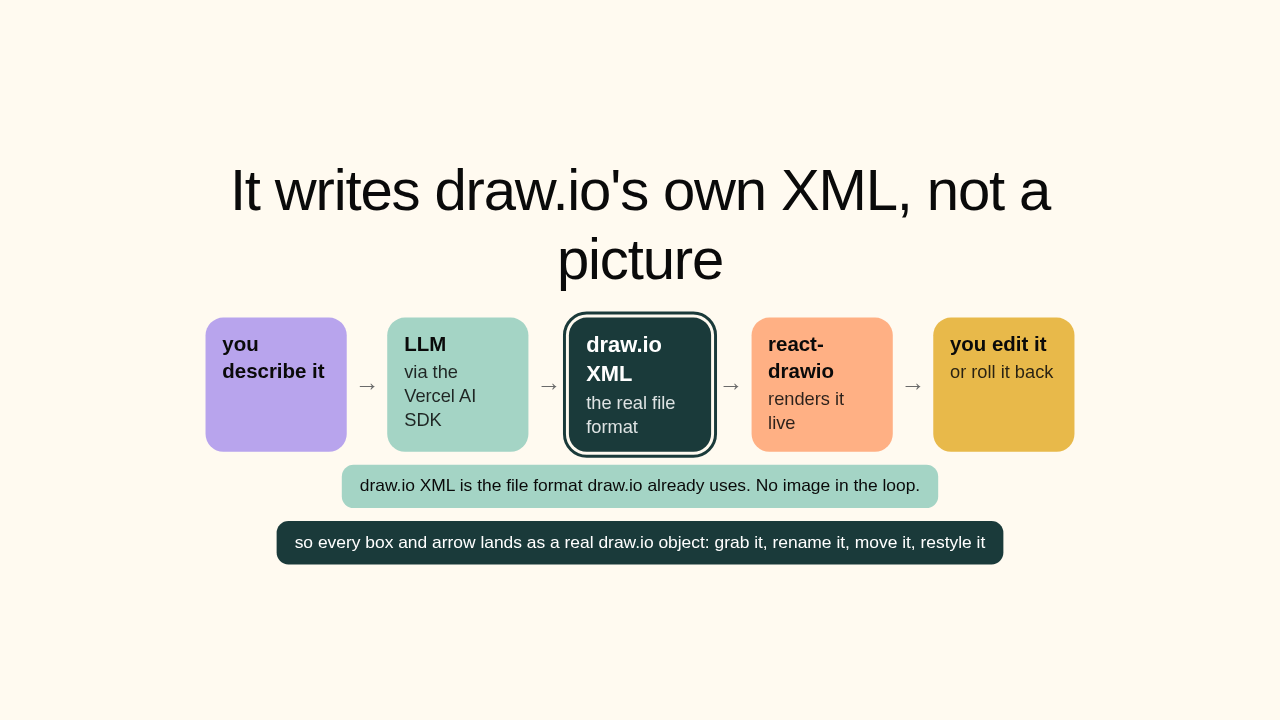
And here's the clever part. It's not an image generator. The AI's whole job is to write draw.io's own XML, the file format draw.io already uses. So when the diagram lands, every box and arrow is a real draw.io object. Grab one, rename it, move it, restyle it. Exactly like a diagram you drew by hand.
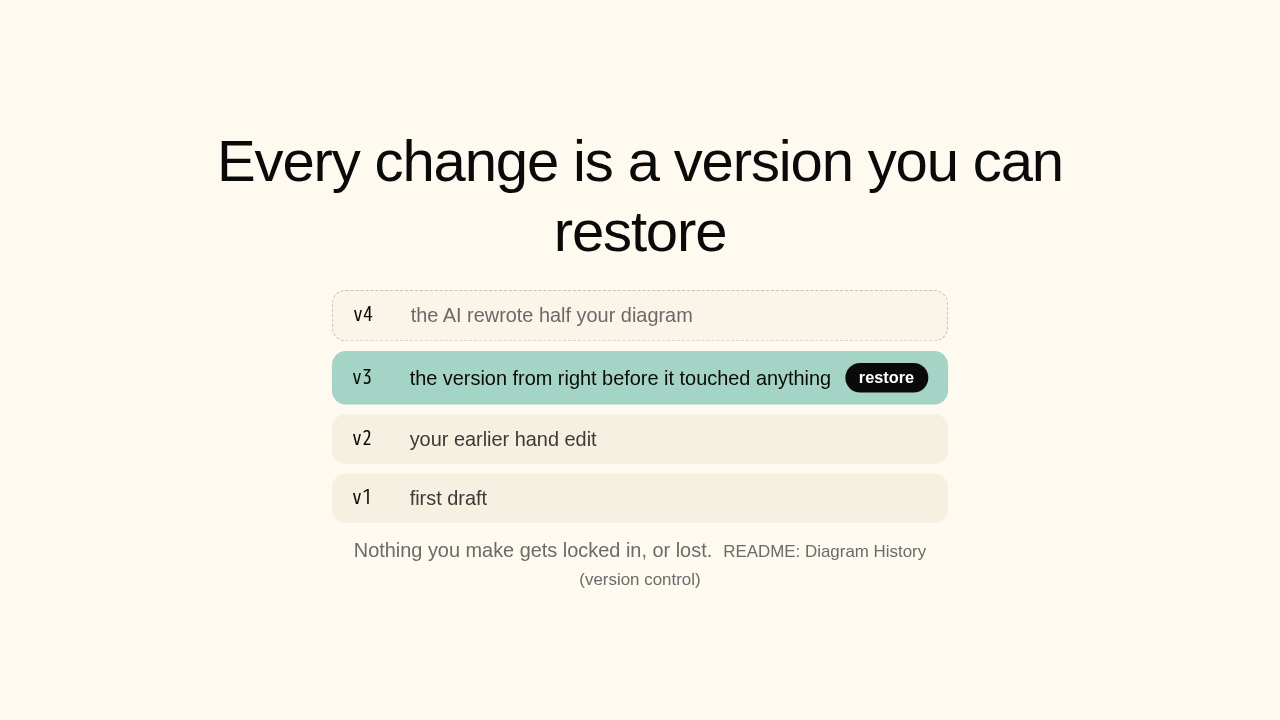
Because it's a real file, it keeps a history. Every change is a version you can roll back to. Ask for one small tweak and the AI rewrites half your diagram? Restore the version from right before it touched anything. Nothing you made gets locked in, or lost.
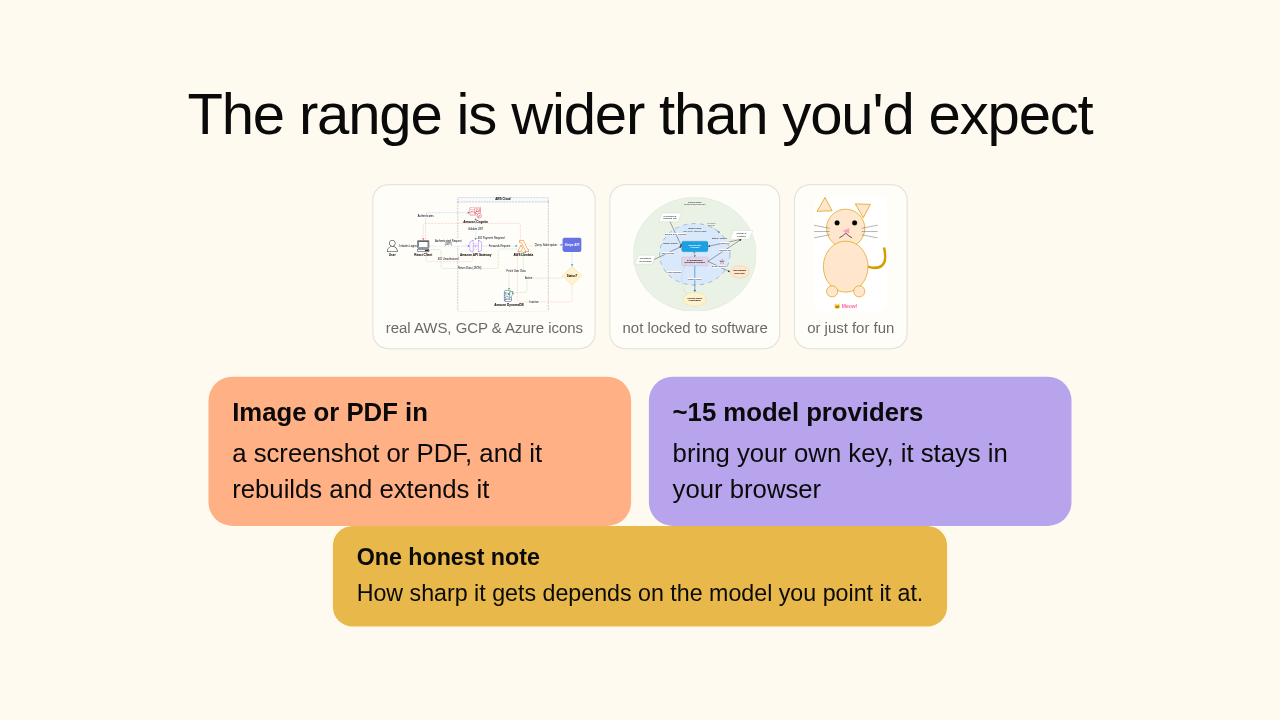
The range is wider than you'd expect. Hand it a screenshot of an old diagram, or a PDF, and it rebuilds and extends it. Cloud diagrams come with the real AWS, GCP, and Azure icons. And it isn't locked to software. Ask for a cute cat, you get a cute cat. It runs on about fifteen model providers, bring your own key. One honest note: how sharp it gets depends on the model you point it at.
Slide text
 real AWS, GCP & Azure icons
 not locked to software
 or just for funImage or PDF ina screenshot or PDF, and it rebuilds and extends it~15 model providersbring your own key, it stays in your browserOne honest noteHow sharp it gets depends on the model you point it at.
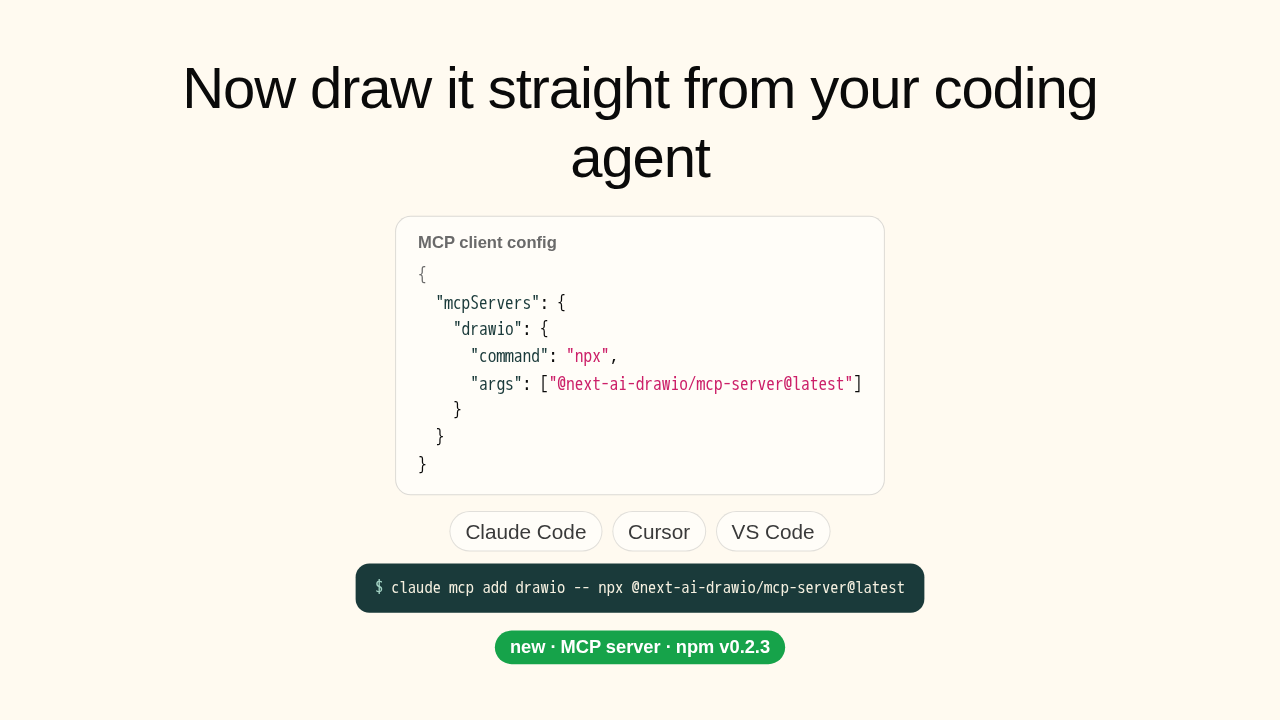
Now the part that just shipped. The same engine runs as an MCP server. So Claude Code, Cursor, or VS Code can draw these diagrams for you, and watch them render in your browser live. One line adds it. Your coding agent, drawing straight into draw.io.
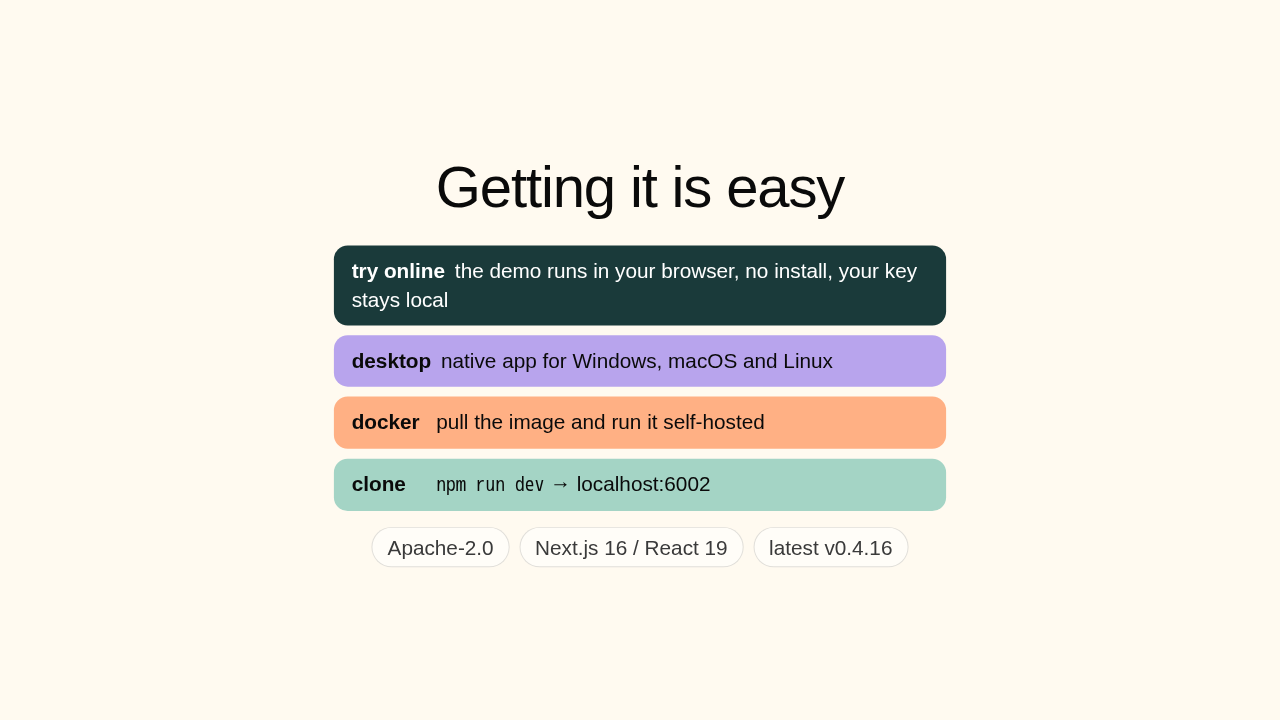
Want to try it? The demo runs in your browser, no install, your key stays local. There's a native desktop app for Windows, Mac, and Linux, a Docker image, or clone it and npm run dev. It's Apache-2.0, TypeScript, on Next.js sixteen and React nineteen, latest build v0.4.16.
So: describe a diagram, get one you can actually edit, roll back, and drive from your agent. If you make architecture diagrams, it's worth a weekend look. The link's on screen. New repo tomorrow.
Up next
 6:49
Hide the tests from your coding agent? StrongDM's holdout idea, tested on Claude Code
@github-trending
3 weeks ago
 0:51
Claude Code built a machine to explain prompt caching
@github-trending
1 month ago
 10:10
reladraw draws your diagram from where you say the boxes go
@github-trending
1 month ago
 7:27
Lap photo manager finds photos by what's in them, offline
@github-trending
2 months ago
 9:04
Spirula Studio does Gaussian splatting on any graphics card
@github-trending
2 months ago
 8:50
Univer puts a spreadsheet, document editor and slides in your app
@github-trending
2 months ago
 18:13
i-have-adhd, ponytail, and 7 more skills that make your agent stop explaining itself
@github-trending
2 months ago
 7:57
Homebrew BrewUI runs every brew command in a clean shell
@github-trending
2 months ago
 8:35
fugleramme draws the birds in your garden on an e-ink frame
@github-trending
2 months ago
 9:01
Open Code Review: Alibaba open-sourced the code reviewer it validated on a million real tasks
@github-trending
2 months ago
 3:03
Portless refuses to touch eight shapes of command, and says why for each
@github-trending
2 months ago
 2:52
The measurement file says 1.571. The stylesheet says 1.57.
@github-trending
2 months ago