bisque-voice now installs from GitHub, and every build can be verified
1 hour ago

Release 0.1.39 changes where bisque-voice comes from. Downloads now come from GitHub Releases, and every build carries a signed record of the commit it was built from. It covers macOS, Linux and Windows, and the install command you already use stays the same. Two older setups need a small change, and we'll get to those.
Ask about this presentation
Chapters
Show transcriptHide transcript
Release 0.1.39 changes where bisque-voice comes from. Downloads now come from GitHub Releases, and every build carries a signed record of the commit it was built from. It covers macOS, Linux and Windows, and the install command you already use stays the same. Two older setups need a small change, and we'll get to those.
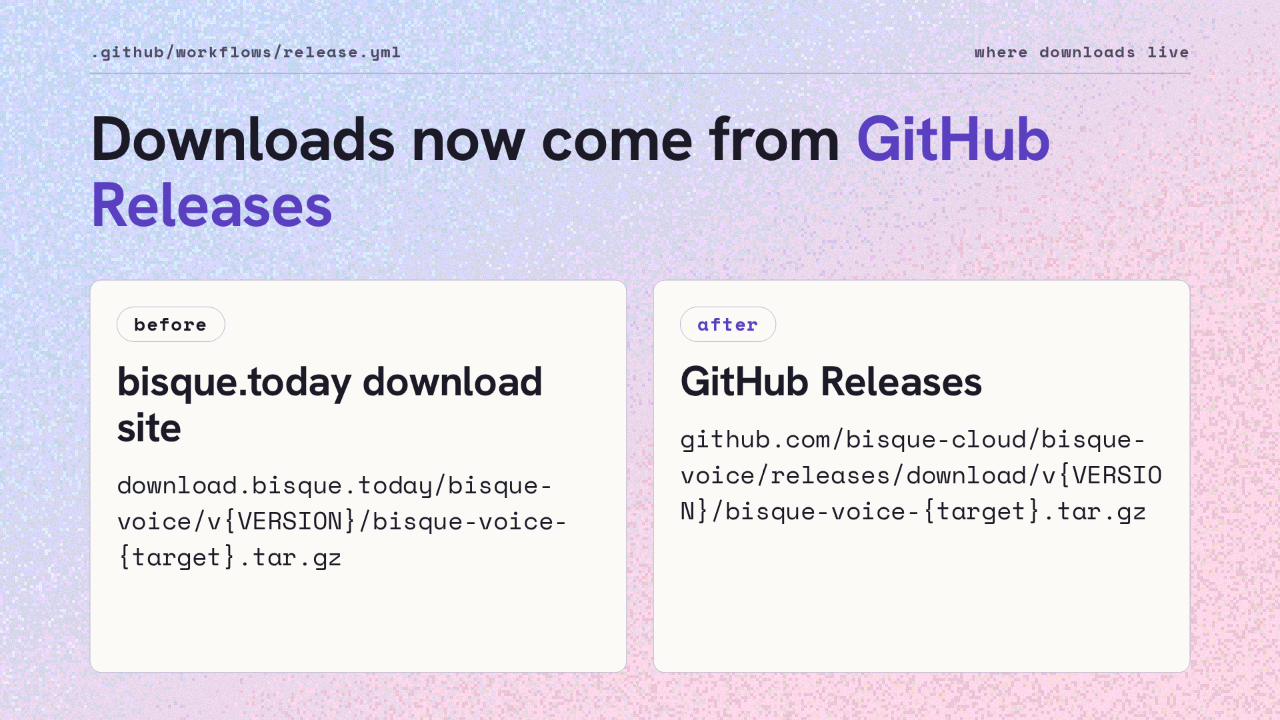
Downloads now come from GitHub Releases. Until this release, the archives, their checksums and the version file were all served from the bisque.today download site. Now every one of them sits on the repository's Releases page, under the tag for its version.
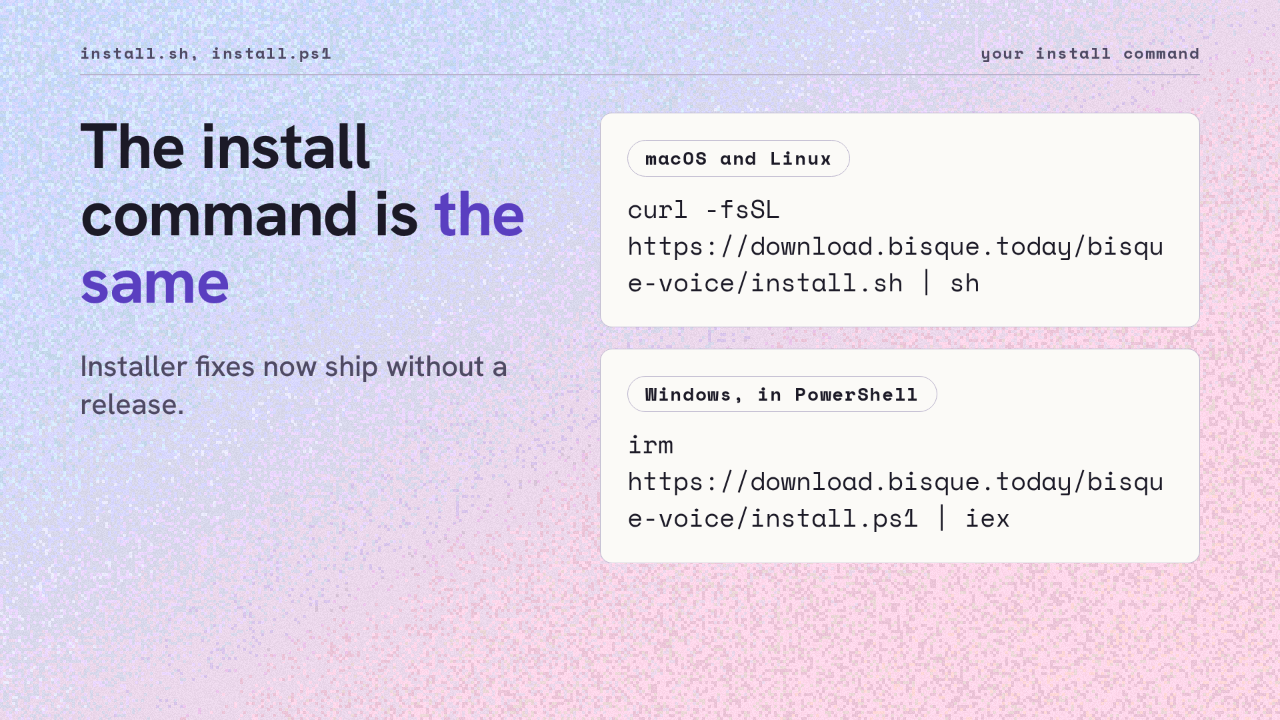
The install command is the same. On macOS and Linux you still pipe the shell installer into sh, and on Windows you still run the PowerShell script the same way. What changed is behind those addresses. They now redirect to the repository's main branch, so a fix to an installer ships without cutting a release.
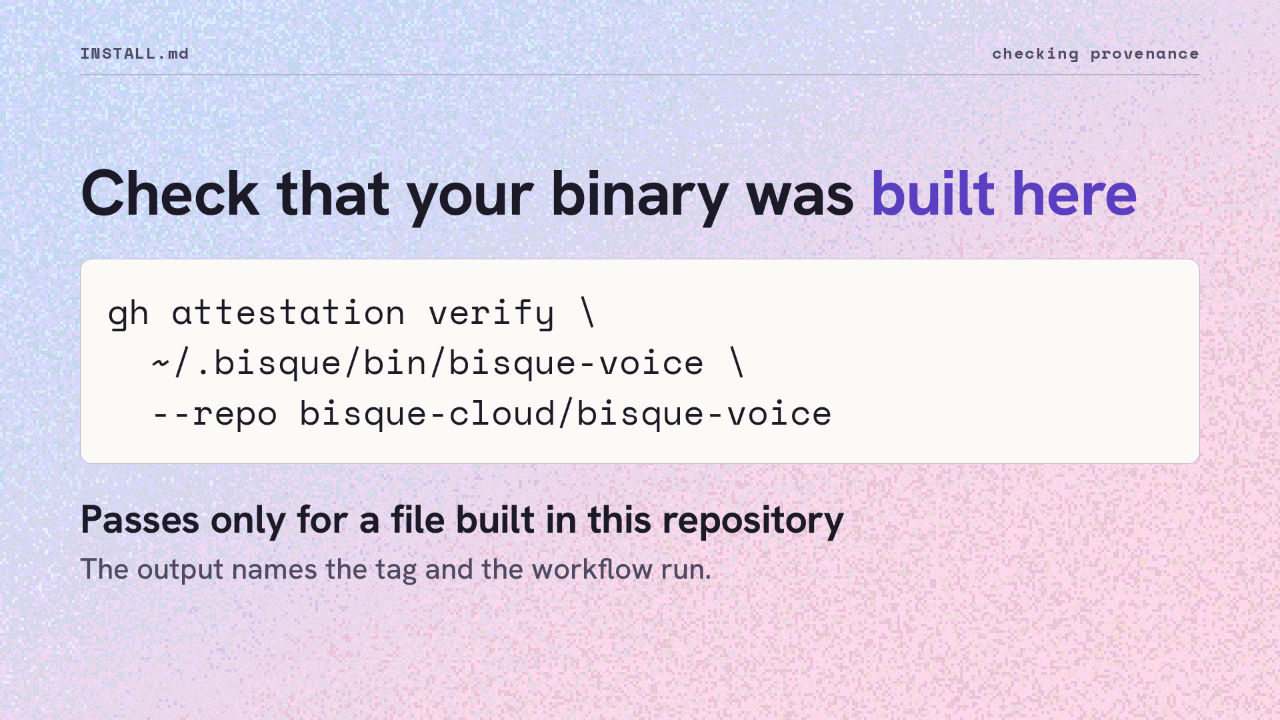
Now you can check what you are running. With the GitHub command line, run attestation verify on the installed binary and name this repository. It passes only for a file built in the bisque-voice repository, and the output names the tag and the workflow run. It works on the installed binary and on a downloaded archive.
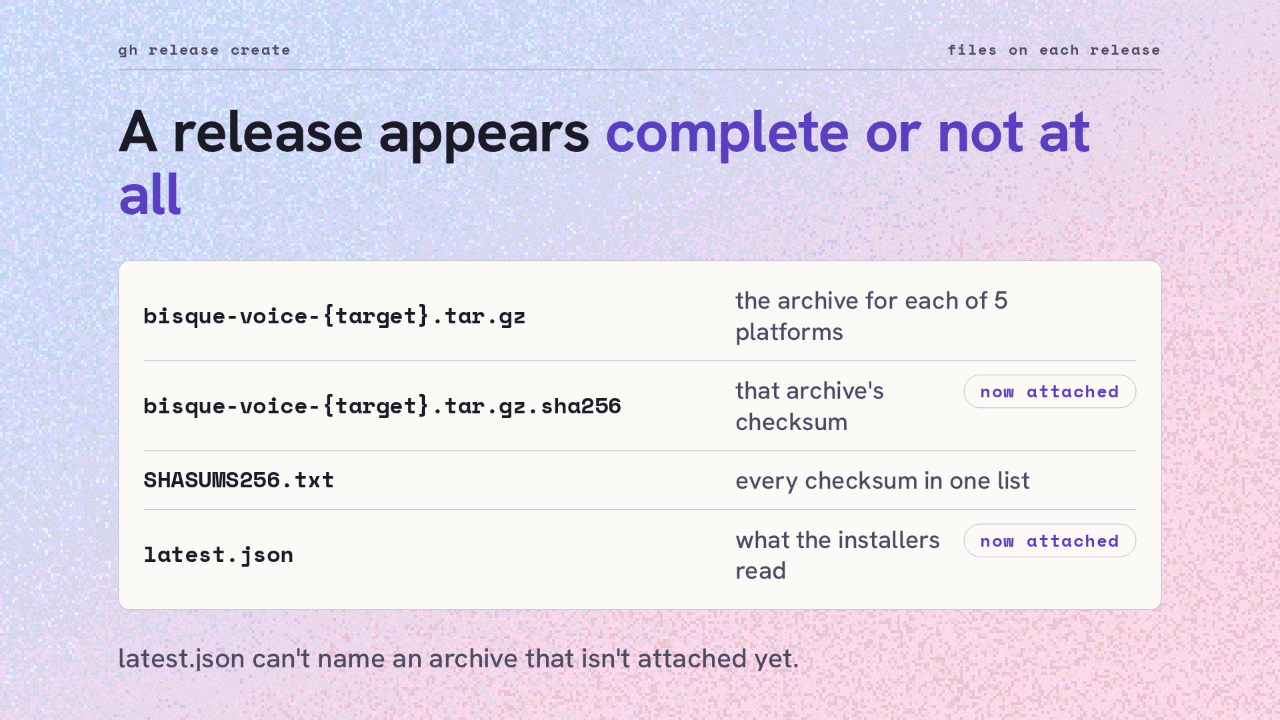
A release now appears complete or not at all. The workflow attaches every file in one call: the platform archives, a checksum file for each, the combined checksum list, and the version file. The installers read that version file to find the newest release, so it can't name an archive that hasn't been attached yet.
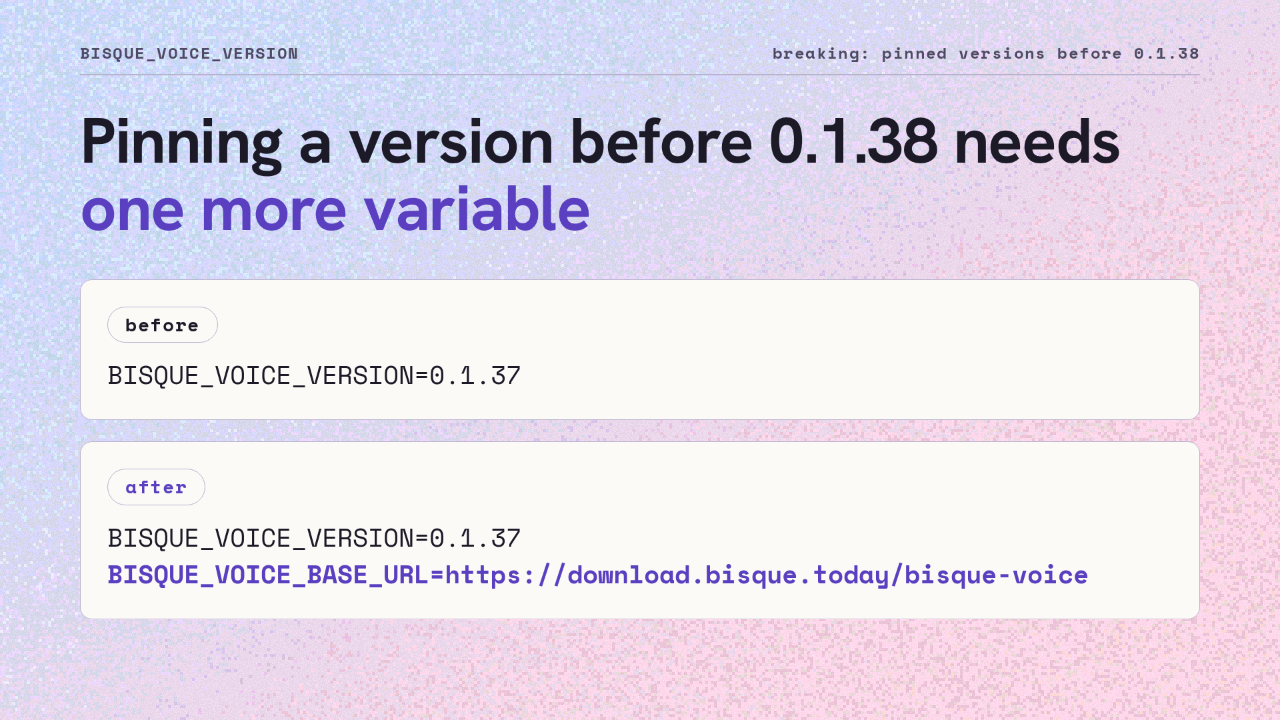
The first change that can break an install involves older versions. Versions before 0.1.38 were built elsewhere, so they aren't on GitHub. Pinning one, say 0.1.37, worked with just the version variable. Now you also set the base URL back to the download site, and the pinned version installs as before.
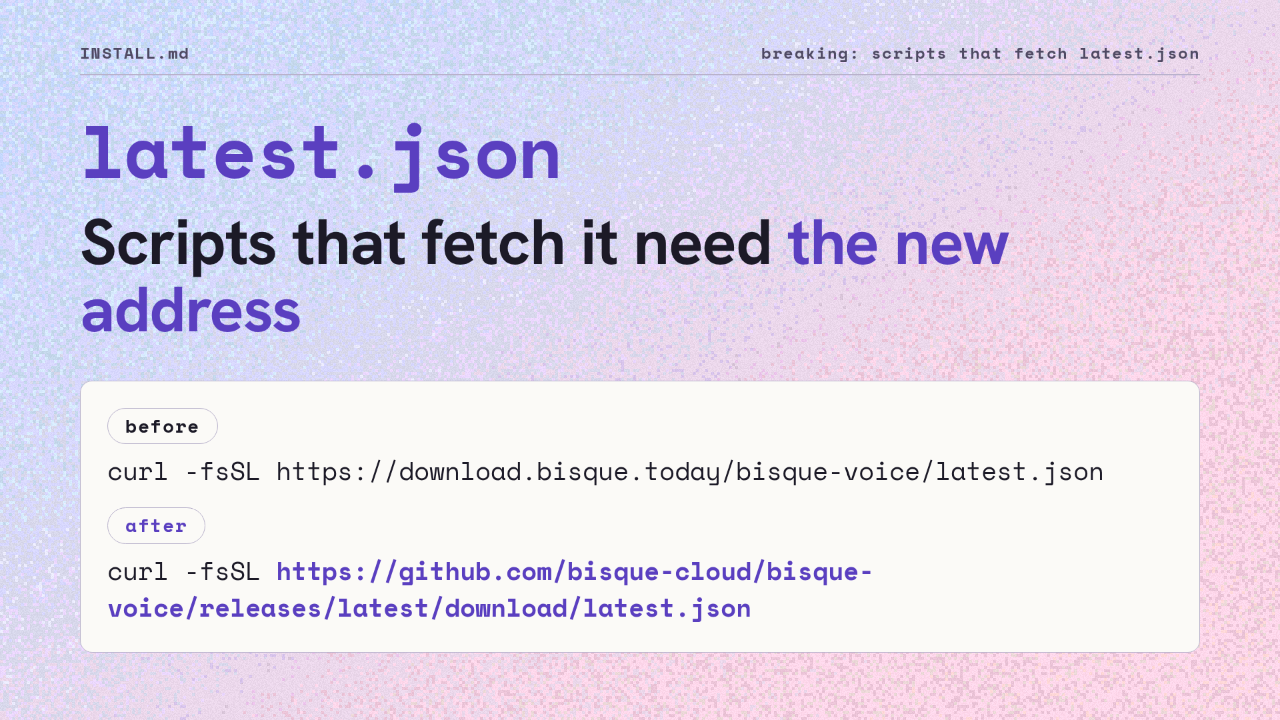
The second change touches scripts that fetch the version file directly. The release workflow no longer uploads it to the download site. Read it from the latest release on GitHub instead. That is the address the installers and the install guide use now.
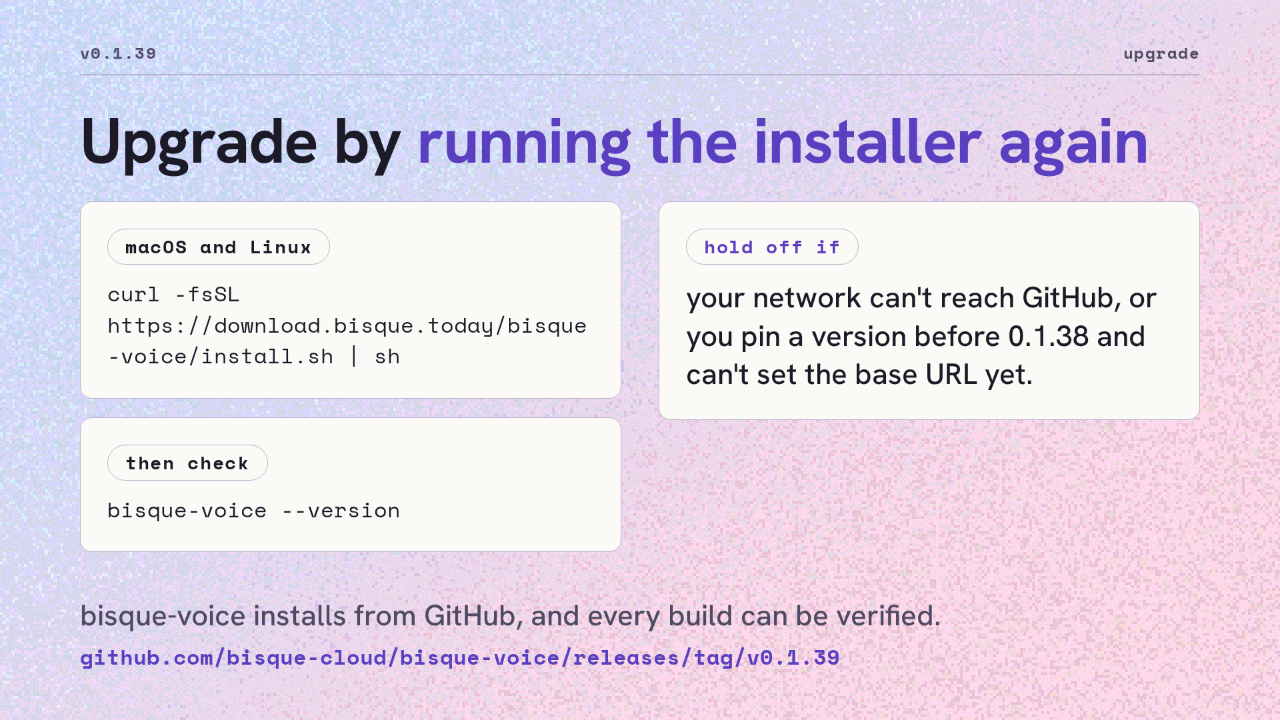
To upgrade, run the installer again. It upgrades in place. Afterward, the version command should print 0.1.39. Hold off if your network can't reach GitHub, or if you pin a version before 0.1.38 and can't set the base URL variable yet. Otherwise, bisque-voice now installs from GitHub, and every build can be verified.
Up next
 2:50
2:50bisque-voice installers now download from GitHub Releases
@bisque-cloud/bisque-voice · 12 hours ago
 2:46
2:46Check any bisque-voice download against the build that made it
@bisque-cloud/bisque-voice · 12 hours ago
 3:56
3:56A version tag now builds, signs and ships bisque-voice on five platforms
@bisque-cloud/bisque-voice · 1 day ago
 3:16
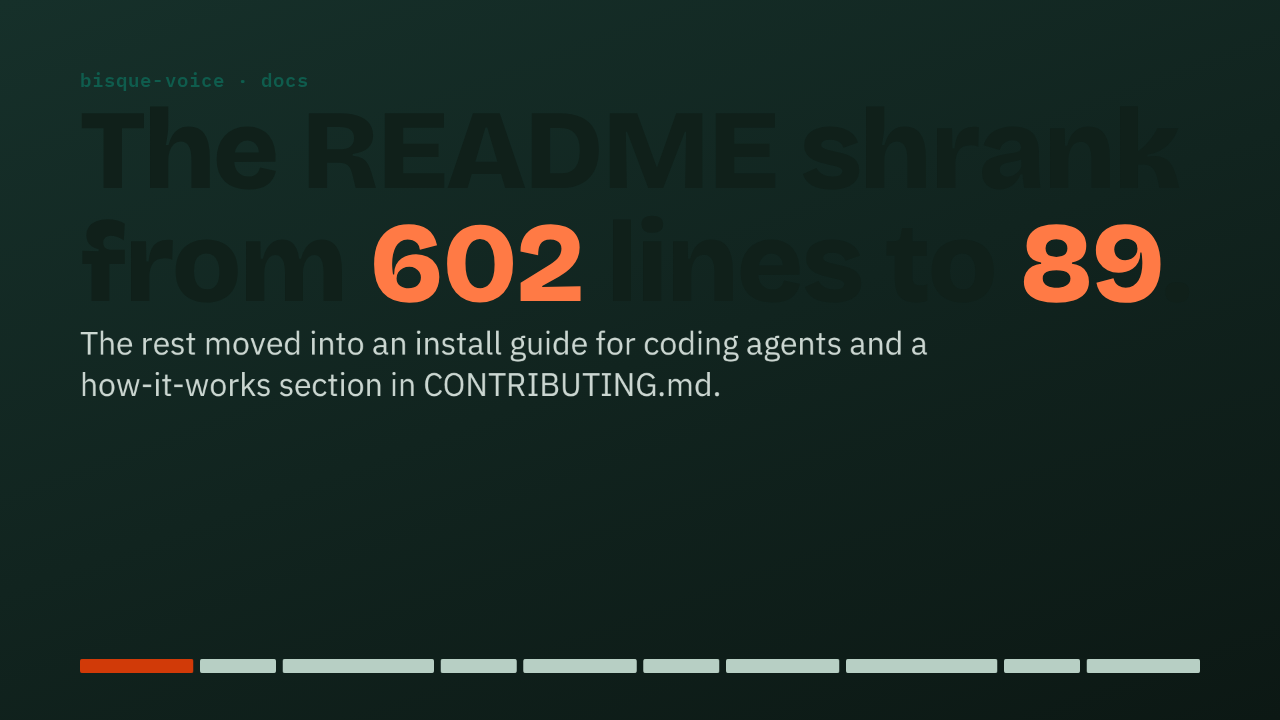
3:16The bisque-voice README drops from 602 to 89 lines, with install and internals moved to their own files
@bisque-cloud/bisque-voice · 1 day ago