Check any bisque-voice download against the build that made it
1 hour ago

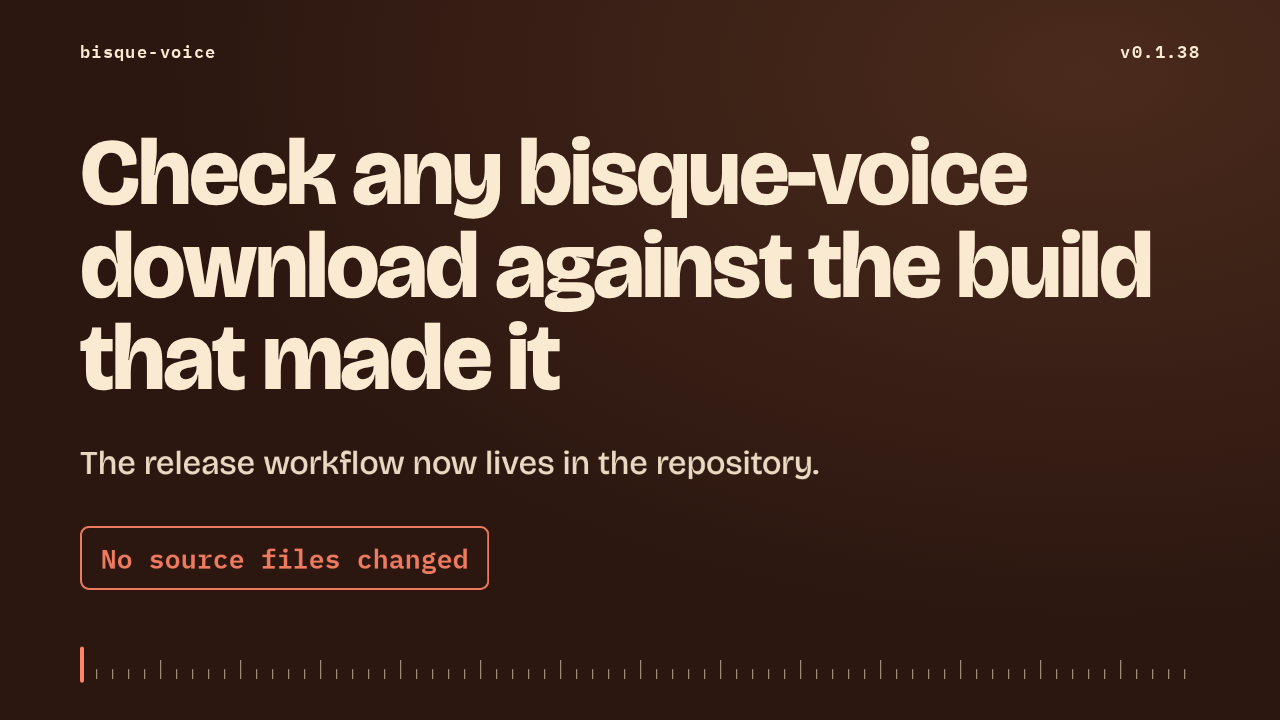
bisque-voice 0.1.38 changes how its downloads are made. The whole release now runs from a workflow inside the repository, so you can check any binary against the build that produced it. The program itself is the same code as 0.1.37. Only the build, the checks and the documentation are new.
Ask about this presentation
Chapters
Show transcriptHide transcript
bisque-voice 0.1.38 changes how its downloads are made. The whole release now runs from a workflow inside the repository, so you can check any binary against the build that produced it. The program itself is the same code as 0.1.37. Only the build, the checks and the documentation are new.
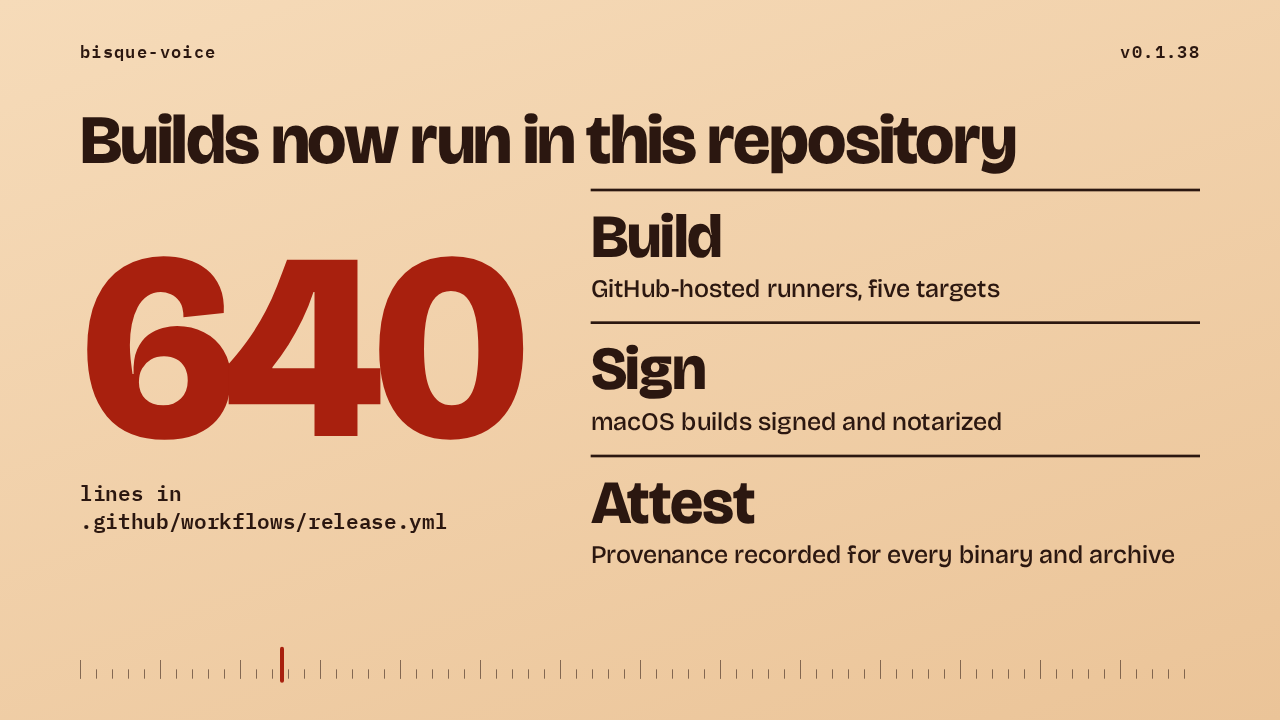
The release workflow is a new file in this repository, 640 lines long. On GitHub-hosted runners it builds every platform from the tagged commit. It signs and notarizes the macOS builds. And it records where each binary and each archive came from, so the download carries its own proof of origin.
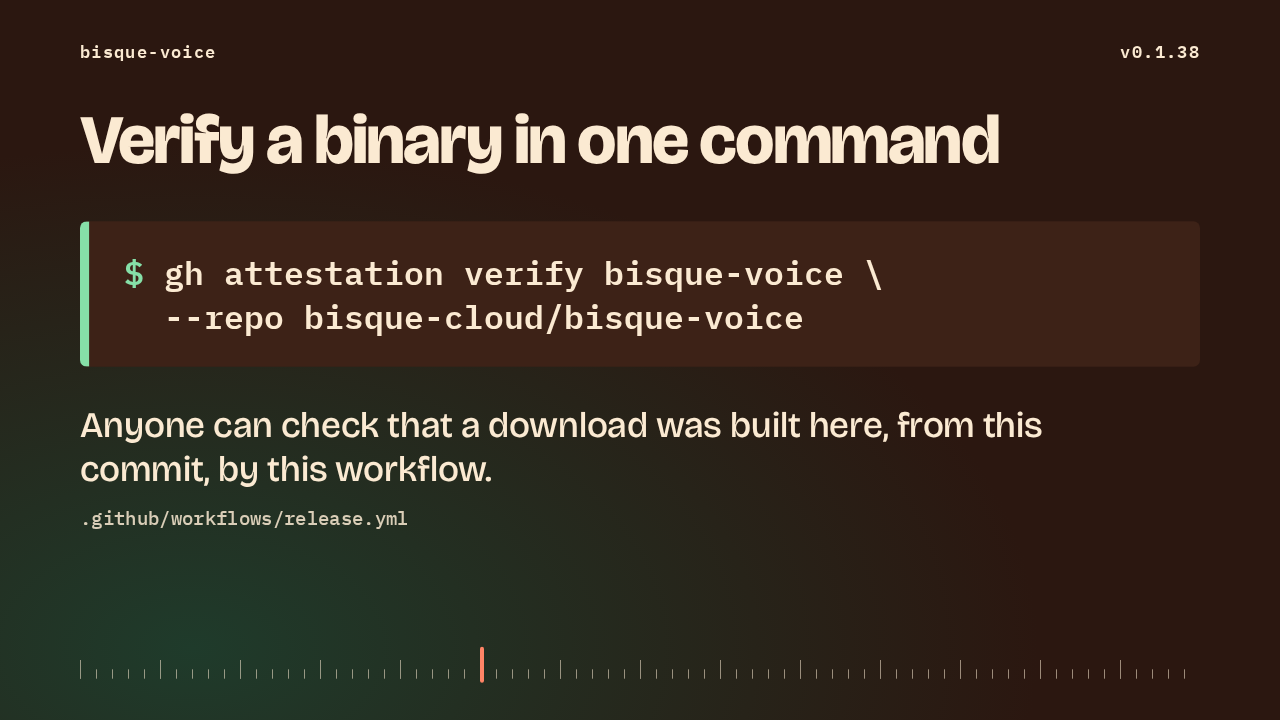
Every binary and every archive gets a build provenance attestation. With the GitHub command line, you run this on the binary you downloaded and name the repository. It confirms the download was built in this repository, from this commit, by this workflow. The release notes show the same command.
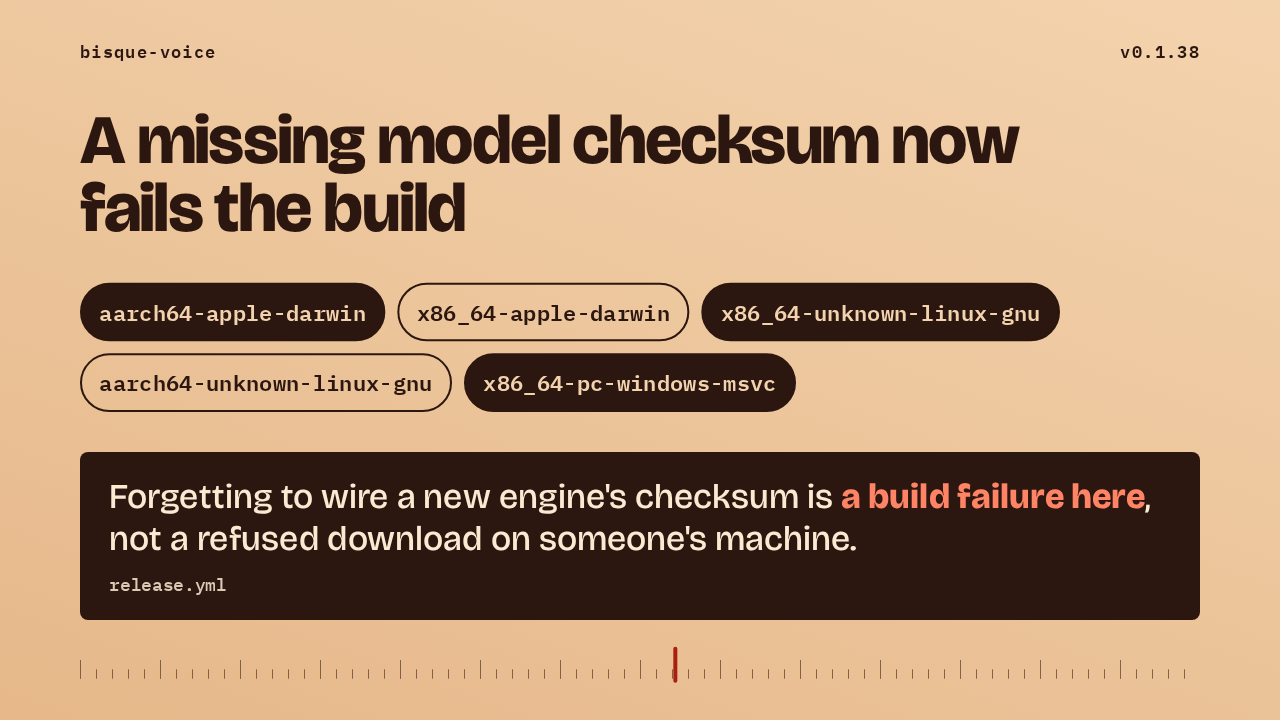
Every model pack has a checksum compiled into the binary, and a build without one refuses to download that pack. The release workflow now guards against that. It builds five targets, covering macOS on Apple Silicon and Intel, Linux on x64 and ARM, and Windows. Each build has to report the tagged version and show every pinned checksum in its doctor output. If one is missing, the build fails before anything ships.
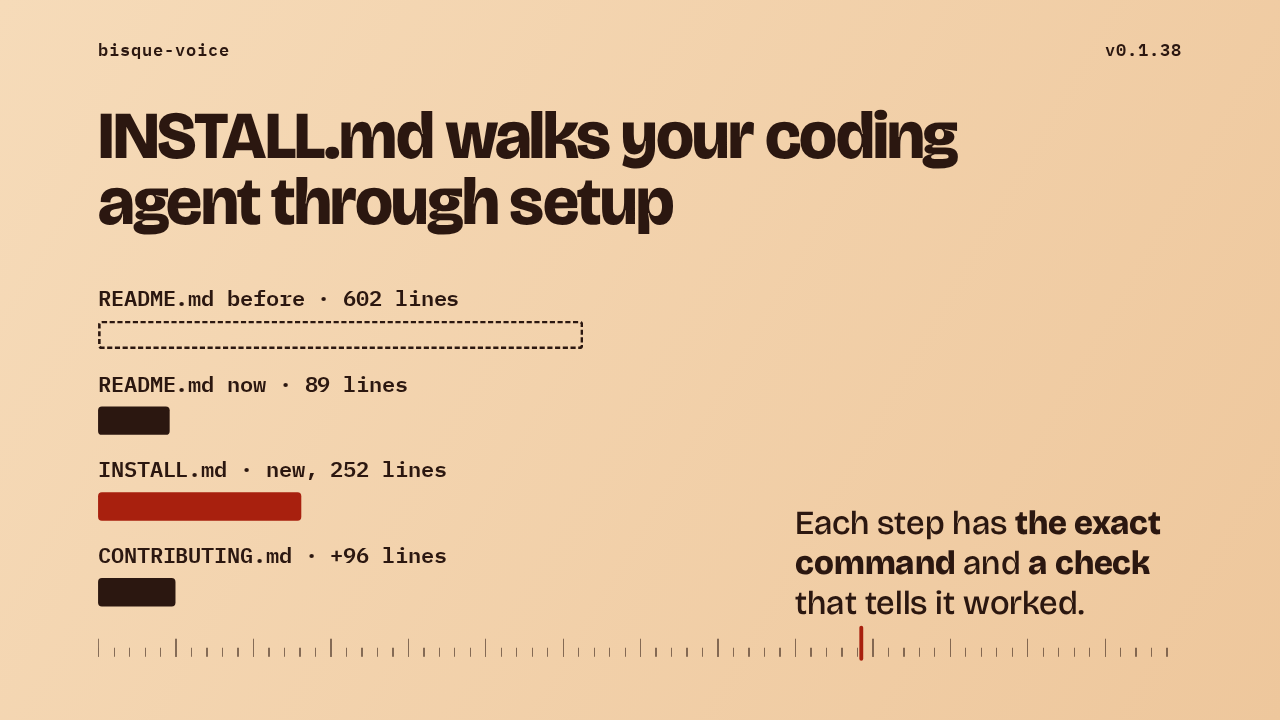
There's a new file, INSTALL.md, written for a coding agent setting up bisque-voice for a person. The README shrank from about 600 lines to 89, and the internals moved to CONTRIBUTING.md, which grew by 96 lines. Every step in INSTALL.md gives the exact command and a check that tells you it worked. Two decisions stay with the person: which voice model to install and which voice to use.
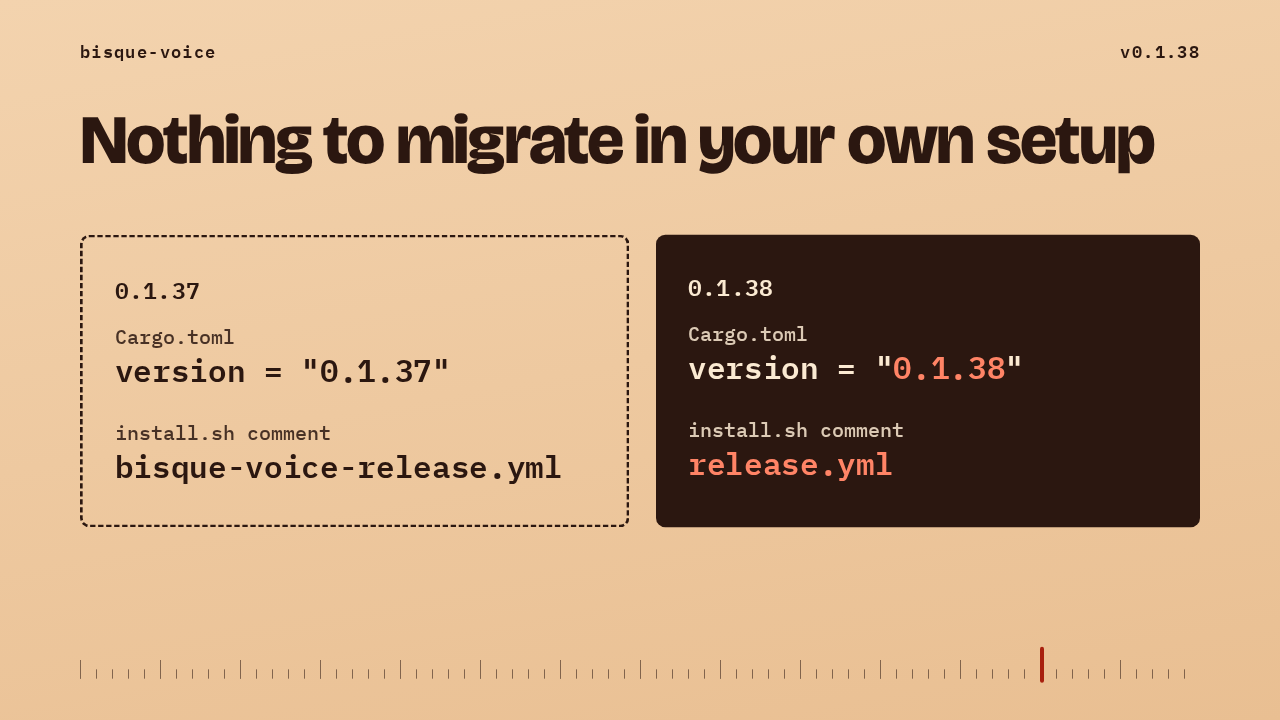
None of the source files changed. In 0.1.37, the program's version sat in Cargo.toml, and a comment in install.sh named the old workflow file, bisque-voice-release.yml. In 0.1.38 the version reads 0.1.38 and the comment points at release.yml. If your own scripts or notes link to the old workflow path, update them. Everything else keeps working as it did.
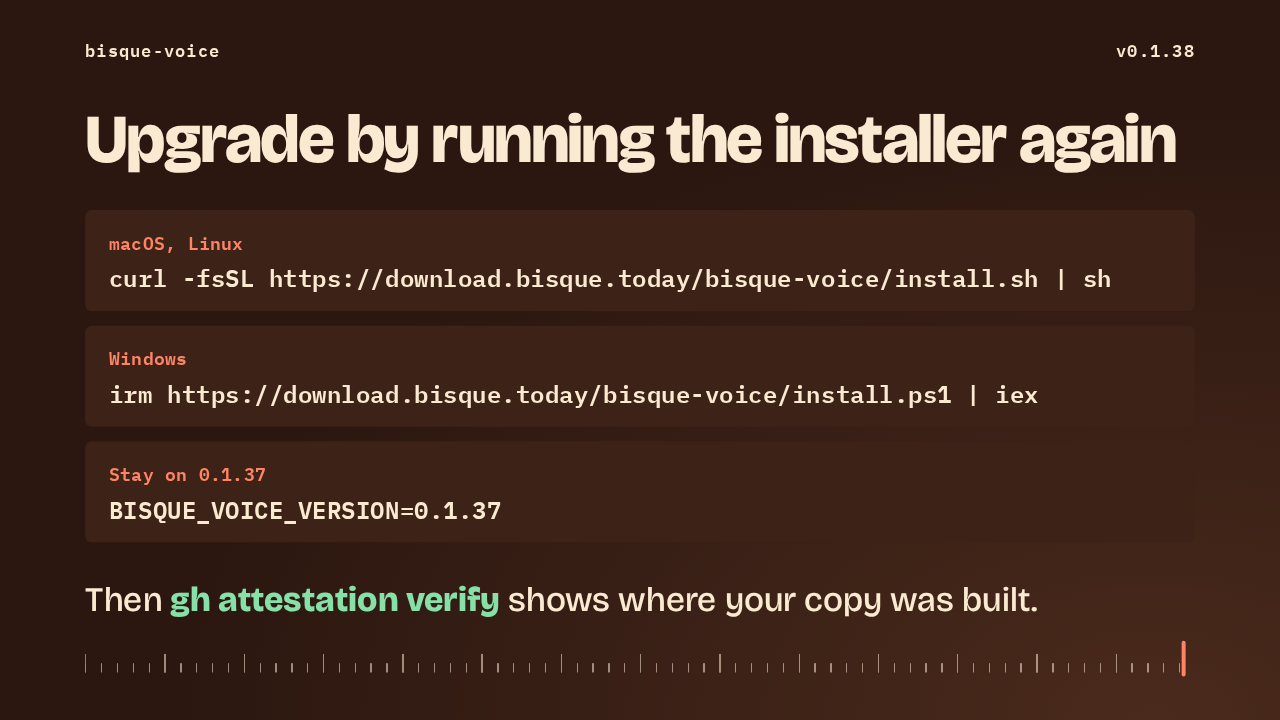
Running the installer again upgrades in place. On macOS and Linux that's the curl line, and on Windows it's the PowerShell one. To stay on the previous version, set BISQUE_VOICE_VERSION to 0.1.37. This release gives you no reason to wait. Intel Macs still run only the Qwen3 voice models, as before. Once it's installed, gh attestation verify shows where your copy was built.
Up next
 2:50
2:50bisque-voice installers now download from GitHub Releases
@bisque-cloud/bisque-voice · 1 hour ago
 3:56
3:56A version tag now builds, signs and ships bisque-voice on five platforms
@bisque-cloud/bisque-voice · 16 hours ago
 3:16
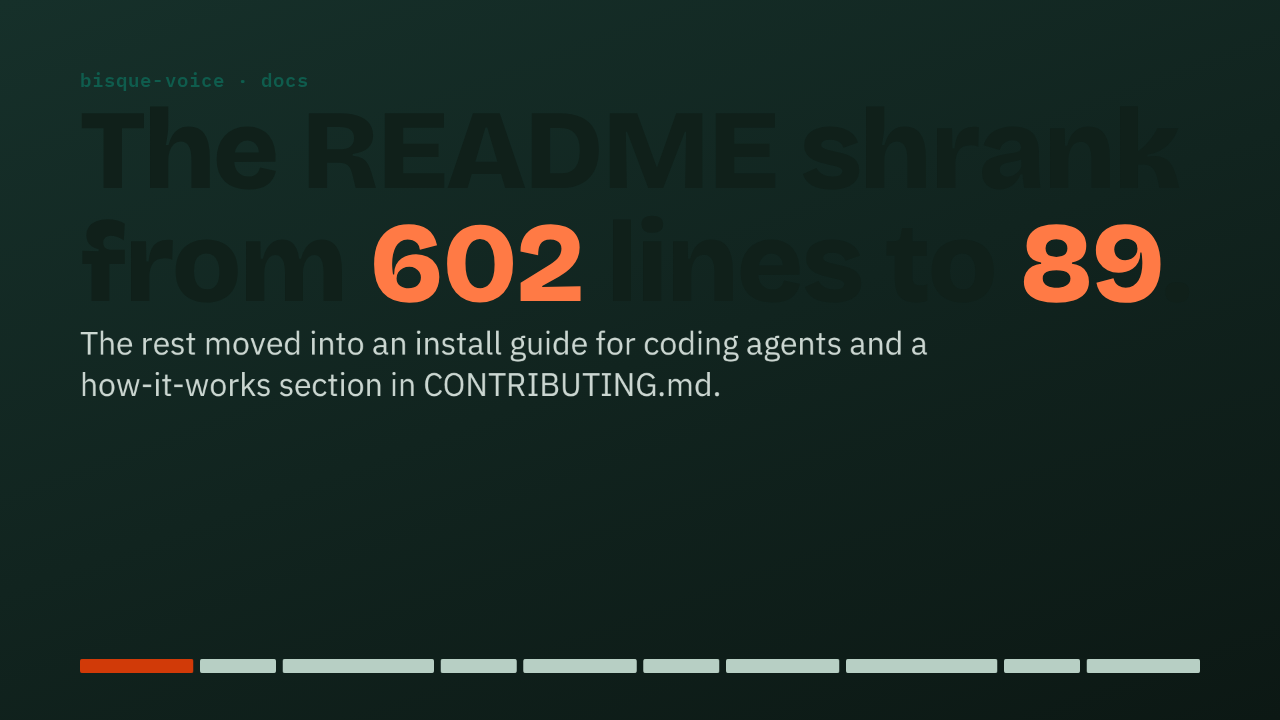
3:16The bisque-voice README drops from 602 to 89 lines, with install and internals moved to their own files
@bisque-cloud/bisque-voice · 18 hours ago