Every date from the school newsletter
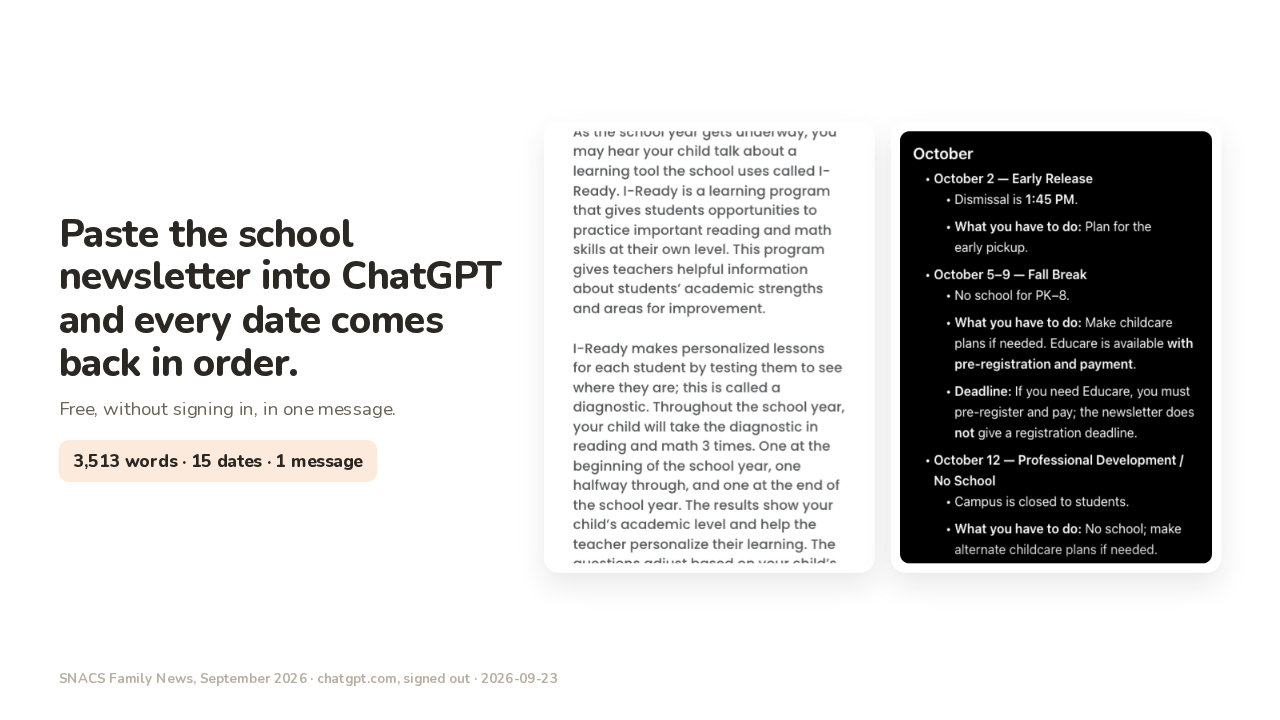
Paste the school newsletter into ChatGPT and every date comes back in order.
Free, without signing in, in one message.
Your kid's school newsletter runs three and a half thousand words, and fifteen dates are buried in it. Paste the whole thing into ChatGPT, free and without signing in, and every one of those dates comes back in order, with what you have to do under each one. One of those dates is an early release, a day the school lets out early. At this school, early release pickup is one forty-five in the afternoon.
You choose the shape
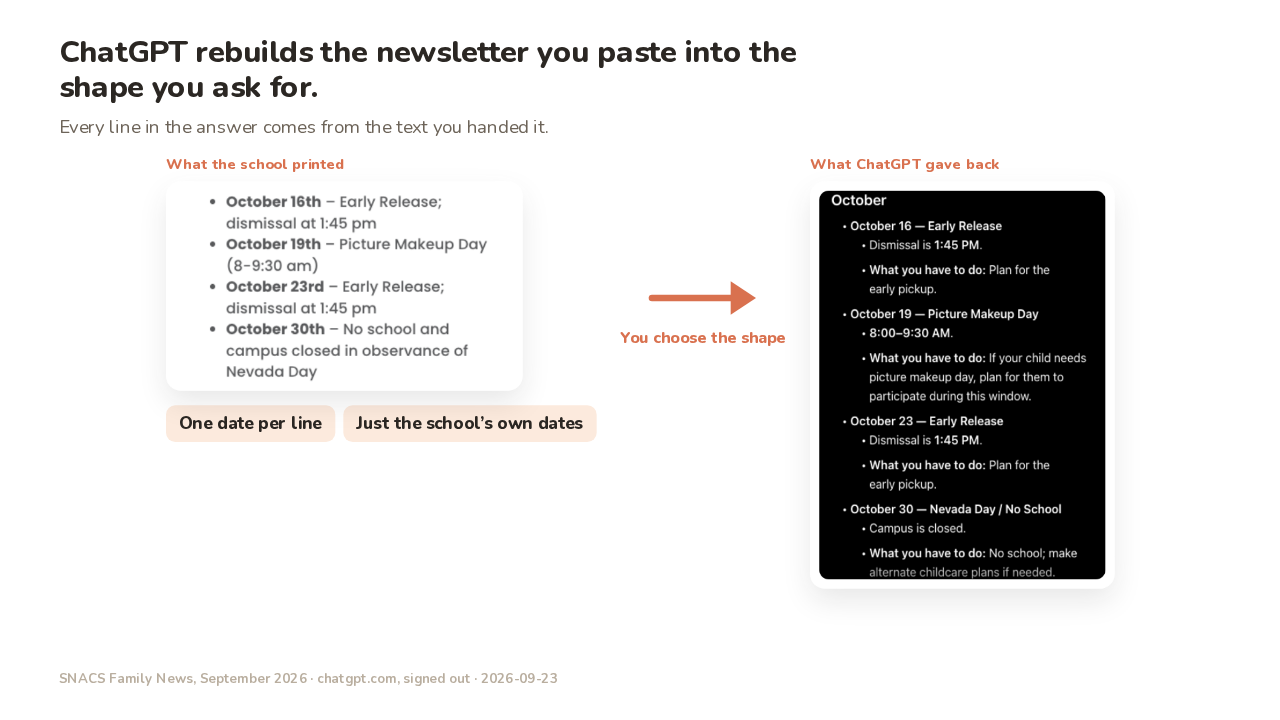
ChatGPT rebuilds the newsletter you paste into the shape you ask for.
Every line in the answer comes from the text you handed it.
You've probably used ChatGPT like a search box. You type a question, and ChatGPT goes looking for an answer. This works the other way round. You hand ChatGPT the newsletter, and every line of its answer is built out of the words you handed over. What you choose is the shape of that answer. One date per line, what it is, and what you have to do underneath is a shape, and you can ask for it by name. You also choose which dates go in. This newsletter lists eighteen community events as well, like a library game night and a balloon race. Ask for every date, and those events come back mixed in with the school's own. Ask for just the school's own dates, and ChatGPT leaves the community events out.
Three things ChatGPT did to the list
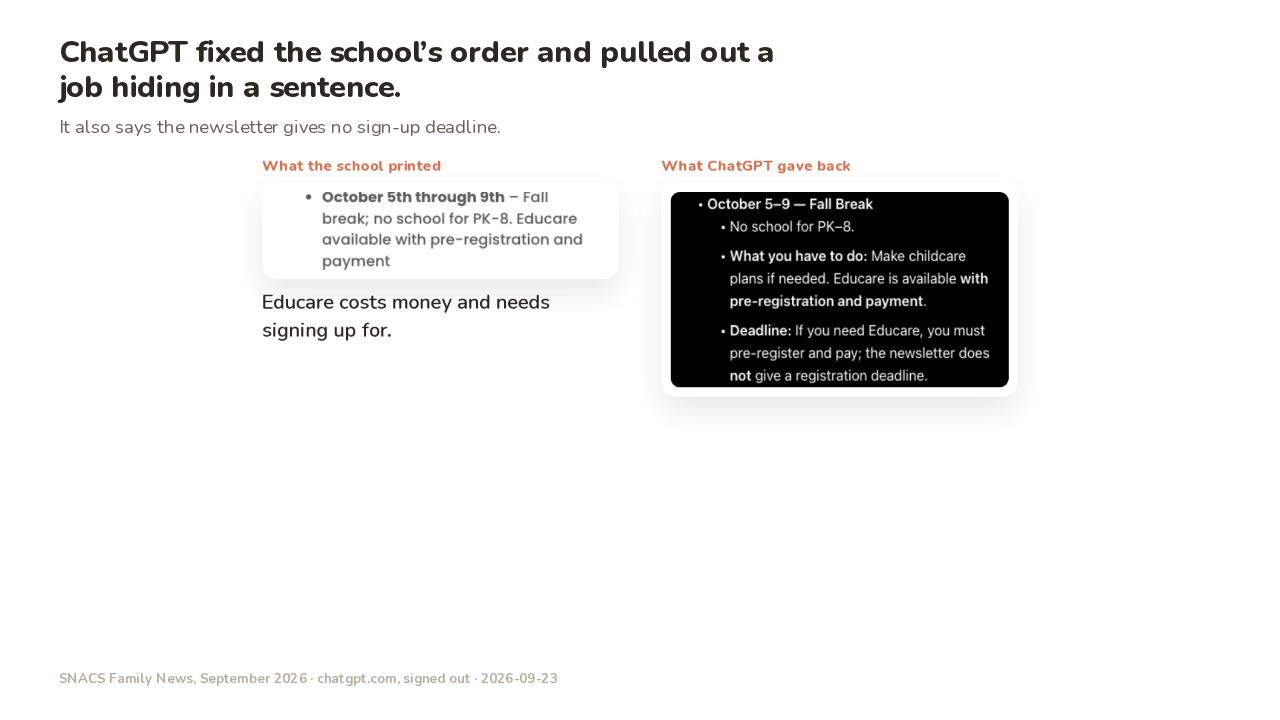
ChatGPT fixed the school’s order and pulled out a job hiding in a sentence.
It also says the newsletter gives no sign-up deadline.
The school printed September 9, 14, 11. ChatGPT gave back 9, 11, 14.
Educare costs money and needs signing up for.
ChatGPT did three things to the school's own list. First, it put the dates in order. The school printed September ninth, then the fourteenth, then back to the eleventh. ChatGPT's list runs September ninth, eleventh, fourteenth. Second, ChatGPT pulled out a job hiding at the end of a sentence. The fall break line says there's no school October fifth through ninth. Then the same line adds that Educare is available with pre-registration and payment. Educare is the care the school runs during the break. Educare costs money, and you have to sign up ahead of time. ChatGPT gave that its own line, under what you have to do. Third, the newsletter never says when Educare sign-up closes, and ChatGPT said so, instead of making up a date.
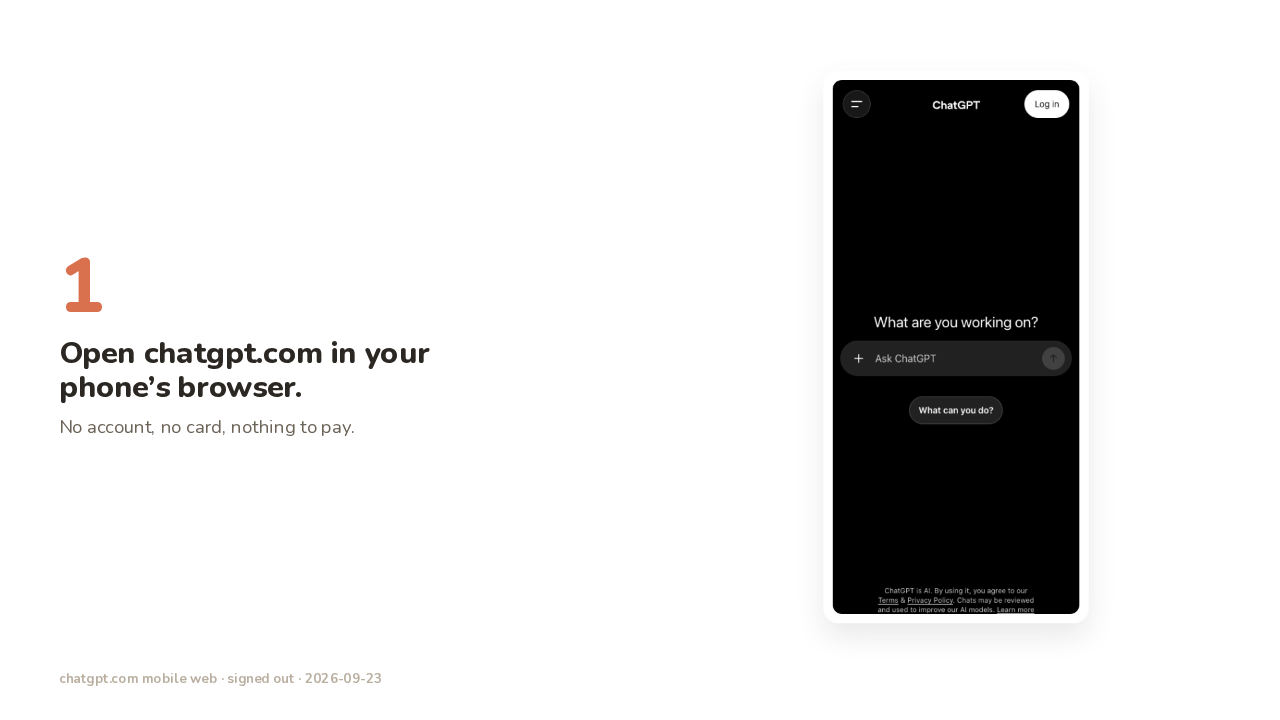
Step 1: open chatgpt.com
Open chatgpt.com in your phone’s browser.
No account, no card, nothing to pay.
Step one. Open the browser on your phone and go to ChatGPT dot com. You never make an account, and you never enter a card. The Log in button sits up in the corner the whole time, and you leave it alone. The box in the middle says Ask ChatGPT, and that box is where everything goes.
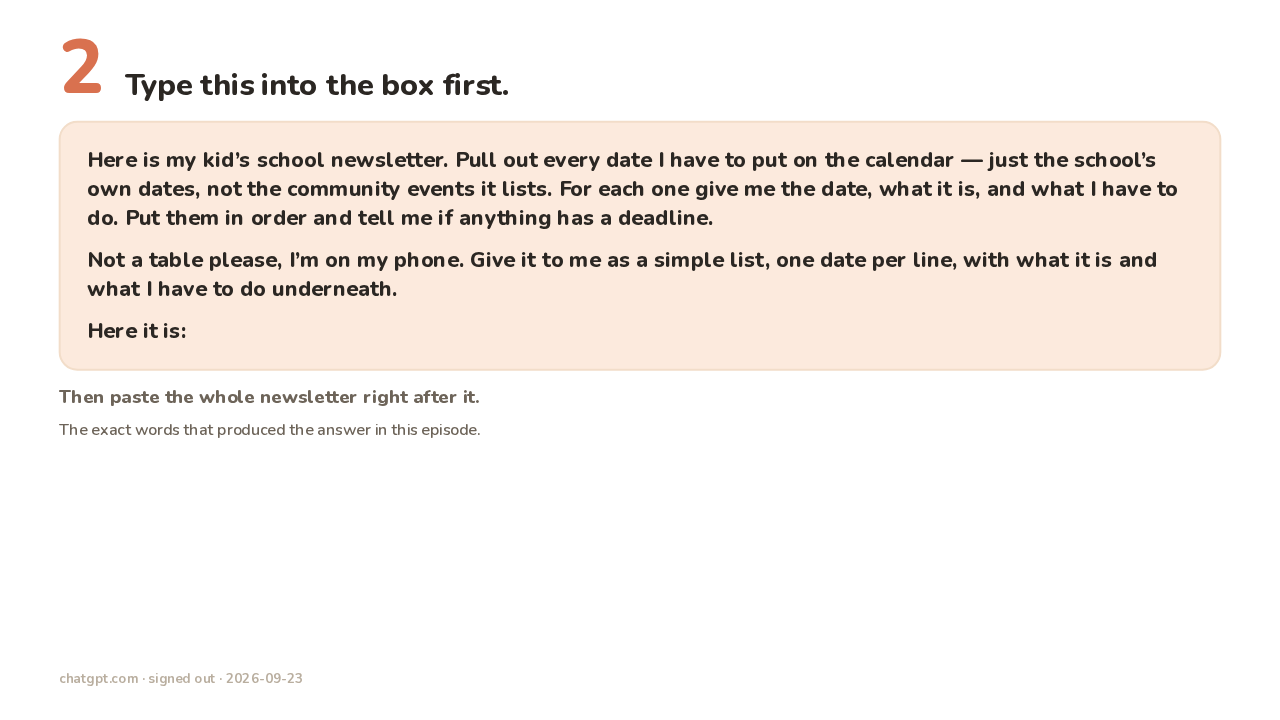
Step 2: type this
Type this into the box first.
Here is my kid’s school newsletter. Pull out every date I have to put on the calendar — just the school’s own dates, not the community events it lists. For each one give me the date, what it is, and what I have to do. Put them in order and tell me if anything has a deadline.
Not a table please, I’m on my phone. Give it to me as a simple list, one date per line, with what it is and what I have to do underneath.
Here it is:
The exact words that produced the answer in this episode.
Step two. Type these words into the box, and you can screenshot this card. Here is my kid's school newsletter. Pull out every date I have to put on the calendar, just the school's own dates, not the community events it lists. For each one give me the date, what it is, and what I have to do. Put them in order and tell me if anything has a deadline. Not a table please, I'm on my phone. Give it to me as a simple list, one date per line, with what it is and what I have to do underneath. Here it is. The sentence about a table is there for your phone. Without that sentence, the answer can come back as a wide table, a strip you have to drag sideways to read.
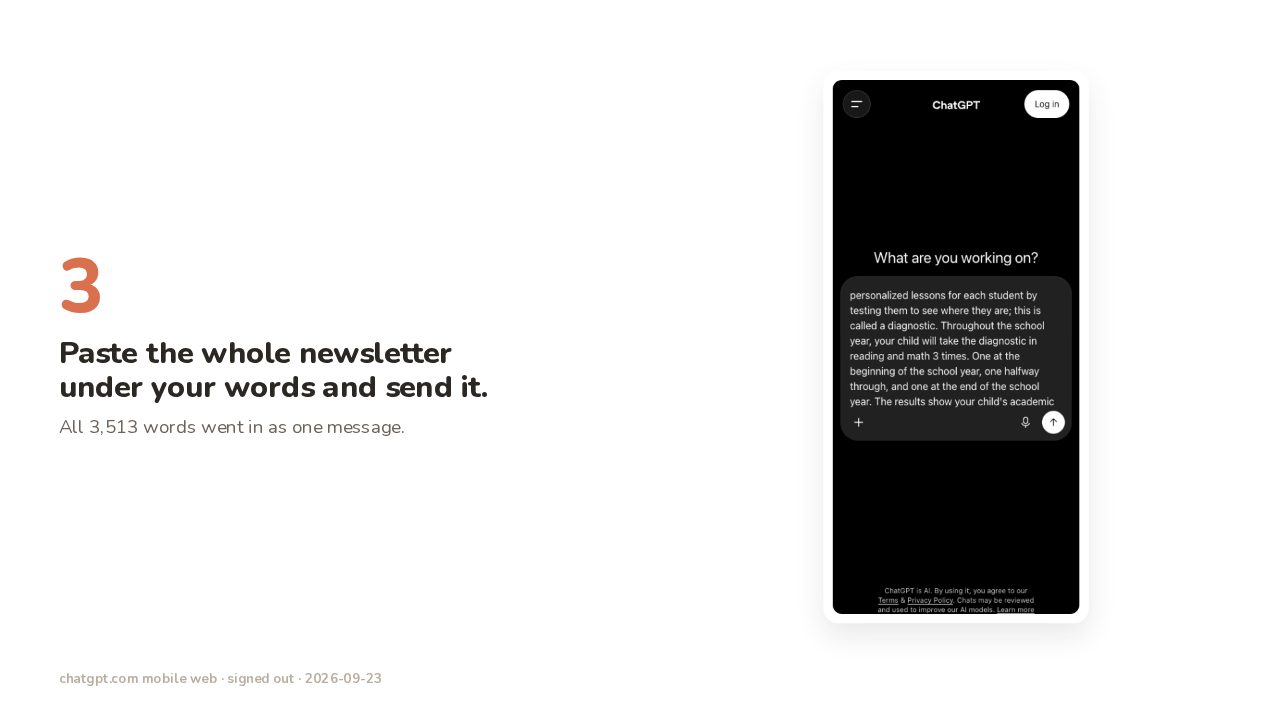
Step 3: paste the newsletter and send
Paste the whole newsletter under your words and send it.
All 3,513 words went in as one message.
Step three. Open the newsletter, select all the text, and copy it. Then paste the newsletter into the box, right after the words you typed, and tap send. The whole newsletter went in as one message, all three and a half thousand words, and I still hadn't signed in.
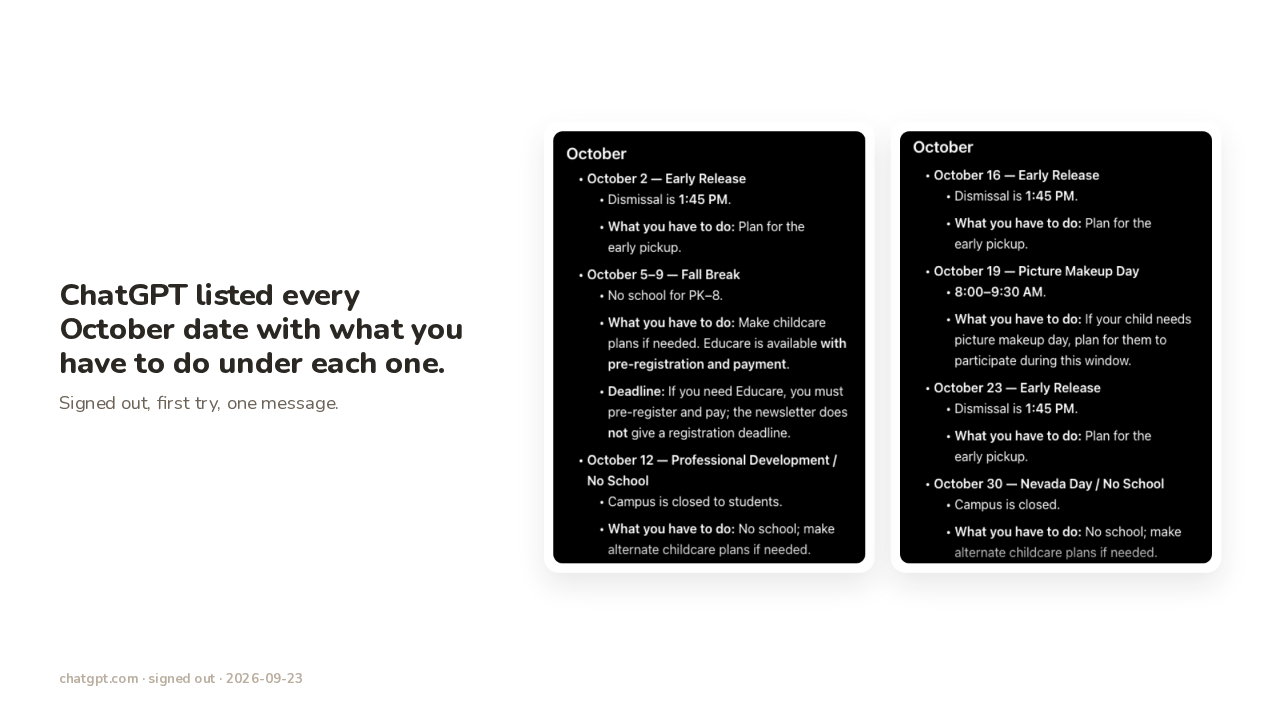
Every October date, one per line
ChatGPT listed every October date with what you have to do under each one.
Signed out, first try, one message.
Here's the real answer to those words, first try. October second, early release, pickup at one forty-five. October fifth through ninth, fall break, with the Educare line under it. October twelfth, no school, because the teachers have a training day. October sixteenth and October twenty-third, two more early releases. October nineteenth, picture makeup day, the second chance at school photos, from eight to nine thirty in the morning. October thirtieth, no school for Nevada Day. That's all seven October dates the school printed, one per line, with what you have to do underneath.
Step 4: calendar it, then check once
Put each date on your calendar, then check the list against the newsletter once.
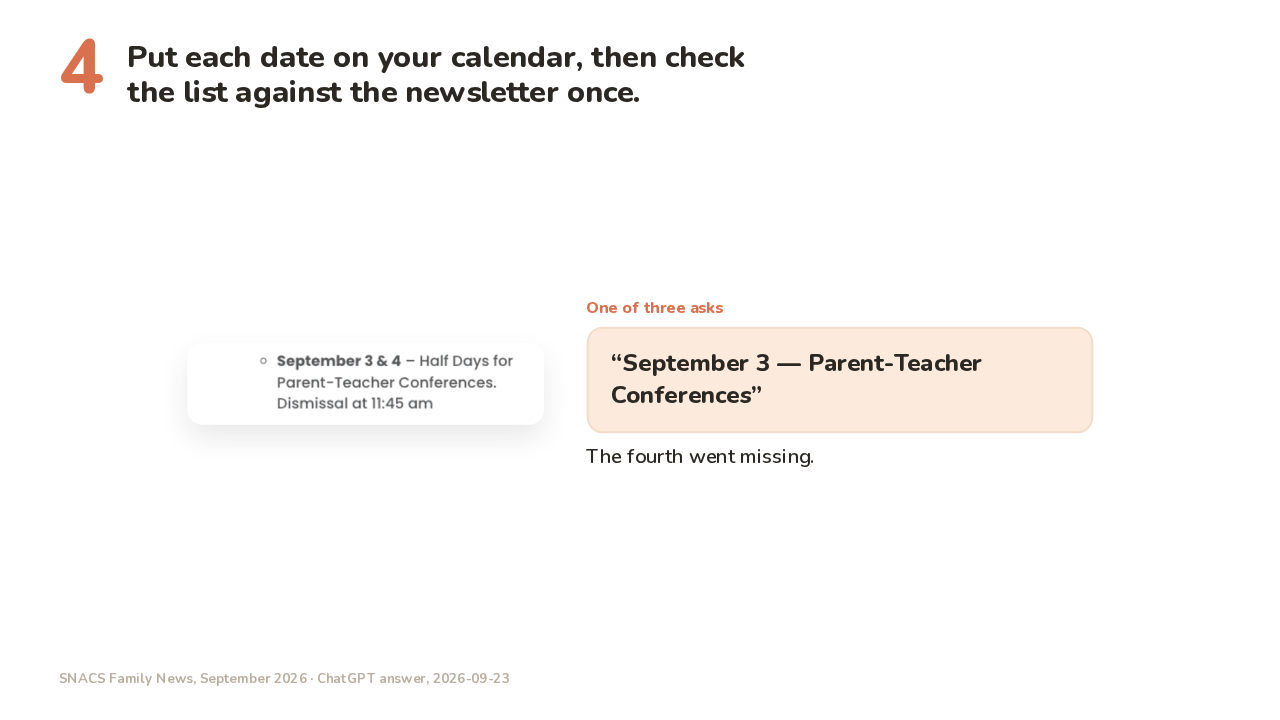
The fourth went missing.
Step four. Copy each line onto your calendar, and read the list against the newsletter once. I asked ChatGPT for this newsletter's dates three times. The school printed September third and fourth as two half days, and one of those three answers came back with September third alone. The fourth went missing. ChatGPT builds the list from the newsletter and nothing else, so if the school moves a date in a later email, that change won't be on the list either. The other two answers matched the newsletter line for line.
Try this tonight
Try this tonight.
There's a letter somewhere in your house with dates in it that you haven't read properly. The homeowners' association letter, the soccer schedule, the summer camp packet. Paste the whole letter into ChatGPT, and ask for one date per line, with what it is and what you have to do underneath.