Ten presets, one key each
 >_ OpenAI Codex 0.164.0
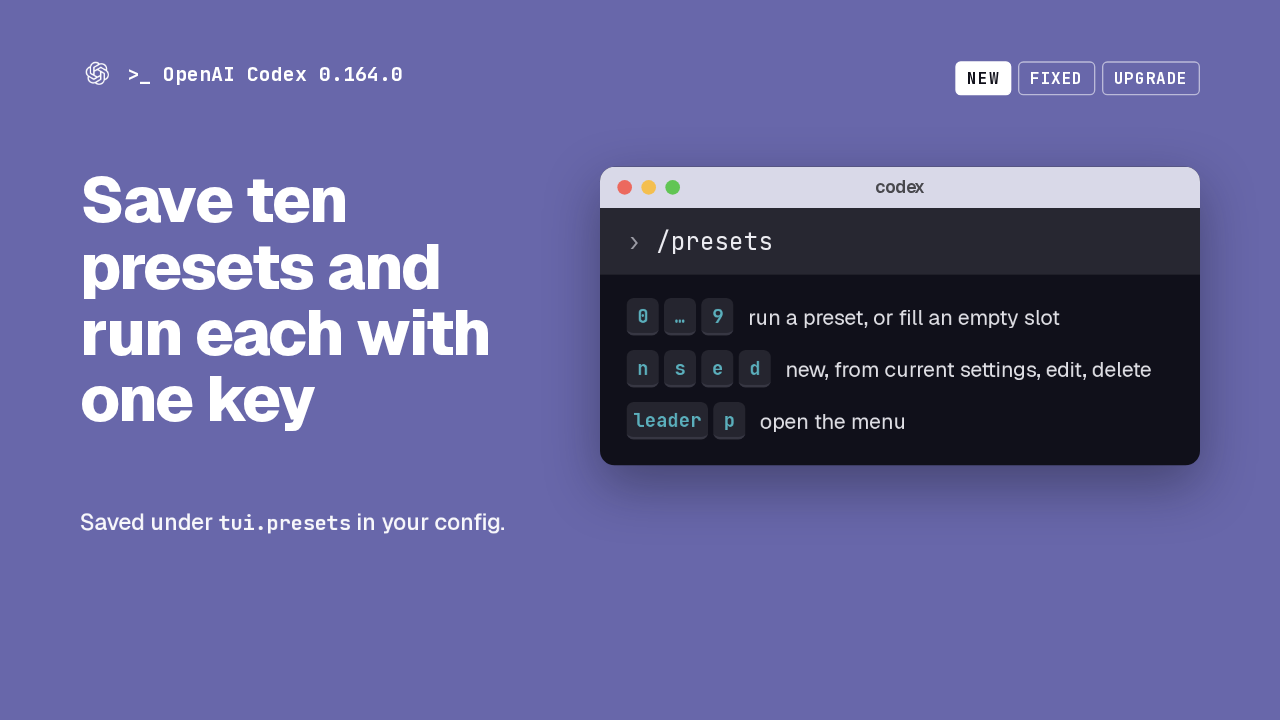
Save ten presets and run each with one key
/presets
Saved under tui.presets in your config.
Codex 0.164 adds presets: ten numbered slots for the prompts and slash commands you reuse. Type /presets, or press leader P, and a menu opens above the composer. Press a digit to run a preset, or to fill an empty slot. A preset can also hold your model, reasoning effort and speed. Presets live in your user config.
Inline /model and /permissions
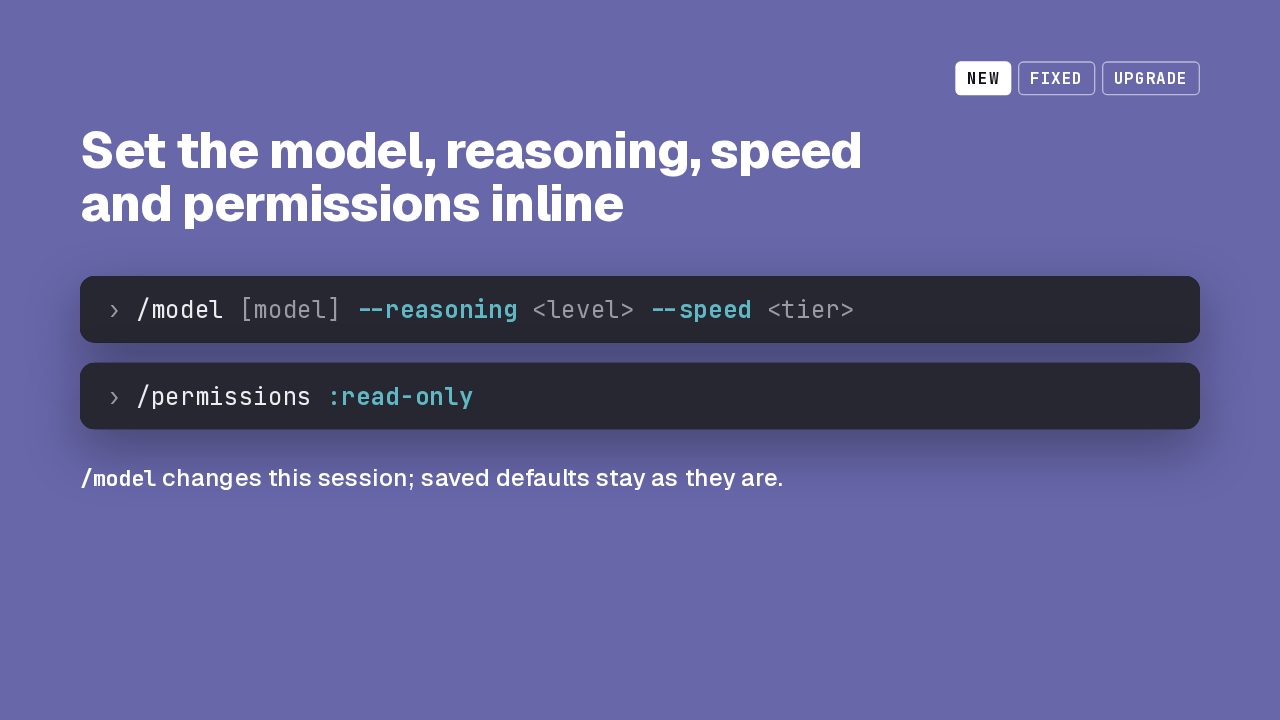
Set the model, reasoning, speed and permissions inline
/model [model] --reasoning <level> --speed <tier>
/permissions :read-only
/model changes this session; saved defaults stay as they are.
/model now takes the model name, a reasoning level and a speed tier on one line. Leave out the model to adjust the one you are on. /permissions takes a profile, built-in or custom, like read-only. An inline model change applies to this session and leaves your saved defaults alone.
Image previews in the transcript
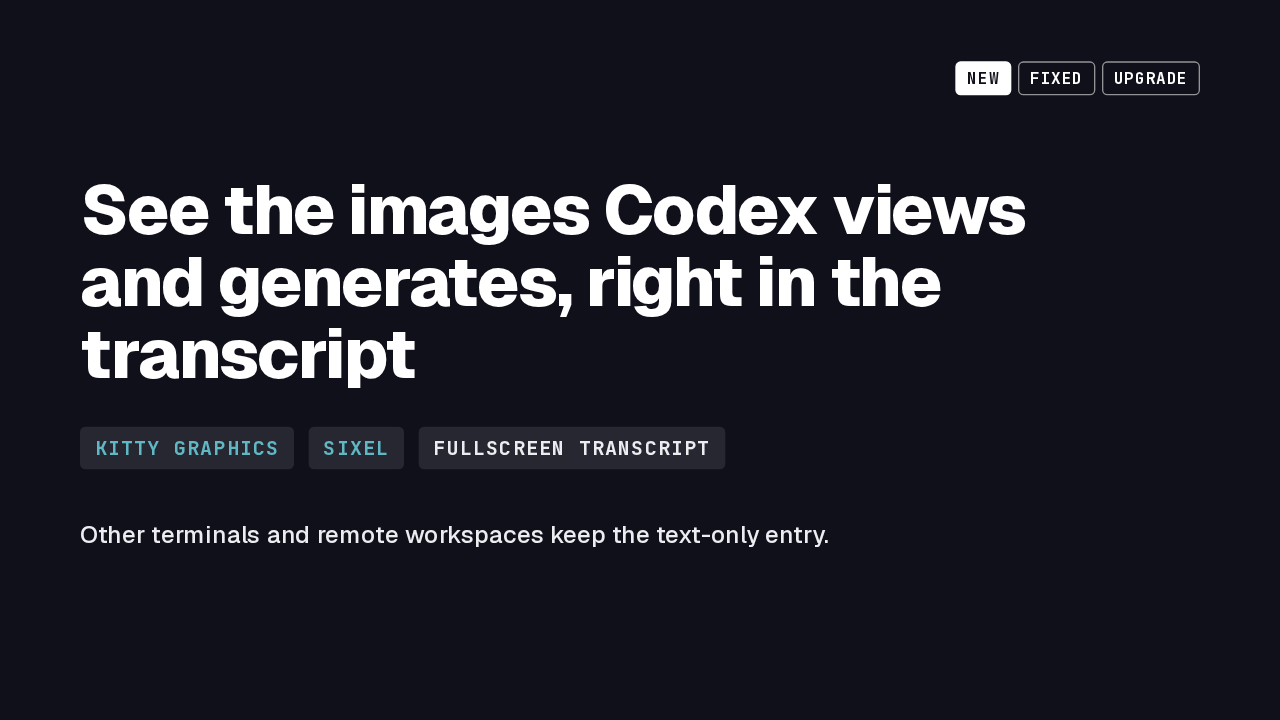
See the images Codex views and generates, right in the transcript
Other terminals and remote workspaces keep the text-only entry.
Images now show up in the fullscreen transcript. On a terminal with Kitty or Sixel graphics, images Codex looked at, and images it generated, appear as thumbnails. On other terminals, in remote workspaces, or when a file is missing or too large, you get the same text entry as before.
Enterprise MCP sign-in and Bedrock setup
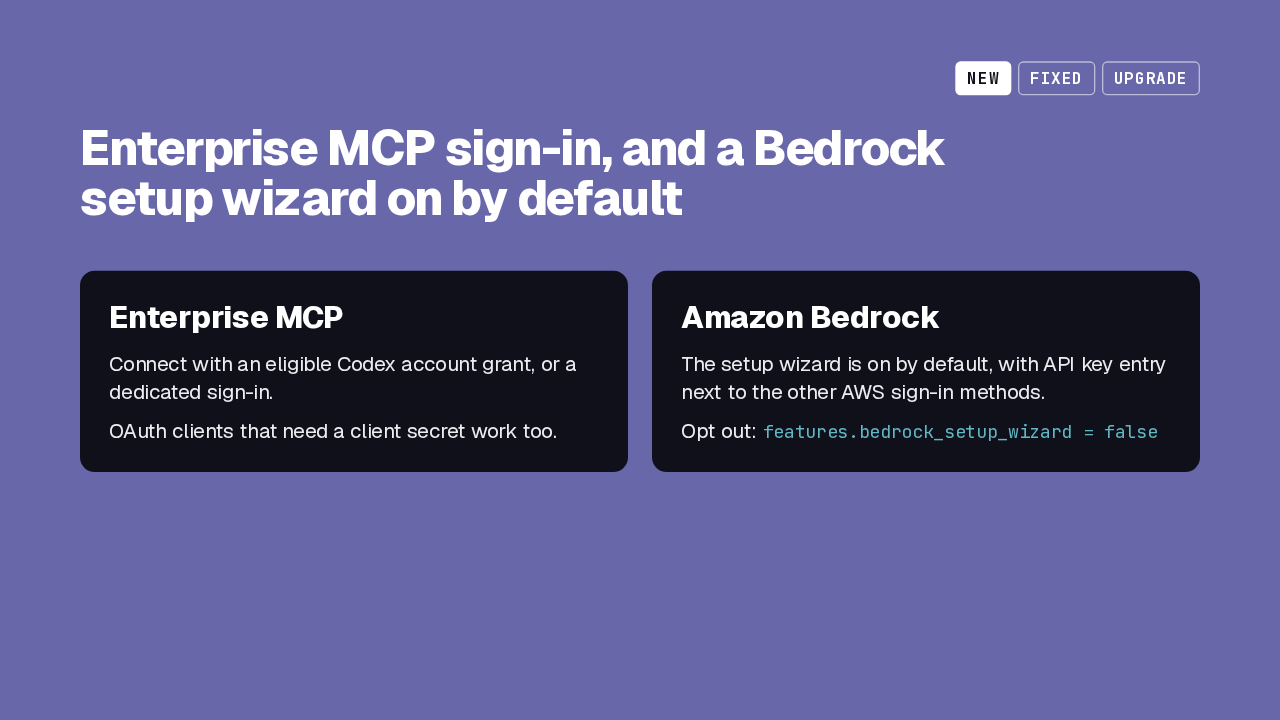
Enterprise MCP sign-in, and a Bedrock setup wizard on by default
Enterprise MCP
Connect with an eligible Codex account grant, or a dedicated sign-in.
OAuth clients that need a client secret work too.
Amazon Bedrock
The setup wizard is on by default, with API key entry next to the other AWS sign-in methods.
Opt out: features.bedrock_setup_wizard = false
Two changes to signing in. Enterprise MCP connections can now authenticate with an eligible Codex account grant or a dedicated sign-in, including OAuth clients that require a secret. And the Amazon Bedrock setup wizard is on by default. When AWS credentials are detected, API key entry sits with the other AWS sign-in methods. One feature flag turns it off.
Compaction and resume fixes
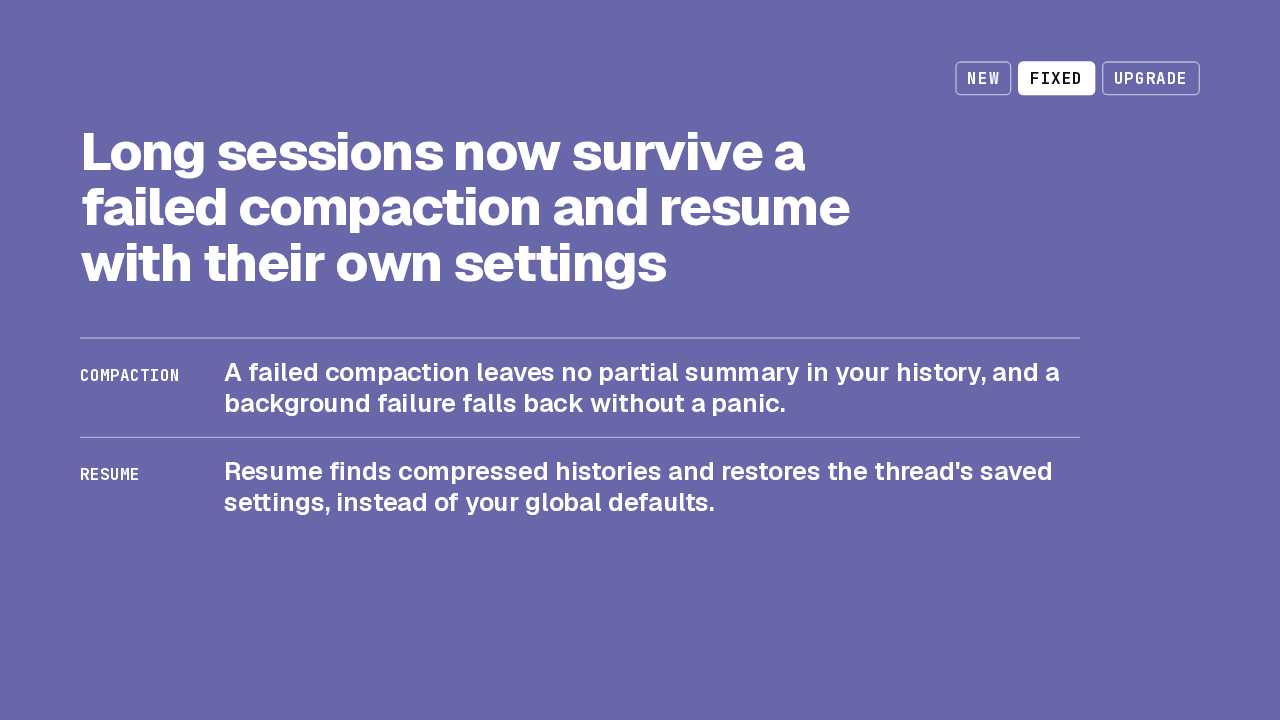
Long sessions now survive a failed compaction and resume with their own settings
Now the fixes, starting with long sessions. When compaction fails, your conversation history stays intact, without a half-written summary in it. A background compaction that fails falls back instead of crashing. And resuming a session finds histories that were compressed on disk, and brings back that thread's model settings rather than replacing them with your global defaults.
Windows proxies, -c overrides, queued prompts
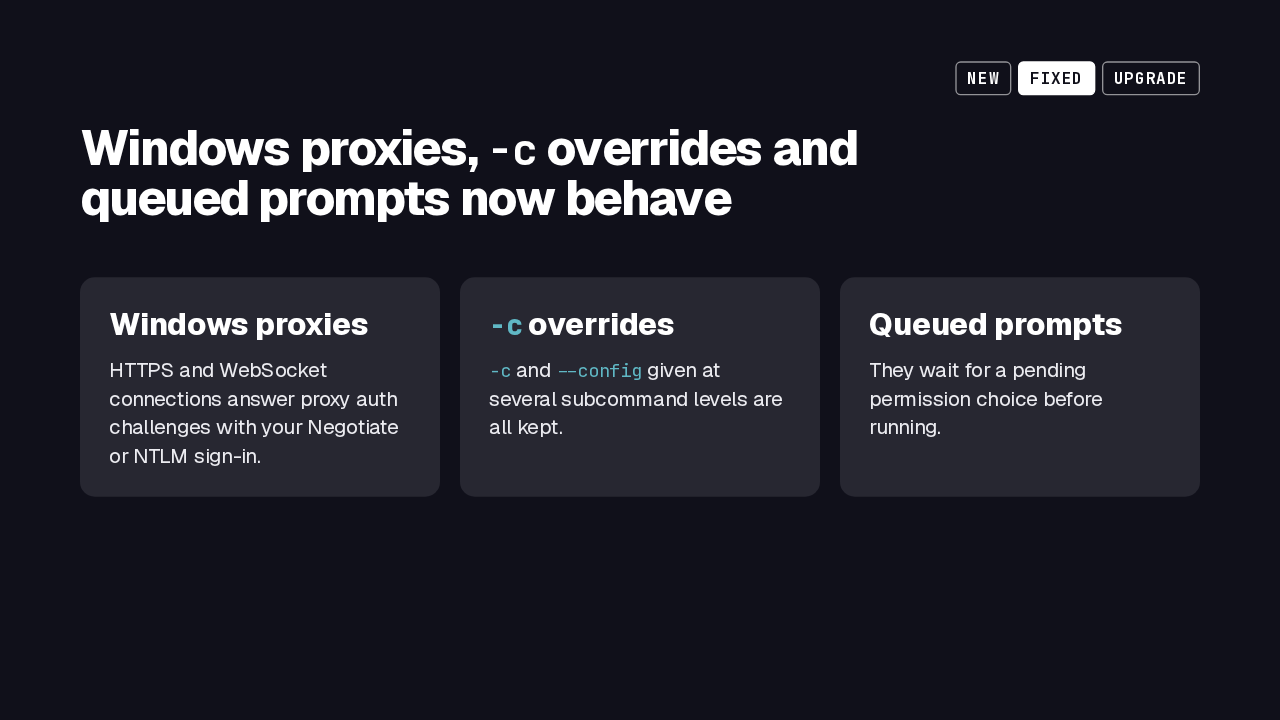
Windows proxies, -c overrides and queued prompts now behave
Windows proxies
HTTPS and WebSocket connections answer proxy auth challenges with your Negotiate or NTLM sign-in.
-c overrides
-c and --config given at several subcommand levels are all kept.
Queued prompts
They wait for a pending permission choice before running.
On Windows behind an authenticating proxy, connections now answer the challenge with your Negotiate or NTLM credentials. Config overrides passed with -c at more than one subcommand level are all kept. Before, only the deepest level's values survived. And a queued prompt now waits until a pending permission choice is settled.
Security: masking and sandbox hardening
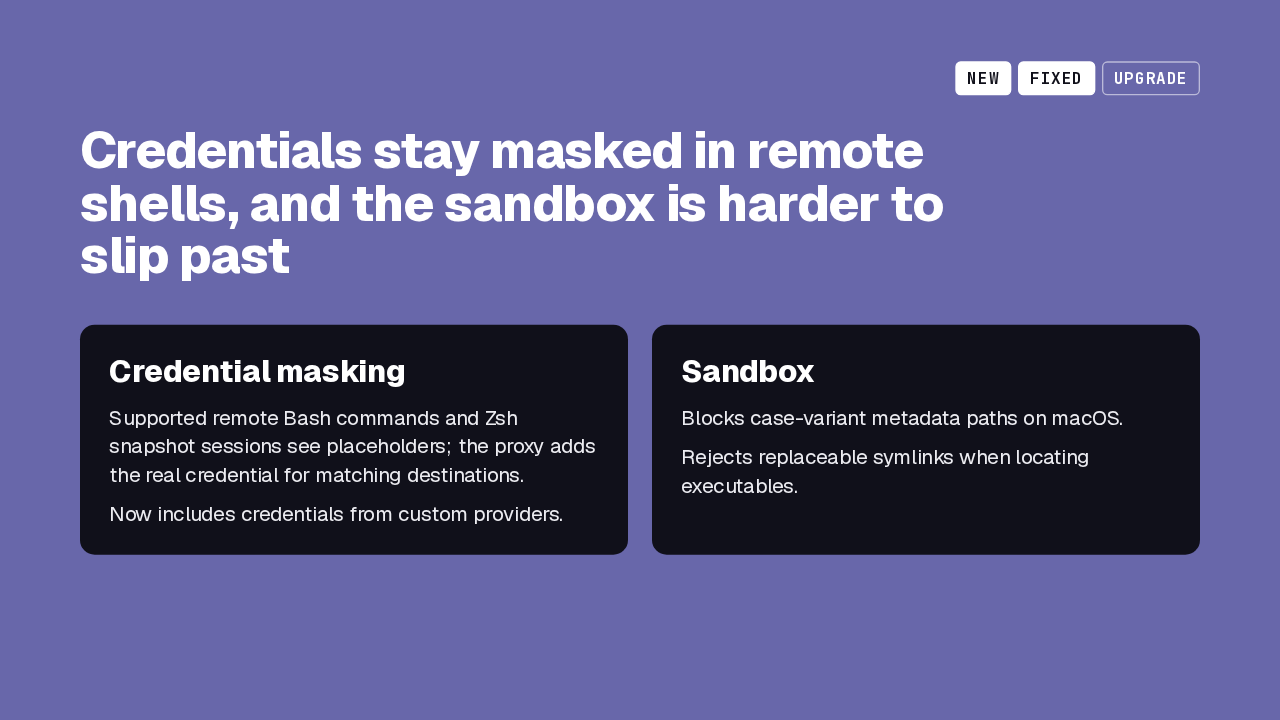
Credentials stay masked in remote shells, and the sandbox is harder to slip past
Credential masking
Supported remote Bash commands and Zsh snapshot sessions see placeholders; the proxy adds the real credential for matching destinations.
Now includes credentials from custom providers.
Sandbox
Blocks case-variant metadata paths on macOS.
Rejects replaceable symlinks when locating executables.
In supported remote Bash commands and Zsh snapshot sessions, the command sees a placeholder, and the real credential is added by the proxy only for matching destinations. That now covers custom credential providers, and where masking is unavailable, Codex warns you. The sandbox also blocks metadata writes through case-variant paths on macOS, and rejects replaceable symlinks when it looks up executables.
Before you upgrade
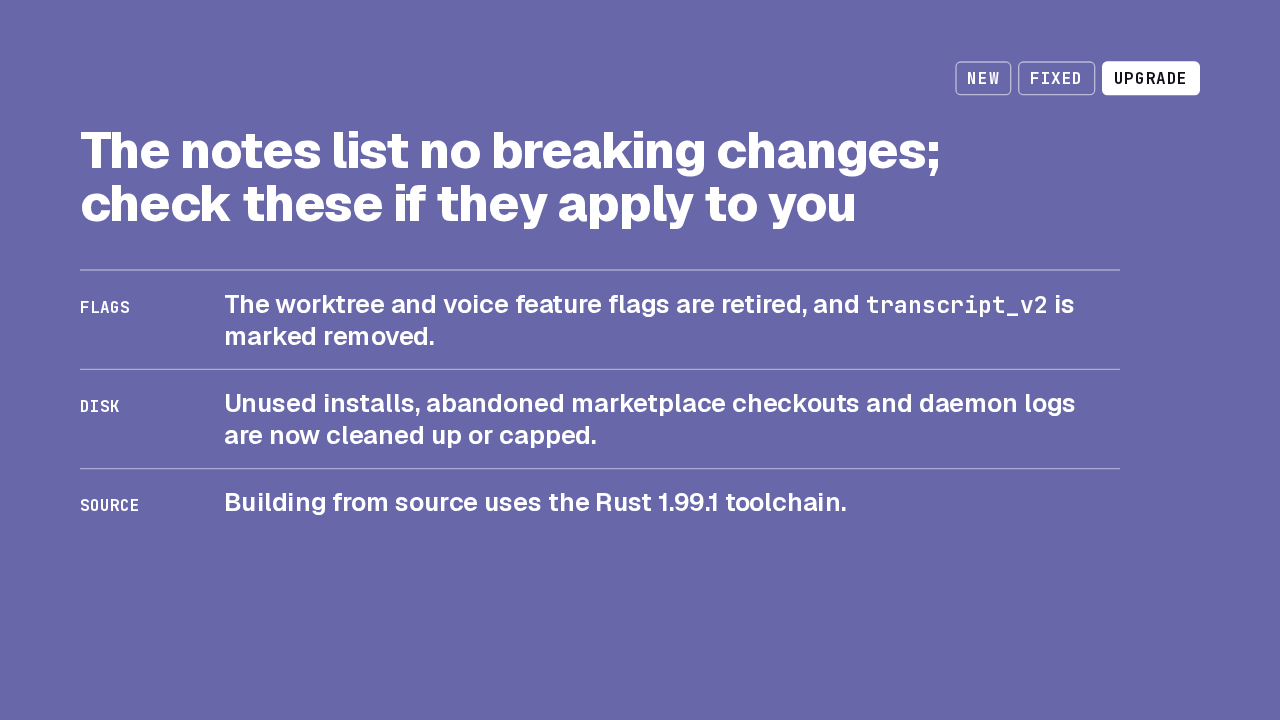
The notes list no breaking changes; check these if they apply to you
transcript_v2 is marked removed.The release notes list no breaking changes. The worktree and voice feature flags are retired, and transcript_v2 is marked removed, so if your config sets any of them, check it after upgrading. Codex now prunes unused installations and abandoned marketplace checkouts, and caps daemon logs. If you build from source, the toolchain moved to Rust 1.99.1.
Upgrade to 0.164.0
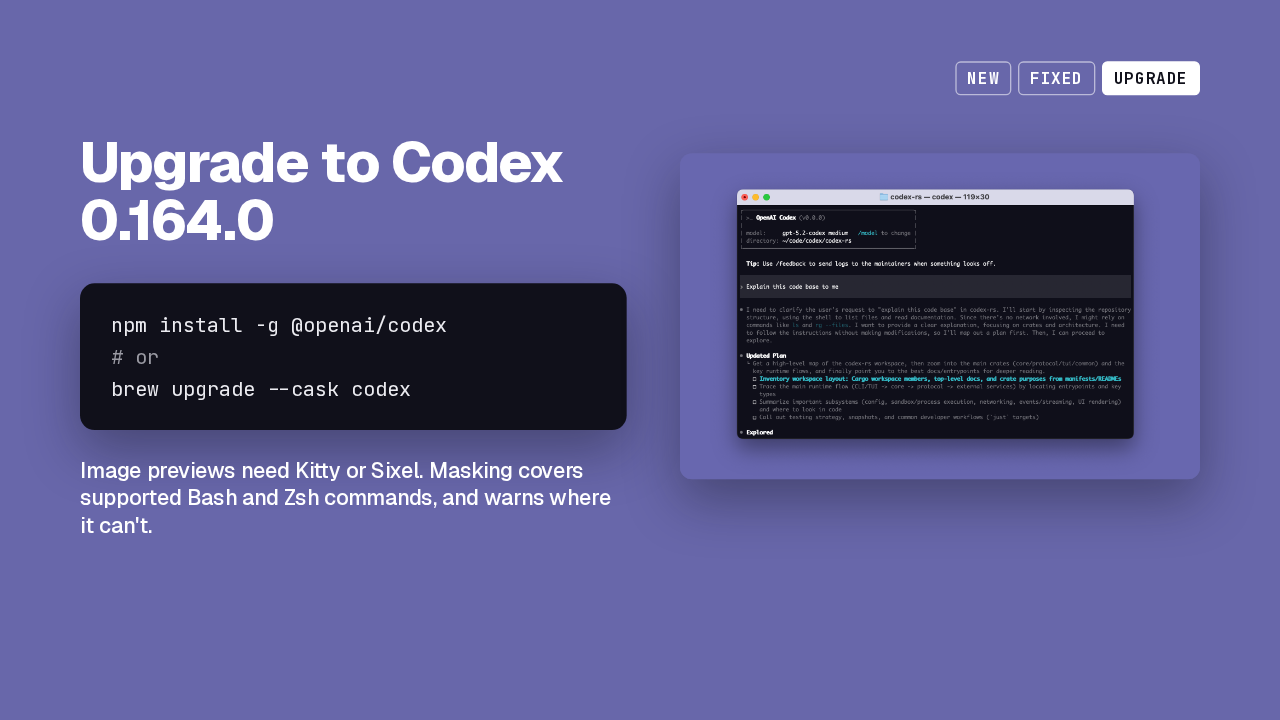
Upgrade to Codex 0.164.0
npm install -g @openai/codex
# or
brew upgrade --cask codex
Image previews need Kitty or Sixel. Masking covers supported Bash and Zsh commands, and warns where it can't.

To upgrade, reinstall from npm or upgrade the Homebrew cask. Two limits to know: image previews need a Kitty or Sixel terminal, and credential masking covers only supported shells, with a warning elsewhere. Codex 0.164 saves ten presets, one keypress each.