Handy v0.10.1 pastes into Linux terminals and says when your mic is silent
4 hours ago
Handy, the open-source speech-to-text app, now pastes into Linux terminals with Shift+Insert, opens Opus audio files, and tells you when your microphone is silent. Version 0.10.1 is a bug-fix release. Release notes: https://github.com/cjpais/Handy/releases/tag/v0.10.1 Full changes: https://github.com/cjpais/Handy/compare/v0.10.0...v0.10.1 Linux notes and the native Wayland steps: https://github.com/cjpais/Handy/blob/v0.10.1/README.md
Ask about this presentation
Chapters
Show transcriptHide transcript
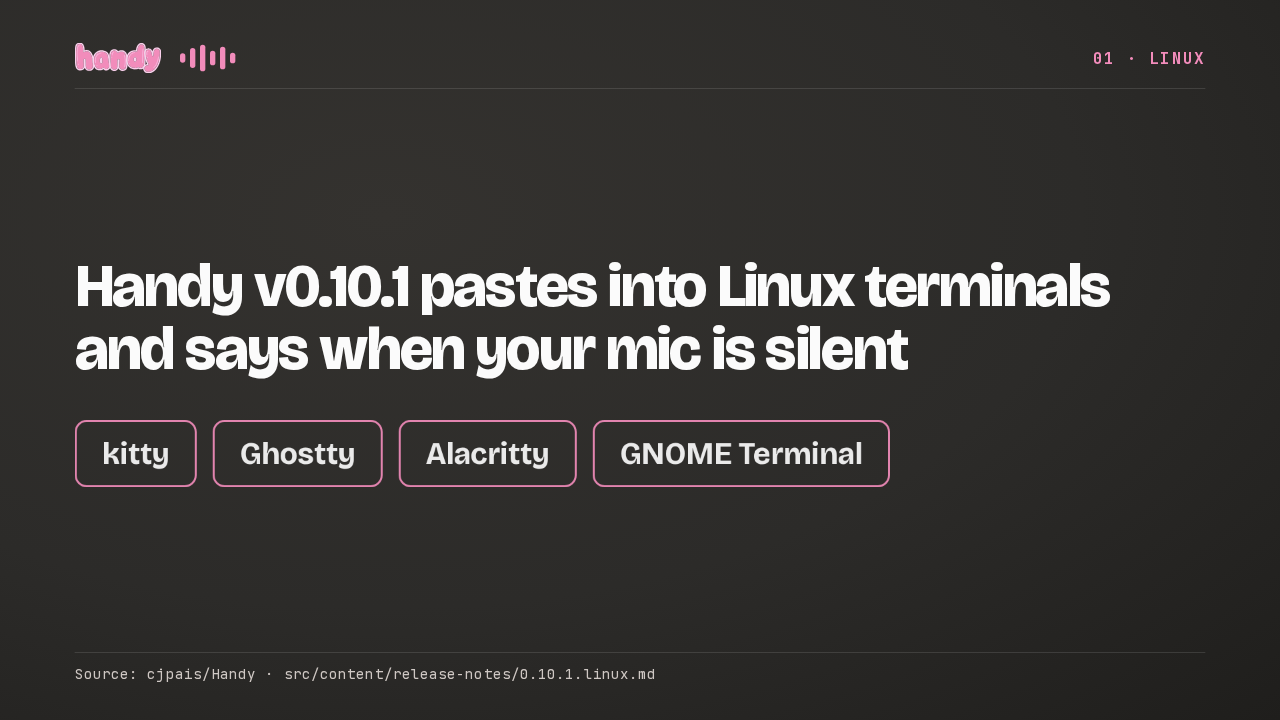
Handy on Linux now pastes into terminals and regular apps with the same key. It puts your words on the clipboard and the primary selection, presses Shift+Insert, then puts both back.
Slide text
 01 · LINUX
Handy v0.10.1 pastes into Linux terminals and says when your mic is silent
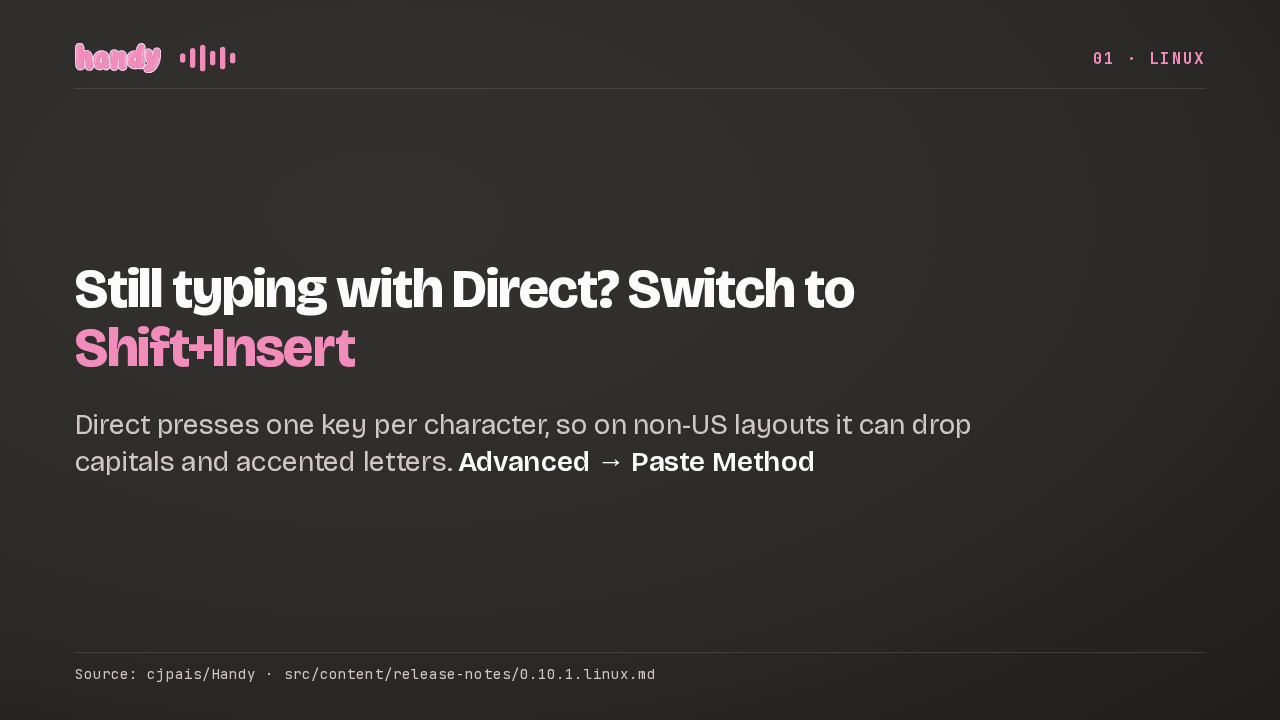
kitty Ghostty Alacritty GNOME TerminalSource: cjpais/Handy · src/content/release-notes/0.10.1.linux.mdShift+Insert is the default only on new installs, so if you paste with Direct, consider switching. Direct presses a key for each character, so on non-US layouts it can drop capitals and accented letters, or type the wrong ones.
Slide text
01 · LINUXStill typing with Direct? Switch to Shift+Insert
Direct presses one key per character, so on non-US layouts it can drop capitals and accented letters. Advanced → Paste Method
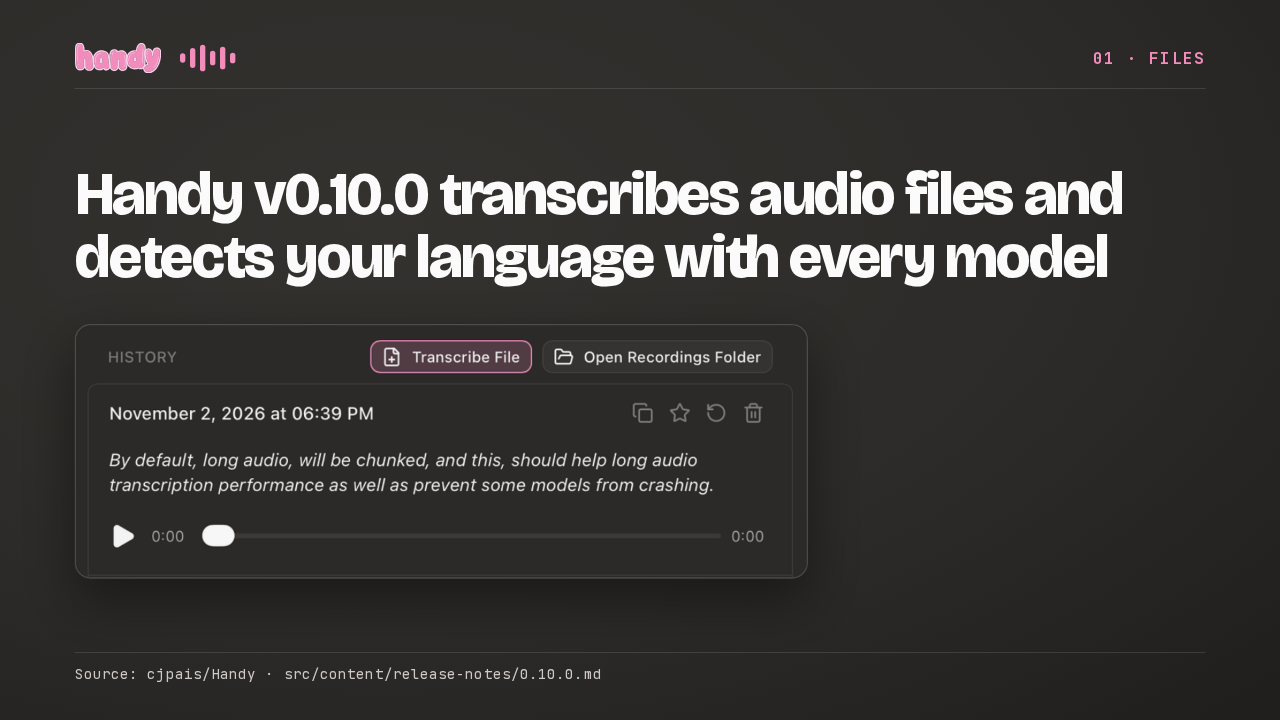
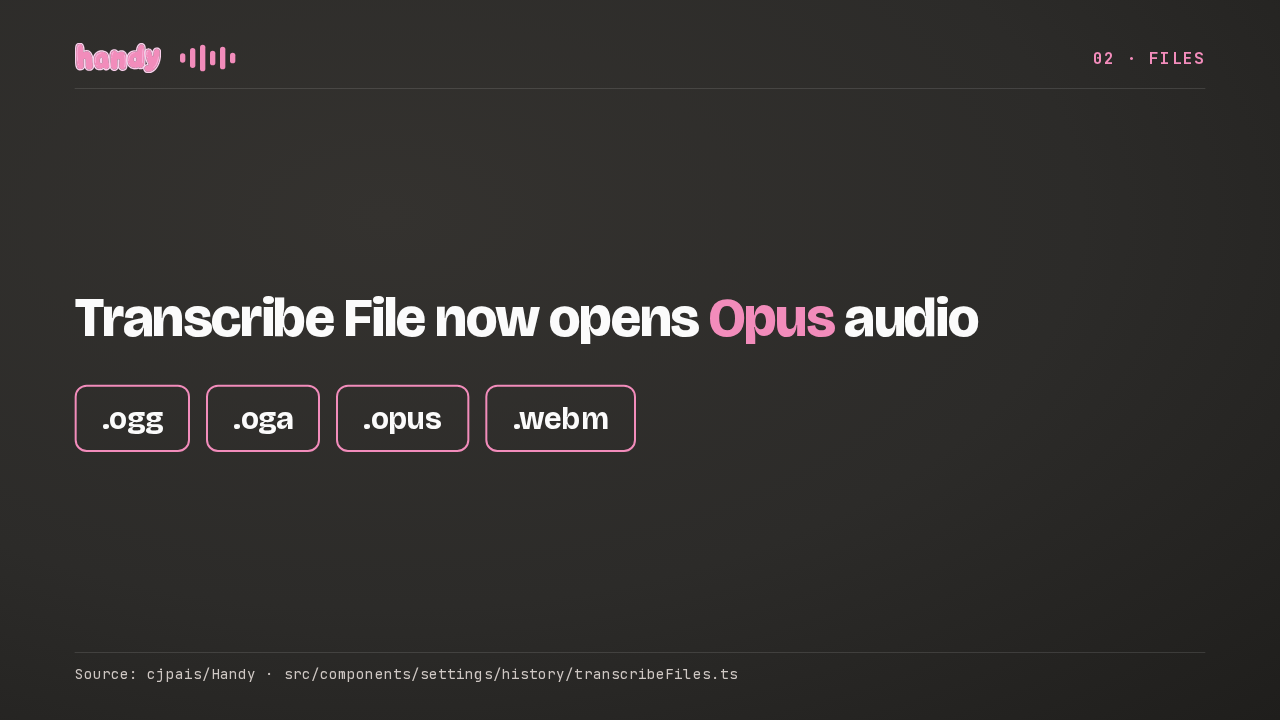
Source: cjpais/Handy · src/content/release-notes/0.10.1.linux.mdTranscribe File now opens Opus audio, the format inside most ogg, opus and webm voice notes. Until now the file picker left those types out, because Handy could not decode them.
Slide text
02 · FILESTranscribe File now opens Opus audio
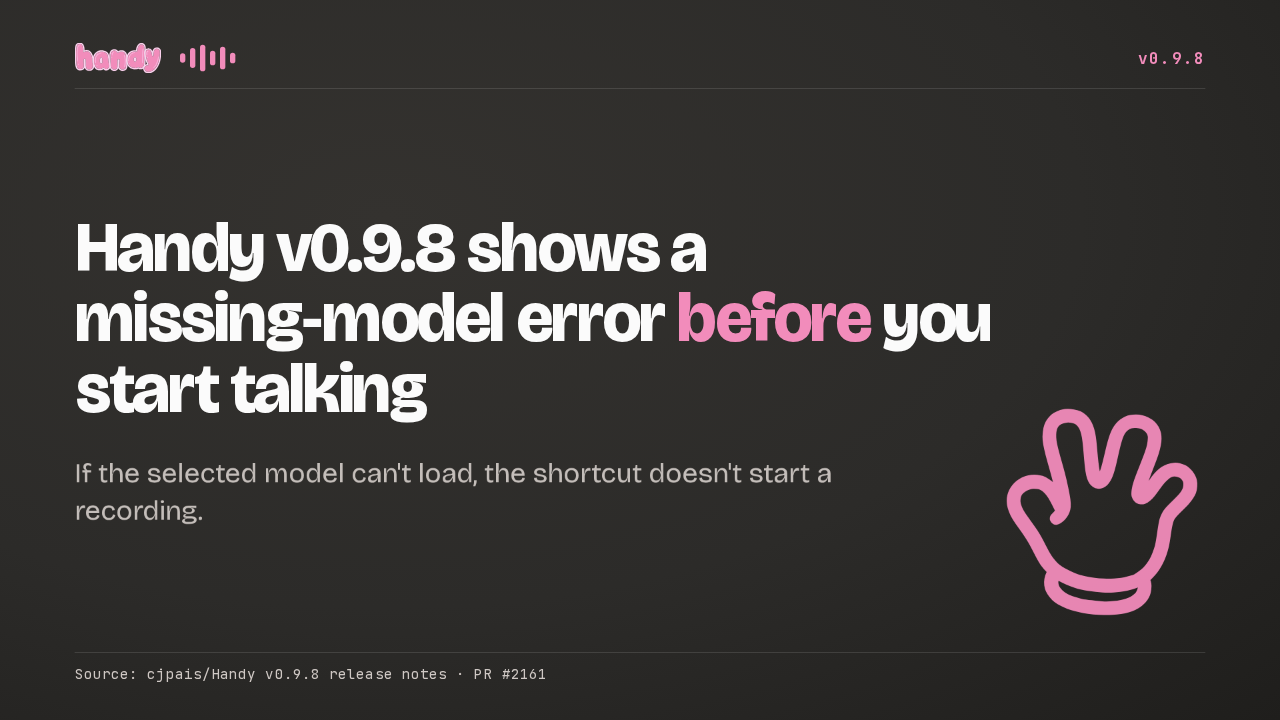
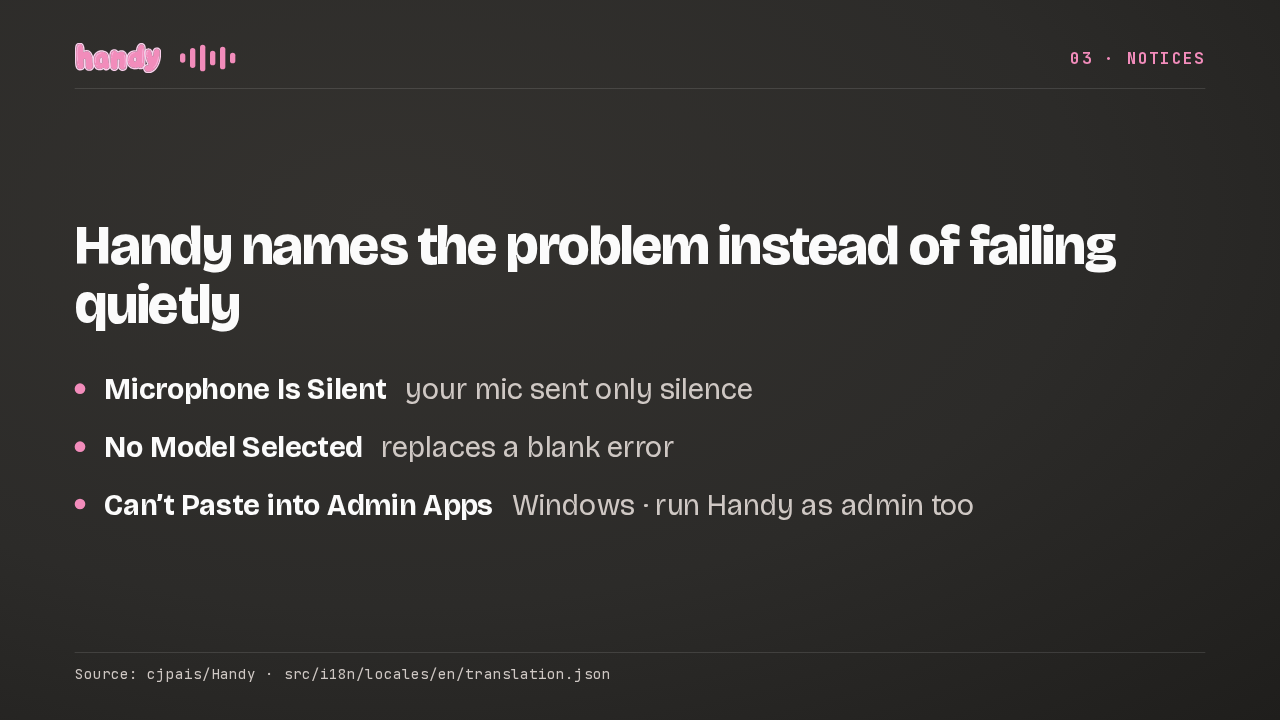
.ogg .oga .opus .webmSource: cjpais/Handy · src/components/settings/history/transcribeFiles.tsHandy now says when your microphone sends only silence. A missing model gets a No Model Selected notice. And on Windows, Handy says when an admin app blocks the paste. To paste there, run Handy as admin too.
Slide text
03 · NOTICESHandy names the problem instead of failing quietly
- Microphone Is Silent your mic sent only silence
- No Model Selected replaces a blank error
- Can’t Paste into Admin Apps Windows · run Handy as admin too
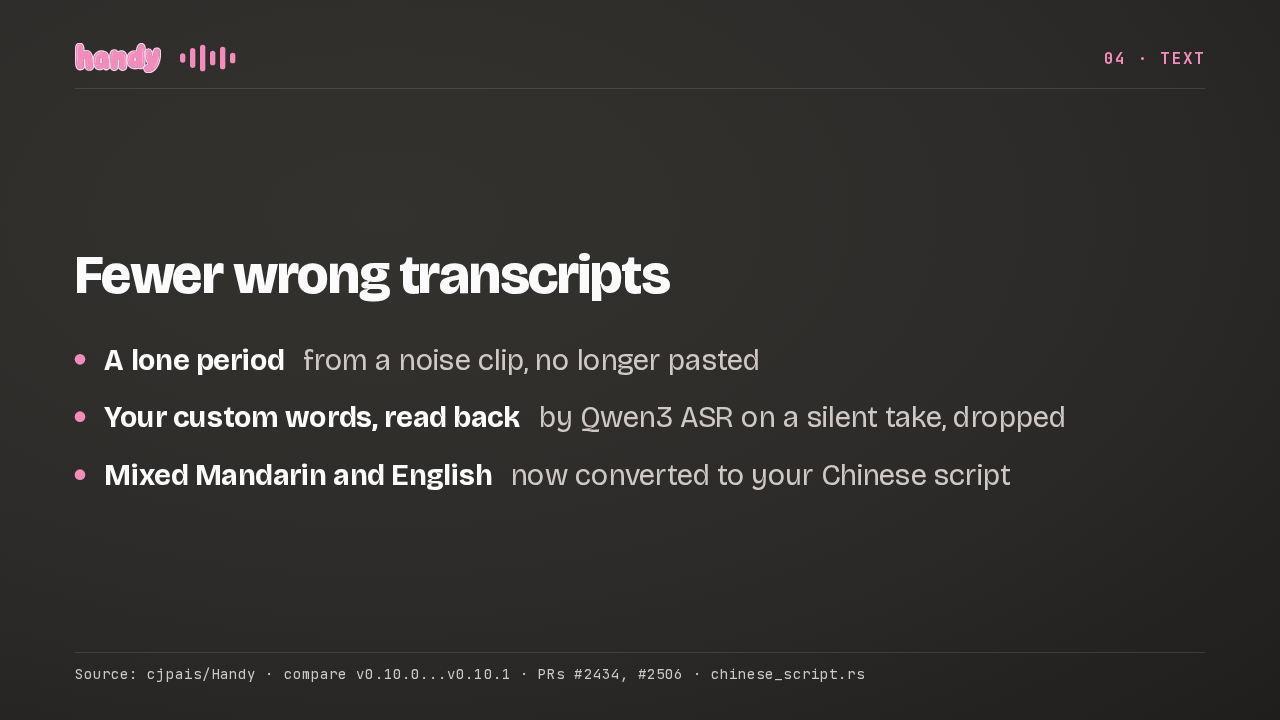
Source: cjpais/Handy · src/i18n/locales/en/translation.jsonA noise clip that came back as a lone period no longer gets pasted. Neither does Qwen3 ASR repeating your custom words on a silent take. And mixed Mandarin and English now converts to your chosen Chinese script.
Slide text
04 · TEXT- A lone period from a noise clip, no longer pasted
- Your custom words, read back by Qwen3 ASR on a silent take, dropped
- Mixed Mandarin and English now converted to your Chinese script
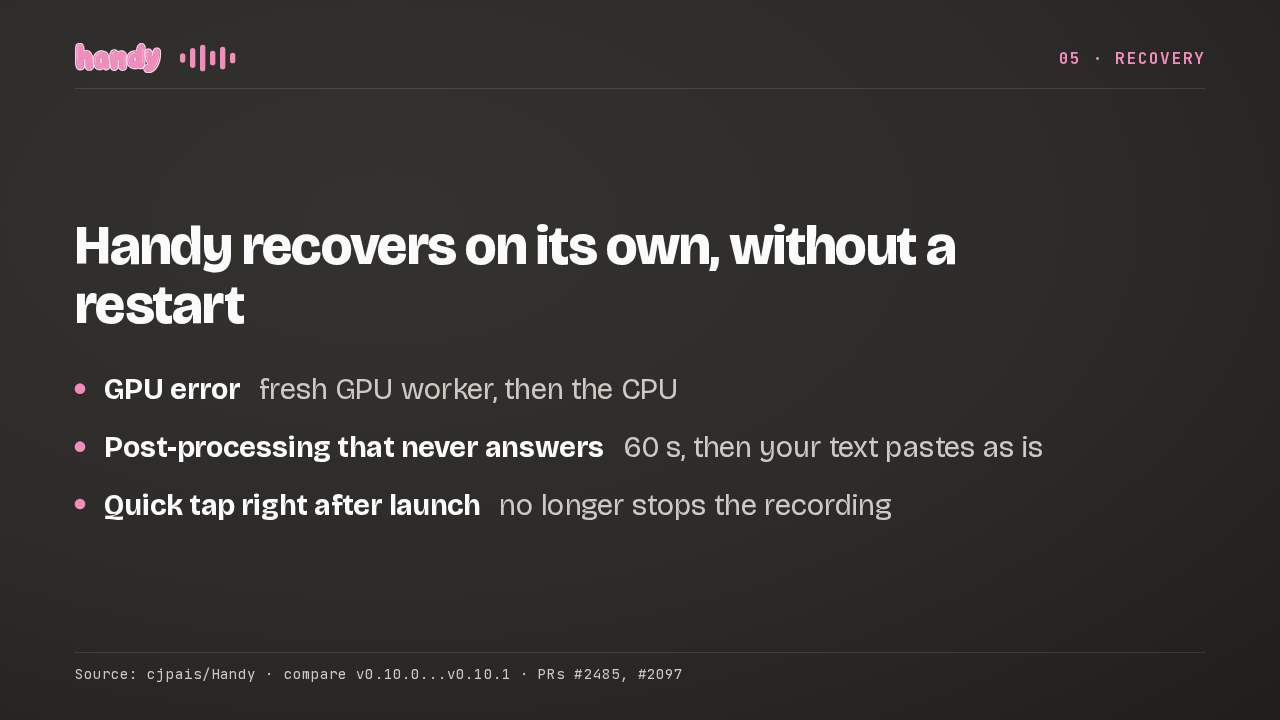
Source: cjpais/Handy · compare v0.10.0...v0.10.1 · PRs #2434, #2506 · chinese_script.rsAfter a GPU error, Handy retries in a fresh worker, then on the CPU, with no restart. A post-processing server that never answers gets 60 seconds, then your text pastes as is. And a quick tap right after launch keeps recording.
Slide text
05 · RECOVERYHandy recovers on its own, without a restart
- GPU error fresh GPU worker, then the CPU
- Post-processing that never answers 60 s, then your text pastes as is
- Quick tap right after launch no longer stops the recording
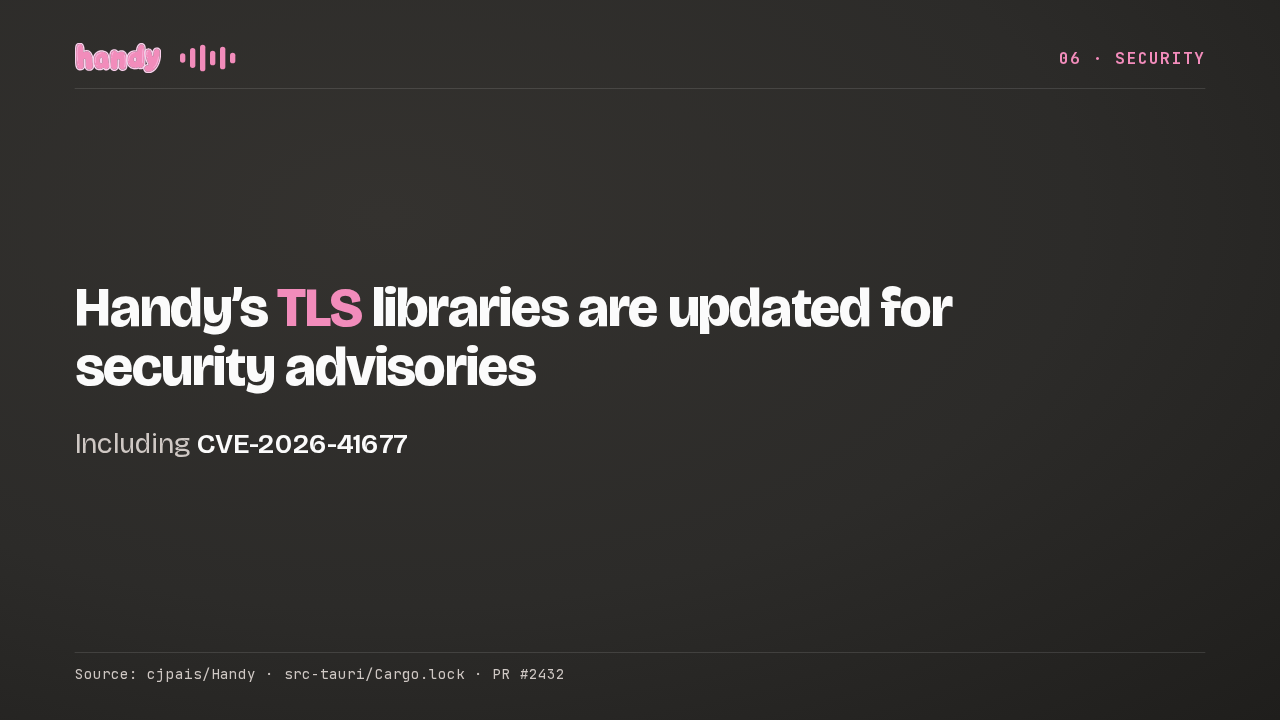
Source: cjpais/Handy · compare v0.10.0...v0.10.1 · PRs #2485, #2097Handy also updates its TLS libraries, the code behind its encrypted connections, to fix a set of published security advisories.
Slide text
06 · SECURITYHandy’s TLS libraries are updated for security advisories
Including CVE-2026-41677
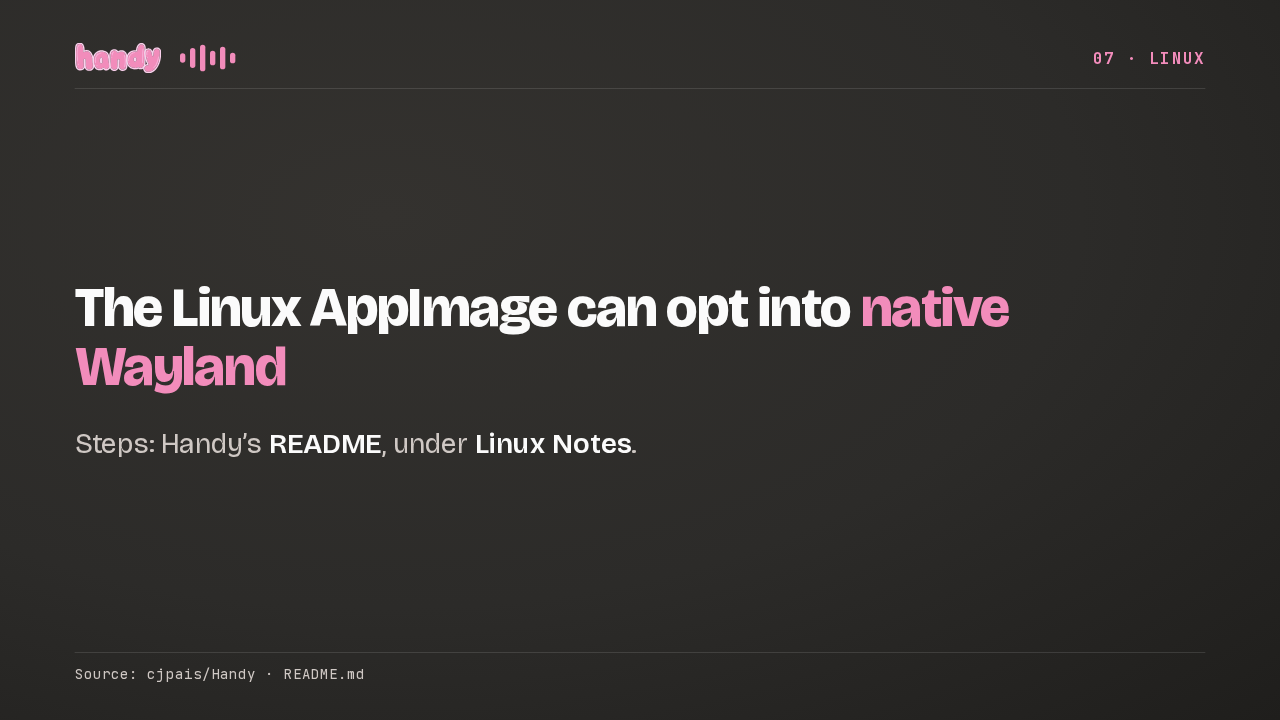
Source: cjpais/Handy · src-tauri/Cargo.lock · PR #2432The Linux AppImage can now opt into native Wayland, which can fix a frozen Language dropdown or a black window after relaunching. It stays off by default, because of a known bug. The steps are in Handy's README, under Linux Notes.
Slide text
07 · LINUXThe Linux AppImage can opt into native Wayland
Steps: Handy’s README, under Linux Notes.
Source: cjpais/Handy · README.md