Setup

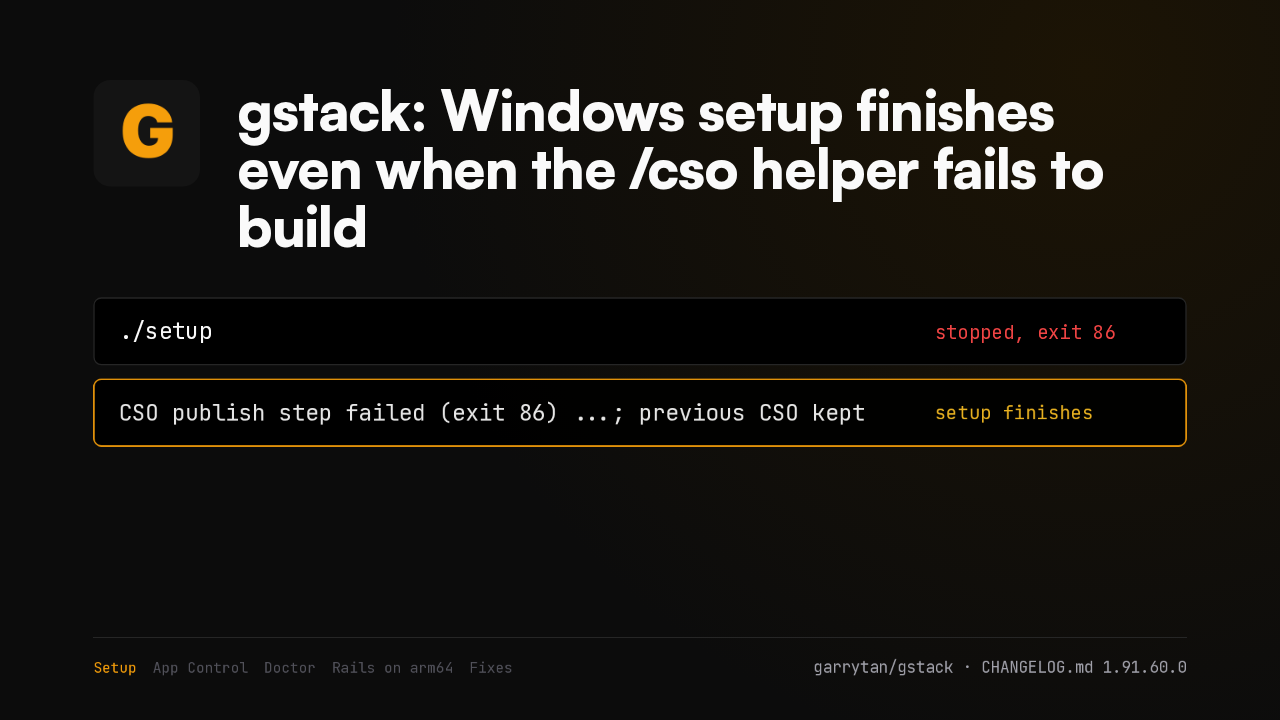
gstack: Windows setup finishes even when the /cso helper fails to build
./setupstopped, exit 86CSO publish step failed (exit 86) ...; previous CSO keptsetup finishesOn Windows, setup stopped completely when the optional /cso helper failed to build, even though every other skill was ready. Now setup finishes, names the step that failed, and keeps the previous helper.
Smart App Control
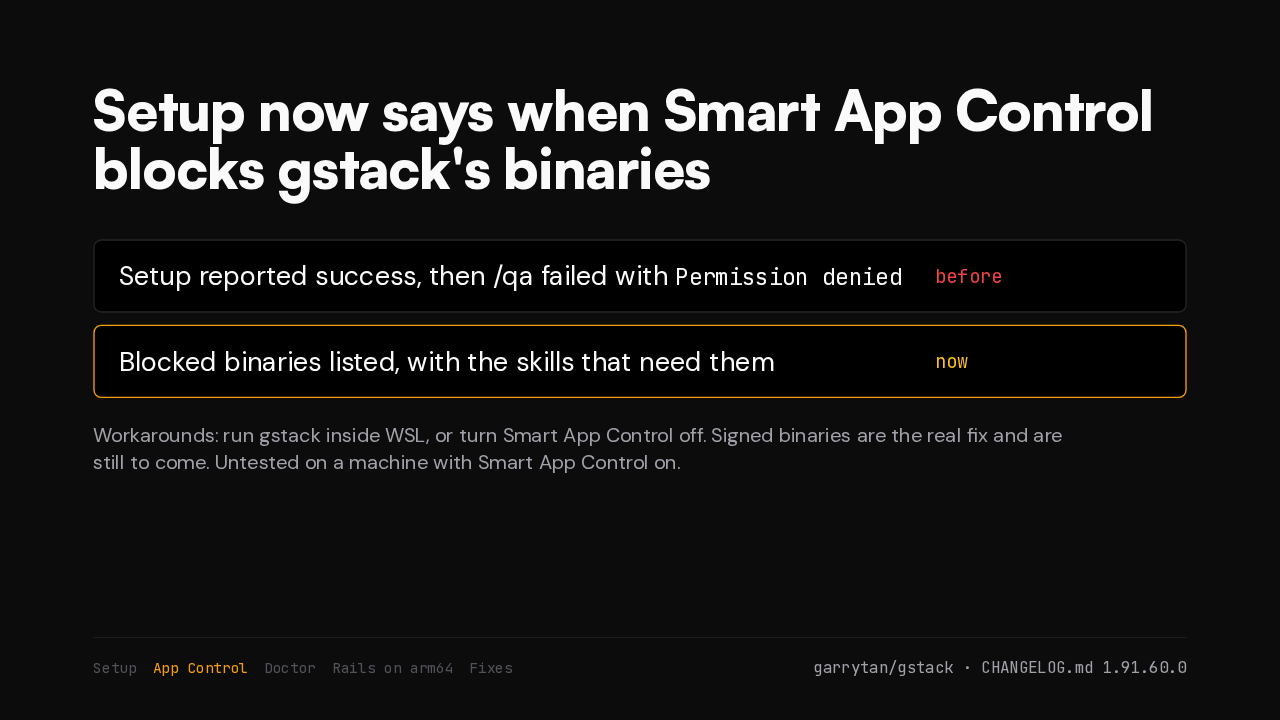
Setup now says when Smart App Control blocks gstack's binaries
Permission deniedbeforeWith Smart App Control on, Windows refused to start five compiled binaries, and skills failed later with a misleading error. Setup now names them. Until signed binaries arrive, run gstack in WSL or turn the control off.
Doctor
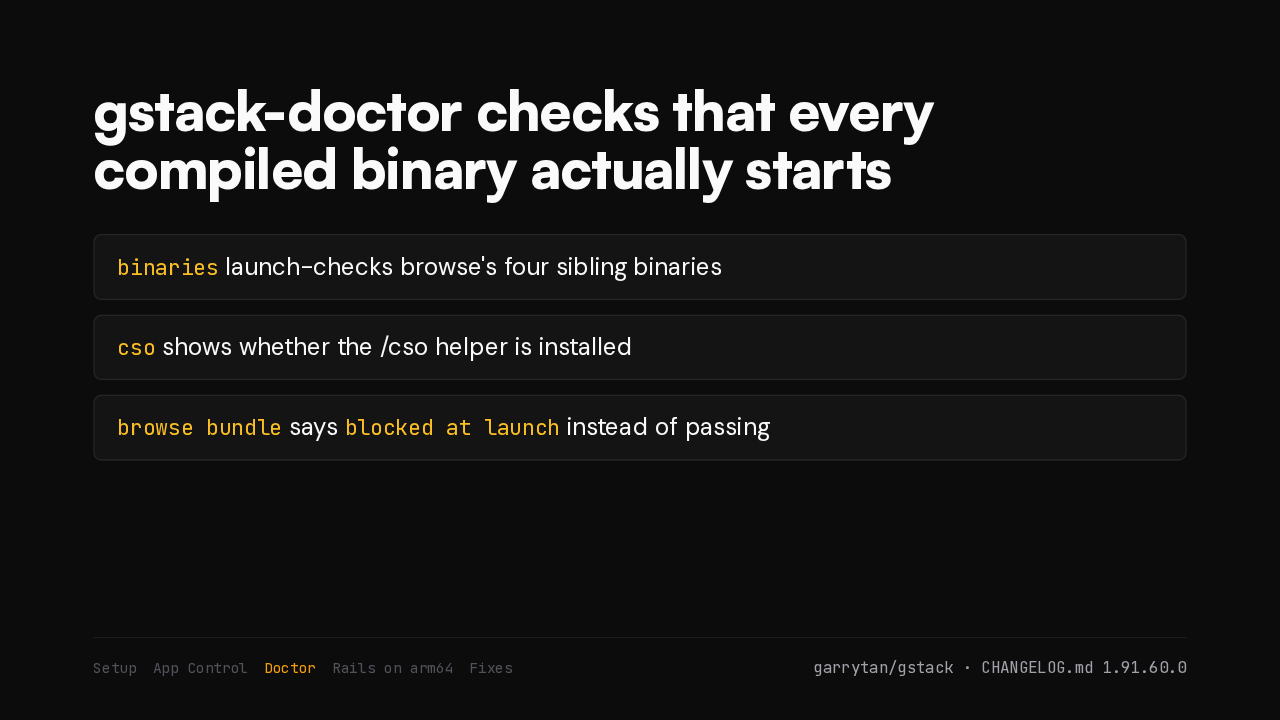
gstack-doctor checks that every compiled binary actually starts
binaries launch-checks browse's four sibling binariescso shows whether the /cso helper is installedbrowse bundle says blocked at launch instead of passingThe gstack doctor gains a binaries row that checks each compiled binary can start. A CSO row shows whether that helper is installed. And a blocked browse bundle no longer passes.
Rails on arm64
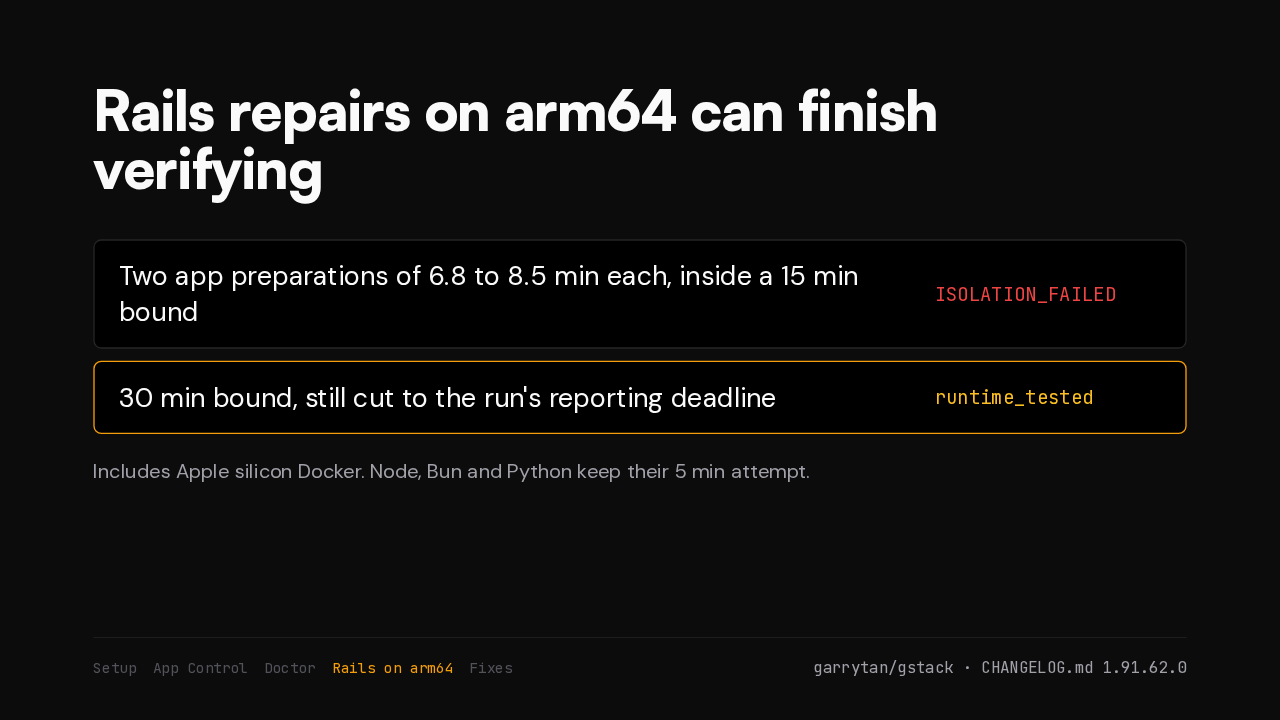
Rails repairs on arm64 can finish verifying
On arm64, every Rails verification failed as a cleanup error. Preparing the app twice took up to seventeen minutes, past the fifteen-minute limit. The limit is now thirty minutes. That covers Apple silicon Docker too.
Smaller fixes
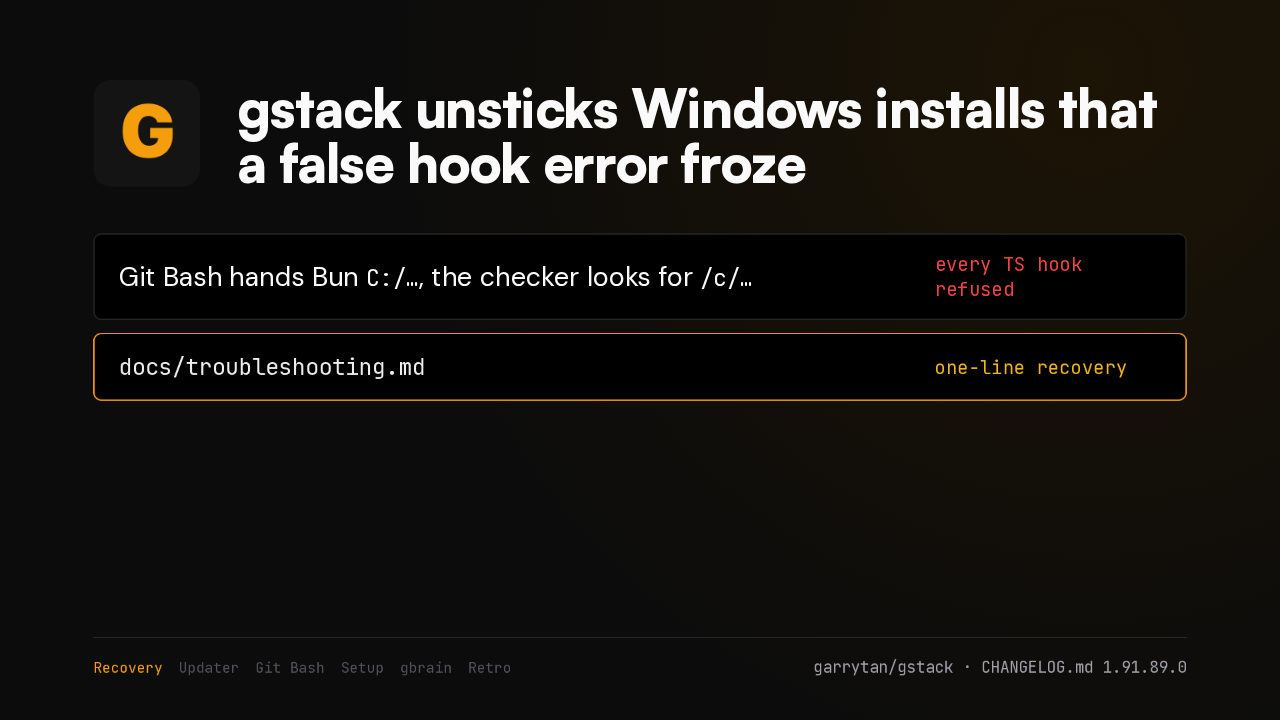
The Windows sidebar, --version and the /cso build got fixes too
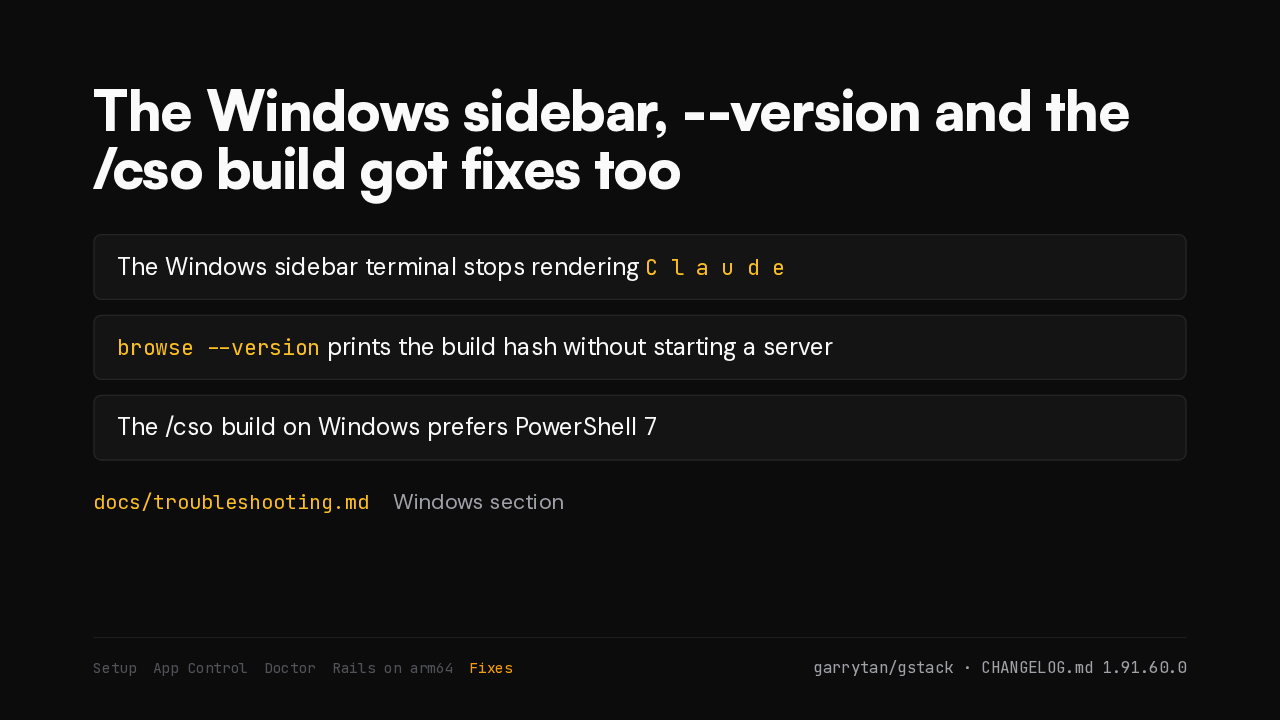
C l a u d ebrowse --version prints the build hash without starting a serverdocs/troubleshooting.mdWindows sectionThe Windows sidebar terminal no longer spaces out every letter. Browse answers a version check without starting a server. The CSO build prefers PowerShell seven. The troubleshooting guide has a new Windows section.