Codex reviews that could not run

gstack 1.91.19.0 reports the checks that did not run
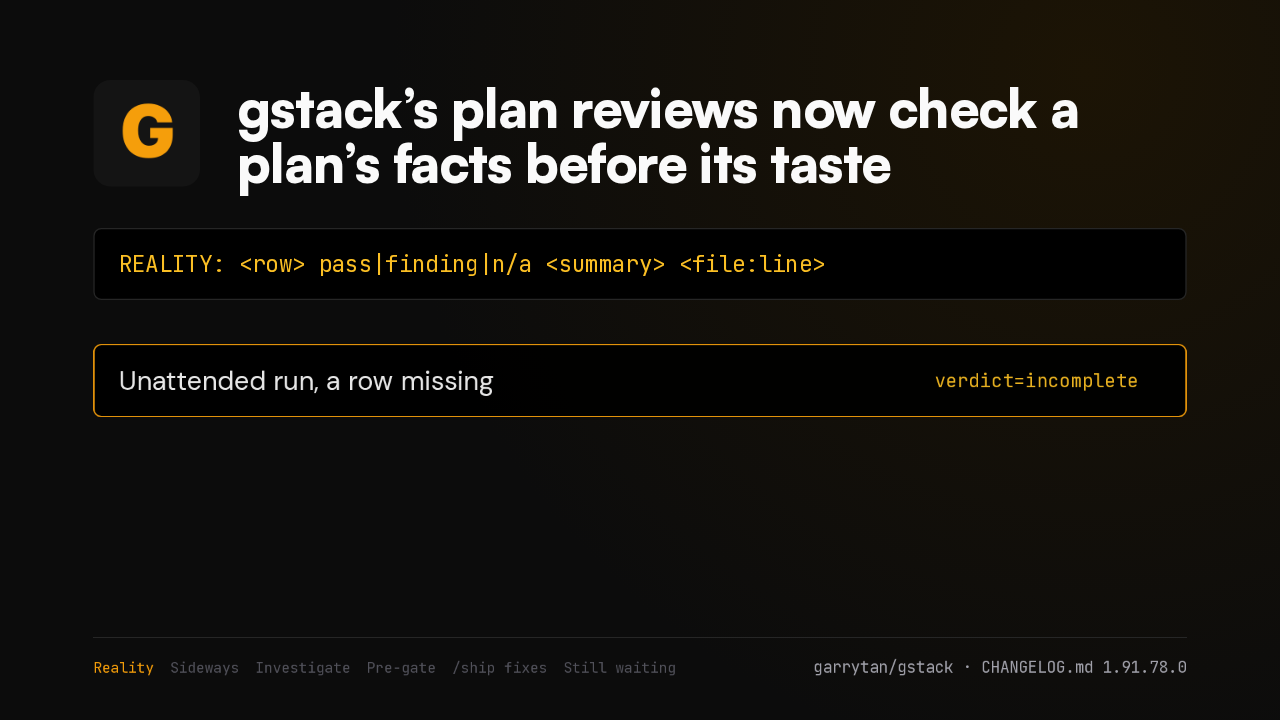
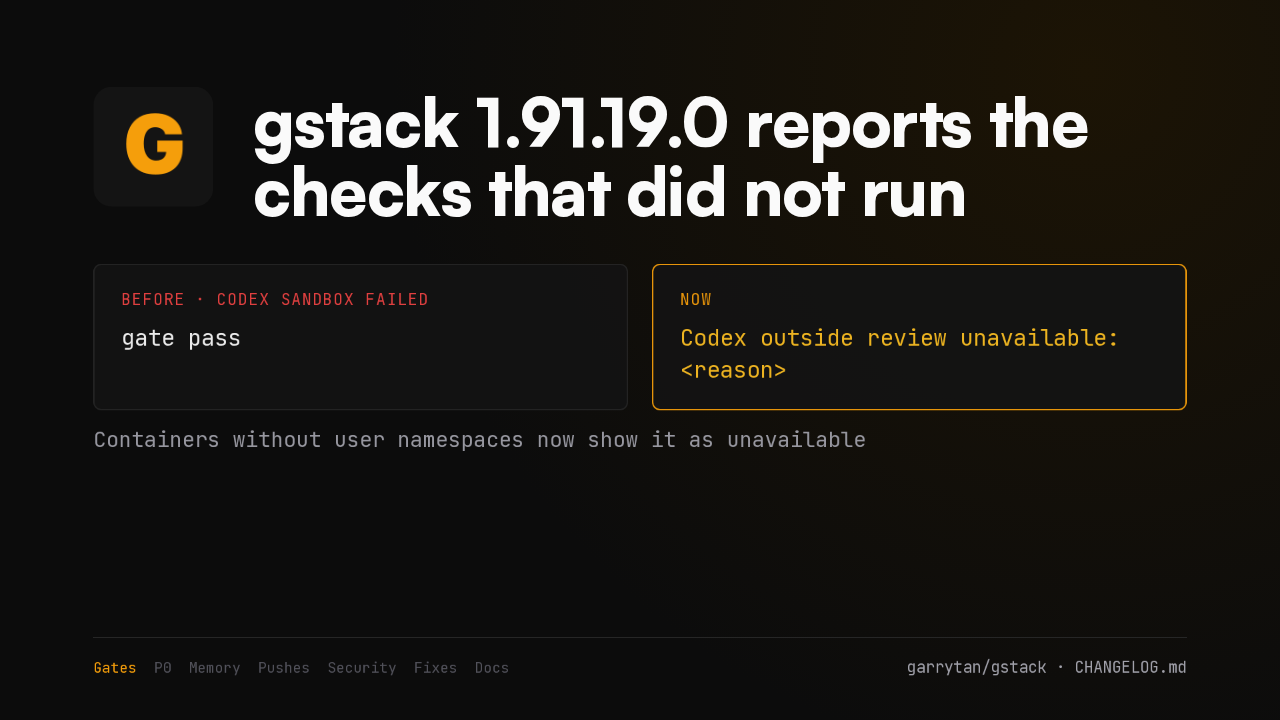
gate passCodex outside review unavailable: <reason>In gstack 1.91.19.0, a Codex review whose sandbox could not start stops counting as a pass. It prints unavailable, with the reason and the fix. In containers without user namespaces, expect that message.
P0 findings fail the gate
A P0 finding now fails the structured outside-review gate
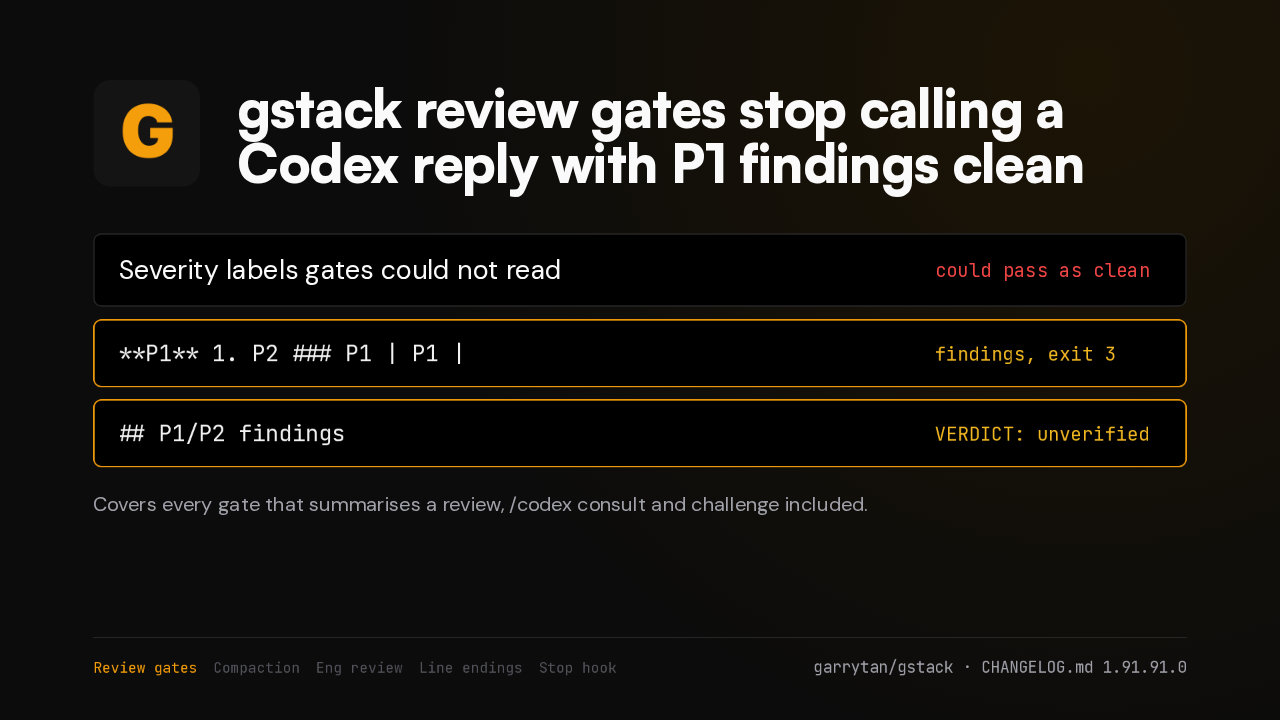
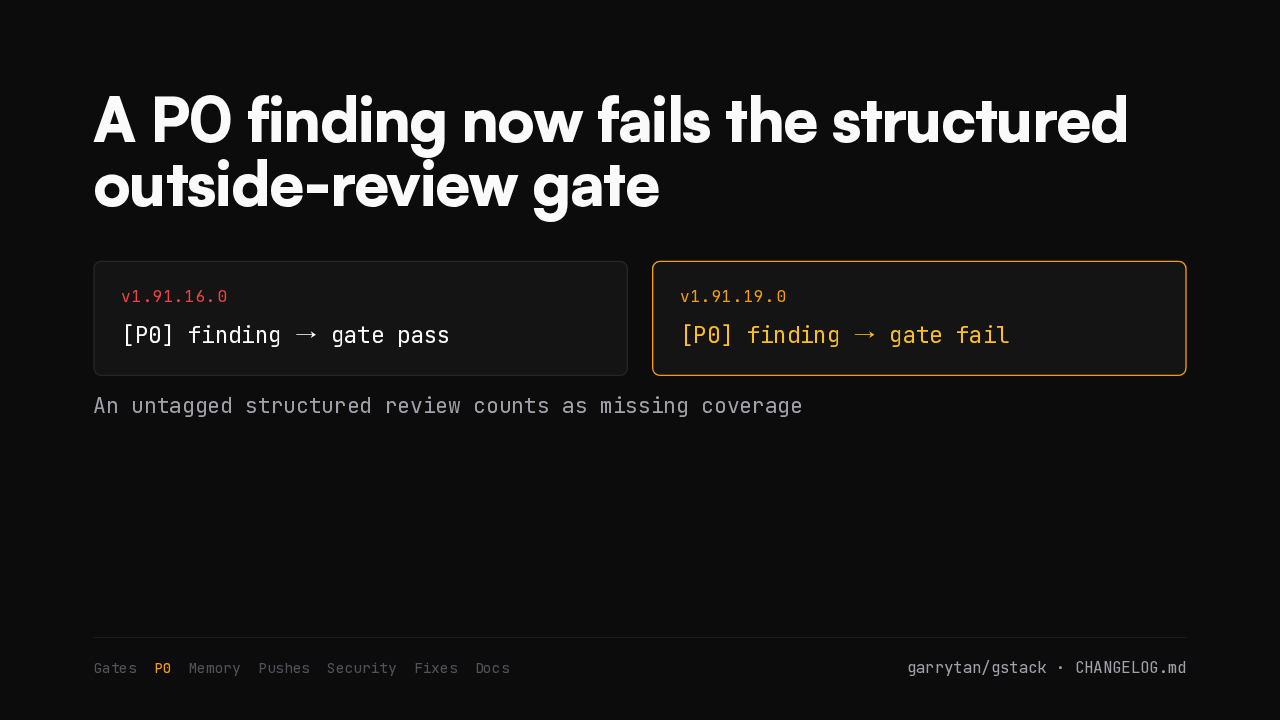
[P0] finding → gate pass[P0] finding → gate failA structured outside review that finds a P0 issue now fails the gate. It used to let ship through. A review with no severity tags counts as missing coverage instead of a pass.
Memory keeps transcripts
Memory ingest marks a transcript saved only after gbrain confirms it
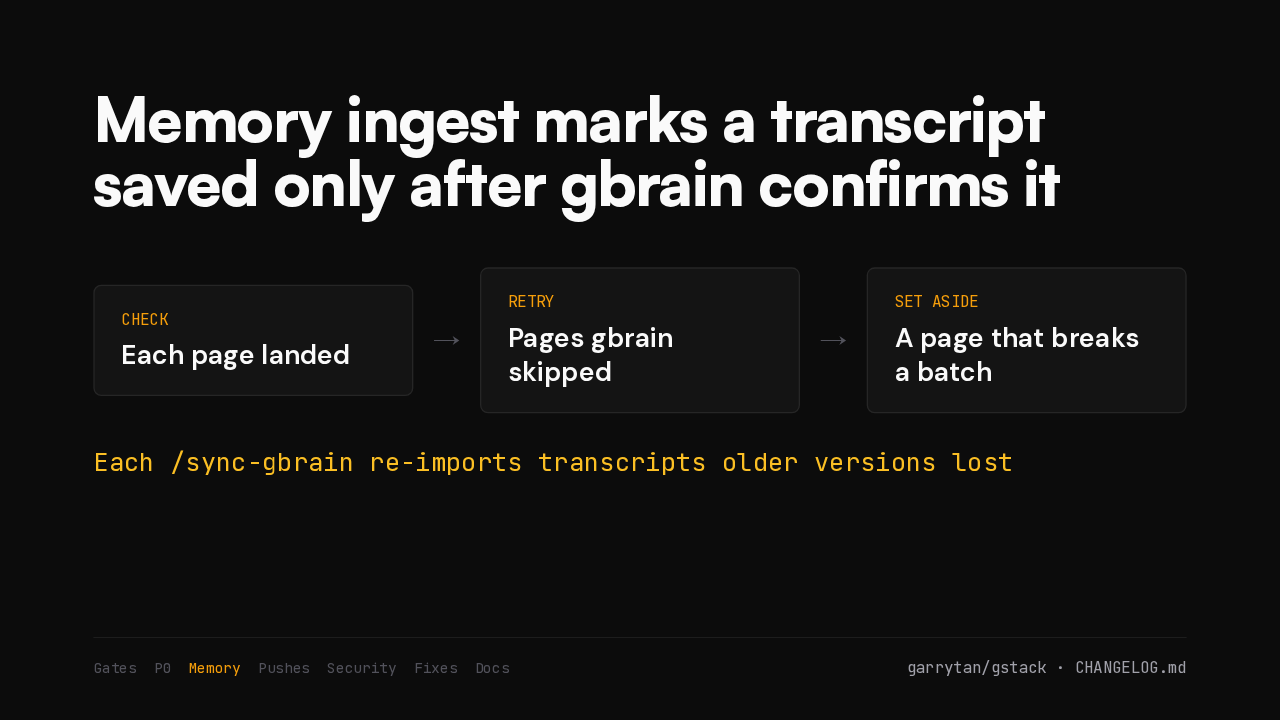
Memory ingest now marks a transcript saved only after gbrain confirms it. Skipped pages get retried. After upgrading, each sync run recovers transcripts older versions lost, a batch at a time.
Fewer false secret blocks
Pushes stop being blocked by false secret matches
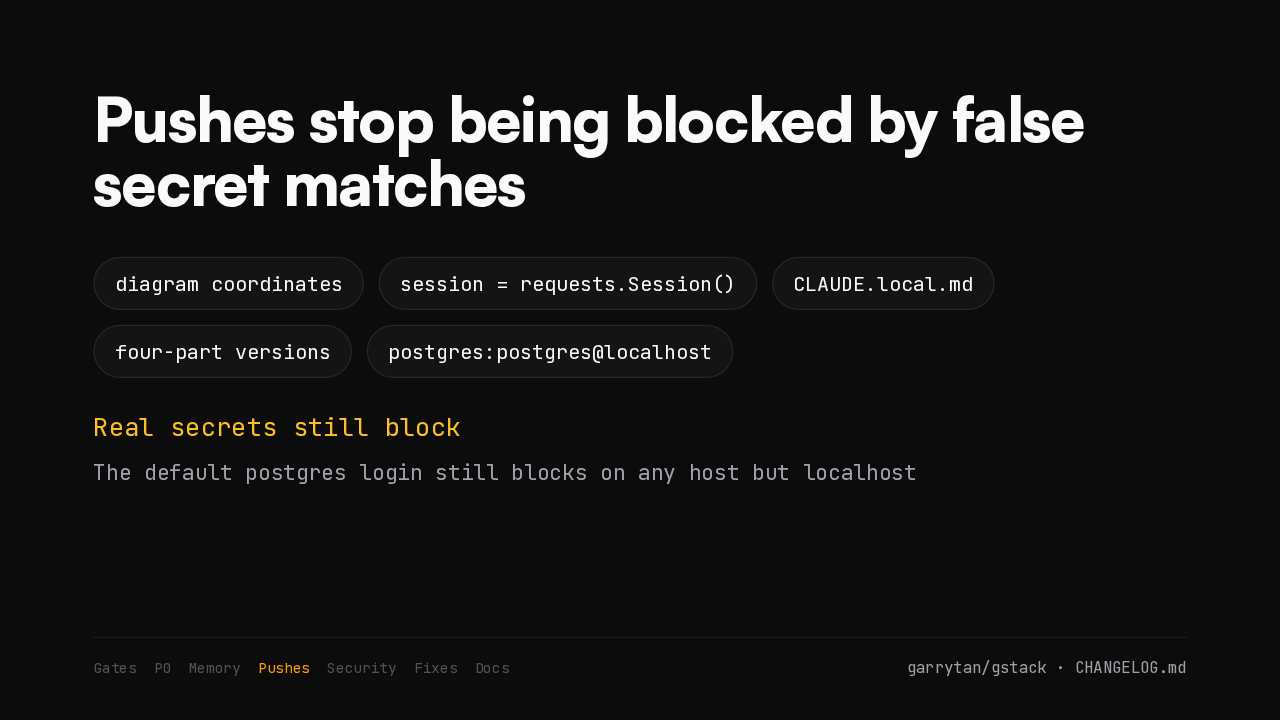
The push guard stops flagging diagram coordinates, a session variable, local config files and four-part version numbers as secrets. Real secrets still block, and so does the default Postgres login on any host but localhost.
Projects cannot change the browser
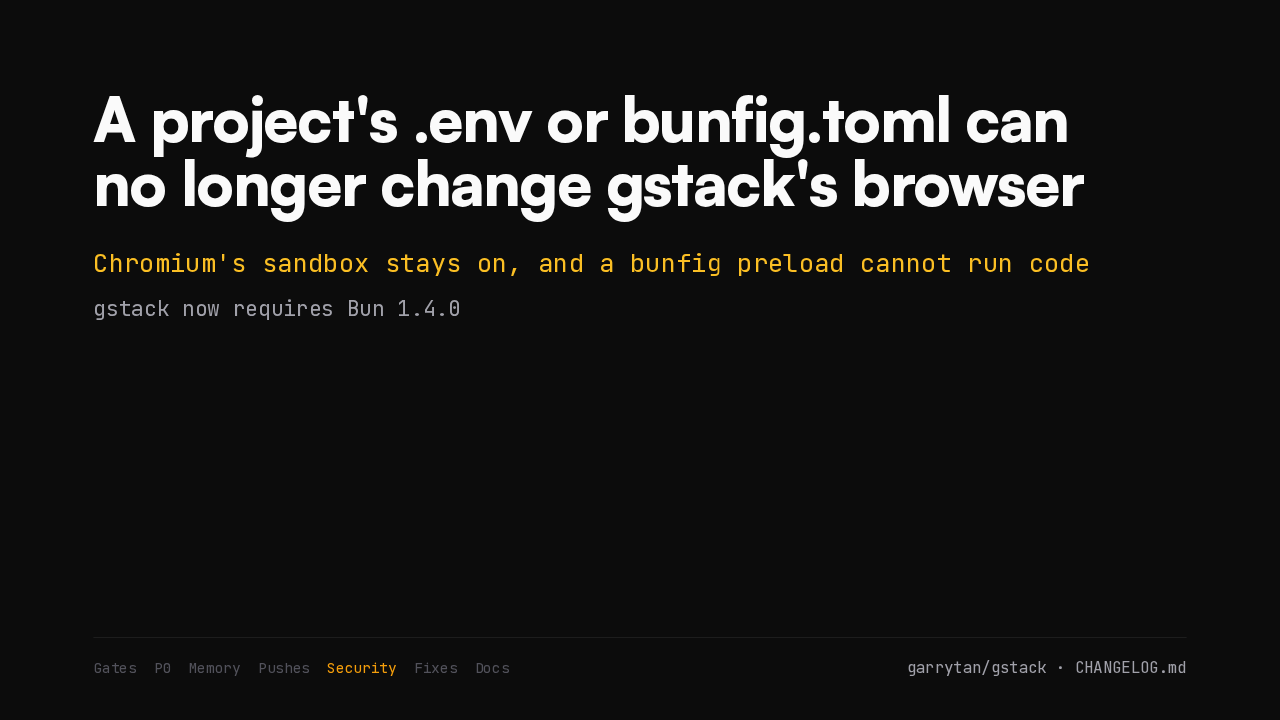
A project's .env or bunfig.toml can no longer change gstack's browser
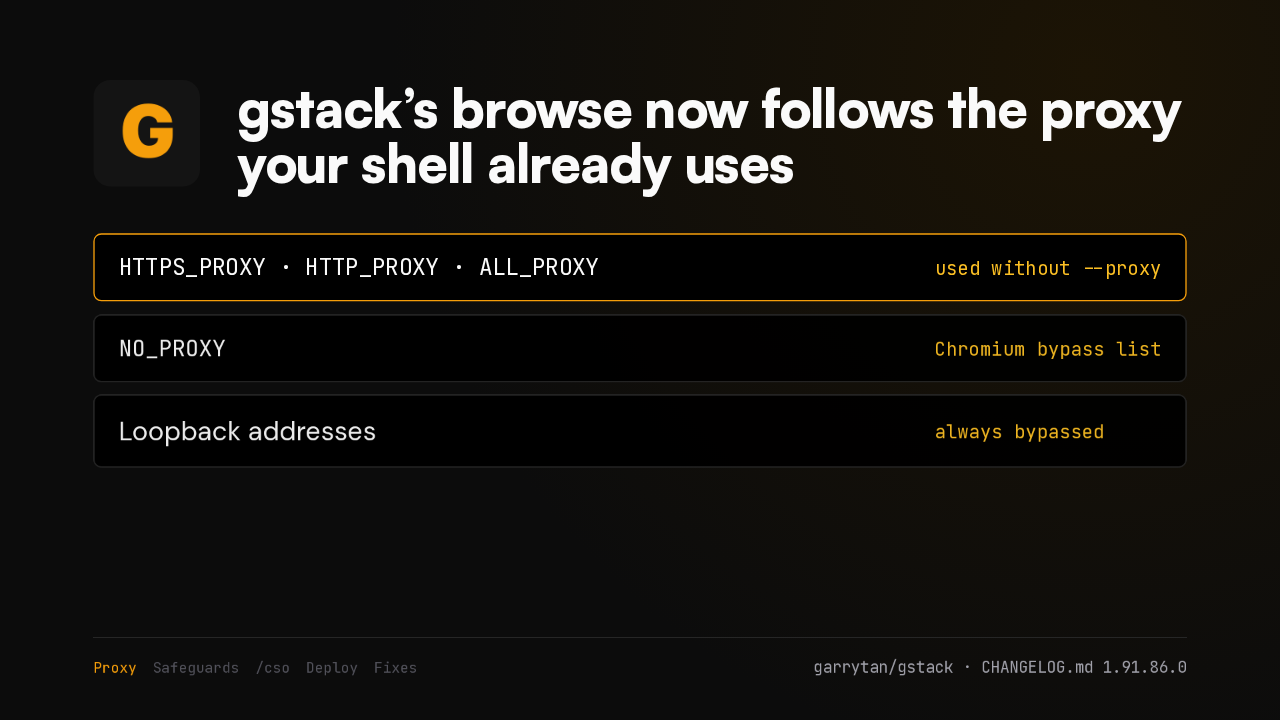
A repository's .env file or Bun config can no longer change gstack's browser. A project cannot switch off Chromium's sandbox or run preload code. This needs a newer Bun, so gstack now requires Bun 1.4.0.
Three fixes
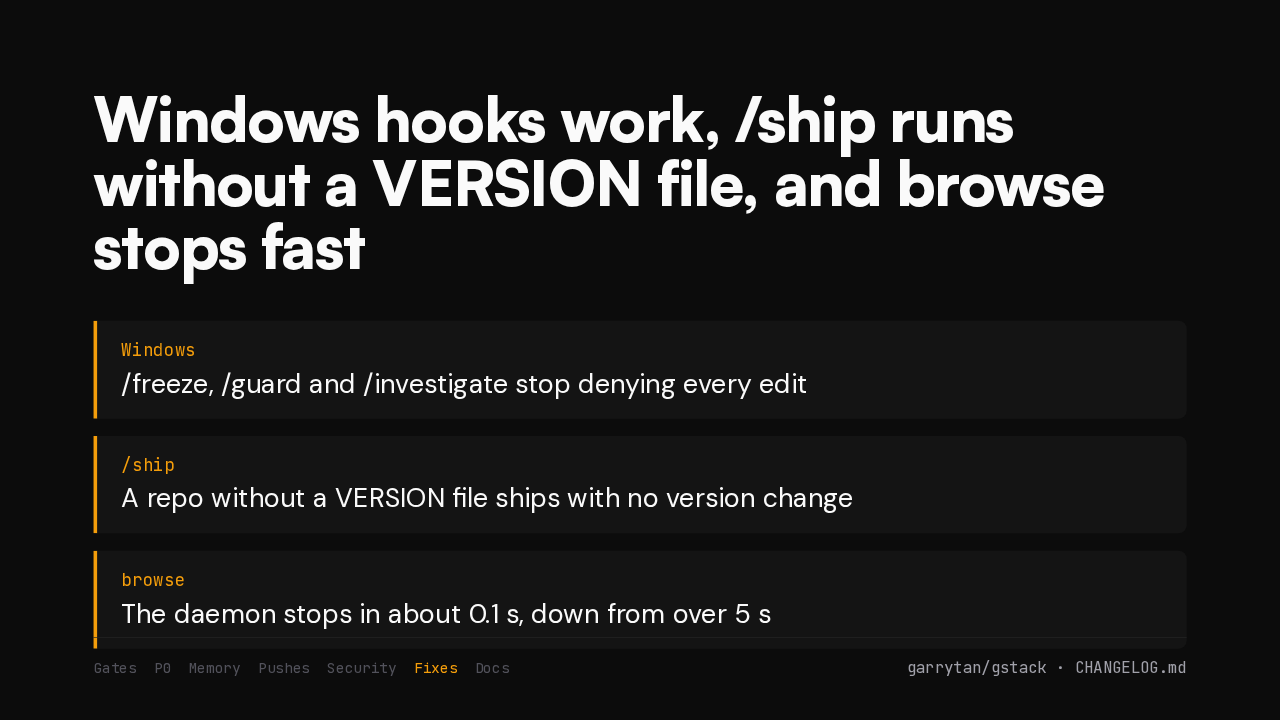
Windows hooks work, /ship runs without a VERSION file, and browse stops fast
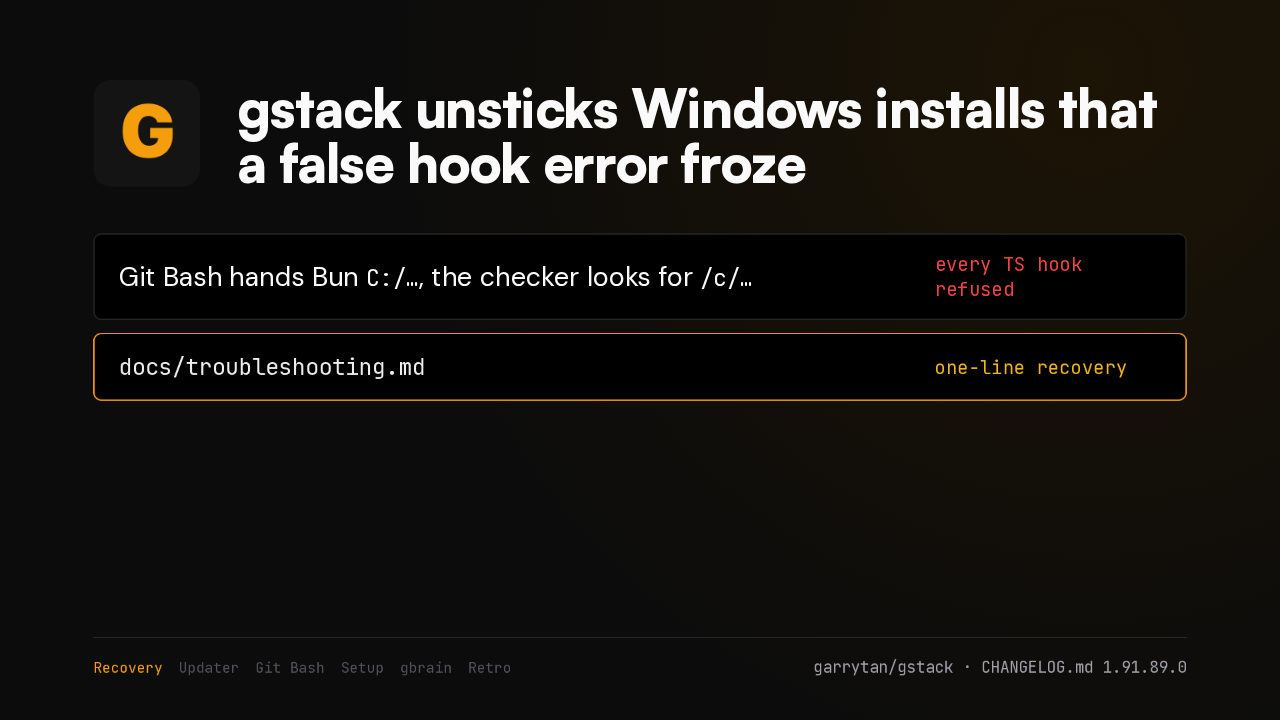
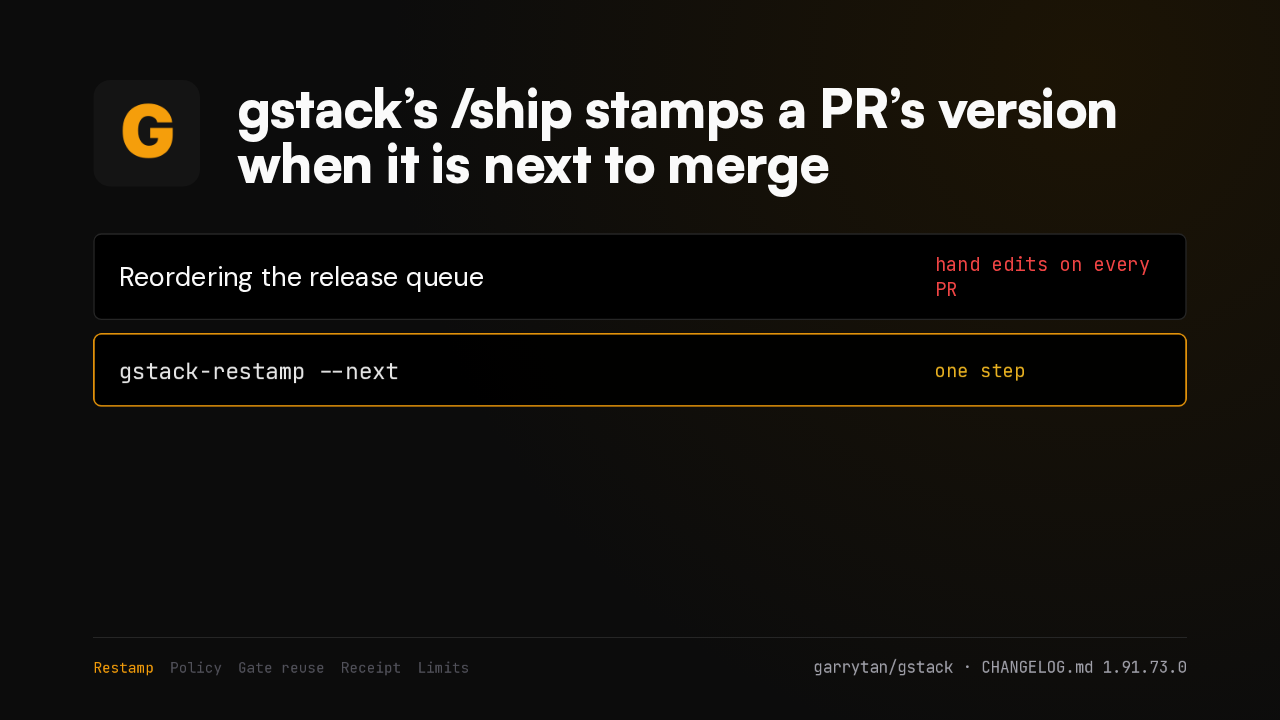
On Windows, the freeze, guard and investigate hooks stop denying every edit. Ship runs without a version file. And the browse daemon stops in about a tenth of a second.
Troubleshooting doc
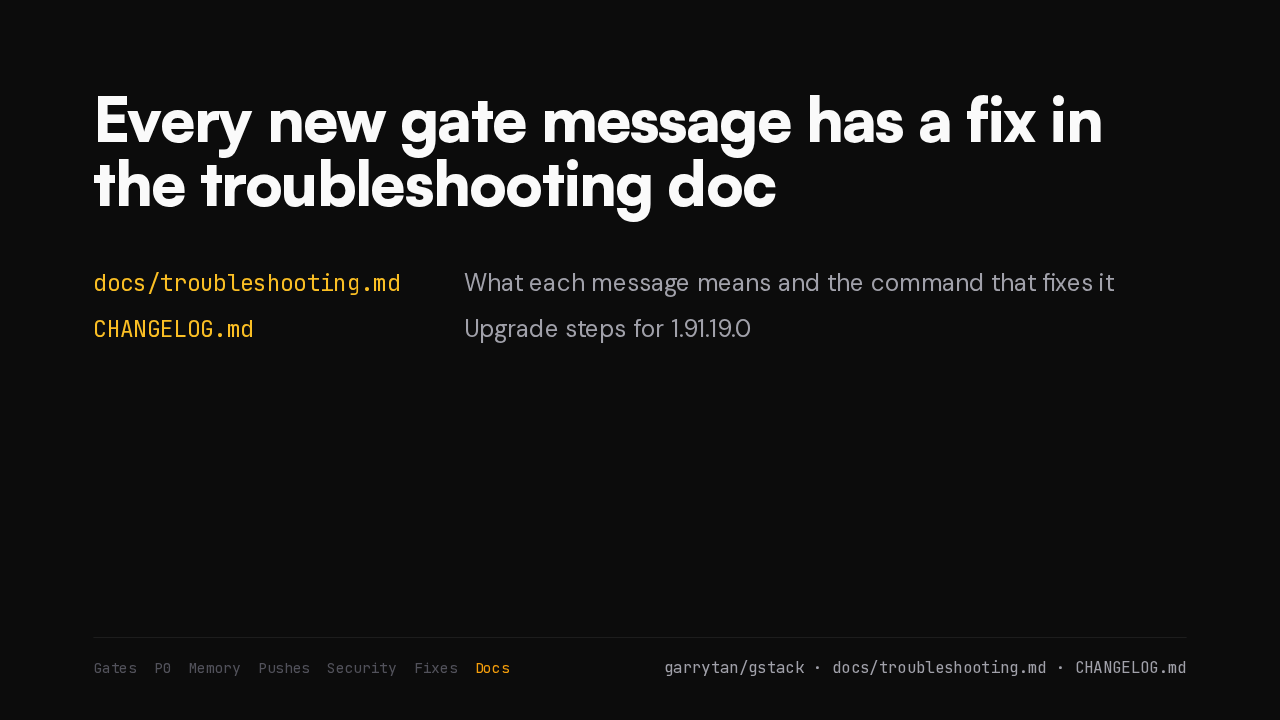
Every new gate message has a fix in the troubleshooting doc
docs/troubleshooting.mdWhat each message means and the command that fixes itCHANGELOG.mdUpgrade steps for 1.91.19.0Each of these messages has its own section in the new troubleshooting doc: what it means, what is kept, and the command that fixes it. The upgrade steps are in the changelog.