Codex CLI v0.162.0 adds managed Git worktrees

Codex CLI v0.162.0 can create and list Git worktrees for you. The tools work in trusted local projects, once the worktrees feature is turned on.
A new worktree leaves your current checkout alone
codex-cli v0.162.0It starts from the remote default branch. Uncommitted changes stay where they are.
A new worktree attaches to the task that asked for it and survives restarts. It starts from the remote's default branch, and your uncommitted changes stay where they are.
Pin tasks in the Command Center
codex-cli v0.162.0Press p. Pinned tasks sit first, in their own Pinned group.
In the agent Command Center, press P to pin a task. Pinned tasks sit first, in a shared Pinned group. Pinning needs a server that supports shared sections.
In the transcript
codex-cli v0.162.0In the transcript.
Copy any block of a response from the keyboard
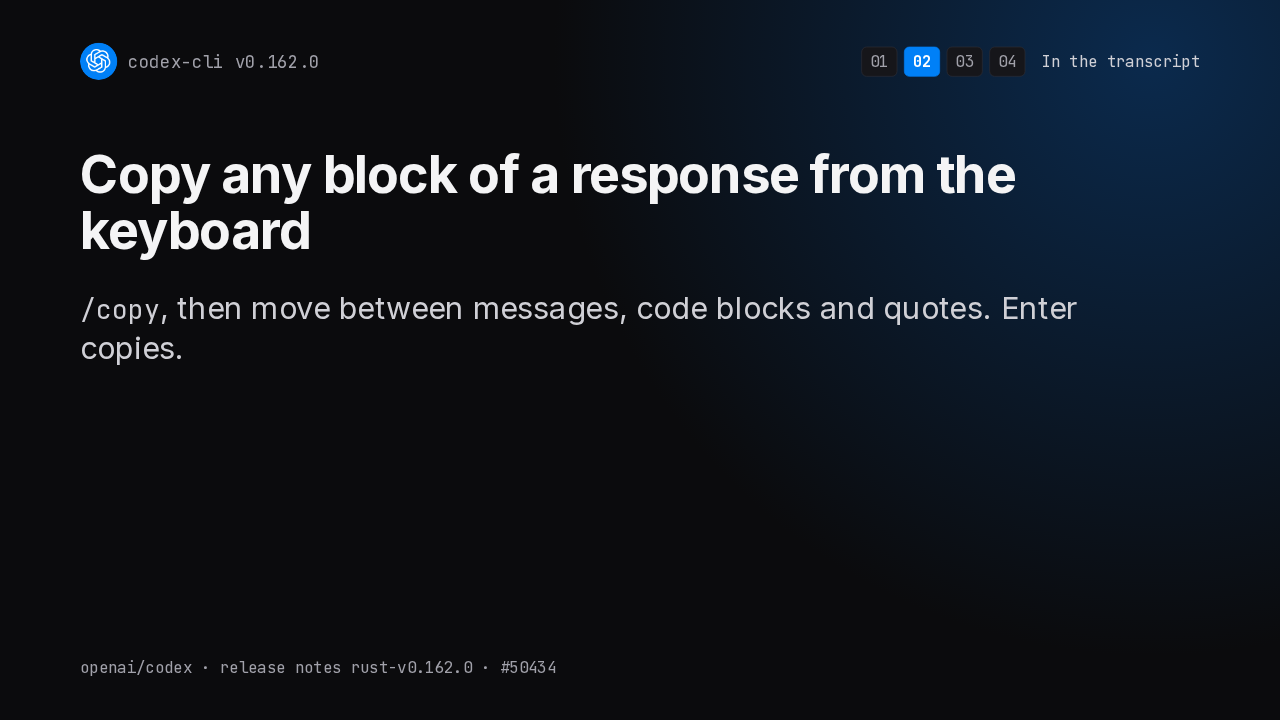
codex-cli v0.162.0/copy, then move between messages, code blocks and quotes. Enter copies.
Type /copy and Codex selects its latest response. Move between messages, code blocks and quotes with the arrow keys or J and K, then press Enter to copy.
Ctrl+Insert copies a selection
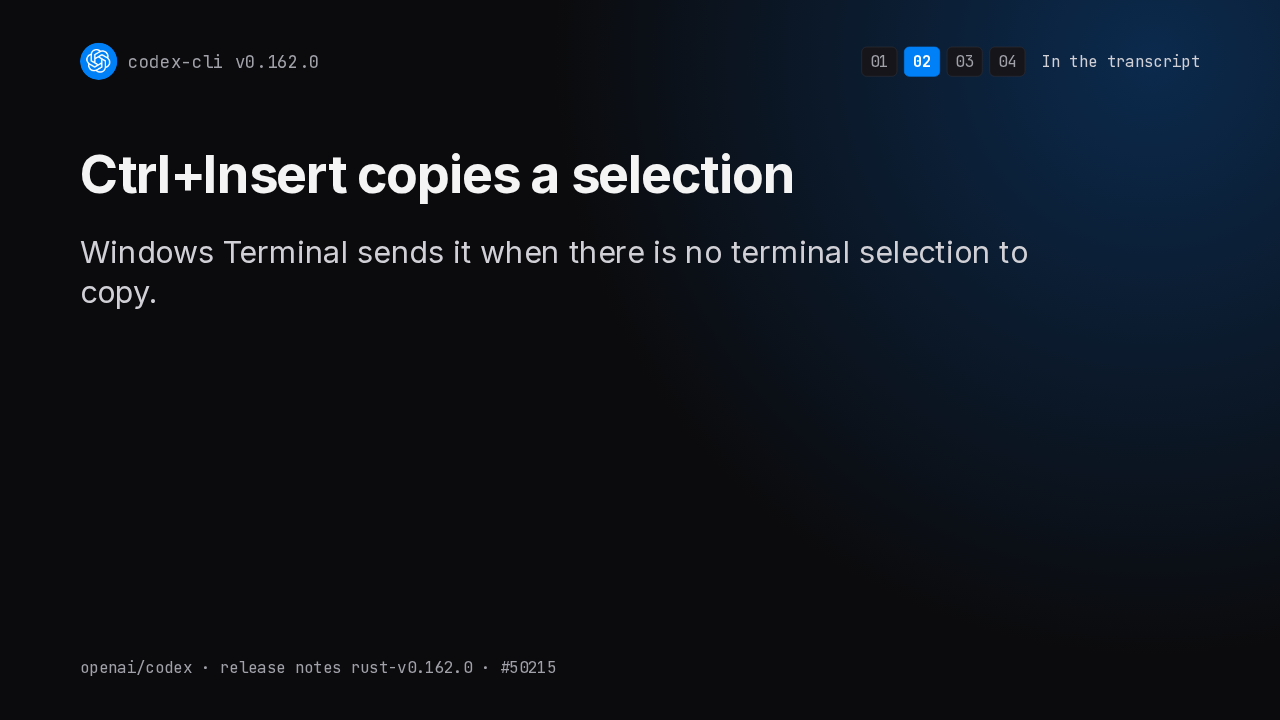
codex-cli v0.162.0Windows Terminal sends it when there is no terminal selection to copy.
Control Insert now copies text you selected inside Codex. Windows Terminal sends that shortcut when it has no selection of its own, so its Copy action works too.
The mouse wheel scrolls one row at a time
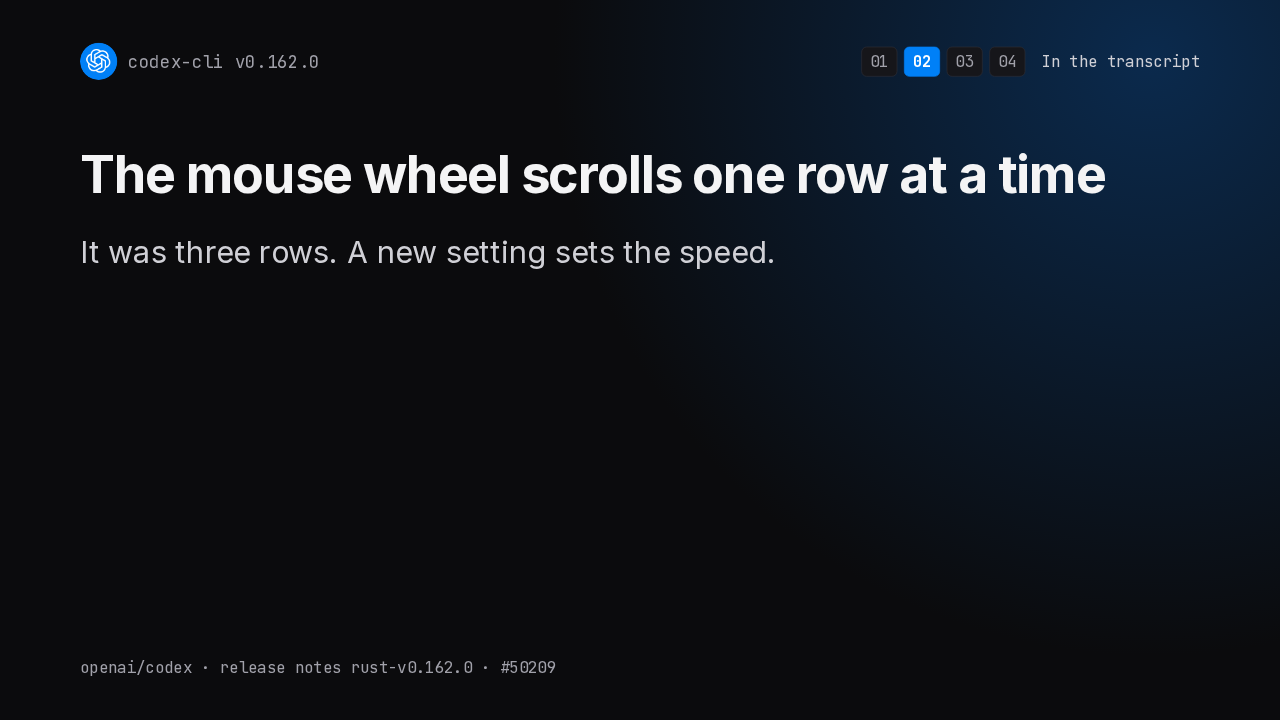
codex-cli v0.162.0It was three rows. A new setting sets the speed.
The mouse wheel now scrolls the transcript one row per step instead of three. If that feels slow, a new setting controls the speed, and fractions work too.
URLs are clickable, even when they wrap
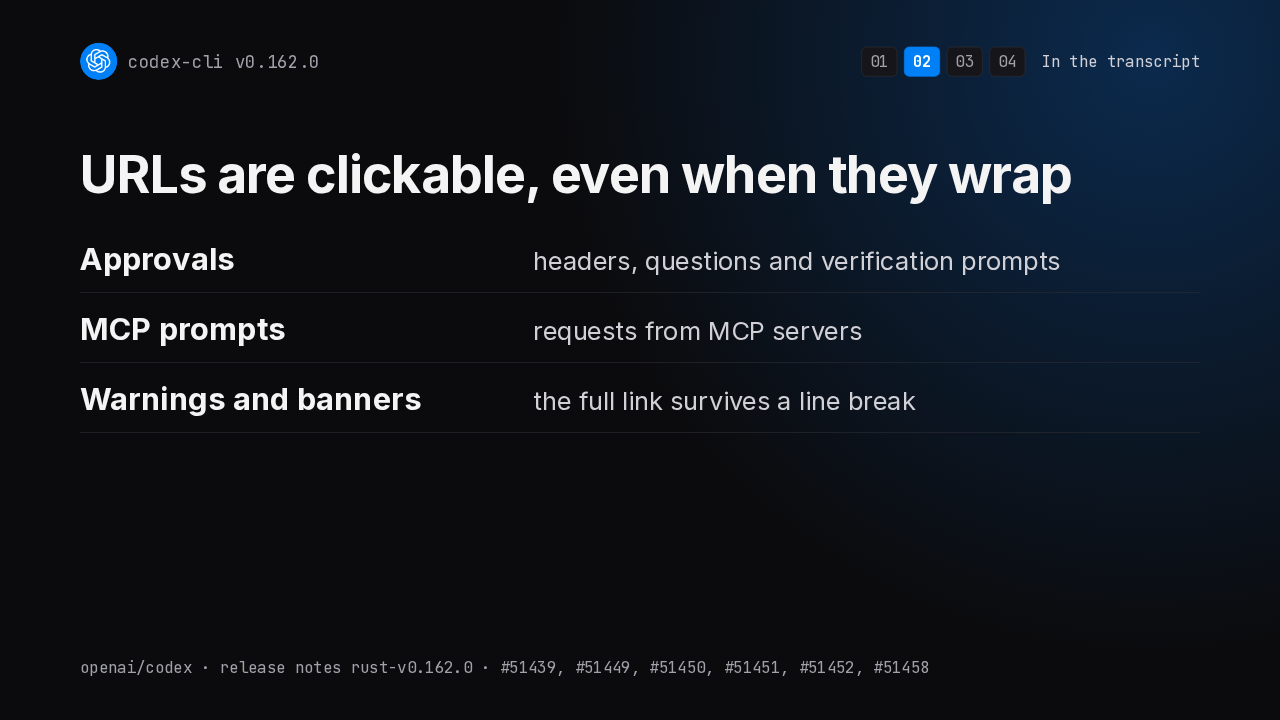
codex-cli v0.162.0Links are now clickable in approval headers, questions and verification prompts, in MCP server prompts, and in warnings and banners, even when the link wraps onto a second line.
Models and Code Mode
codex-cli v0.162.0Models and Code Mode.
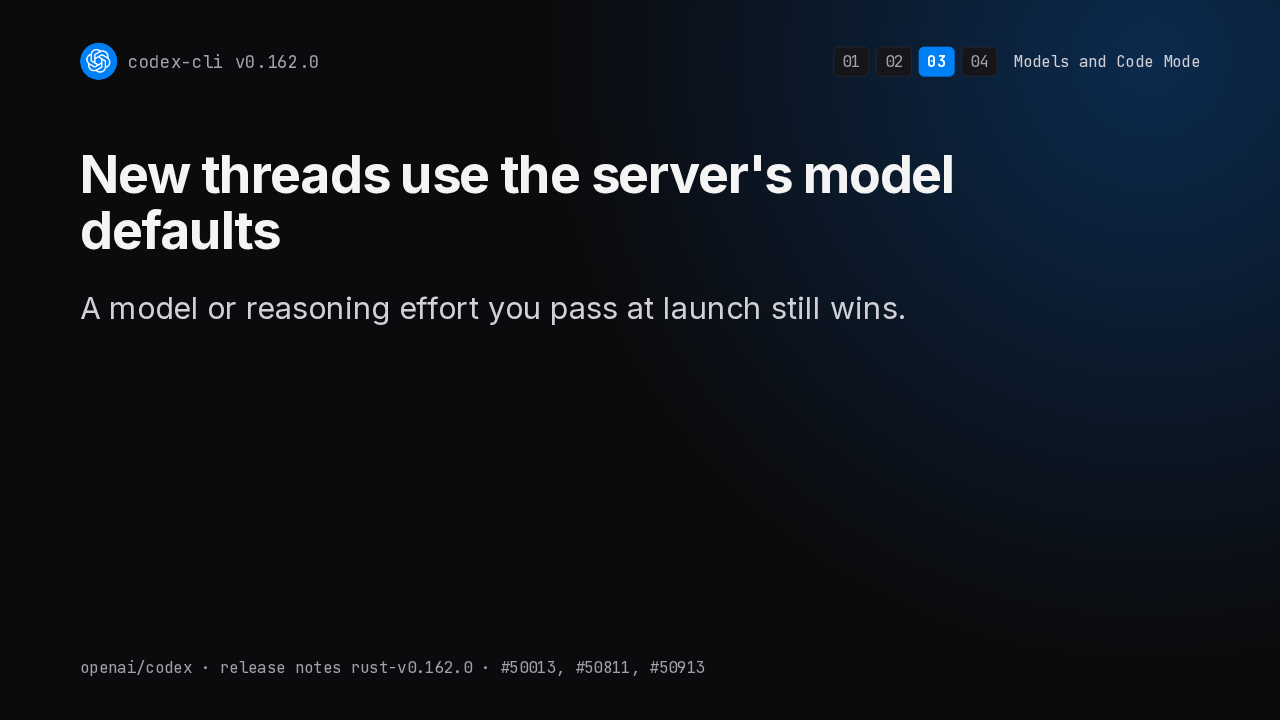
New threads use the server's model defaults
codex-cli v0.162.0A model or reasoning effort you pass at launch still wins.
A new thread in the terminal now takes its model and reasoning summary defaults from the server. A model or reasoning effort you choose at launch still wins.
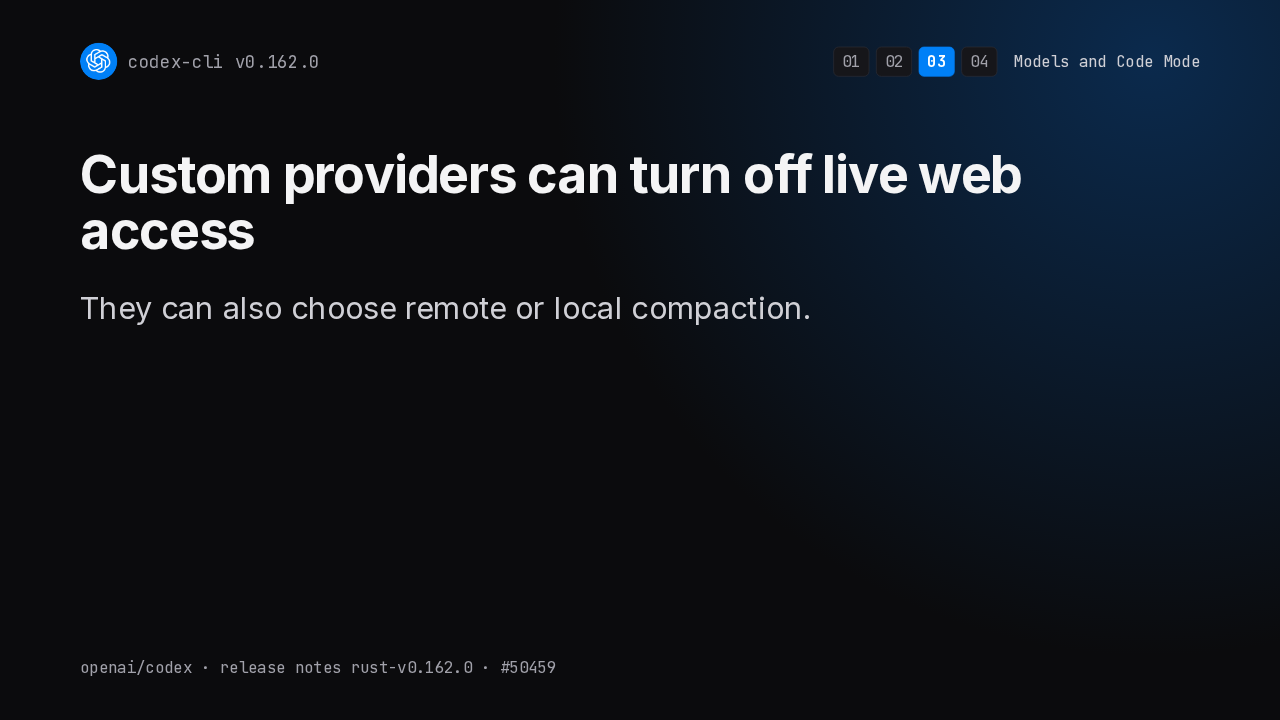
Custom providers can turn off live web access
codex-cli v0.162.0They can also choose remote or local compaction.
If you run Codex against your own Responses compatible provider, you can now keep its web search off the live web. You can also pick remote or local compaction.
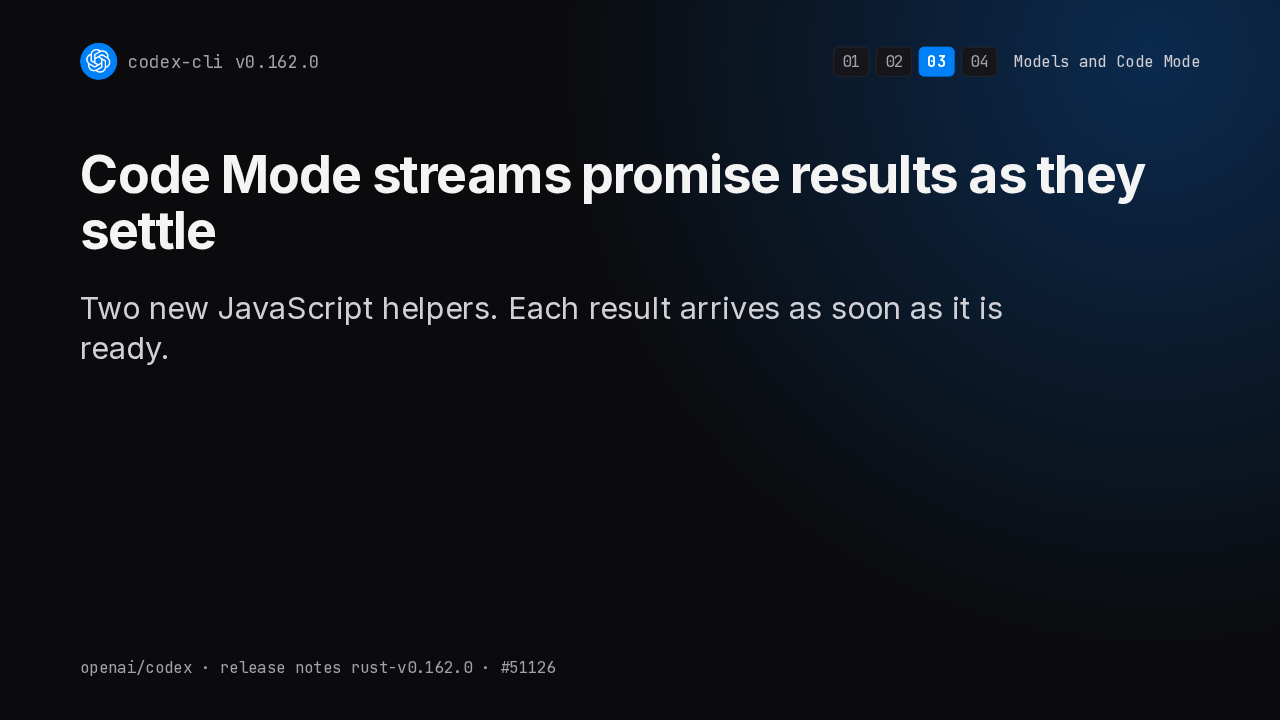
Code Mode streams promise results as they settle
codex-cli v0.162.0Two new JavaScript helpers. Each result arrives as soon as it is ready.
Code Mode gets two JavaScript helpers for a batch of promises. Instead of waiting for all of them, the model gets each result, fulfilled or rejected, the moment it settles.
Code Mode can search for the right tool
codex-cli v0.162.0Ranked results, opt-in, on models that support tool search.
Code Mode can now search its deferred tools and get them back ranked by relevance. It's off by default, and works only on models that support tool search.
Sandbox and fixes
codex-cli v0.162.0Sandbox and fixes.
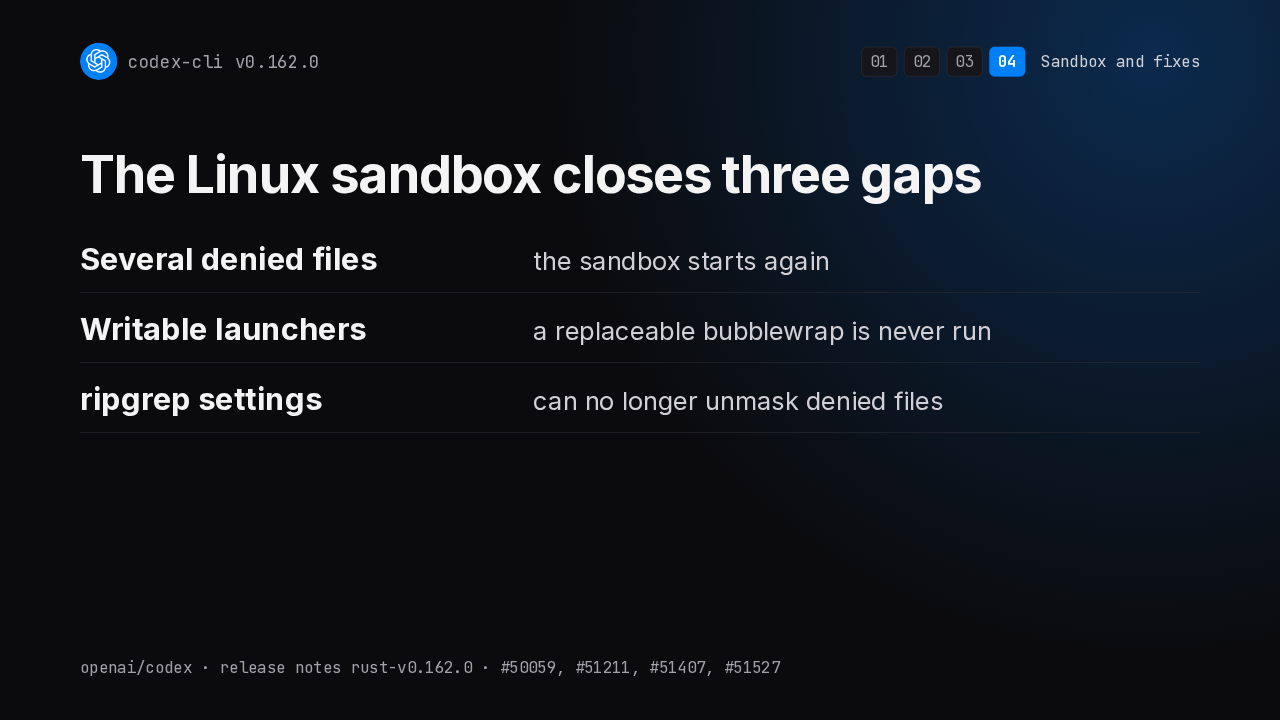
The Linux sandbox closes three gaps
codex-cli v0.162.0On Linux, the sandbox starts again when several files are denied. It refuses a bubblewrap program the sandbox could overwrite. And your ripgrep settings can't leave denied files unmasked.
apply_patch keeps your CRLF line endings
codex-cli v0.162.0No opt-in. The old setting is removed.
Patching a file with Windows line endings used to convert them unless you opted in. Now apply_patch always keeps them, and the old setting is gone.
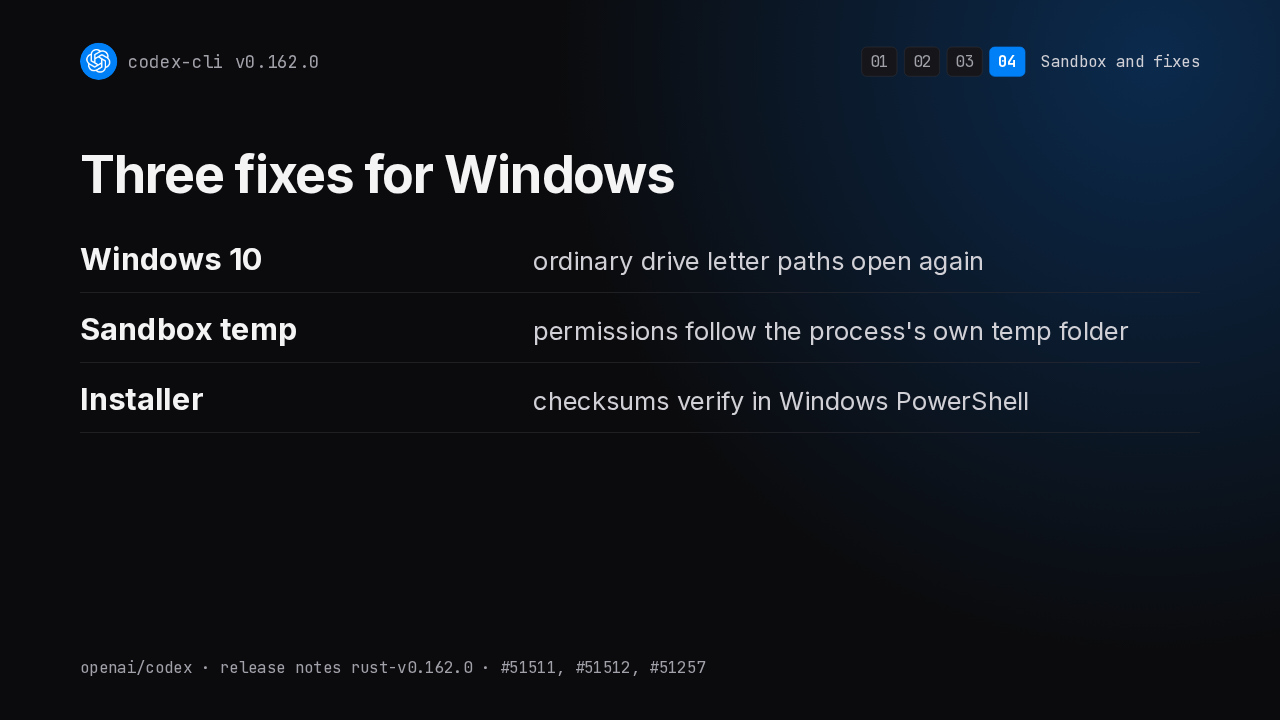
Three fixes for Windows
codex-cli v0.162.0On Windows, ordinary drive letter paths open again on Windows 10. Sandbox temp permissions match the folder the process actually uses. And the PowerShell installer verifies its checksum again.
Codex waits as long as the server asks, then retries
codex-cli v0.162.0Usage limits and rate limits without that advice still end the turn.
When a failed request or WebSocket error says when to try again, Codex now waits that long and retries. Usage limits, and rate limits without that advice, still end the turn.
Every change is in the v0.162.0 release notes
codex-cli v0.162.0github.com/openai/codex › Releases › 0.162.0
The release notes list every change. You'll find them on the Codex releases page on GitHub, under v0.162.0.