Codex CLI v0.159.0 lets you steer Codex mid-answer

Codex CLI v0.159.0 lets you steer Codex while it's still answering. Send a new message in the middle of a response and it reaches the model right away, instead of waiting in the queue.
New input also reaches long code mode calls
codex-cli v0.159.0New input also cuts into long code mode calls
The running code keeps going. The setting is off by default.
It works on long running code mode calls too. Codex picks up your message as soon as you send it, and the code it started keeps running in the background. The setting is opt-in, and it's off by default.
The terminal screen
codex-cli v0.159.0Next, the terminal screen.
New sessions open on a compact welcome screen
codex-cli v0.159.0Resumed, forked and cleared sessions share one borderless header.
New sessions now open on a compact welcome screen with a short greeting. Resumed, forked and cleared sessions get the same borderless header, with the title, the version and your folder.
Codex shows an occasional tip while it works
codex-cli v0.159.0After 30 seconds of work, and after some finished turns.
Codex now shows an occasional tip. One appears under the working status after thirty seconds, and a few show up after finished turns, at most two per session. The existing tooltips setting turns them off.
Closing the warnings viewer dismisses what you reviewed
codex-cli v0.159.0Closing the warnings viewer dismisses the warnings you reviewed
Press k to keep one for later.
When you close the warnings viewer, it now dismisses the warnings you looked at, so the badge stops counting them. To keep one for later, press K and move on to the next.
Scroll back through a plan before you implement it
codex-cli v0.159.0The mouse wheel scrolls the transcript while the prompt is open.
When Codex asks whether to implement a plan, that prompt used to block scrolling. Now your mouse wheel scrolls the transcript behind it, so you can check a long plan's earlier steps before you decide.
Mermaid diagrams understand more flowchart syntax
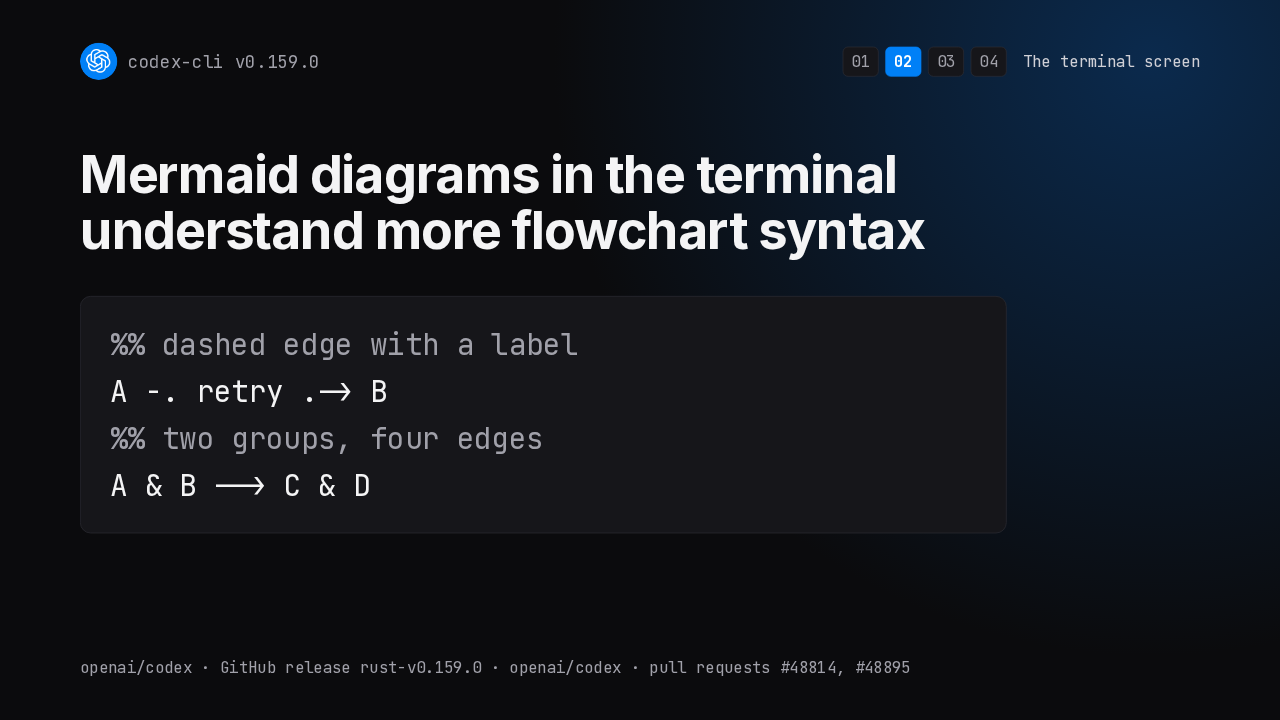
codex-cli v0.159.0Mermaid diagrams in the terminal understand more flowchart syntax
Codex draws Mermaid diagrams right in the terminal, and it now understands more flowchart syntax. Dashed and two way arrows, labels on edges, punctuation inside labels, and node groups that fan out into every edge.
Copied answers keep their Markdown tables
codex-cli v0.159.0More terminals now copy as soon as you select.
Copying from the transcript now keeps Markdown tables as tables, along with formatting and meaningful whitespace, like the spaces in code. And more terminals now copy automatically when you select text.
Fixes
codex-cli v0.159.0Then the fixes.
Windows stops opening stray console windows
codex-cli v0.159.0Under restrictive launchers, Codex falls back to embedded mode.
On Windows, starting MCP servers, the code mode host or piped commands no longer flashes stray console windows. And under launchers that stop background processes, Codex falls back to embedded mode instead of failing to open.
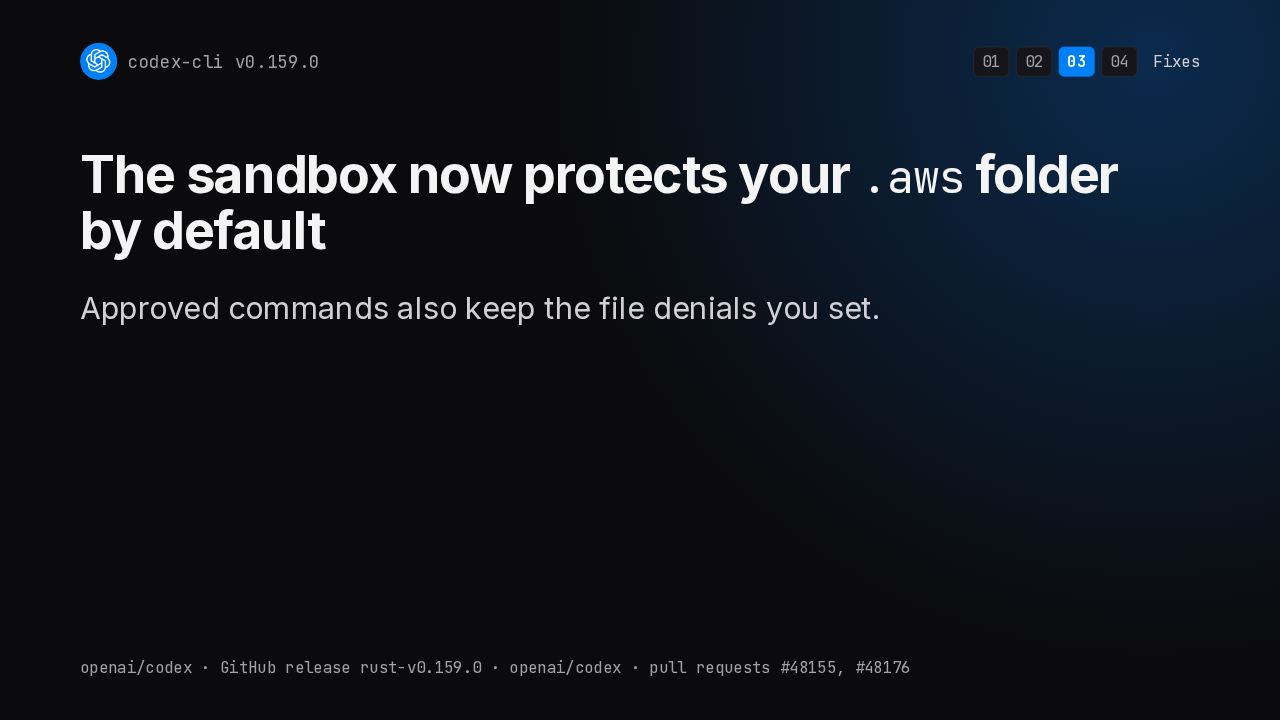
The sandbox protects your .aws folder by default
codex-cli v0.159.0The sandbox now protects your .aws folder by default
Approved commands also keep the file denials you set.
Your AWS folder is now protected by default inside folders Codex may write to, because AWS profiles can run credential helpers. And commands you approve still respect the files you've explicitly blocked.
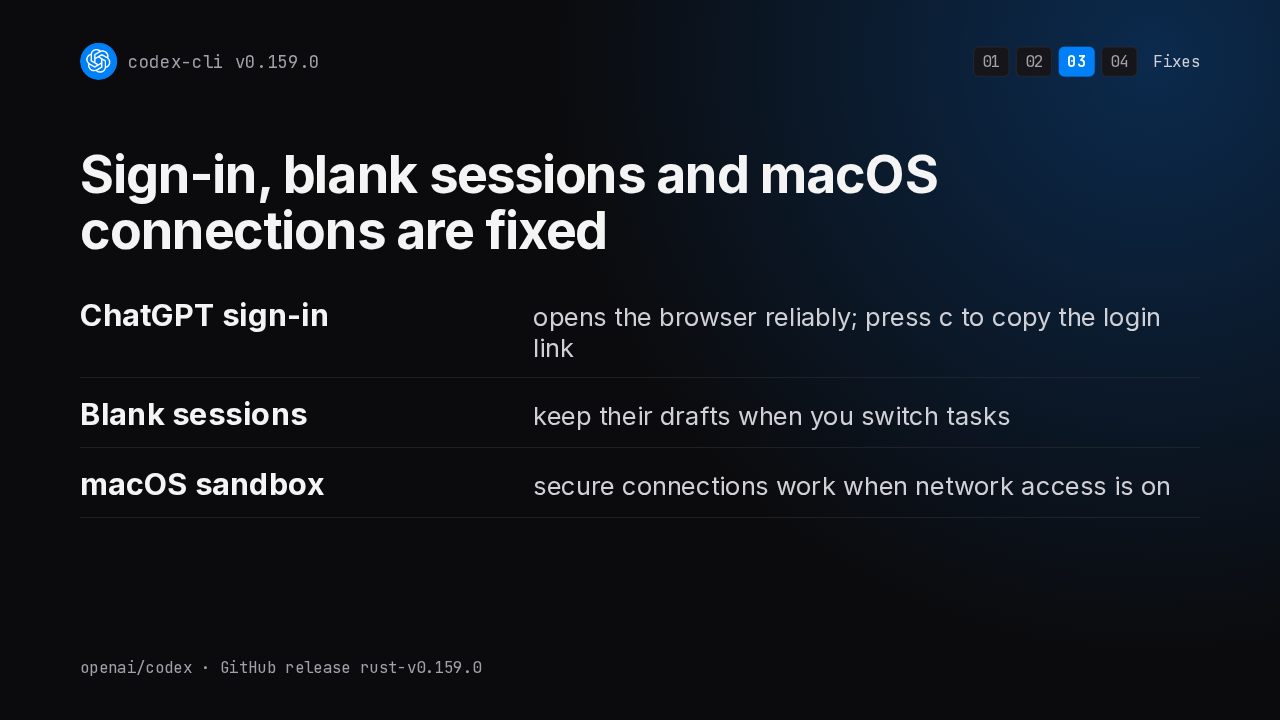
Sign-in, blank sessions and macOS connections are fixed
codex-cli v0.159.0Signing in with ChatGPT on your own machine now opens the browser reliably, and onboarding can copy the login link for you. Blank sessions keep their drafts when you switch tasks. And on macOS, secure connections work in sandboxes with network access.
Removed
codex-cli v0.159.0And two removals.
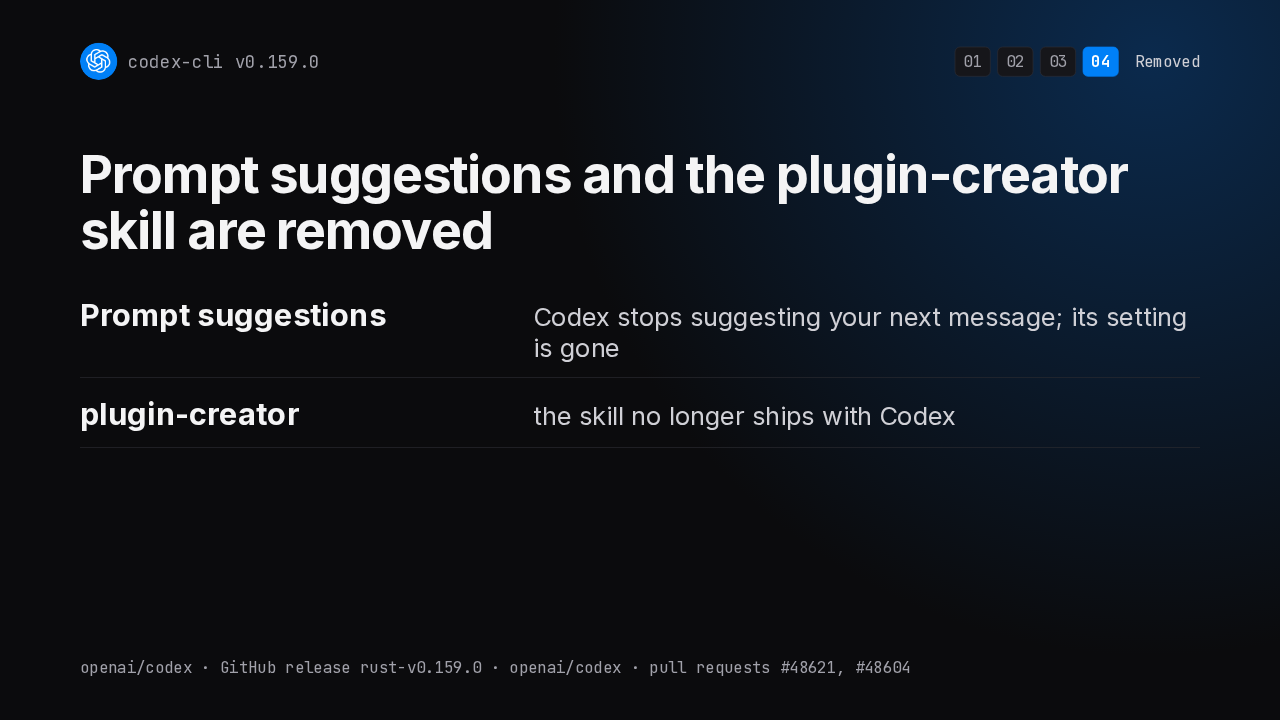
Prompt suggestions and the plugin-creator skill are removed
codex-cli v0.159.0Codex no longer suggests your next message after a turn, and the setting that controlled those suggestions is gone. The plugin creator skill no longer ships with Codex.
Every change is in the v0.159.0 release notes
codex-cli v0.159.0github.com/openai/codex › Releases › 0.159.0
The release notes list every change in this version. You'll find them on the Codex releases page on GitHub, under v0.159.0.