Explainers are now listed under their own headline
9 hours ago
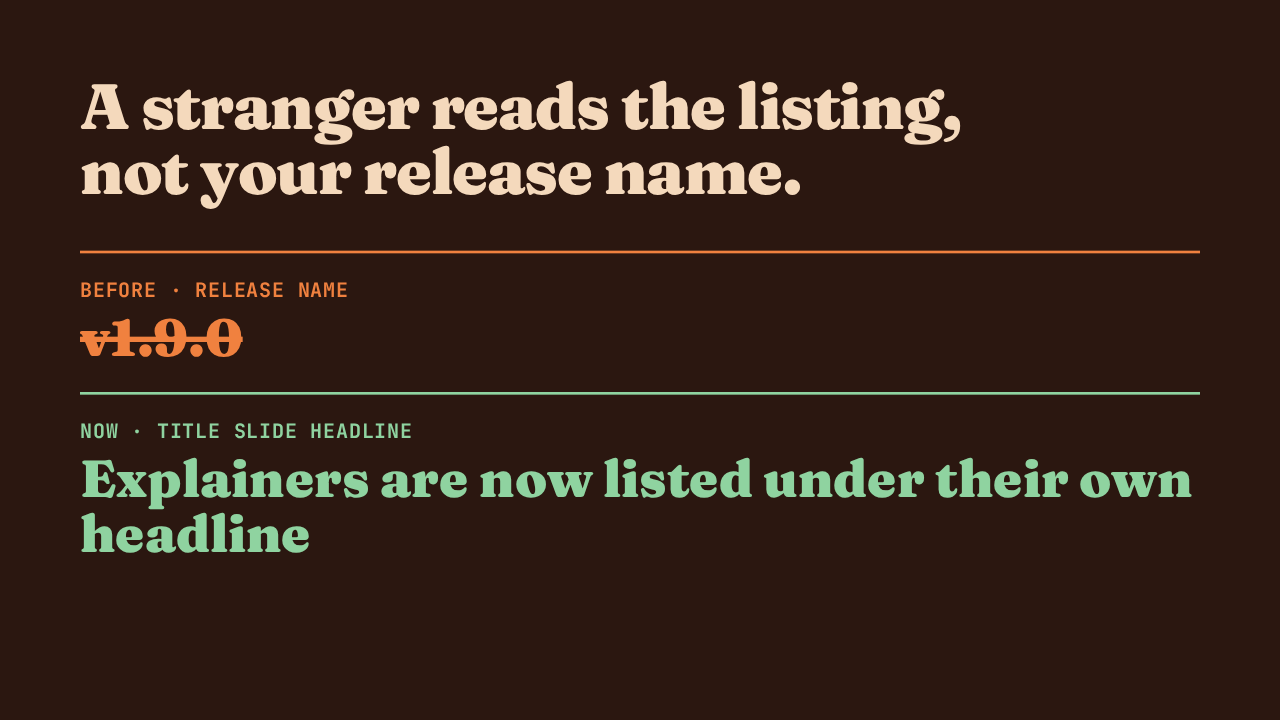
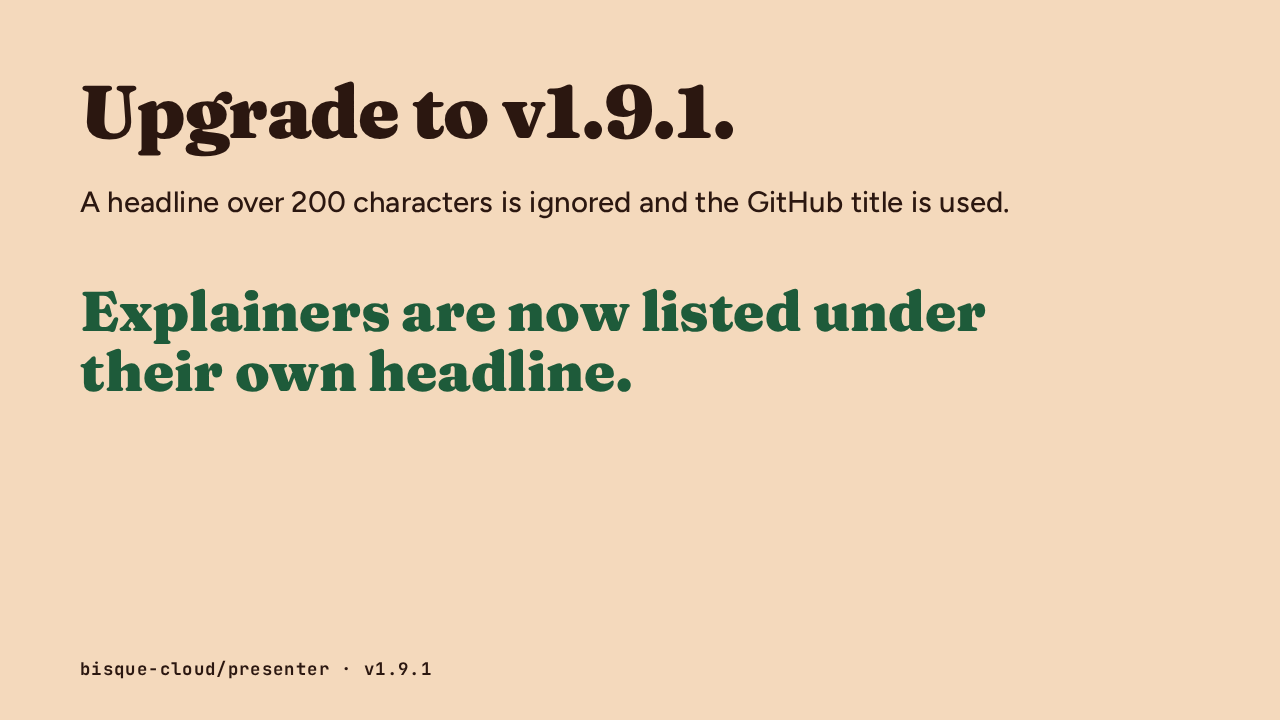
Presenter version 1.9.1 changes what your explainer is called on the channel page. Explainers are now listed under their own headline. The release notes put it this way: they use the title slide headline from title.txt for their channel listing, falling back to the GitHub title when it is unavailable.
Ask about this presentation
Chapters

Show transcriptHide transcript
Presenter version 1.9.1 changes what your explainer is called on the channel page. Explainers are now listed under their own headline. The release notes put it this way: they use the title slide headline from title.txt for their channel listing, falling back to the GitHub title when it is unavailable.
The code comment explains why. A release's name is often its bare tag, like v1.9.0, and a pull request's title is written for its reviewers. Neither tells a stranger on the channel page what changed. Until now the listing used that name. From this release it uses the headline your agent wrote for the title slide.
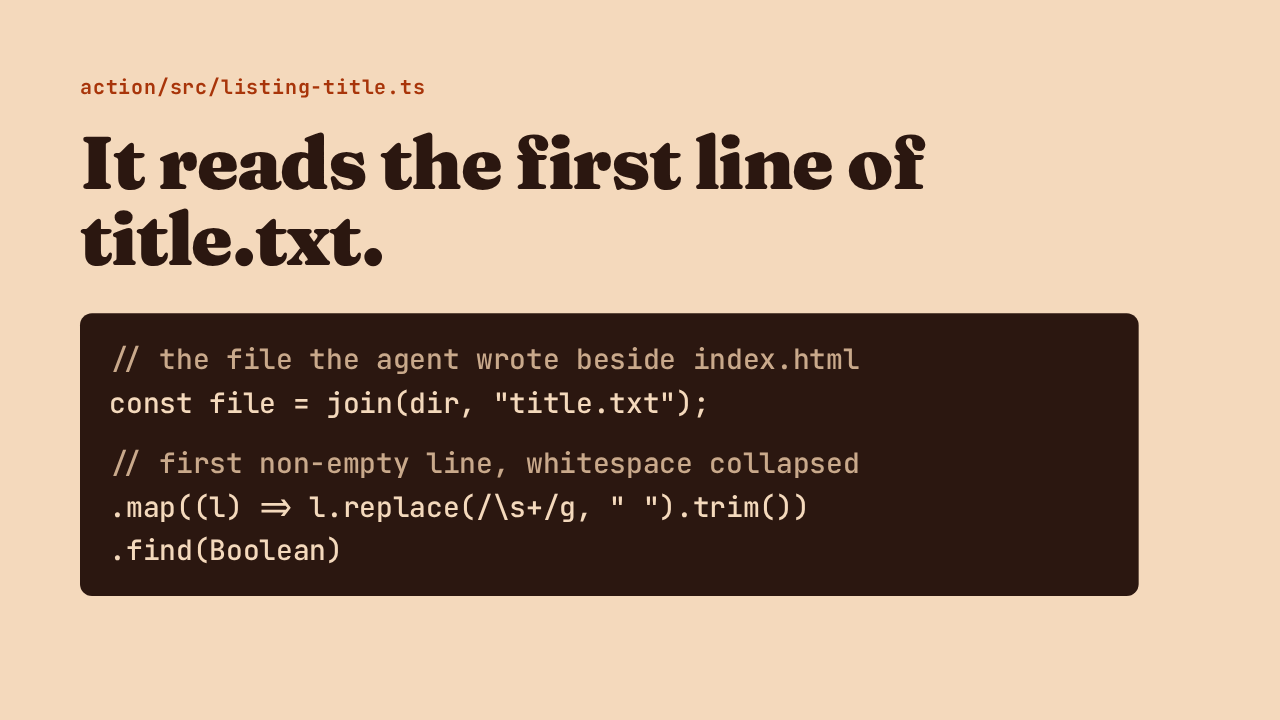
A new file, listing-title.ts, does the work. It looks for title.txt in the folder the agent wrote. Then it takes the first line that has any text in it and collapses stray whitespace, so a trailing line break or a doubled space never reaches the listing.
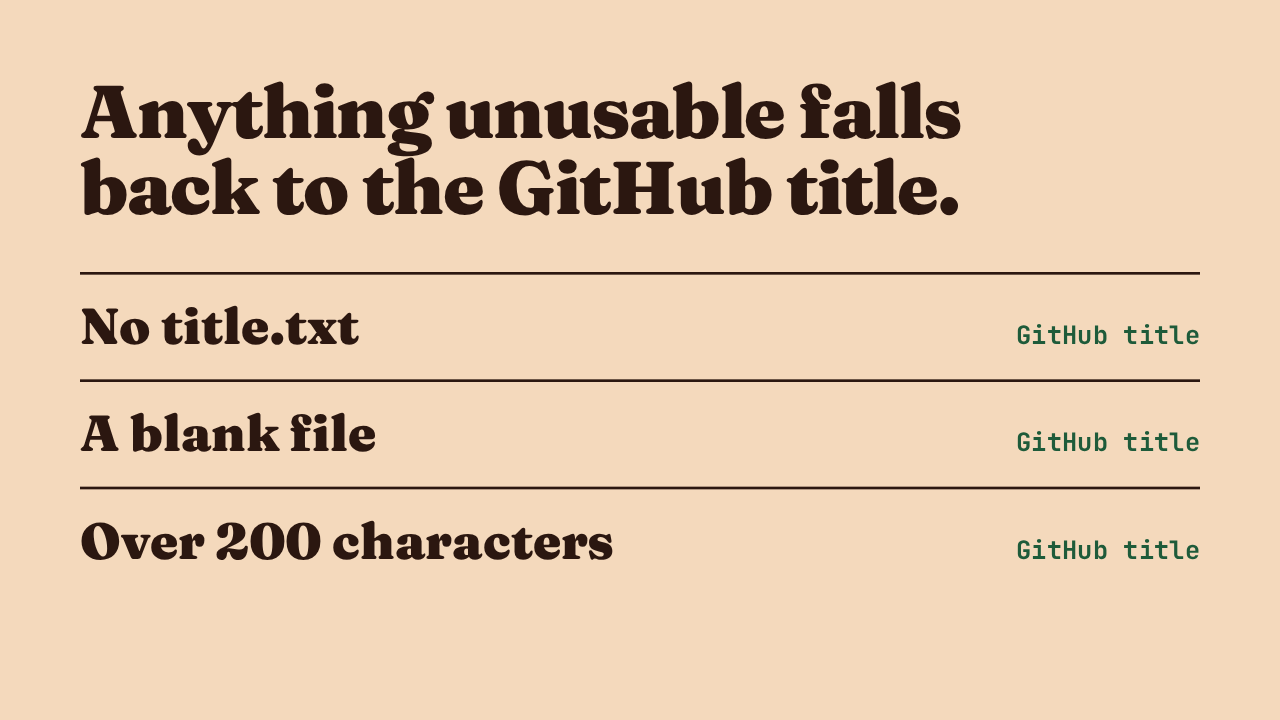
Publishing still works when the title is missing or wrong. A folder with no title file, such as one written for an earlier version of the Action, keeps its GitHub title. So does a file with nothing in it. And a headline longer than 200 characters is ignored, because publish would reject a title that long and fail the run.
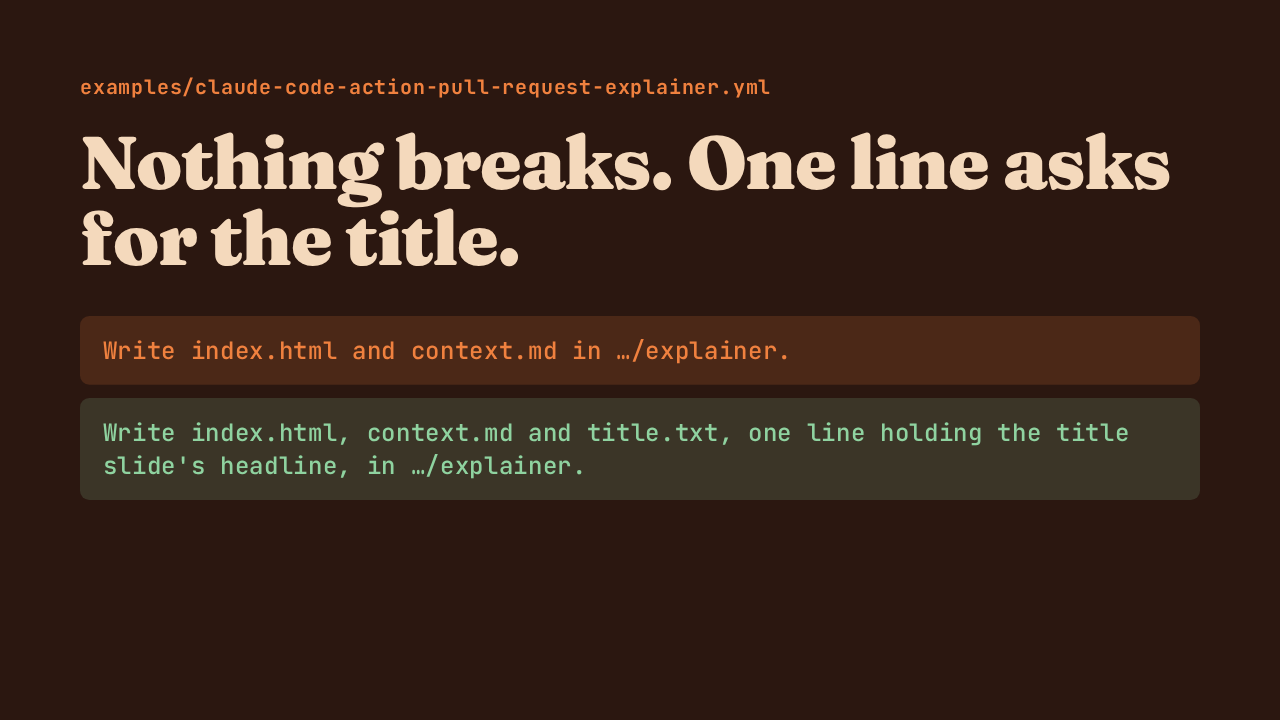
There is no migration. If you use the bundled release and pull request prompts, they already ask the agent for the title file. If you wrote your own prompt, like the pull request example workflow, add title.txt to the files it writes, with one line holding the title slide's headline.
Upgrading to version 1.9.1 is safe for everyone, and only custom prompts need an edit. One limit to keep in mind: the headline has to fit in 200 characters, or the listing quietly keeps the GitHub title. Within that limit, explainers are now listed under their own headline.
Up next
 2:12
2:12The pull request explainer now runs inside claude-code-action
@bisque-cloud/presenter · 21 hours ago
 2:21
2:21A used-up plan no longer turns your pull request red.
@bisque-cloud/presenter · 1 day ago
 1:54
1:54Skipped pull requests now get no comment.
@bisque-cloud/presenter · 2 days ago
 2:37
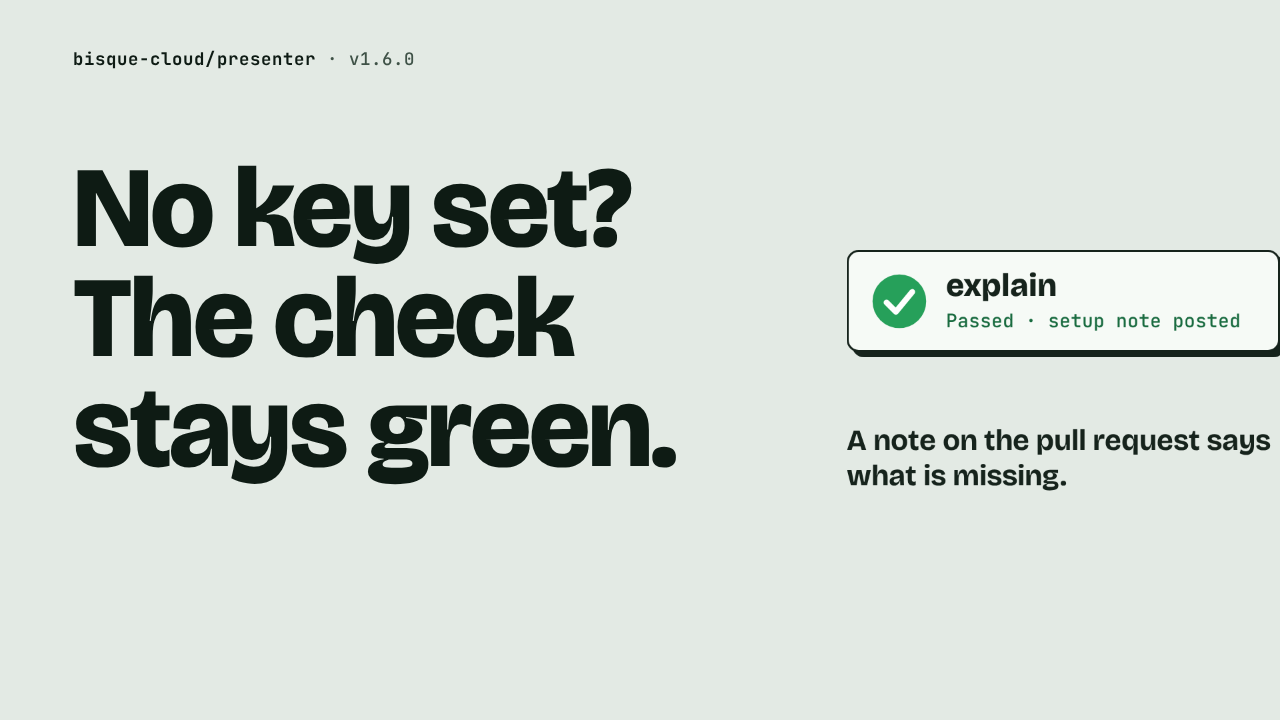
2:37No key set? The check stays green.
@bisque-cloud/presenter · 3 days ago
 2:09
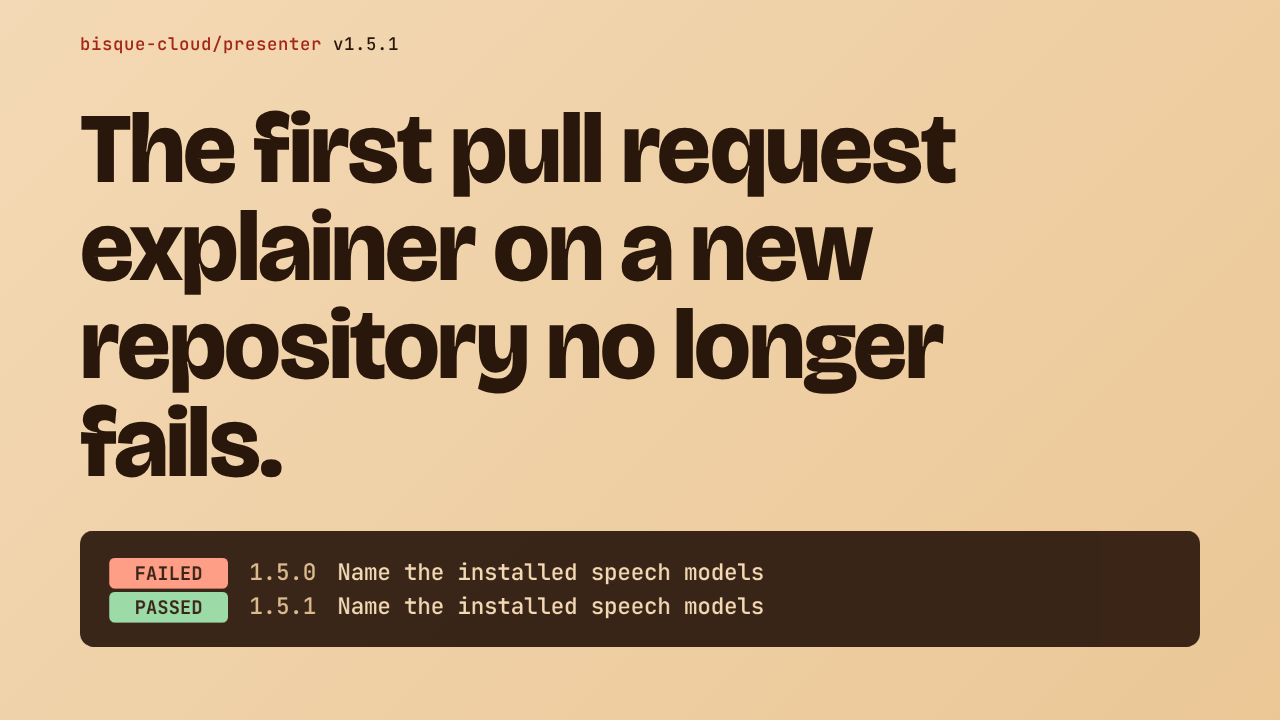
2:09The first pull request explainer on a new repository no longer fails.
@bisque-cloud/presenter · 3 days ago
 1:16
1:16A README paragraph gets rewrapped.
@bisque-cloud/presenter · 5 days ago