A missing key no longer fails the check
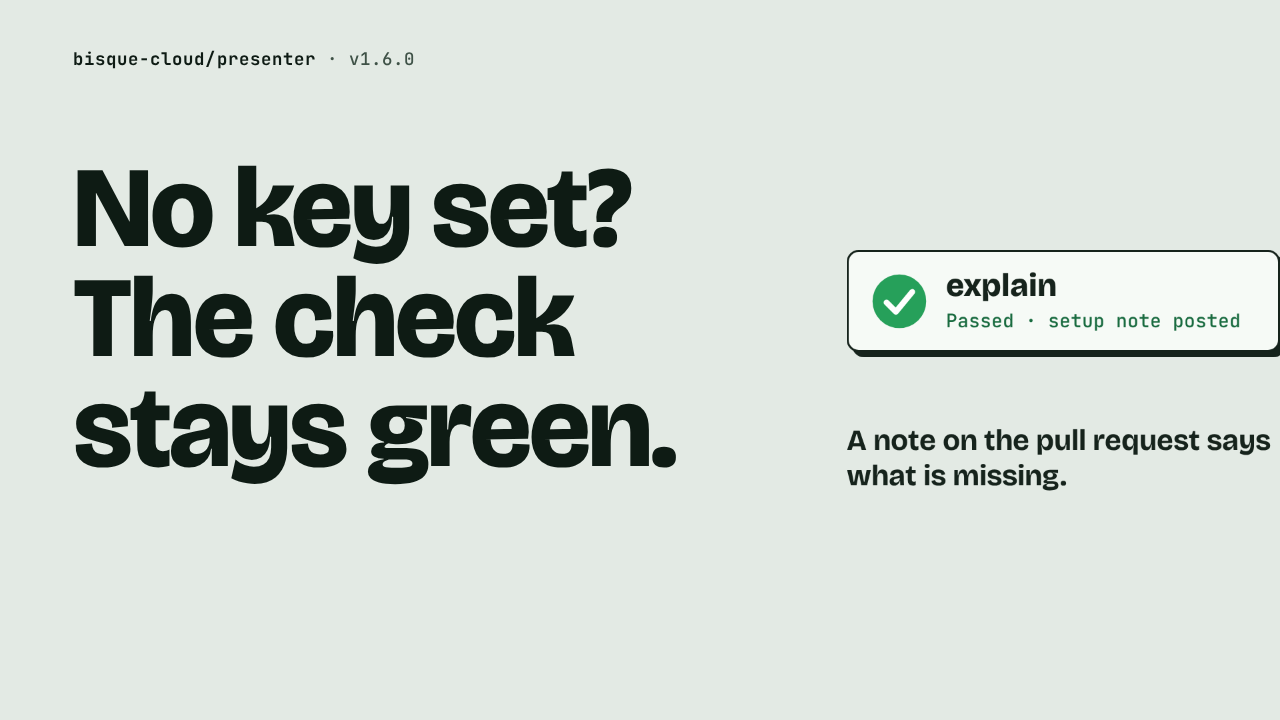
No key set?
The check
stays green.
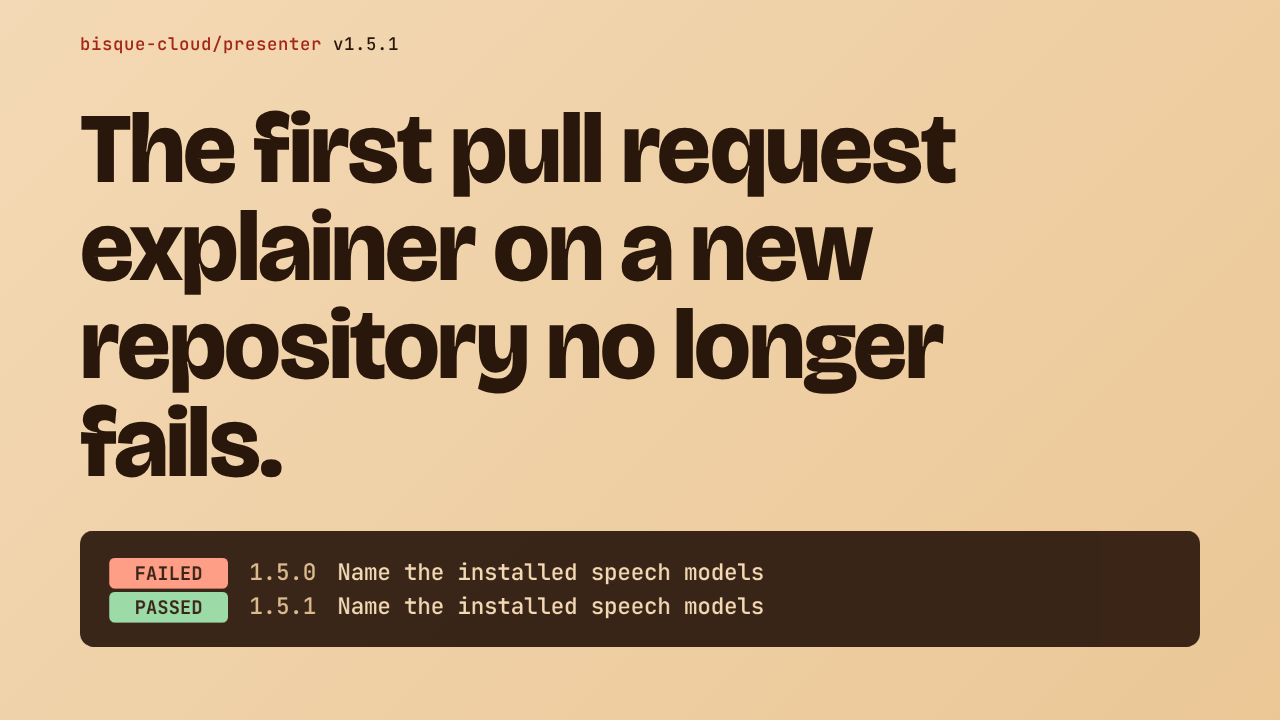
A pull request opens on a repository that has not finished setting up the explainer. Before this release, the workflow turned red on that contributor's pull request. Now the run passes, and one note on the pull request says what is missing.
Setup step, not the contributor's fault
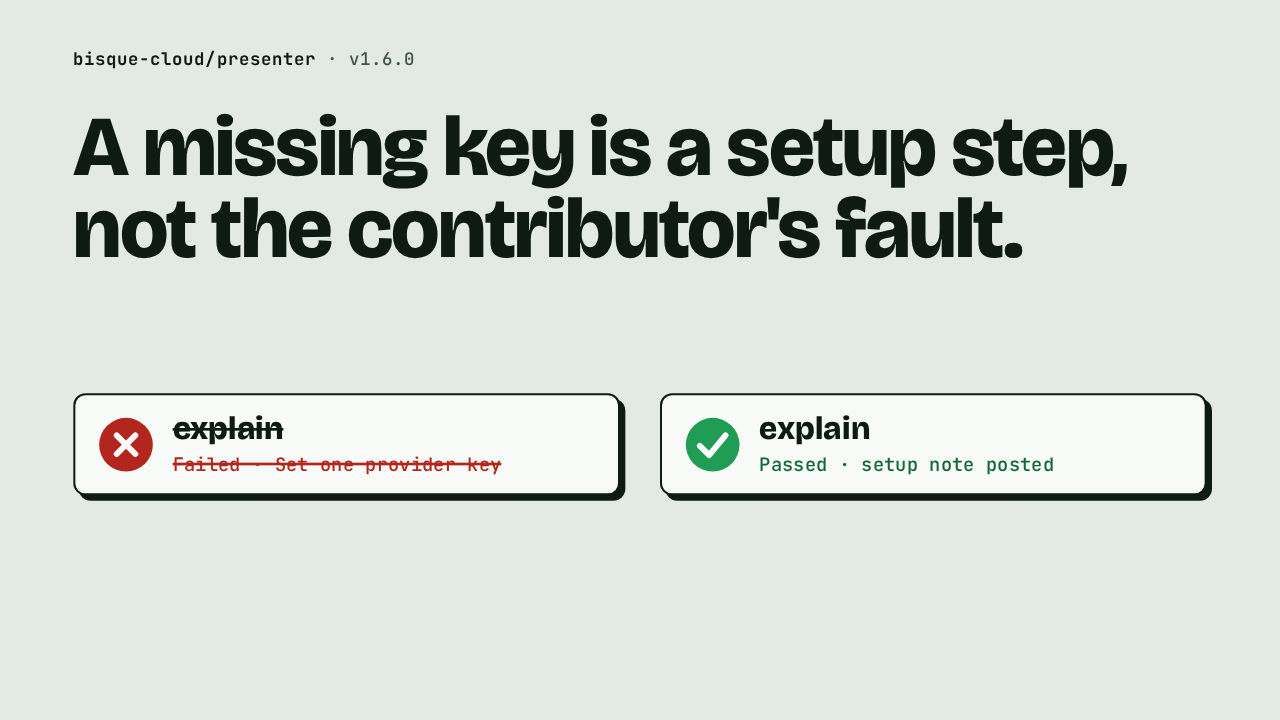
A missing key is a setup step, not the contributor's fault.
Without a provider key, the action stopped with a plain message. Set one provider key. That showed up as a red check on a pull request, and the cause was the maintainer's setup. In this release the same run is green.
The note on the pull request
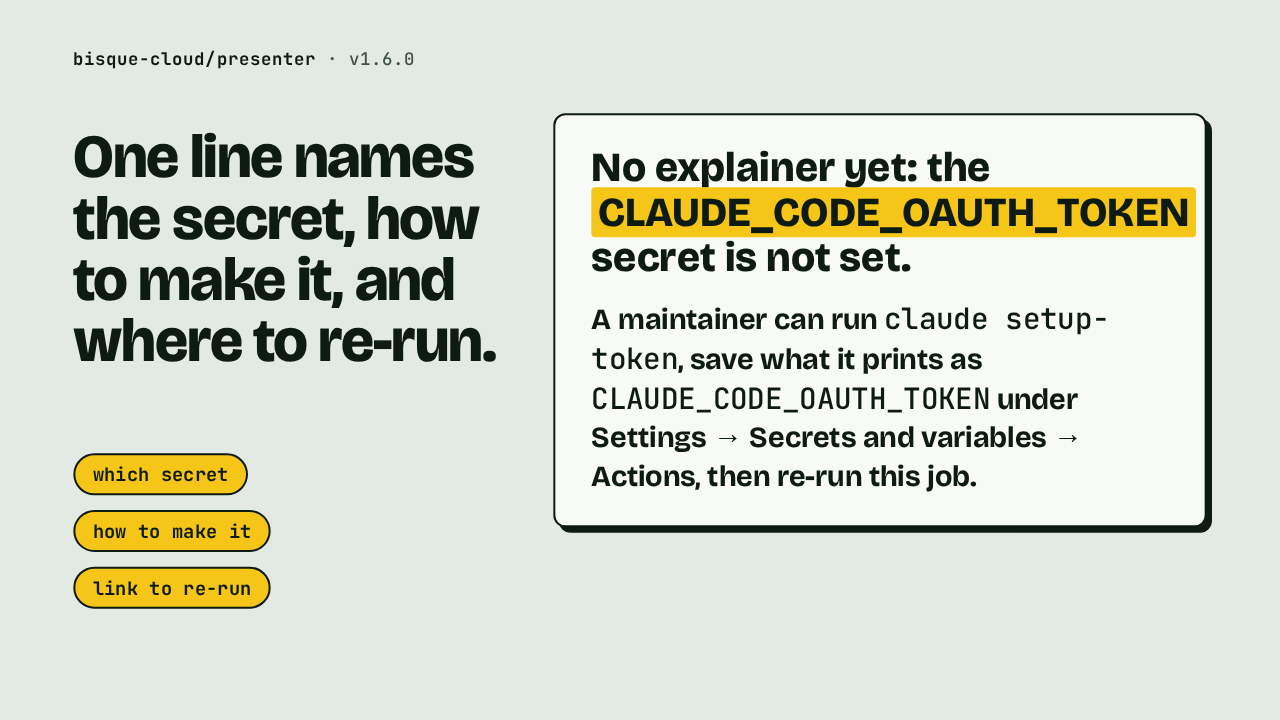
One line names the secret, how to make it, and where to re-run.
The note is a single comment on the pull request. It says there is no explainer yet because the secret is not set. It tells a maintainer to run claude setup-token, save the result as that secret under the repository settings, then re-run the job. That covers which secret, how to make it, and a link to re-run.
The secret name comes from your workflow
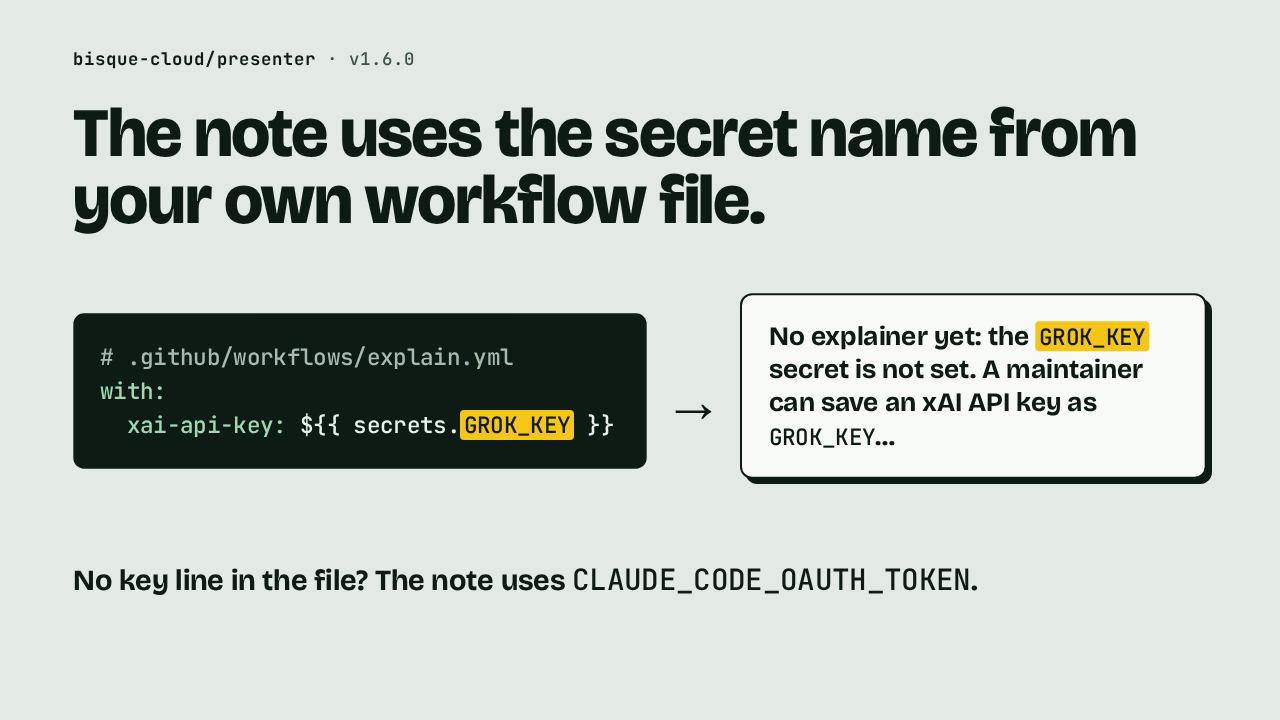
The note uses the secret name from your own workflow file.
# .github/workflows/explain.yml
with:
  xai-api-key: ${{ secrets.GROK_KEY }}
The action reads the workflow file that started the run, and looks for the line that passes a secret to a key input. If that line hands a secret called GROK_KEY to the xAI input, the note names GROK_KEY, and says to save an xAI API key under that name. The wording changes with the provider. When the file names no key at all, the note falls back to the default every example uses, the Claude Code OAuth token.
Renamed Pull Request Explainer
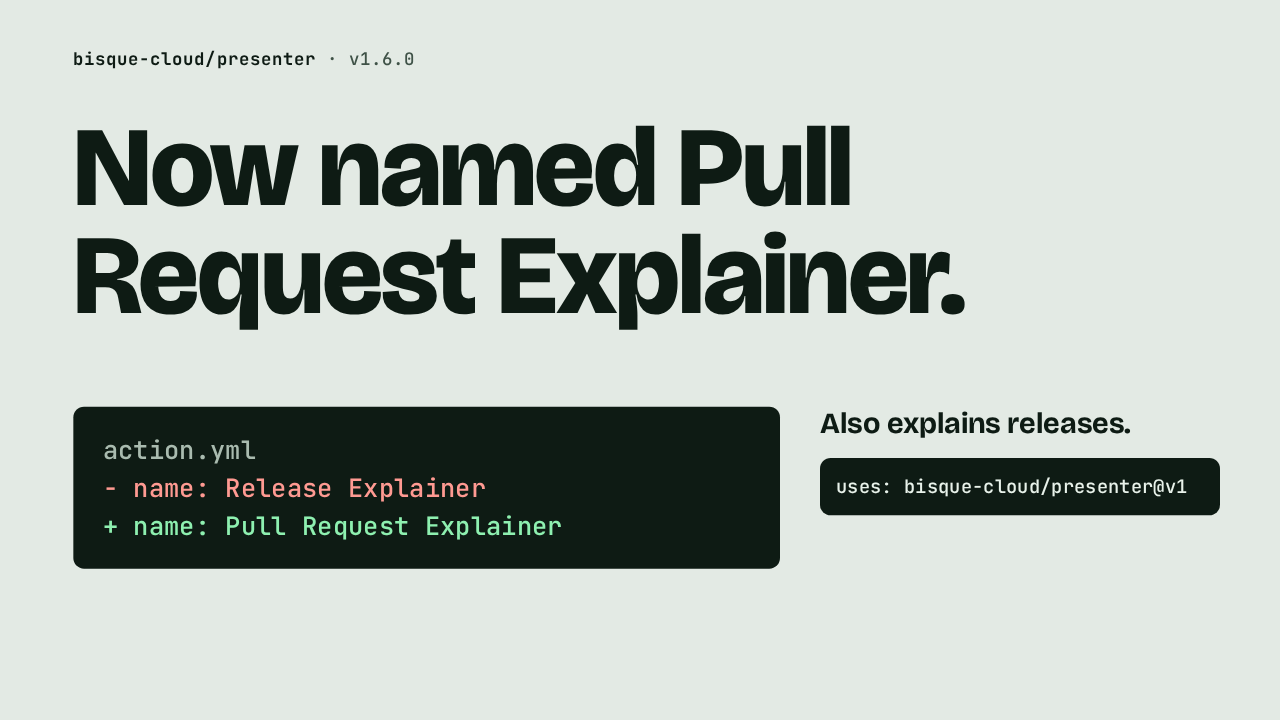
Now named Pull Request Explainer.
action.yml
- name: Release Explainer
+ name: Pull Request Explainer
The Action has a new name, Pull Request Explainer. It was called Release Explainer. The description now opens with pull requests: mention bisque cloud, or let it pick the ones worth explaining. It still explains releases, and the line that uses it in your workflow stays the same.
Watch reads repository channel links
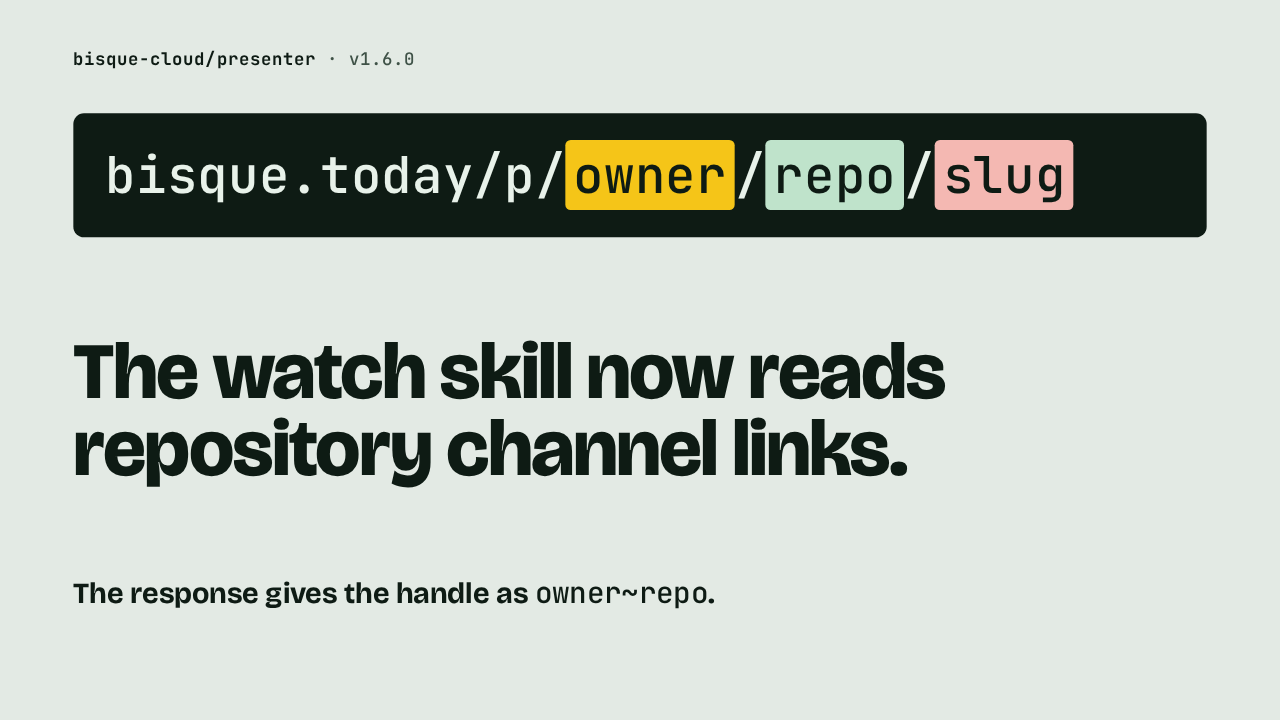
The watch skill now reads repository channel links.
The watch skill lets your agent summarize a published presentation, or answer questions about it. It now accepts the link a repository's channel publishes, with the owner, the repository and the slug after slash p. Pass the link as it is. The response gives the handle as the owner, a tilde, and the repository.
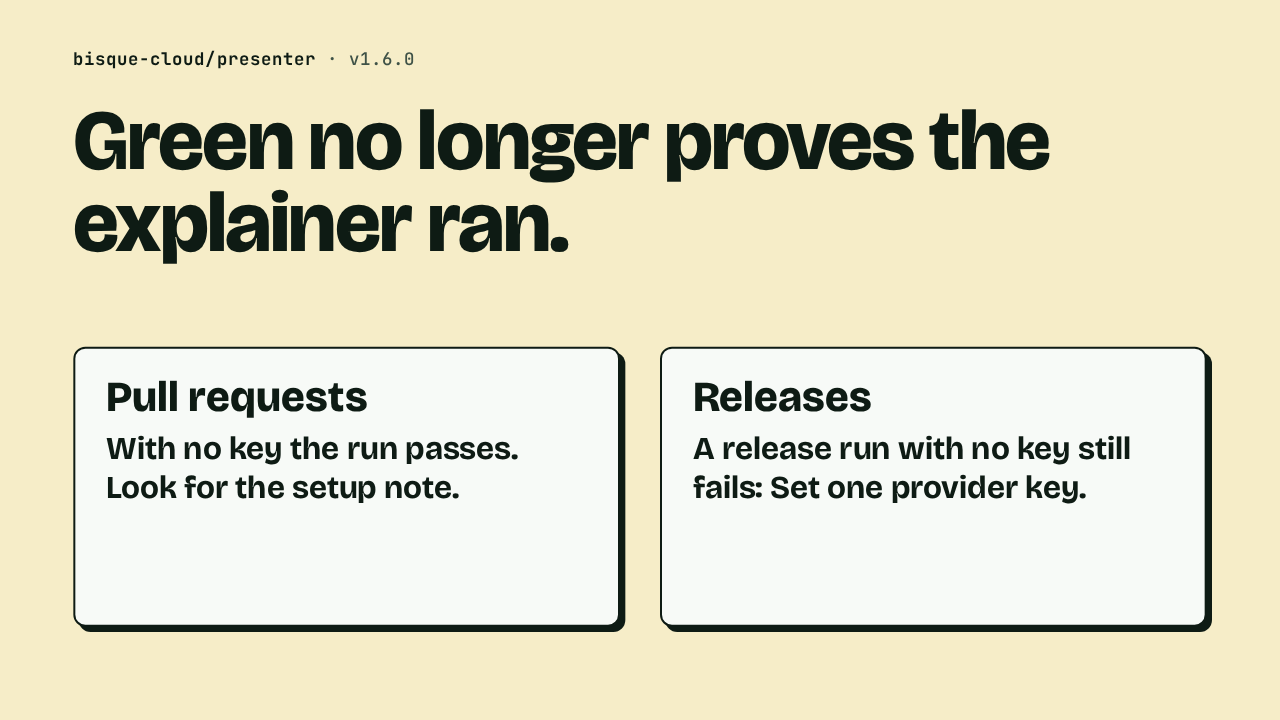
Green no longer proves the explainer ran
Green no longer proves the explainer ran.
This changes what a green check means. On a pull request, a green run can now mean the explainer was skipped, so when no link appears, look for the setup note. An explainer link that already exists stays in place. Releases behave as before. A release run with no key still fails with the same message, because only pull request runs get the note.
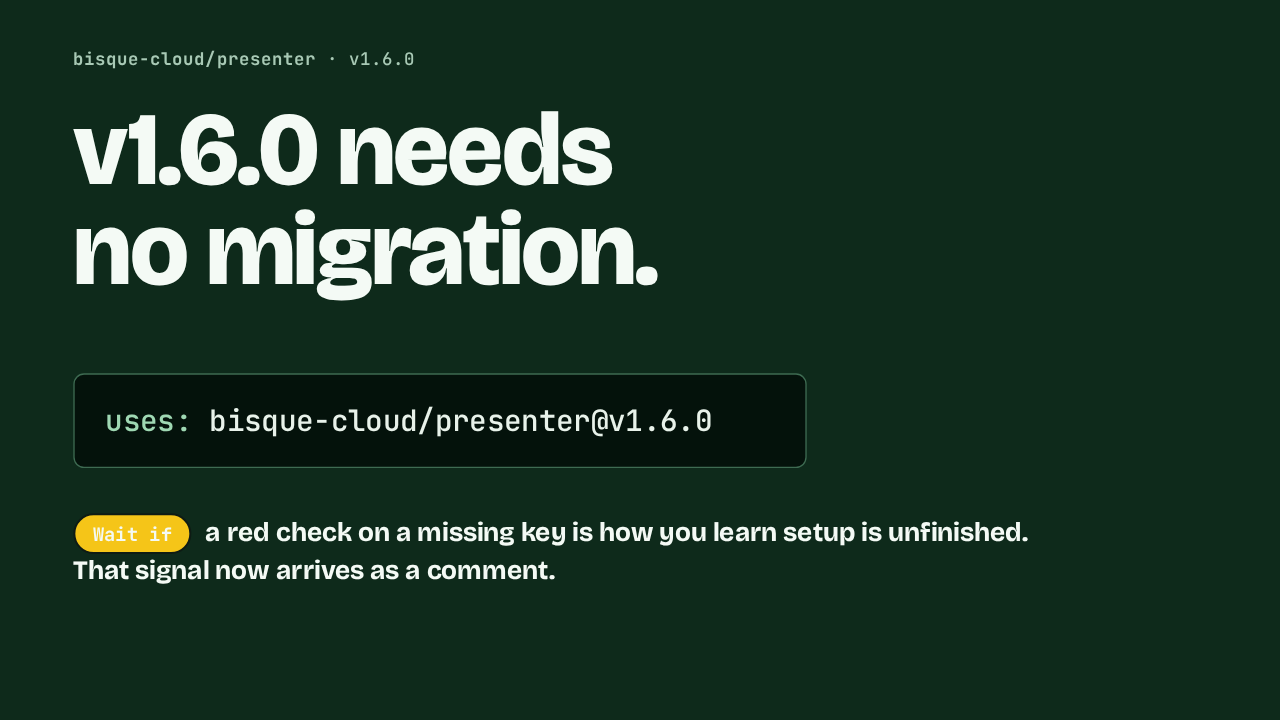
Upgrade to v1.6.0
v1.6.0 needs
no migration.
uses: bisque-cloud/presenter@v1.6.0
Version 1.6.0 needs no migration. Move your pin to v1.6.0, or stay on v1. Hold off only if a red check on a missing key is how you learn setup is unfinished, because that signal now arrives as a comment. Otherwise a pull request with no key passes, and the contributor sees one line naming the secret.