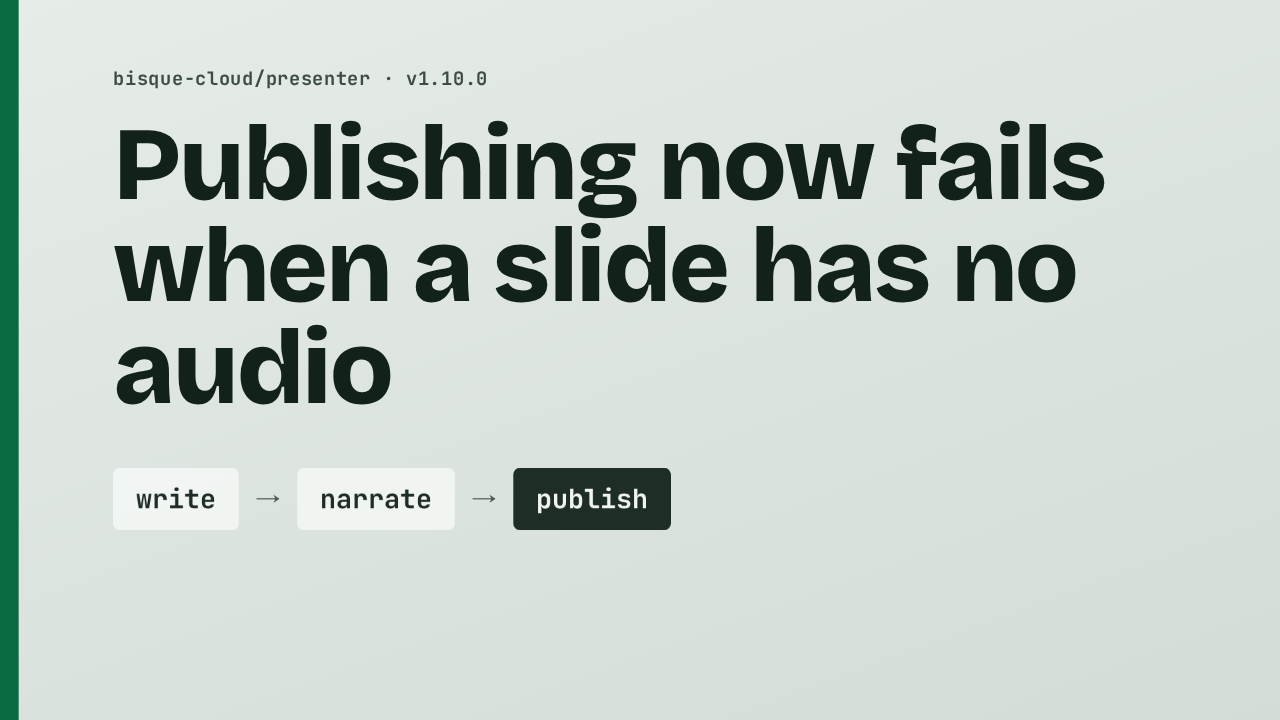
Publishing now fails when a slide has no audio
1 hour ago

If you publish a presentation that another job wrote, a slide without audio used to get narrated at the last moment, inside the publishing job, before anyone could listen to it. Version 1.10 changes that. Writing and narrating stay upstream, and the publishing job now fails when the audio is missing.
Ask about this presentation
Chapters
Show transcriptHide transcript
If you publish a presentation that another job wrote, a slide without audio used to get narrated at the last moment, inside the publishing job, before anyone could listen to it. Version 1.10 changes that. Writing and narrating stay upstream, and the publishing job now fails when the audio is missing.
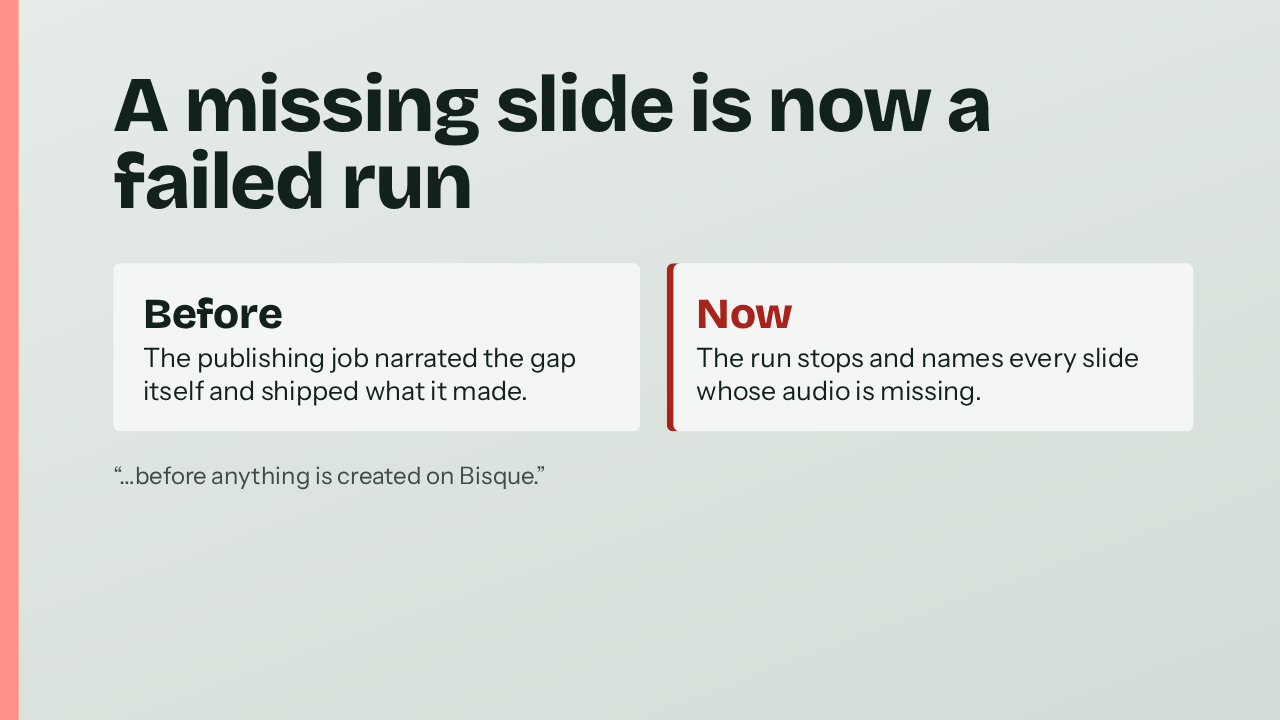
Here is the difference. Before, the publishing job filled the gap on its own. It synthesized the slide and published whatever it produced. Now the run stops. The failure names every slide whose audio is missing for its text, voice and speed, and it happens before anything is created on Bisque.
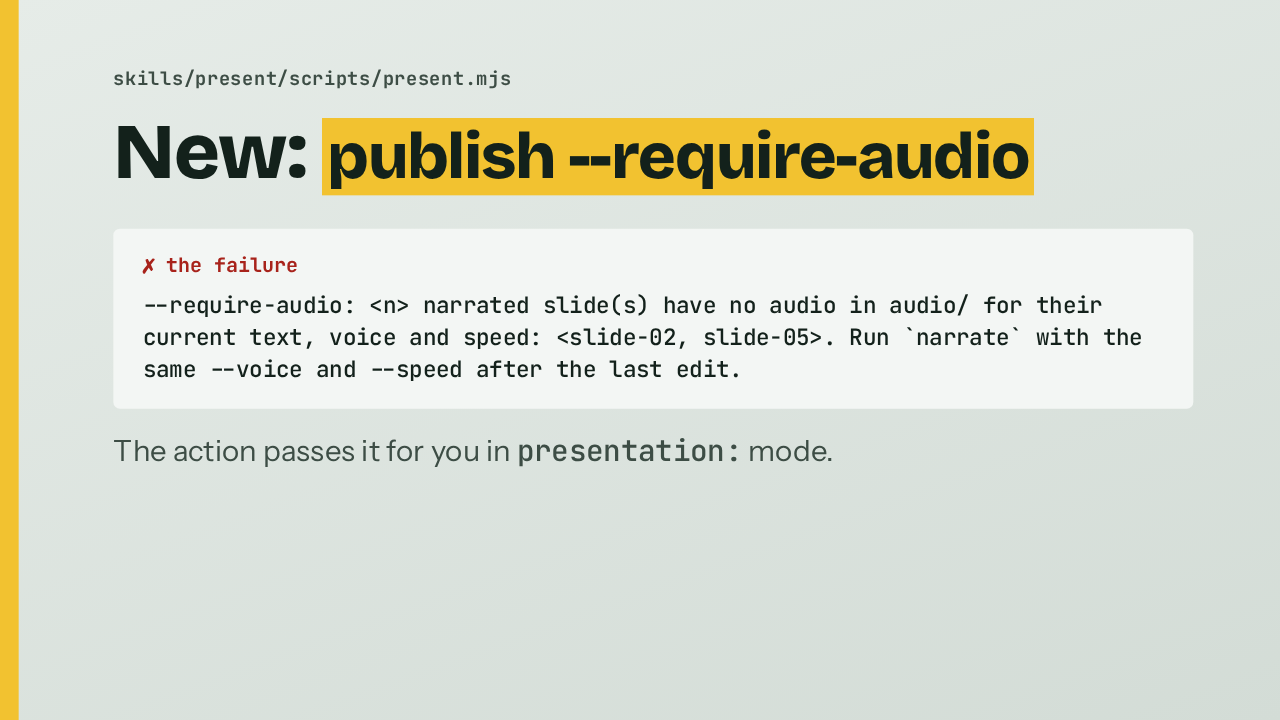
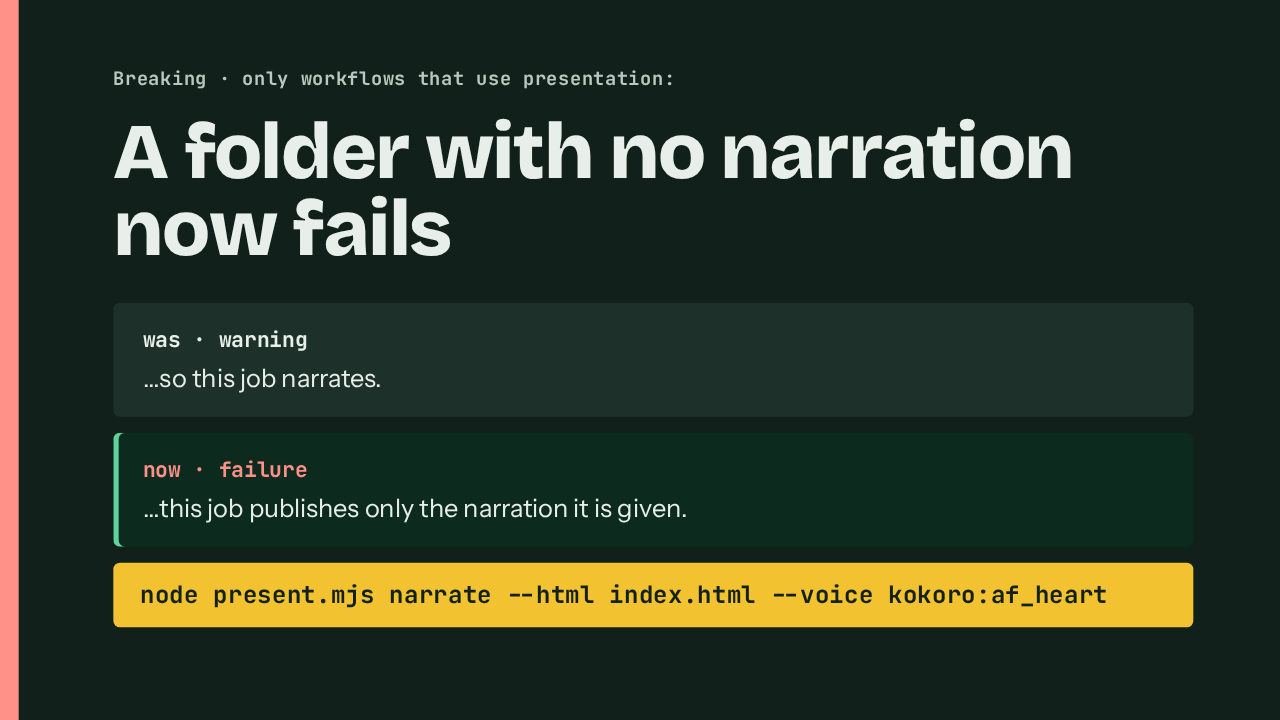
The behavior lives in a new flag on the publish command, and this is what it prints when slides are missing. It lists each slide, then tells you to run narrate again with the same voice and speed after your last edit. You don't have to add the flag yourself. The action passes it whenever you use the presentation input.
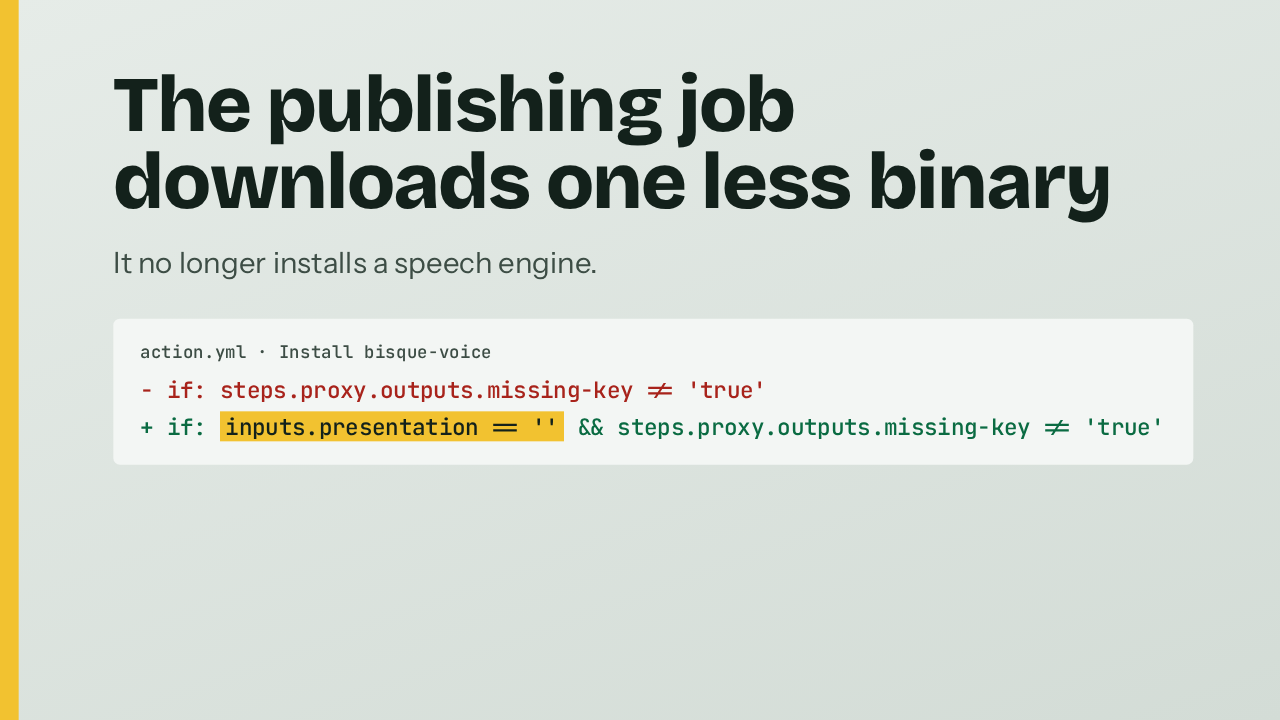
A side effect is a lighter job. In presentation mode, publishing only uploads audio that already exists, so it no longer installs a speech engine. In action.yml, the install step now runs only when the presentation input is empty. That's one less binary to download and run on every publish.
This is the part that can break a workflow. A folder with no narration at all used to produce a warning, and the publishing job narrated it. Now it fails the run. If your writing job skipped the narrate step, run it there, in the voice you want, after the last edit. Workflows that don't use the presentation input are not affected.
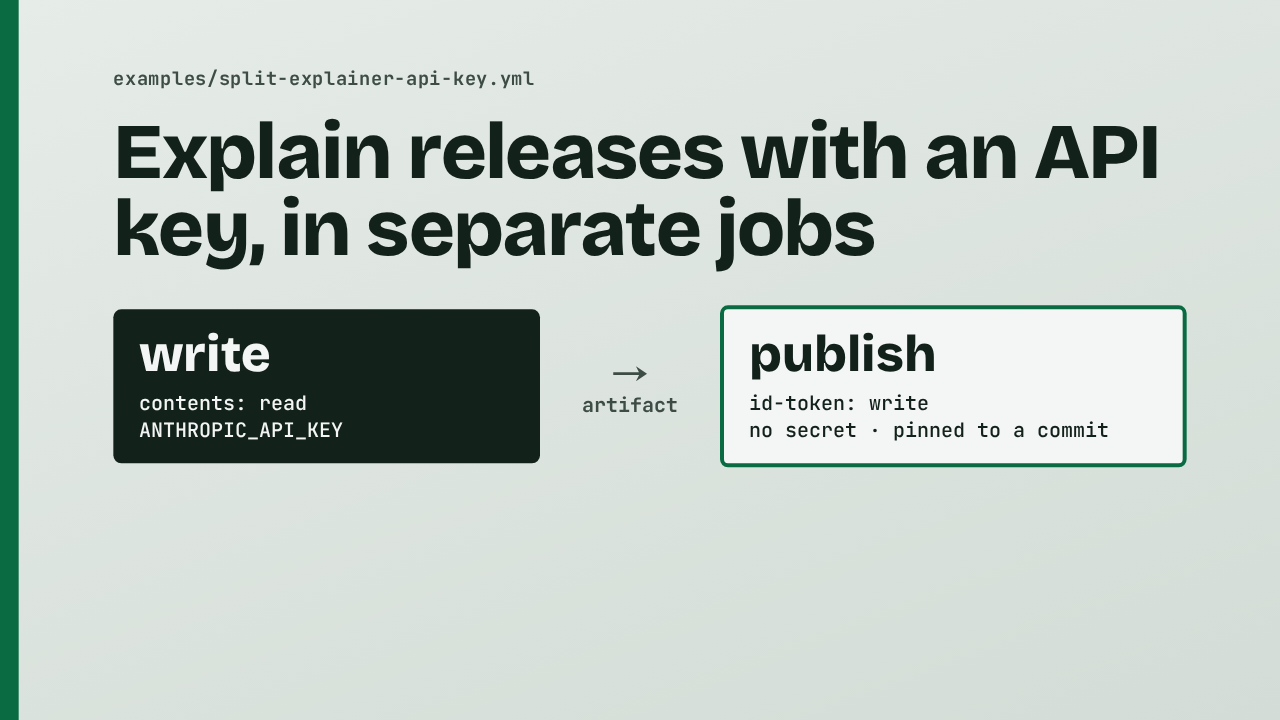
The release also adds an example workflow for teams that use an Anthropic API key. Claude writes the presentation in a read-only job. The folder moves as an artifact, and a separate job with no secrets, pinned to a commit, publishes it. It covers merged pull requests and minor or major releases. The Claude plan setup is unchanged.
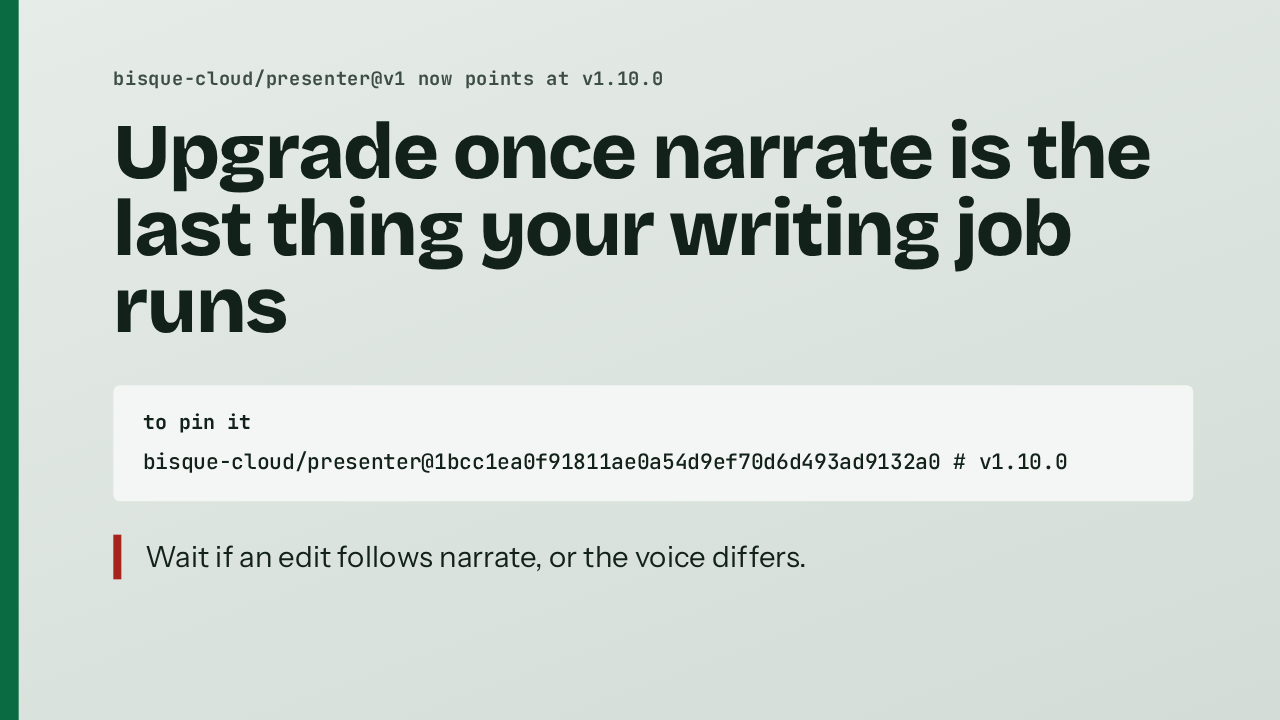
The v1 tag now points at this release, so you get it on your next run. To pin it instead, use this commit. One reason to hold off: if your writing job edits slides after it narrates, or publishes in a different voice or speed, the audio no longer matches and publishing will fail. That is the whole change: publishing now fails when a slide has no audio.
Up next
 2:04
2:04Presenter's voice engine now installs from GitHub, built and signed in the open
@bisque-cloud/presenter · 2 days ago
 2:39
2:39Release explainers now compare against the last stable release
@bisque-cloud/presenter · 3 days ago
 1:55
1:55Explainers are now listed under their own headline
@bisque-cloud/presenter · 3 days ago
 2:12
2:12The pull request explainer now runs inside claude-code-action
@bisque-cloud/presenter · 4 days ago
 2:21
2:21A used-up plan no longer turns your pull request red.
@bisque-cloud/presenter · 4 days ago
 1:54
1:54Skipped pull requests now get no comment.
@bisque-cloud/presenter · 6 days ago
 2:37
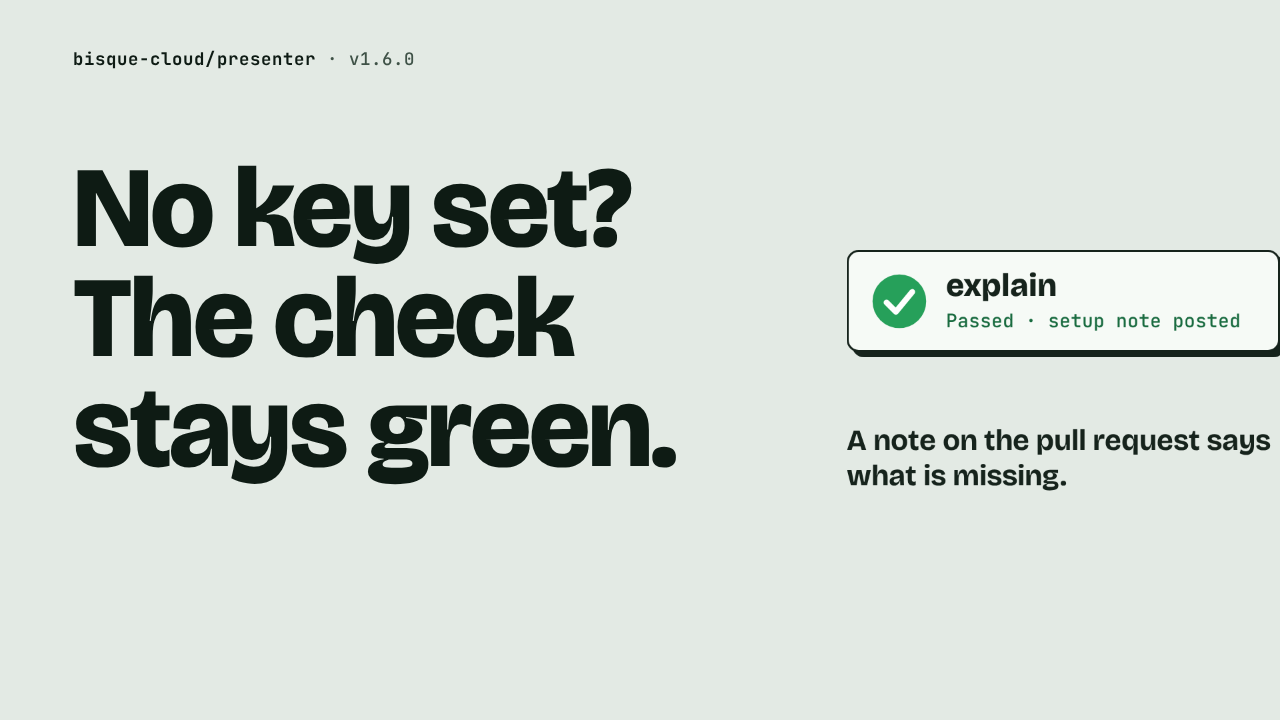
2:37No key set? The check stays green.
@bisque-cloud/presenter · 6 days ago
 2:09
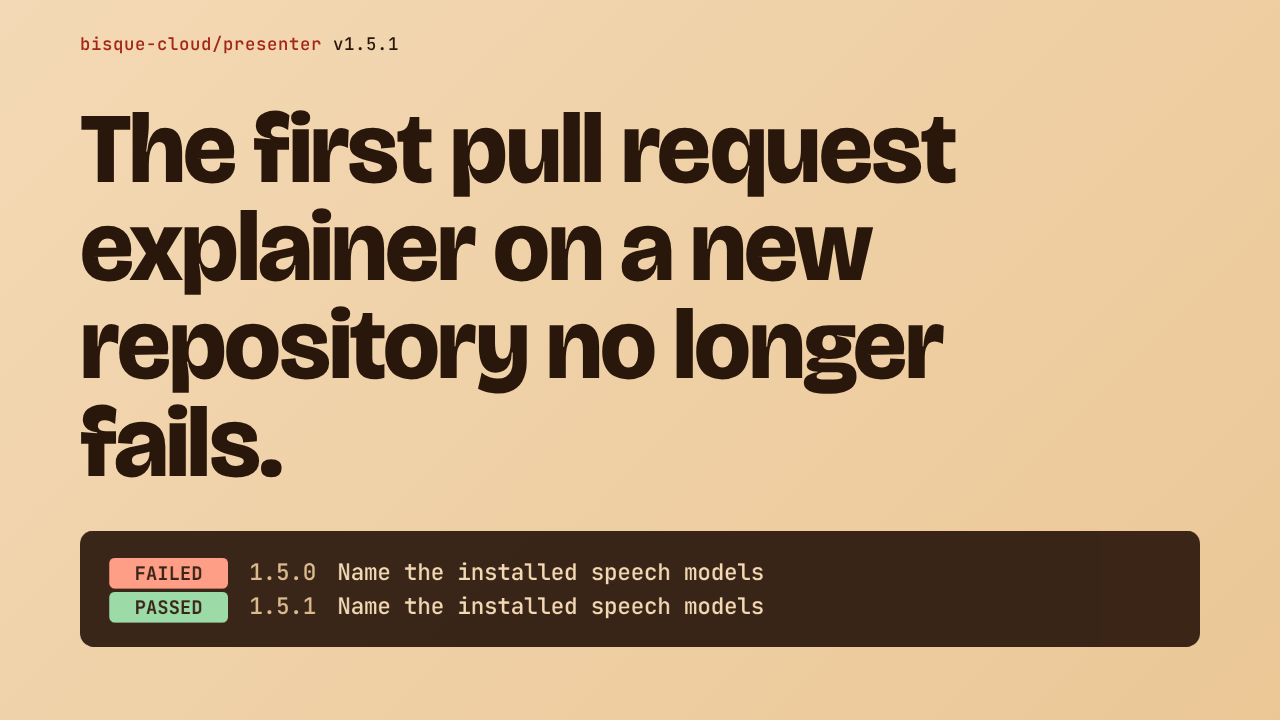
2:09The first pull request explainer on a new repository no longer fails.
@bisque-cloud/presenter · 1 week ago
 1:16
1:16A README paragraph gets rewrapped.
@bisque-cloud/presenter · 1 week ago