Paperweight 1.0 finds the accounts tied to your email and helps you delete your data
3 hours ago
Paperweight 1.0 is out. It's a desktop app that reads your email history on your own computer, finds which companies have your data, and helps you clean up your inbox and ask those companies to delete it. Here's what's in it, and what changed since version 0.8.
Ask about this presentation
Chapters
Show transcriptHide transcript
Paperweight 1.0 is out. It's a desktop app that reads your email history on your own computer, finds which companies have your data, and helps you clean up your inbox and ask those companies to delete it. Here's what's in it, and what changed since version 0.8.
Slide text
wslyvh/paperweight · v1.0.0Paperweight 1.0 finds the accounts tied to your email and helps you delete your data
Local-first and open source, for macOS, Windows and Linux

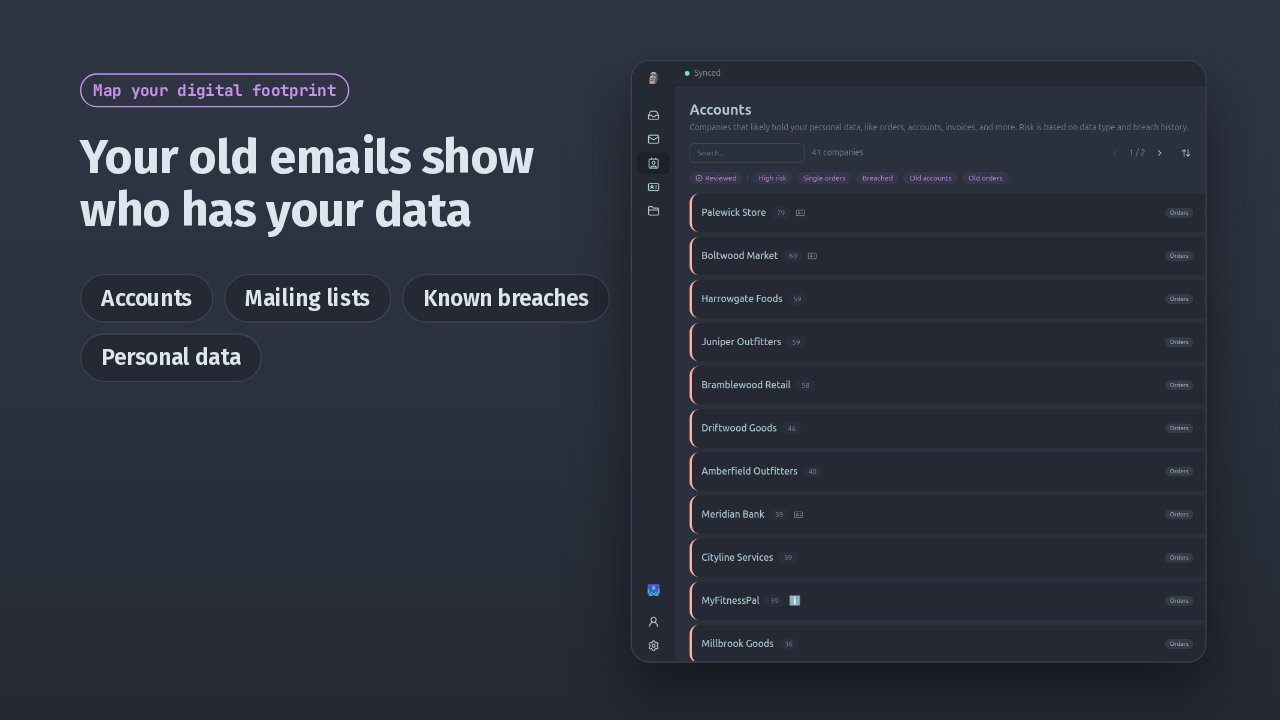
Paperweight goes through your mail history, the sign-up messages, receipts and password resets, and lists the accounts and companies connected to your address. It also finds your mailing lists, known breaches at services you use, and personal information in old emails. You review all of it locally.
Slide text
Map your digital footprintYour old emails show who has your data
Accounts Mailing lists Known breaches Personal data
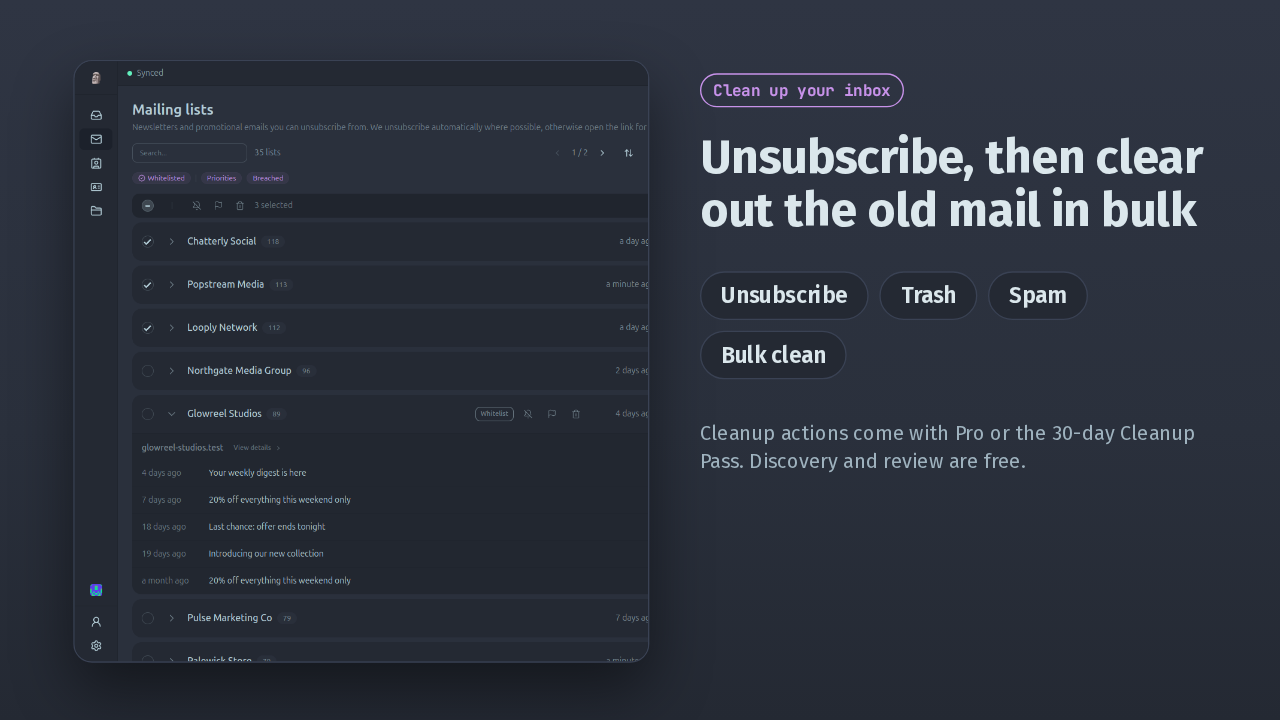
Then the cleanup. You can unsubscribe from mailing lists, move messages to trash or spam, and bulk clean old email, with actions grouped so a large inbox goes faster. Cleanup needs Pro or the 30-day Cleanup Pass. Discovery and review are free.
Slide text
 Clean up your inbox
Unsubscribe, then clear out the old mail in bulk
Unsubscribe Trash Spam Bulk cleanCleanup actions come with Pro or the 30-day Cleanup Pass. Discovery and review are free.
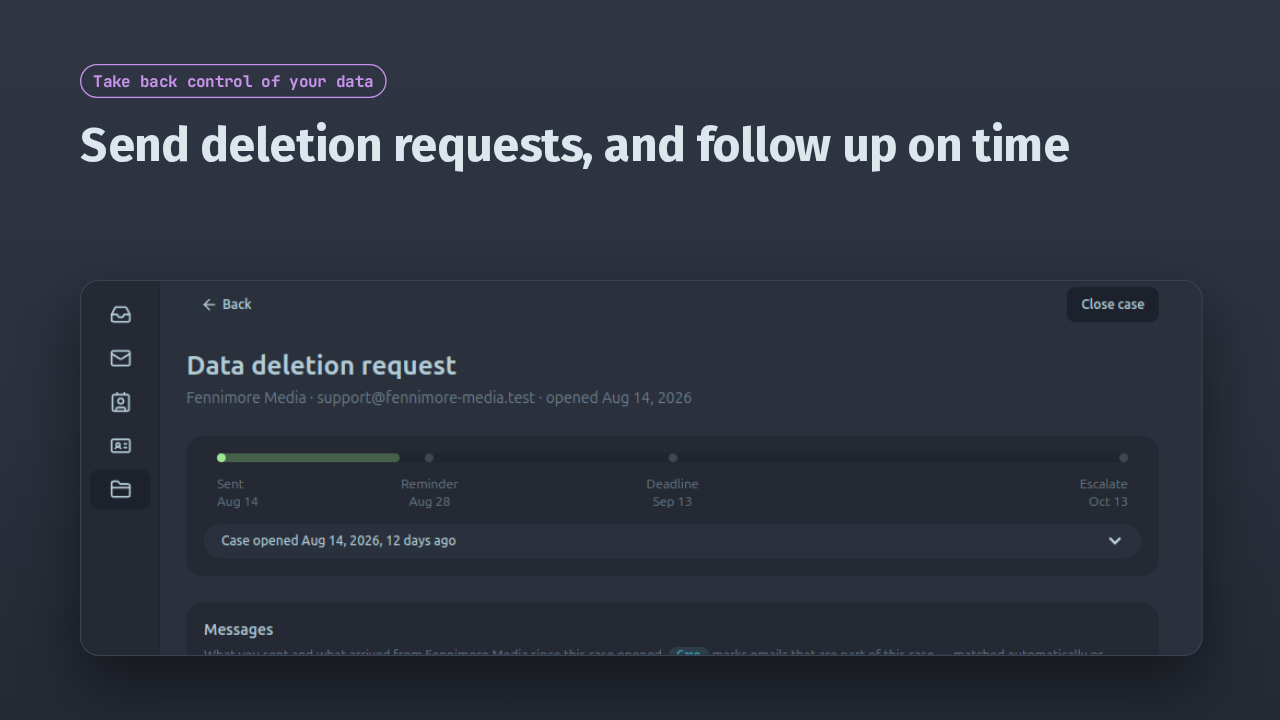
For companies you no longer want holding your data, Paperweight creates privacy and deletion requests. Each one becomes a case with a reminder, a deadline and an escalation date, and the company's replies collect underneath it.
Slide text
Take back control of your dataSend deletion requests, and follow up on time

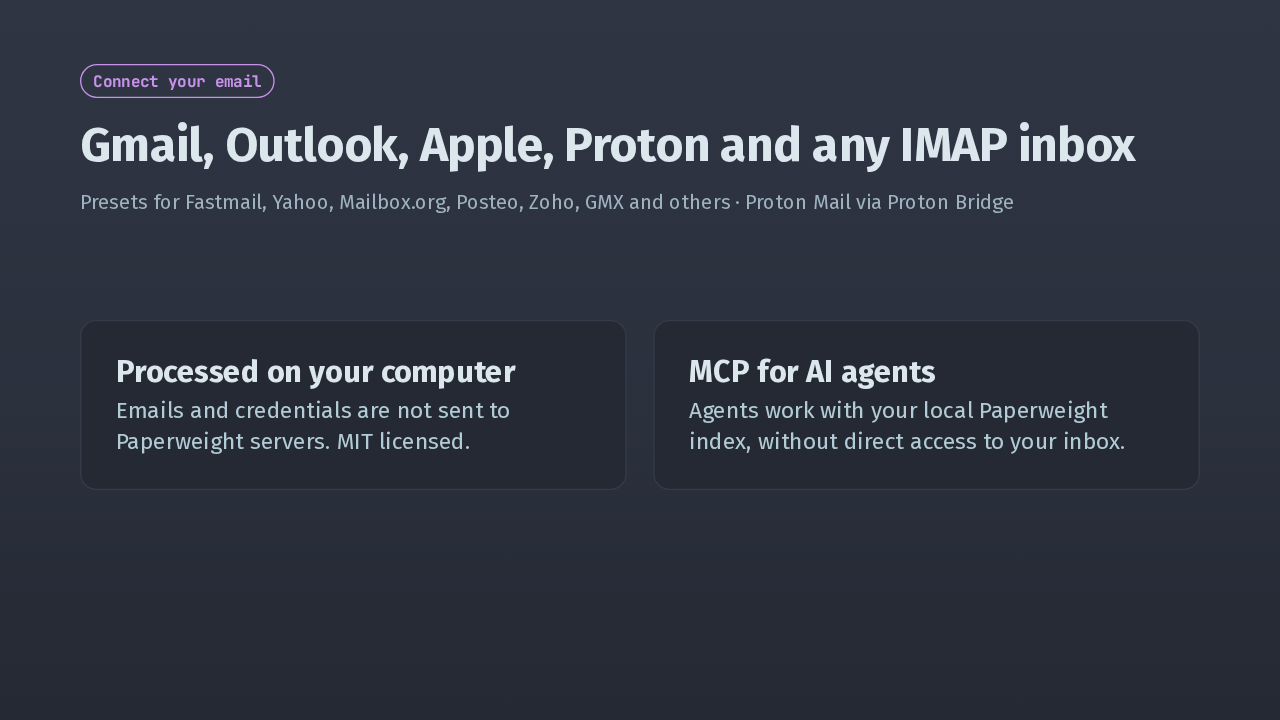
It connects to Gmail, Outlook, Apple, Proton Mail through Proton Bridge, or any IMAP account. Everything is processed on your machine. Your emails and credentials aren't sent to Paperweight servers, and the code is MIT licensed. Through MCP, AI agents can work with your local Paperweight data without direct access to your inbox.
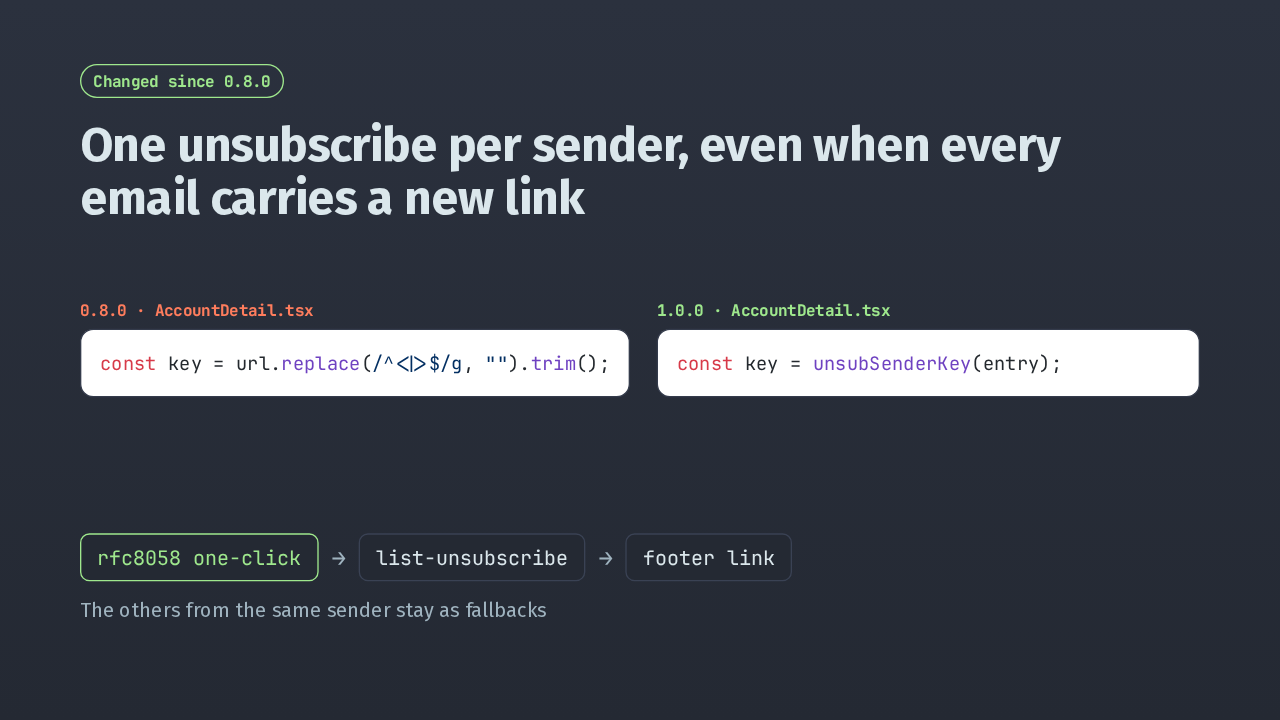
If you're on 0.8, two screens changed. First, unsubscribing. Many senders put a per-message token in their unsubscribe link, so matching by link could list one sender several times. Now Paperweight groups them by sender address. It tries one-click unsubscribe first, then a list-unsubscribe link, then the footer link, and keeps the others from that sender as fallbacks.
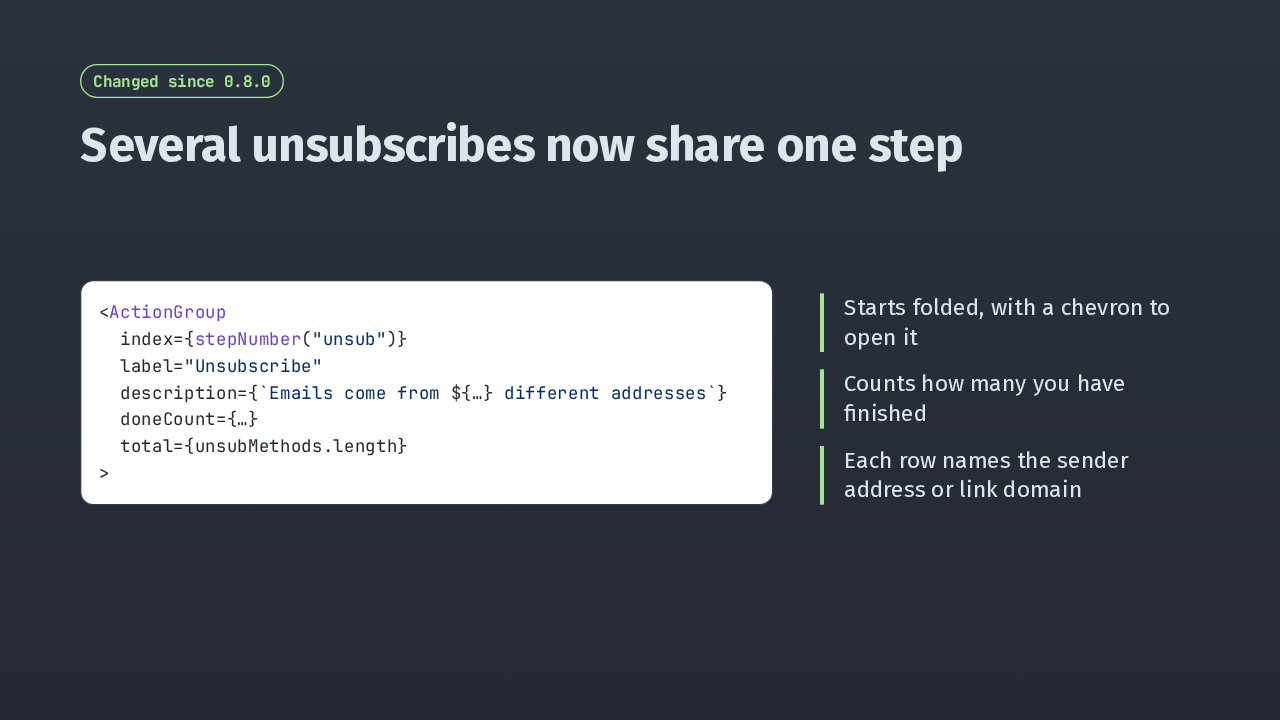
Several unsubscribe links used to be separate numbered steps. Now they fold into one Unsubscribe step that says how many addresses the emails come from. It starts folded, counts what you've finished, and each row inside names the sender, with its own button.
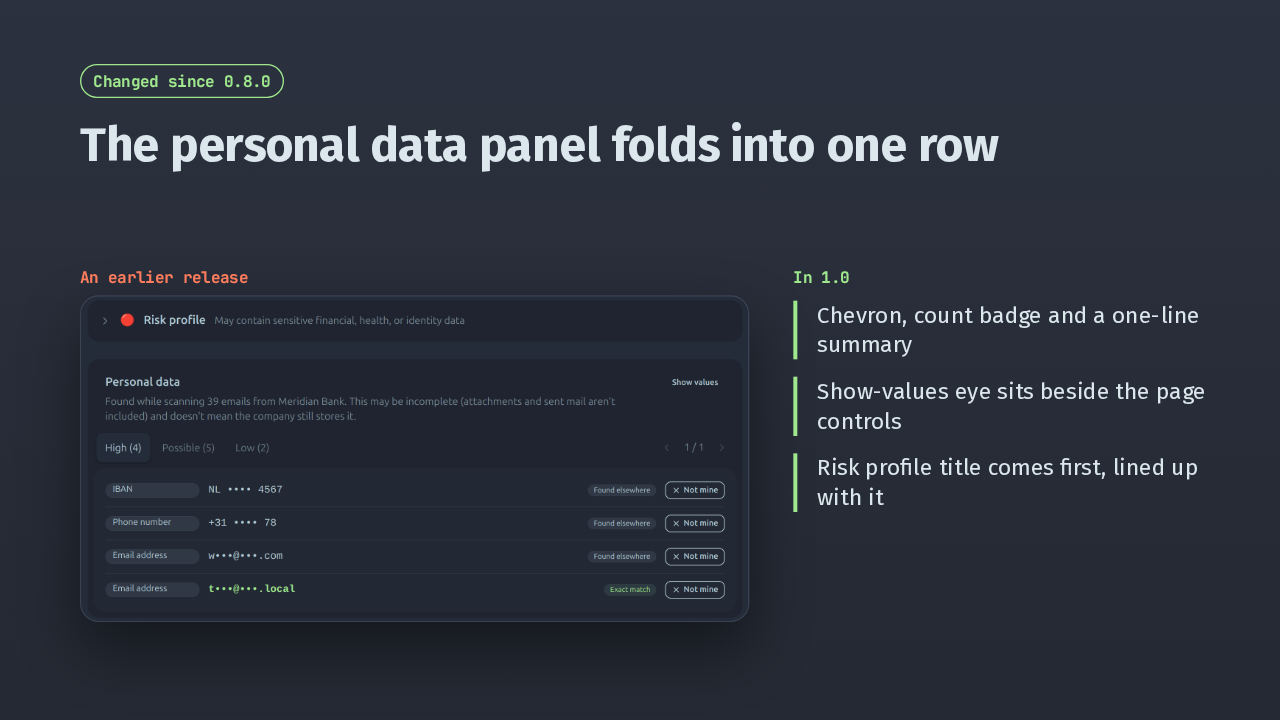
Second, the personal data panel. Here it is in an earlier release: a title, a paragraph, then the tabs. In 1.0 the header is one foldable row with a count badge and a one-line summary, and it starts open. The show-values button moved next to the page controls, and the risk profile row now lines up with it.
Slide text
Changed since 0.8.0The personal data panel folds into one row
An earlier release In 1.0Chevron, count badge and a one-line summaryShow-values eye sits beside the page controlsRisk profile title comes first, lined up with it
That's the whole code change from 0.8: those two screens and the version number. To upgrade, download the build for your platform from the GitHub releases page, for Mac, Windows or Linux. Paperweight 1.0 finds the accounts tied to your email and helps you delete your data.
Slide text
wslyvh/paperweight · v1.0.0From 0.8.0, the update touches two screens and the version number
github.com/wslyvh/paperweight/releases
.dmg for macOS · .exe for Windows · AppImage and .deb for Linux