Which RouterOS commands does the MikroTik MCP cover? A validator answers.
1 hour ago

This pull request answers a question from issue 30: which RouterOS commands does the MikroTik MCP server actually cover? It adds a script that checks a hand-written coverage manifest against the tools the server registers, and generates a checklist from it. So the list stays true, and the same script can compare it with MikroTik's own manual.
Ask about this presentation
Chapters
Show transcriptHide transcript
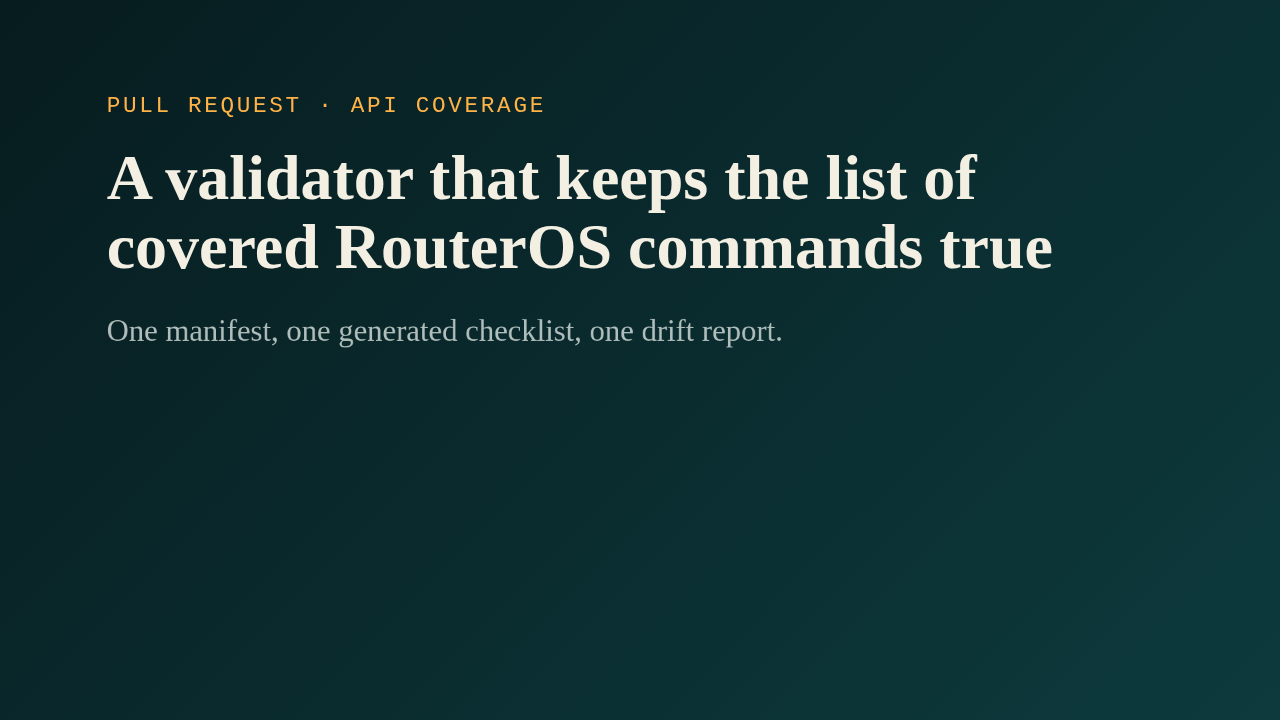
This pull request answers a question from issue 30: which RouterOS commands does the MikroTik MCP server actually cover? It adds a script that checks a hand-written coverage manifest against the tools the server registers, and generates a checklist from it. So the list stays true, and the same script can compare it with MikroTik's own manual.
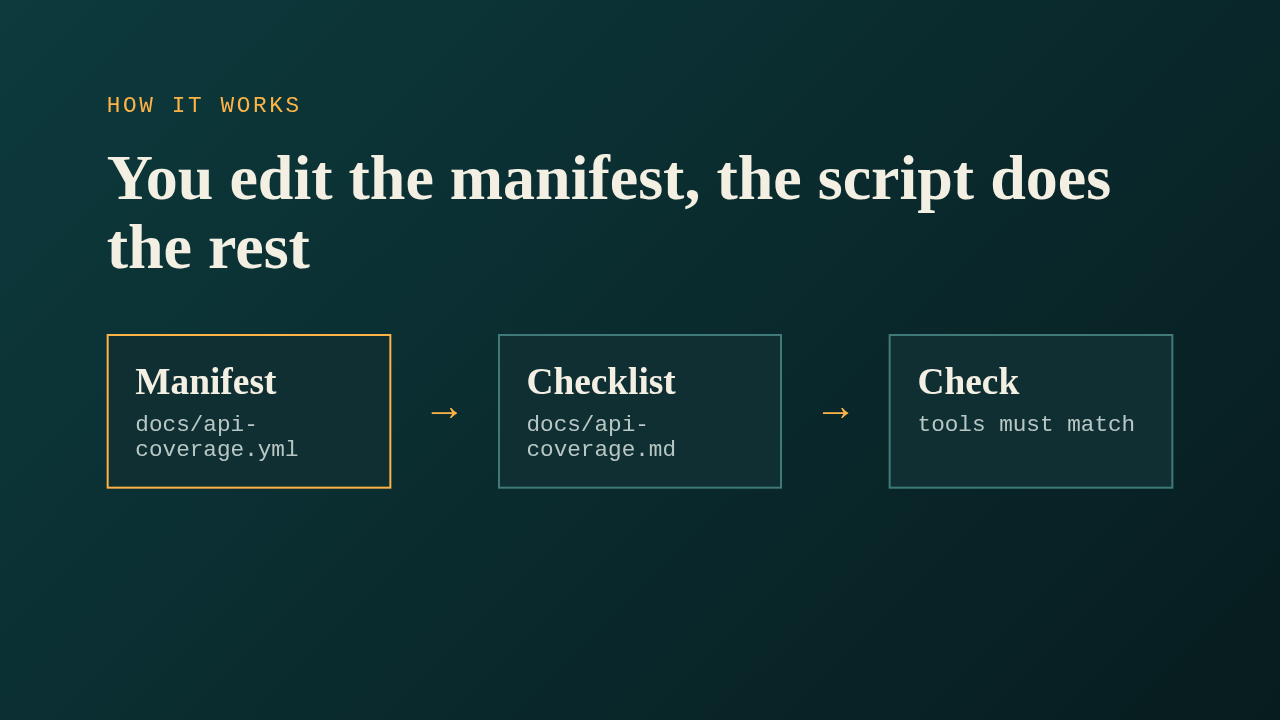
The manifest is a YAML file that a maintainer or an agent edits by hand. It lists RouterOS menus and commands, marks each one implemented, partial, planned or legacy, and names the tools that cover it. The script generates the markdown checklist from that file, and the check mode fails when the committed checklist is stale. It also imports the live server and fails when a registered tool is missing from the manifest, or when the manifest names a tool that doesn't exist. The agent instructions in AGENTS.md now tell contributors to update the manifest whenever they add a tool.
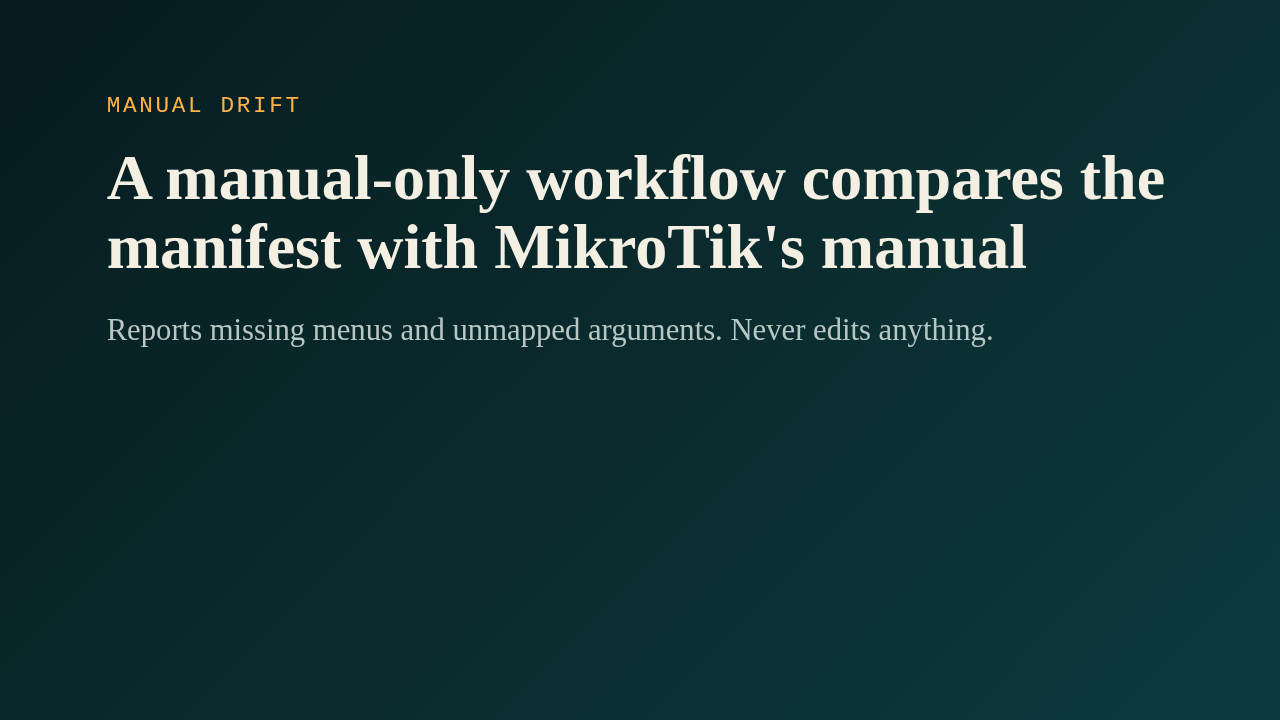
A second workflow runs only when someone dispatches it by hand. It downloads the manual into the runner, and the script reports menus the manifest is missing and writable arguments that no tool maps. It uploads a markdown and a JSON report, and it never commits, never opens a pull request, and never touches the server at runtime. A pinned lock file records the manual version and its checksum, so a reviewer sees when the manual changes.
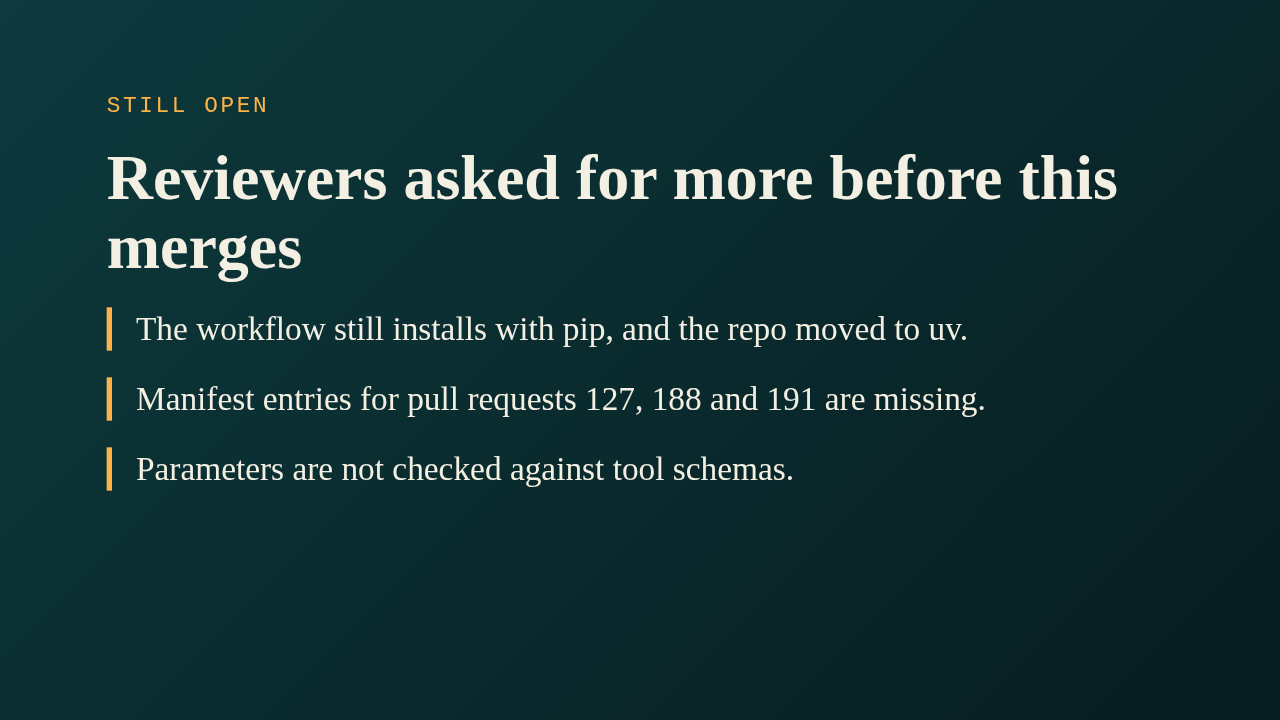
The review thread leaves several things open. The maintainer asked for the workflow to use uv, and the review bot added that the actions are pinned to tags instead of commit hashes. Three other pull requests add tools, so their manifest entries have to land with this one, after those merge, or continuous integration goes red for them. The bot also found that parameter names in the manifest are never compared with the real tool schemas, and that whole areas such as SNMP and IPv6 pools are neither listed nor excluded, so the drift check can't flag them. The author hasn't answered these yet.
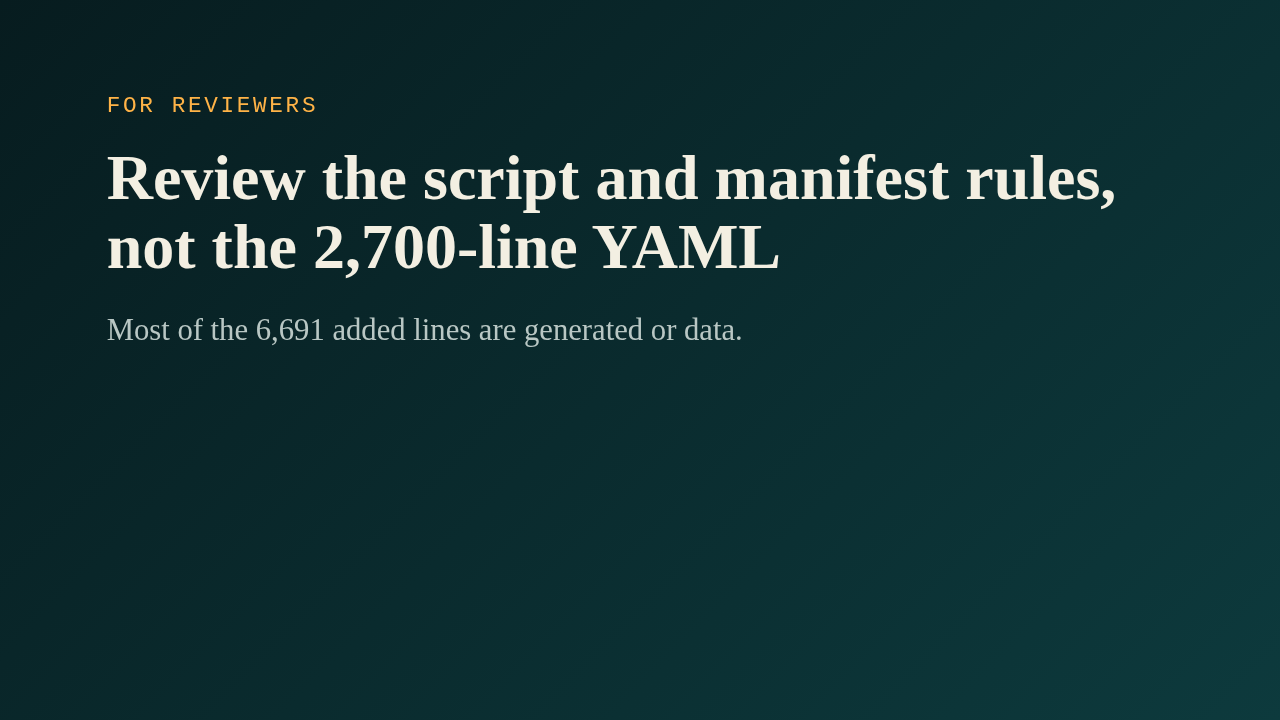
The author opened this as a request for comments, because it adds work for developers who don't use an agent: every new tool needs a manifest entry. Most of the roughly 6,700 added lines are the generated checklist and the manifest data, so the real review is the script, its tests, and whether that extra step is worth it. Once the open items are settled, it gives the project one honest answer to which RouterOS commands it covers.