Wildbook 10.14: location roles now work on every page, in search and through the API
2 hours ago
Wildbook 10.14 is a small bug-fix release. Its main change is that location-based roles now work everywhere in Wildbook, instead of only on the classic pages. The rest fixes zooming on the Match Results page, matches started from a project page, and one untranslated label.
Ask about this presentation
Chapters
Show transcriptHide transcript
Wildbook 10.14 is a small bug-fix release. Its main change is that location-based roles now work everywhere in Wildbook, instead of only on the classic pages. The rest fixes zooming on the Match Results page, matches started from a project page, and one untranslated label.
Slide text
Location roles now work on every page, in search and through the API
Plus fixes for Match Results zoom and for matches started from a project page. Wildbook 10.14
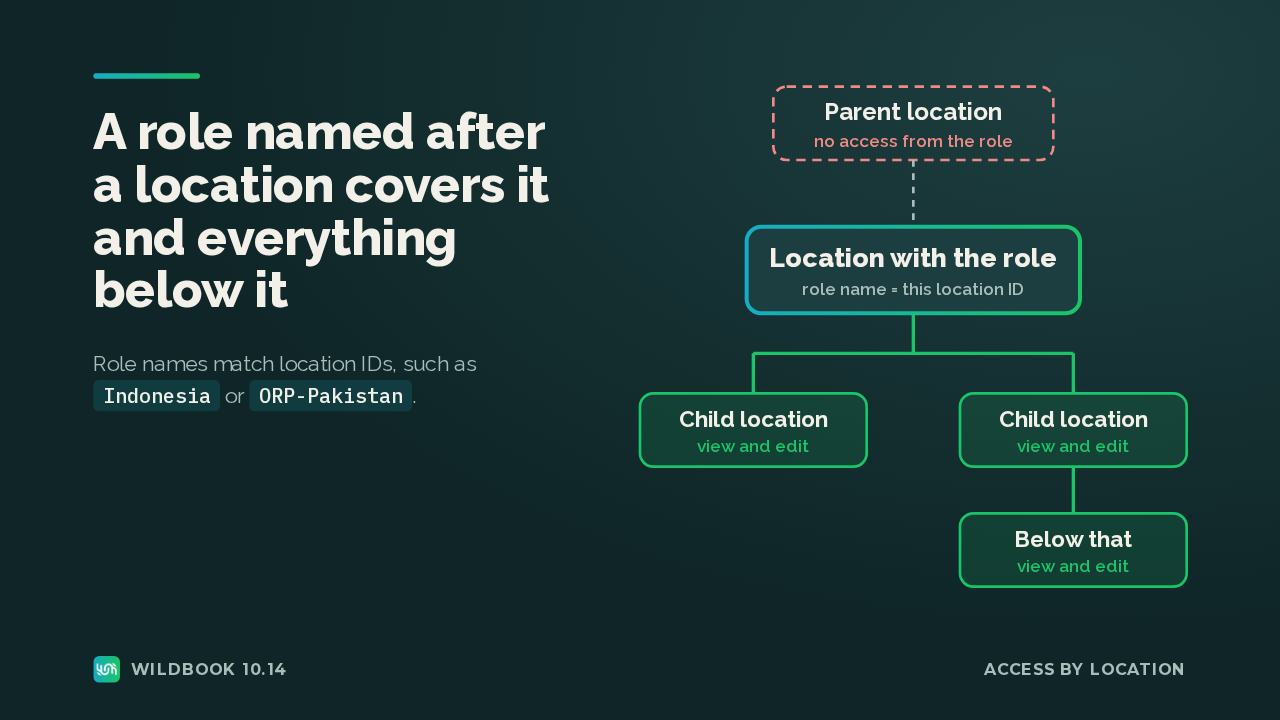
A location role is a role named after a location ID, such as Indonesia. Its holders can view and edit encounters at that location and anywhere below it. Access only flows downward, so a role on a child location still grants nothing on its parent.
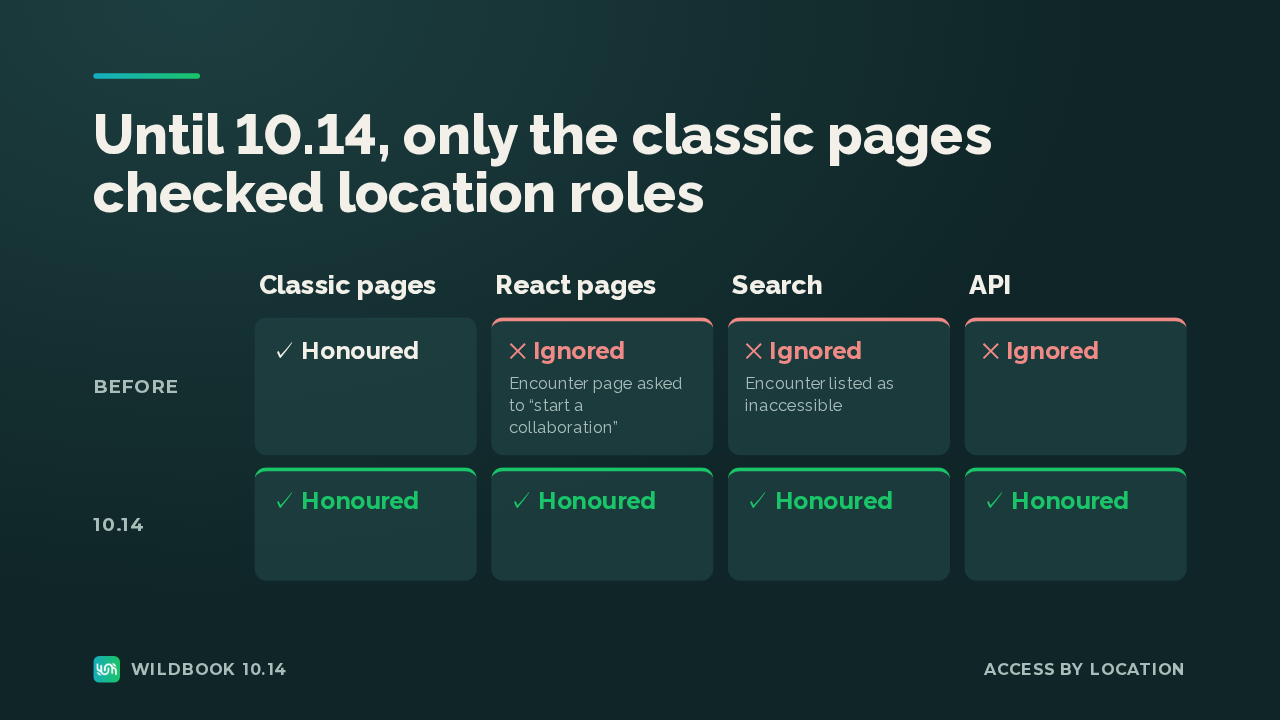
Until now, only the classic pages honoured those roles. So the same user got the start a collaboration prompt on the React encounter page, and search showed that encounter as inaccessible. In 10.14 the React pages, search and the API all honour the role.
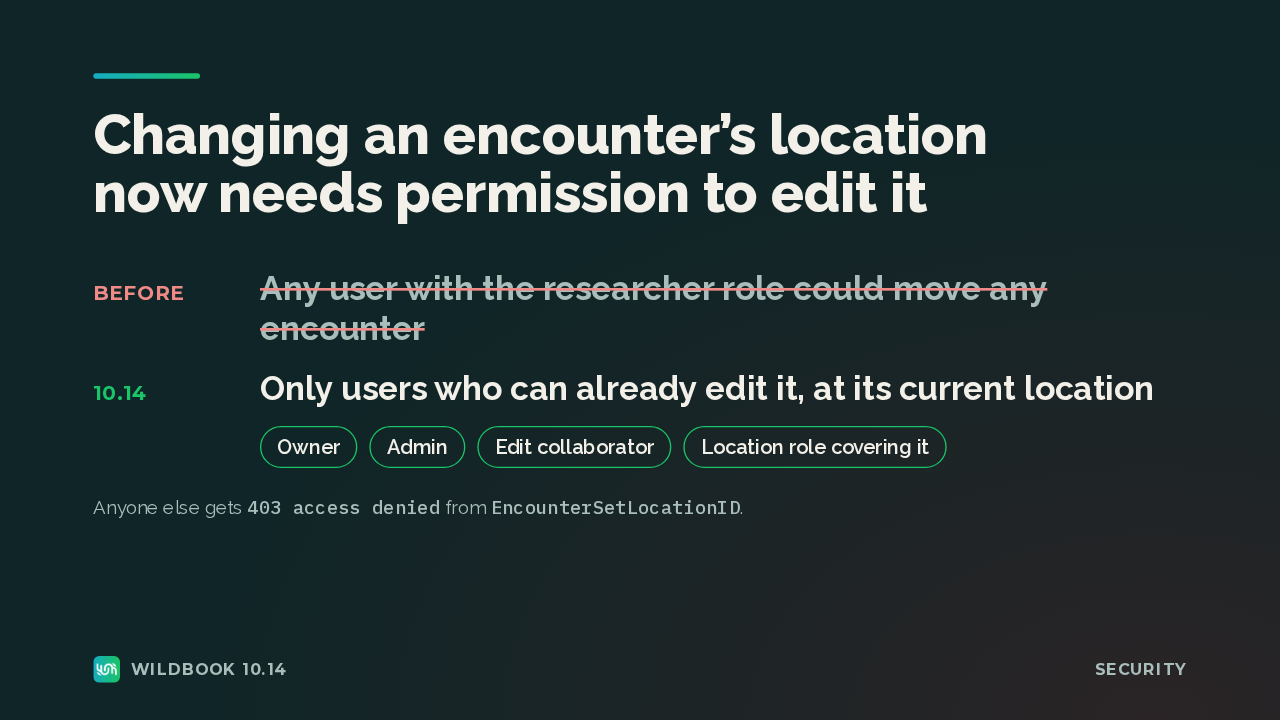
The same work closes a gap. Any user with the researcher role could change the location of any encounter. Now only someone who can already edit the encounter may move it: the owner, an admin, an edit collaborator, or a location role that covers where it is now.
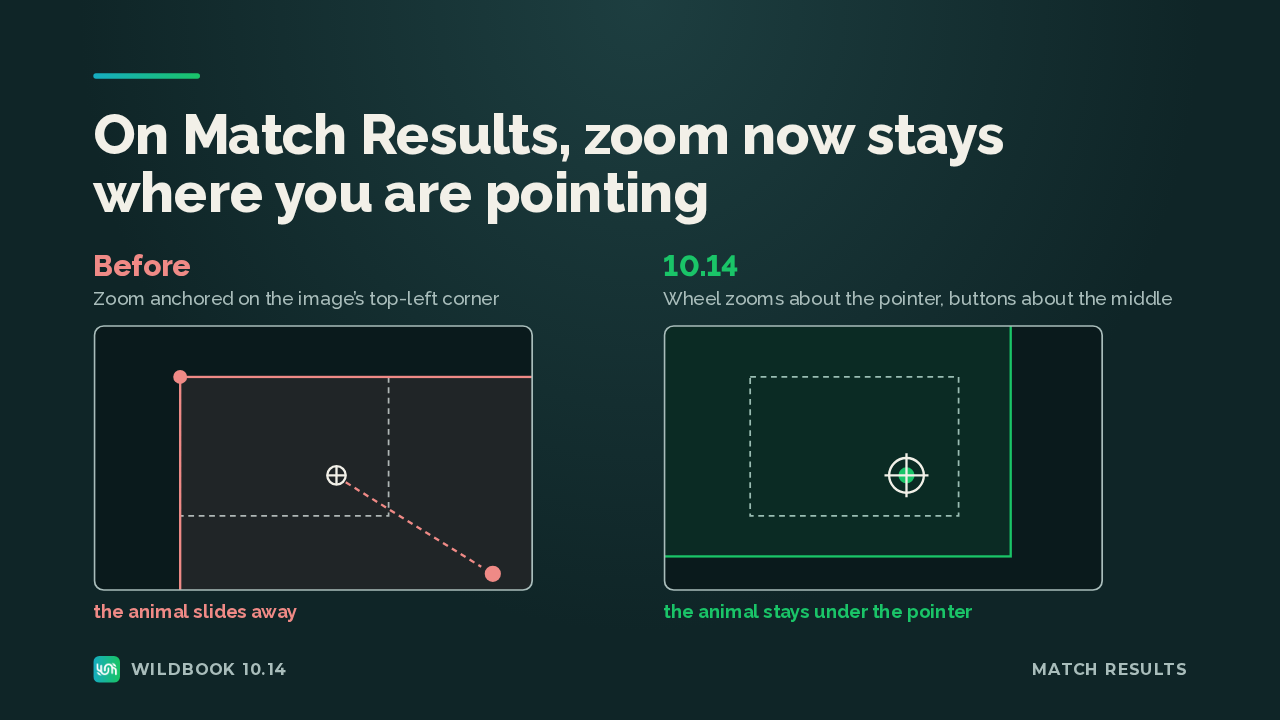
On the Match Results page, zooming used to anchor on the image's top-left corner, so the animal slid out of frame, often by several hundred pixels at the starting magnification. Now the mouse wheel zooms around the pointer and the toolbar buttons zoom around the middle of the pane, so the animal stays in frame.
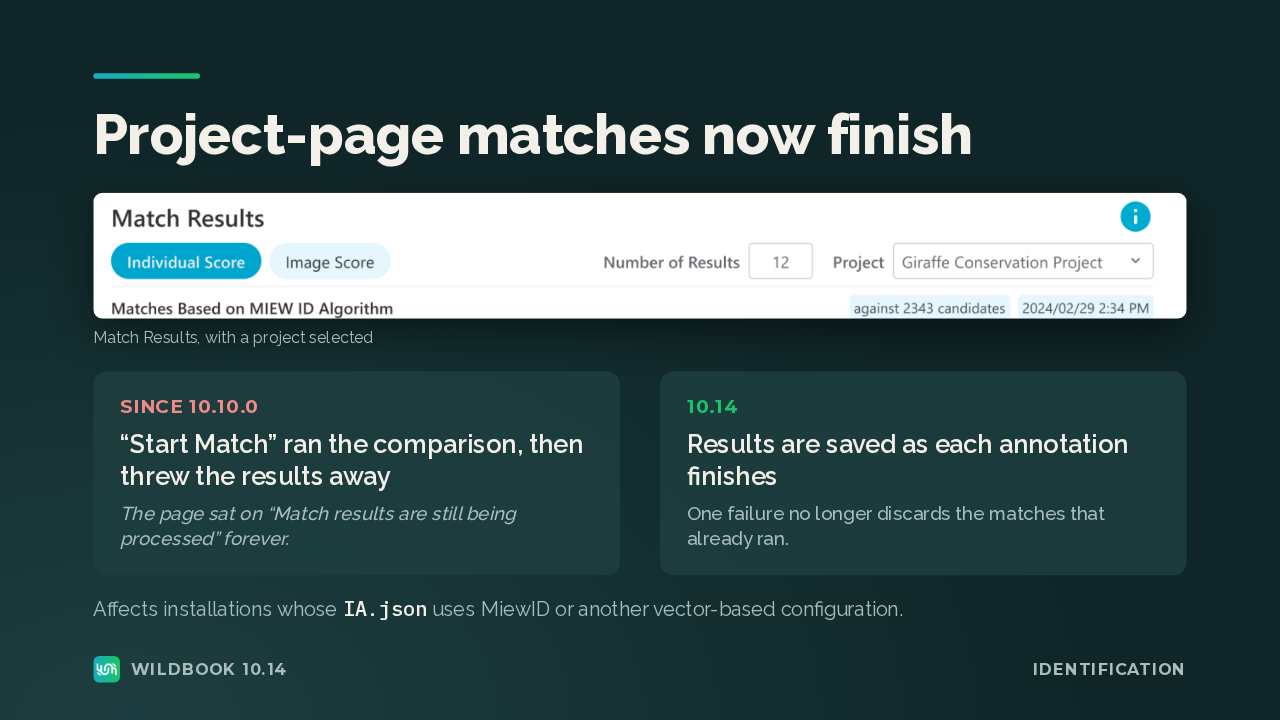
If your matching uses MiewID or another vector-based configuration, Start Match on a project page has been broken since 10.10. It threw the results away, and the page said match results are still being processed, forever. Now results are saved as each annotation finishes, so one failure no longer discards the matches that already ran.
Slide text
Project-page matches now finish
 Match Results, with a project selectedSince 10.10.0“Start Match” ran the comparison, then threw the results awayThe page sat on “Match results are still being processed” forever.10.14Results are saved as each annotation finishesOne failure no longer discards the matches that already ran.Affects installations whose
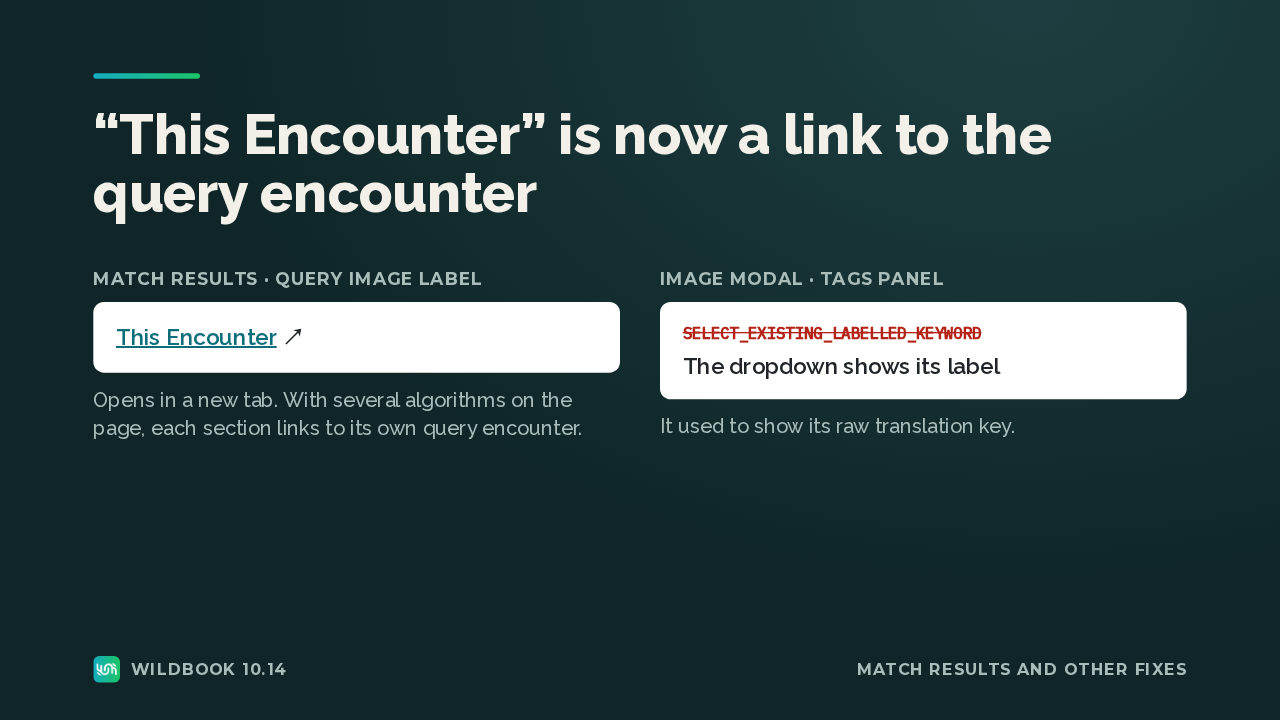
IA.jsonuses MiewID or another vector-based configuration.Wildbook 10.14IdentificationBack on Match Results, the This Encounter label over the query image now links to that encounter in a new tab. When the page shows several algorithms, each section links to its own query encounter. And in the image modal's tags panel, the existing-keyword dropdown shows its label instead of a raw translation key.
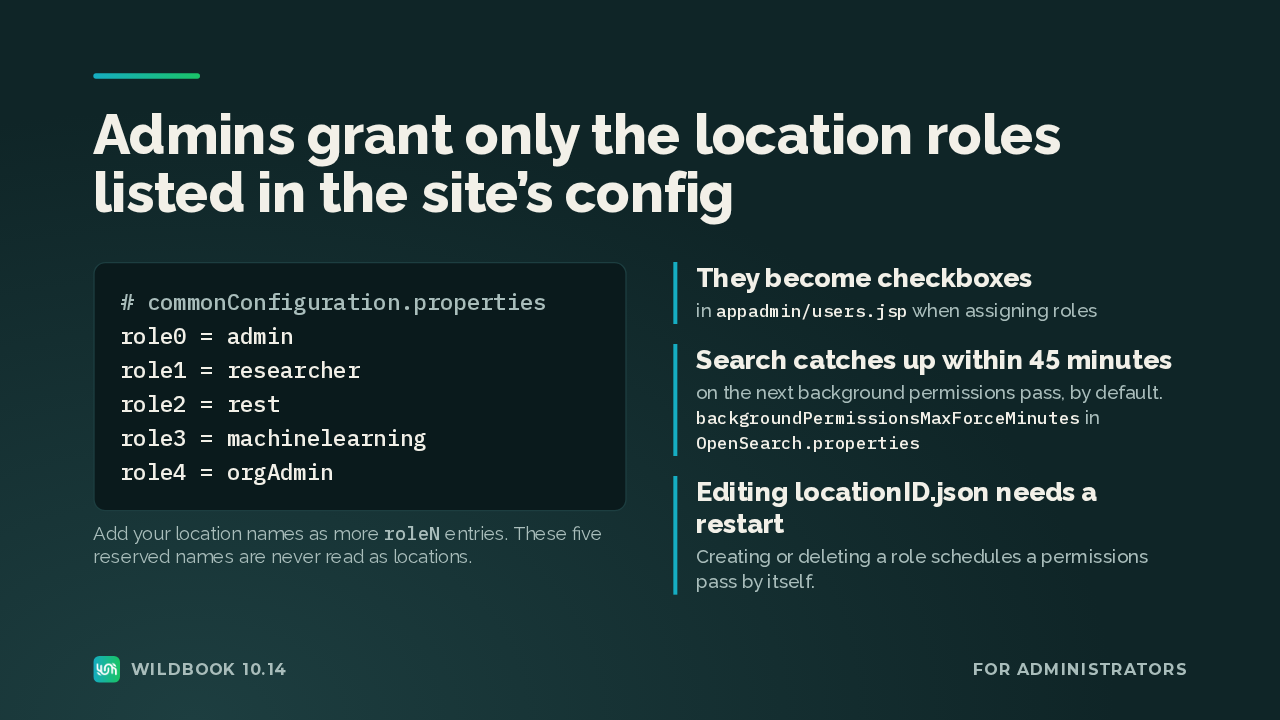
To use location roles, an admin lists the location names as role entries in the common configuration file, and they become checkboxes on the user admin page. The five reserved names, like admin and researcher, never count as locations. Search picks up new grants on the next background permissions pass, at least every 45 minutes by default. Editing the location tree needs a restart.
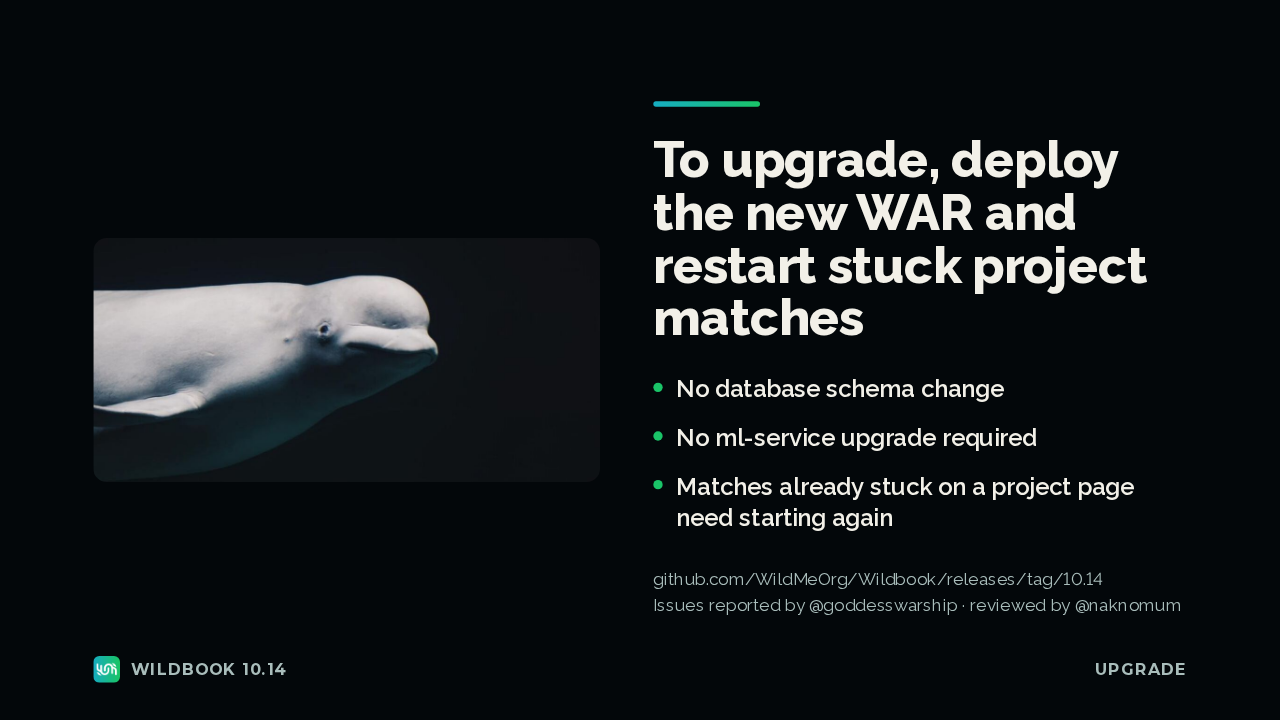
Upgrading needs no database schema change and no ml-service upgrade. Deploy the new WAR, then start any project-page matches that were already stuck again, because they won't recover on their own. After that, location roles work on every page, in search and through the API.
Slide text

To upgrade, deploy the new WAR and restart stuck project matches
No database schema changeNo ml-service upgrade requiredMatches already stuck on a project page need starting againgithub.com/WildMeOrg/Wildbook/releases/tag/10.14
Issues reported by @goddesswarship · reviewed by @naknomumWildbook 10.14Upgrade