Search and browse X communities in QuaX
17 minutes ago
QuaX 4.20 adds X communities. You can search for them, open one, read its top posts, see who's in it and read its rules. It also fixes accents on bold and italic letters, rounds the corners of photos and videos, and brings a new icon.
Ask about this presentation
Chapters
Show transcriptHide transcript
QuaX 4.20 adds X communities. You can search for them, open one, read its top posts, see who's in it and read its rules. It also fixes accents on bold and italic letters, rounds the corners of photos and videos, and brings a new icon.
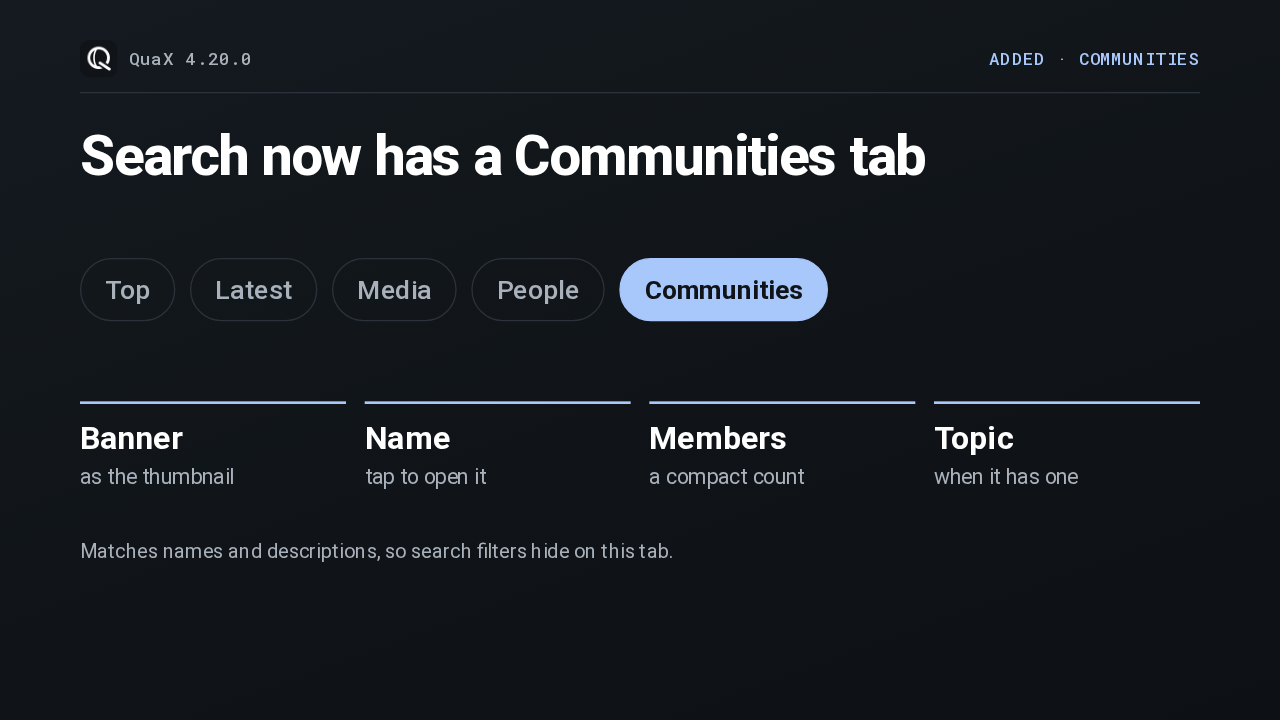
Type something into search, and the row of result tabs has a new one at the end. After Top, Latest, Media and People, there's Communities. Each result shows the community's banner, its name, how many members it has, and its topic. X only matches communities by name and description, so the search filters step aside while you're on this tab.
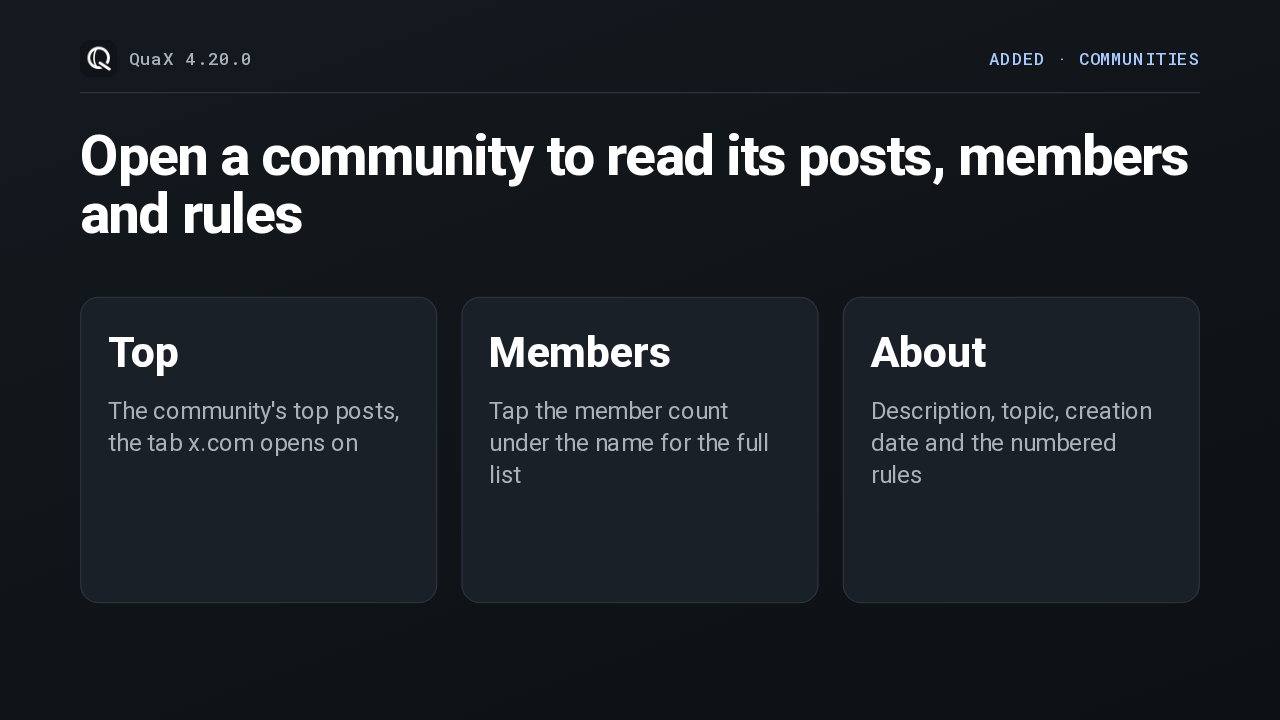
A community page opens on its banner and name, with two tabs underneath. Top lists the community's top posts, the same tab the website opens on. Tap the member count to page through its members. And About holds the description, the topic, when it was created, and its numbered rules. The share button links to it on x.com, or on the site you chose in settings.
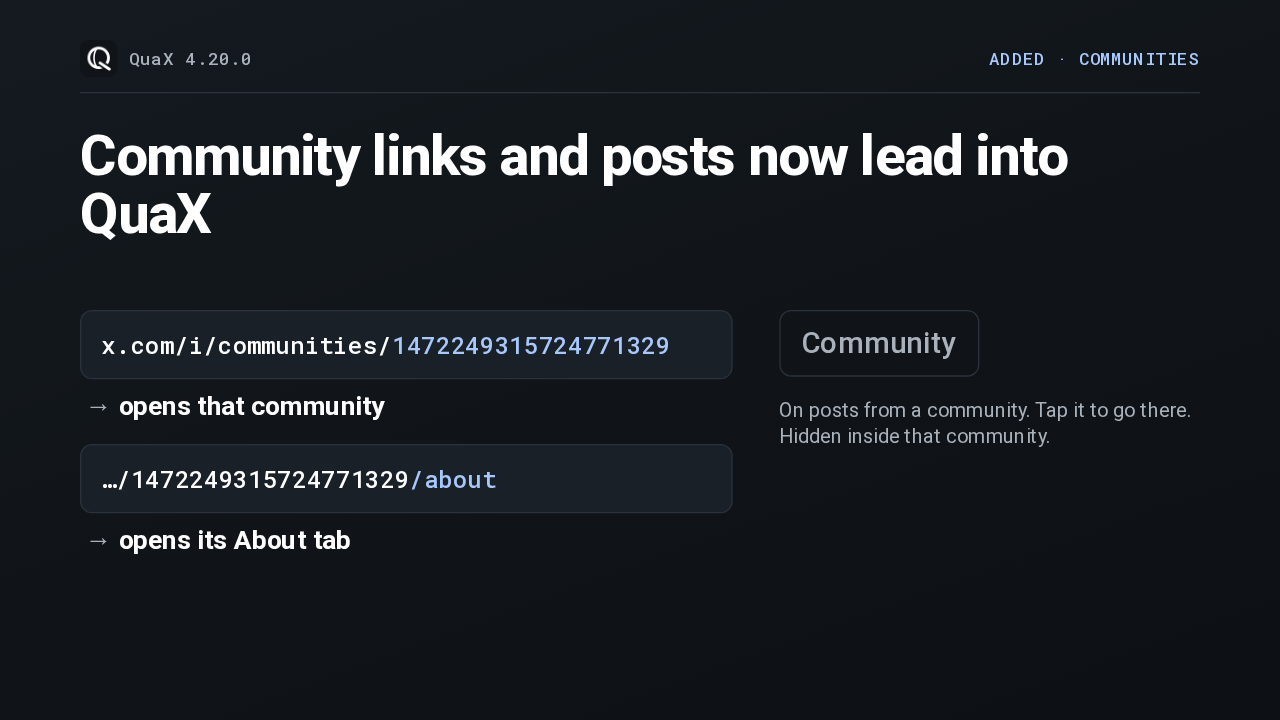
Community links open in the app now. Open an x.com community link with QuaX and it lands on that community, and the about version of the link goes straight to its About tab. Posts from a community also carry a small Community label. Tap it to jump there. Inside that community the label hides, since every post would show it.
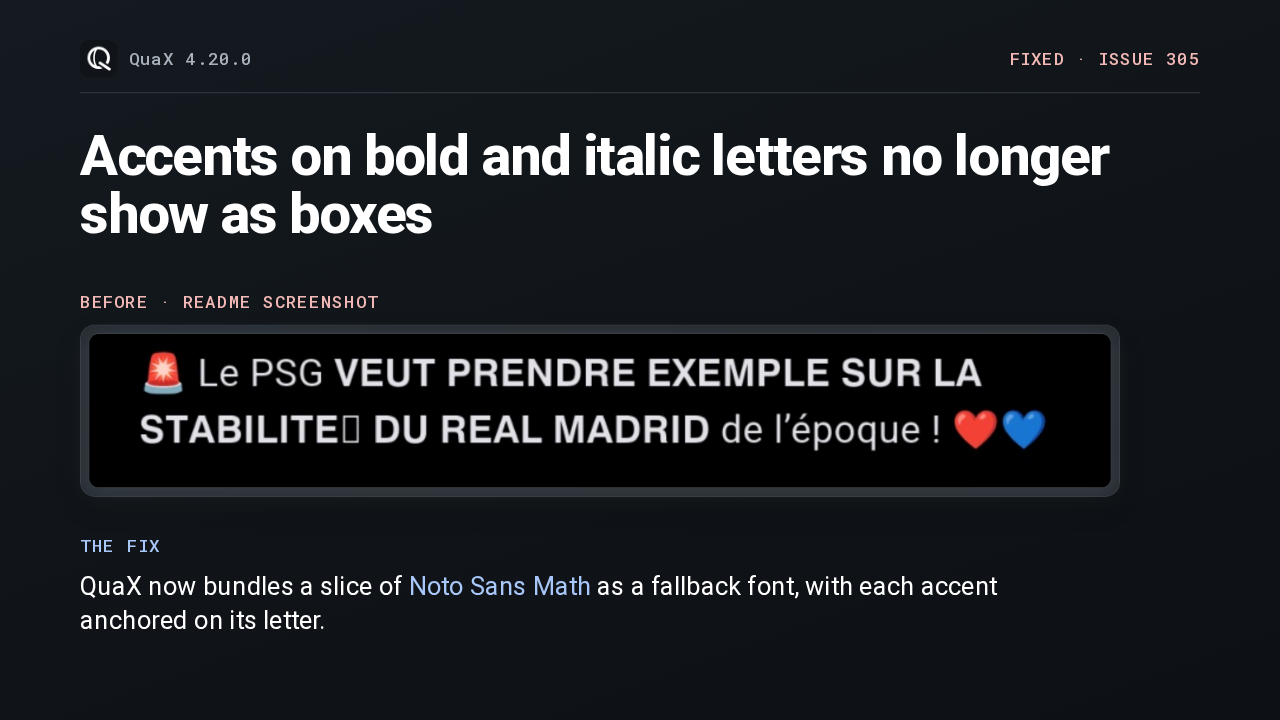
Posts often fake bold or italic with special Unicode letters. Android's own fonts lack the accents those letters carry, so an accented one showed up as a box. It shows here, right after the bold E. This release bundles a small cut of Noto Sans Math as a fallback font, and moves its accent anchors so each accent sits on its letter. That closes issue 305.
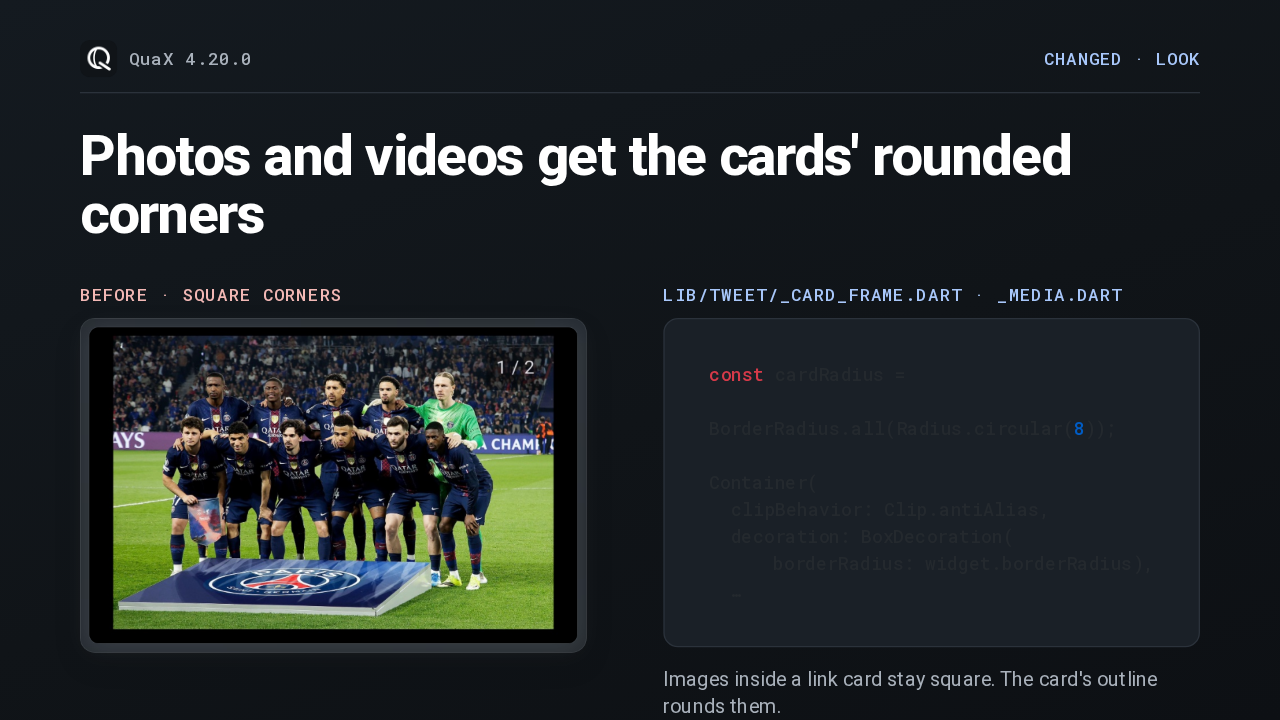
Photos and videos in posts had square corners, like this one, while link cards were rounded. Now the media clips to the same 8 pixel radius as the cards. Images that already sit inside a link card keep square corners, because the card's outline rounds them.
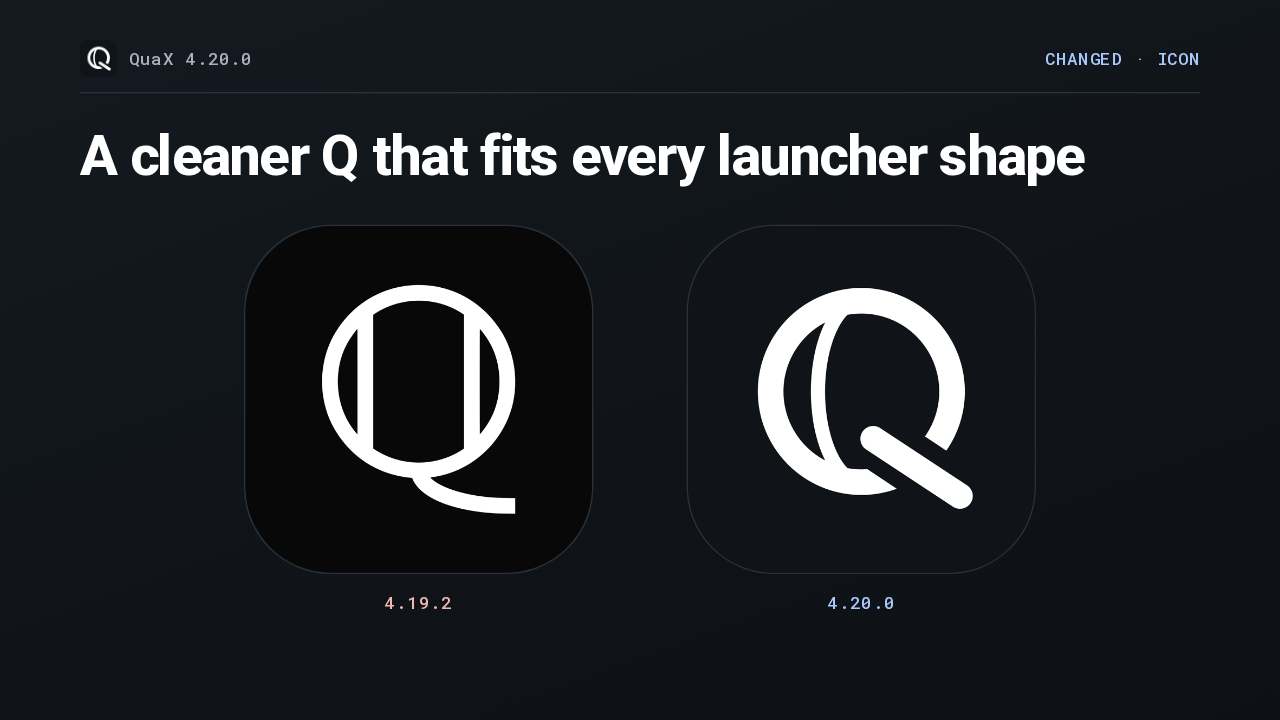
QuaX also has a new icon. The old Q had two straight bars inside the ring and a long swept tail. The new one is drawn with a single curve inside and a short rounded tail, on a slightly bluer dark gray, and it sits with less padding, so it fills whatever shape your launcher cuts it to.
Slide text
QuaX 4.20.0CHANGED · ICONA cleaner Q that fits every launcher shape

4.19.2 
4.20.0 Upgrading is the usual APK update, through Obtainium or the GitHub release, and the release notes list the signing certificate fingerprints to check it against. The notes list no breaking changes, and the app now builds on Flutter 3.47.8. One limit: a community page shows its Top posts and About, so a latest-first view isn't in this release. That's QuaX 4.20: search and browse X communities.
Slide text
QuaX 4.20.0UPGRADEUpdate to 4.20.0 the way you installed QuaX

 Breaking changesNone listed in the notesBuilt onFlutter 3.47.8, refreshed dependenciesCommunity pages show the Top tab and About. A latest-first view of a community isn't in this release.