coolify-mcp 3.9.0
coolify-mcp.
v3.9.0 · from v3.8.0
3.9.0
Coolify calls stop following redirects
A Cloudflare Access login page can't pass as data, one hung instance can't stall a fleet, and log requests have a ceiling.
coolify-mcp 3.9.0 is a release of fixes. The biggest one is that its calls to Coolify no longer follow redirects. Alongside it, a hung instance can't stall a fleet, log requests get a ceiling, and errors tell you how to diagnose them.
Cloudflare Access login page
coolify-mcp.
Fixed · #453
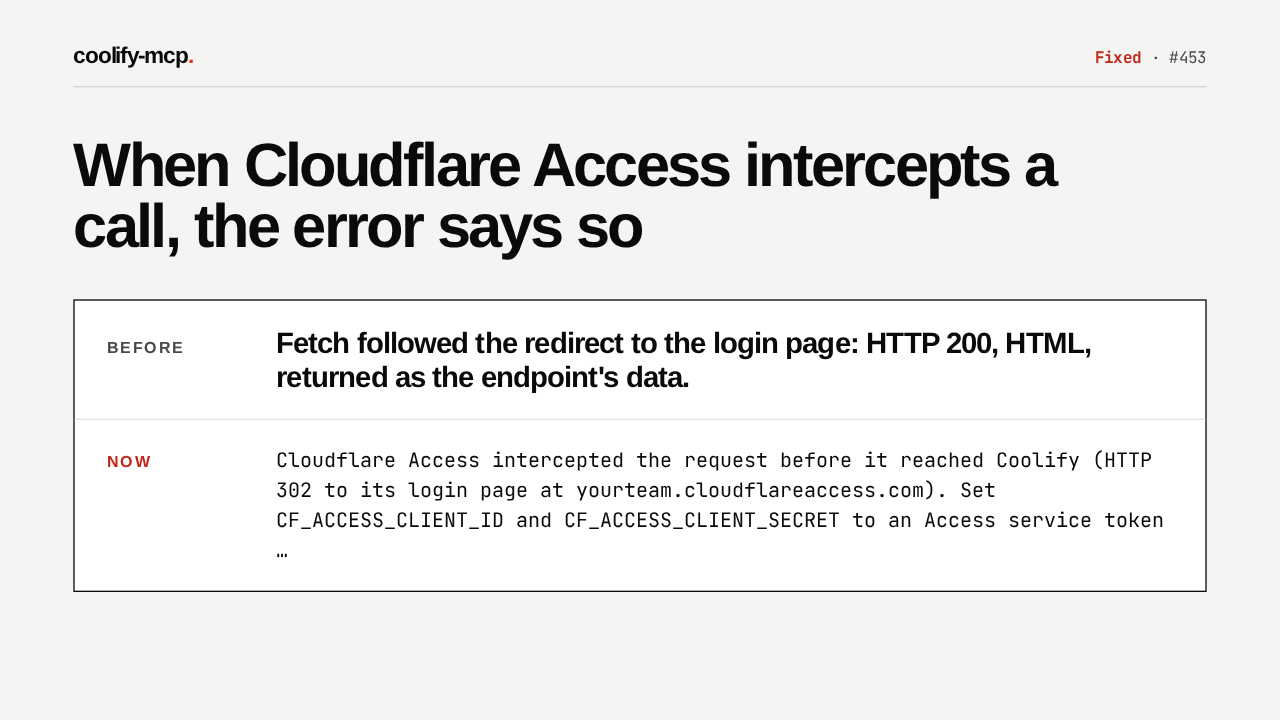
When Cloudflare Access intercepts a call, the error says so
Fetch followed the redirect to the login page: HTTP 200, HTML, returned as the endpoint's data.
Cloudflare Access intercepted the request before it reached Coolify (HTTP 302 to its login page at yourteam.cloudflareaccess.com). Set CF_ACCESS_CLIENT_ID and CF_ACCESS_CLIENT_SECRET to an Access service token …
Here's the bug. With Cloudflare Access in front of Coolify, a call could be redirected to the Access login page. Fetch followed it, and the client handed back that HTML page as the endpoint's result. Now the call refuses the redirect, and the error names Cloudflare Access and the service token that fixes it.
Your service token stays with Coolify
coolify-mcp.
Fixed · #453
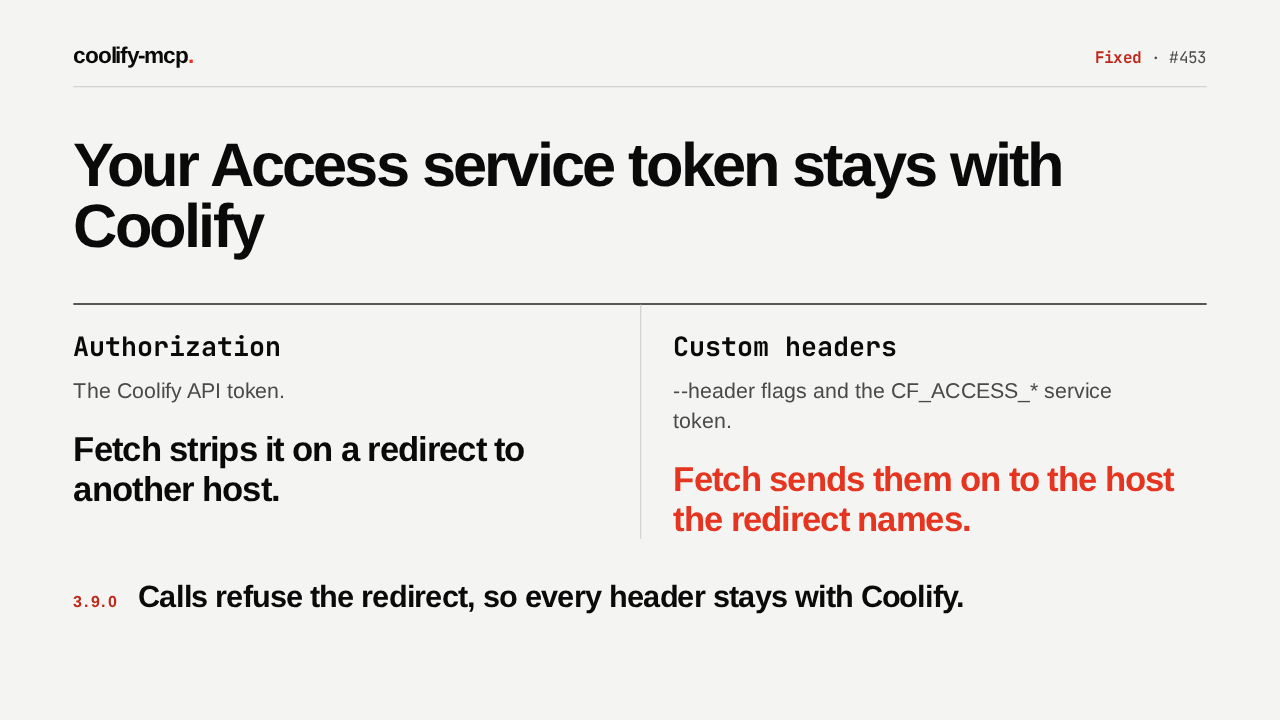
Your Access service token stays with Coolify
Authorization
The Coolify API token.
Fetch strips it on a redirect to another host.
Custom headers
--header flags and the CF_ACCESS_* service token.
Fetch sends them on to the host the redirect names.
Calls refuse the redirect, so every header stays with Coolify.
Refusing redirects also protects a credential. On a redirect to another host, fetch strips only the Authorization header. Your custom headers, the Access service token among them, would go along to that host. Now they stay with Coolify, and HTTP mode's token check stops following redirects too.
A hung instance costs 10 seconds
coolify-mcp.
Fixed · #393 · #454
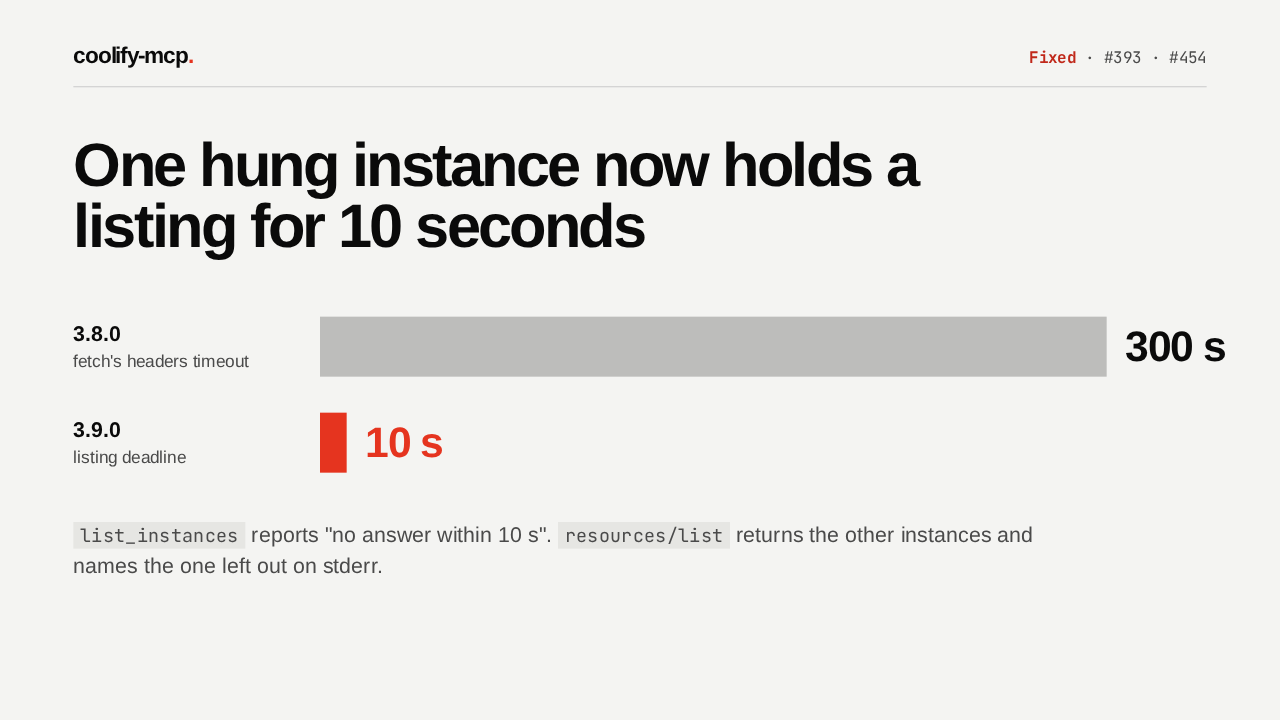
One hung instance now holds a listing for 10 seconds
3.8.0fetch's headers timeout
3.9.0listing deadline
list_instances reports "no answer within 10 s". resources/list returns the other instances and names the one left out on stderr.
An instance that accepts the connection and never answers used to hold list_instances and the resource listing for fetch's 300 second timeout. Both now give each instance 10 seconds, then abort. The slow instance is reported as no answer within 10 seconds, and the listing still returns the rest.
Log lines: 1 to 10000
coolify-mcp.
Fixed · #386
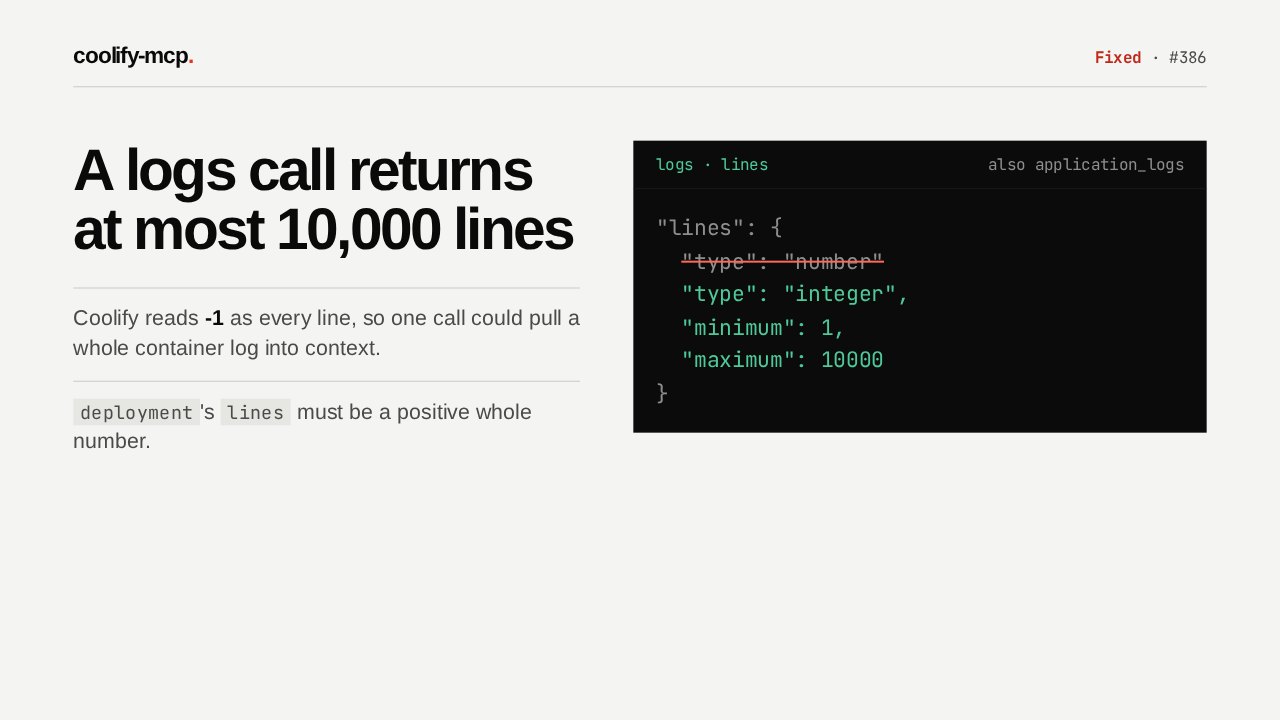
A logs call returns at most 10,000 lines
Coolify reads -1 as every line, so one call could pull a whole container log into context.
deployment's lines must be a positive whole number.
Log requests get a ceiling. On logs and application logs, lines is now a whole number from 1 to 10,000, and the schema shows the model that limit. It used to take any number, and Coolify reads minus one as every line, so one call could pull a whole container log into context.
Startup checks for every instance
coolify-mcp.
Fixed · #383
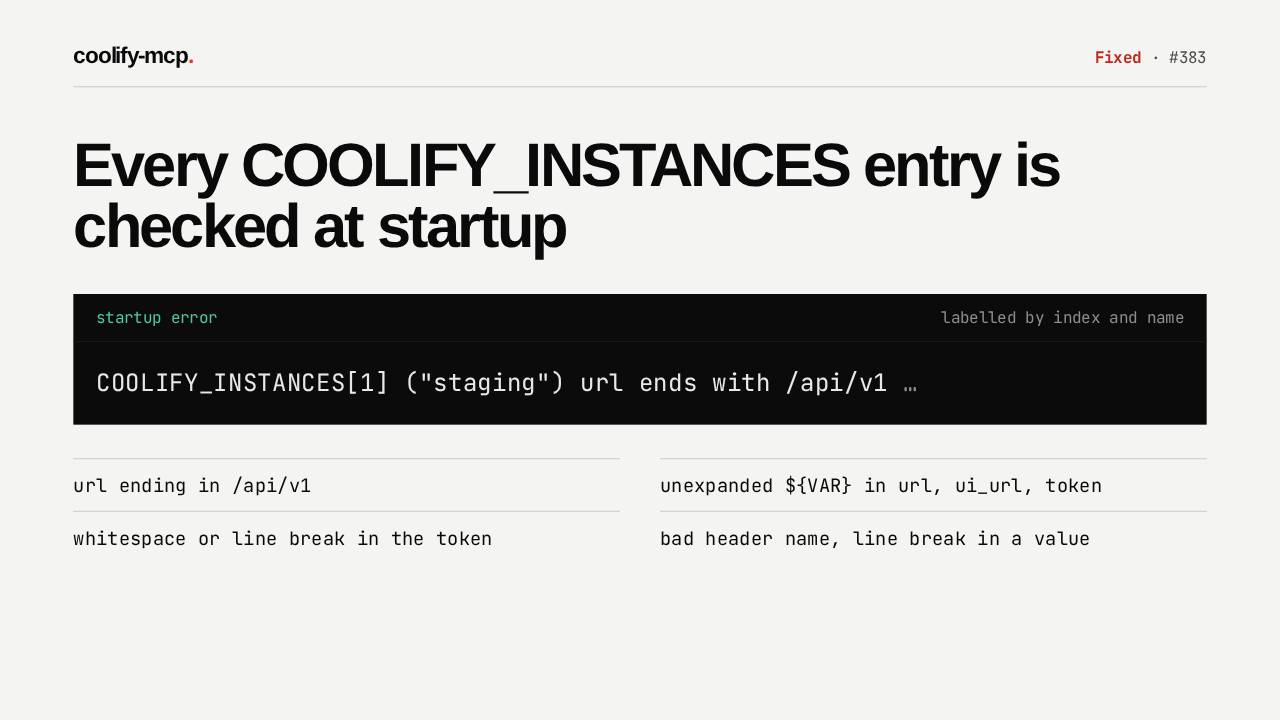
Every COOLIFY_INSTANCES entry is checked at startup
url ending in /api/v1
unexpanded ${VAR} in url, ui_url, token
whitespace or line break in the token
bad header name, line break in a value
If you run several instances, each COOLIFY_INSTANCES entry now gets the same startup checks as the single instance settings. Errors name the entry by index and name, all reported at once. Doctor shows them on a fleet config line of their own, apart from the default instance's config check.
Errors point at doctor
coolify-mcp.
Added · #384
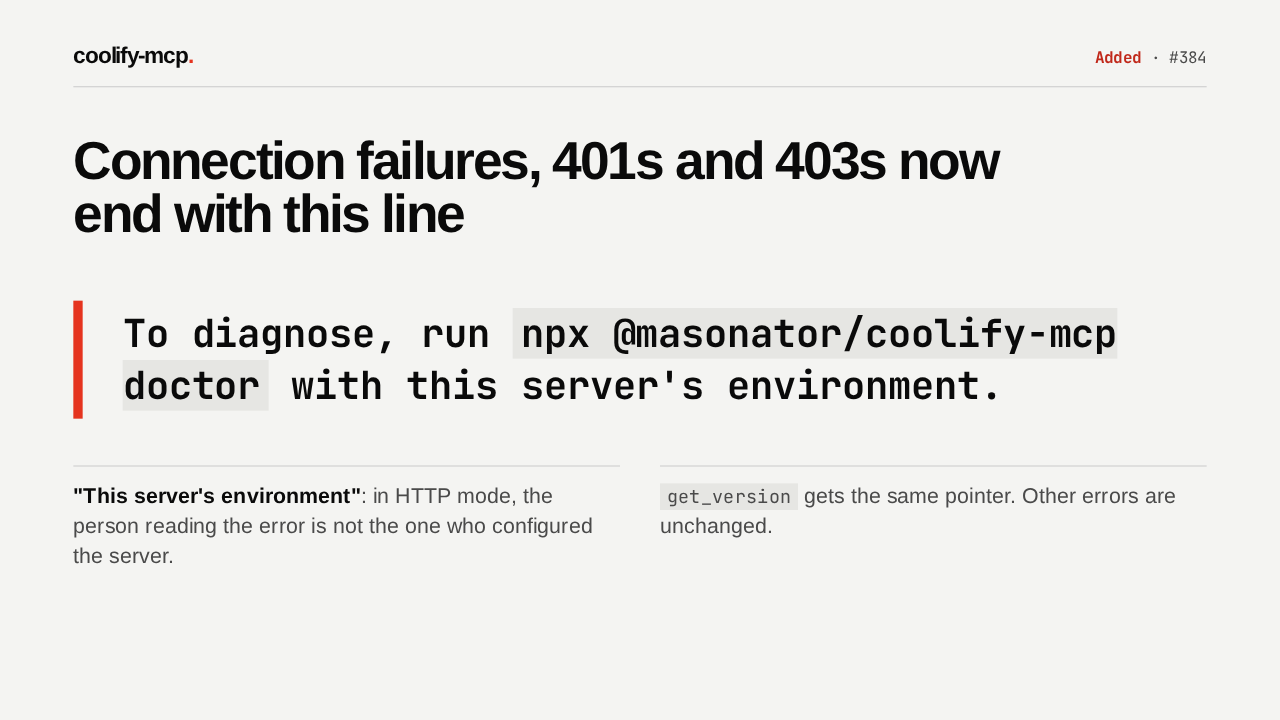
Connection failures, 401s and 403s now end with this line
To diagnose, run npx @masonator/coolify-mcp doctor with this server's environment.
"This server's environment": in HTTP mode, the person reading the error is not the one who configured the server.
get_version gets the same pointer. Other errors are unchanged.
When Coolify is unreachable, or the token is refused with a 401 or a 403, the error now ends with this sentence. It says this server's environment because in HTTP mode, the person reading the error didn't configure the server. Other errors are unchanged.
If your base URL redirects
coolify-mcp.
Changed · #453
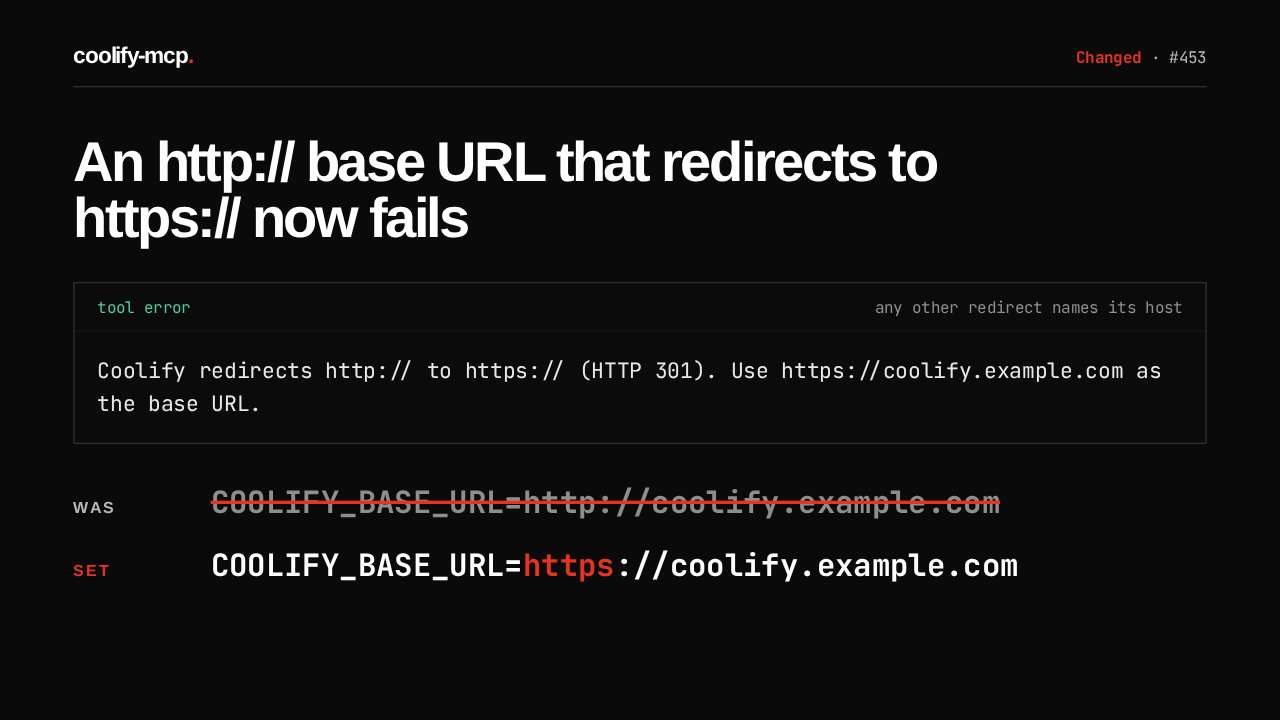
An http:// base URL that redirects to https:// now fails
COOLIFY_BASE_URL=http://coolify.example.com
COOLIFY_BASE_URL=https://coolify.example.com
One change can break a working setup. If your http base URL redirects to https, that used to work. Now every call fails with this message, and any other redirect fails naming its host. The fix is one line: use the https address. Doctor now fails a redirect too, where it used to warn.
Upgrade to 3.9.0
coolify-mcp.
v3.9.0 · npm · .mcpb
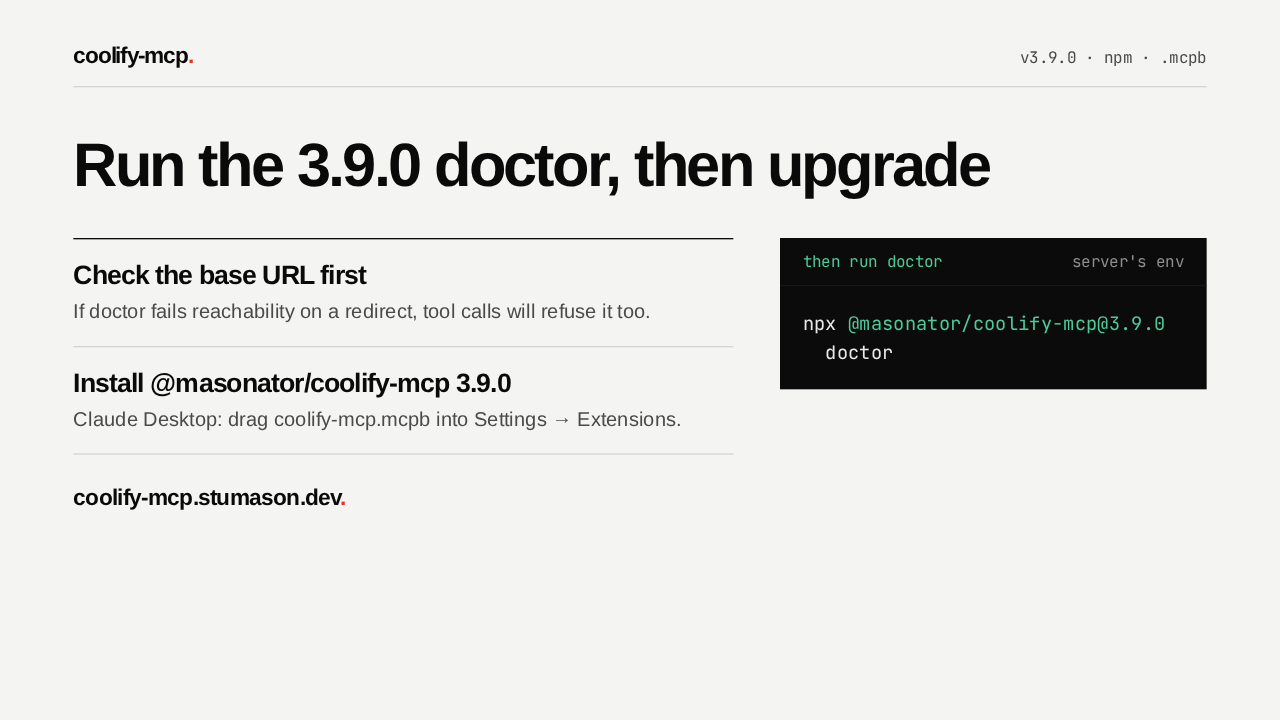
Run the 3.9.0 doctor, then upgrade
Check the base URL first
If doctor fails reachability on a redirect, tool calls will refuse it too.
Install @masonator/coolify-mcp 3.9.0
Claude Desktop: drag coolify-mcp.mcpb into Settings → Extensions.
coolify-mcp.stumason.dev.
Before you upgrade, run the 3.9.0 doctor with your server's environment. If reachability fails on a redirect, fix the base URL first. Then install 3.9.0 from npm, or drag the new extension file into Claude Desktop. From then on, a Cloudflare Access login page comes back as an error you can act on.