Tabs of the same file now share your unsaved edits, across workspaces

2 days ago

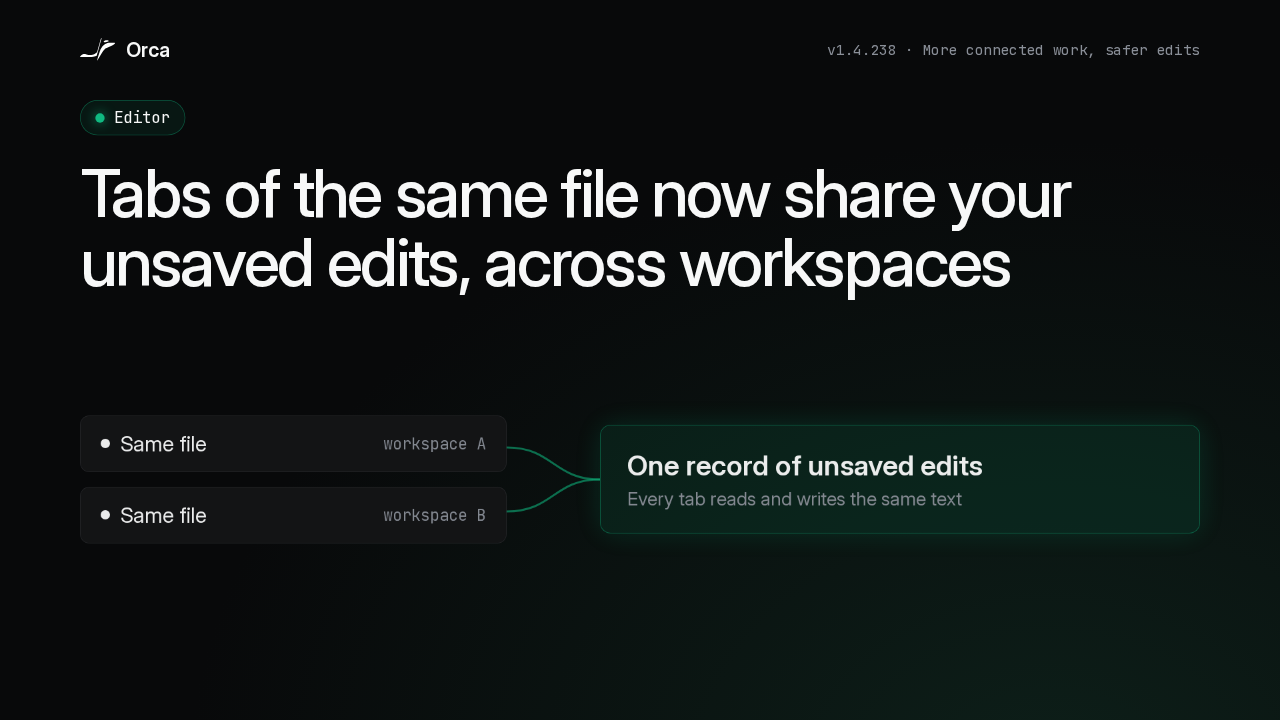
Orca 1.4.238 is about connected work and safer edits, and the editor change comes first. When the same file is open in more than one tab, even in different workspaces, every tab now shares one record of your unsaved edits, so typing in one shows up in the others.

Ask about this presentation

Chapters
  1. 0:00Tabs share unsaved edits
  2. 0:19Unsaved text is protected
  3. 0:42Chats that keep up
  4. 1:03Chat or terminal
  5. 1:27A more capable browser
  6. 1:52A smoother phone experience
  7. 2:21Easier recovery
  8. 2:50Security
  9. 3:09Compatibility and upgrade notes
  10. 3:37Upgrade
Show transcript
  1. Orca 1.4.238 is about connected work and safer edits, and the editor change comes first. When the same file is open in more than one tab, even in different workspaces, every tab now shares one record of your unsaved edits, so typing in one shows up in the others.

    Slide text
    Orca
    v1.4.238 · More connected work, safer edits
    Editor

    Tabs of the same file now share your unsaved edits, across workspaces

    Same fileworkspace A
    Same fileworkspace B
    One record of unsaved edits
    Every tab reads and writes the same text
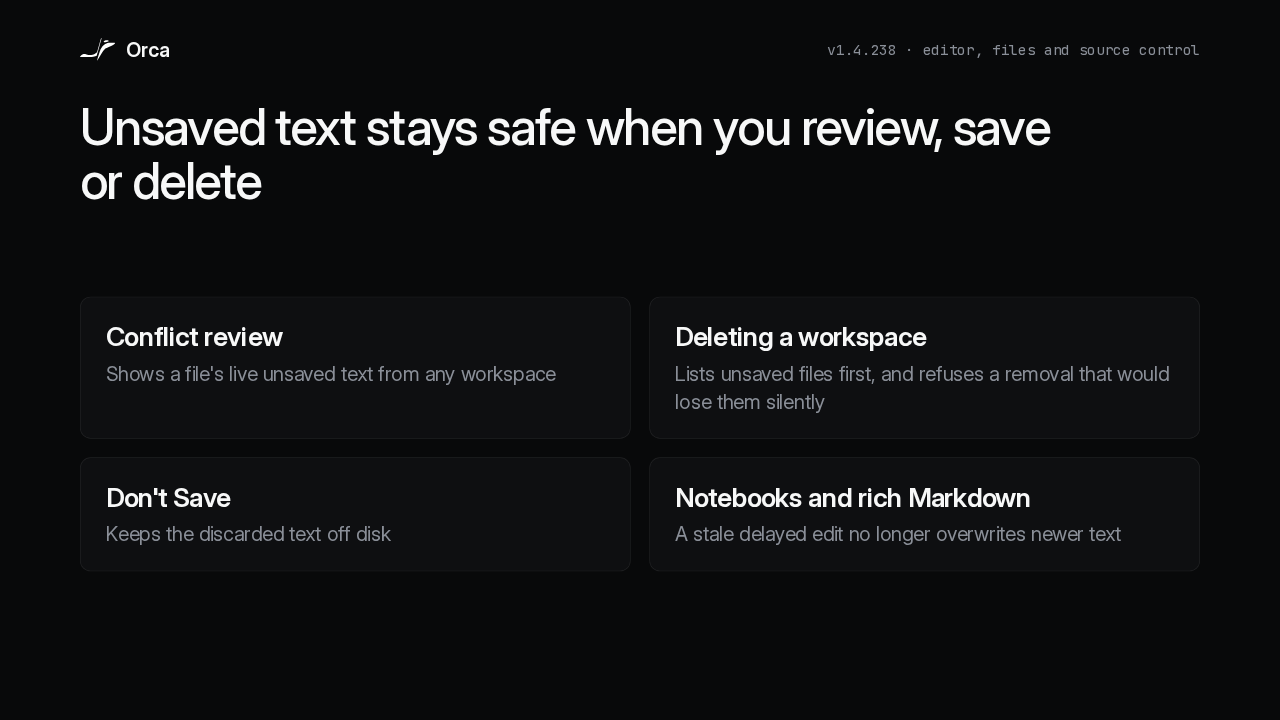
  2. That shared text is protected wherever it could be lost. Read-only conflict review shows the live unsaved text, and deleting a workspace lists its unsaved files first, refusing any removal that would lose them silently. Don't Save keeps the discarded text off disk, and a stale edit in a notebook or rich Markdown view no longer overwrites newer work.

    Slide text
    Orca
    v1.4.238 · editor, files and source control

    Unsaved text stays safe when you review, save or delete

    Conflict review
    Shows a file's live unsaved text from any workspace
    Deleting a workspace
    Lists unsaved files first, and refuses a removal that would lose them silently
    Don't Save
    Keeps the discarded text off disk
    Notebooks and rich Markdown
    A stale delayed edit no longer overwrites newer text
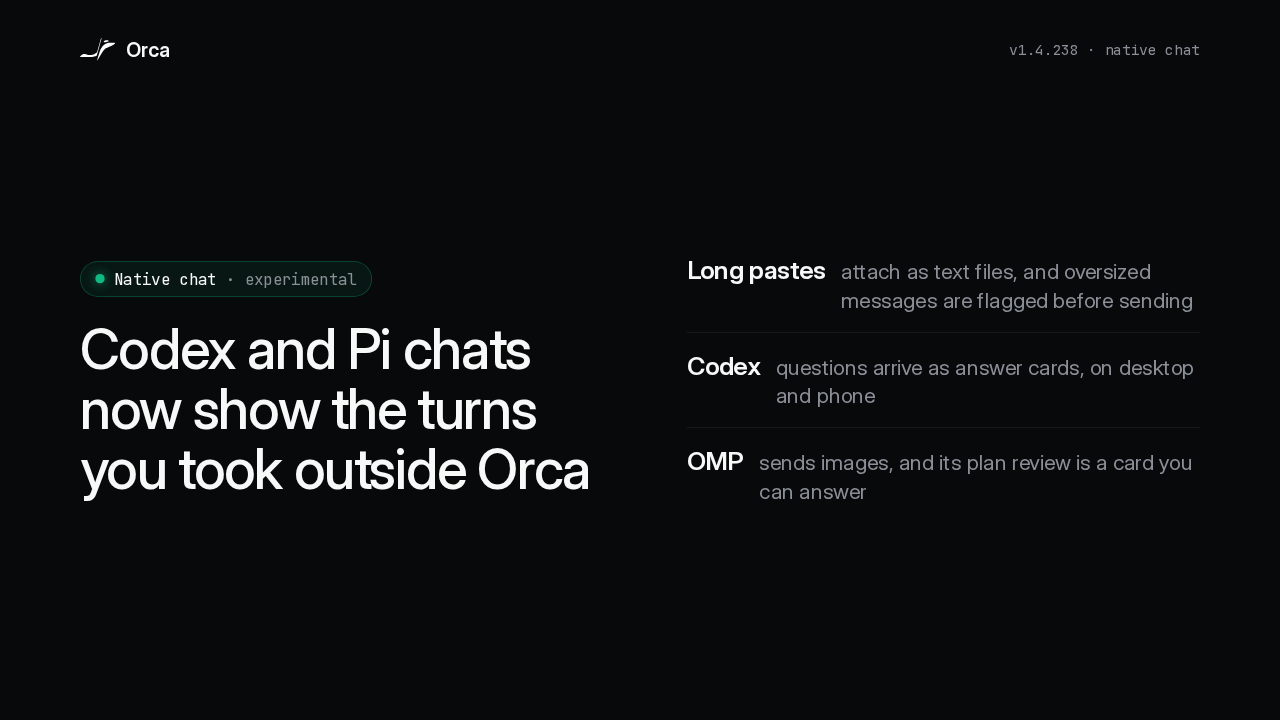
  3. Native chat is still experimental, and now it keeps up with work you do elsewhere. An existing Codex or Pi chat shows the turns made outside Orca. Long pastes can go in as text attachments, Codex questions arrive as answer cards on desktop and phone, and OMP chats can send images and answer a plan review from a card.

    Slide text
    Orca
    v1.4.238 · native chat
    Native chat · experimental

    Codex and Pi chats now show the turns you took outside Orca

    Long pastes
    attach as text files, and oversized messages are flagged before sending
    Codex
    questions arrive as answer cards, on desktop and phone
    OMP
    sends images, and its plan review is a card you can answer
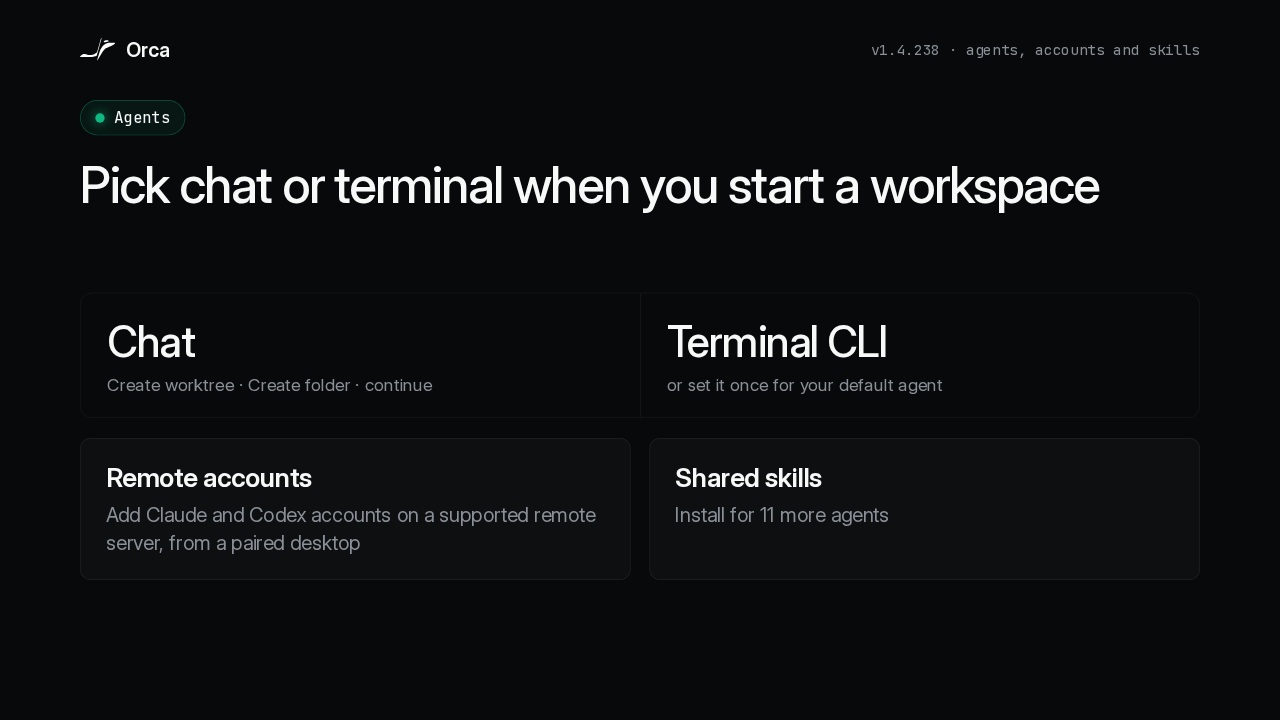
  4. You now choose how each agent opens. Create worktree, Create folder and the continuation pickers ask whether the agent opens as a chat or a terminal CLI, and your default agent can carry that choice. From a paired desktop you can add Claude and Codex accounts on a supported remote server, and the credentials stay on that server. Shared skills now install for 11 more agents.

    Slide text
    Orca
    v1.4.238 · agents, accounts and skills
    Agents

    Pick chat or terminal when you start a workspace

    ChatCreate worktree · Create folder · continue
    Terminal CLIor set it once for your default agent
    Remote accounts
    Add Claude and Codex accounts on a supported remote server, from a paired desktop
    Shared skills
    Install for 11 more agents
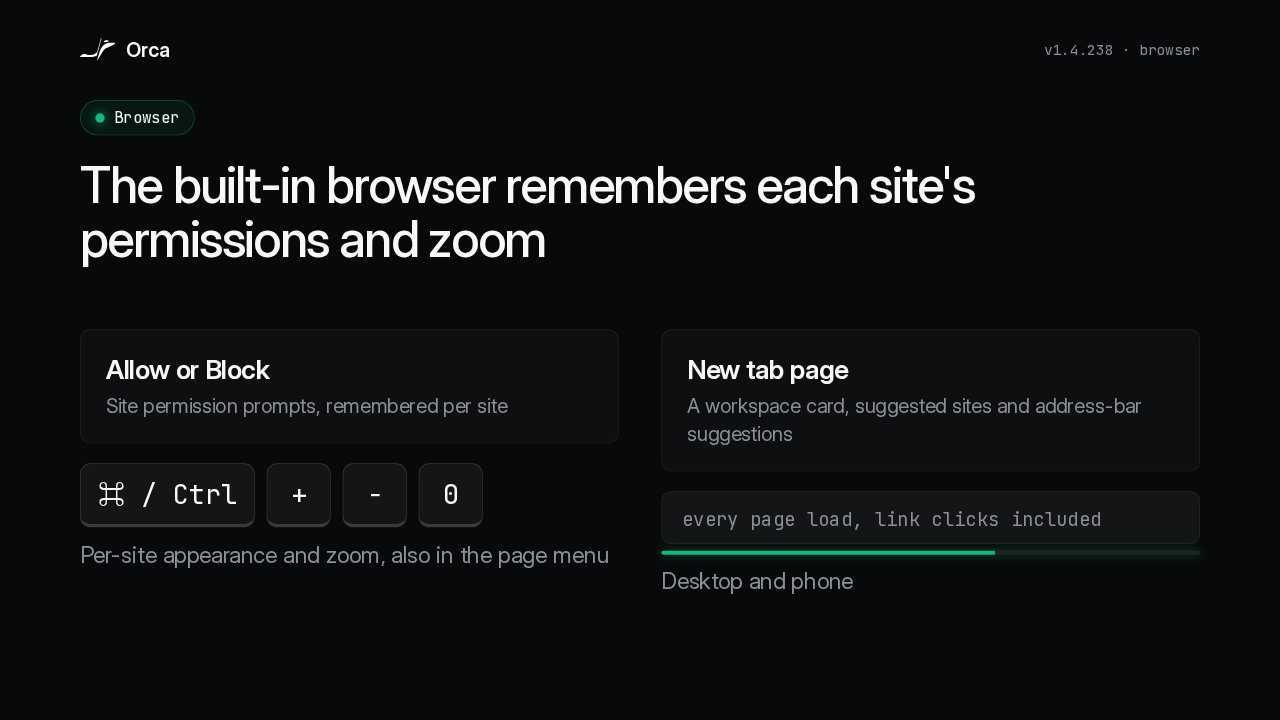
  5. The built-in browser has a new tab page with a workspace card and suggested sites, plus address-bar suggestions. Site permissions ask Allow or Block, and Orca remembers the answer for each site. Appearance and zoom are per site too, from the page menu or Command or Control with plus, minus and zero. And every page load, link clicks included, draws a line along the address bar, on desktop and phone.

    Slide text
    Orca
    v1.4.238 · browser
    Browser

    The built-in browser remembers each site's permissions and zoom

    Allow or Block
    Site permission prompts, remembered per site
    ⌘ / Ctrl + − 0
    Per-site appearance and zoom, also in the page menu
    New tab page
    A workspace card, suggested sites and address-bar suggestions
    every page load, link clicks included
    Desktop and phone
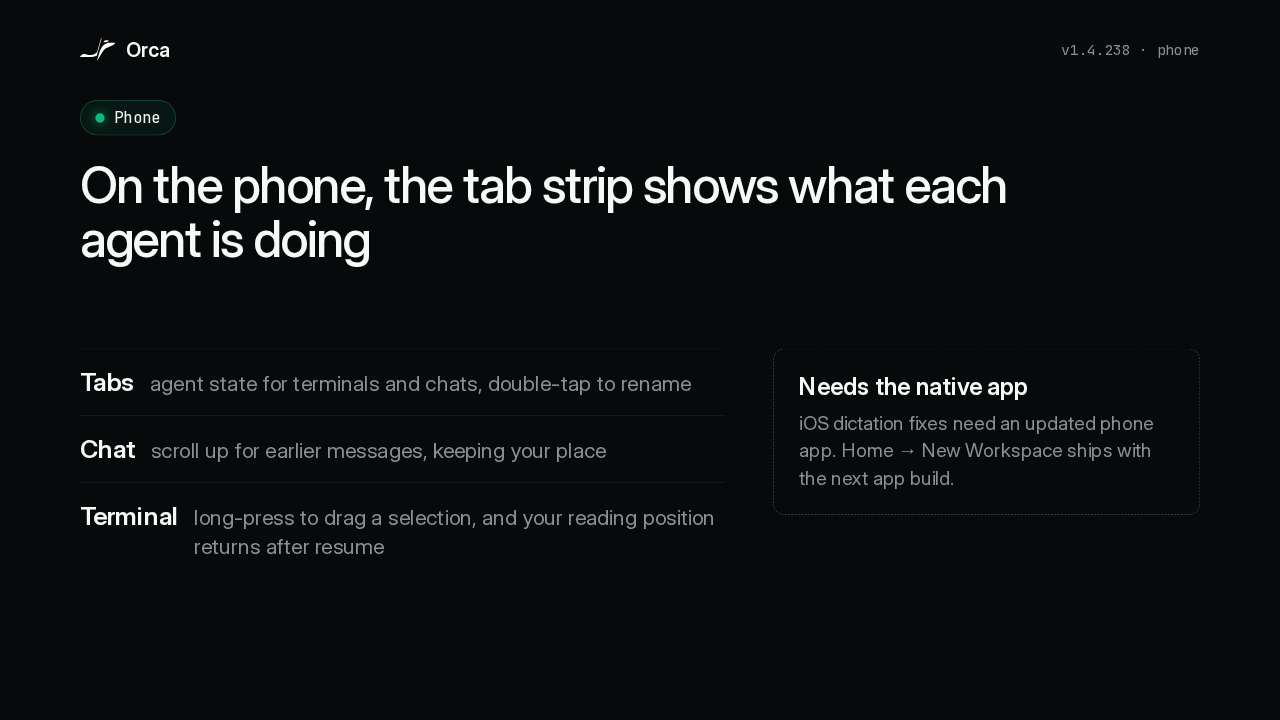
  6. On the phone, the tab strip shows terminal and chat agent state, and a double-tap renames a tab. Scrolling up loads earlier chat messages without losing your place, a long press drags a terminal selection, and the terminal returns to your reading position after you resume. Updating Orca on the computer that serves your phone updates this interface. The native iOS dictation fixes need an updated app, and the Home screen's New Workspace entry ships with the next app build.

    Slide text
    Orca
    v1.4.238 · phone
    Phone

    On the phone, the tab strip shows what each agent is doing

    Tabs
    agent state for terminals and chats, double-tap to rename
    Chat
    scroll up for earlier messages, keeping your place
    Terminal
    long-press to drag a selection, and your reading position returns after resume
    Needs the native app
    iOS dictation fixes need an updated phone app. Home → New Workspace ships with the next app build.
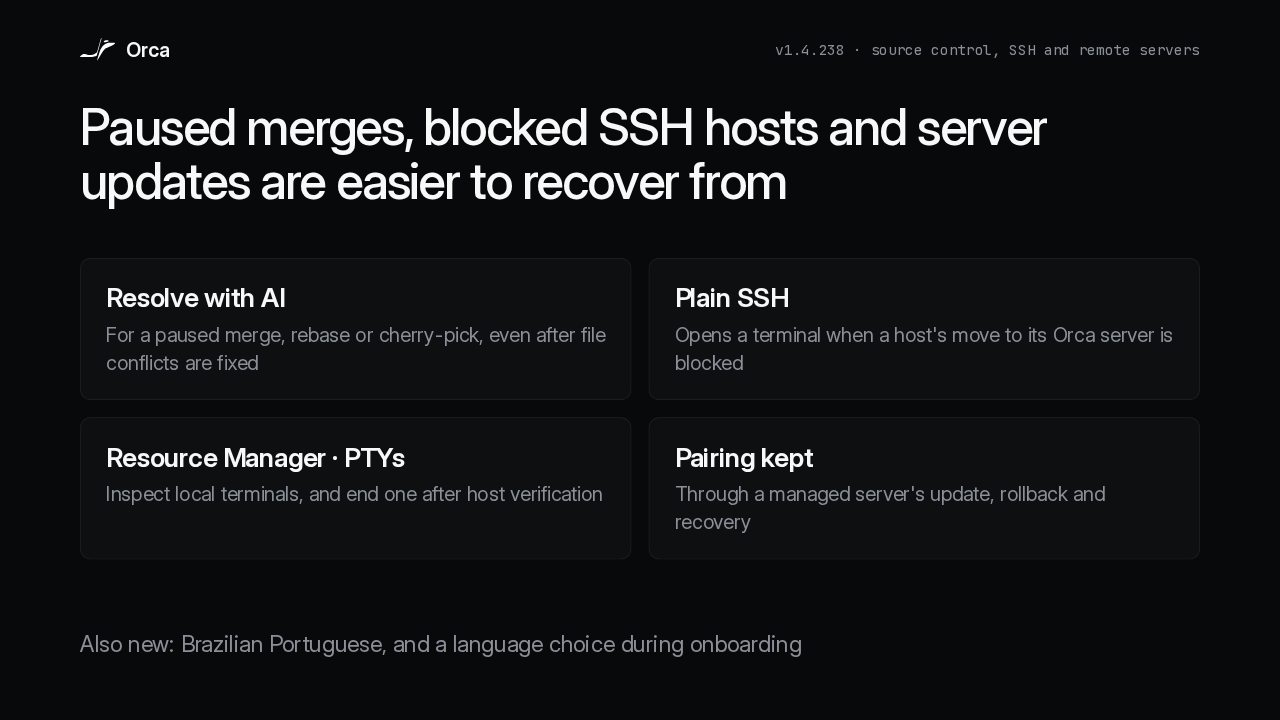
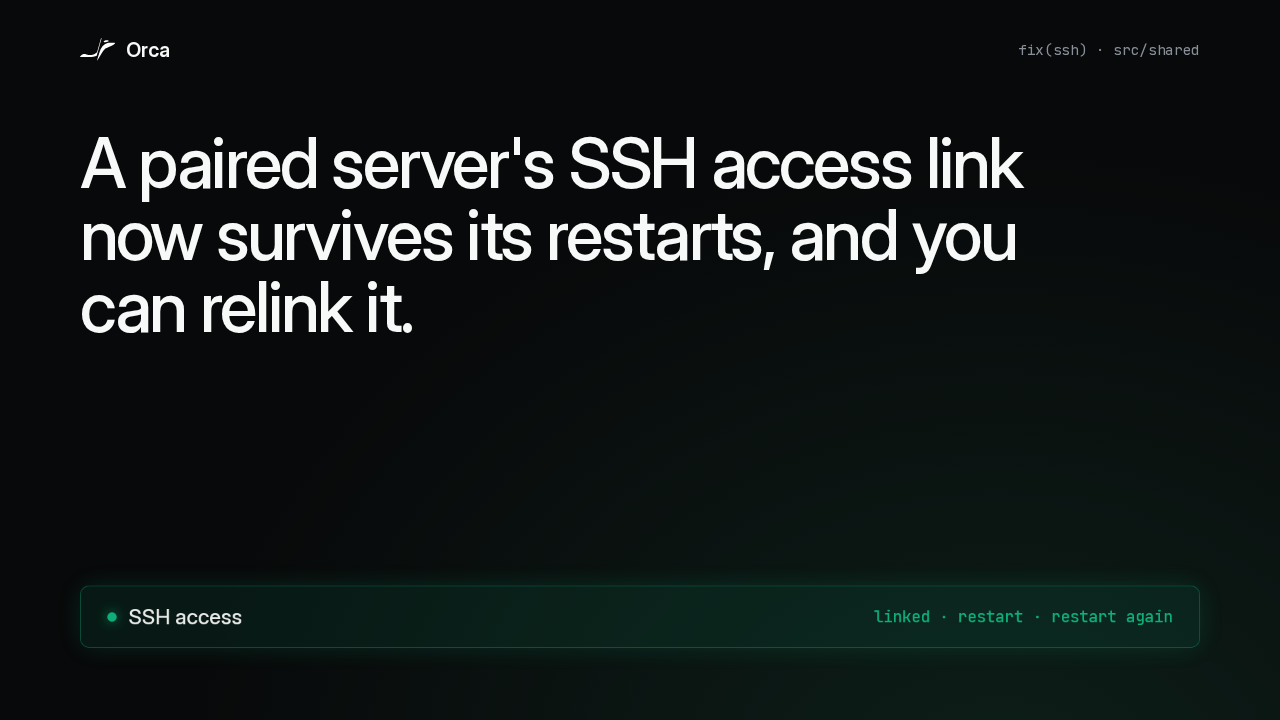
  7. Getting unstuck is easier now. Resolve with AI now appears for a paused merge, rebase or cherry-pick, even after you've fixed the file conflicts. When a host's move to its Orca server is blocked, Orca names the blocker and can open a plain SSH terminal instead. Resource Manager has a PTYs view for local terminals, and a managed server keeps its pairing through updates, rollback and recovery. Orca also speaks Brazilian Portuguese, and you can pick a language during onboarding.

    Slide text
    Orca
    v1.4.238 · source control, SSH and remote servers

    Paused merges, blocked SSH hosts and server updates are easier to recover from

    Resolve with AI
    For a paused merge, rebase or cherry-pick, even after file conflicts are fixed
    Plain SSH
    Opens a terminal when a host's move to its Orca server is blocked
    Resource Manager · PTYs
    Inspect local terminals, and end one after host verification
    Pairing kept
    Through a managed server's update, rollback and recovery

    Also new: Brazilian Portuguese, and a language choice during onboarding

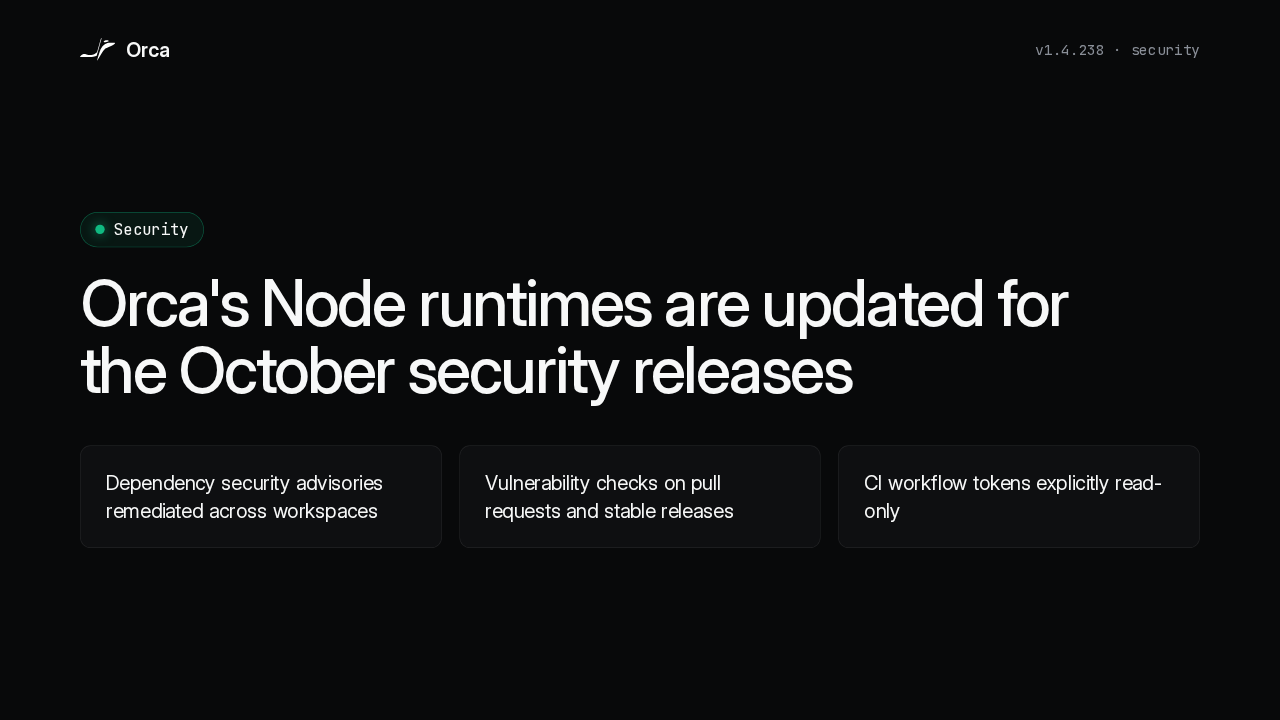
  8. On security, Orca's Node runtimes are updated for the October security releases. Dependency security advisories are remediated across workspaces, dependency vulnerability checks now run on pull requests and stable releases, and the CI workflow tokens are explicitly read-only.

    Slide text
    Orca
    v1.4.238 · security
    Security

    Orca's Node runtimes are updated for the October security releases

    Dependency security advisories remediated across workspaces
    Vulnerability checks on pull requests and stable releases
    CI workflow tokens explicitly read-only
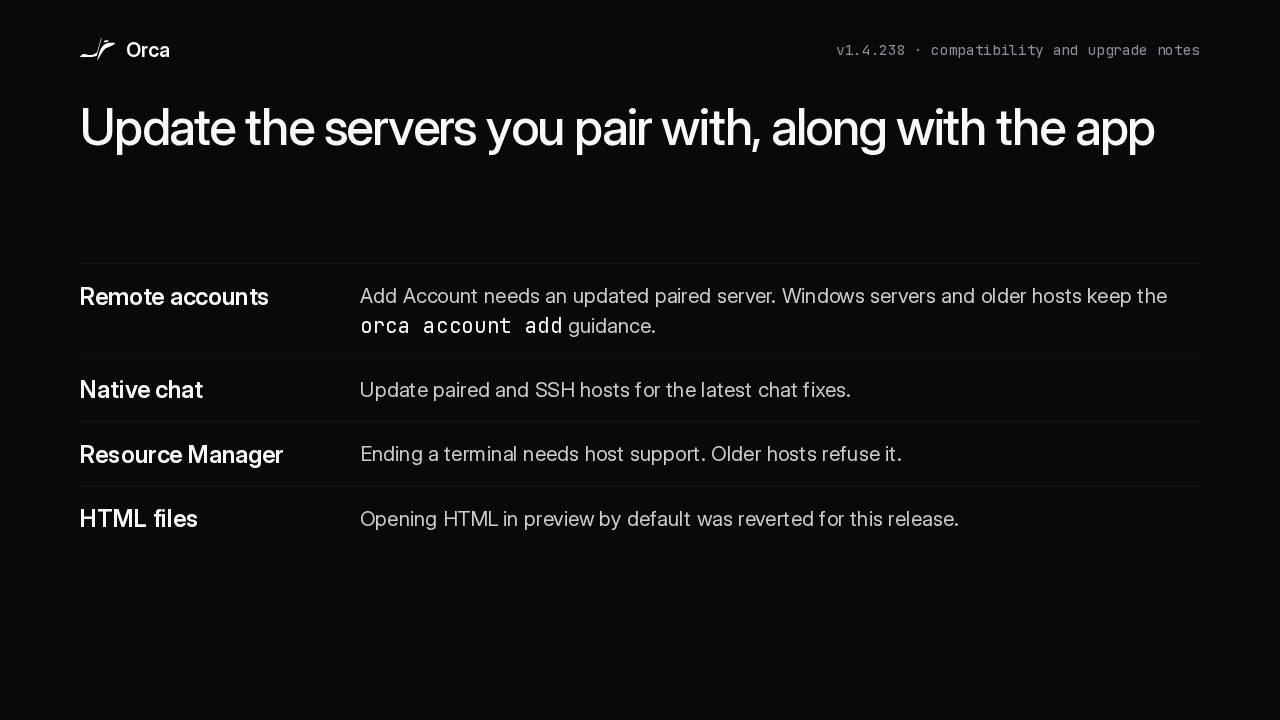
  9. Most of what could surprise you is on the server side. The new Add Account flow needs an updated paired server, and Windows servers and older hosts still get the orca account add guidance. Native chat fixes need your paired and SSH hosts updated too, and ending a terminal from Resource Manager needs host support, so older hosts refuse it. Opening HTML in preview by default was reverted for this release, and the layout and sidebar groundwork stays switched off.

    Slide text
    Orca
    v1.4.238 · compatibility and upgrade notes

    Update the servers you pair with, along with the app

    Remote accounts
    Add Account needs an updated paired server. Windows servers and older hosts keep the orca account add guidance.
    Native chat
    Update paired and SSH hosts for the latest chat fixes.
    Resource Manager
    Ending a terminal needs host support. Older hosts refuse it.
    HTML files
    Opening HTML in preview by default was reverted for this release.
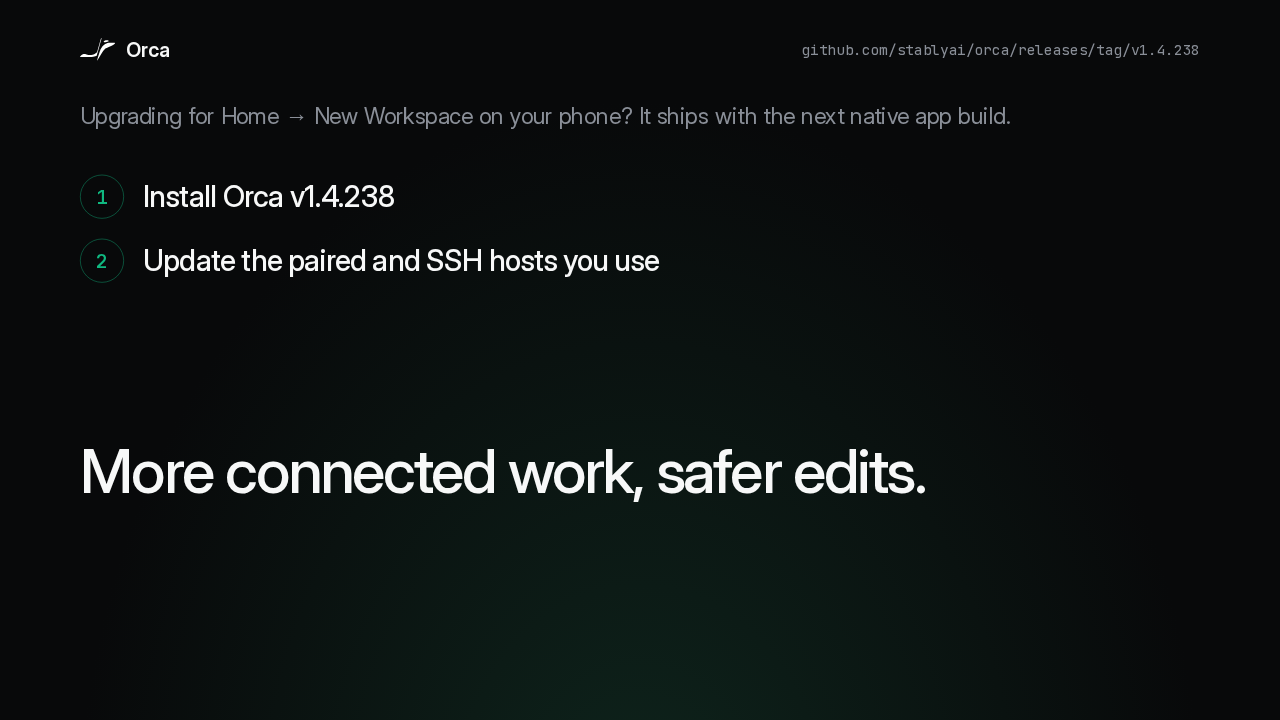
  10. If you're upgrading for the phone's Home screen New Workspace entry, wait for the next native app build. Otherwise, install 1.4.238 and update the paired and SSH hosts you use. Tabs of one file share their unsaved edits, chats pick up turns made elsewhere, and pairings survive managed server updates. More connected work, safer edits.
    Slide text
    Orca
    github.com/stablyai/orca/releases/tag/v1.4.238

    Upgrading for Home → New Workspace on your phone? It ships with the next native app build.

    1Install Orca v1.4.238
    2Update the paired and SSH hosts you use

    More connected work, safer edits.

What happened in AI today, in your inbox

One short email each evening. Read it and you’re caught up.

Built in New York with ❤️