Spica 0.20.0 lets functions read RabbitMQ streams
1 hour ago
In Spica 0.20.0, a RabbitMQ trigger can read a stream as well as a queue. The release also reports worker status for each function, lets jobs, commands and status records expire, and fixes how workers refresh and connect.
Ask about this presentation
Chapters

Show transcriptHide transcript
In Spica 0.20.0, a RabbitMQ trigger can read a stream as well as a queue. The release also reports worker status for each function, lets jobs, commands and status records expire, and fixes how workers refresh and connect.
Slide text

Spica 0.20.0
Functions can now read RabbitMQ streams
Also new: worker status per function, expiring job and status records, and worker fixes.
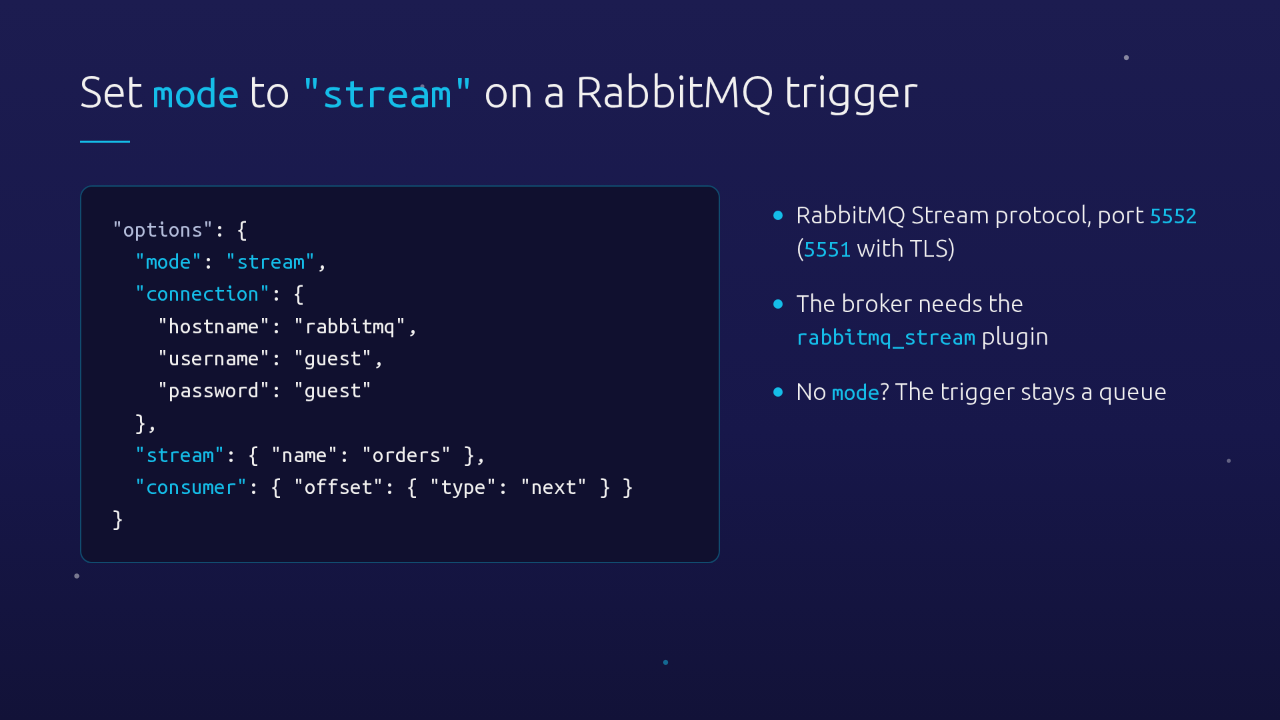
Set mode to stream in the trigger's options. Then give it a connection, the stream to read, and a consumer that says where to start. It uses the RabbitMQ Stream protocol on port 5552, so the broker needs its stream plugin enabled. Triggers without a mode stay queue triggers.
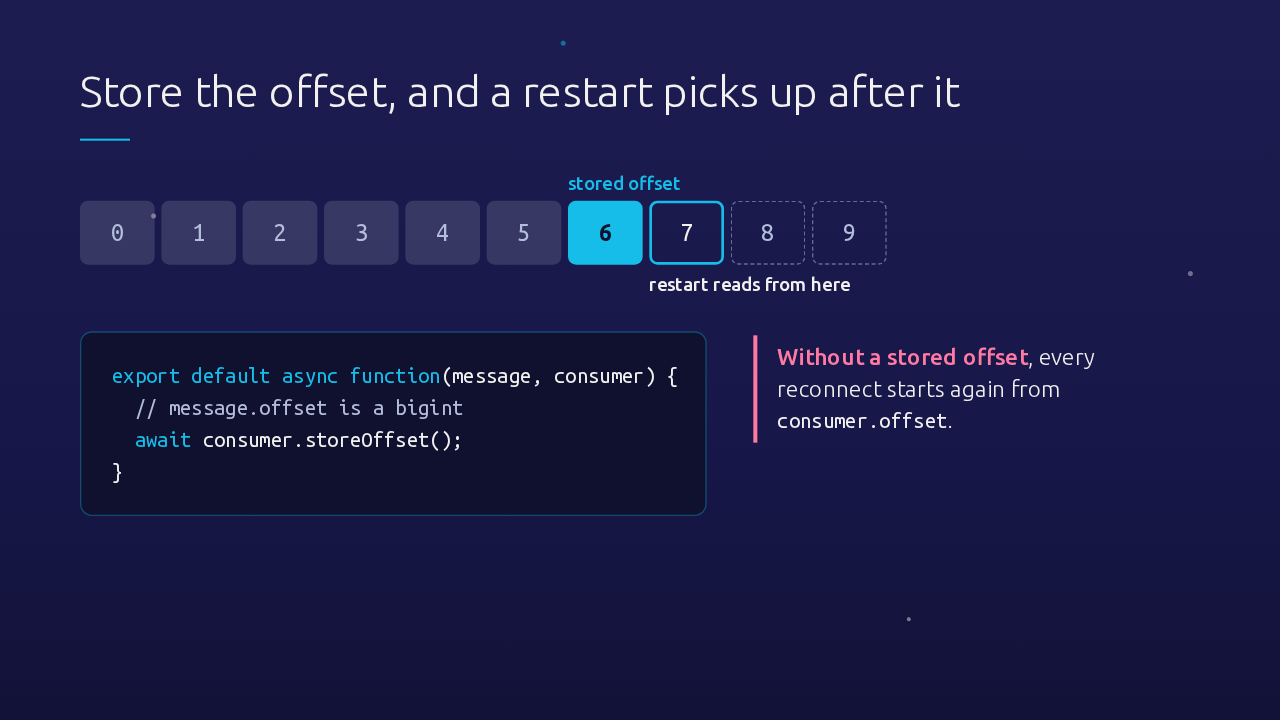
Every message in a stream has an offset. Give the consumer a consumerRef, and the broker can keep your place. Your handler gets the message, with its offset as a bigint, plus a consumer. Call storeOffset on it, and after a restart or a reconnect the trigger continues from the next message. Without a stored offset, it starts over from the configured position, so keep handlers idempotent, or store offsets.
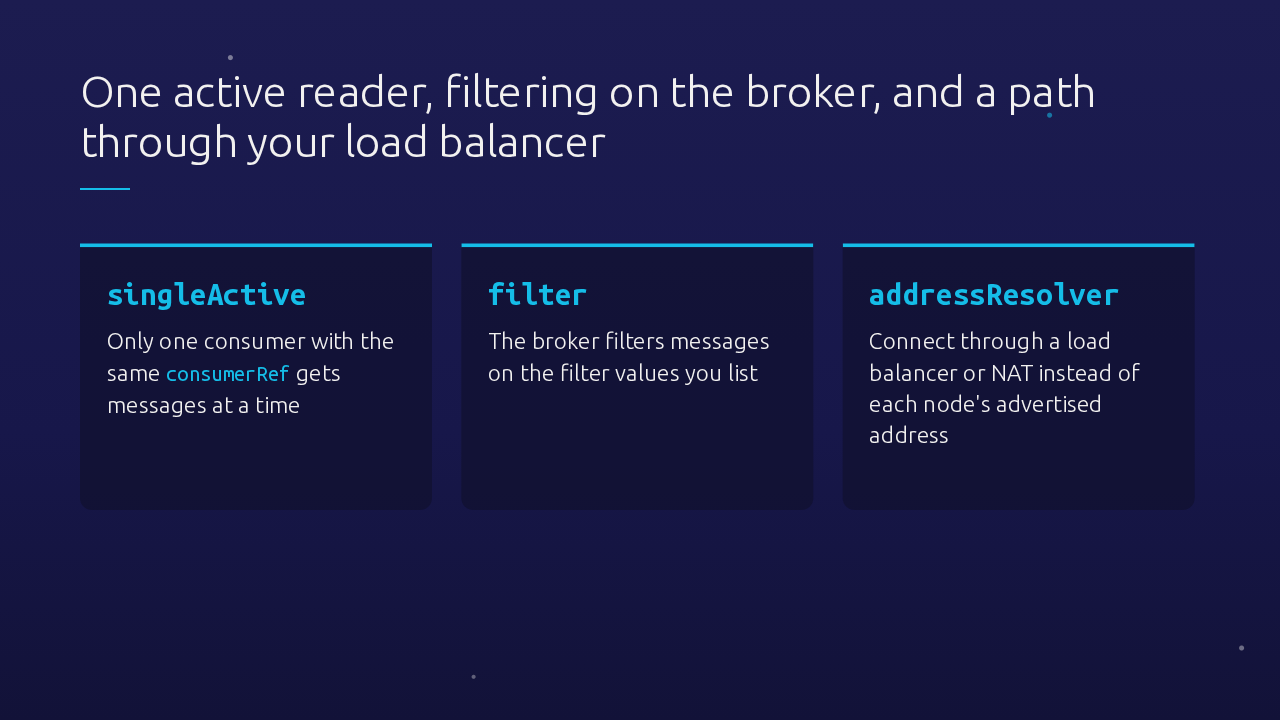
In production, a few consumer options help. With singleActive, only one consumer per consumerRef receives messages at a time. A filter lets the broker filter messages by values you list. And behind Docker, NAT or a load balancer, addressResolver connects through that endpoint instead of each node's advertised address.
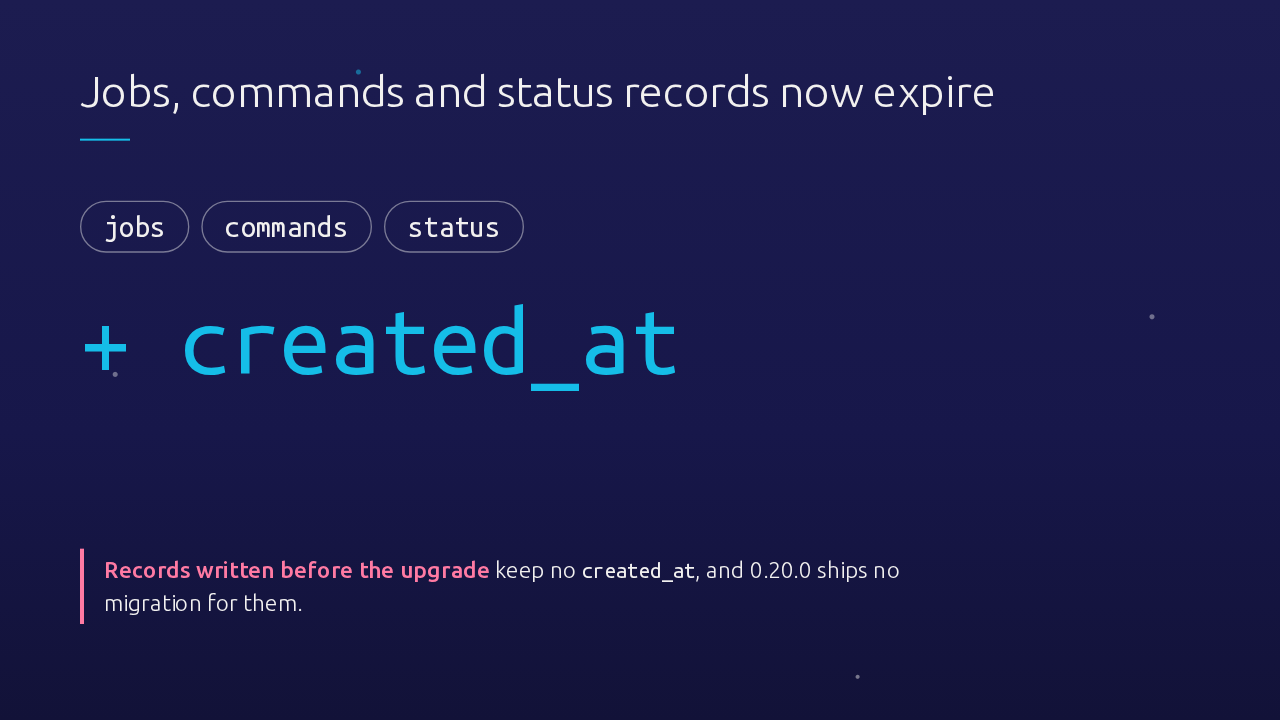
Spica's jobs, commands and status collections have TTL indexes on created_at, but their documents never had that field, so they never expired. From 0.20.0, every new document gets created_at when it is written. Documents already stored stay as they are, and this release has no migration for them.
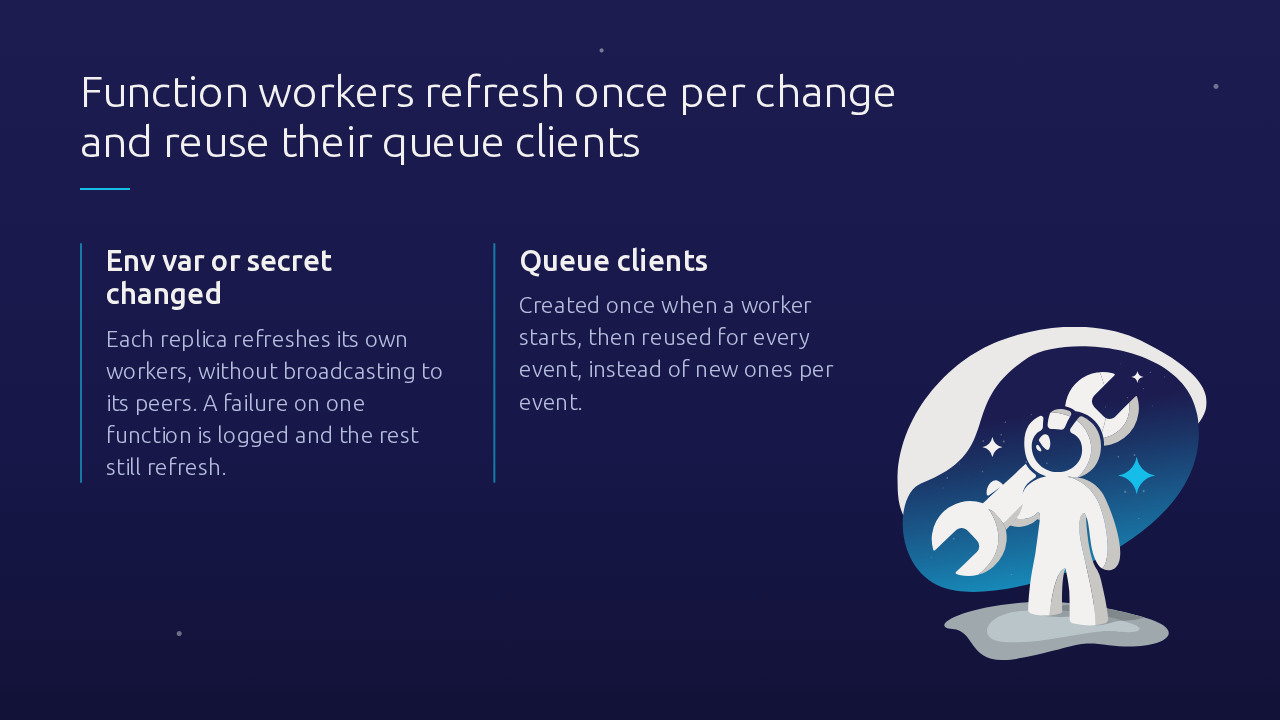
When an environment variable or a secret changes, each replica now refreshes its own workers, instead of broadcasting another refresh to its peers. A failure on one function is logged, and the rest still refresh. And each worker now creates its queue clients once at startup and reuses them for every event, instead of making new ones per event.
Panel lists load more results as you scroll, so a first page too short to fill the list left nothing to scroll. Now the users, identities and API keys pages, the relation picker and the profiler table fetch the next page on their own, until the list fills or the results run out.
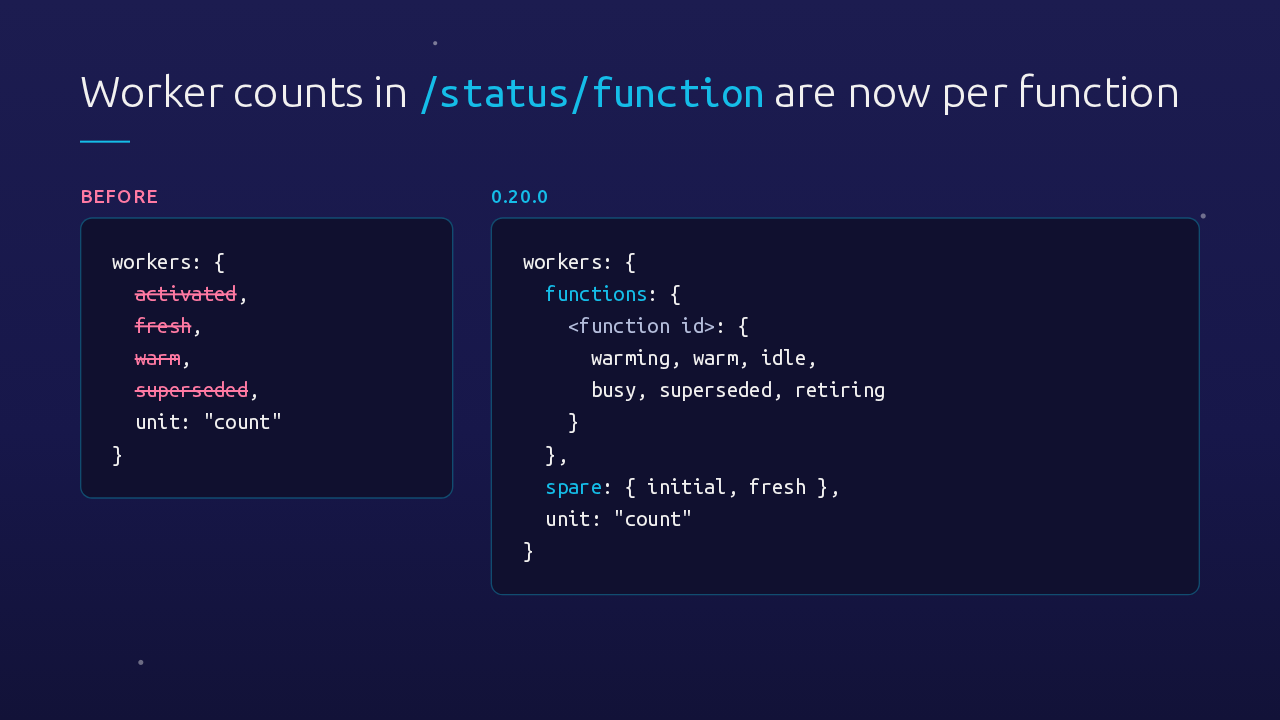
If you watch Spica through its status endpoint, check this one. The function module's workers object used to hold four totals. Now it groups counts by function, from warming to retiring, and counts workers with no function yet as spare. The old top-level totals are gone, so anything that reads them needs updating.
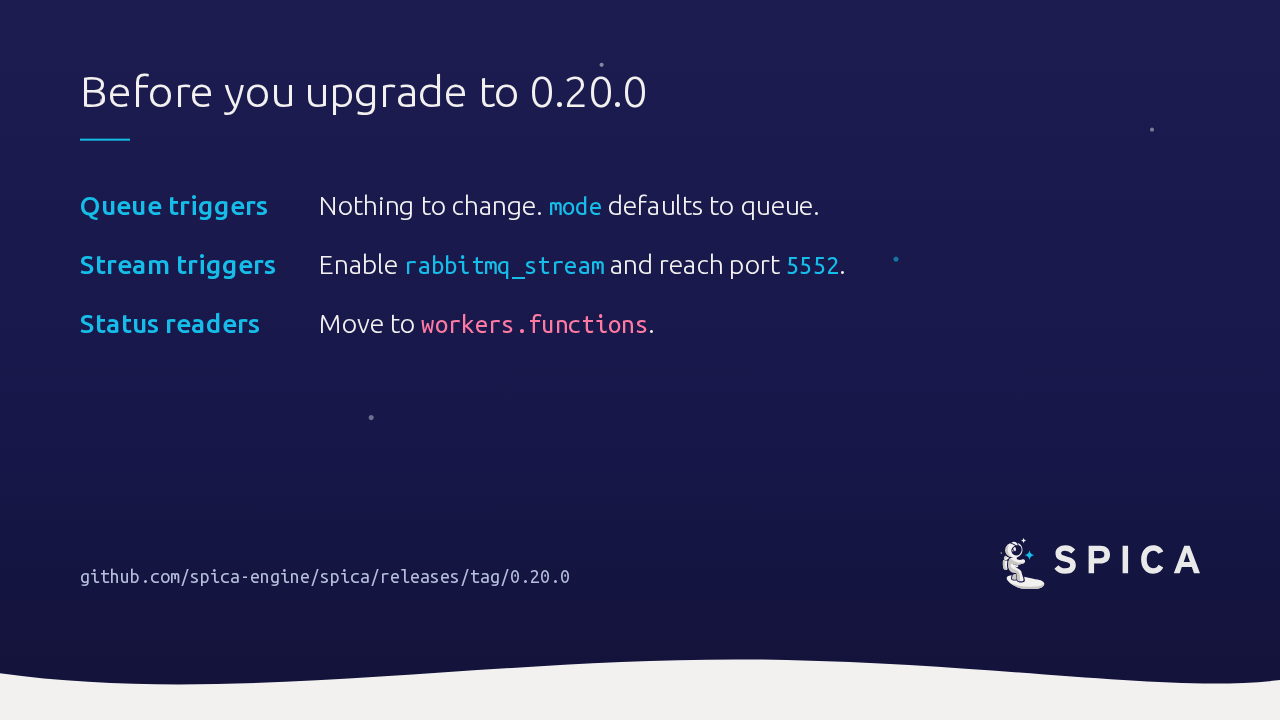
Existing queue triggers need no changes. To try streams, enable the stream plugin on your broker and make port 5552 reachable. If anything reads the old worker totals, move it to the per-function counts. The full list of changes is in the release notes on GitHub. With 0.20.0, your Spica functions can read RabbitMQ streams.
Slide text
Before you upgrade to 0.20.0
- Queue triggers Nothing to change. mode defaults to queue.
- Stream triggers Enable rabbitmq_stream and reach port 5552.
- Status readers Move to workers.functions.
github.com/spica-engine/spica/releases/tag/0.20.0