ECC’s UI Canvas skill lets you hand-edit your agent’s UI mockups
12 minutes ago
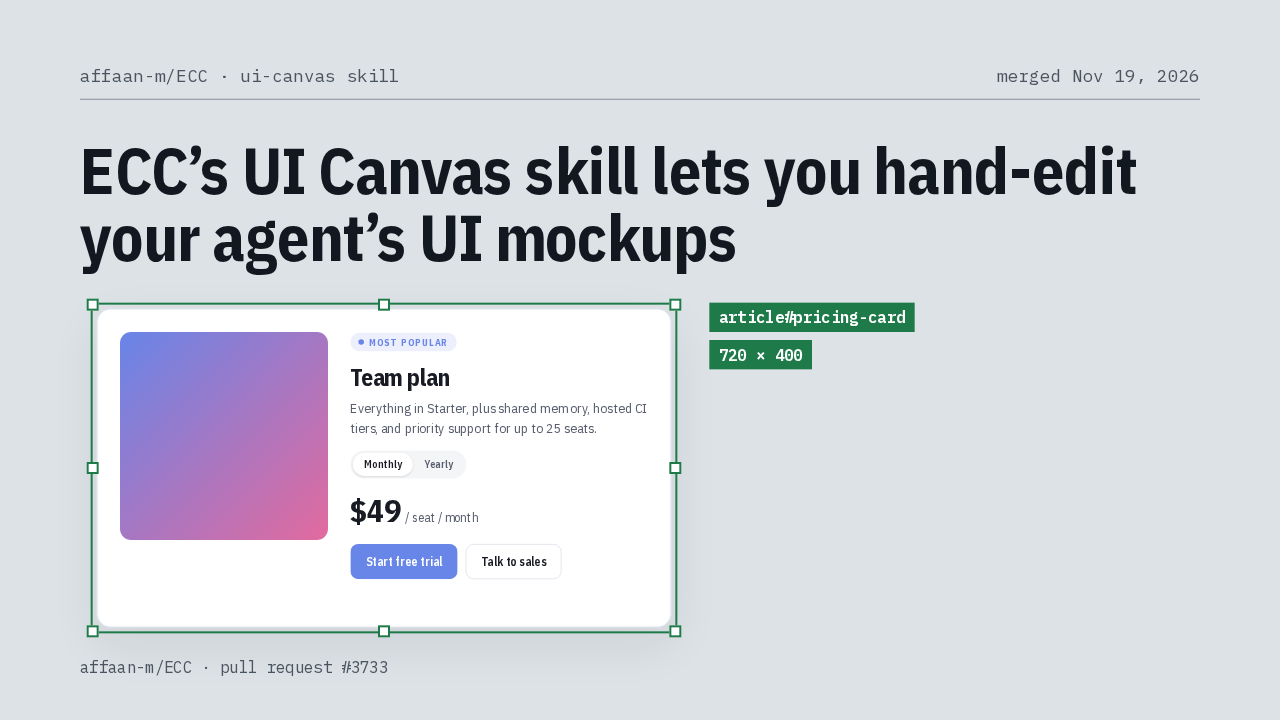
ECC's new UI Canvas skill opens your agent's HTML mockup of a UI component in a local browser canvas. You select, resize, reorder, nudge, retype and restyle it by hand, and Save and Finish hands the edited markup and an edit log back to the agent to build in your real component.
Links
Ask about this presentation
Chapters
Show transcriptHide transcript
ECC, the plugin of agents and skills for Claude Code and Codex, added a UI Canvas skill. Your agent writes a component mockup as one HTML file, you edit it by hand in your browser, and Save and Finish hands your version back for the agent to build. A padding change stops costing a rebuild of the whole app.
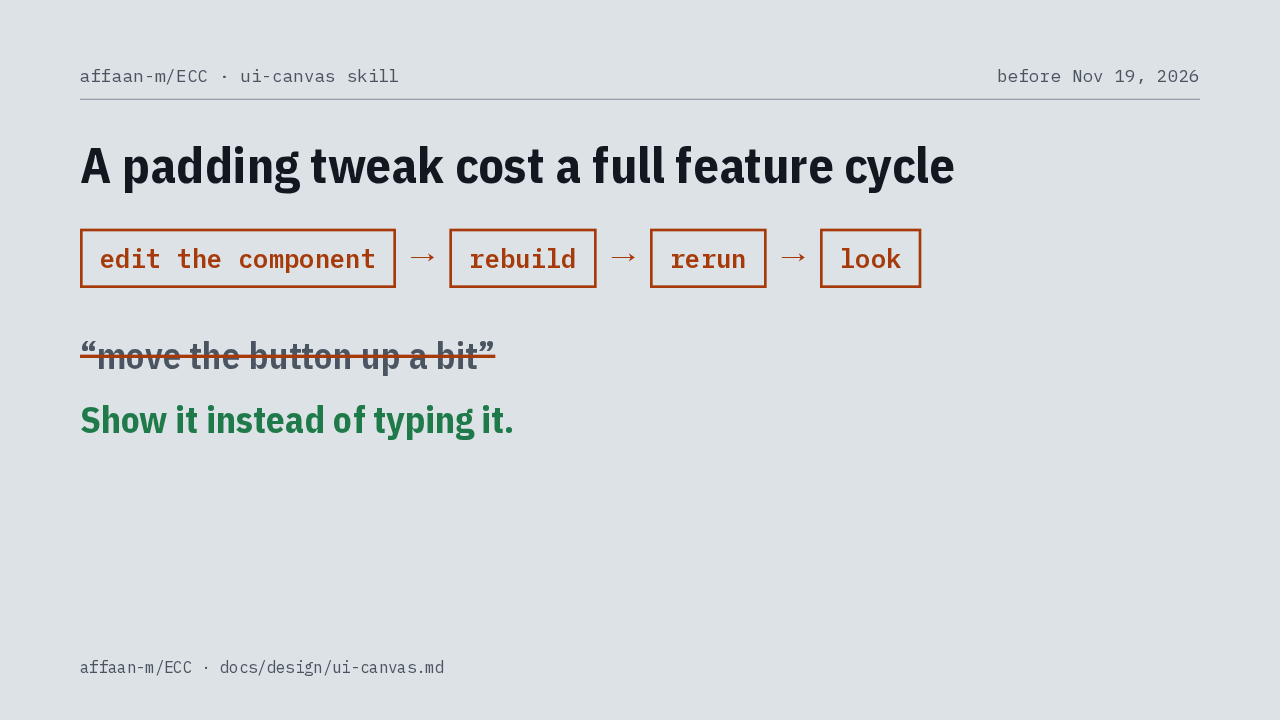
Until now, checking a visual change meant the agent edited the real component, rebuilt, reran, and then you looked. Your feedback went back as typed words, like move the button up a bit, when showing it would be faster.
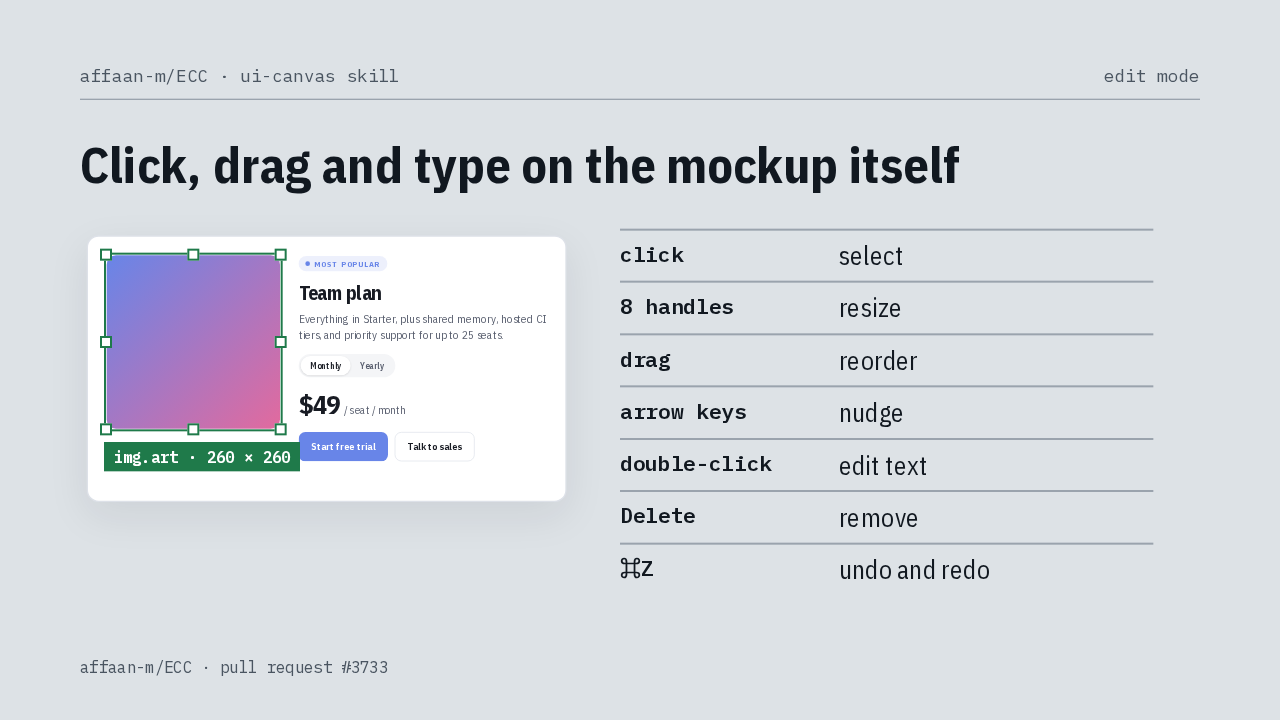
In the canvas, a click selects an element. Eight handles resize it, a drag reorders it, and the arrow keys nudge it. A double-click lets you retype text, Delete removes the element, and undo and redo work as you'd expect.
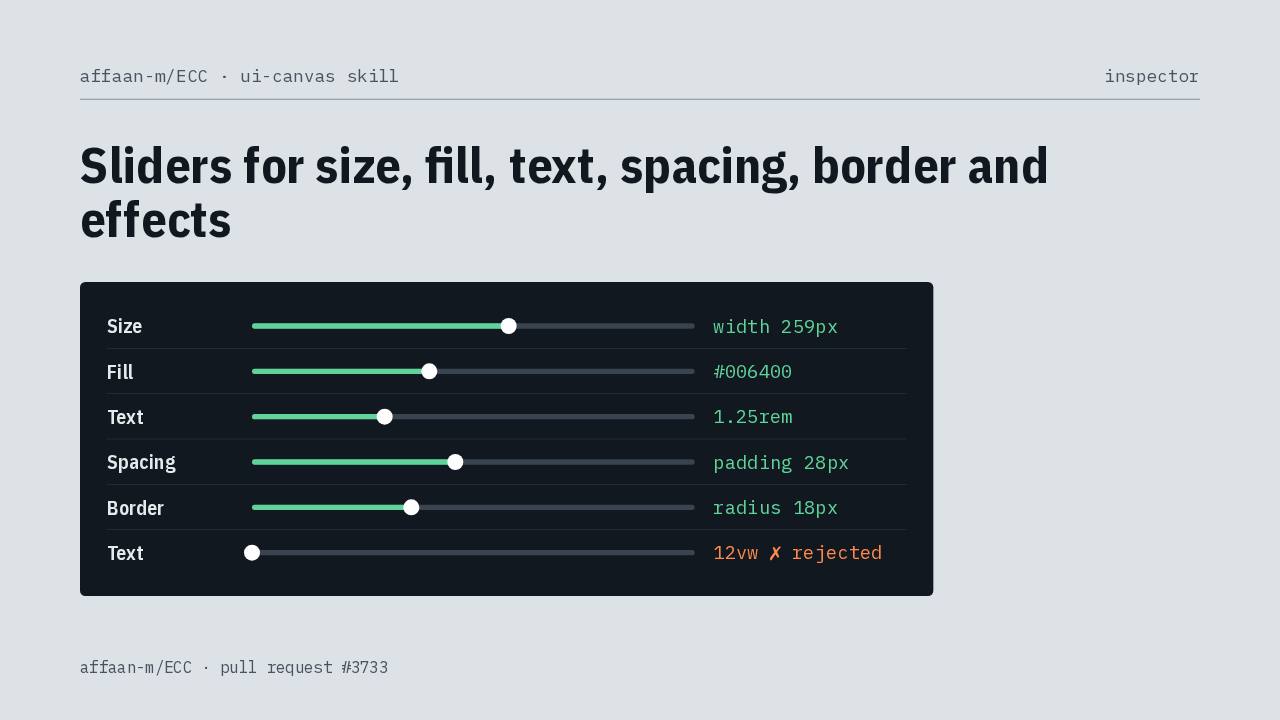
Beside the preview, an inspector groups sliders for size, fill, text, spacing, border and effects. You can type a value instead, and it's sanitized and clamped first, so a font size in viewport units is turned away.
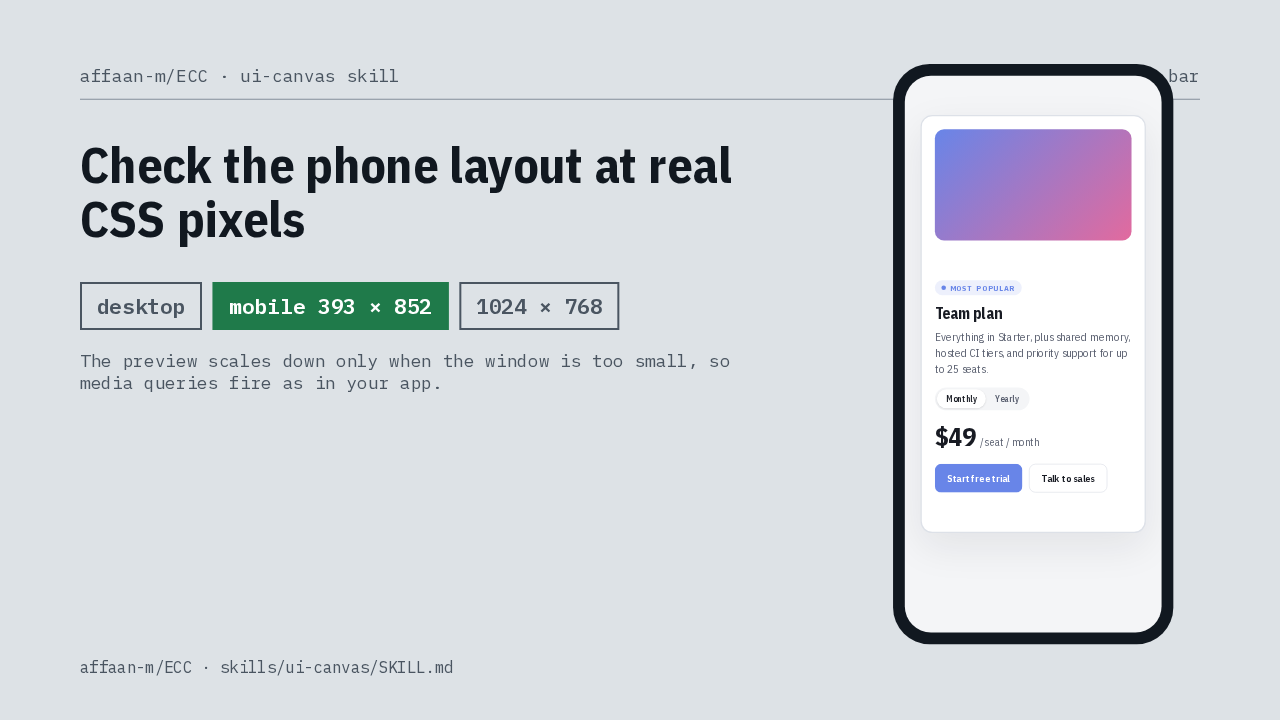
A viewport bar switches between desktop, a phone frame at 393 by 852, and any exact width and height. The preview renders at true CSS pixel sizes, so media queries behave the way they will in your app.
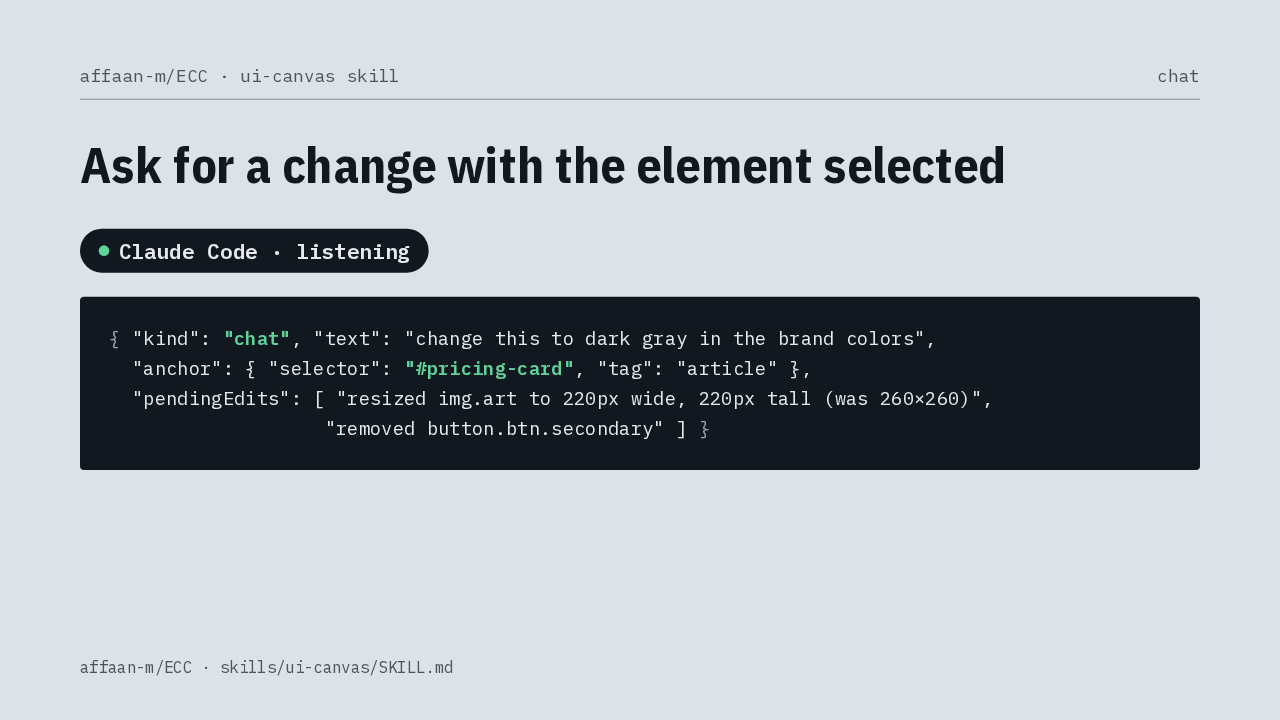
You can also type a request with an element selected. The agent gets your words, the element you meant, and your unapplied hand edits. It edits the file, and the preview reloads with your edits replayed on top.
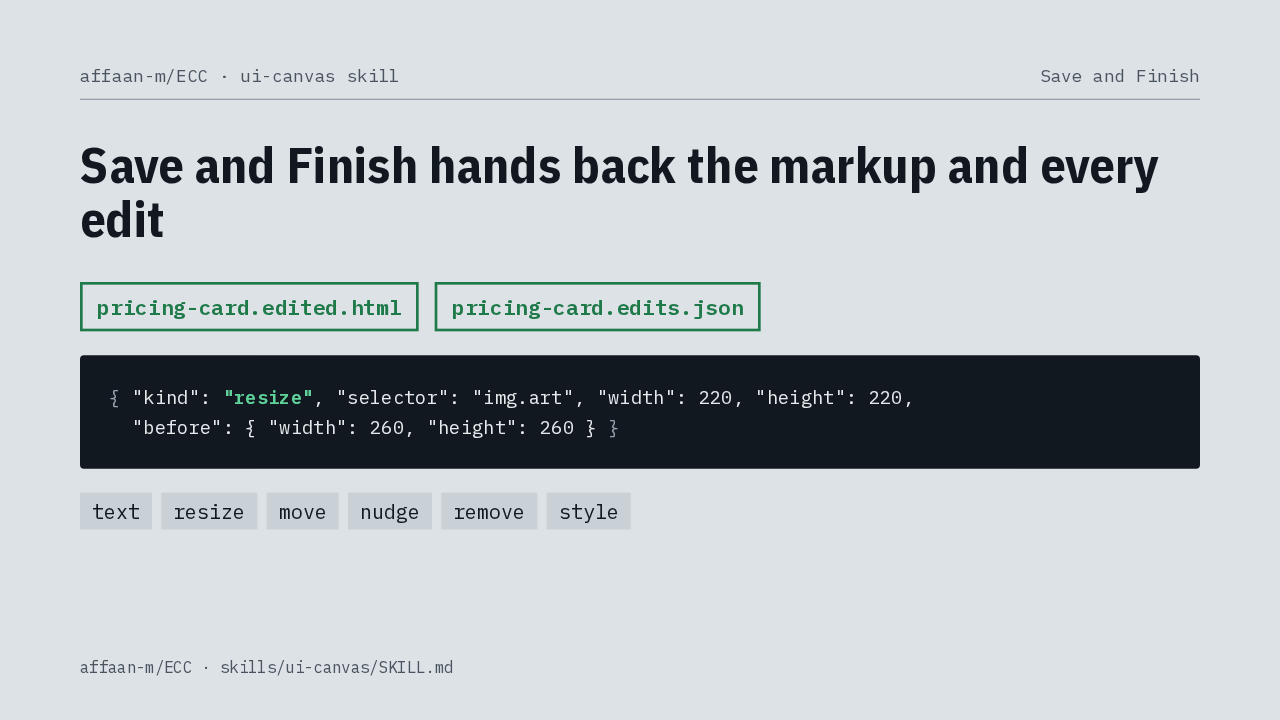
Save and Finish exports the page as you left it, plus a log of every edit, each one tied to a CSS selector. The agent reads both and rebuilds that look in your real component, with your framework and your design tokens.
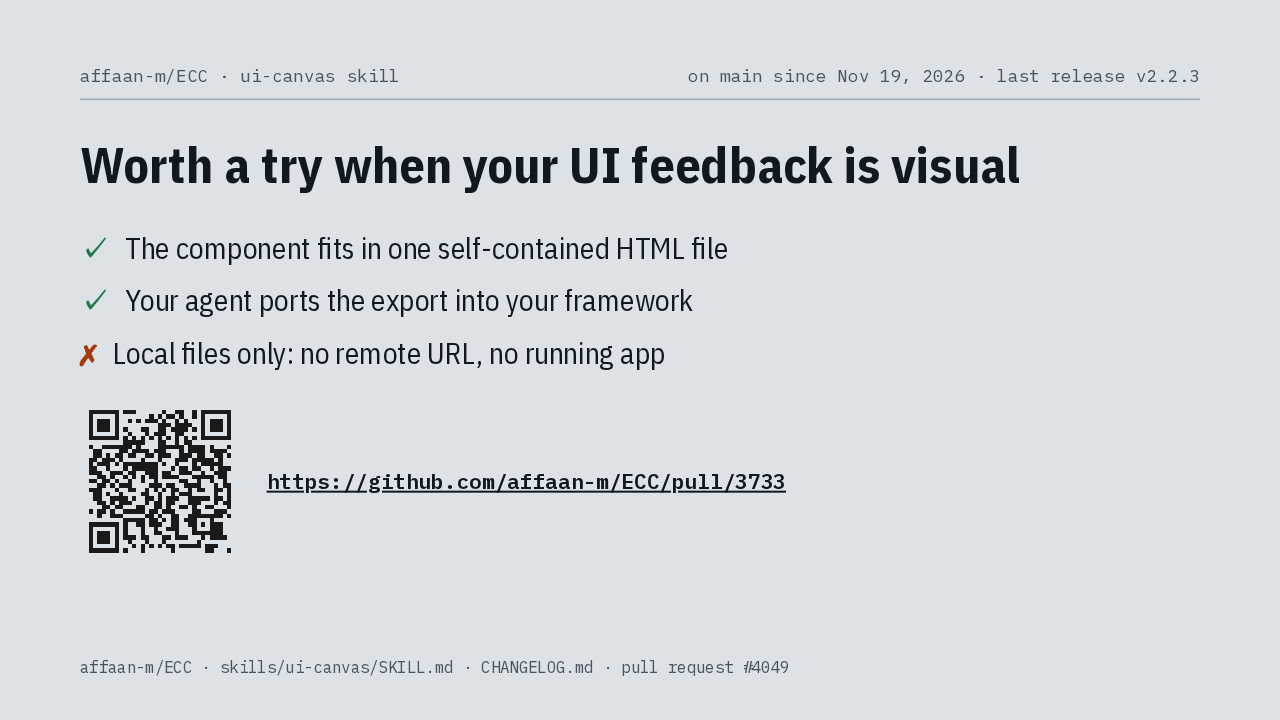
Is UI Canvas worth a try? I would say yes, if your feedback on interfaces is mostly visual. The component has to fit in one HTML file, and your agent still ports the export into real code. It serves local files only, and since November 19 it sits on ECC's main branch, ahead of the next tagged release.
Up next
 2:06
Agent Skills adds an accessibility skill that audits your UI for WCAG 2.2 AA
@skill-repos
1 day ago
 1:24
Anthropic’s Word, PowerPoint and Excel skills cut links to your files before rendering
@skill-repos
2 days ago
 2:54
Anthropic’s Excel skill stops LibreOffice from rewriting your workbook
@skill-repos
5 days ago
 2:01
Agent Skills’ frontend skill stops installing test runners just to check its work
@skill-repos
6 days ago
 2:23
Trail of Bits’ taint-trace skill adds the source and sink models your taint analyzer is missing
@skill-repos
1 week ago
 1:30
Anthropic’s Word, PDF, PowerPoint and Excel skills are now Apache 2.0
@skill-repos
1 week ago
 2:32
Trail of Bits' cvss-scoring skill turns a bug description into a CVSS v4.0 vector
@skill-repos
1 week ago
 3:02
Superpowers 7.0.2 fixes skill loading on Pi, OpenCode and Copilot for Windows
@skill-repos
2 weeks ago
 2:12
Superpowers’ brainstorming skill now asks why first and stops asking filler questions
@skill-repos
2 weeks ago
 1:37
Agent Skills' code review skill now drops findings your code already rules out
@skill-repos
2 weeks ago
 2:10
Superpowers 7.0.1 keeps its five-round fix limit after Claude Code compacts
@skill-repos
4 weeks ago
 2:11
Trail of Bits' regression-hunt skill only reports a bug a fresh agent can reproduce
@skill-repos
1 month ago