replication-manager 3.1.45 adds Plakar and Proxmox Backup Server next to restic
3 hours ago
Replication manager 3.1.45 is a backup release. Next to restic, your backups can now be archived through new archive plugins to Plakar or Proxmox Backup Server. You can also snap a backup directory back to any snapshot, keep backups in an S3 bucket, and pick up a run of reseed fixes. A few defaults changed, and those come at the end.
Ask about this presentation
Chapters
Show transcriptHide transcript
Replication manager 3.1.45 is a backup release. Next to restic, your backups can now be archived through new archive plugins to Plakar or Proxmox Backup Server. You can also snap a backup directory back to any snapshot, keep backups in an S3 bucket, and pick up a run of reseed fixes. A few defaults changed, and those come at the end.
Slide text
v3.1.45
replication-manager 3.1.45 adds Plakar and Proxmox Backup Server next to restic
Plus snapback to any snapshot, a backups folder in S3, and reseed fixes.
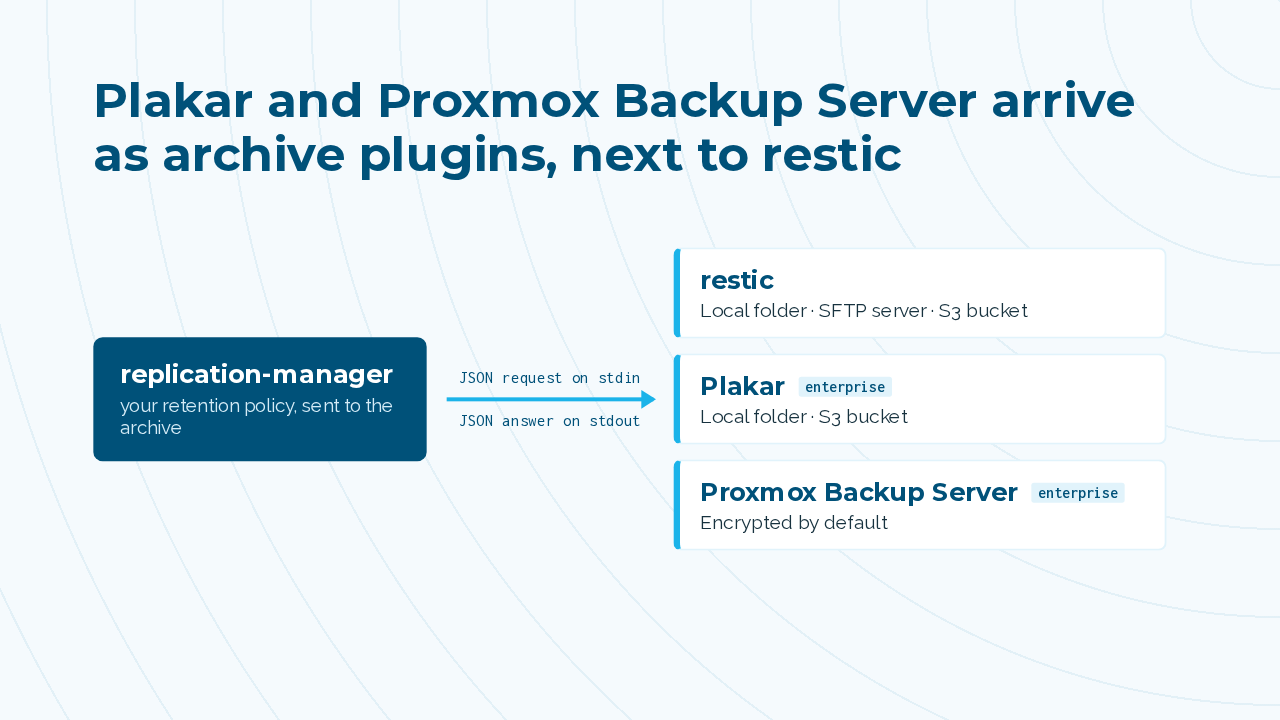
Plakar and Proxmox Backup Server arrive as archive plugins, next to restic. A plugin is a separate signed program that replication manager runs once per operation. It sends one JSON request and reads one JSON answer, to push, list, restore, or purge with your retention policy. Restic covers a local folder, an SFTP server or an S3 bucket. Both plugins are enterprise tier, and new Proxmox archives are encrypted by default.
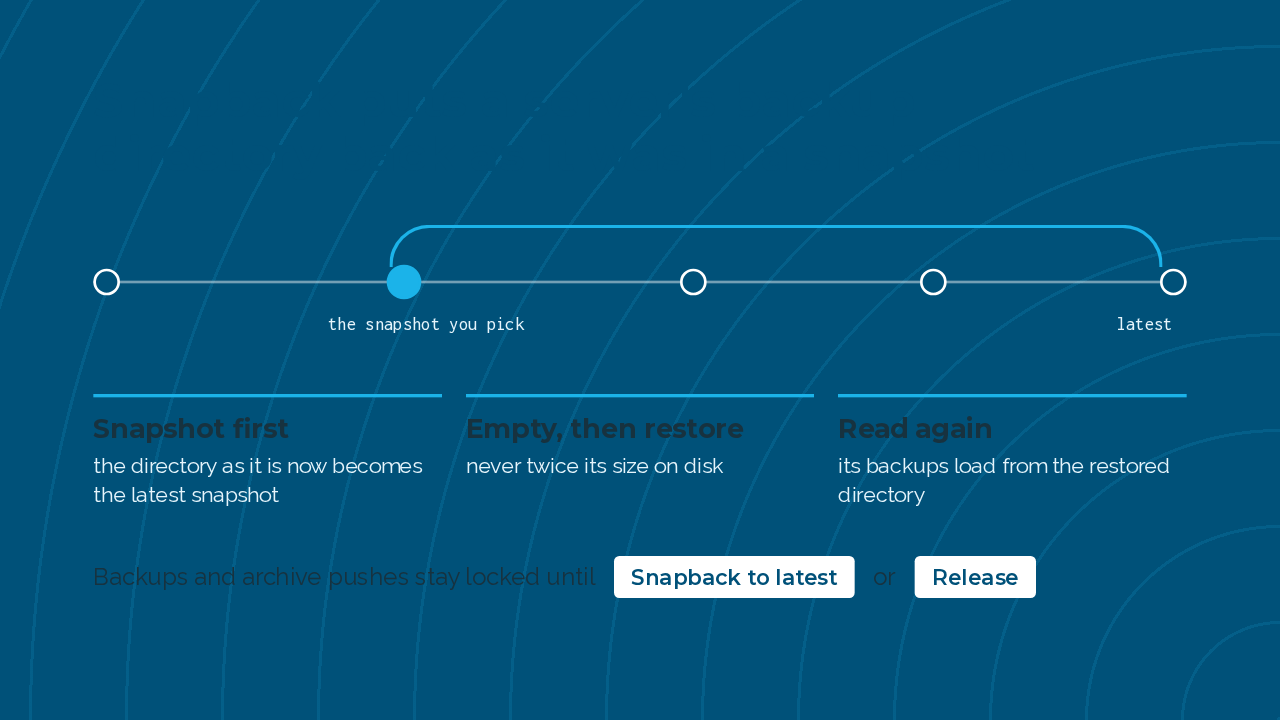
Snapback puts a server's backup directory back the way it was in a snapshot. It snapshots the directory first, empties it, restores your pick and reads its backups again, without needing twice the space on disk. Until you snap back to the latest or release it, that server's backups and archive pushes stay locked.
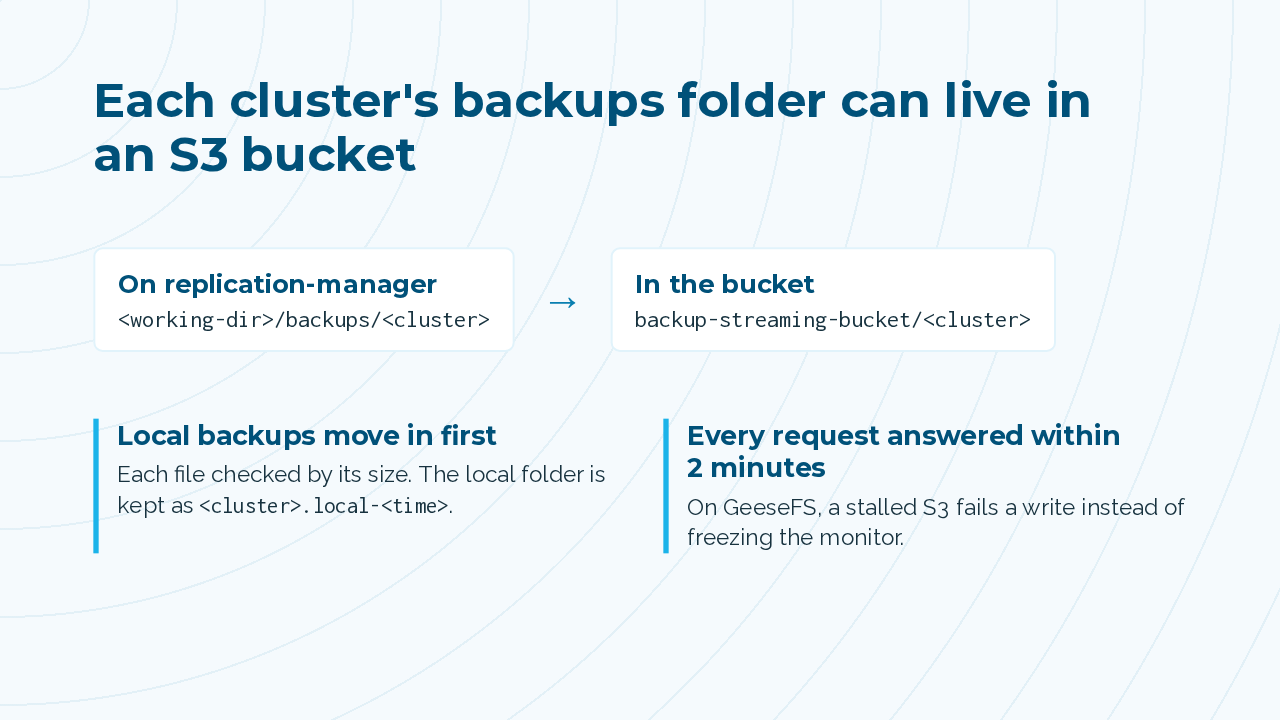
Turn on backup streaming in a cluster's backup settings, and its backups folder lives in an S3 bucket. Local backups already there are copied into the bucket first, and the local folder is kept aside. The mount runs on GeeseFS, and every file request gets an answer within two minutes, so a stalled S3 fails a write instead of freezing the monitor.
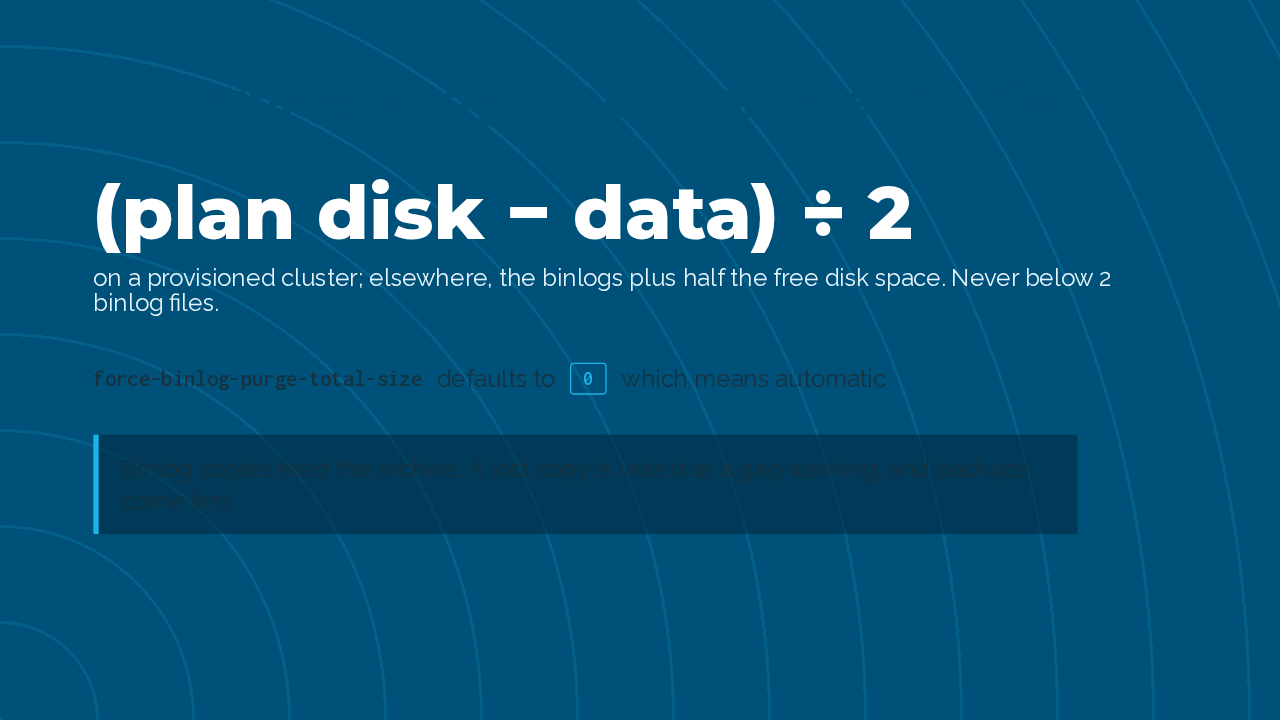
With force binlog purge on, the primary's binlog budget now follows the disk. On a provisioned cluster it is the plan's disk minus the data, divided by two, and it never drops below two binlog files. Binlog copies now feed the archive too. The rule is to lose binlogs before backups, and a lost copy shows up as a gap warning.
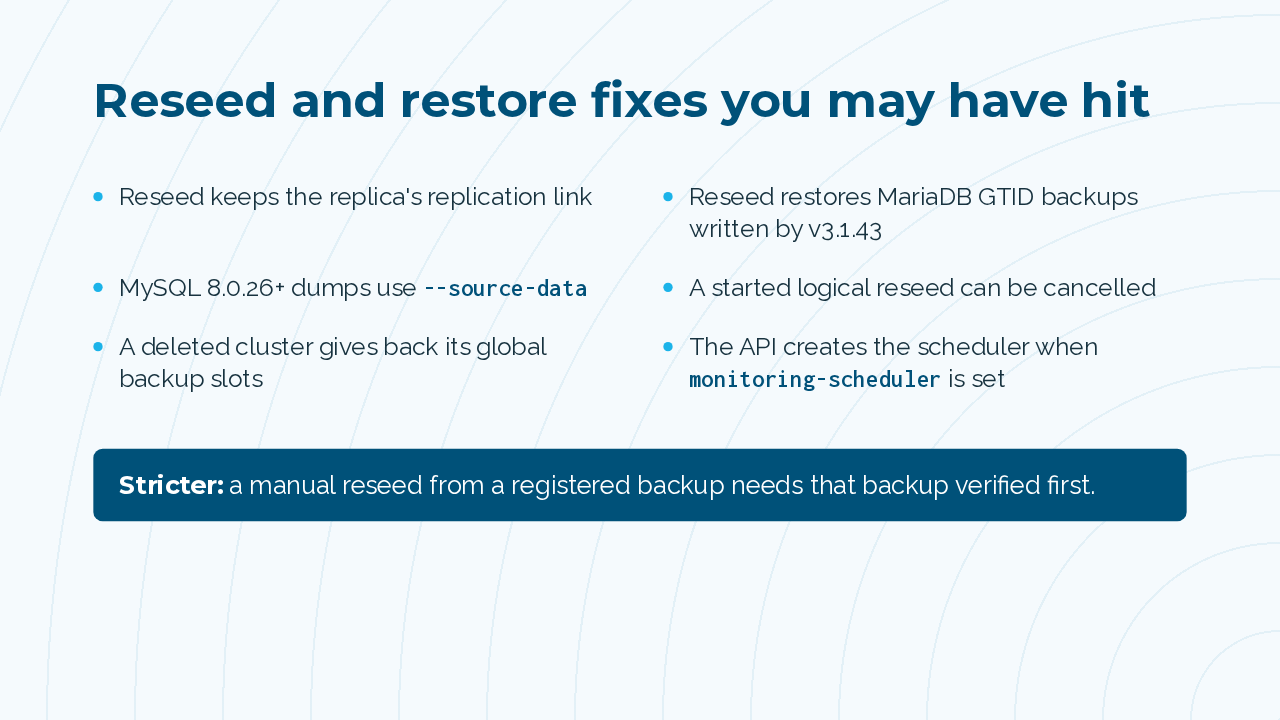
Reseed got a run of fixes. It keeps the replica's replication link, it restores MariaDB GTID backups written by 3.1.43, and on MySQL 8.0.26 and later it uses the new dump option names. A logical reseed you started can now be cancelled. One rule got stricter. A manual reseed from a registered backup needs that backup verified first.
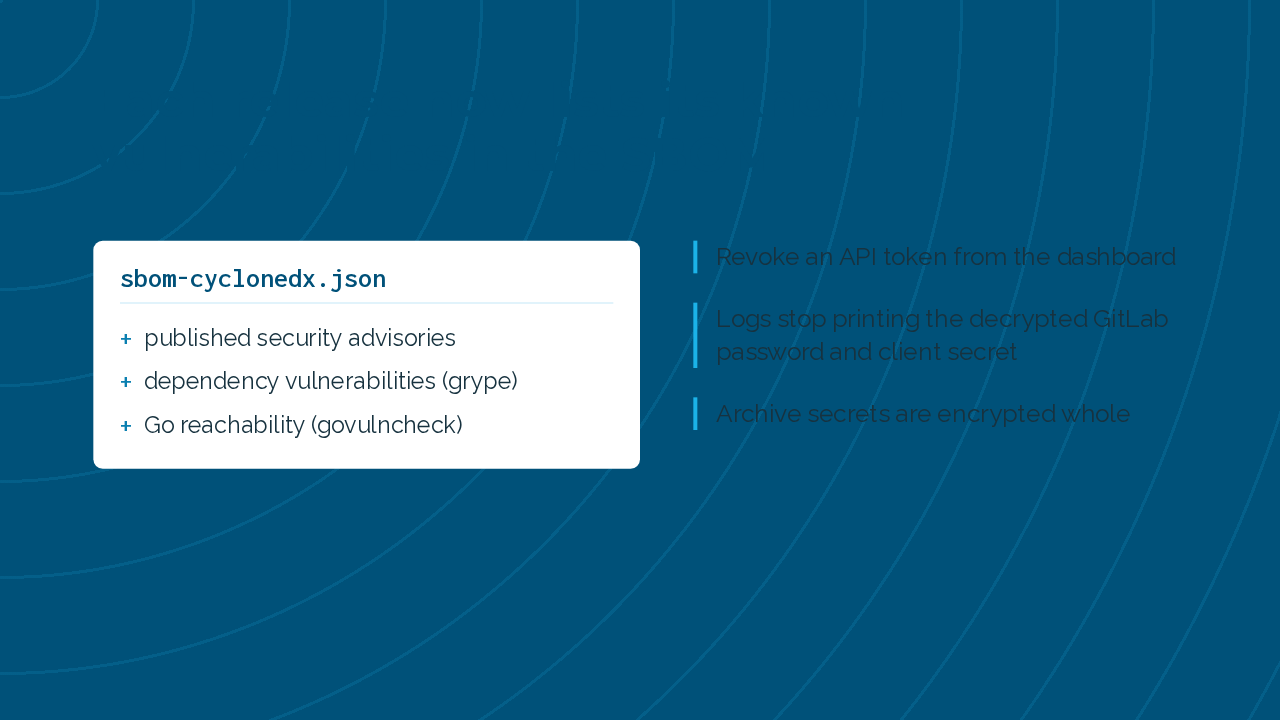
On security, the SBOM attached to each release now lists the project's published advisories and its dependency vulnerabilities, with which Go vulnerabilities the code can actually reach. You can revoke an API token from the dashboard, and logs stop printing the decrypted GitLab password and client secret.
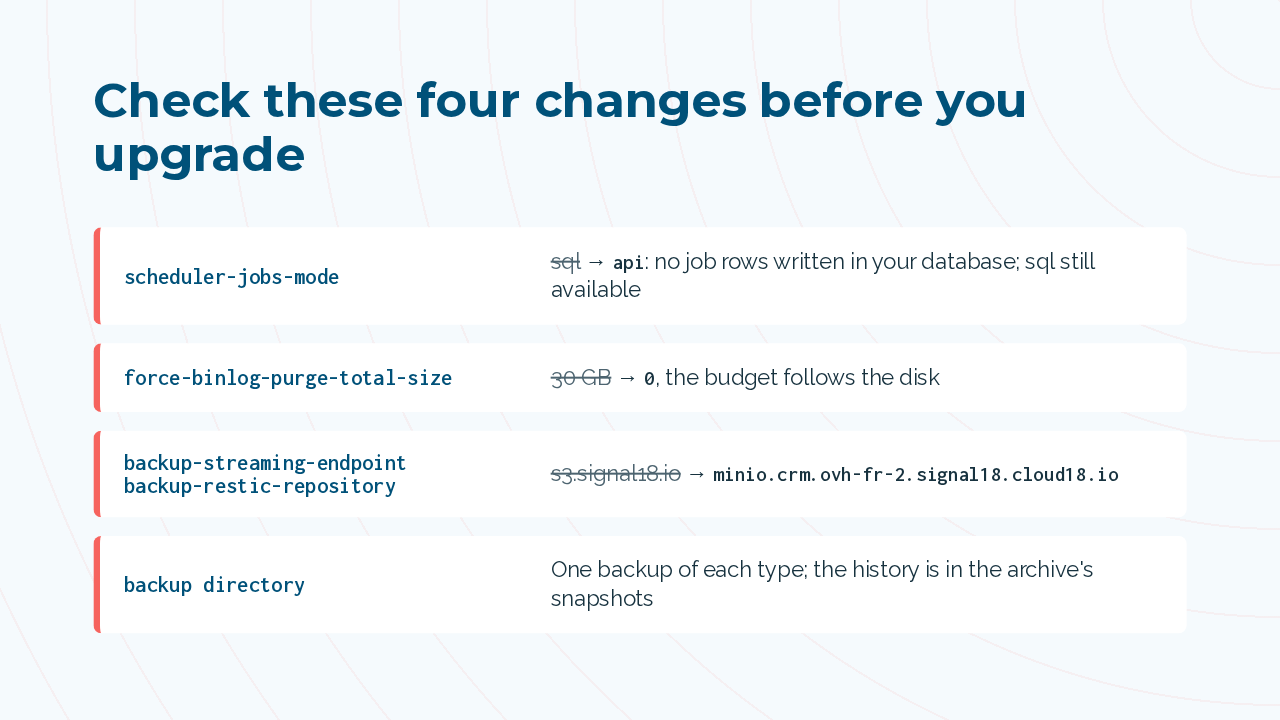
Check these before you upgrade. The scheduler jobs mode now defaults to API, so replication manager writes zero job rows into your database. SQL is still available. The binlog total size defaults to zero, following the disk instead of 30 gigabytes. The default S3 endpoint moves to Cloud18's current storage. And each backup directory keeps one backup per type, with the history in snapshots.
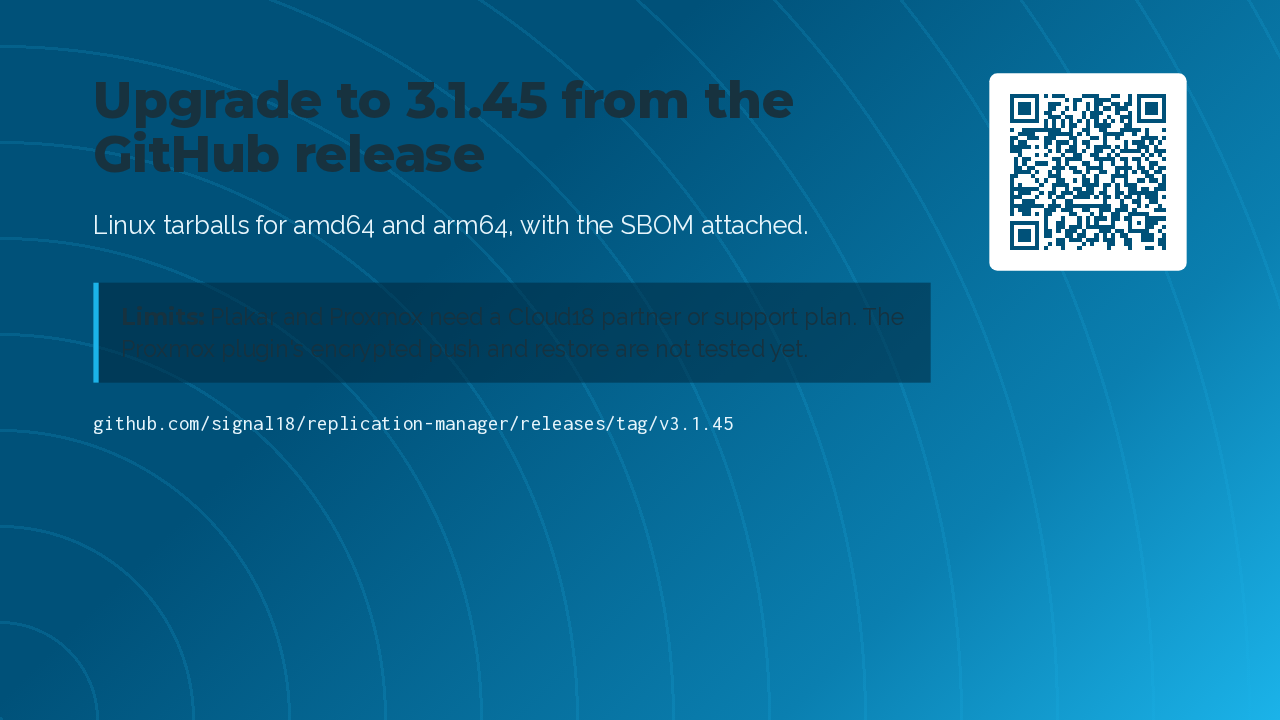
Version 3.1.45 is on the GitHub release page as Linux tarballs for amd64 and arm64. Two limits to know. Plakar and Proxmox need a Cloud18 partner or support plan, and the Proxmox plugin's encrypted push and restore are still untested. That's replication manager 3.1.45, with Plakar and Proxmox Backup Server next to restic.