v1.249.0
3 hours ago
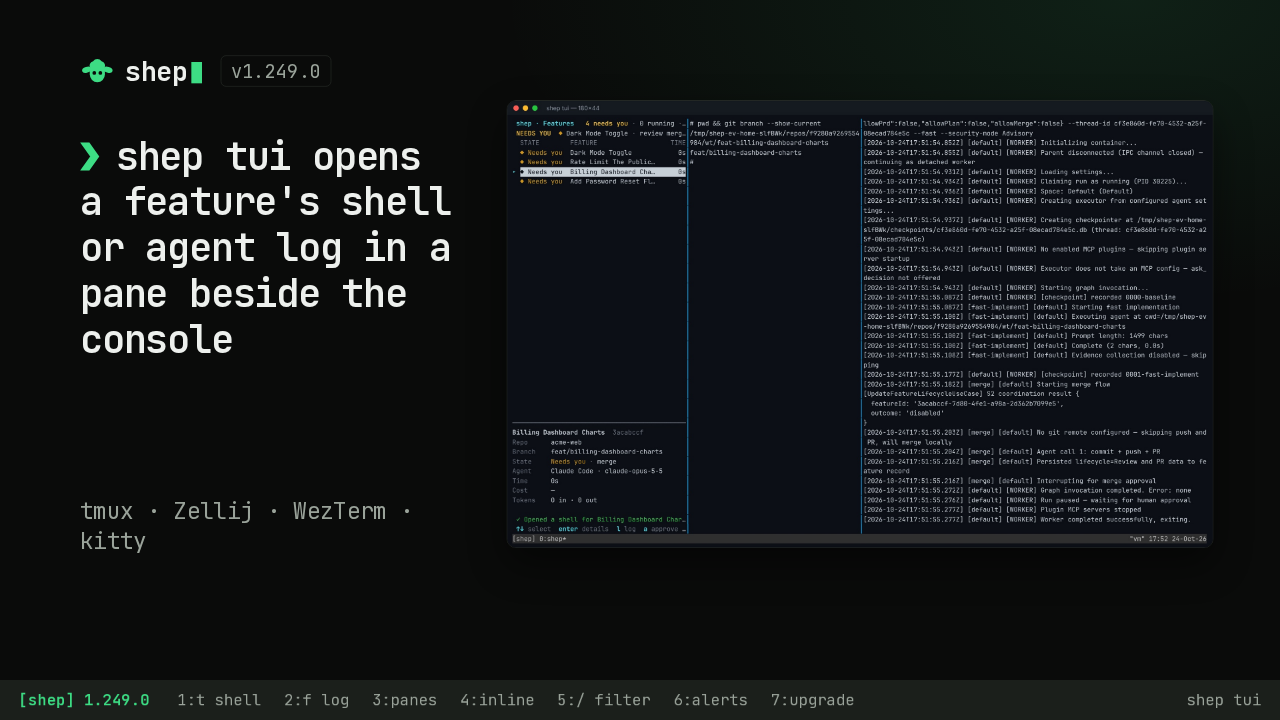
Shep 1.249.0 adds one feature to the terminal console. Pick any feature, press a key, and its shell or its live agent log opens in a split pane beside the console. Here it is in tmux. It also works in Zellij, WezTerm and kitty, and in a plain terminal with no multiplexer at all.
Ask about this presentation
Chapters
Show transcriptHide transcript
Shep 1.249.0 adds one feature to the terminal console. Pick any feature, press a key, and its shell or its live agent log opens in a split pane beside the console. Here it is in tmux. It also works in Zellij, WezTerm and kitty, and in a plain terminal with no multiplexer at all.
Slide text
shep v1.249.0❯shep tui opens a feature's shell or agent log in a pane beside the console
tmux · Zellij · WezTerm · kitty
 [shep] 1.249.0 1:t shell 2:f log 3:panes 4:inline 5:/ filter 6:alerts 7:upgrade shep tui
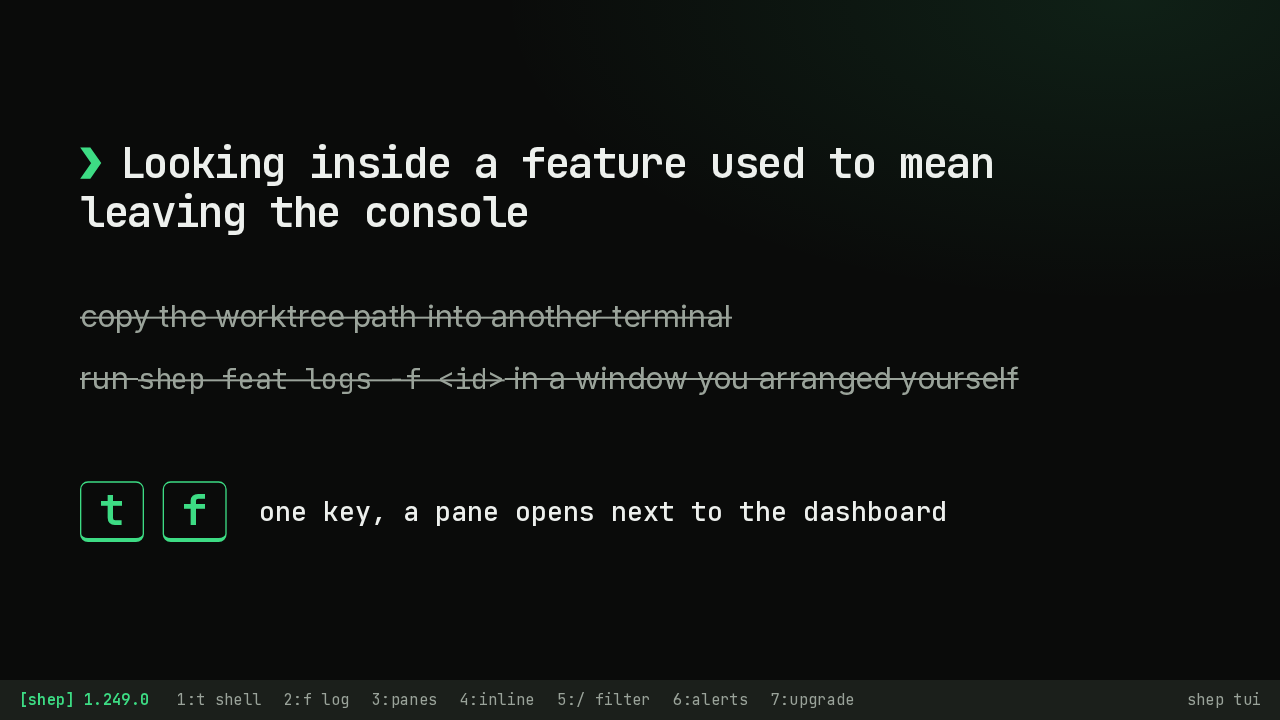
The console already showed every feature and let you approve, reject, stop and resume runs. But to look inside one, you left it. You copied the worktree path into another terminal, or ran the log command in a second window you set up yourself. Now the console opens that second view for you.
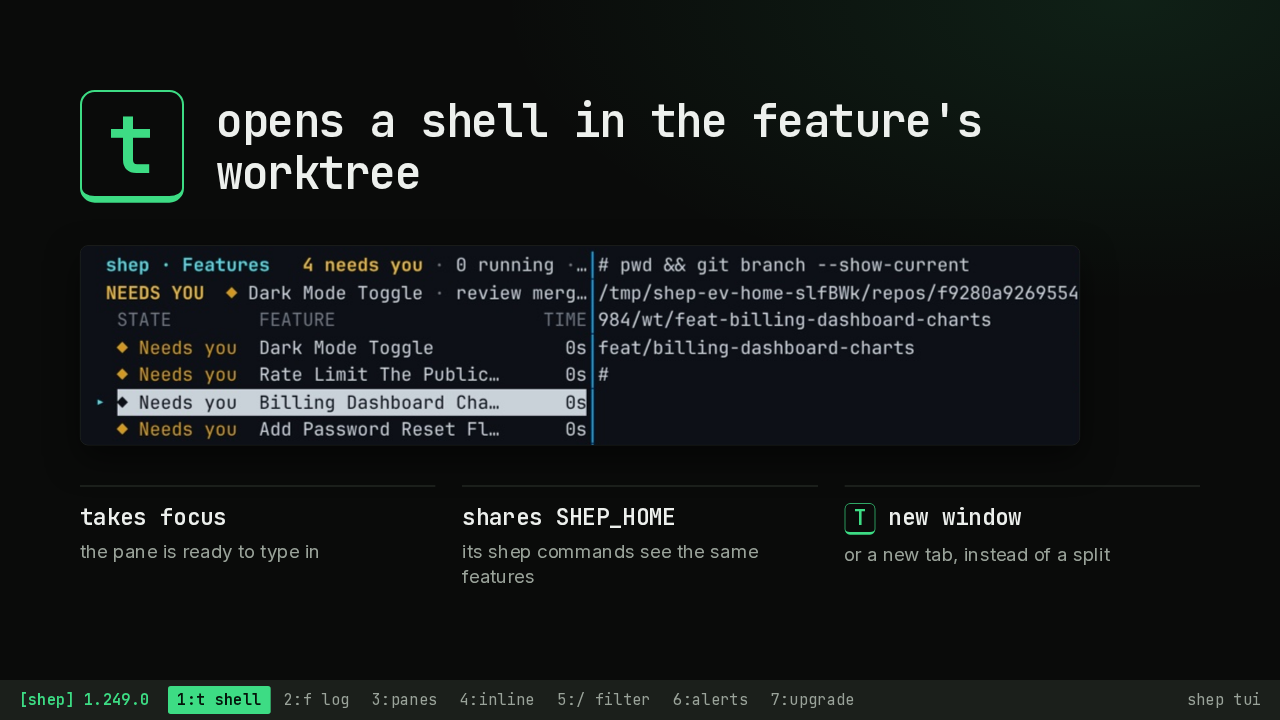
Press t, and a shell opens in a split pane, already inside that feature's worktree. Before the worktree exists, it opens in the repository. The pane takes focus, and it inherits the console's SHEP_HOME, so any shep command you run there sees the same features. Capital T opens it in a new window or tab instead.
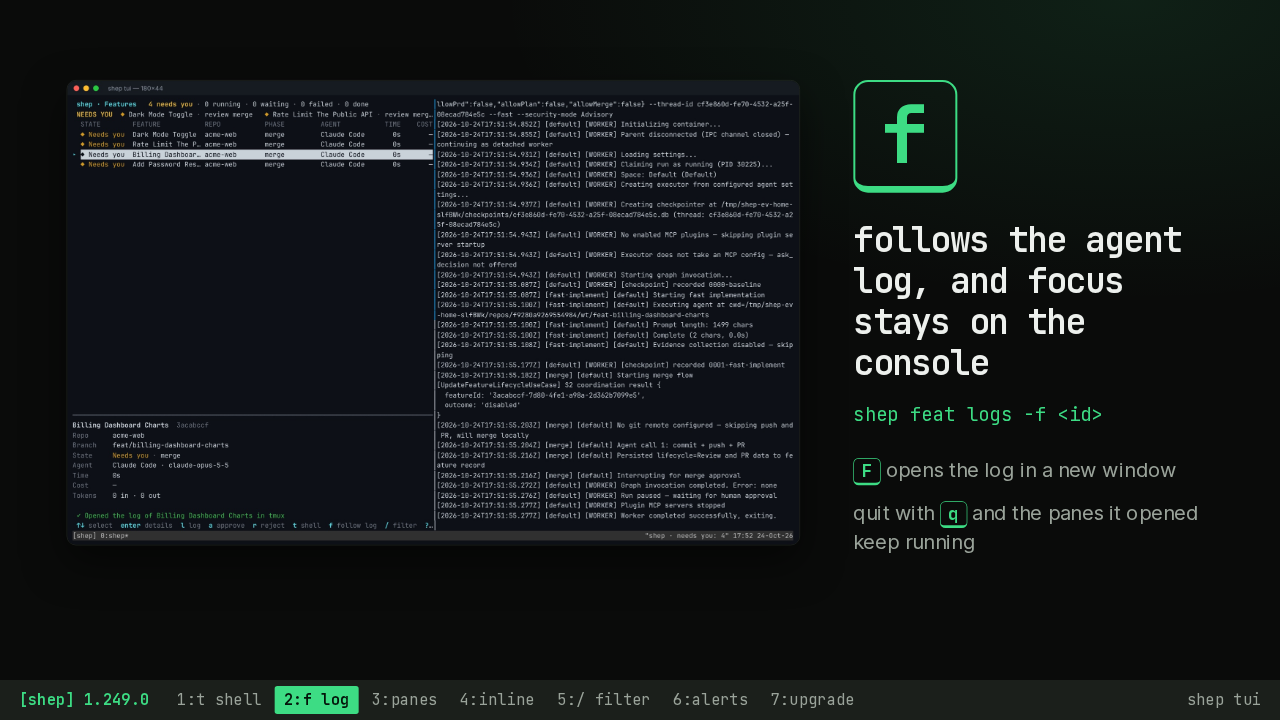
Press f, and the agent log for that feature opens on the right and keeps following. Focus stays on the console, so you can keep moving through your features. Capital F puts the log in a new window. And when you quit the console, the panes it opened keep running.
Slide text
 f
ffollows the agent log, and focus stays on the console
shep feat logs -f <id>
F opens the log in a new window
quit with q and the panes it opened keep running
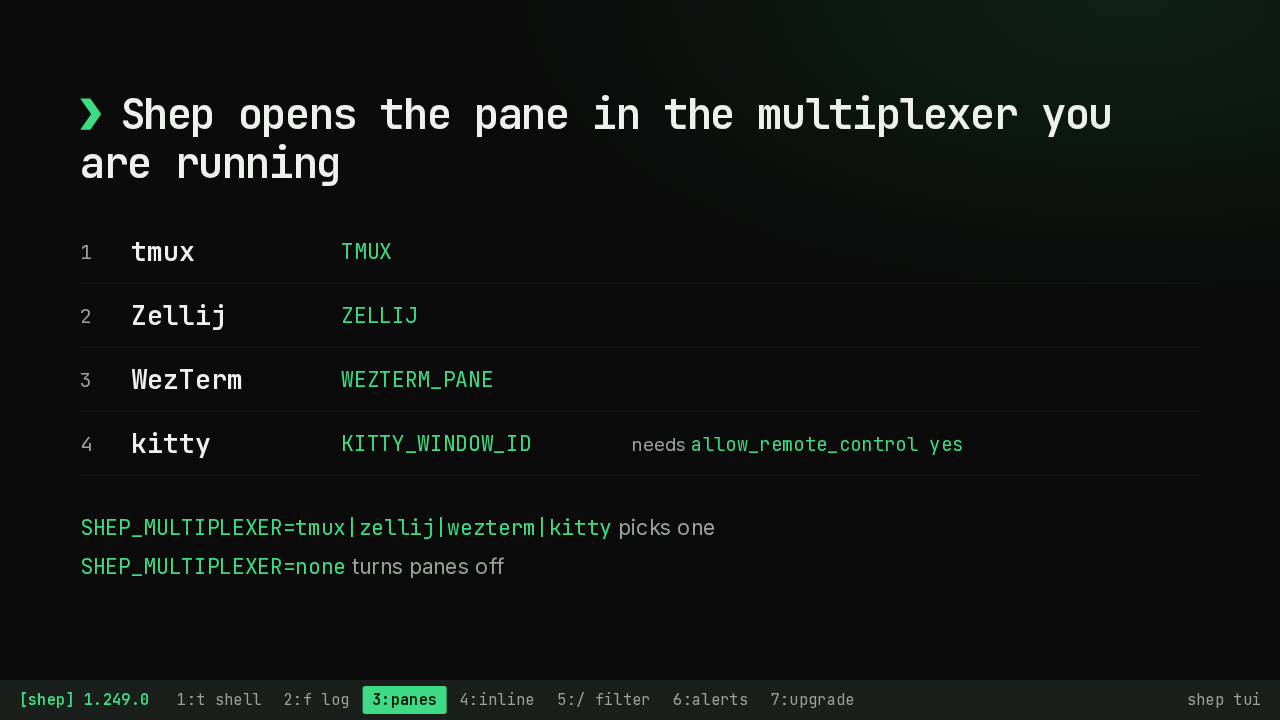
[shep] 1.249.0 1:t shell 2:f log 3:panes 4:inline 5:/ filter 6:alerts 7:upgrade shep tuiShep finds the multiplexer from its session variable, in a fixed order: tmux first, then Zellij, WezTerm and kitty. So when tmux runs inside a WezTerm window, tmux is the one that splits. kitty needs remote control turned on in its config. To choose one yourself, set SHEP_MULTIPLEXER. Set it to none, and panes are off.
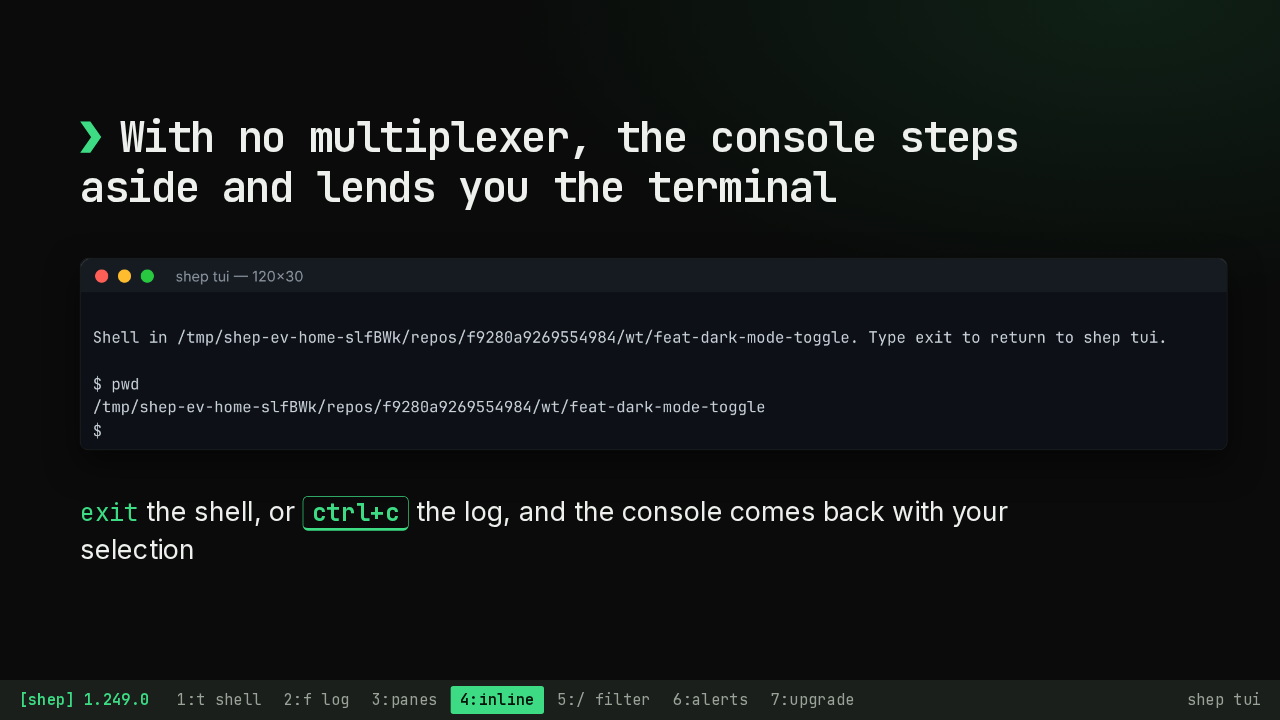
Outside a multiplexer, t and f still work. The console steps aside and runs the shell or the log right in the same terminal. Type exit in the shell, or press control C on the log, and the console comes back, redrawn, with the feature you had selected.
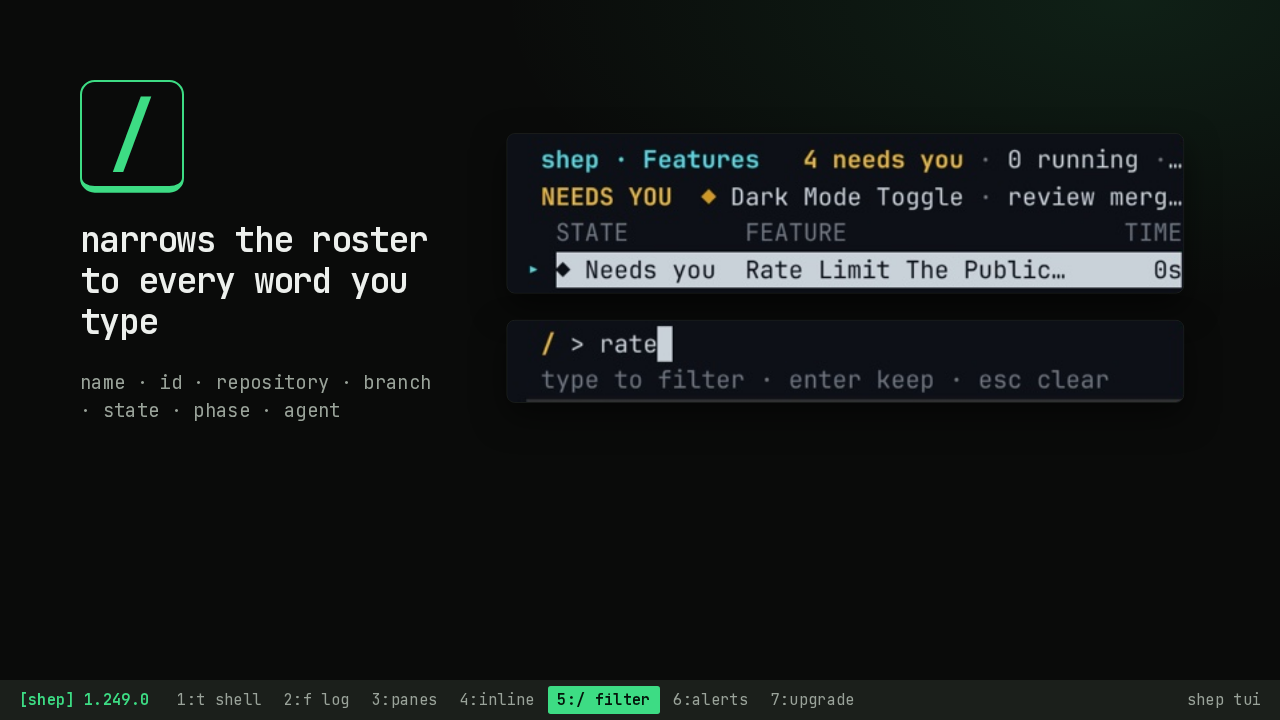
Slash opens a filter. Every word you type has to match, across the name, id, repository, branch, state, phase and agent of each feature. Typing rate leaves just Rate Limit The Public API in the roster, while the needs you strip at the top still lists all four features. Enter keeps the filter, and escape clears it.
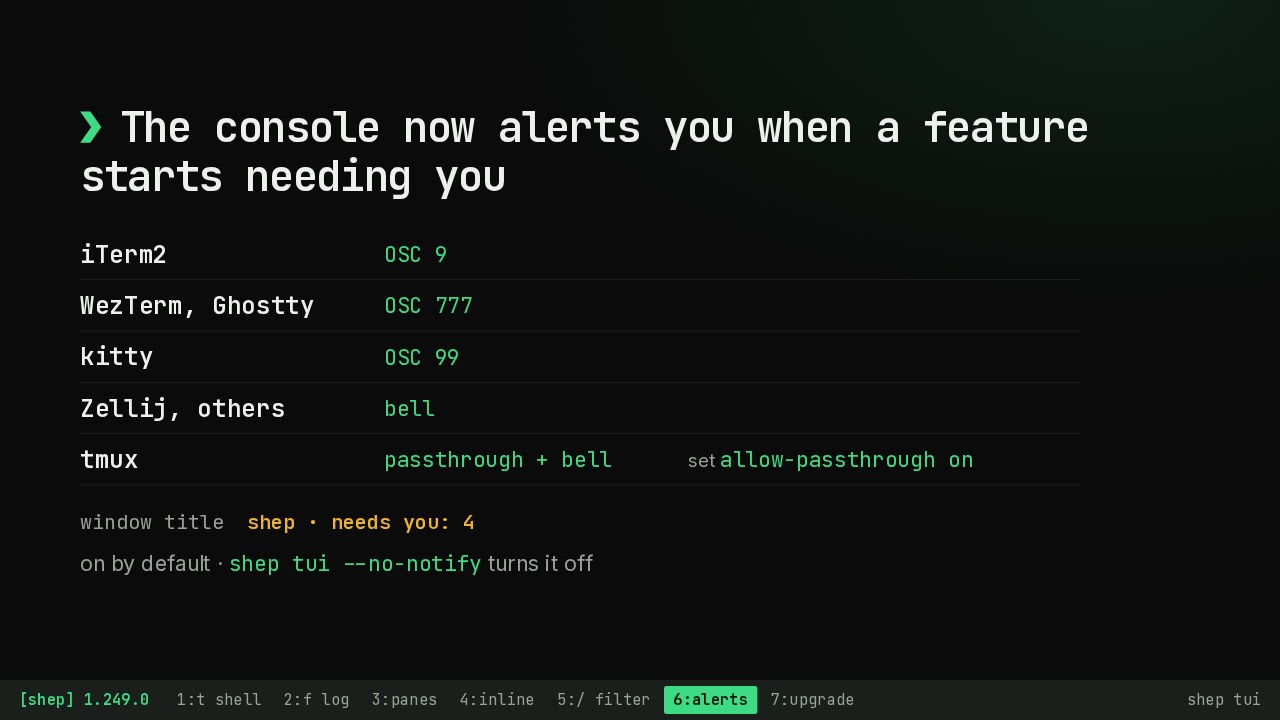
Until now, a feature that reached a gate while you worked in another pane changed one row on screen. Now the console sends your terminal's own notification, or a bell where it has none. In tmux, set allow passthrough to on to get the notification as well as the bell. The window title also counts the features waiting on you. Alerts are on by default, and the no notify flag turns them off.
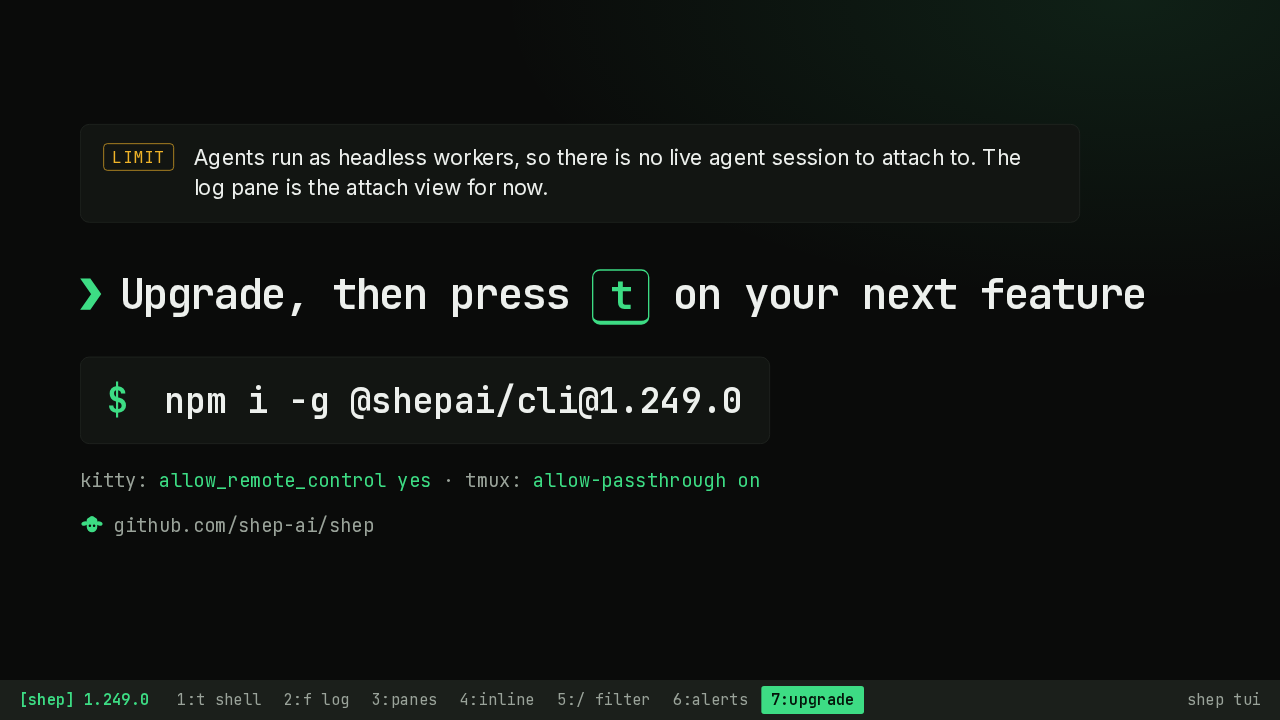
One limit. Agents run as headless workers, so there is no live agent session to attach to yet. The followed log is the closest view for now. The release adds keys and one flag, and its notes list no breaking changes. Install version 1.249.0 of the shep CLI from npm, and press t on your next feature to open its shell beside the console.