FeedFlow 1.19 brings a redesigned desktop app and a new default Reader Mode

3 hours ago

FeedFlow 1.19 is out. The desktop app has a completely new interface, and on every platform the new Reader Mode engine is now the default. Phones also pick up podcast playback, articles read aloud, and home screen widgets.

Ask about this presentation

Chapters
  1. 0:00FeedFlow 1.19
  2. 0:16A new desktop interface
  3. 0:37Reader Mode
  4. 0:55YouTube playlists and Shorts
  5. 1:13Feeds from sites that block readers
  6. 1:32Bookmarks and mark as read
  7. 1:51Day.Month dates and Force English
  8. 2:07Podcasts, read-aloud and widgets
  9. 2:29Upgrade
Show transcript
  1. FeedFlow 1.19 is out. The desktop app has a completely new interface, and on every platform the new Reader Mode engine is now the default. Phones also pick up podcast playback, articles read aloud, and home screen widgets.

    Slide text
    FeedFlow logo

    FeedFlow 1.19 brings a redesigned desktop app and a new default Reader Mode

    Android · iOS · macOS · Windows · Linux

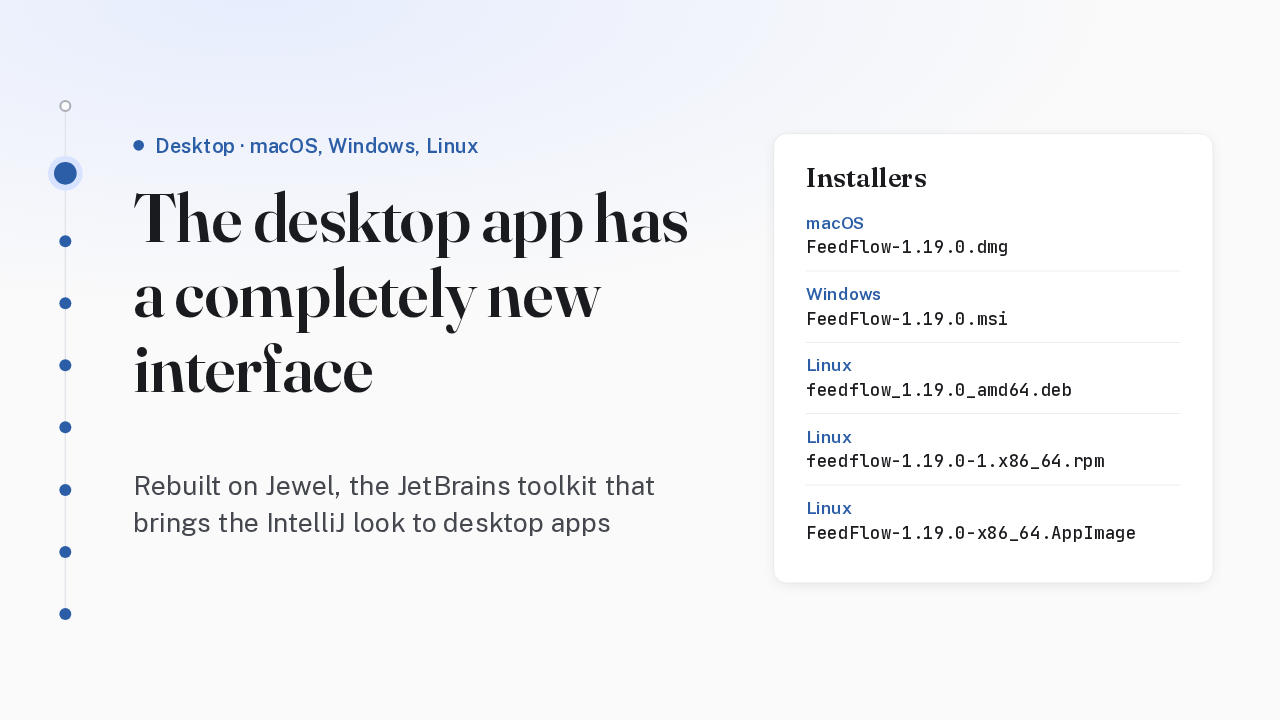
  2. On macOS, Windows and Linux, FeedFlow has a fully redesigned interface that feels more at home on your desktop. It's rebuilt on Jewel, the JetBrains toolkit that brings the IntelliJ look to desktop apps. The release ships a DMG for Mac, an MSI for Windows, and Debian, RPM and AppImage packages for Linux.

    Slide text

    Desktop · macOS, Windows, Linux

    The desktop app has a completely new interface

    Rebuilt on Jewel, the JetBrains toolkit that brings the IntelliJ look to desktop apps

    Installers

    macOS

    FeedFlow-1.19.0.dmg

    Windows

    FeedFlow-1.19.0.msi

    Linux

    feedflow_1.19.0_amd64.deb

    Linux

    feedflow-1.19.0-1.x86_64.rpm

    Linux

    FeedFlow-1.19.0-x86_64.AppImage

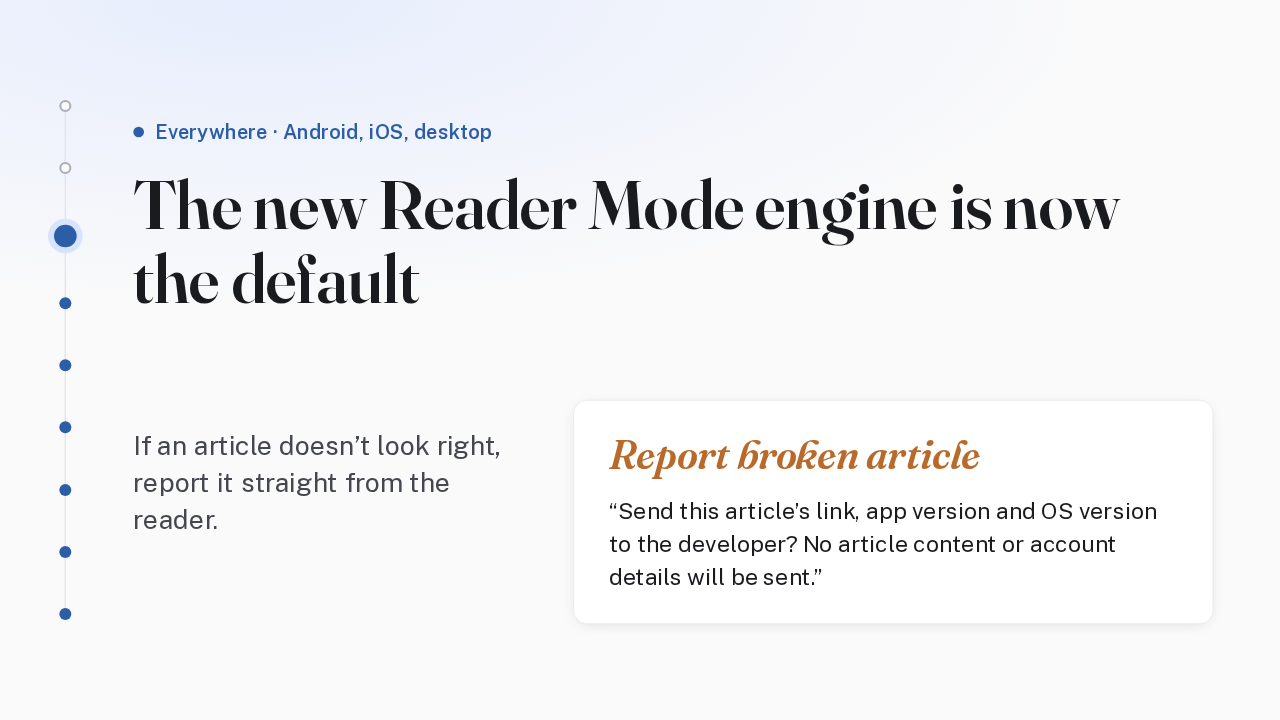
  3. Reader Mode, the clean article view, now runs on the new engine by default on Android, iOS and desktop, and the old engine is gone. If a page doesn't look right, choose Report broken article in the reader. It sends only the link, the app version and your OS version.

    Slide text

    Everywhere · Android, iOS, desktop

    The new Reader Mode engine is now the default

    If an article doesn’t look right, report it straight from the reader.

    Report broken article

    Send this article’s link, app version and OS version to the developer? No article content or account details will be sent.

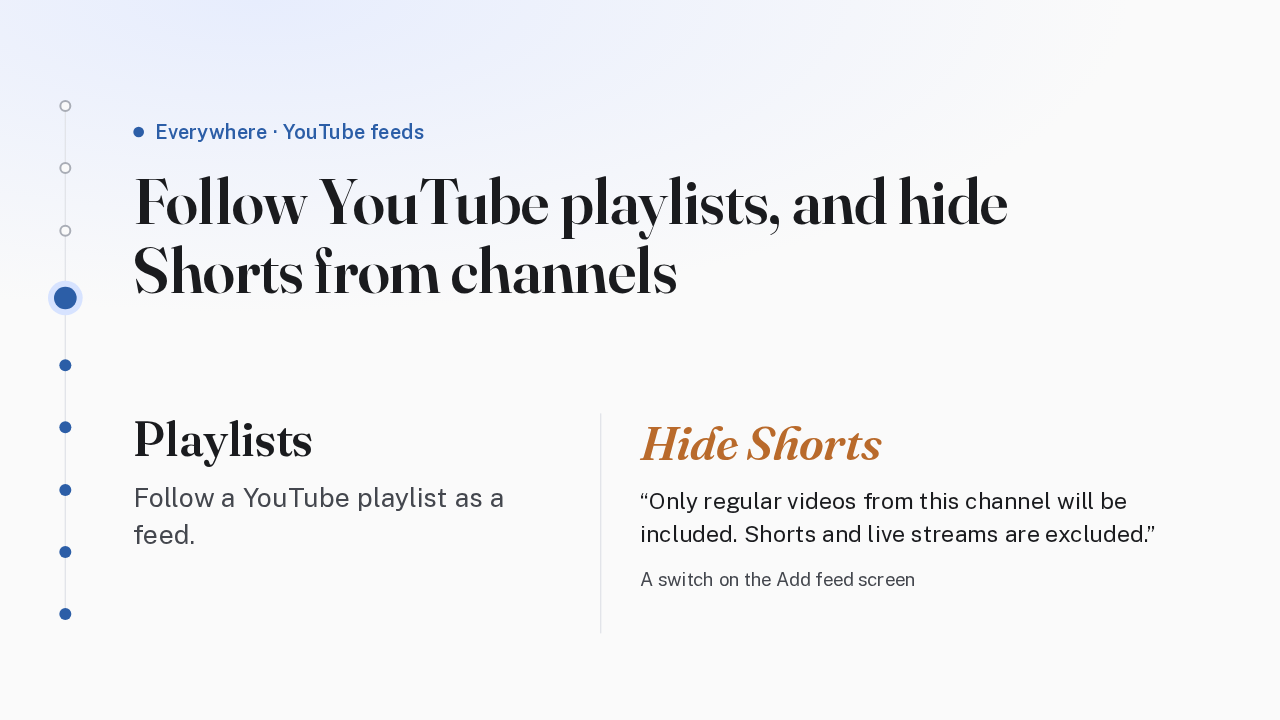
  4. YouTube feeds get playlists and a Shorts filter. You can now follow a YouTube playlist as a feed. And when you add a channel, a Hide Shorts switch keeps only its regular videos, leaving out Shorts and live streams. If a channel can't be filtered, FeedFlow adds the full feed and tells you.

    Slide text

    Everywhere · YouTube feeds

    Follow YouTube playlists, and hide Shorts from channels

    Playlists

    Follow a YouTube playlist as a feed.

    Hide Shorts

    Only regular videos from this channel will be included. Shorts and live streams are excluded.

    A switch on the Add feed screen

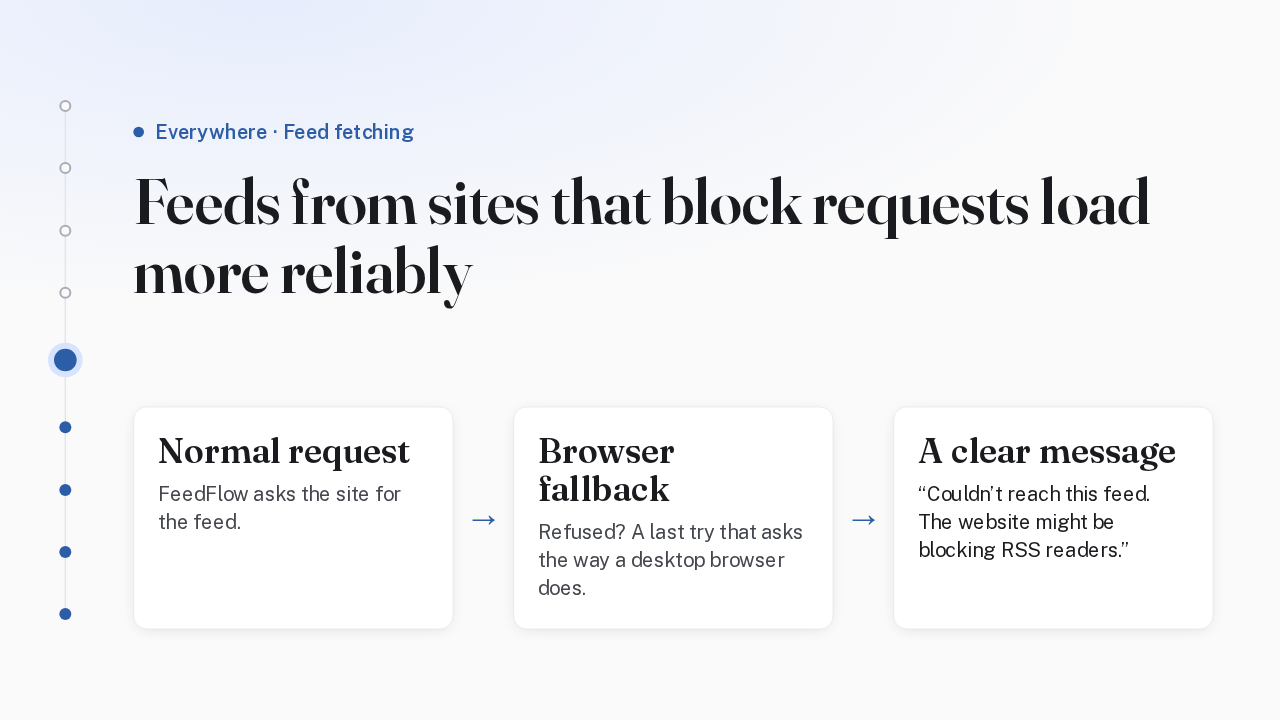
  5. Some websites block RSS readers. When a request is refused, FeedFlow now has a last fallback that asks for the feed the way a desktop browser does, so more of those feeds load. And when a feed still can't be reached, the message says why in plain words: the website might be blocking RSS readers.

    Slide text

    Everywhere · Feed fetching

    Feeds from sites that block requests load more reliably

    Normal request

    FeedFlow asks the site for the feed.

    →

    Browser fallback

    Refused? A last try that asks the way a desktop browser does.

    →

    A clear message

    Couldn’t reach this feed. The website might be blocking RSS readers.

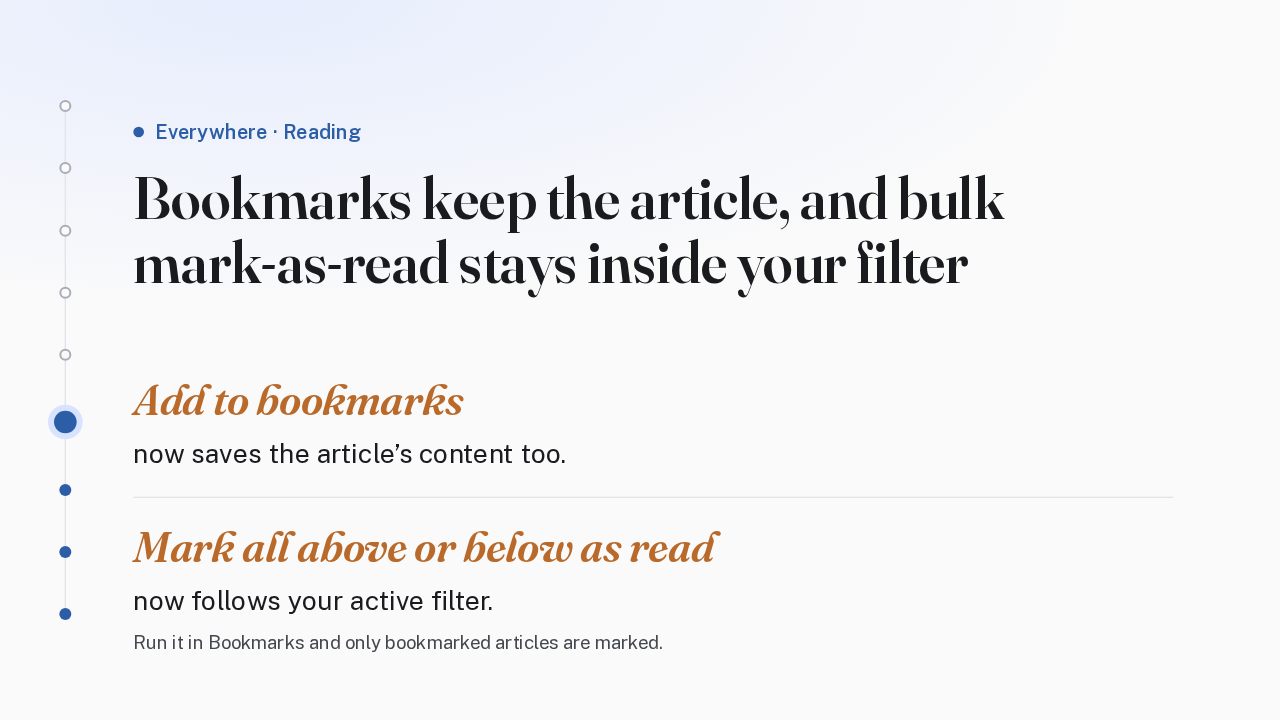
  6. Bookmarks and bulk mark-as-read both changed. Bookmarking an article now also saves its content. And mark all above or below as read now respects your active filter. Run it inside Bookmarks, and only bookmarked articles get marked. The rest of your timeline is left as it was.

    Slide text

    Everywhere · Reading

    Bookmarks keep the article, and bulk mark-as-read stays inside your filter

    Add to bookmarks

    now saves the article’s content too.

    Mark all above or below as read

    now follows your active filter.

    Run it in Bookmarks and only bookmarked articles are marked.

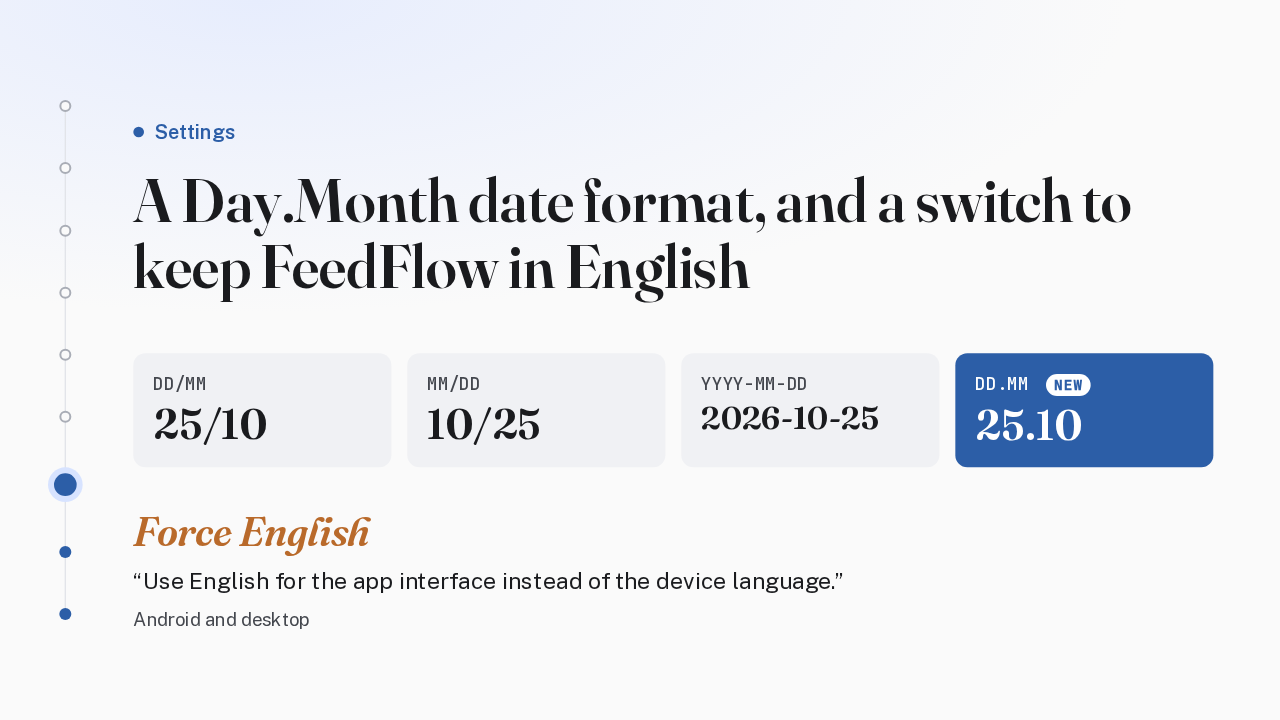
  7. Settings gain a date format and a language switch. Day.Month joins the three existing date formats, for anyone who writes the day, a dot, then the month. And on Android and desktop, Force English runs the interface in English whatever your device language is.

    Slide text

    Settings

    A Day.Month date format, and a switch to keep FeedFlow in English

    DD/MM

    25/10

    MM/DD

    10/25

    YYYY-MM-DD

    2026-10-25

    DD.MM NEW

    25.10

    Force English

    Use English for the app interface instead of the device language.

    Android and desktop

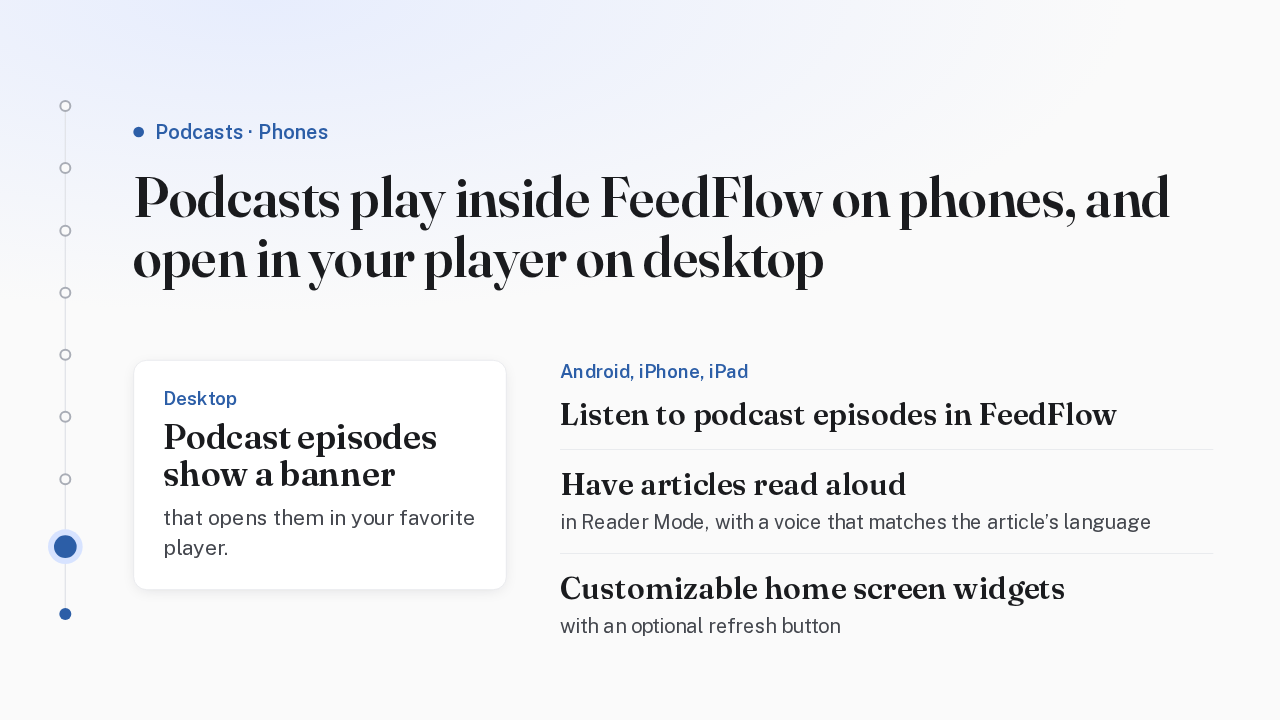
  8. How podcasts work now depends on your device. On desktop, an episode shows a banner that opens it in your favorite player. On Android, iPhone and iPad, episodes play right inside FeedFlow, Reader Mode can read an article aloud in a voice that matches its language, and new home screen widgets can be customized, with an optional refresh button.

    Slide text

    Podcasts · Phones

    Podcasts play inside FeedFlow on phones, and open in your player on desktop

    Desktop

    Podcast episodes show a banner

    that opens them in your favorite player.

    Android, iPhone, iPad

    Listen to podcast episodes in FeedFlow

    Have articles read aloud

    in Reader Mode, with a voice that matches the article’s language

    Customizable home screen widgets

    with an optional refresh button

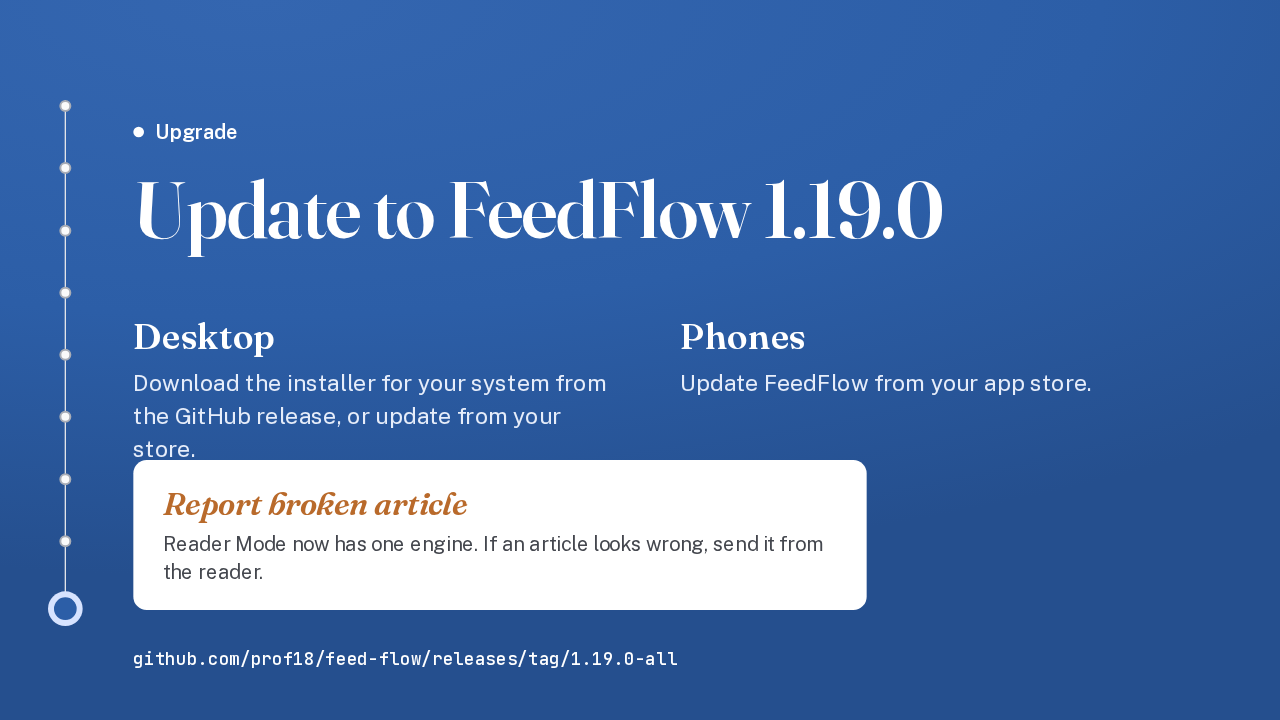
  9. To upgrade on desktop, download the installer for your system from the 1.19.0 release on GitHub, or update through your store. Phones update through their app store. The notes don't mention any breaking changes. Reader Mode now has a single engine, so if an article renders badly, report it from the reader. That's FeedFlow 1.19, with a new desktop app and a new default Reader Mode.

    Slide text

    Upgrade

    Update to FeedFlow 1.19.0

    Desktop

    Download the installer for your system from the GitHub release, or update from your store.

    Phones

    Update FeedFlow from your app store.

    Report broken article

    Reader Mode now has one engine. If an article looks wrong, send it from the reader.

    github.com/prof18/feed-flow/releases/tag/1.19.0-all

What happened in AI today, in your inbox

One short email each evening. Read it and you’re caught up.

Built in New York with ❤️