


OpenAI's dots keep working after you leave the chat

Always-on agents in ChatGPT, introduced September 29, 2026
On September 29th, OpenAI introduced dots. A dot is an always-on agent inside ChatGPT that keeps making progress between your conversations. Dots are a new product powered by GPT-6 Astra, the model OpenAI released earlier this month. Here's how a dot works, the kind of work it takes off your plate, how you stay in control, and who can set one up today.
Each dot works on its own cloud computer
With its own browser, and the apps you connect from more than 4,000
Each dot gets its own cloud computer, with its own browser, and it can connect to more than 4,000 apps through plugins. It can run several projects at once. You can open that computer at any time and watch the work. Your own computer is optional and starts disconnected. Connect it from the ChatGPT desktop app, and your dot can also use your local skills, start Codex and ChatGPT Work tasks there, and use your own browser when its cloud browser is blocked.
You message your dot in ChatGPT, Slack or Teams
Set it up on desktop, then talk to it anywhere. Pro users in the US can text it in a beta.
You talk to your dot the way you'd talk to a coworker. Message it or call it in ChatGPT on desktop, web or mobile, or message it in Slack and Teams, and it carries the same context across all of them. You create your dot on desktop, then reach it from anywhere, including the ChatGPT mobile app. Pro users in the United States can also text their dot, in a limited beta.
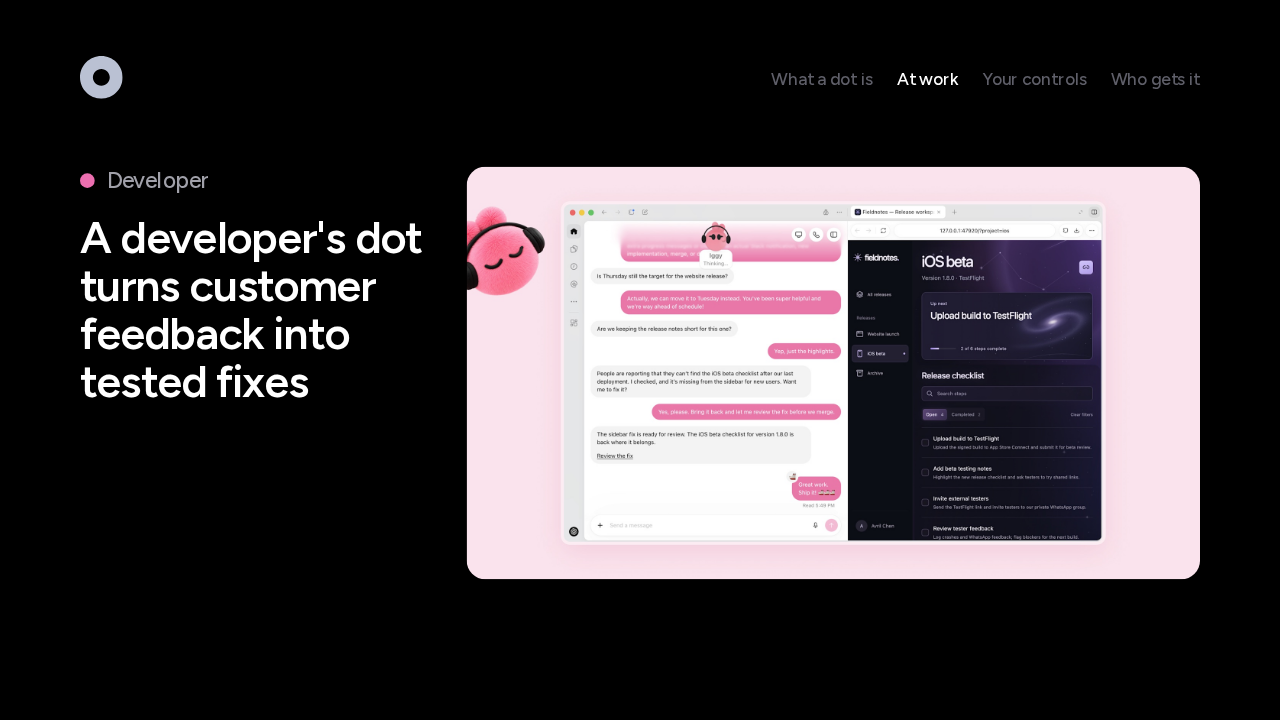
A developer's dot turns customer feedback into tested fixes

Say you're a developer. Your dot watches customer feedback for repeat requests, scopes small fixes, then builds and tests them. It brings back finished pull requests with a video of each change, so you review fixes while you keep building the next big feature. Here, a pink dot named Iggy restores a missing beta checklist and waits for your review before merging.
A launch lead's dot rewrites the materials when the plan changes

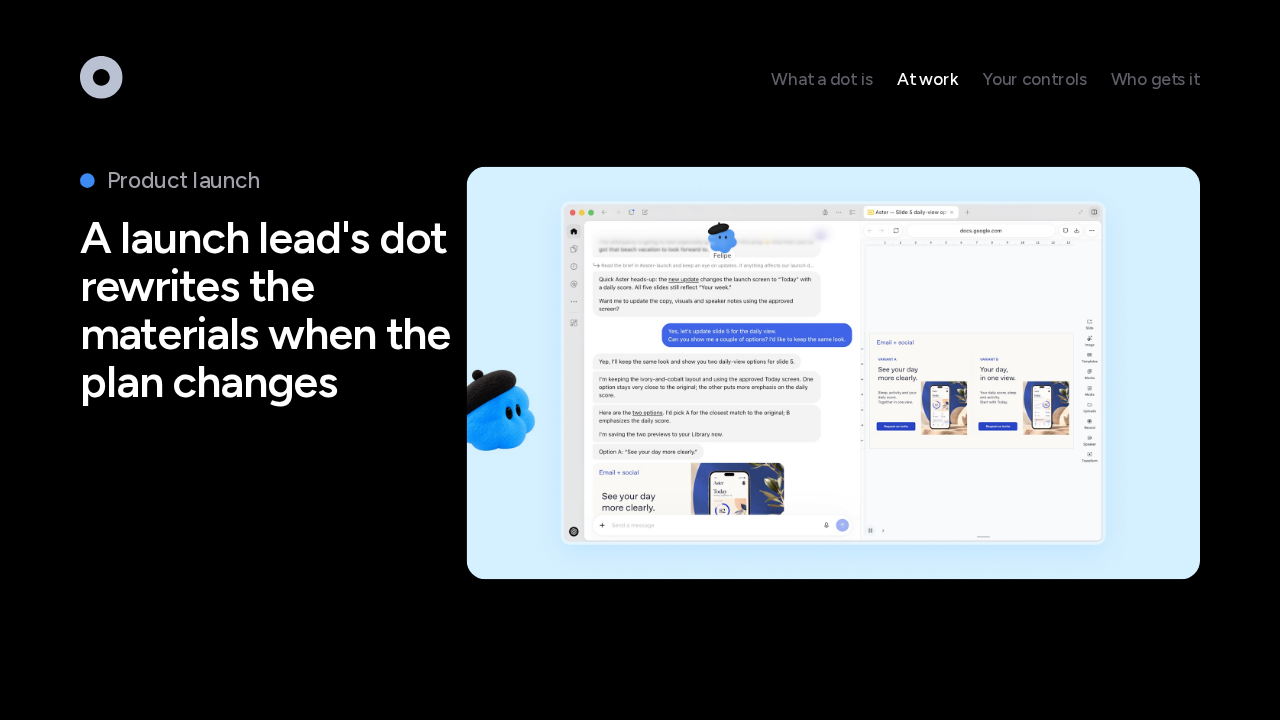
Now you're leading a product launch. Your dot learns your audience, your positioning and your creative standards. When the product's scope changes, it works out what that means for the story, then drafts new assets and document edits for you to review. Here, a blue dot named Felipe notices a new launch screen and offers two versions of a slide in the same style.
A creator's dot drafts clips, show notes and posts from each interview

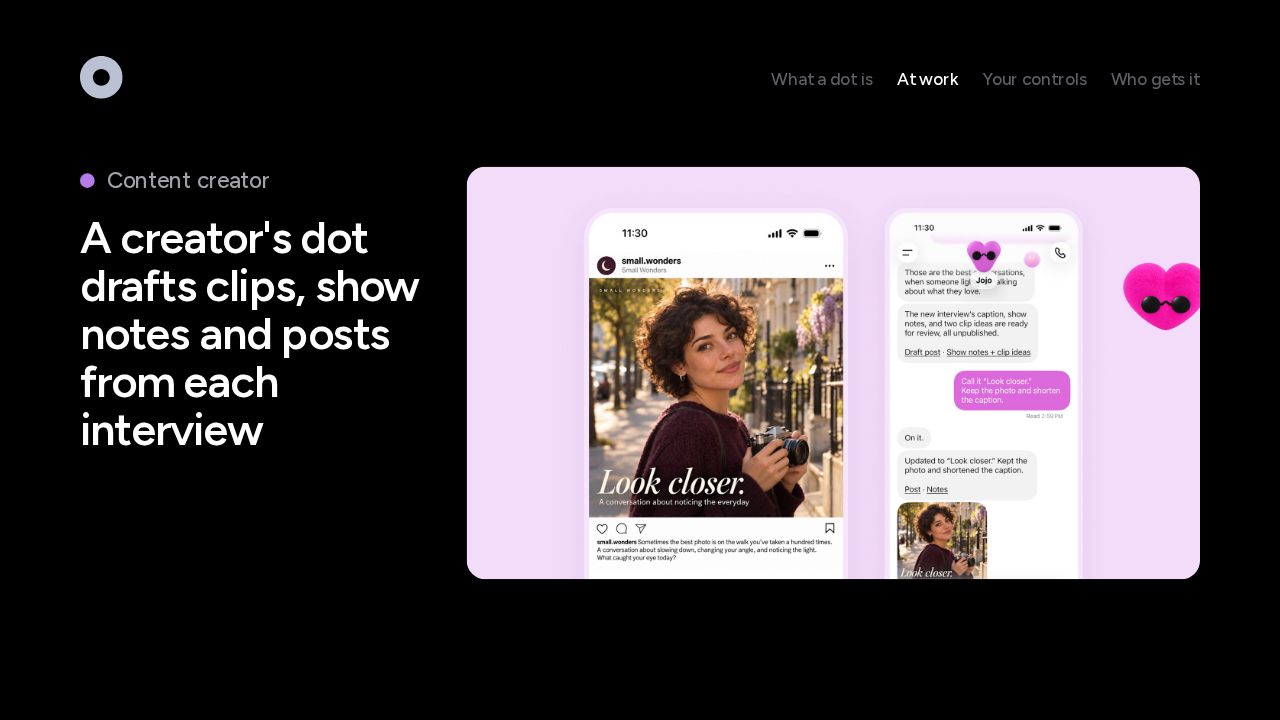
For a content creator, the dot learns your voice and what your audience cares about. When a new interview transcript arrives, it picks moments for clips, prepares show notes and drafts social posts, then waits for your approval. A scientist's dot reruns analyses and updates figures as new data comes in. A sales lead's dot checks the requirements, builds a proof of concept and updates the proposal. Each time, the dot prepares the work, and you approve it.
Between tasks, your dot looks for work on its own
Its background research is read-only: it can't send messages, edit your apps or control a browser
When you aren't working with it, your dot goes looking for ways to help. One early tester's dot noticed he'd forgotten to invoice a publication, prepared the invoice, and sent it once he approved. This background work is called proactive research, and it uses read-only tools, enforced in code. It can't message anyone, change anything in your apps, or control a browser or computer. Anything the dot wants to do next goes through your rules.
Custom Rules set what your dot does on its own
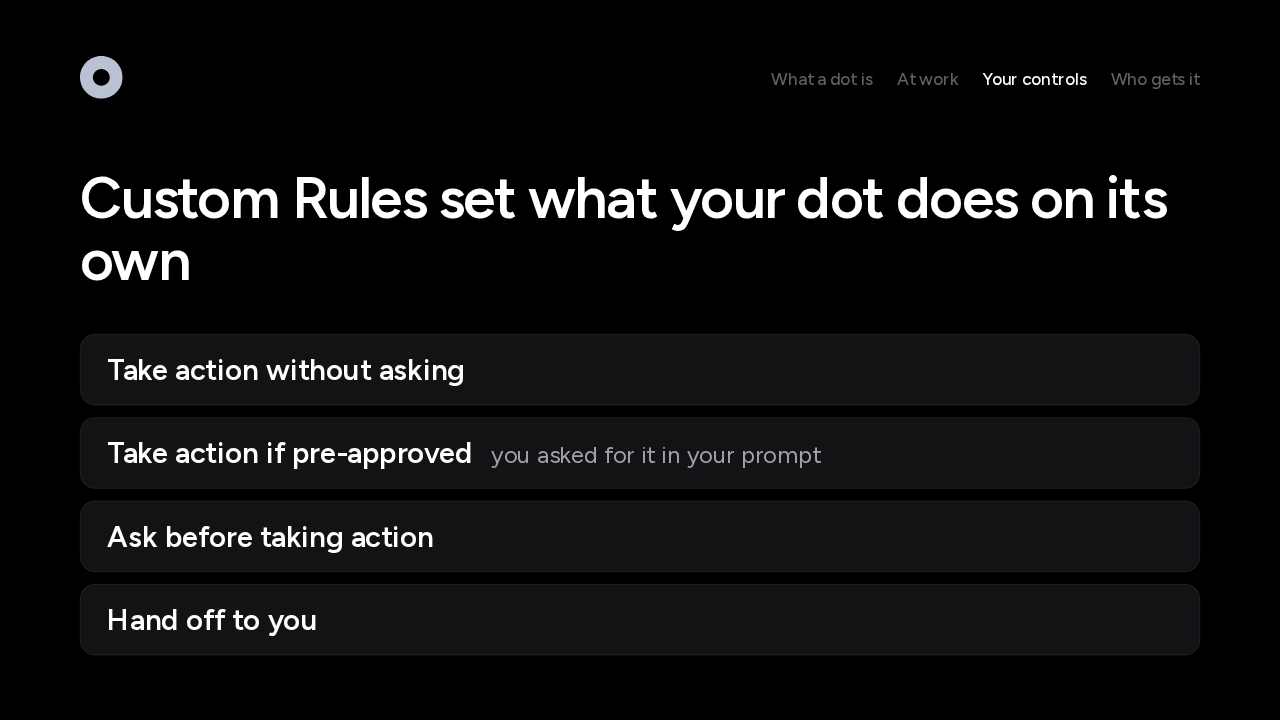
Dots start with built-in rules for when to act and when to ask, and Custom Rules let you change those defaults for specific actions. Each rule picks one of four behaviors: act without asking, act only if you asked for it in your prompt, ask first, or hand the step back to you. You could tell your dot never to send email, for example. Your dot can help you write a rule, and a change to your rules needs your approval.
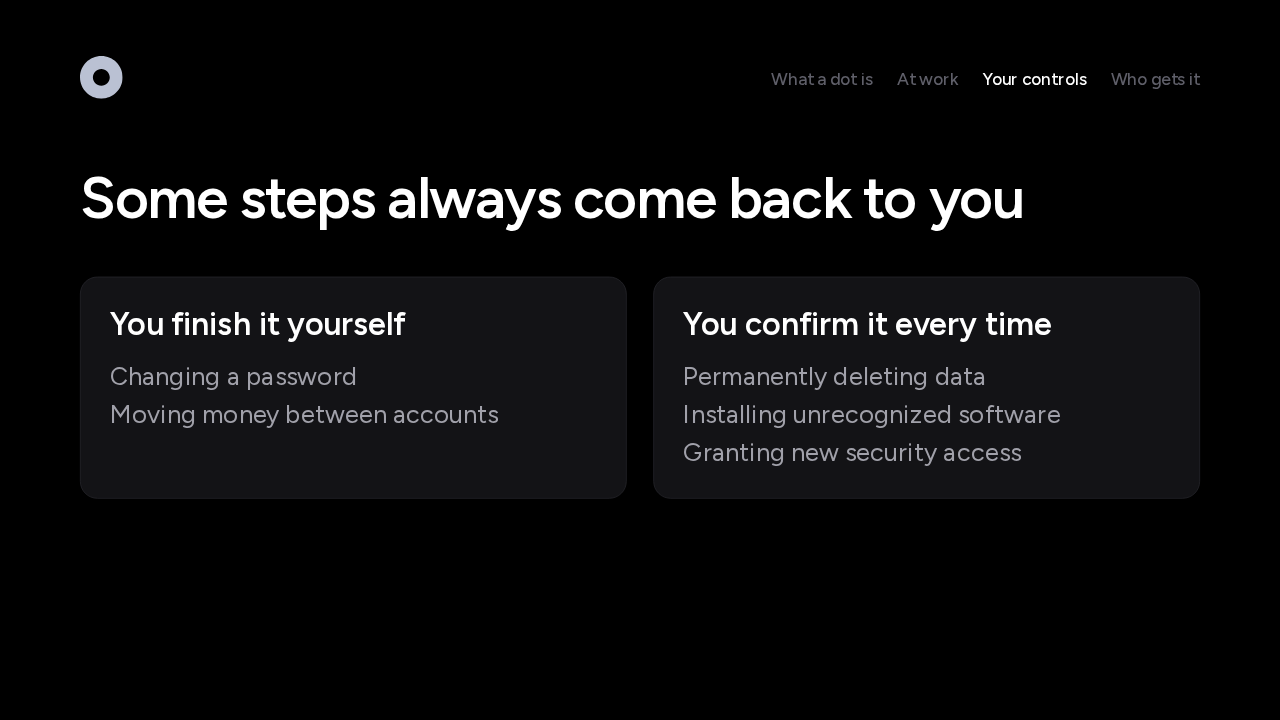
Some steps always come back to you
Some steps stay with you whatever your rules say. Your dot hands the most sensitive ones back for you to finish, like changing a password or moving money between accounts. Others need your confirmation every time: permanently deleting data, installing software from an unrecognized source, or granting new security access. Purchases with a card saved on a store's site need your approval too, and health data only goes to a recipient you name.
A separate check reviews each action before it runs
It's called Auto-review, and it runs where a dot can't turn it off
Before a dot sends an email or changes a file, a separate system called Auto-review checks the step against your instructions, your rules and the built-in safety requirements. For an email, it checks the recipient and the message. It runs outside anything the dot can change, so the dot can't switch it off. And for supported sign-ins, the model pauses while you type your password, which goes straight to the dot's browser.
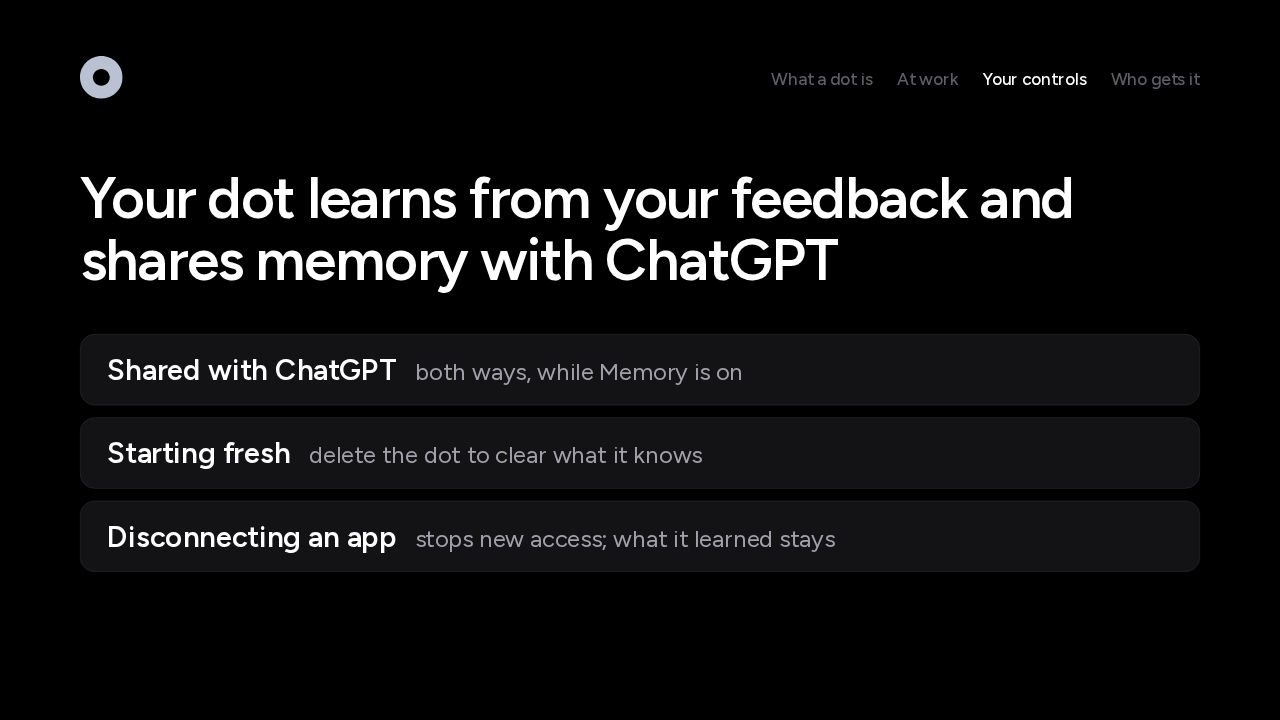
Your dot learns from your feedback and shares memory with ChatGPT
A dot learns from your feedback as it works. It shares memory with ChatGPT in both directions, and turning off Memory stops that sharing. What a dot knows stays with the dot as a whole, so to start completely fresh, you delete the dot. Disconnecting an app stops new access, and what the dot already learned from it stays.
Dots are rolling out to Pro and Business Premium first
Rolling out gradually over several days, for people 18 and over.
Dots are rolling out now. Pro subscribers get dots outside the European Economic Area, Switzerland and the UK. Business Premium gets them in every supported ChatGPT region. Enterprise, Edu and Healthcare workspaces get a beta that stays off until an admin turns it on. The rollout is gradual, so a dot can take several days to reach your account, and dots are for people 18 and over. OpenAI plans to bring dots to more people soon.
Your first dot is included in Pro and Business Premium
Chatting with it doesn't count against your ChatGPT limits
Your first dot comes with a Pro or Business Premium plan at no extra cost. Conversations with it don't count toward your ChatGPT usage limits, and tasks it starts in Codex or ChatGPT Work count as usual. For the first month, dot usage doesn't count toward plan allowances either, and usage terms for each plan follow after that. More dots, and more speed and capacity for the one you have, are coming later.
Companies can pilot specialist dots with their own identity
Focused enterprise pilots now, with Microsoft Agent 365 support on the way
For organizations, there are specialist dots. A company gives each one its own identity, credentials and access, and a defined job. OpenAI has tested them internally in procurement, invoice processing, email marketing, customer support and contracts. Specialist dots start with focused enterprise pilots, and OpenAI is working with Microsoft to bring them to Agent 365.
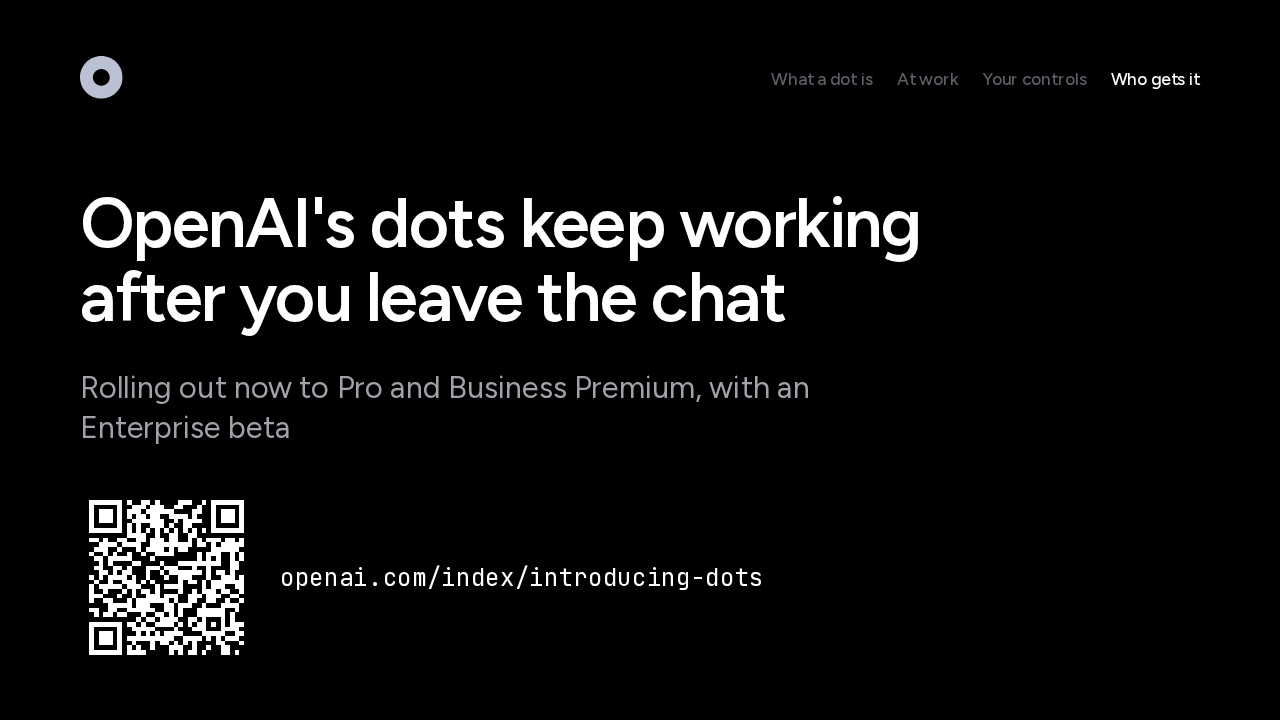
OpenAI's dots keep working after you leave the chat
Rolling out now to Pro and Business Premium, with an Enterprise beta
A dot is an agent with its own computer, rules you set, and certain steps that always come back to you. Dots are rolling out now to Pro and Business Premium, with a beta for Enterprise workspaces. If you're on Pro or Business Premium, set up your dot in ChatGPT on desktop, and let it keep working after you leave the chat.