Onetime Secret v0.26.19 closes a passkey account takeover

18 minutes ago

If you run Onetime Secret in full mode with passkeys on, install this release promptly. Version 0.26.19 closes a passkey sign-in hole that let one account take over another, and it changes a few things worth preparing for.

Ask about this presentation

Chapters
  1. 0:00Passkey takeover closed
  2. 0:15Security: passkey sign-in
  3. 0:38What signed-in users see
  4. 0:57Export the audit log first
  5. 1:15Many bin/ots writes now need --apply
  6. 1:34Burn and receipt responses
  7. 1:55New for custom domains
  8. 2:18Expiration warnings delivered
  9. 2:37Upgrade in this order
  10. 2:53Rolling back
Show transcript
  1. If you run Onetime Secret in full mode with passkeys on, install this release promptly. Version 0.26.19 closes a passkey sign-in hole that let one account take over another, and it changes a few things worth preparing for.

    Slide text
    onetimesecret/onetimesecret · release v0.26.19

    Onetime Secret v0.26.19 closes a passkey account takeover

    Upgrade promptly if you run full mode with passkeys on.

    Onetime Secret mark
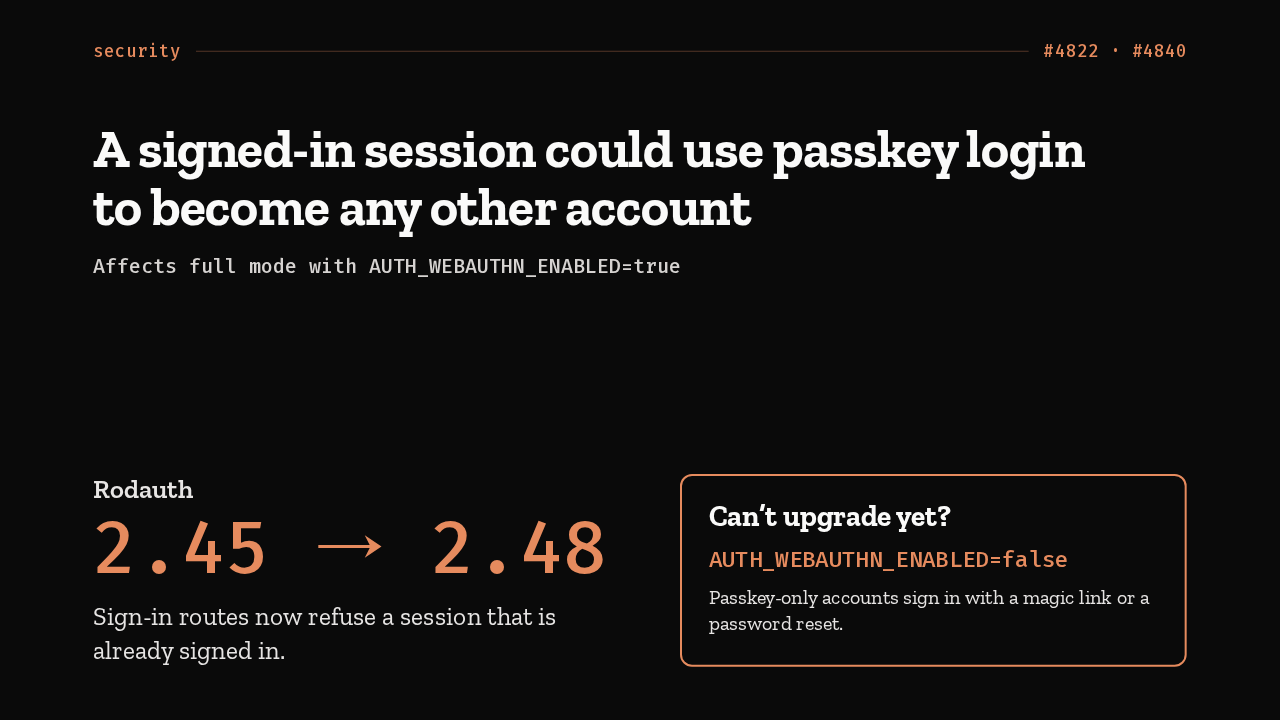
  2. Through 0.26.18, a session that was already signed in could use passkey login to sign in as any other account. This release moves to Rodauth 2.48, and the sign-in routes now refuse a signed-in session. Until you can upgrade, set AUTH_WEBAUTHN_ENABLED to false. Passkey-only accounts then use a magic link or a password reset.

    Slide text
    security #4822 · #4840

    A signed-in session could use passkey login to become any other account

    Affects full mode with AUTH_WEBAUTHN_ENABLED=true

    Rodauth
    2.45 → 2.48

    Sign-in routes now refuse a session that is already signed in.

    Can’t upgrade yet?

    AUTH_WEBAUTHN_ENABLED=false

    Passkey-only accounts sign in with a magic link or a password reset.

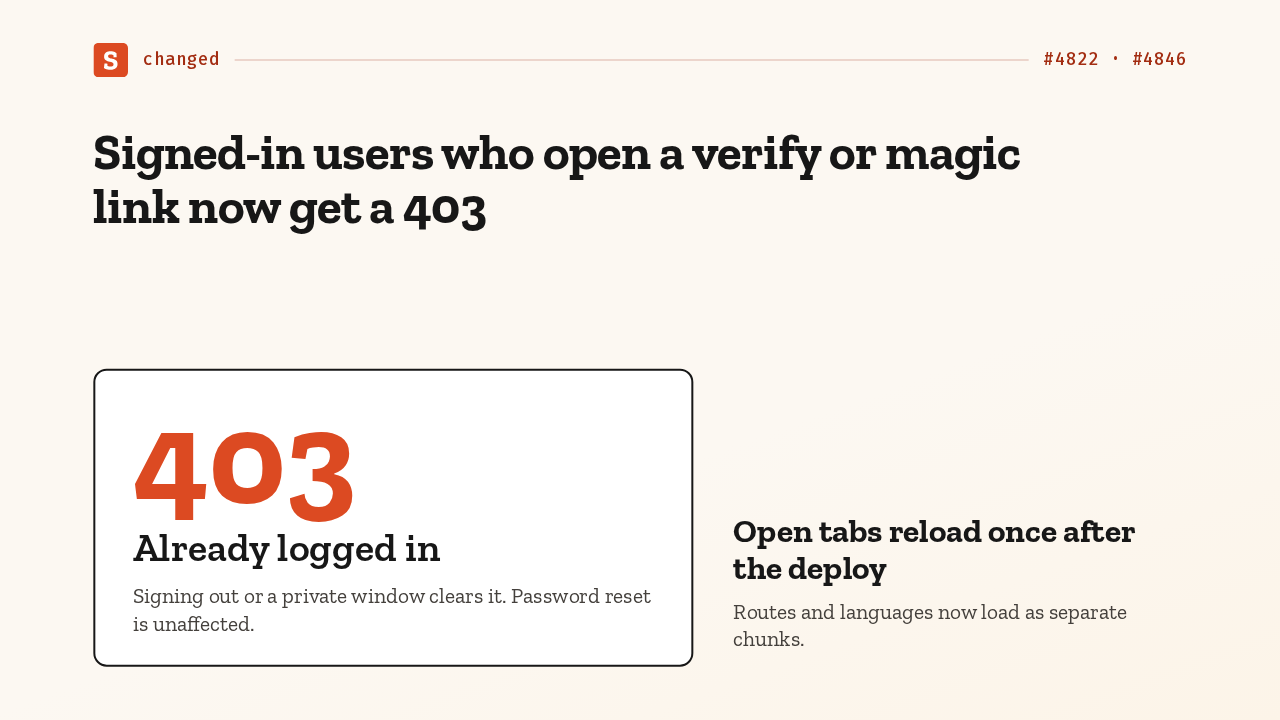
  3. Your users will notice that fix. A signed-in user who opens a verify or magic link now gets a 403, Already logged in. Signing out, or a private window, clears it. And open tabs reload once, the first time they navigate after the deploy, because routes and languages now load as separate chunks.

    Slide text
    changed #4822 · #4846

    Signed-in users who open a verify or magic link now get a 403

    403
    Already logged in

    Signing out or a private window clears it. Password reset is unaffected.

    Open tabs reload once after the deploy

    Routes and languages now load as separate chunks.

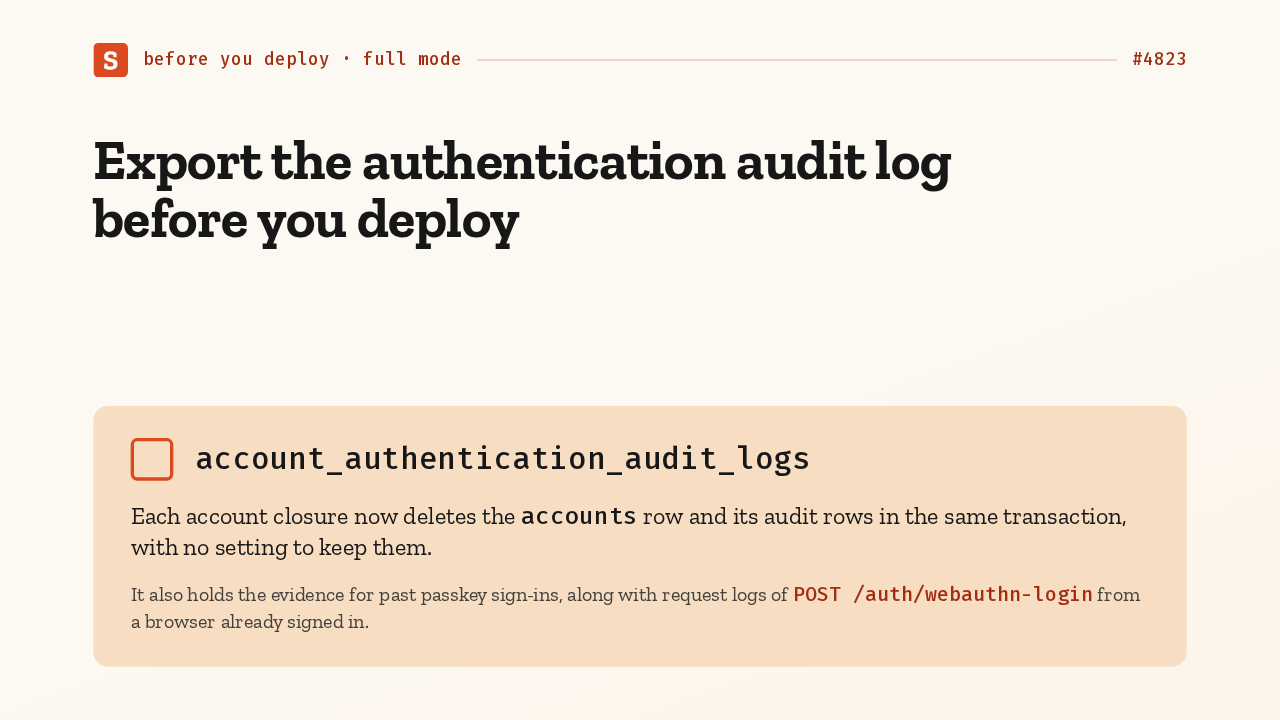
  4. In full mode, before you deploy, export the authentication audit log. Closing an account now deletes its accounts row and its audit rows together, with no setting to keep them. That table, with your request logs, is also the evidence if you choose to review past passkey sign-ins.

    Slide text
    before you deploy · full mode #4823

    Export the authentication audit log before you deploy

    account_authentication_audit_logs

    Each account closure now deletes the accounts row and its audit rows in the same transaction, with no setting to keep them.

    It also holds the evidence for past passkey sign-ins, along with request logs of POST /auth/webauthn-login from a browser already signed in.

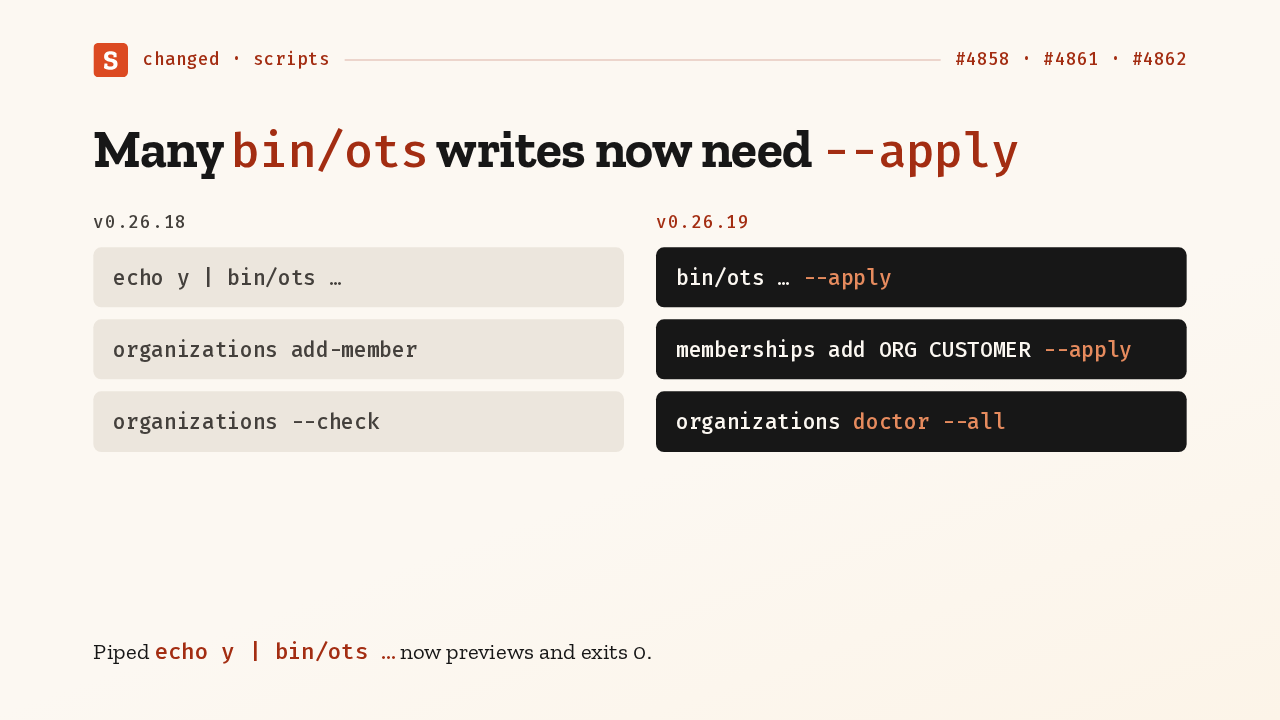
  5. If scripts call bin/ots, check them. These are the old forms. Many writes now only preview until you add the apply flag, so check each command's help; add-member moves to memberships add, and the organizations check becomes doctor all. A piped yes now only previews, and still exits zero.

    Slide text
    changed · scripts #4858 · #4861 · #4862
    v0.26.18
    echo y | bin/ots …
    organizations add-member
    organizations --check
    v0.26.19
    bin/ots … --apply
    memberships add ORG CUSTOMER --apply
    organizations doctor --all

    Piped echo y | bin/ots … now previews and exits 0.

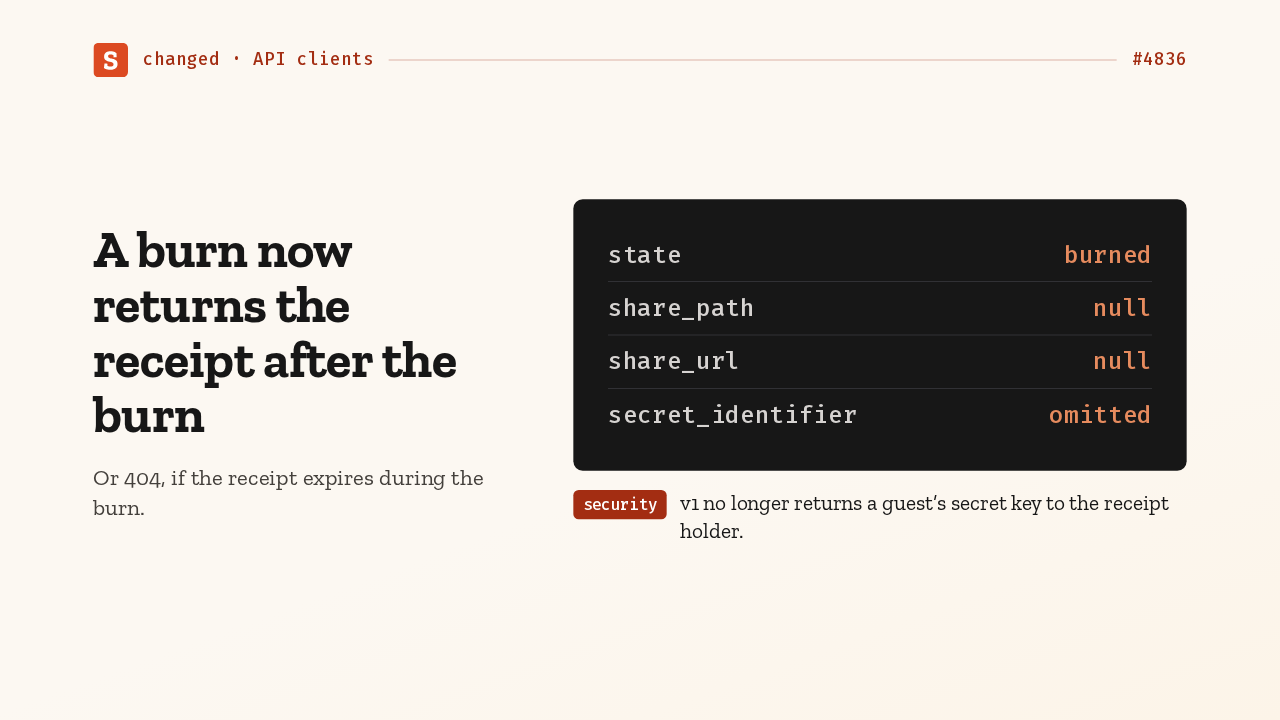
  6. For API clients, every burn endpoint now returns the receipt after the burn. If the receipt expires mid-request, you get a 404. Once the secret is gone, the share path and share URL are null, and the secret identifier is left out. And version one stops returning a guest's secret key to the receipt holder.

    Slide text
    changed · API clients #4836

    A burn now returns the receipt after the burn

    Or 404, if the receipt expires during the burn.

    state burned
    share_path null
    share_url null
    secret_identifier omitted
    security v1 no longer returns a guest’s secret key to the receipt holder.
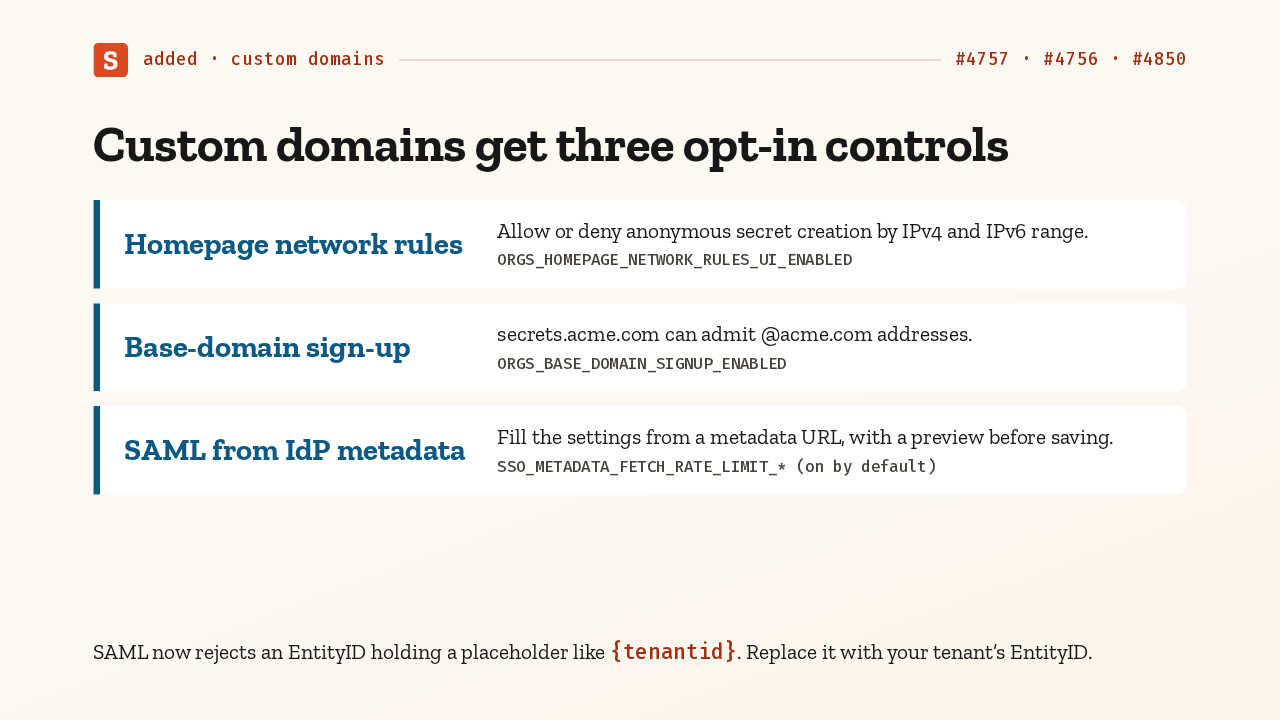
  7. Custom domains get three opt-in controls, each behind an entitlement. Network rules limit anonymous secret creation by IP range. secrets.acme.com can admit sign-ups from acme.com. SAML settings fill from a metadata URL. And SAML now rejects an entity ID with a placeholder, so replace it with your real one.

    Slide text
    added · custom domains #4757 · #4756 · #4850

    Custom domains get three opt-in controls

    Homepage network rules
    Allow or deny anonymous secret creation by IPv4 and IPv6 range.ORGS_HOMEPAGE_NETWORK_RULES_UI_ENABLED
    Base-domain sign-up
    secrets.acme.com can admit @acme.com addresses.ORGS_BASE_DOMAIN_SIGNUP_ENABLED
    SAML from IdP metadata
    Fill the settings from a metadata URL, with a preview before saving.SSO_METADATA_FETCH_RATE_LIMIT_* (on by default)

    SAML now rejects an EntityID holding a placeholder like {tenantid}. Replace it with your tenant’s EntityID.

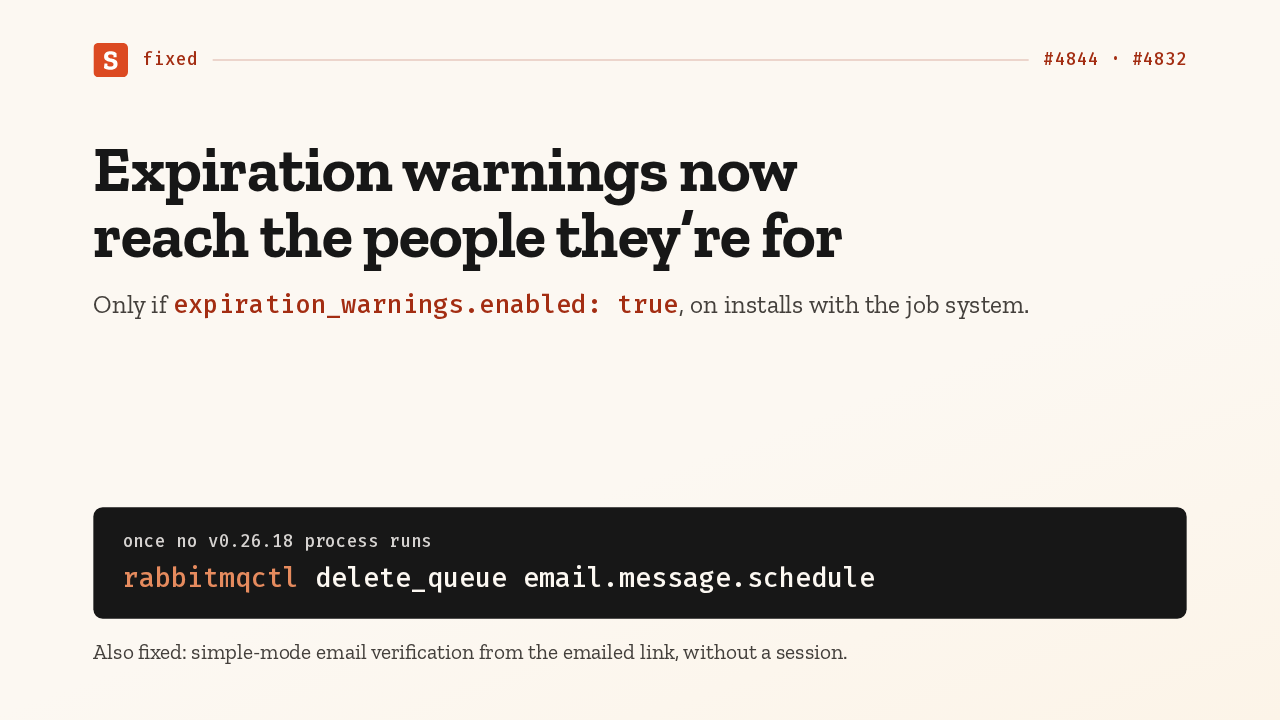
  8. If expiration warnings are on and you run the job system, those emails now get delivered, with a working link. Once every 0.26.18 process has stopped, delete the retired schedule queue. Simple-mode email verification also works from the emailed link now, without a session.

    Slide text
    fixed #4844 · #4832

    Expiration warnings now reach the people they’re for

    Only if expiration_warnings.enabled: true, on installs with the job system.

    once no v0.26.18 process runs
    rabbitmqctl delete_queue email.message.schedule

    Also fixed: simple-mode email verification from the emailed link, without a session.

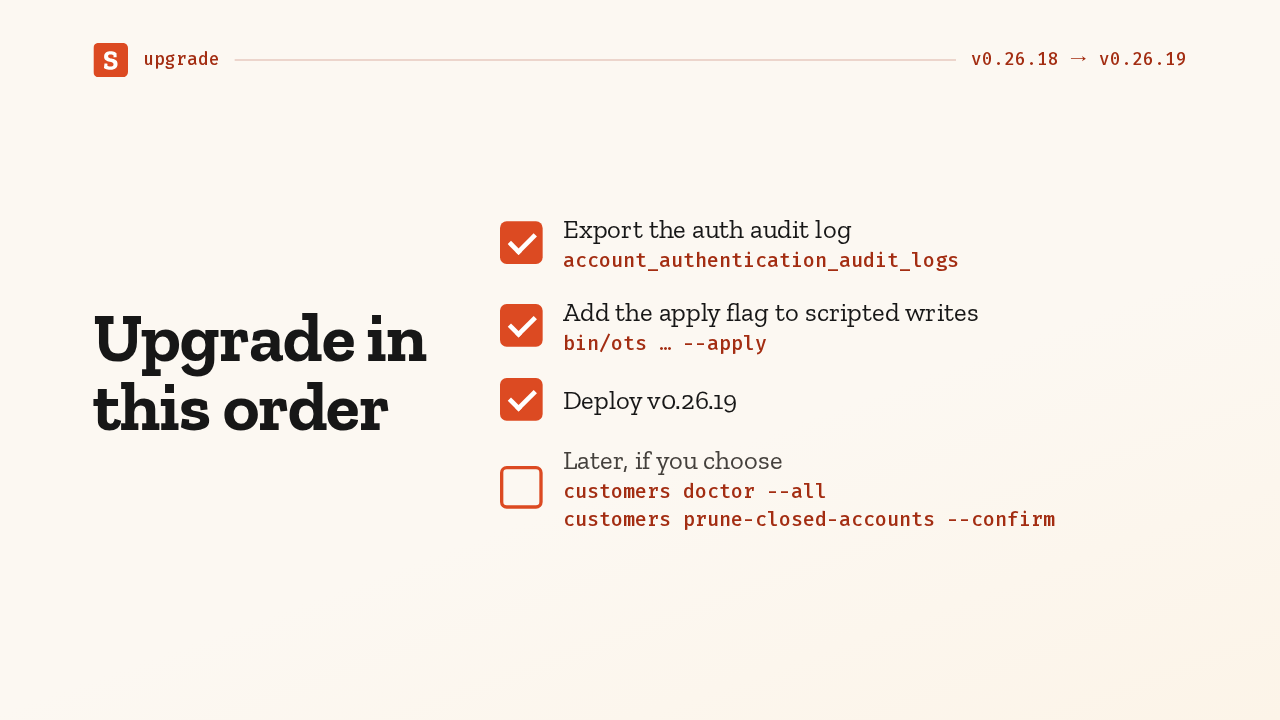
  9. So, in order. Export the audit log. Add the apply flag to your scripts. Deploy. Cleanup can wait, and pruning closed accounts deletes audit rows too, so run it only after the export and after you've decided about reviewing passkey sign-ins.

    Slide text
    upgrade v0.26.18 → v0.26.19

    Export the auth audit logaccount_authentication_audit_logs

    Add the apply flag to scripted writesbin/ots … --apply

    Deploy v0.26.19

    Later, if you choosecustomers doctor --all customers prune-closed-accounts --confirm

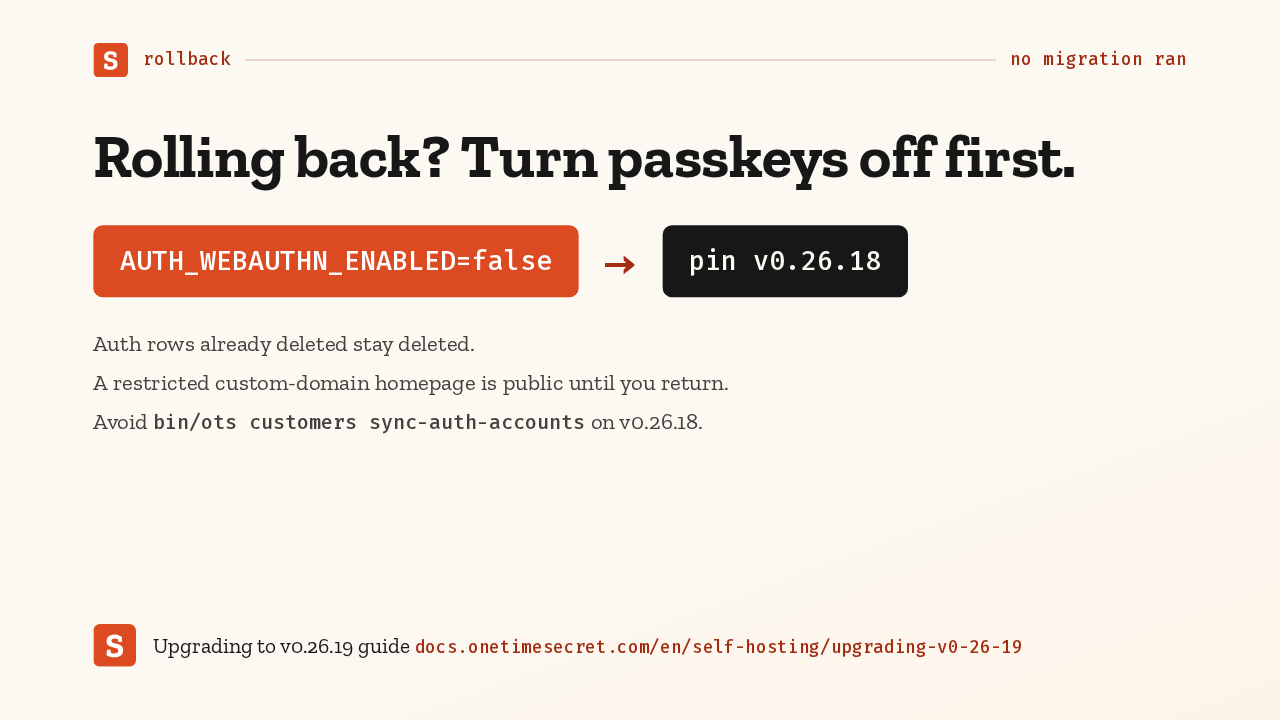
  10. To roll back, pin 0.26.18; no migration ran. But turn passkeys off first, because that version is still exposed. Deleted auth rows stay deleted, and a restricted homepage is public until you return. The upgrade guide has the details. Version 0.26.19 closes the passkey account takeover.

    Slide text
    rollback no migration ran

    Rolling back? Turn passkeys off first.

    AUTH_WEBAUTHN_ENABLED=false
    →
    pin v0.26.18

    Auth rows already deleted stay deleted.

    A restricted custom-domain homepage is public until you return.

    Avoid bin/ots customers sync-auth-accounts on v0.26.18.

    Upgrading to v0.26.19 guide docs.onetimesecret.com/en/self-hosting/upgrading-v0-26-19

What happened in AI today, in your inbox

One short email each evening. Read it and you’re caught up.

Built in New York with ❤️