Embed HTML files in your published Digital Garden notes
1 hour ago
Digital Garden version 2.102.0 lets you publish HTML files inside your notes. Embed one the way you would embed an image, and when you publish, your garden shows that page in a frame, running its own scripts and styles. This release adds that one feature, with nothing to migrate.
Ask about this presentation
Chapters
Show transcriptHide transcript
Digital Garden version 2.102.0 lets you publish HTML files inside your notes. Embed one the way you would embed an image, and when you publish, your garden shows that page in a frame, running its own scripts and styles. This release adds that one feature, with nothing to migrate.
Slide text

Version 2.102.0
Embed HTML files in your published Digital Garden notes
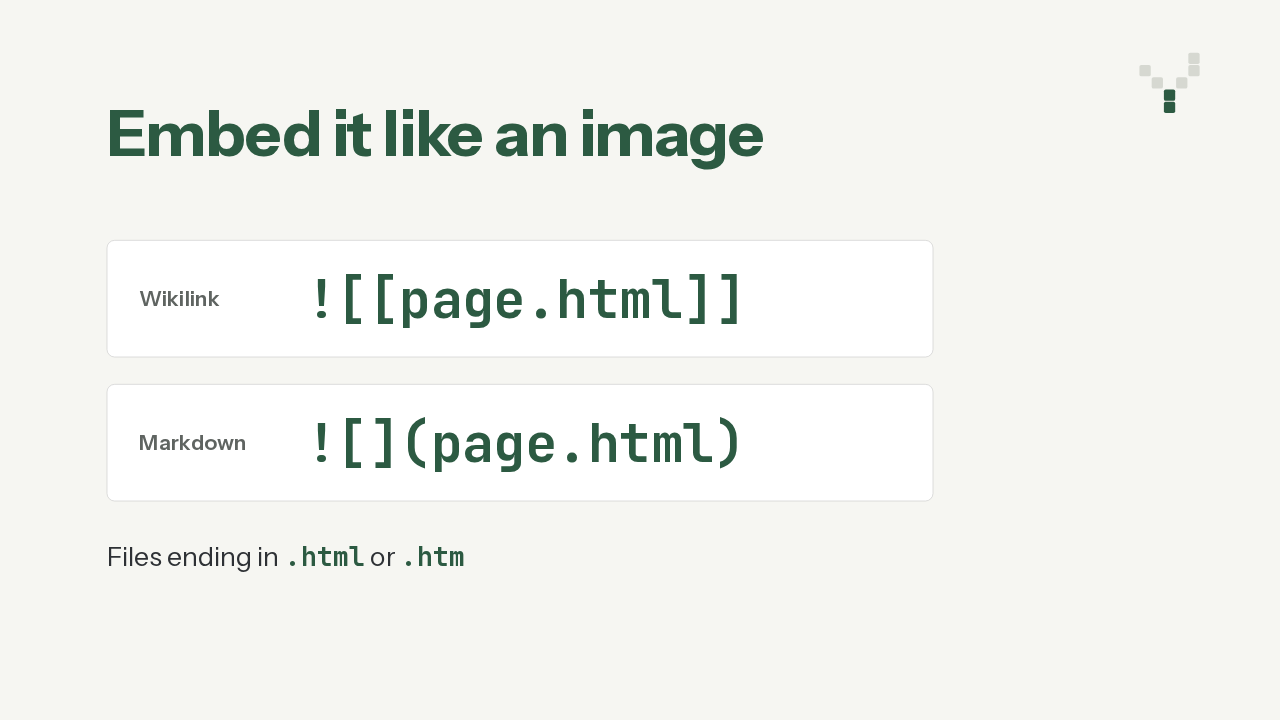
![[page.html]]Both link styles work. There is the double-bracket wikilink, with an exclamation mark in front, just like an image embed. Or there is the standard Markdown image link, pointing at the file's path. Files ending in .htm count too. Inside Obsidian, plugins like Embed HTML already show these files in a frame, and now your published garden shows them the same way.
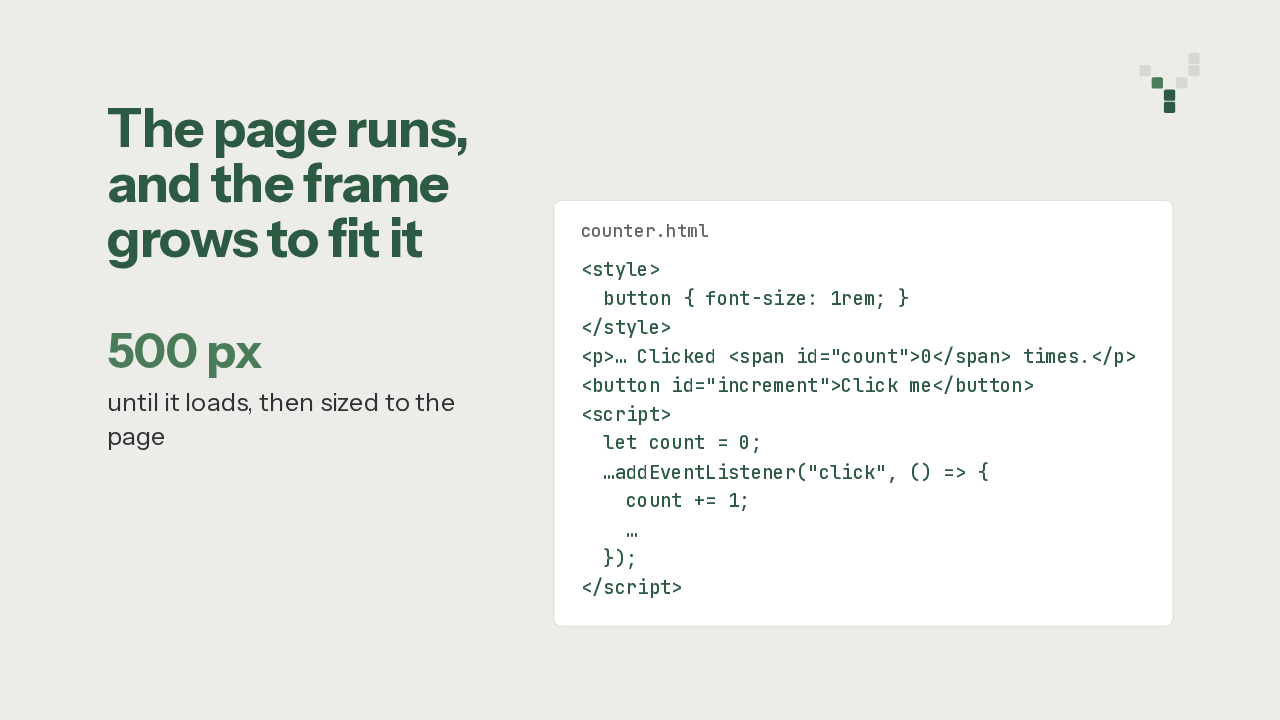
Here is a small example from the plugin's own repository, a click counter. Its style block and its script sit inside the file, and both run on your garden. The frame is not sandboxed, because this is your own file, served from your own site. The frame starts at 500 pixels. Once the page loads, it measures it, and it keeps resizing whenever the content grows or shrinks.
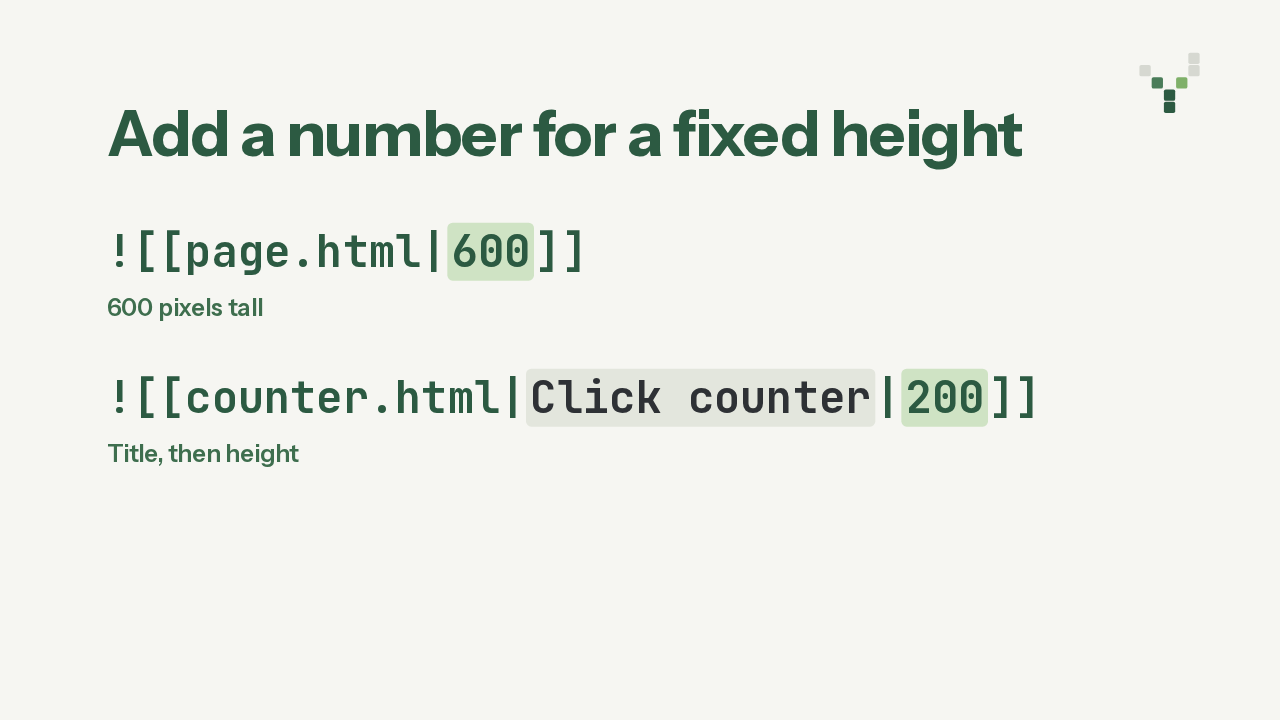
Want a fixed size instead? Put a number after a pipe, and that number becomes the frame's height in pixels. Any other text before it becomes the frame's title. So this line embeds the counter, titled Click counter, at 200 pixels tall. With a fixed height, the frame no longer resizes itself.
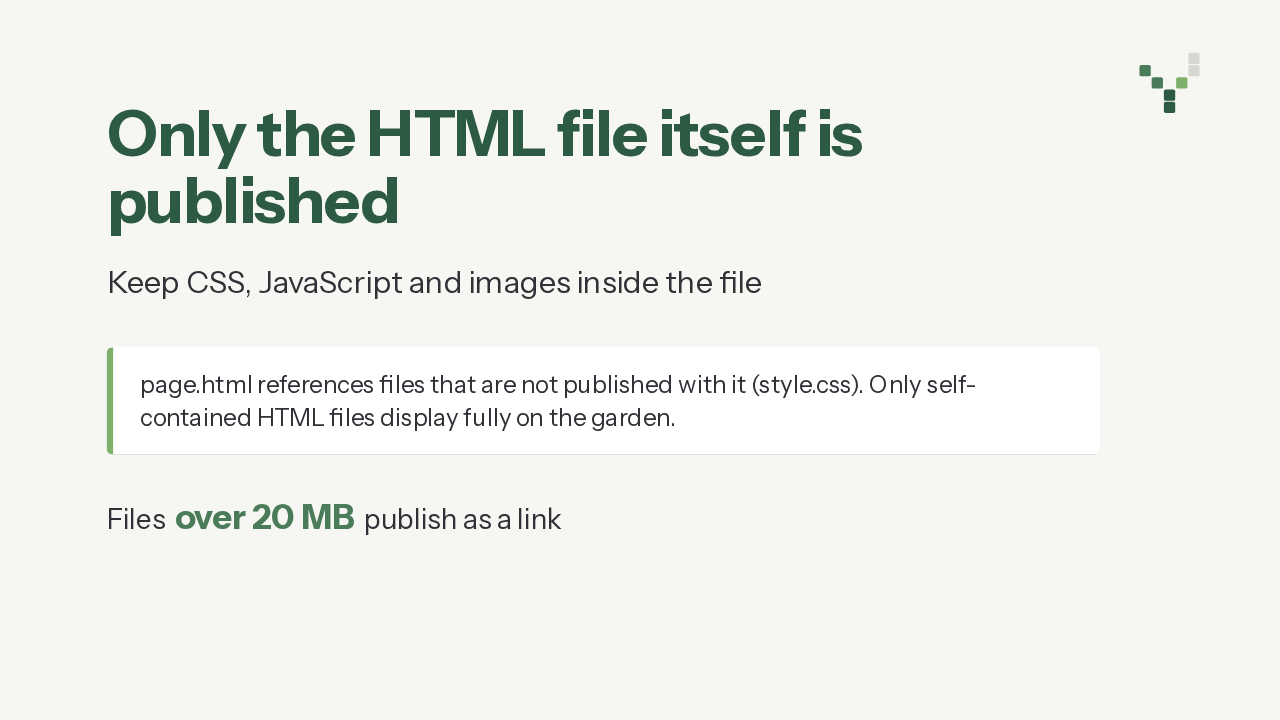
Only the HTML file itself gets published. If it loads a stylesheet, a script or an image from a file next to it, that file stays behind, so keep your CSS, JavaScript and images inline. The plugin checks for this when you publish, and shows a notice naming up to three of those files. And a file over 20 megabytes gets a plain link instead of an embed.
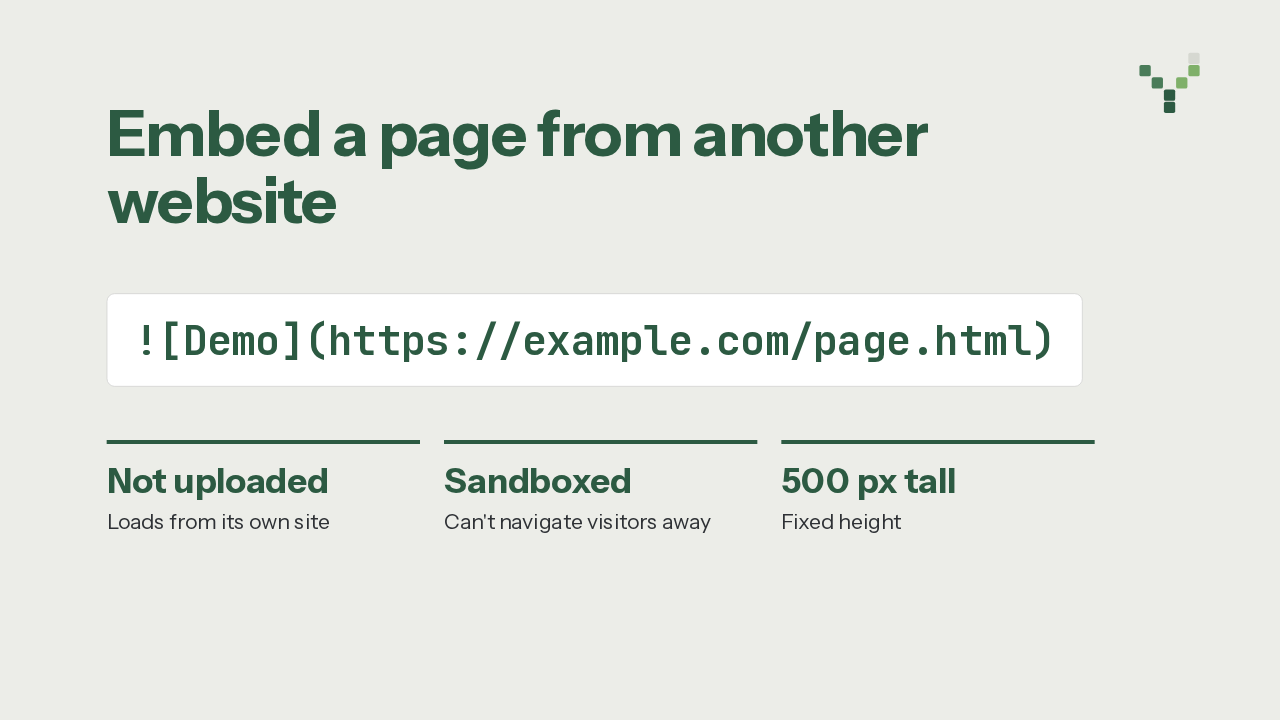
You can also embed a page from another website, using a Markdown image link to its full address. That page isn't uploaded to your garden. It loads in a sandboxed frame that stops it from sending your visitors away from the garden. And because a page on another site can't be measured, it stays at a fixed 500 pixels.
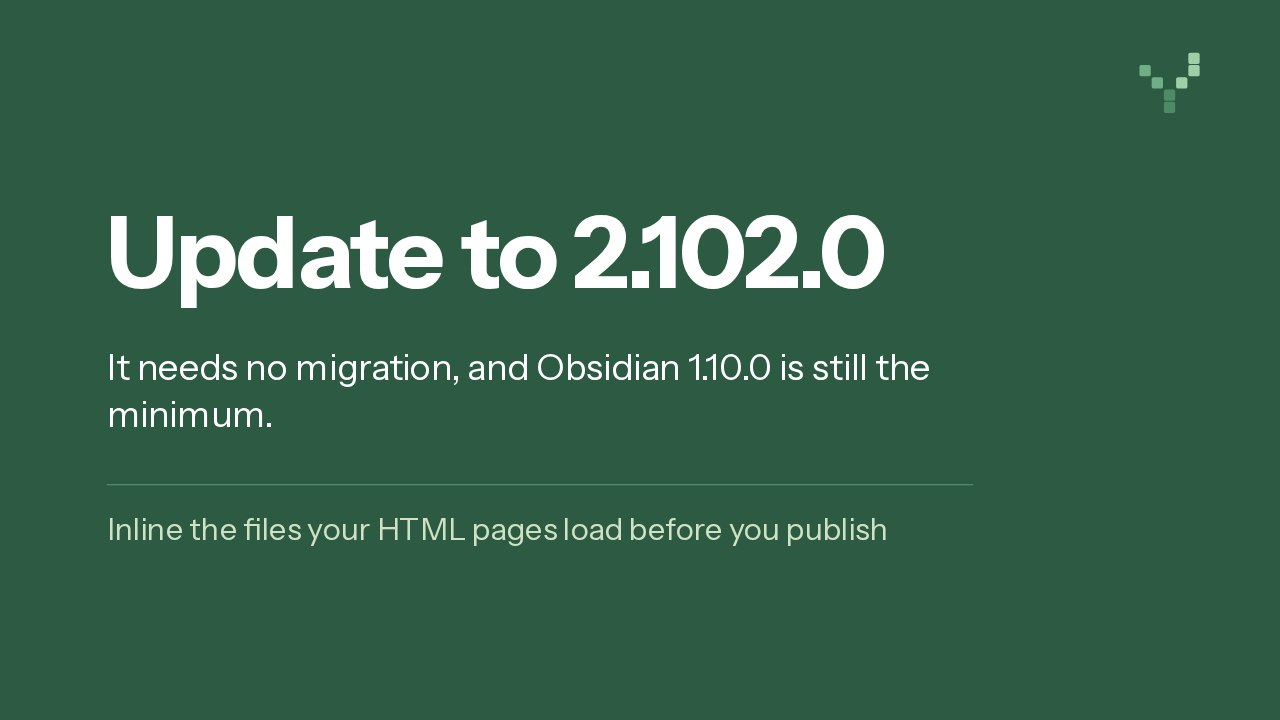
So, should you update? This release adds one feature and has no migration steps, and the minimum Obsidian version stays at 1.10.0. If your HTML pages load files that sit beside them, fold those into the page before you publish, so the page displays fully. Update the Digital Garden plugin, and your notes can carry HTML pages onto your garden.