LM Studio Bionic now runs your agents on your other machines
2 days ago
LM Studio Bionic now runs agents on your other machines: turn a laptop, PC, dev box or cloud VM into an agent host and drive its projects and sessions from any of your devices over LM Link. LM Studio 0.4.28 also fixes Restart to apply update on Mac and Flint chat templates.
Links
Ask about this presentation
Chapters
Show transcriptHide transcript
LM Studio's Bionic app can now run its agents on your other machines. A laptop, a PC, a dev box or a cloud VM, and you create and continue its sessions from whatever device you're on.
Slide text
LM Studio blog · Introducing Agent Remote Control · Nov 16, 2026
LM Studio Bionic now runs your agents on your other machines
Laptops PCs Dev boxes Cloud VMsRemote control runs over LM Link, the encrypted connection LM Studio already uses to share models between your machines. LM Link is still in preview, with access rolling out in batches.
Slide text
LM Studio blog · Introducing Agent Remote Control · Nov 16, 2026 · lmstudio.ai/linkProjects and sessions travel end-to-end encrypted over LM Link
LM Link is in Preview, with access rolling out in batches
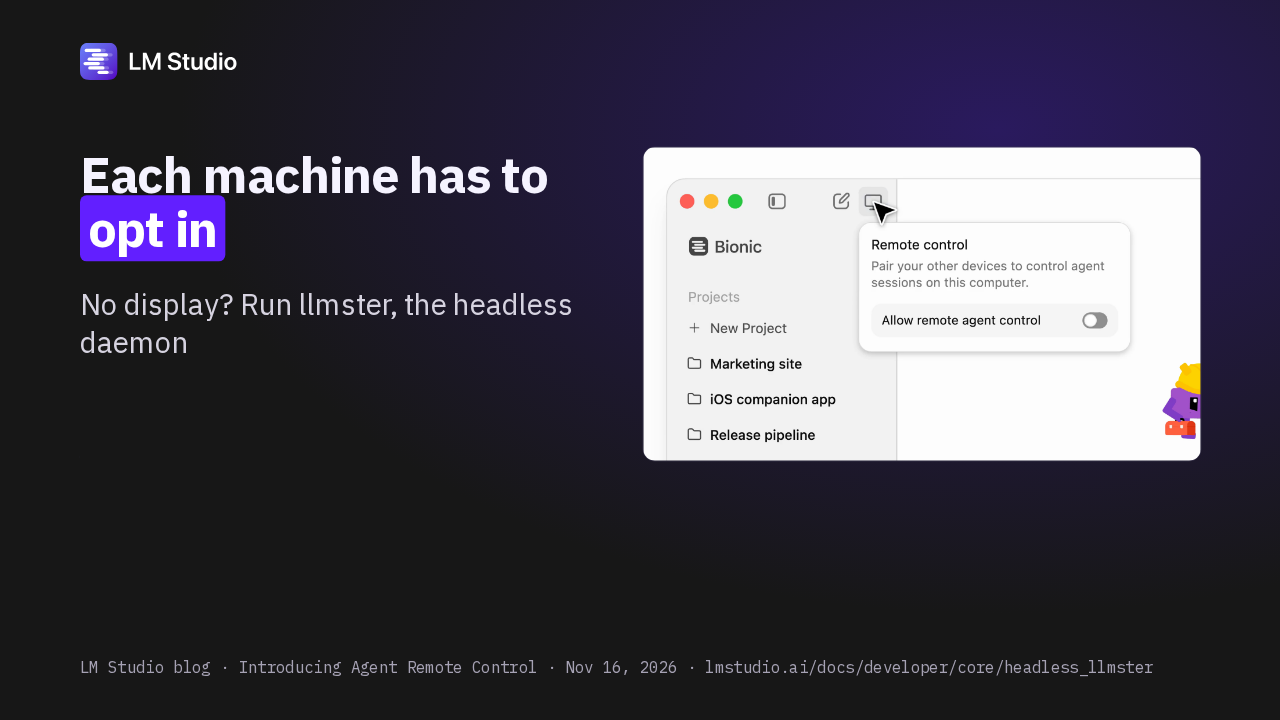
Each machine opts in. On the one you want to control, click Remote control in the sidebar and turn on Allow remote agent control. A machine without a display runs LM Studio's headless daemon.
Slide text
LM Studio blog · Introducing Agent Remote Control · Nov 16, 2026 · lmstudio.ai/docs/developer/core/headless_llmsterEach machine has to opt in
No display? Run llmster, the headless daemon

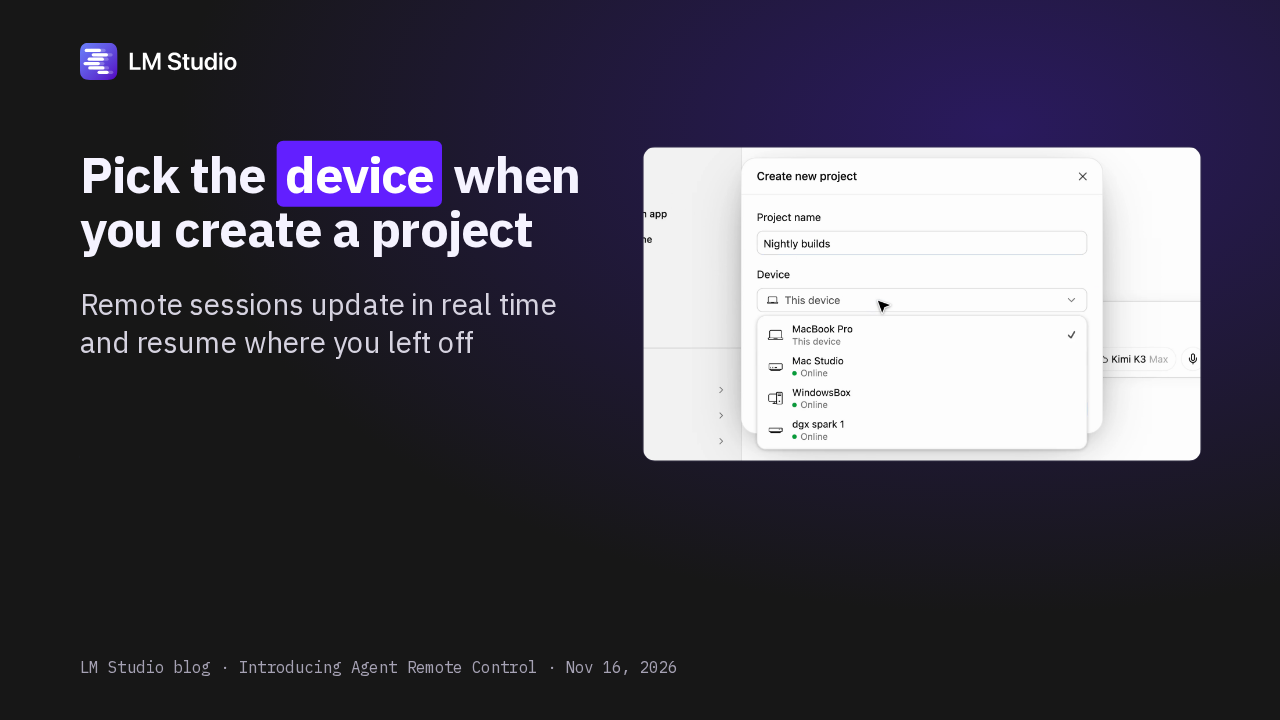
When you start a project, you pick the machine it runs on, and the list shows which are online. Remote sessions update in real time, and you pick them up where you left off.
Slide text
LM Studio blog · Introducing Agent Remote Control · Nov 16, 2026Pick the device when you create a project
Remote sessions update in real time and resume where you left off

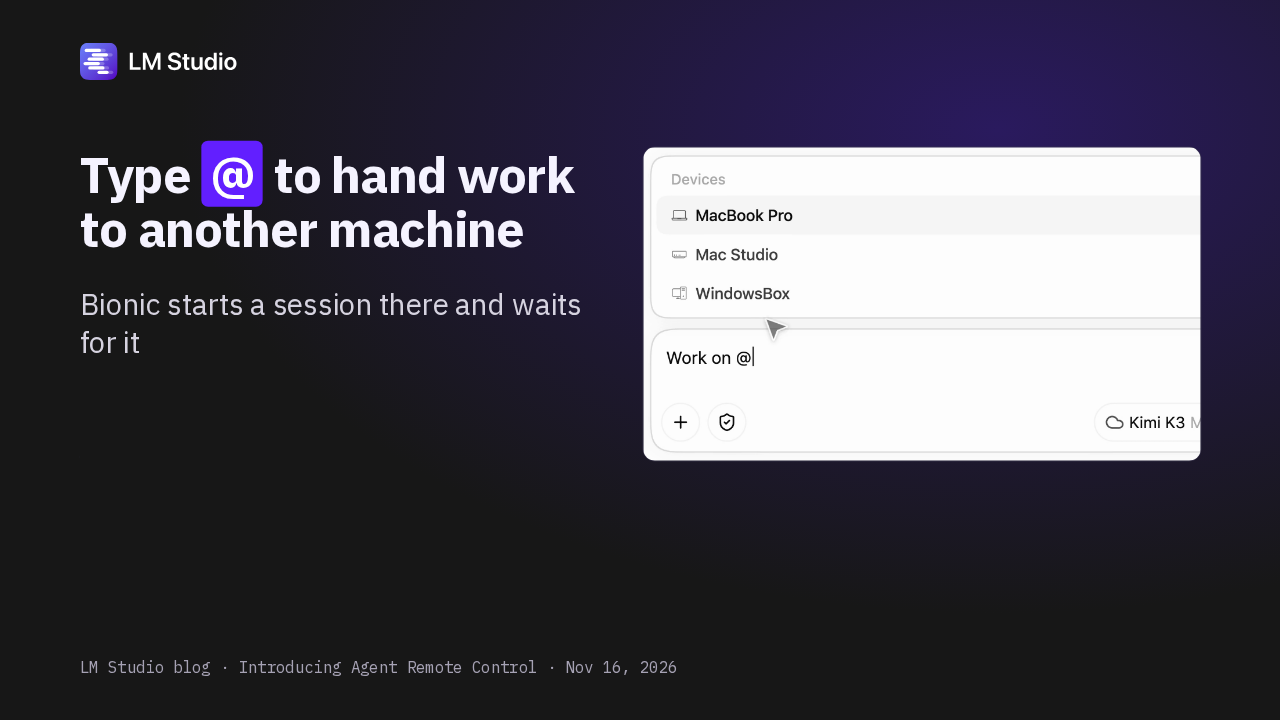
Mid-session, type the at sign in the composer and pick a device. Bionic starts a session on that machine and waits for it, and the remote side shows which session sent the work.
Slide text
LM Studio blog · Introducing Agent Remote Control · Nov 16, 2026Type @ to hand work to another machine
Bionic starts a session there and waits for it

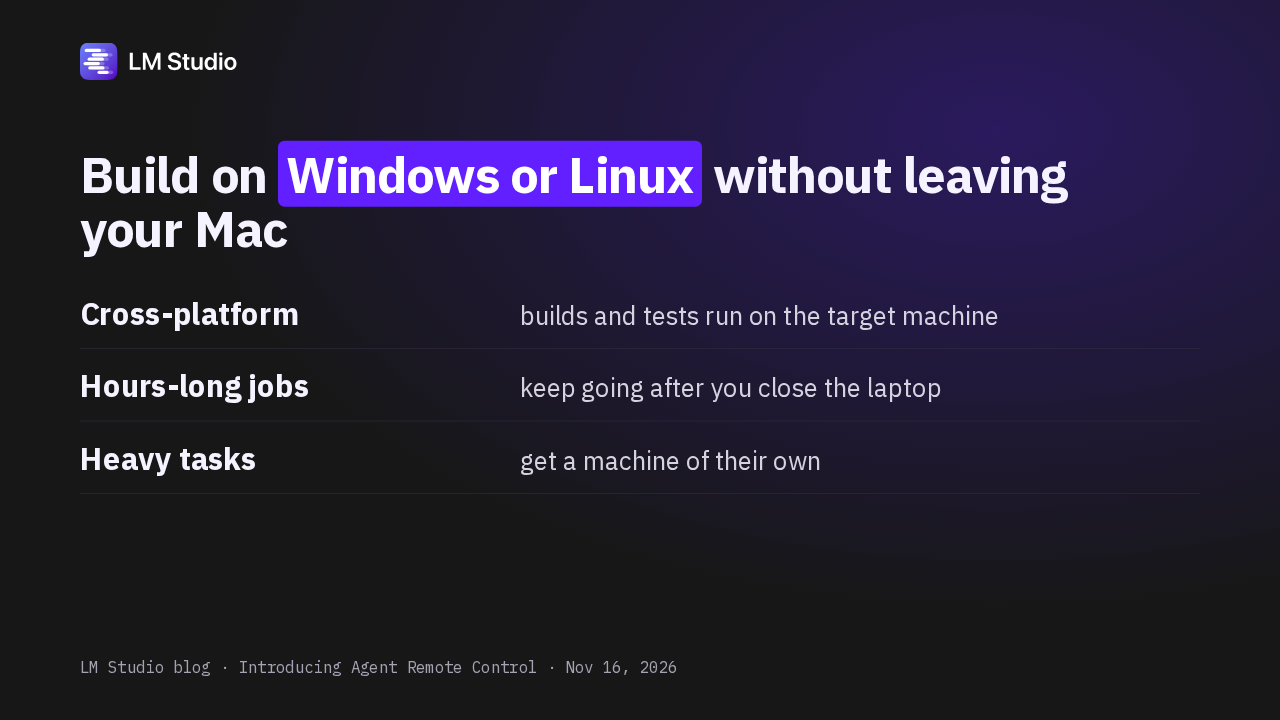
On a Mac but shipping for Windows or Linux? The agent builds and tests right on that machine. Hours-long jobs keep going with your laptop closed, and heavy tasks get a machine of their own.
Slide text
LM Studio blog · Introducing Agent Remote Control · Nov 16, 2026Build on Windows or Linux without leaving your Mac
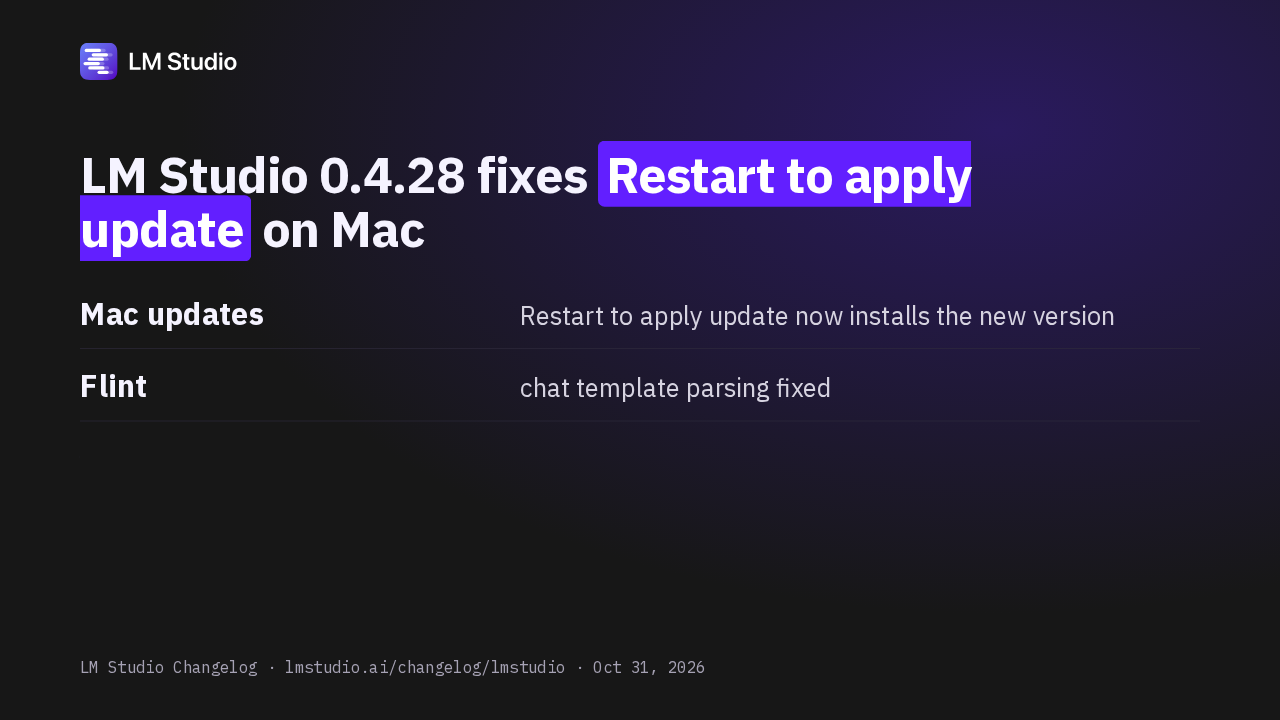
Cross-platform builds and tests run on the target machineHours-long jobs keep going after you close the laptopHeavy tasks get a machine of their ownLM Studio 0.4.28 shipped two fixes. On Mac, Restart to apply update was reopening the version you already had, and now it installs the update. Flint's chat template also parses correctly now.
Slide text
LM Studio Changelog · lmstudio.ai/changelog/lmstudio · Oct 31, 2026LM Studio 0.4.28 fixes Restart to apply update on Mac
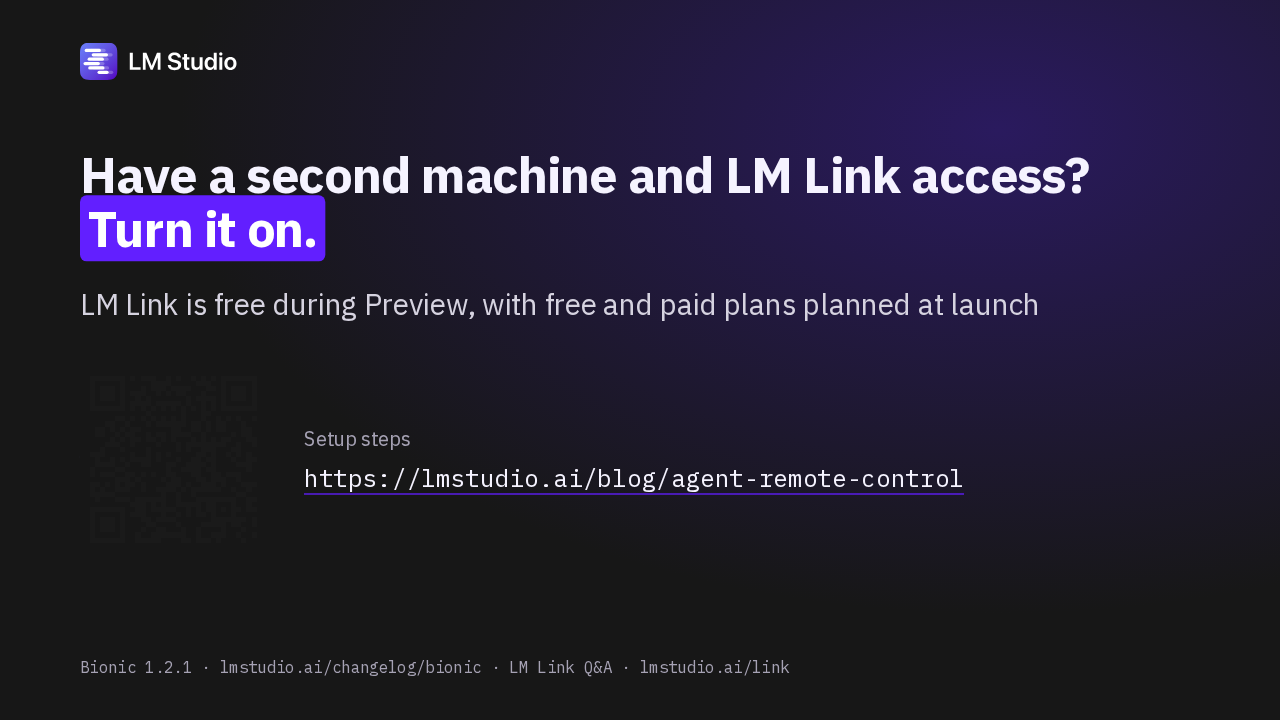
Mac updates Restart to apply update now installs the new versionFlint chat template parsing fixedI'd turn it on if you have a second machine running Bionic or the headless daemon, and LM Link access on your account. LM Link is free during preview, with free and paid plans planned after that.
Slide text
Bionic 1.2.1 · lmstudio.ai/changelog/bionic · LM Link Q&A · lmstudio.ai/linkHave a second machine and LM Link access? Turn it on.
LM Link is free during Preview, with free and paid plans planned at launch
Setup steps https://lmstudio.ai/blog/agent-remote-control