Virtual Jaguar 3.10 adds a controller-first TV mode
20 minutes ago
Virtual Jaguar 3.10 is a feature release for the desktop app on Mac, Windows and Linux. The headline is a TV mode you drive from a controller. It also brings an optional emulation thread, multi-disc Jaguar CD playlists, and AI players. Core options and version 17 savestates carry over.
Ask about this presentation
Chapters
Show transcriptHide transcript
Virtual Jaguar 3.10 is a feature release for the desktop app on Mac, Windows and Linux. The headline is a TV mode you drive from a controller. It also brings an optional emulation thread, multi-disc Jaguar CD playlists, and AI players. Core options and version 17 savestates carry over.
Slide text
 Virtual Jaguarv3.10.0
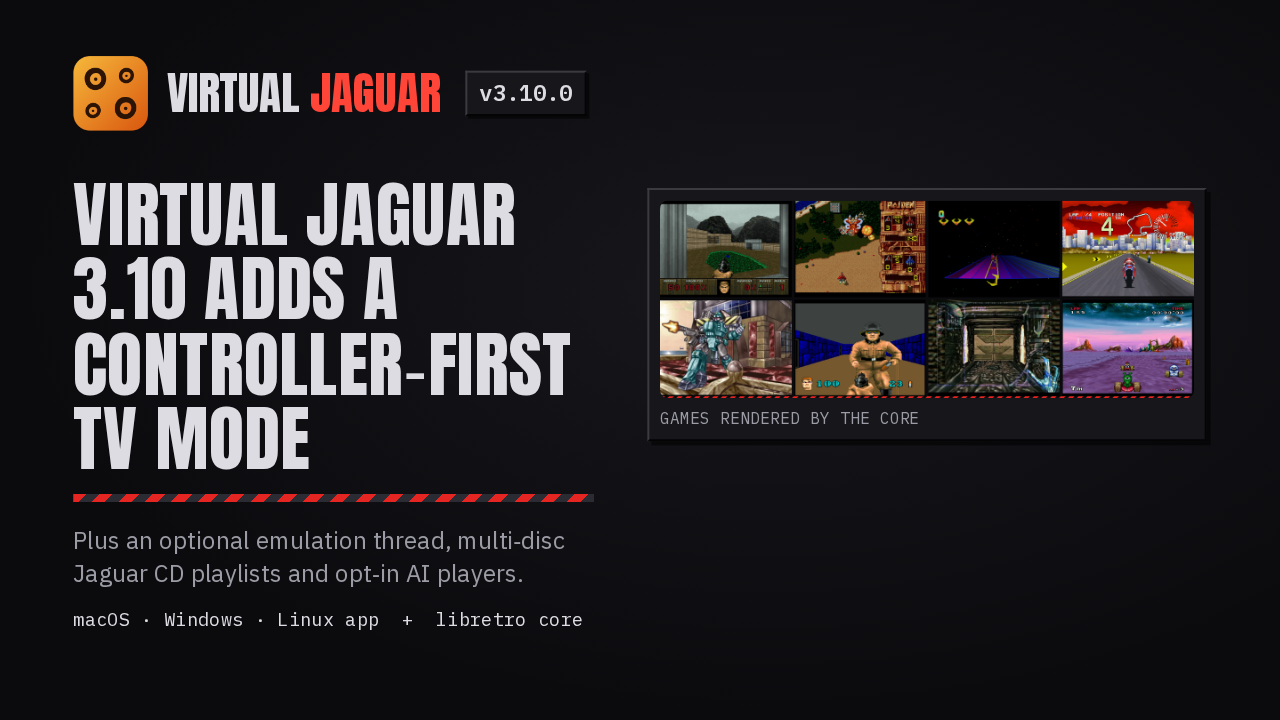
Virtual Jaguar 3.10 adds a controller‑first TV mode
Plus an optional emulation thread, multi‑disc Jaguar CD playlists and opt‑in AI players.
macOS · Windows · Linux app + libretro core
 Games rendered by the core
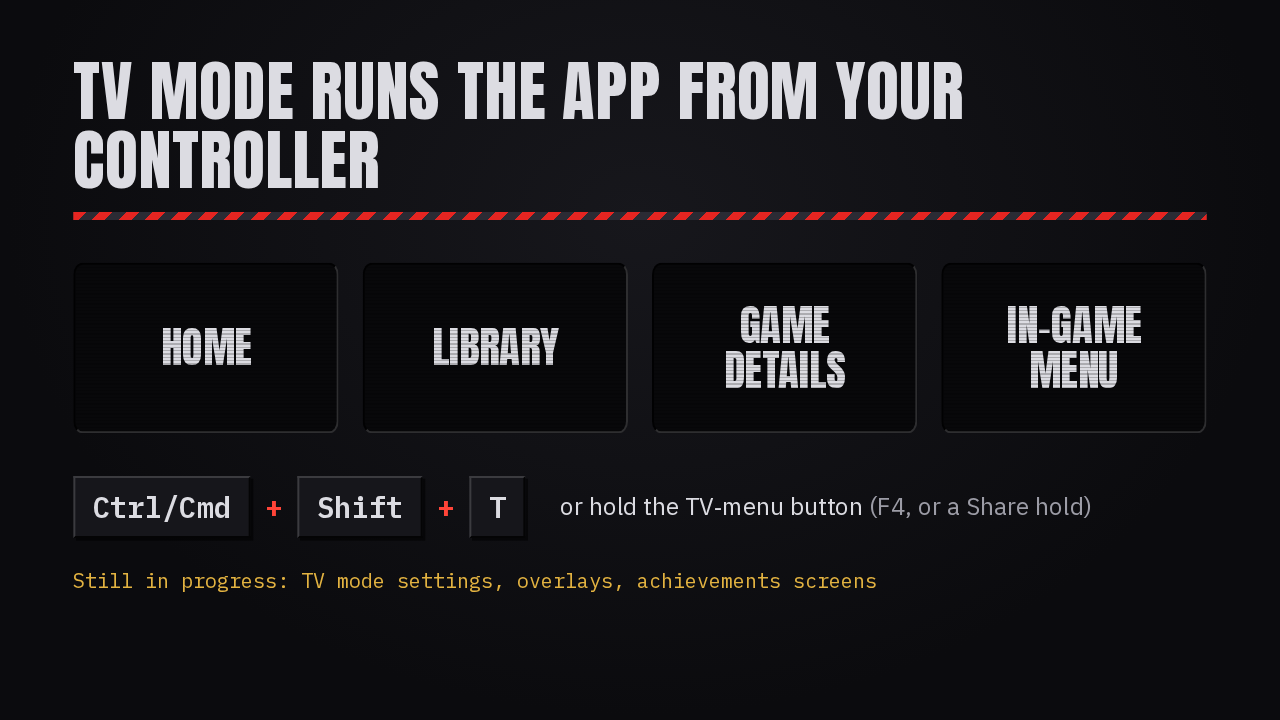
TV mode gives the app a couch layout. There are Home, Library and Game details screens, plus a paused in-game menu built for a controller. Toggle it with Control or Command, Shift, T, or hold the TV menu button on your pad. Setup still starts in desktop mode, and TV mode's settings and overlays are still in progress.
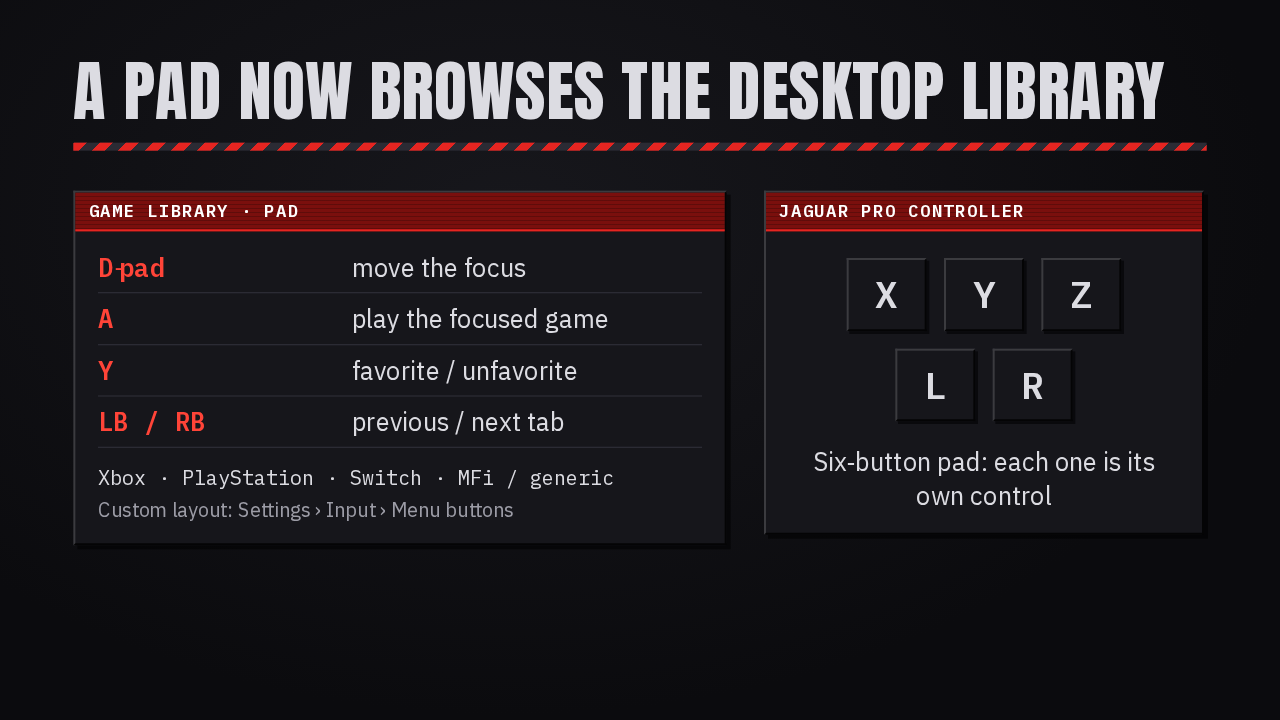
With TV mode off, a pad now browses the desktop library too. The buttons follow your controller family, Xbox, PlayStation, Switch or generic, and you can set your own layout under Settings, Input. The six-button Jaguar Pro Controller also gets its X, Y, Z, L and R as separate controls.
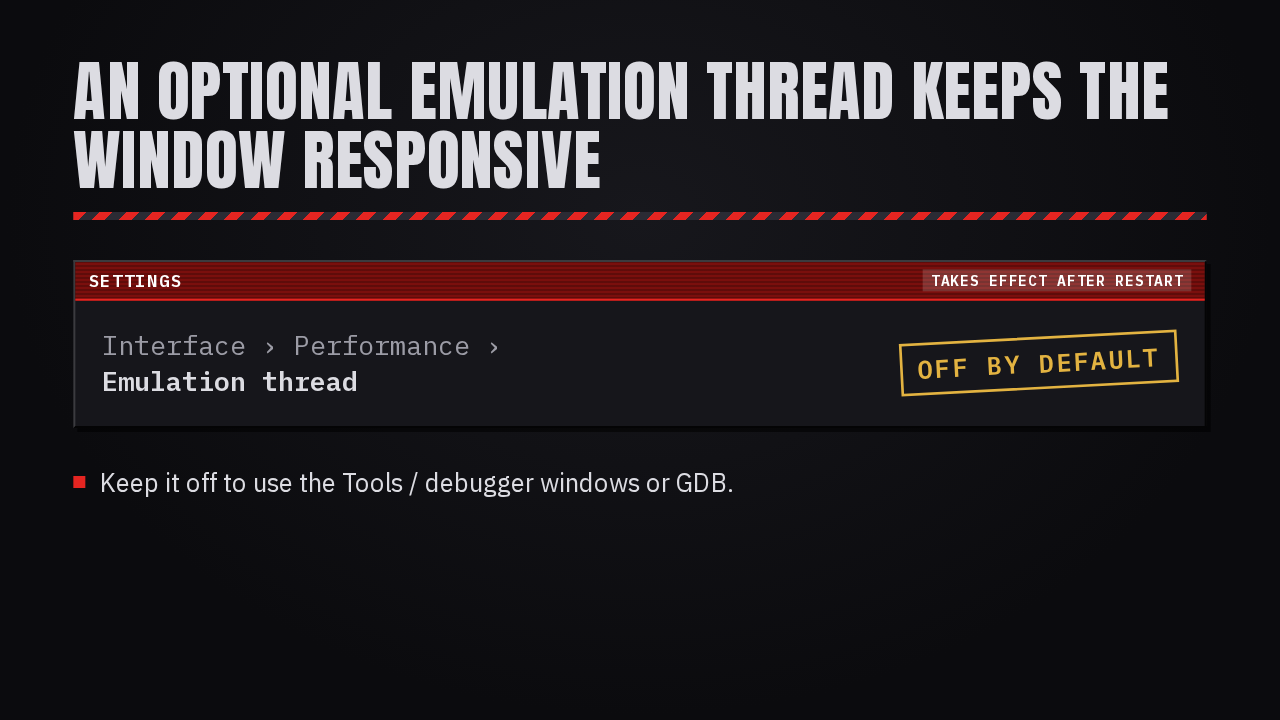
The app can now run emulation on its own thread, so the window keeps responding while the core works. Turn it on under Settings, Interface, Performance, then restart. Achievements and link play still work, and long operations show a busy indicator. It ships off by default. Leave it off if you use the debugger windows or GDB.
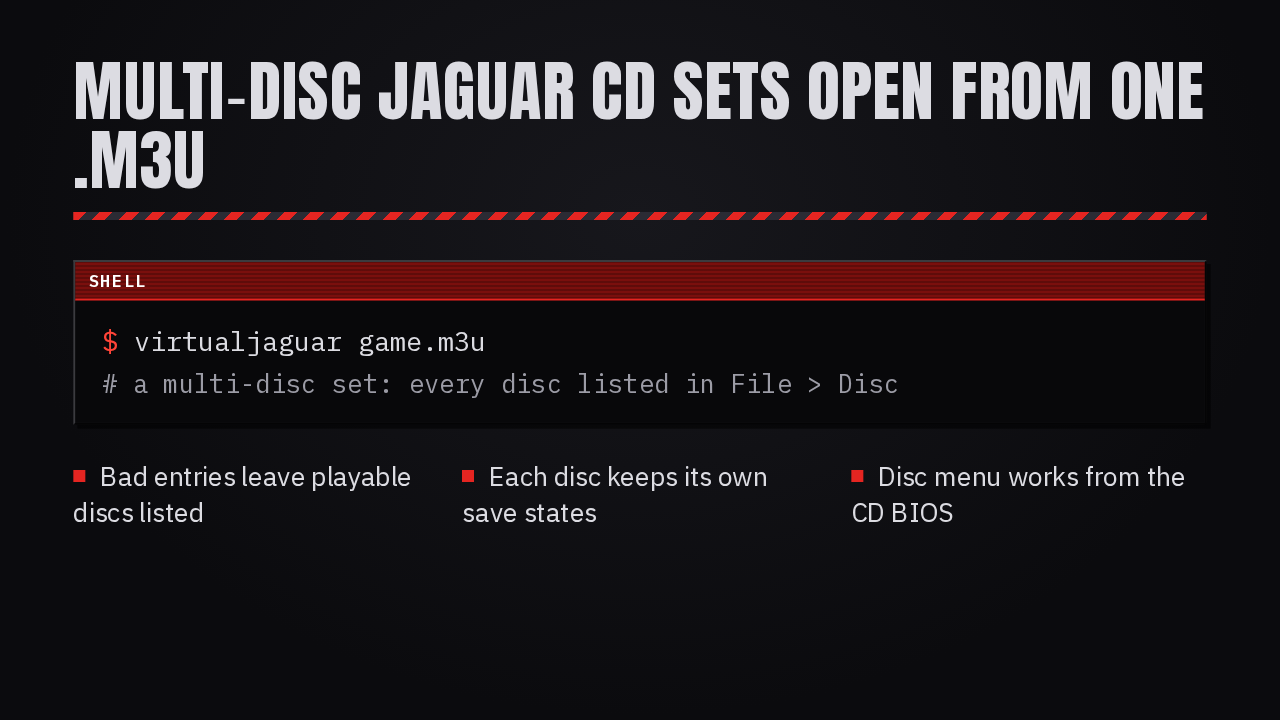
Jaguar CD games that span several discs now open from one M3U playlist, and every disc appears under File, Disc. A bad playlist entry no longer hides the discs that do play. Save states stay tied to their own disc, even with matching slot numbers, and the disc menu now works from the CD BIOS with no disc loaded.
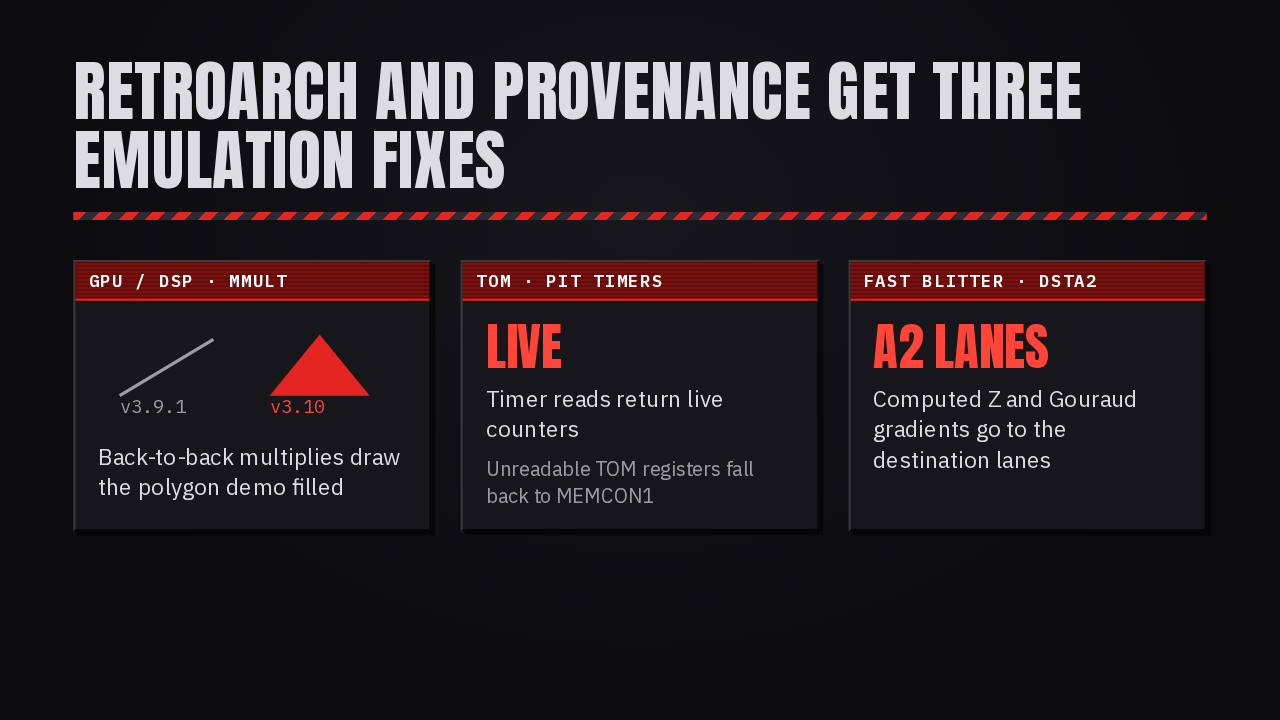
Three fixes land in the emulation core, so RetroArch and Provenance get them too. Matrix multiplies on the GPU and DSP keep their address counter, and the polygon demo now draws a filled shape instead of a line. Timer reads on the TOM chip return live counters. And the fast blitter writes depth and shading to the correct lanes.
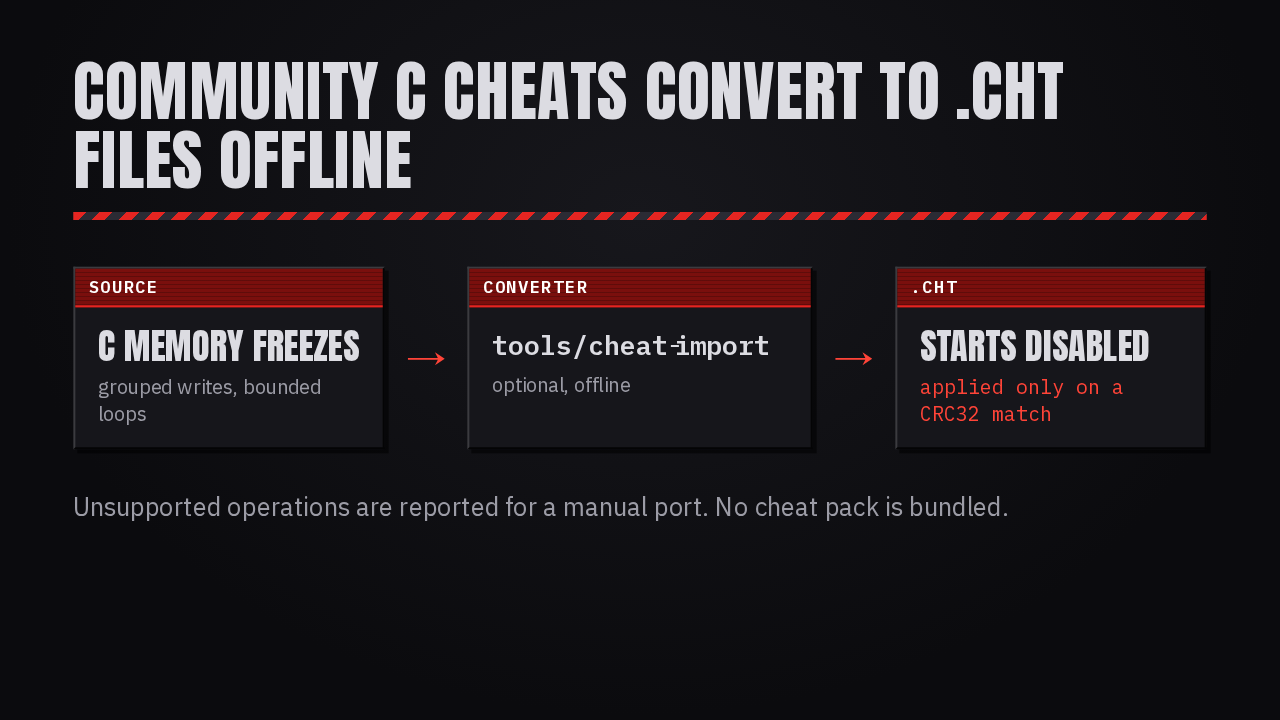
For cheat hunters, a new offline converter turns community-written C memory freezes into cheat files the app can load, including grouped writes and bounded loops. Every generated cheat starts disabled, and the app checks the cartridge's CRC32 before applying the set. Anything it can't convert is reported for you to port by hand.
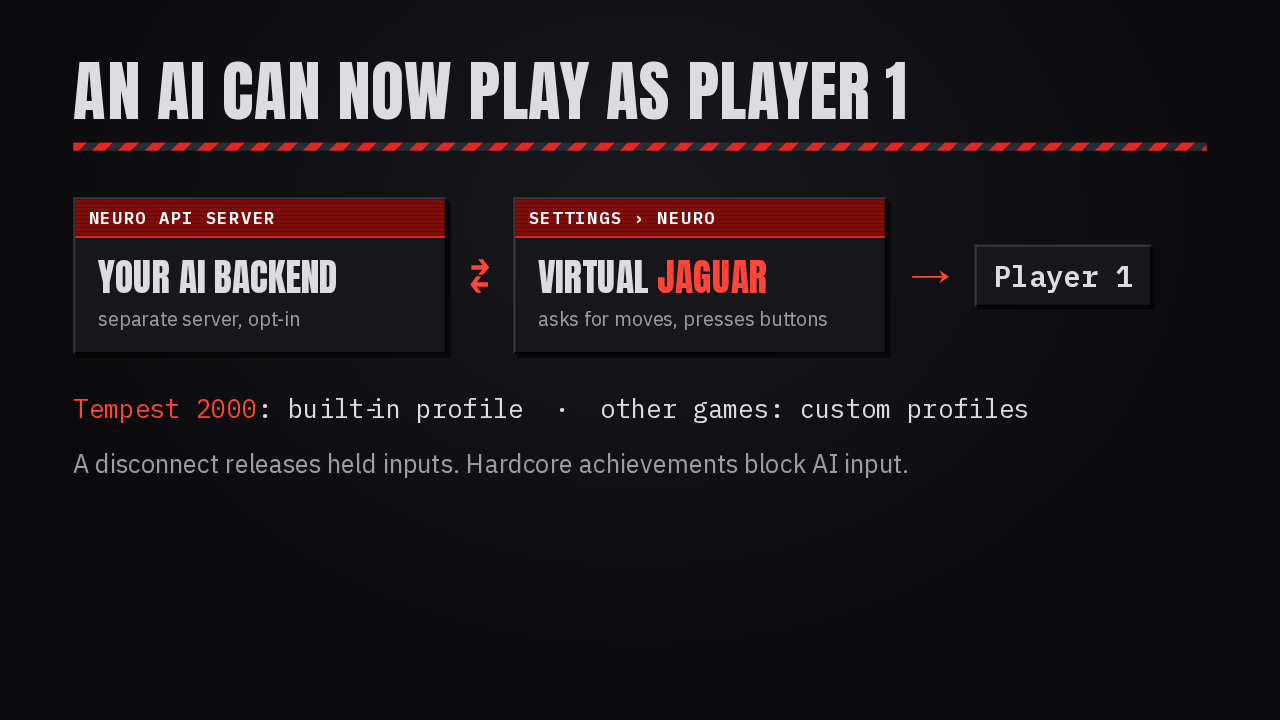
Under Settings, Neuro, the app can connect to a server that speaks the Neuro game API and let an AI play as Player 1. Tempest 2000 has a built-in profile, and custom profiles describe other games' moves. It's opt-in and needs its own server. A disconnect releases held buttons, and hardcore achievements block AI input.
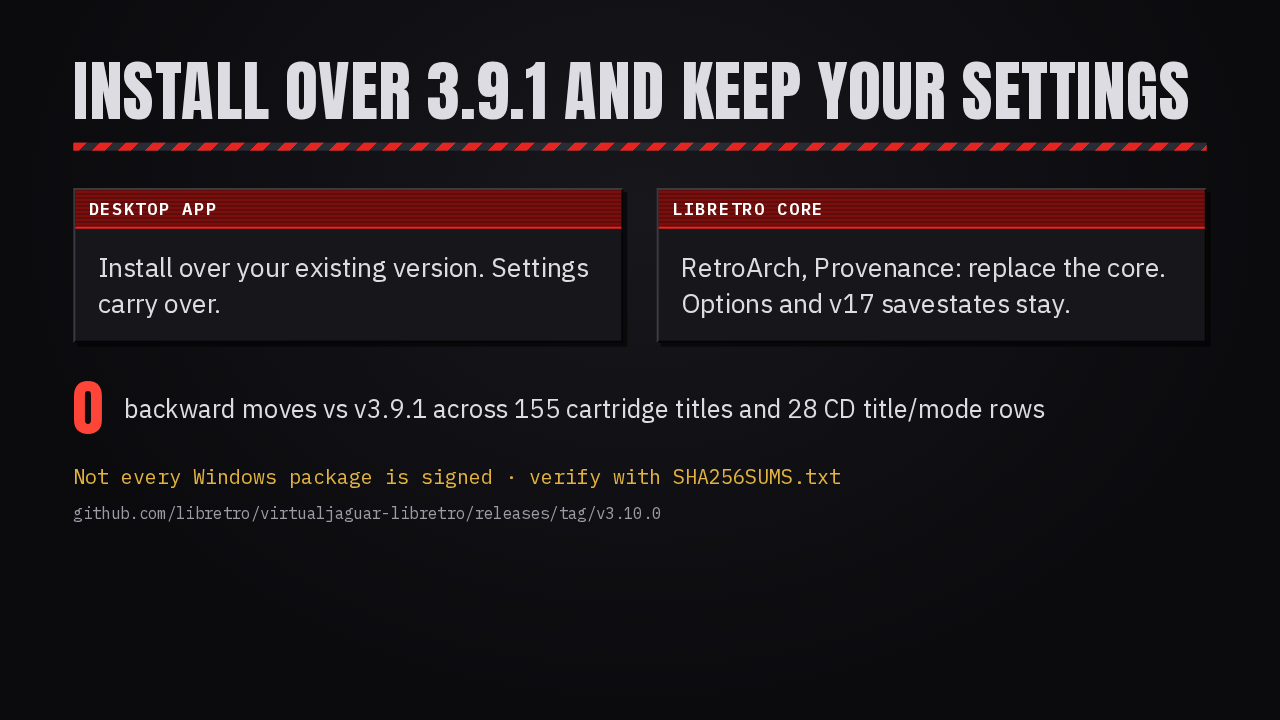
To upgrade the app, install it over your current version. In RetroArch or Provenance, replace the core; options and version 17 savestates carry over. Boot tests on more than 150 cartridge titles and 28 Jaguar CD checks show zero backward moves from 3.9.1. Not every Windows package is guaranteed to be signed, so verify downloads against the checksum file.