v2.6.19
3 hours ago
CC Safety Net 2.6.19 closes a gap in how it reads interpreter code. A Python, Perl, Node or Ruby one-liner that recursively deletes the root or home directory now gets blocked, at every safety level. This release also gives explain a shell option, and has DeepSeek Harness tell the agent when a plugin's shell tool went unchecked.
Ask about this presentation
Chapters
Show transcriptHide transcript
CC Safety Net 2.6.19 closes a gap in how it reads interpreter code. A Python, Perl, Node or Ruby one-liner that recursively deletes the root or home directory now gets blocked, at every safety level. This release also gives explain a shell option, and has DeepSeek Harness tell the agent when a plugin's shell tool went unchecked.
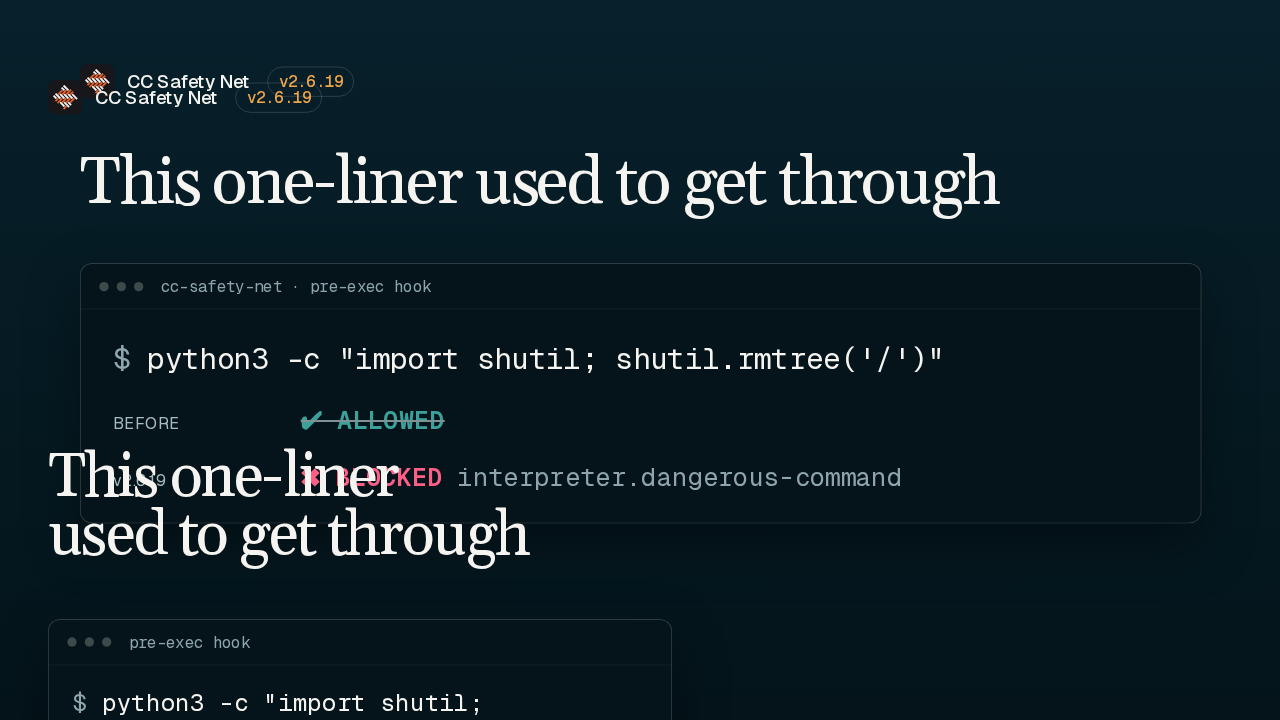
Here's the gap. The hook already blocks a shell delete of root or home. But an interpreter's own delete call, like Python's rmtree pointed at slash, was allowed in inline code, heredocs and standard input. In 2.6.19 that command stops, with the rule interpreter dot dangerous command.
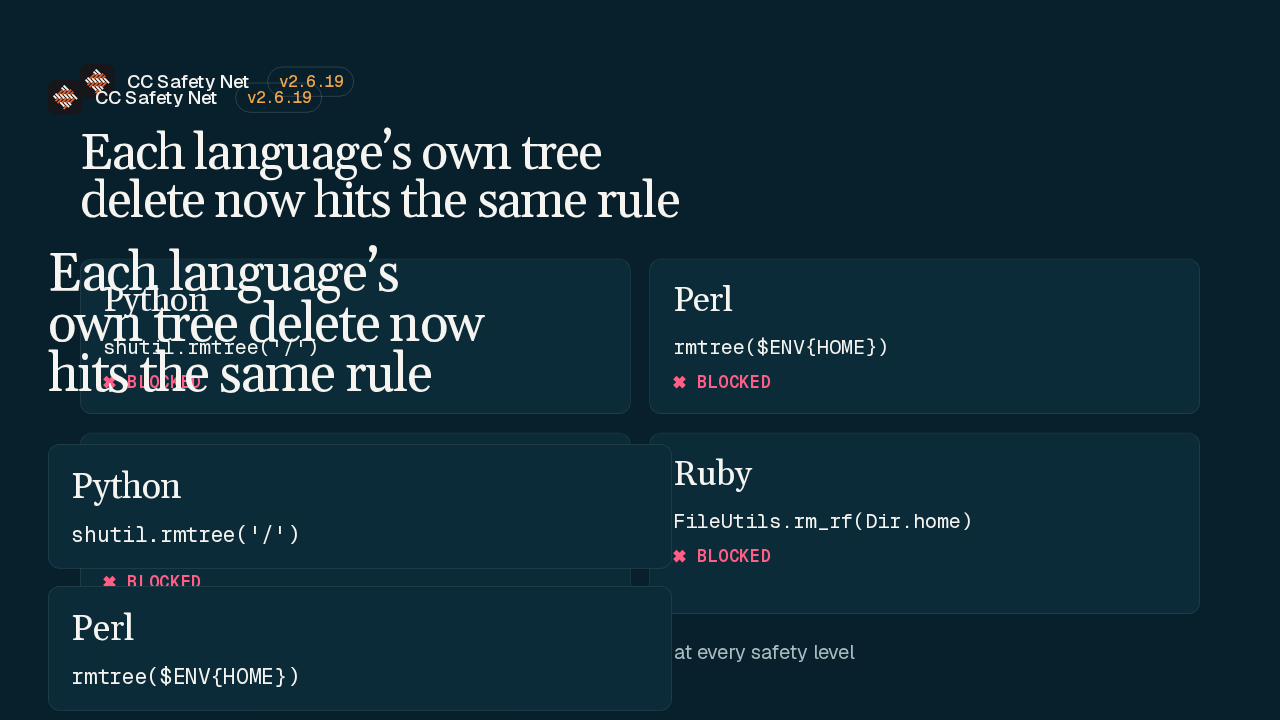
Each of these languages has its own way to delete a whole tree, and each one is covered. Python's rmtree, Perl's rmtree, Node's rmSync with recursive set to true, and Ruby's rm_rf. The target can be a literal slash, or a home lookup like Python's expanduser or Perl's HOME variable. It applies to inline code, heredocs and standard input, at every safety level.
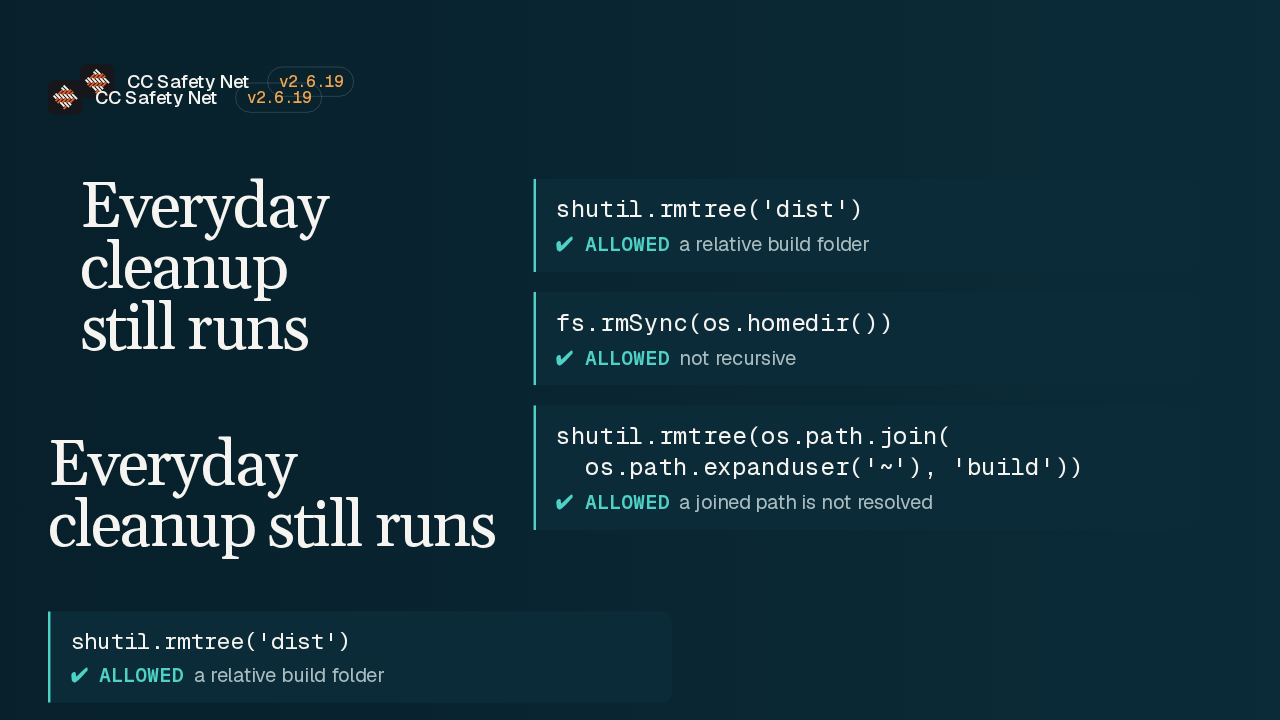
Ordinary cleanup is untouched. Deleting a relative folder like dist still runs, and so does a delete of home that isn't recursive. A computed or joined path also goes through, because the hook doesn't resolve it. So a tree delete of a build folder joined onto home is allowed. The rule only matches a literal root, or a home lookup passed in directly.
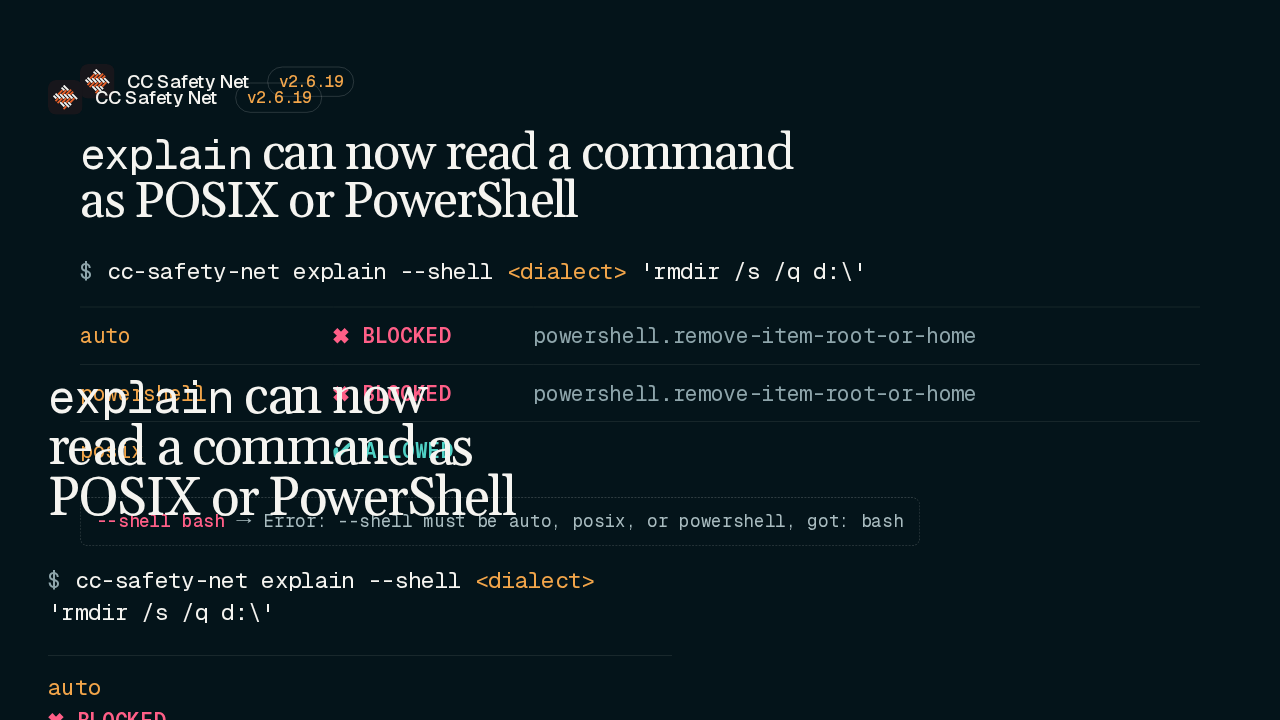
Explain shows why the hook would allow or block a command. Until now it always parsed in auto mode. The new shell flag reads the command in the dialect of the host tool that ran it, such as Claude Code's Bash or PowerShell tool. Take a Windows rmdir of the D drive root. Read automatically or as PowerShell, it blocks as a root delete. Read as POSIX, it's allowed. Any other value is rejected with an error and the usage line.
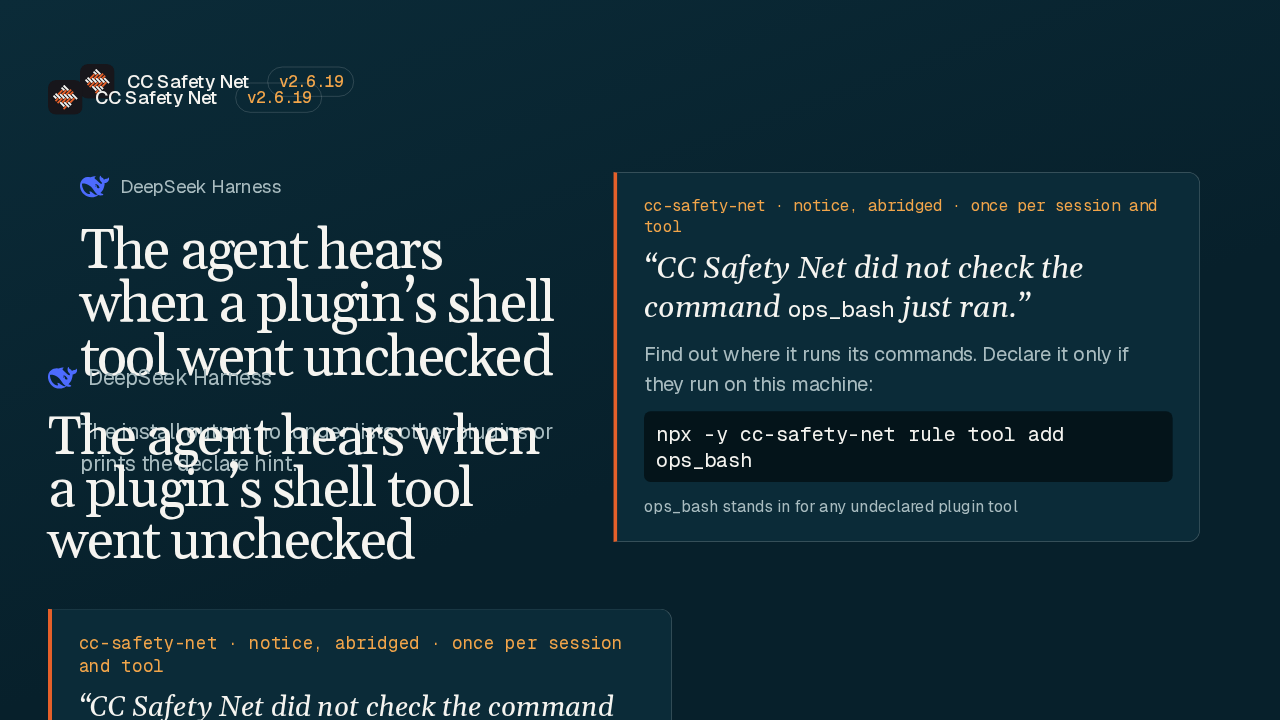
On DeepSeek Harness, a plugin can bring its own shell tool, and CC Safety Net checks it only after you declare it. Now, the first time an undeclared tool runs a command in a session, the agent gets a notice. It says to find out where that tool runs its commands, and to declare it only if they run on this machine. That replaces the hint the installer used to print, which only showed up at install time.
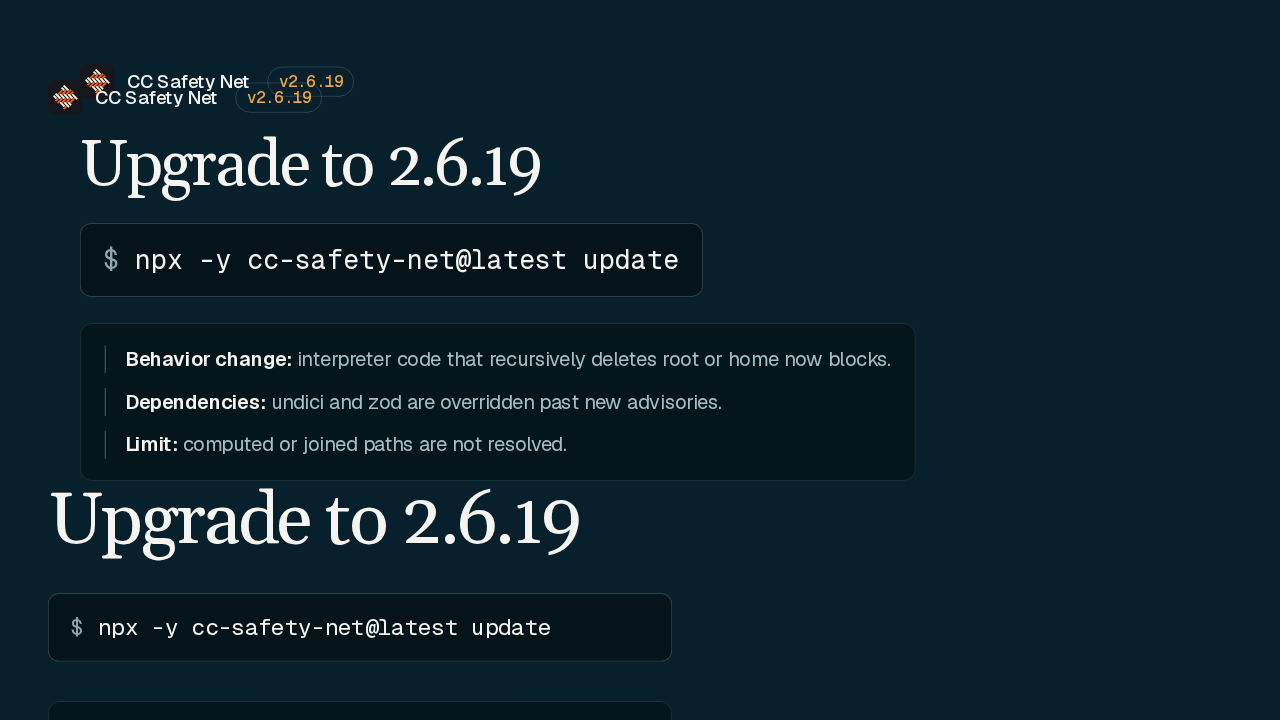
To upgrade, run the update command, which pulls the latest release. Expect a change in behavior. Interpreter code that recursively deletes root or home now stops. Undici and zod also get version overrides past new audit advisories. And a joined path still isn't resolved. Python, Perl, Node and Ruby deletes of root or home now block.