Engram 0.44 puts episode titles in your file names and lets one track cover several episodes
17 minutes ago
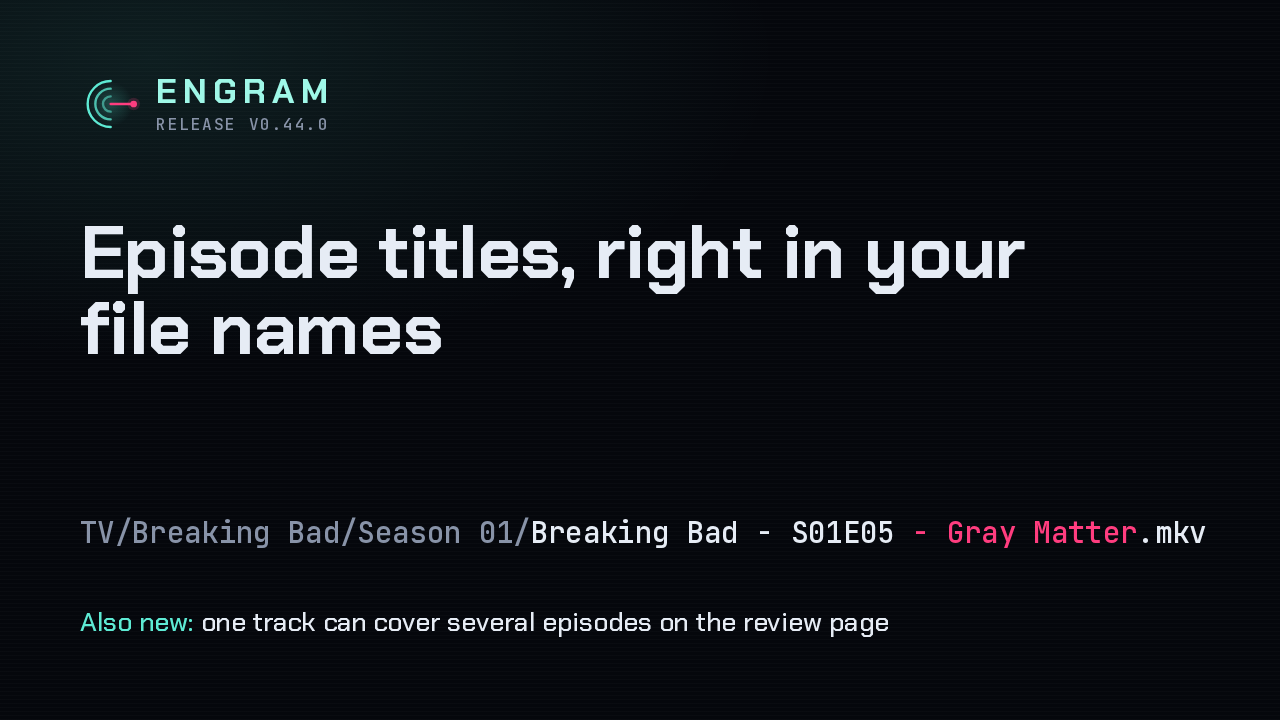
Engram 0.44 can put each episode's title in its file name. Season one, episode five of Breaking Bad gets saved with Gray Matter in its name. It also lets the review page assign one track to two or more episodes, for cartoon discs that pack two segments into a single track.
Ask about this presentation
Chapters
Show transcriptHide transcript
Engram 0.44 can put each episode's title in its file name. Season one, episode five of Breaking Bad gets saved with Gray Matter in its name. It also lets the review page assign one track to two or more episodes, for cartoon discs that pack two segments into a single track.
Slide text
 ENGRAMRELEASE V0.44.0
Episode titles, right in your file names
TV/Breaking Bad/Season 01/Breaking Bad - S01E05 - Gray Matter.mkvAlso new: one track can cover several episodes on the review page
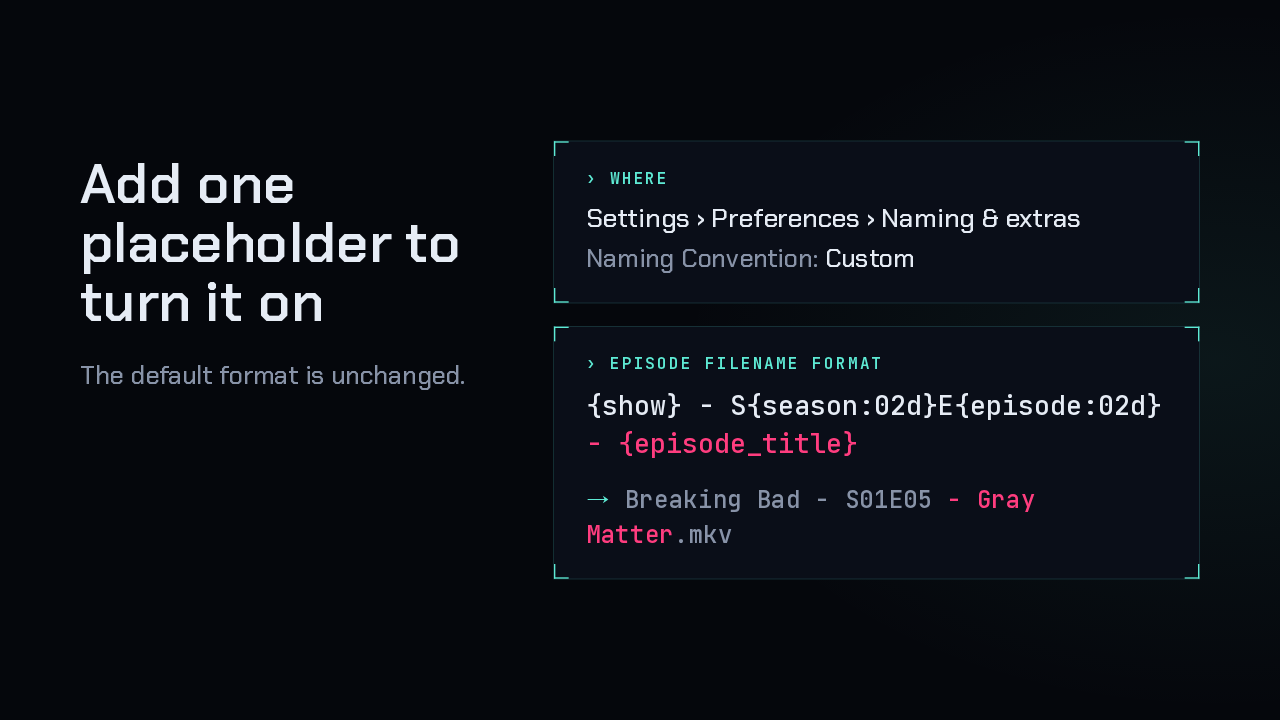
Titles stay off until you ask for them, because the default format hasn't changed. Open Settings, then Preferences, then Naming and extras, and set the naming convention to Custom. Then add the episode title placeholder to the episode file name format. The preview under that field now fills in every placeholder.
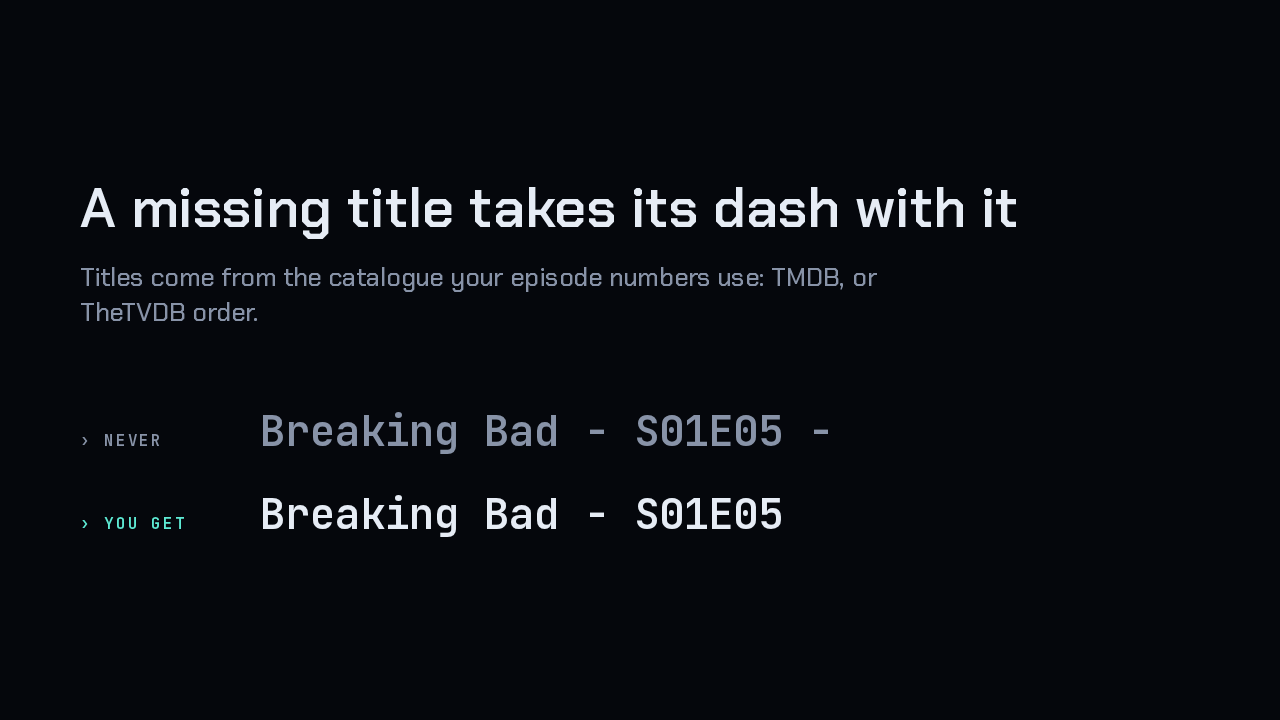
Each title comes from the same catalogue as the episode number. That's TMDB normally, or TheTVDB when the show uses TheTVDB order. When Engram can't find a title, the placeholder disappears along with the dash in front of it.
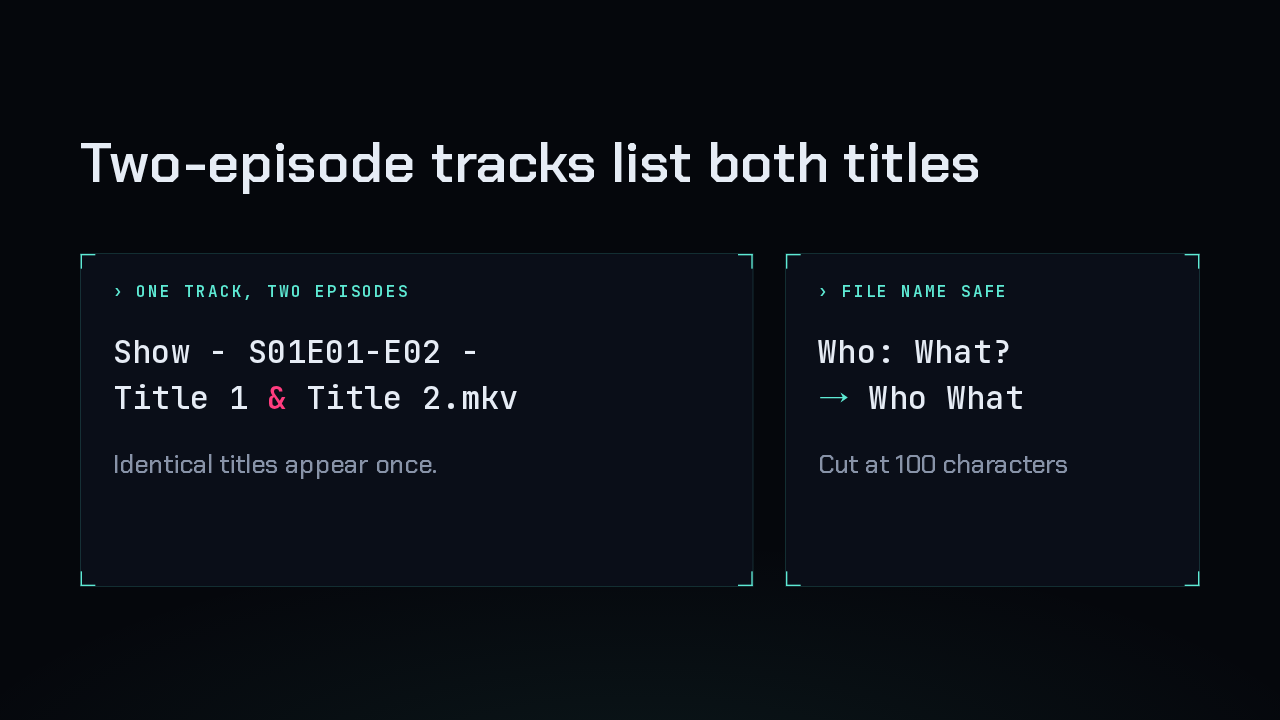
A track that holds two episodes lists both titles, joined with an ampersand, and two identical titles show up once. Characters a file name can't hold, like colons and question marks, are removed. A very long title is cut at 100 characters, so it can't push the path past the system's limit.
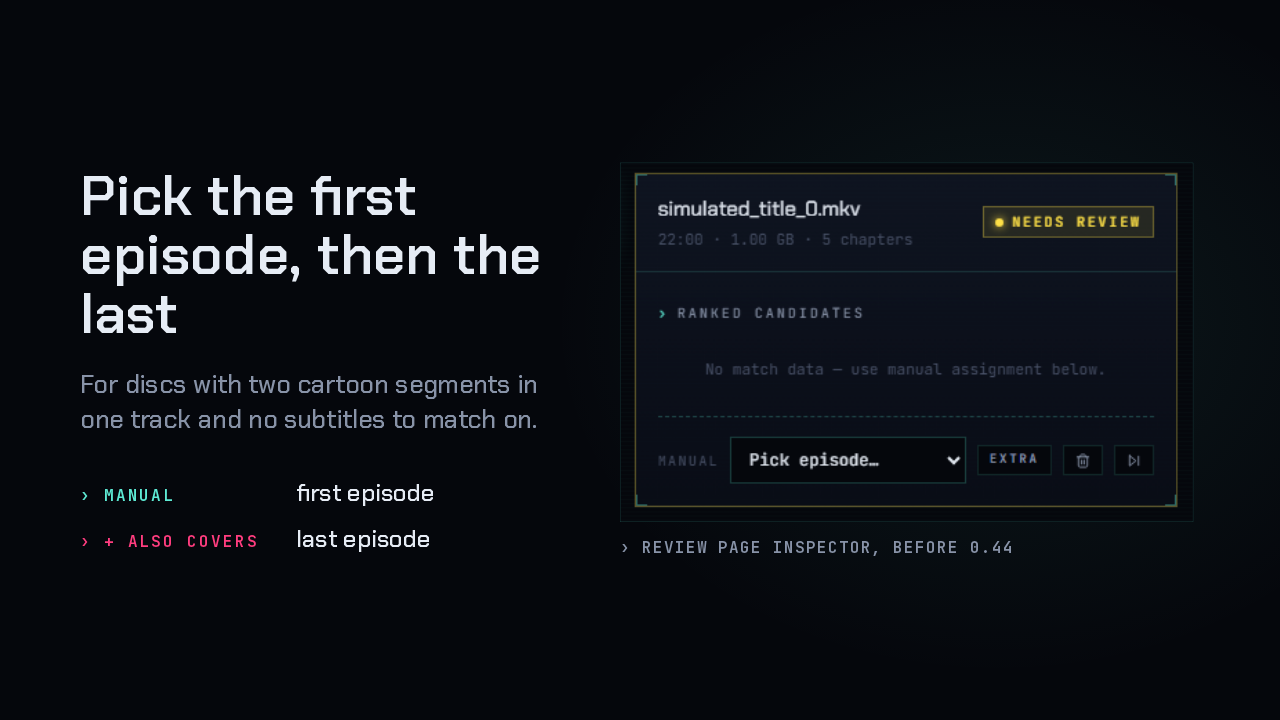
Some cartoon discs put two segments in one track, and have no subtitles for the matcher to work from. On the review page, you still pick the first episode under Manual. Once you do, a new row called Also covers appears right below it, and there you choose the last episode the track holds.
Slide text
Pick the first episode, then the last
For discs with two cartoon segments in one track and no subtitles to match on.
Manual first episode+ Also covers last episode
Review page inspector, before 0.44
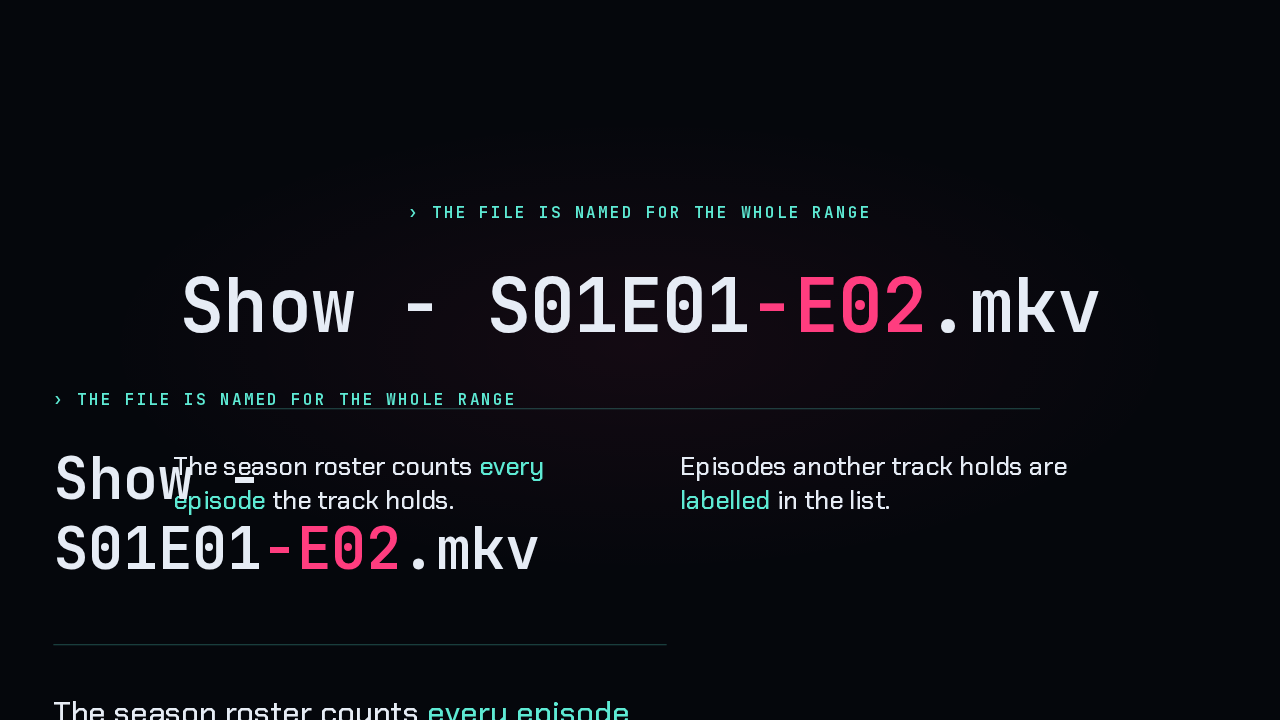
Engram names the file with the range, so one file covers episodes one and two. The season roster counts every episode the track holds. And if another track already holds an episode, the list labels it, so you can see that before you pick it.
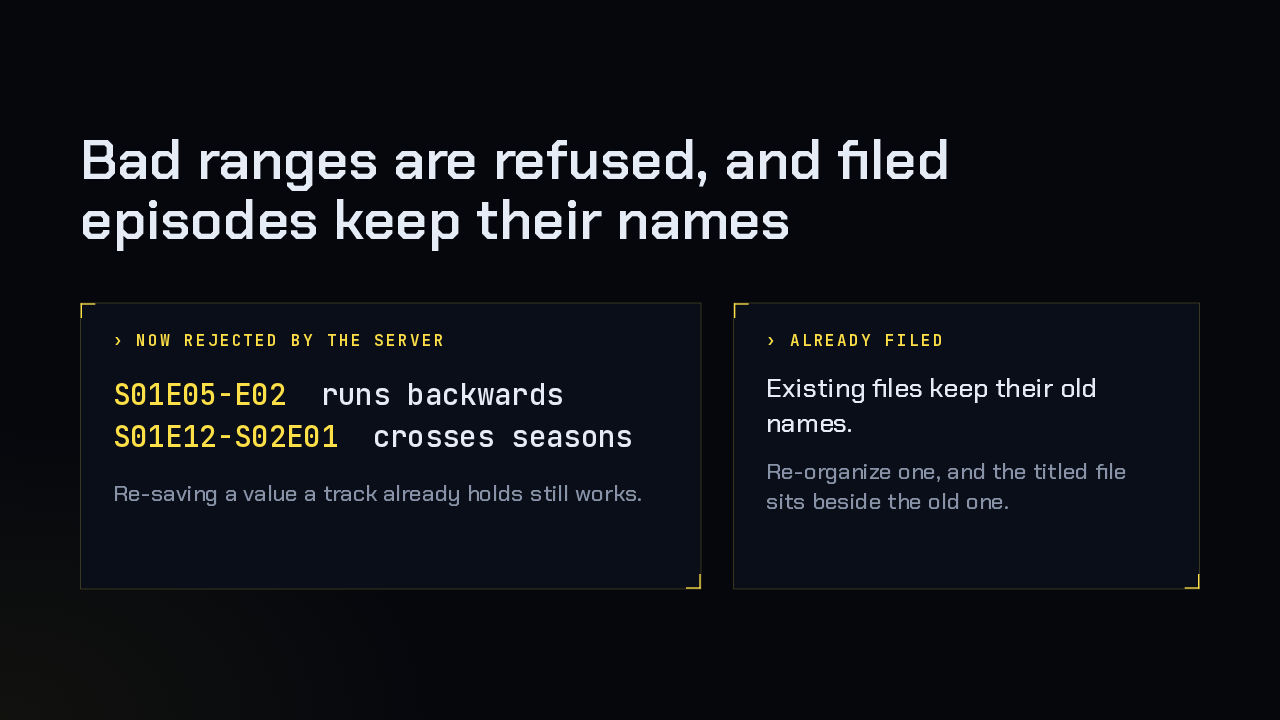
The server now refuses an episode range that runs backwards, or one that crosses into another season, instead of storing it. Re-saving a value a track already holds is still accepted. Turning on titles also leaves your existing library alone. If you re-organize an episode afterwards, the new titled file sits beside the old one.
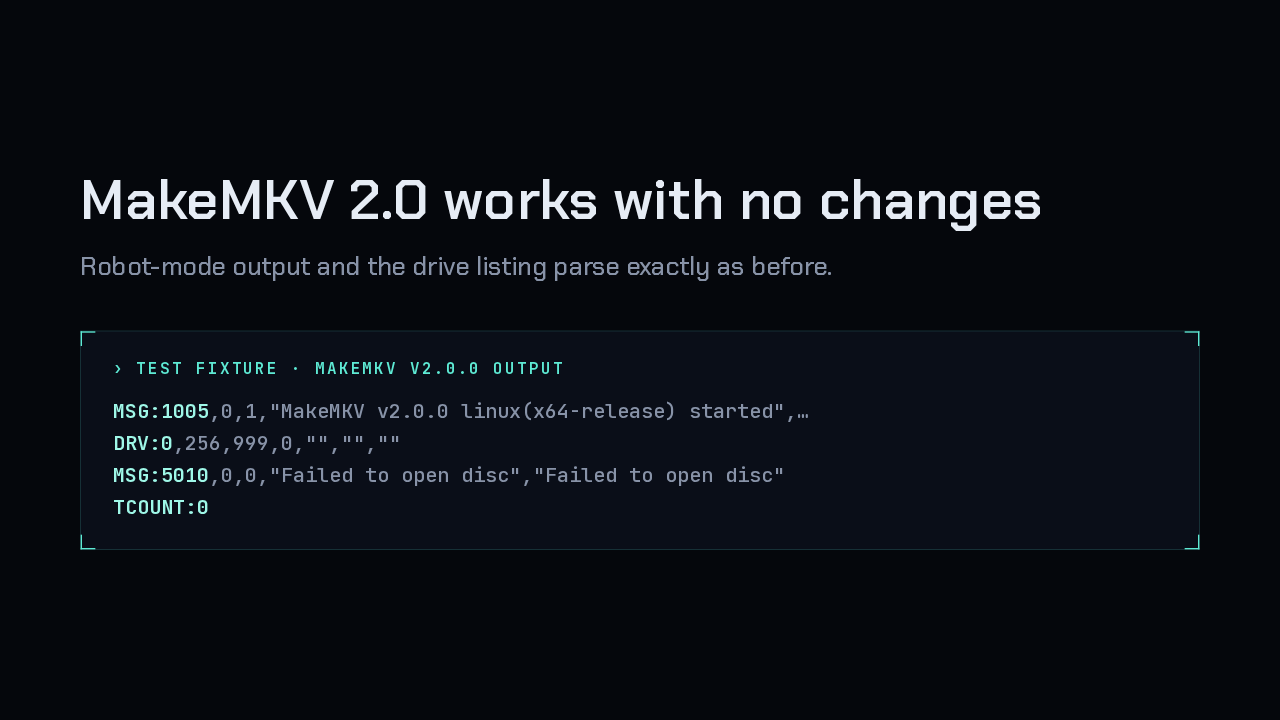
MakeMKV 2.0 is a new major version, and Engram's integration was checked against it. It needed no changes: the robot-mode output and the drive list parse exactly as before. The test suite now pins the parser to real output captured from version 2.0.
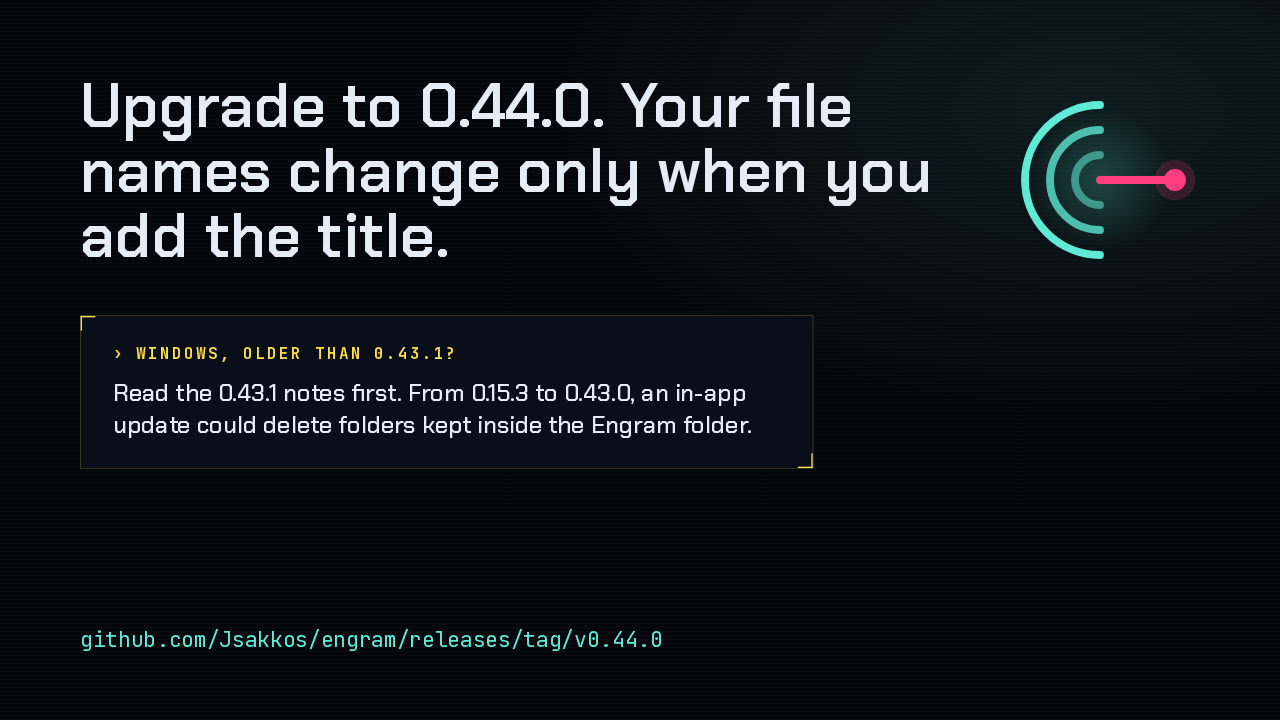
Upgrading leaves your file names as they are until you add the title placeholder. One caution if you're on Windows and older than 0.43.1. That release fixed an in-app updater bug that deleted folders kept inside the Engram folder, and its notes ask for one install by hand, so read them first. The full notes are on the release page. Engram 0.44: episode titles, right in your file names.
Slide text
Upgrade to 0.44.0. Your file names change only when you add the title.
Windows, older than 0.43.1?Read the 0.43.1 notes first. From 0.15.3 to 0.43.0, an in-app update could delete folders kept inside the Engram folder.
github.com/Jsakkos/engram/releases/tag/v0.44.0