vue3-carousel 0.19.0 adds a marquee, native scroll-snap mode and nine fixes
1 hour ago
vue3-carousel version 0.19 gives a carousel two new ways to move: a marquee that scrolls on its own, and a native CSS mode where the browser does the scrolling. It adds six more props and nine fixes. Three of the fixes change behaviour your tests might notice.
Ask about this presentation
Chapters

Show transcriptHide transcript
vue3-carousel version 0.19 gives a carousel two new ways to move: a marquee that scrolls on its own, and a native CSS mode where the browser does the scrolling. It adds six more props and nine fixes. Three of the fixes change behaviour your tests might notice.
Slide text
vue3-carousel 0.19.0
adds a marquee, native scroll-snap mode and nine fixes
Six more props, and three fixes your tests may notice.
 Release 0.19.0
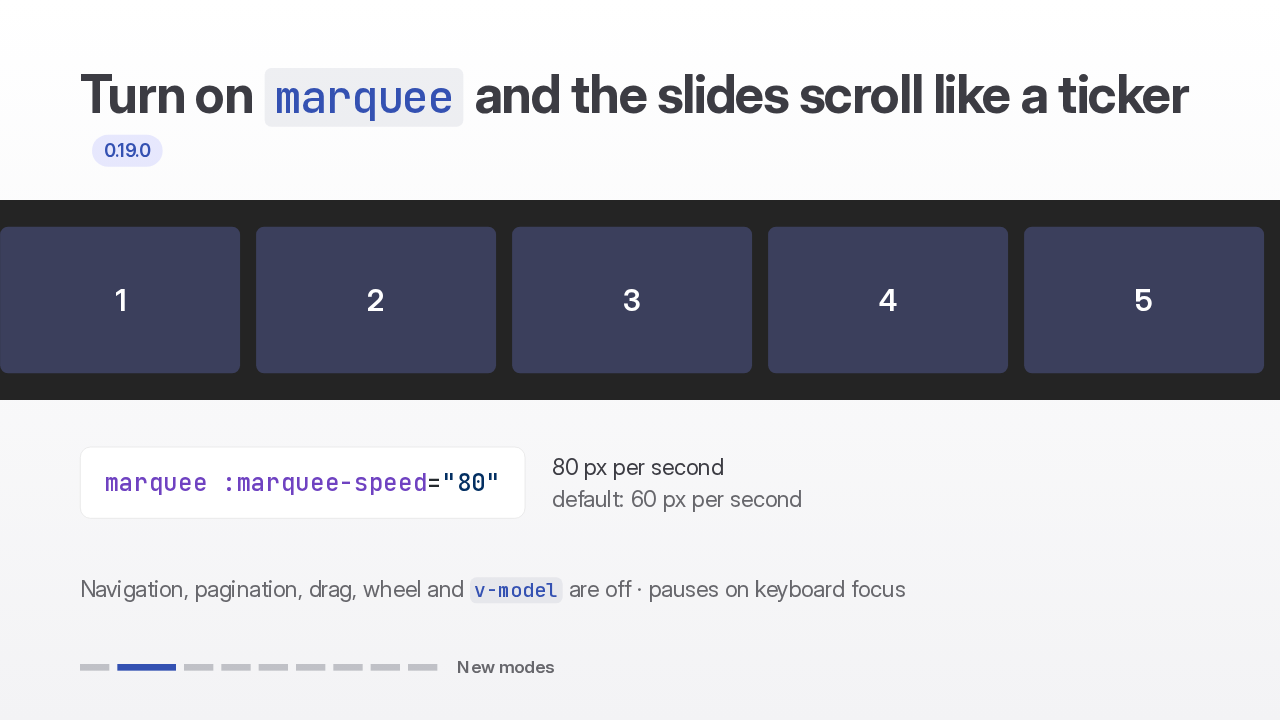
Turn on marquee and the slides scroll continuously in a seamless loop, like a ticker. Marquee speed sets the pace in pixels per second, and defaults to 60. While it runs, navigation, pagination, drag and v-model are inactive, and it pauses on keyboard focus.
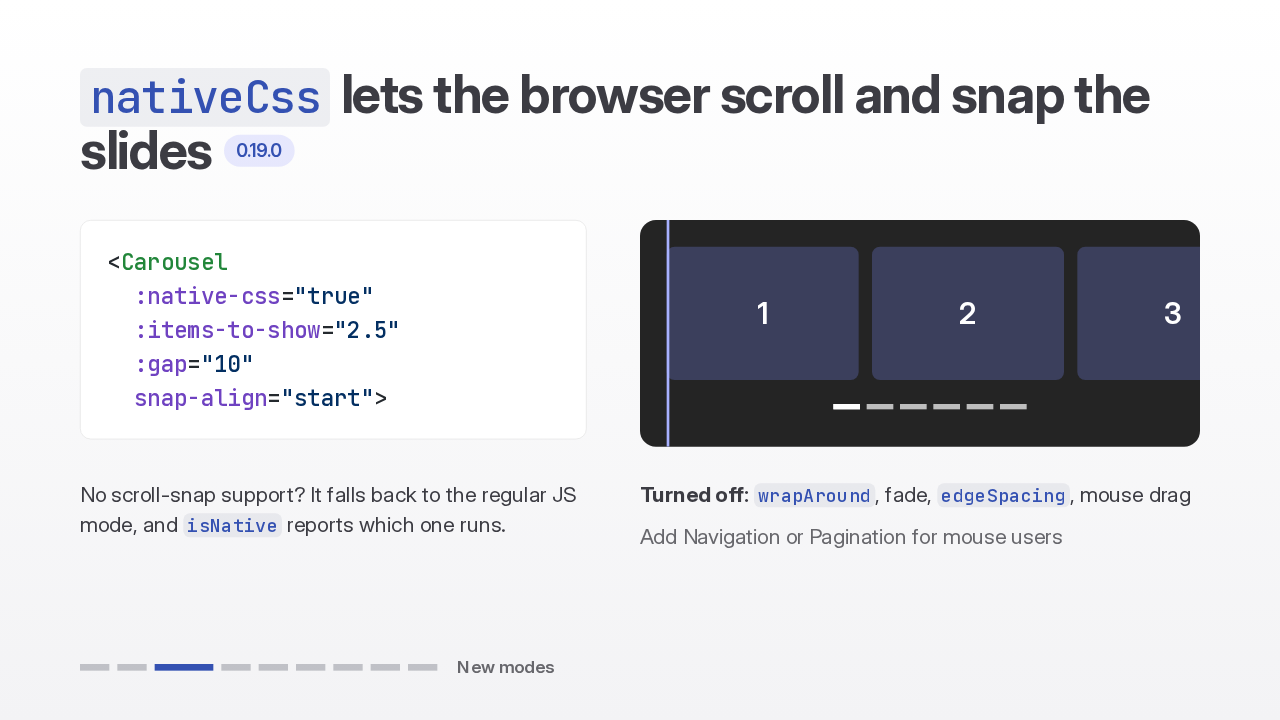
Native CSS mode makes the viewport a scroll-snap container, so the browser handles scrolling, touch and momentum, while navigation, pagination and v-model keep working. Wrap around, fade and edge spacing turn off, and mouse drag won't scroll it, so add navigation or pagination for mouse users. Without scroll snap support, it falls back to the regular mode.
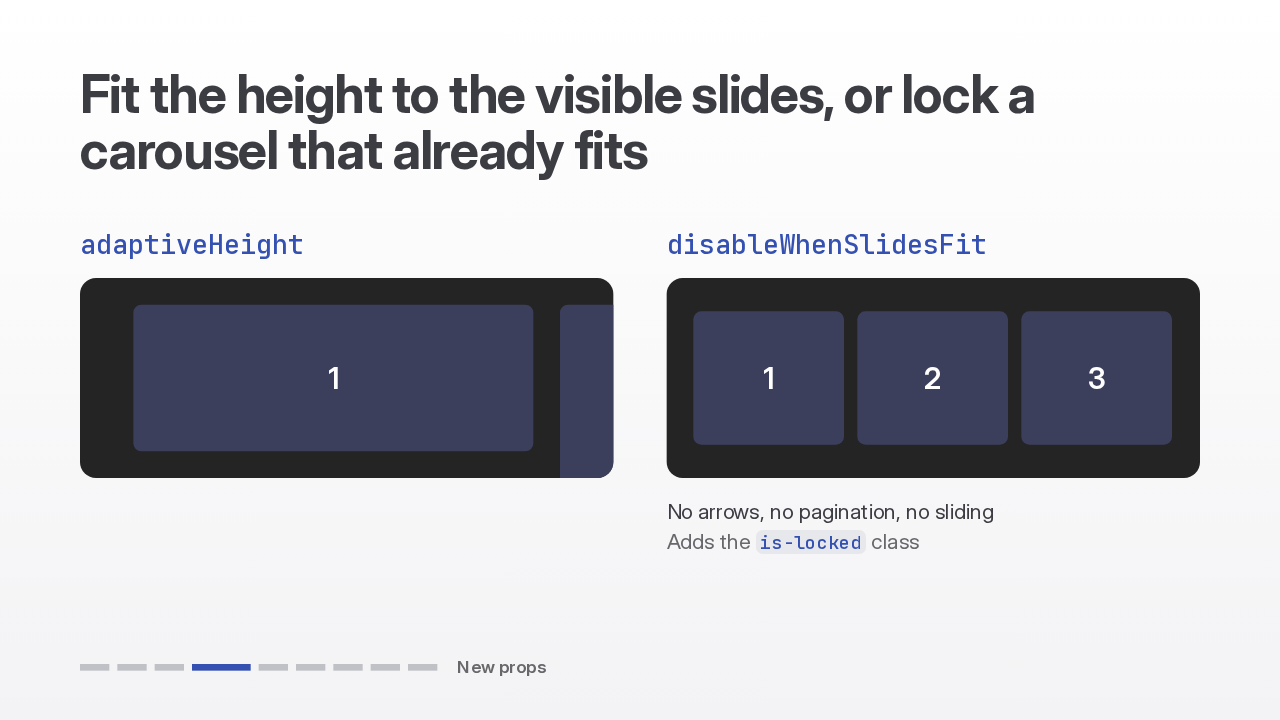
For galleries with mixed image sizes, adaptive height sizes the carousel to the tallest visible slide and animates the height as you navigate. Disable when slides fit locks a carousel whose slides are all on screen. Navigation and pagination disappear, sliding stops, and it unlocks by itself when a resize or a breakpoint changes the fit.
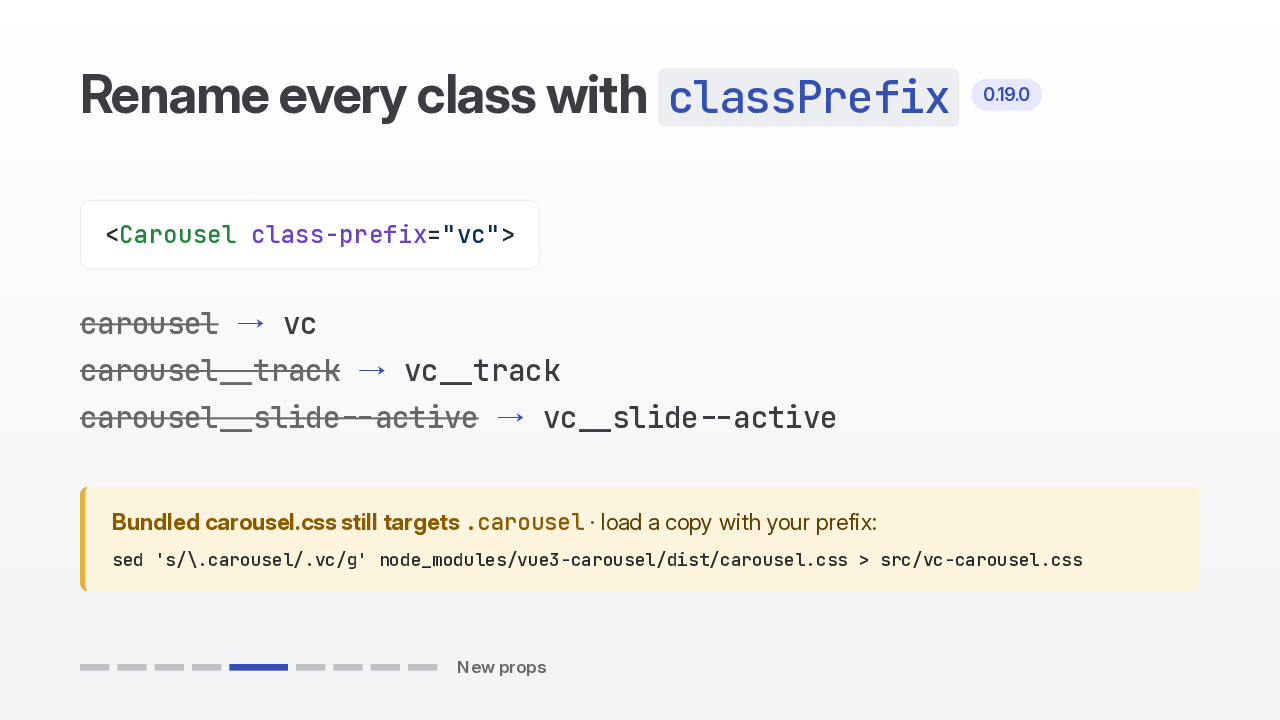
If the carousel class names collide with other styles on your page, set class prefix, and vc track replaces carousel track everywhere. The bundled stylesheet still targets the default name, so a custom prefix leaves the carousel unstyled until you load a copy with your prefix swapped in. The docs give a one-line sed command for it.
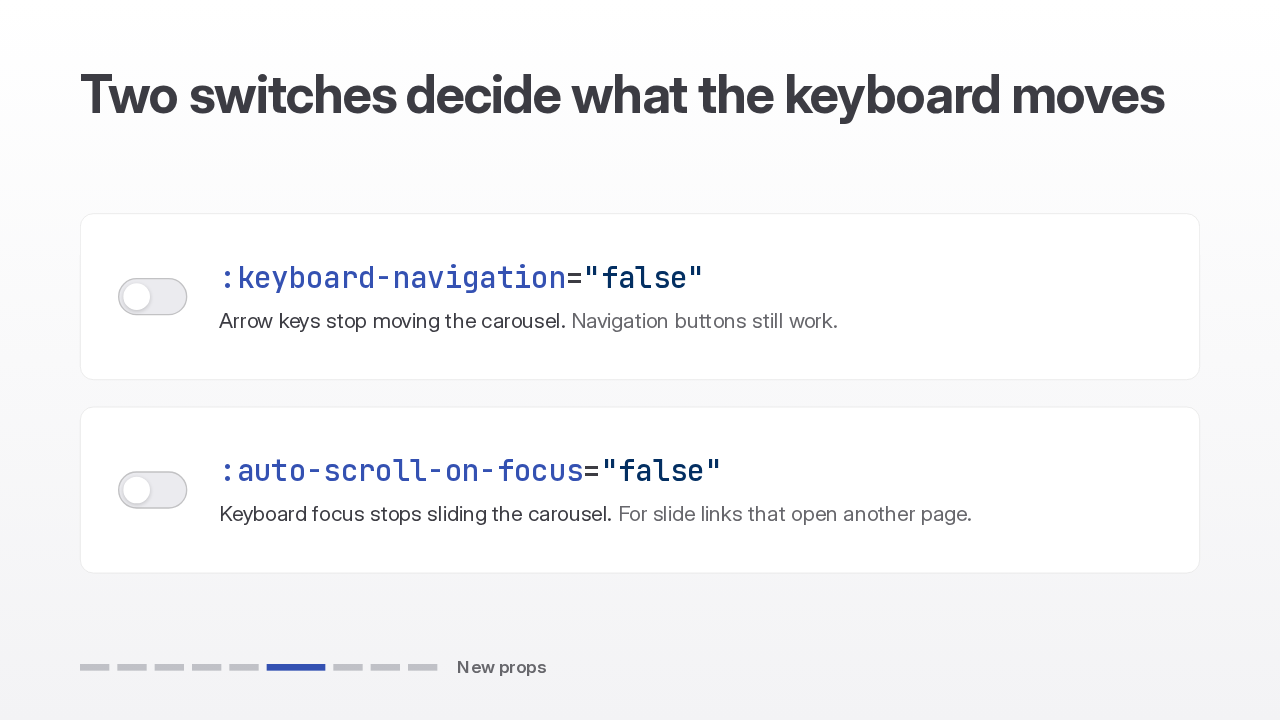
Two new switches, both on by default, decide what the keyboard does. Turn off keyboard navigation and the arrow keys stop moving the carousel. Turn off auto scroll on focus and keyboard focus stops sliding the carousel to a slide, which helps when slide links open another page.
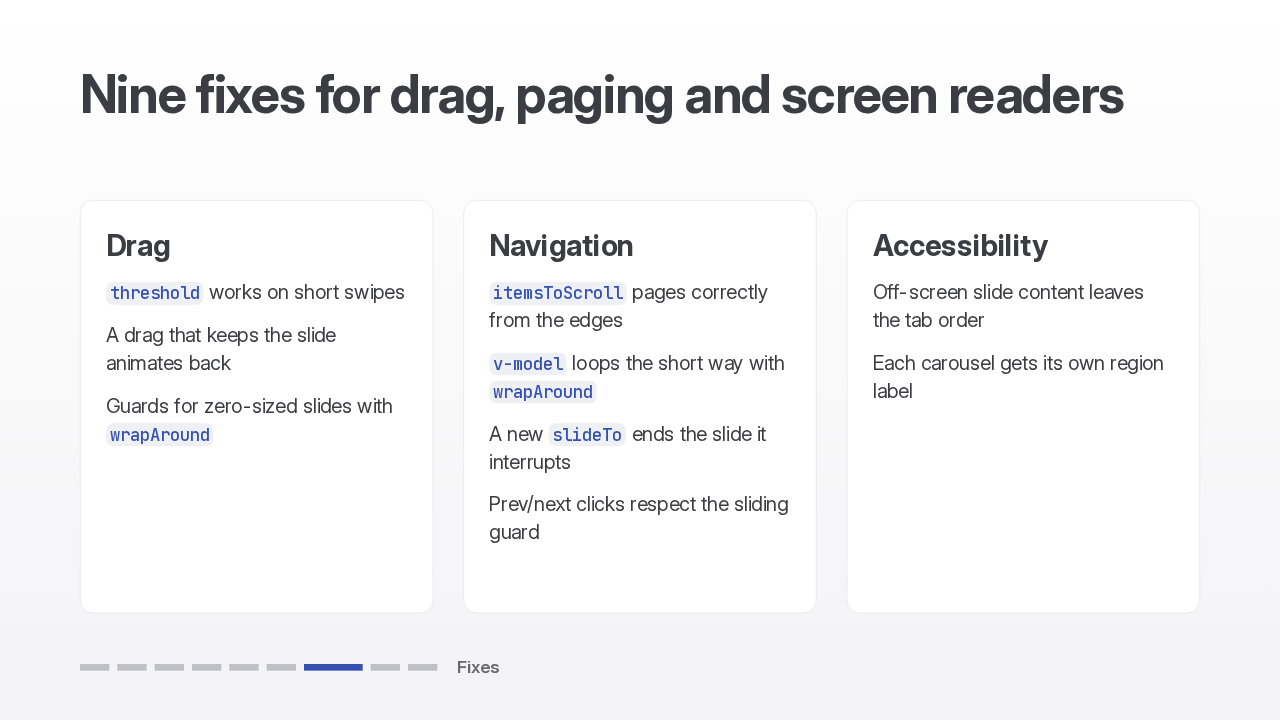
The drag threshold now works on short swipes, and a drag that keeps the same slide animates back instead of jumping. Paging by items to scroll works from the edges, and v-model takes the short way around the loop. Off-screen slide content leaves the tab order, and every carousel gets its own region label.
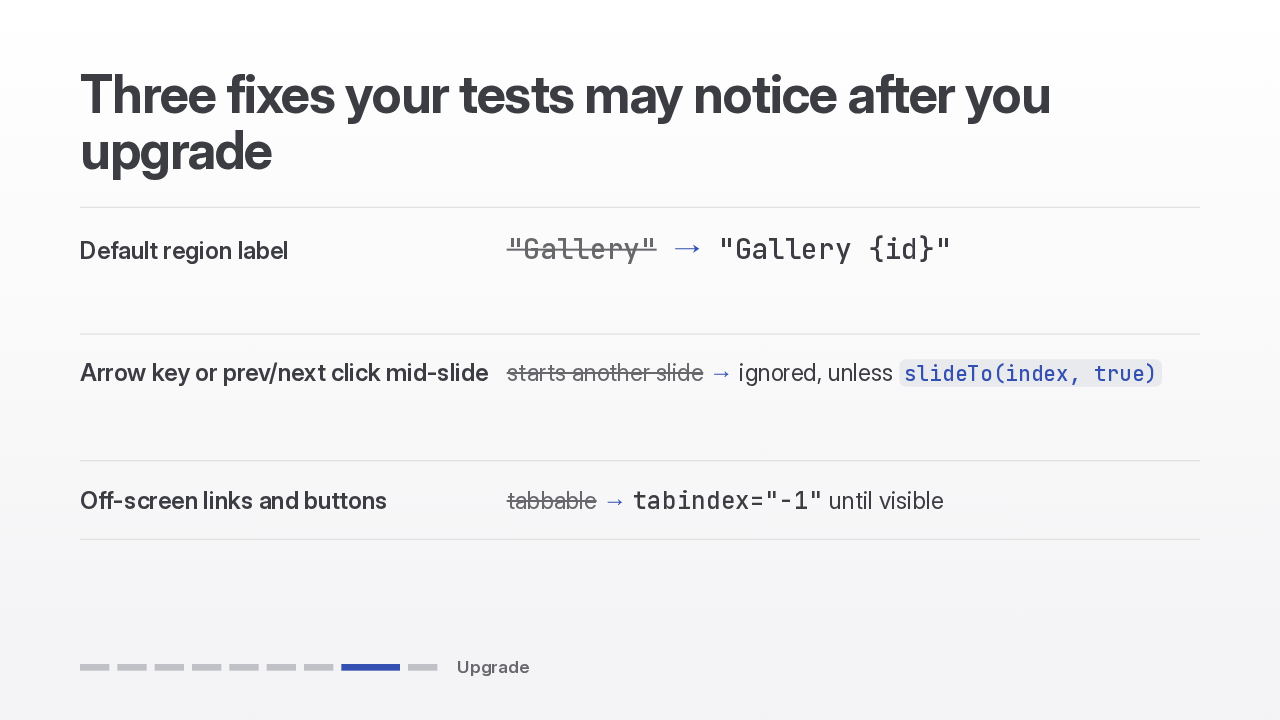
The default region label is now Gallery plus an instance id. If you translate it, keep the id placeholder, or give each carousel a meaningful label. A next or previous click, or an arrow key, during a slide is now ignored; only calling slide to with skip transition can interrupt it. And focusable content in off-screen slides gets a tab index of minus one.
Upgrade when you're ready, and check those three changes first if your tests read the Gallery label or press arrow keys mid-slide. The docs are now also published as Markdown for AI agents, at llms.txt and llms-full.txt. That's vue3-carousel 0.19: a marquee, native scroll snap, and nine fixes.
Slide text
Check the three new defaults first if your tests read the region label or press arrow keys mid-slide.
Docs for AI agents: llms.txt and llms-full.txtgithub.com/ismail9k/vue3-carousel/releases/tag/v0.19.0Upgrade