HybridClaw v0.41.0

3 hours ago

HybridClaw 0.41.0 lets your agent write you a daily brief at a time you choose. Tracked work now survives restarts, and a new browser tool runs JavaScript in the page. Some older compatibility paths are retired too, so read the upgrade steps first.

Ask about this presentation

Chapters
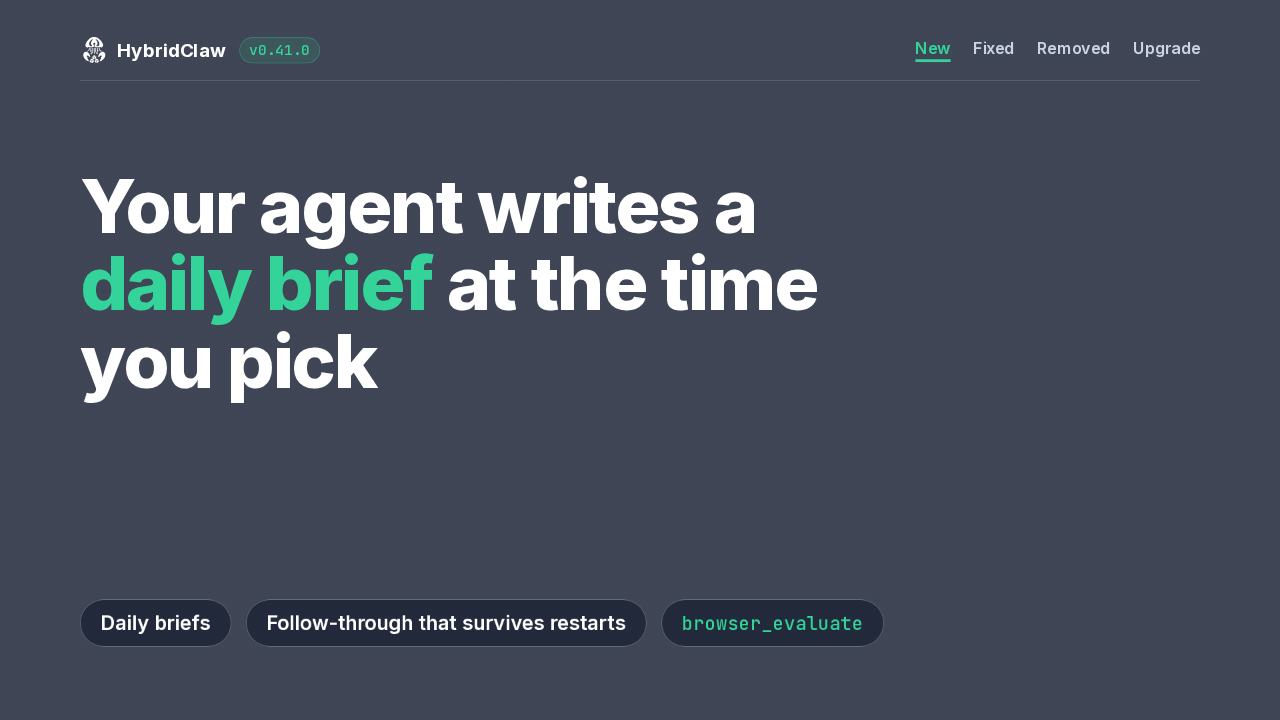
  1. 0:00HybridClaw v0.41.0
  2. 0:17Daily briefs
  3. 0:40Follow-through
  4. 0:59Draft reviews
  5. 1:15browser_evaluate
  6. 1:37Where it stops
  7. 1:54Telemetry without a bot
  8. 2:09Removed compatibility paths
  9. 2:29How to upgrade
Show transcript
  1. HybridClaw 0.41.0 lets your agent write you a daily brief at a time you choose. Tracked work now survives restarts, and a new browser tool runs JavaScript in the page. Some older compatibility paths are retired too, so read the upgrade steps first.

    Slide text
    HybridClaw v0.41.0
    New Fixed Removed Upgrade

    Your agent writes a daily brief at the time you pick

    Daily briefs Follow-through that survives restarts browser_evaluate
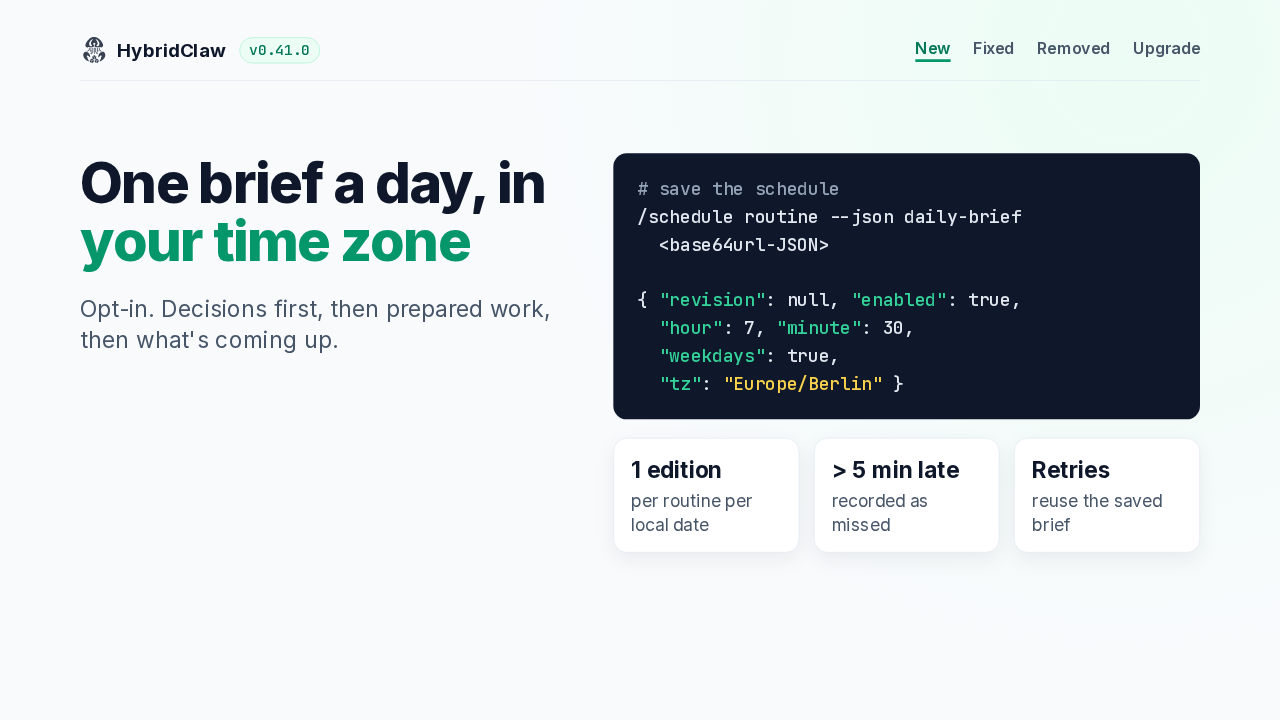
  2. Daily briefs are opt-in. Each one starts with what needs a decision today, then prepared work, then upcoming commitments. A compatible app saves the hour, minute, weekdays and time zone with one schedule command. You get one edition a day, even across restarts. A run over five minutes late counts as missed, and retries reuse the saved brief.

    Slide text
    HybridClaw v0.41.0
    New Fixed Removed Upgrade

    One brief a day, in your time zone

    Opt-in. Decisions first, then prepared work, then what's coming up.

    # save the schedule
    /schedule routine --json daily-brief
      <base64url-JSON>
    
    { "revision": null, "enabled": true,
      "hour": 7, "minute": 30,
      "weekdays": true,
      "tz": "Europe/Berlin" }
    1 editionper routine per local date
    > 5 min laterecorded as missed
    Retriesreuse the saved brief
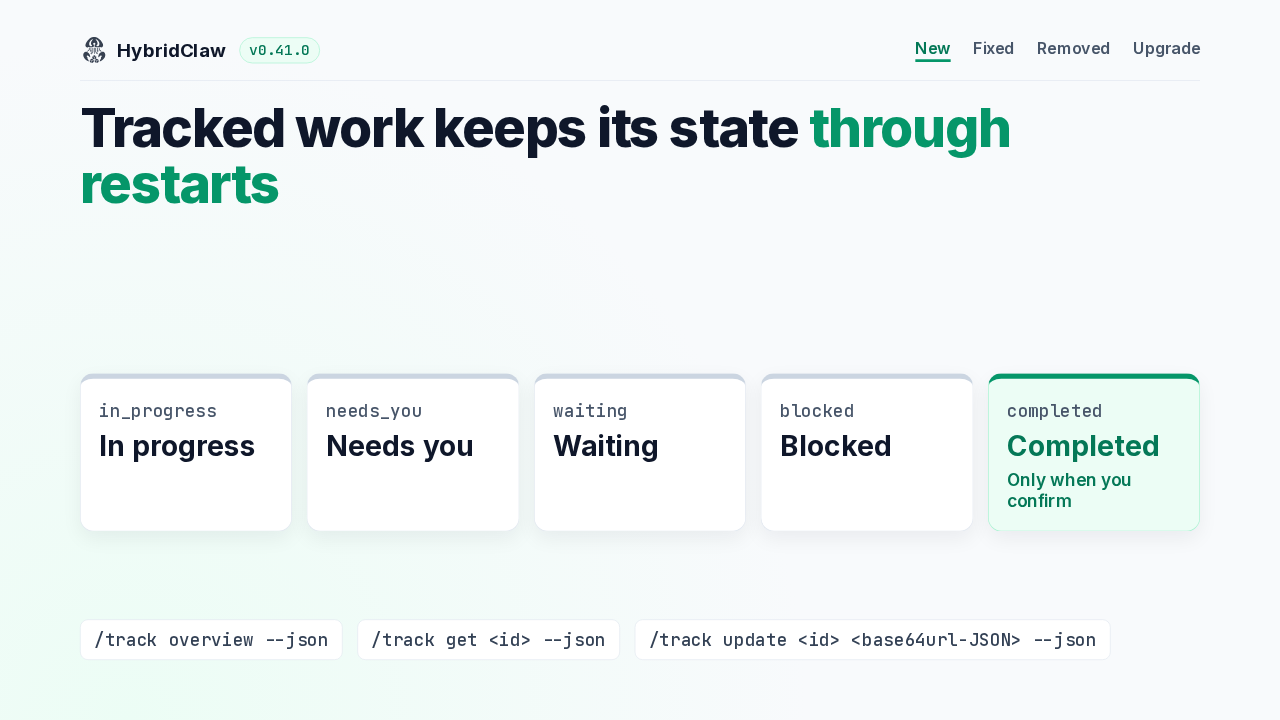
  3. Tracked items now keep their evidence, check-ins and draft reviews through restarts, and every device reads the same record. An item is in progress, needs you, waiting, or blocked. It reaches completed only when you confirm the outcome. The overview screen arrives in compatible mobile apps.

    Slide text
    HybridClaw v0.41.0
    New Fixed Removed Upgrade

    Tracked work keeps its state through restarts

    in_progress In progress
    needs_you Needs you
    waiting Waiting
    blocked Blocked
    completed Completed
    Only when you confirm
    /track overview --json /track get <id> --json /track update <id> <base64url-JSON> --json
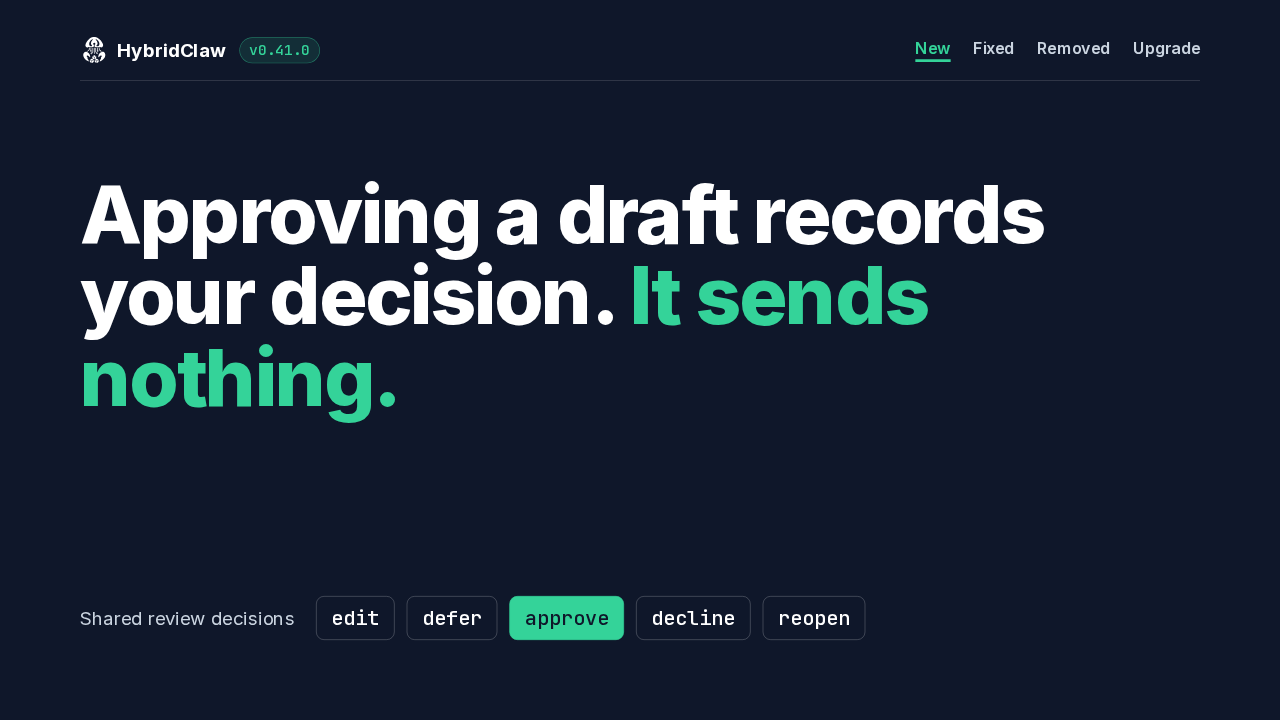
  4. Email drafts get one shared review that you can edit, defer, approve, decline or reopen. Every change is checked against the latest revision. Approving a draft records your decision and sends nothing. Sending stays in the app's own send flow.

    Slide text
    HybridClaw v0.41.0
    New Fixed Removed Upgrade

    Approving a draft records your decision. It sends nothing.

    Shared review decisions edit defer approve decline reopen
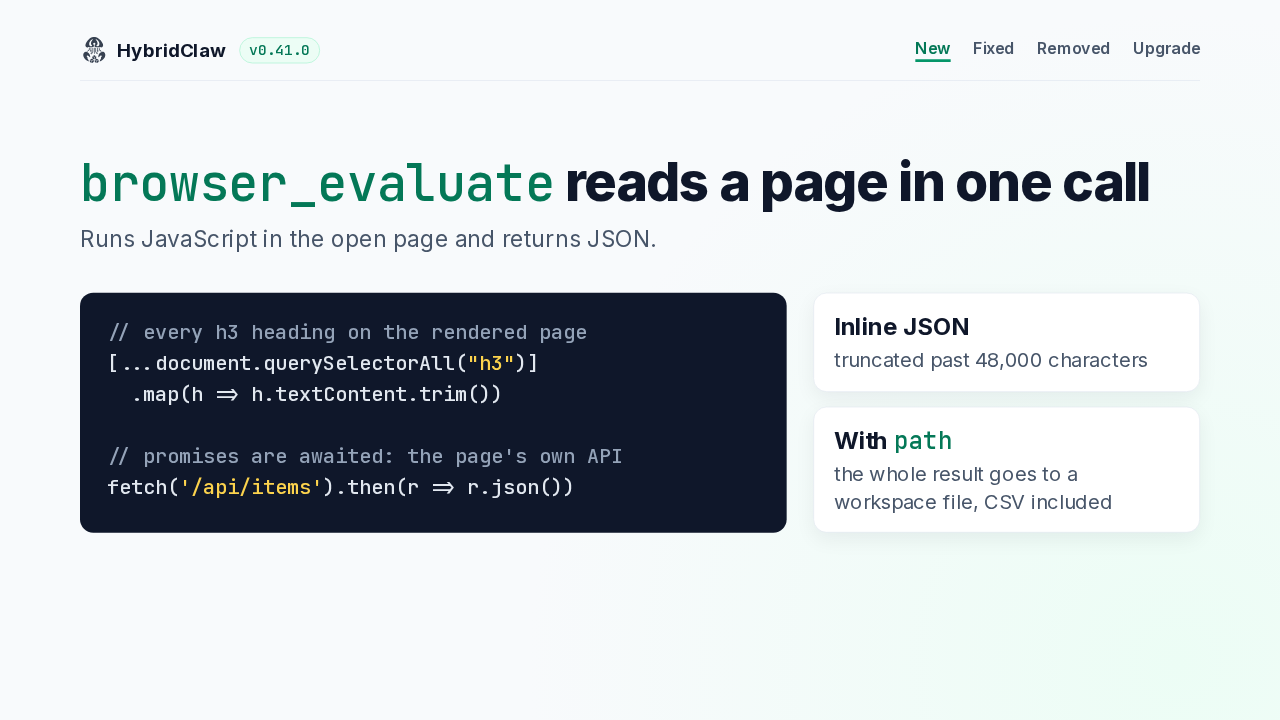
  5. The new browser_evaluate tool runs a JavaScript expression in the open page and returns the value as JSON. Promises are awaited, so it can fetch the page's own API with its cookies. Inline results stop at 48,000 characters. Pass a path and the whole result goes to a workspace file, even a CSV.

    Slide text
    HybridClaw v0.41.0
    New Fixed Removed Upgrade

    browser_evaluate reads a page in one call

    Runs JavaScript in the open page and returns JSON.

    // every h3 heading on the rendered page
    [...document.querySelectorAll("h3")]
      .map(h => h.textContent.trim())
    
    // promises are awaited: the page's own API
    fetch('/api/items').then(r => r.json())
    Inline JSONtruncated past 48,000 characters
    With paththe whole result goes to a workspace file, CSV included
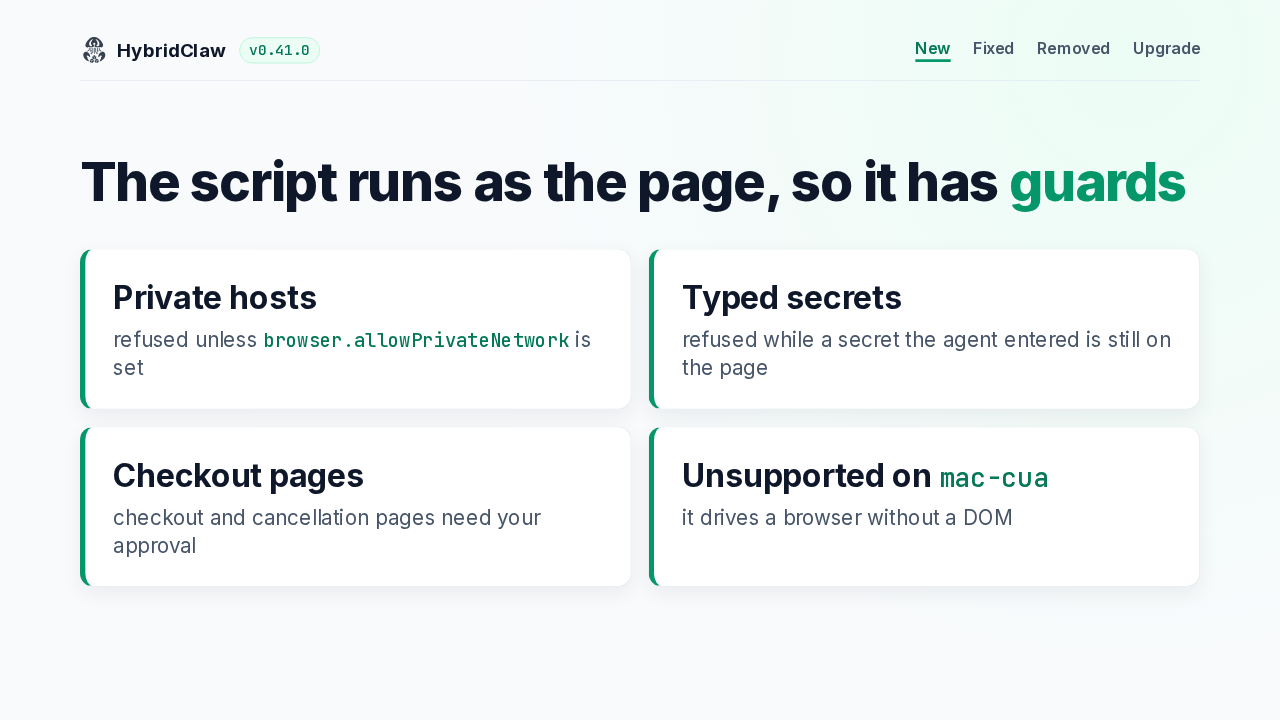
  6. Because the script runs as the page, it has guards. Private hosts are refused unless you allow them. It stays off while a secret the agent entered is still on the page. Checkout and cancellation pages need your approval. And the mac-cua provider doesn't support it.

    Slide text
    HybridClaw v0.41.0
    New Fixed Removed Upgrade

    The script runs as the page, so it has guards

    Private hostsrefused unless browser.allowPrivateNetwork is set
    Typed secretsrefused while a secret the agent entered is still on the page
    Checkout pagescheckout and cancellation pages need your approval
    Unsupported on mac-cuait drives a browser without a DOM
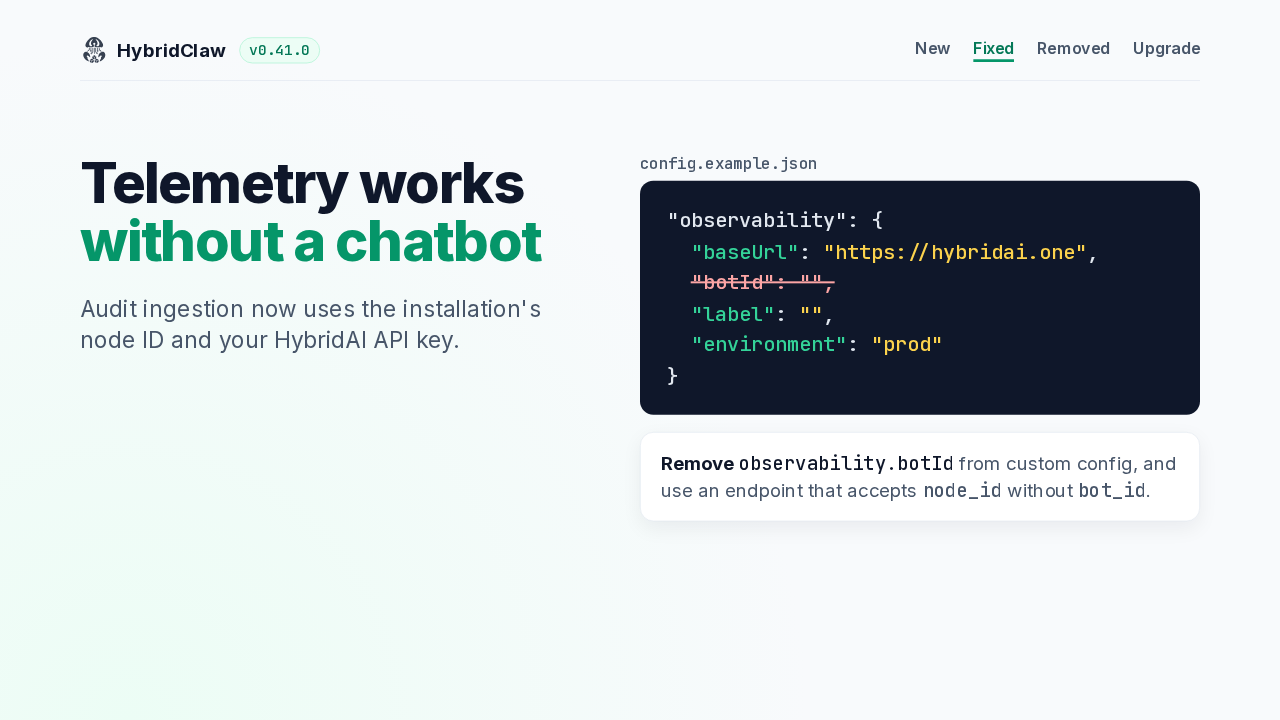
  7. Audit ingestion used to wait for a chatbot ID. Now it uses the installation's node ID and your HybridAI API key. Remove the bot ID setting from your configuration, and use an endpoint that accepts a node ID without one.

    Slide text
    HybridClaw v0.41.0
    New Fixed Removed Upgrade

    Telemetry works without a chatbot

    Audit ingestion now uses the installation's node ID and your HybridAI API key.

    config.example.json
    "observability": {
      "baseUrl": "https://hybridai.one",
      "botId": "",
      "label": "",
      "environment": "prod"
    }
    Remove observability.botId from custom config, and use an endpoint that accepts node_id without bot_id.
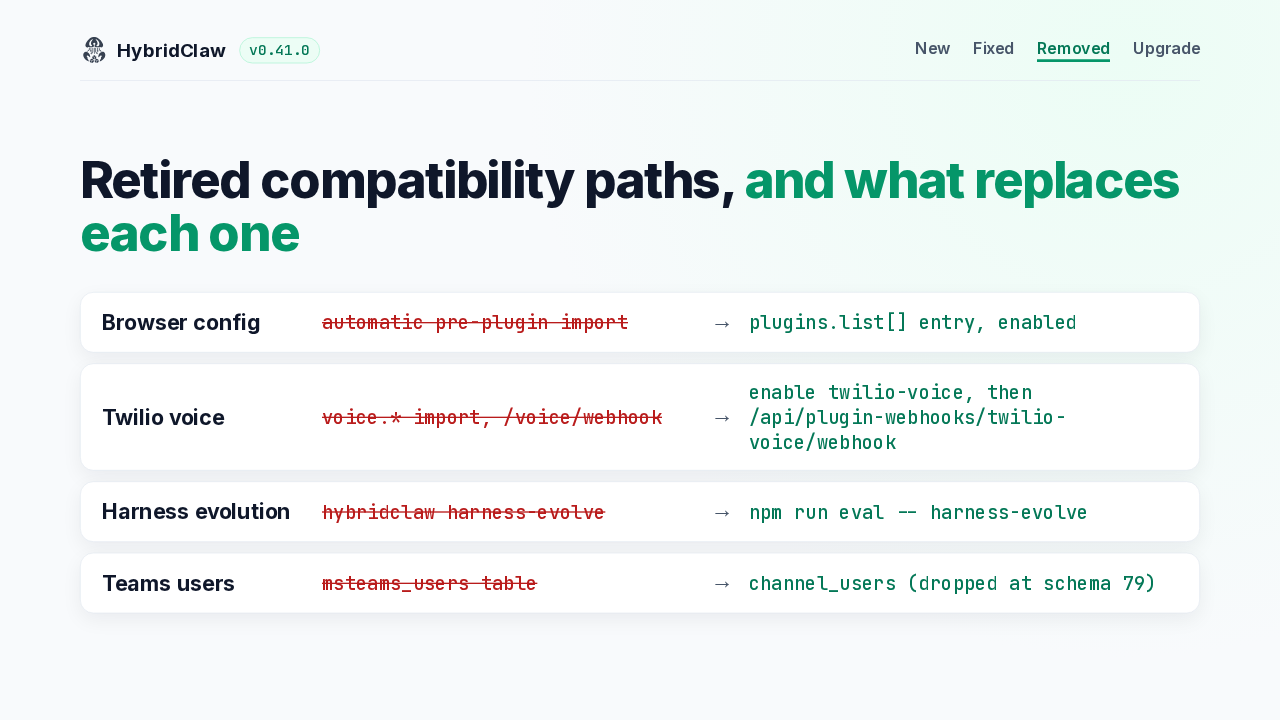
  8. Several compatibility paths are retired. Move old browser settings into the provider's plugin entry and enable it. Enable the Twilio voice plugin and point your number at its webhook before you upgrade. Harness evolution runs from a source checkout. And schema 79 drops the old Teams user table.

    Slide text
    HybridClaw v0.41.0
    New Fixed Removed Upgrade

    Retired compatibility paths, and what replaces each one

    Browser config automatic pre-plugin import → plugins.list[] entry, enabled
    Twilio voice voice.* import, /voice/webhook → enable twilio-voice, then
    /api/plugin-webhooks/twilio-voice/webhook
    Harness evolution hybridclaw harness-evolve → npm run eval -- harness-evolve
    Teams users msteams_users table → channel_users (dropped at schema 79)
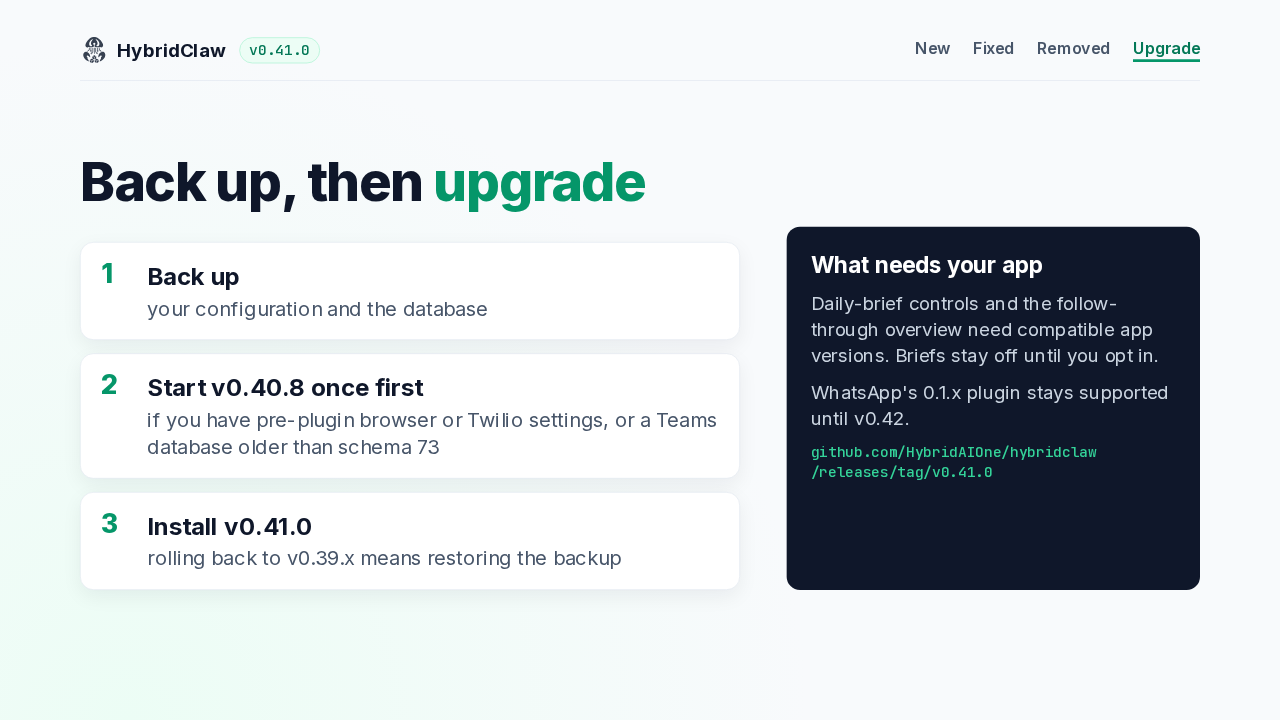
  9. Back up your configuration and database first. With pre-plugin browser or Twilio settings, or a Teams database older than schema 73, start 0.40.8 once before moving on. Then install 0.41.0. Rolling back to 0.39 needs that backup. The daily brief at the time you pick also needs a compatible app, and it stays off until you opt in.

    Slide text
    HybridClaw v0.41.0
    New Fixed Removed Upgrade

    Back up, then upgrade

    1
    Back upyour configuration and the database
    2
    Start v0.40.8 once firstif you have pre-plugin browser or Twilio settings, or a Teams database older than schema 73
    3
    Install v0.41.0rolling back to v0.39.x means restoring the backup
    What needs your app

    Daily-brief controls and the follow-through overview need compatible app versions. Briefs stay off until you opt in.

    WhatsApp's 0.1.x plugin stays supported until v0.42.

    github.com/HybridAIOne/hybridclaw
    /releases/tag/v0.41.0

What happened in AI today, in your inbox

One short email each evening. Read it and you’re caught up.

Built in New York with ❤️