Attach screenshots and videos to Hub discussions from Python and the CLI

2 days ago

This pull request lets you attach an image, a video or an audio file to a Hub discussion or pull request, straight from Python or the terminal. There's one new method on HfApi, and a new attach option on three discussions commands.

Ask about this presentation

Chapters

  1. 0:00Attach media from Python and the CLI
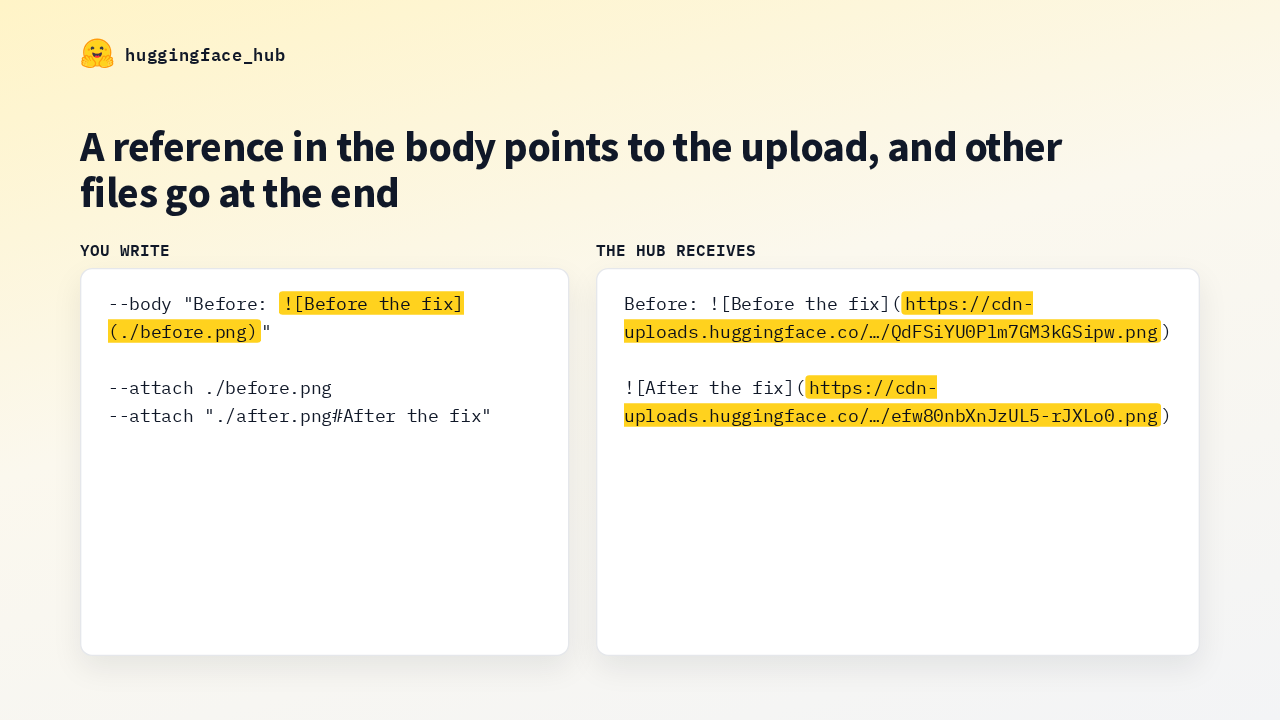
  2. 0:16Calling /uploads by hand
  3. 0:36HfApi.upload_attachment
  4. 0:58Supported formats
  5. 1:16The --attach option
  6. 1:33How the body is rewritten
  7. 1:52Markdown per media type
  8. 2:13Every file is checked first
  9. 2:33What review caught
  10. 2:56The author's run
  11. 3:19Limits and where to start
Show transcript
  1. This pull request lets you attach an image, a video or an audio file to a Hub discussion or pull request, straight from Python or the terminal. There's one new method on HfApi, and a new attach option on three discussions commands.

    Slide text
    huggingface_hub

    Attach screenshots and videos to Hub discussions from Python and the CLI

    $ hf discussions comment username/my-model 5 --attach demo.mp4
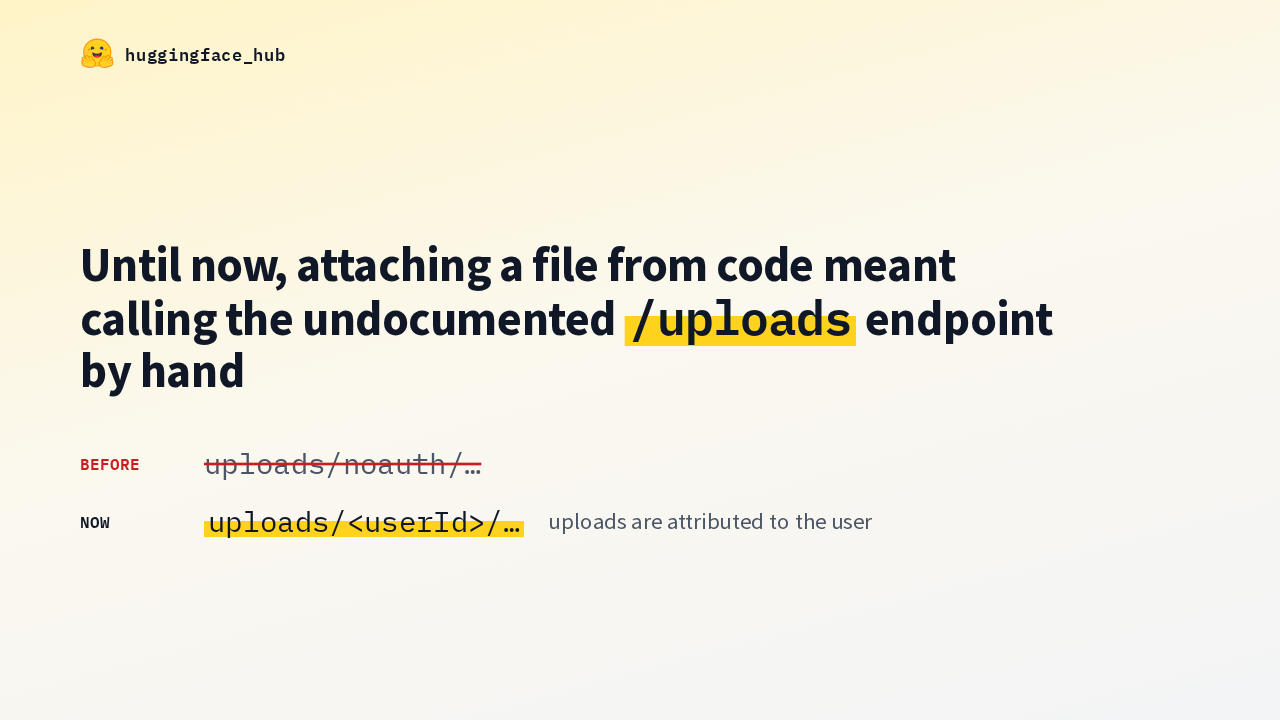
  2. The Hub web editor uploads a file when you drag it into a comment box. From Python or the command line, you had to call the undocumented uploads endpoint yourself. Going through the client with the usual auth headers also fixes attribution. Uploads now land under your user ID, instead of under no-auth.

    Slide text
    huggingface_hub

    Until now, attaching a file from code meant calling the undocumented /uploads endpoint by hand

    Before uploads/noauth/…
    Now uploads/<userId>/… uploads are attributed to the user
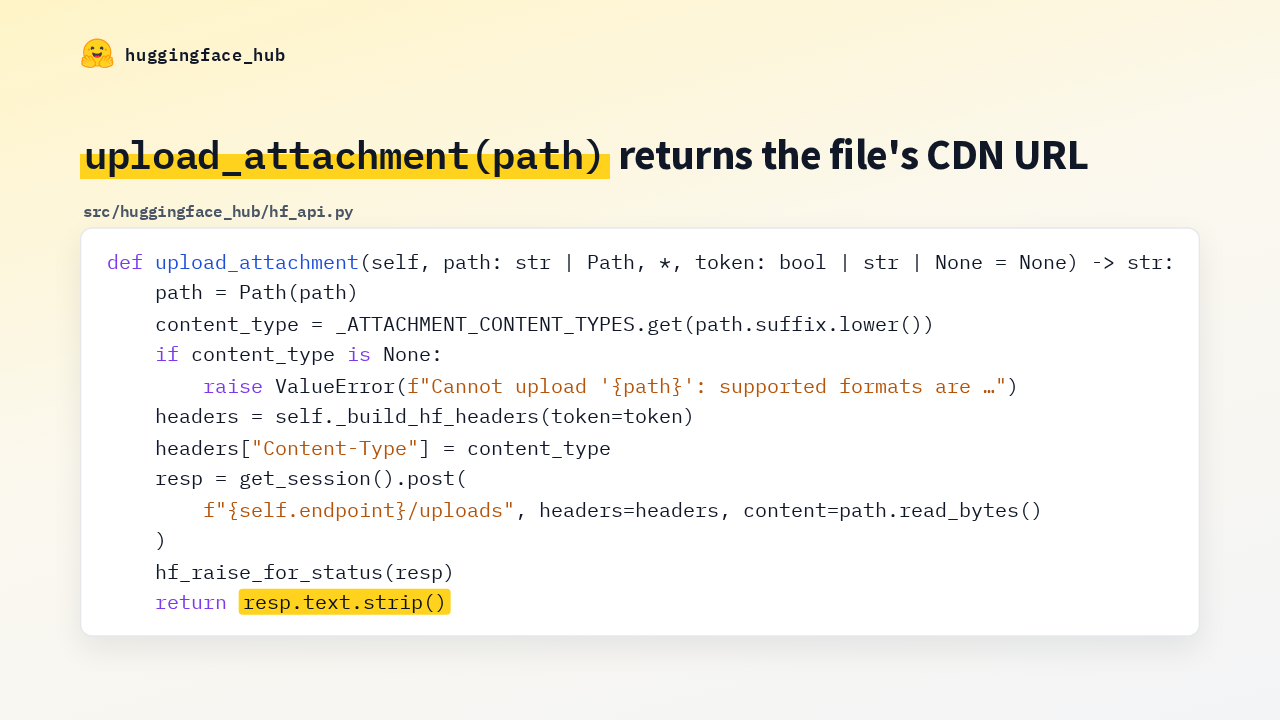
  3. Here's the new method in hf_api.py. It takes a path and an optional token, and returns a string. It looks up a content type from the file extension, and raises a value error for any format the Hub editor doesn't accept. Then it posts the raw bytes to the uploads endpoint and returns the response body, which is the file's URL.

    Slide text
    huggingface_hub

    upload_attachment(path) returns the file's CDN URL

    src/huggingface_hub/hf_api.py
    def upload_attachment(self, path: str | Path, *, token: bool | str | None = None) -> str:
    path = Path(path) content_type = _ATTACHMENT_CONTENT_TYPES.get(path.suffix.lower()) if content_type is None: raise ValueError(f"Cannot upload '{path}': supported formats are …")
    headers = self._build_hf_headers(token=token) headers["Content-Type"] = content_type resp = get_session().post( f"{self.endpoint}/uploads", headers=headers, content=path.read_bytes() ) hf_raise_for_status(resp) return resp.text.strip()
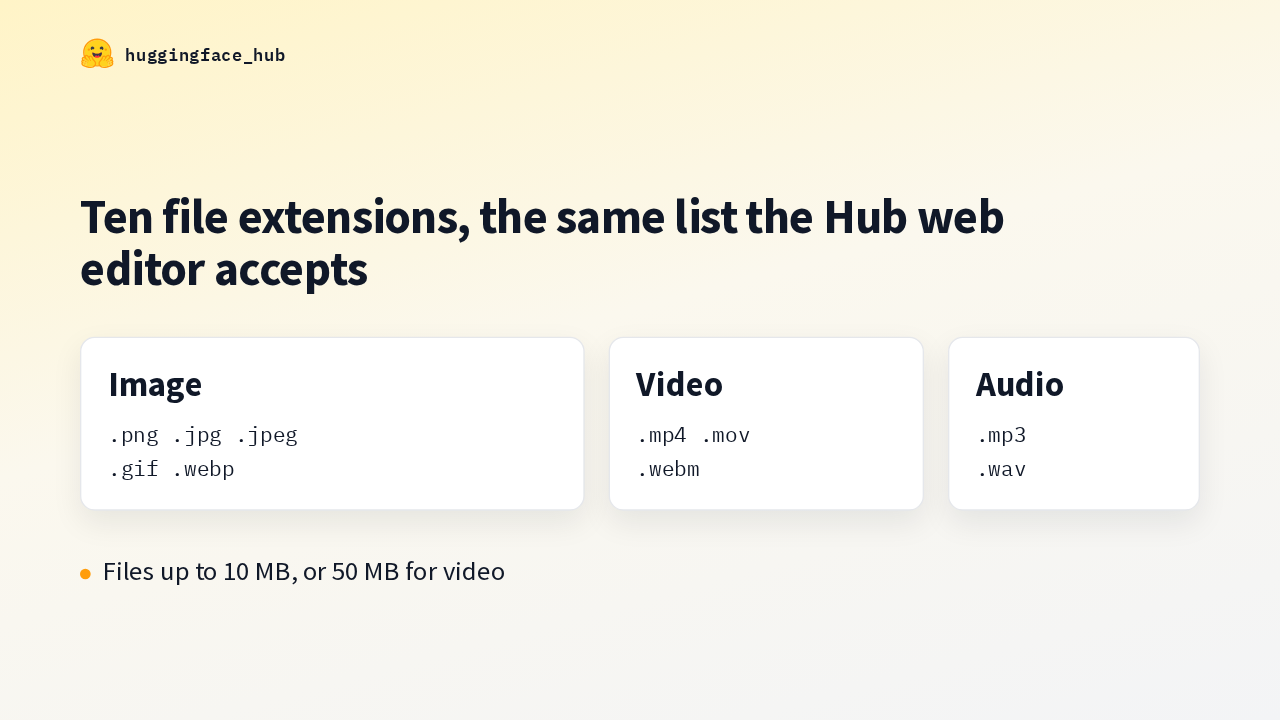
  4. The allowed formats live in one dictionary, mapping each extension to its content type. Five image extensions, three for video and two for audio, matching what the web editor takes. The documented limit is 10 megabytes per file, or 50 megabytes for a video.

    Slide text
    huggingface_hub

    Ten file extensions, the same list the Hub web editor accepts

    Image
    .png .jpg .jpeg
    .gif .webp
    Video
    .mp4 .mov
    .webm
    Audio
    .mp3
    .wav

    Files up to 10 MB, or 50 MB for video

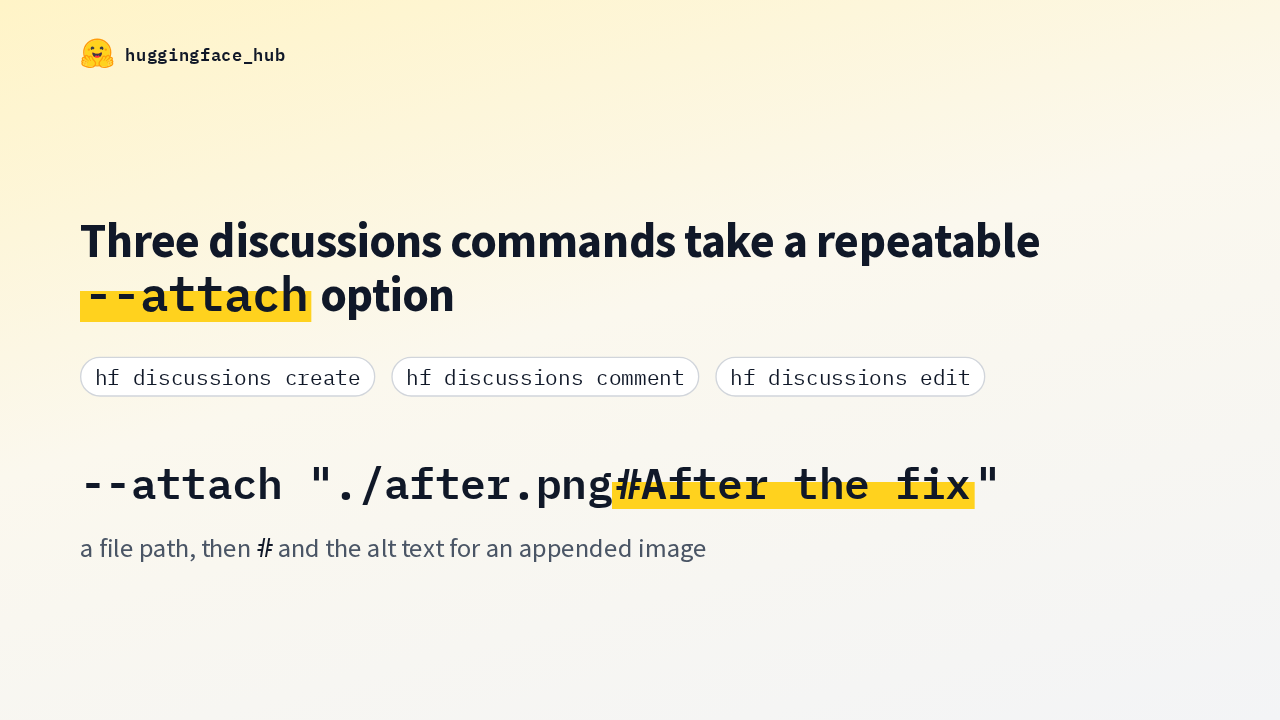
  5. On the command line, create, including with the pull request option, comment and edit all take an attach option you can repeat, modeled on the attach flag in GitHub's own CLI. Each value is a file path, optionally followed by a hash sign and the alt text for that image.

    Slide text
    huggingface_hub

    Three discussions commands take a repeatable --attach option

    hf discussions create hf discussions comment hf discussions edit
    --attach "./after.png#After the fix"
    a file path, then # and the alt text for an appended image
  6. Here's what attach does to the body. You write an ordinary markdown image pointing at a local file, and pass that file to attach, along with a second one. The local path is swapped for the uploaded URL. The second file had no reference, so it's appended at the end, with the alt text from after the hash.

    Slide text
    huggingface_hub

    A reference in the body points to the upload, and other files go at the end

    You write
    --body "Before: ![Before the fix](./before.png)" --attach ./before.png --attach "./after.png#After the fix"
    The Hub receives
    Before: ![Before the fix](https://cdn-uploads.huggingface.co/…/QdFSiYU0Plm7GM3kGSipw.png) ![After the fix](https://cdn-uploads.huggingface.co/…/efw80nbXnJzUL5-rJXLo0.png)
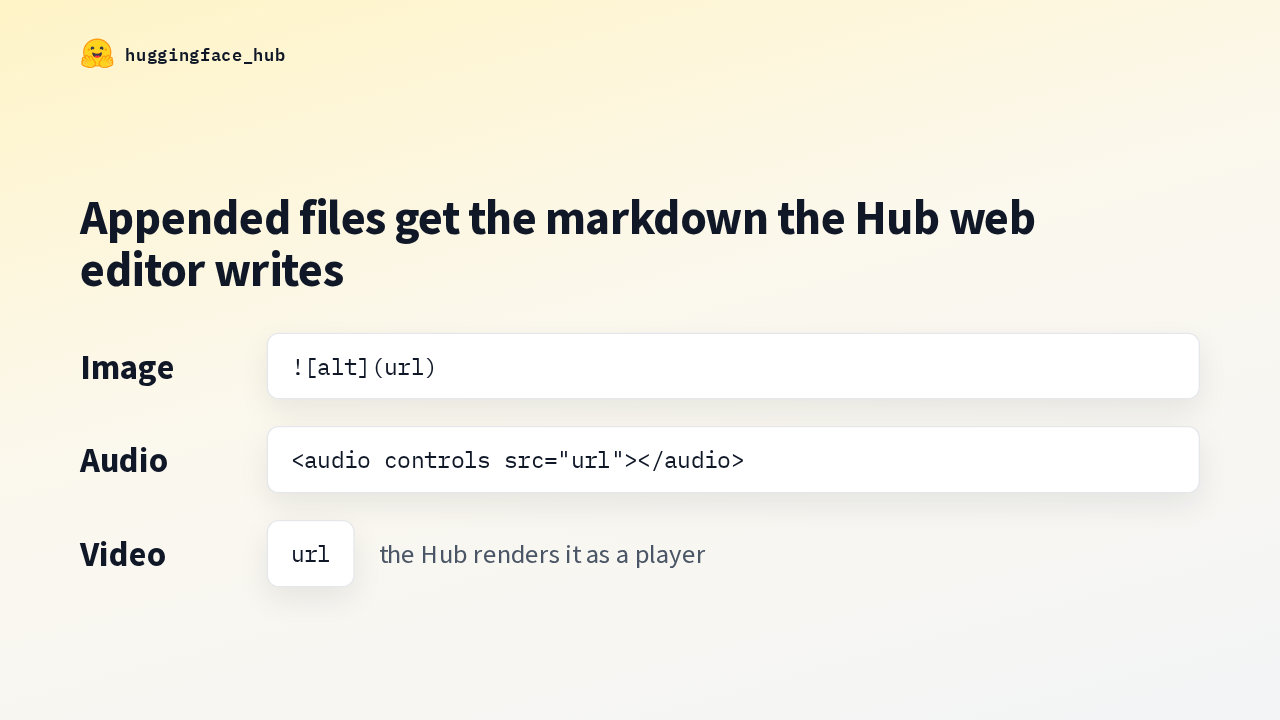
  7. Appended files get the same markdown the web editor inserts. An image becomes an image embed, and an audio file becomes an audio tag with controls. A video stays a bare URL, because the Hub turns any uploaded video URL into a player, so a video referenced in the body is rewritten the same way.

    Slide text
    huggingface_hub

    Appended files get the markdown the Hub web editor writes

    Image
    ![alt](url)
    Audio
    <audio controls src="url"></audio>
    Video
    url
    the Hub renders it as a player
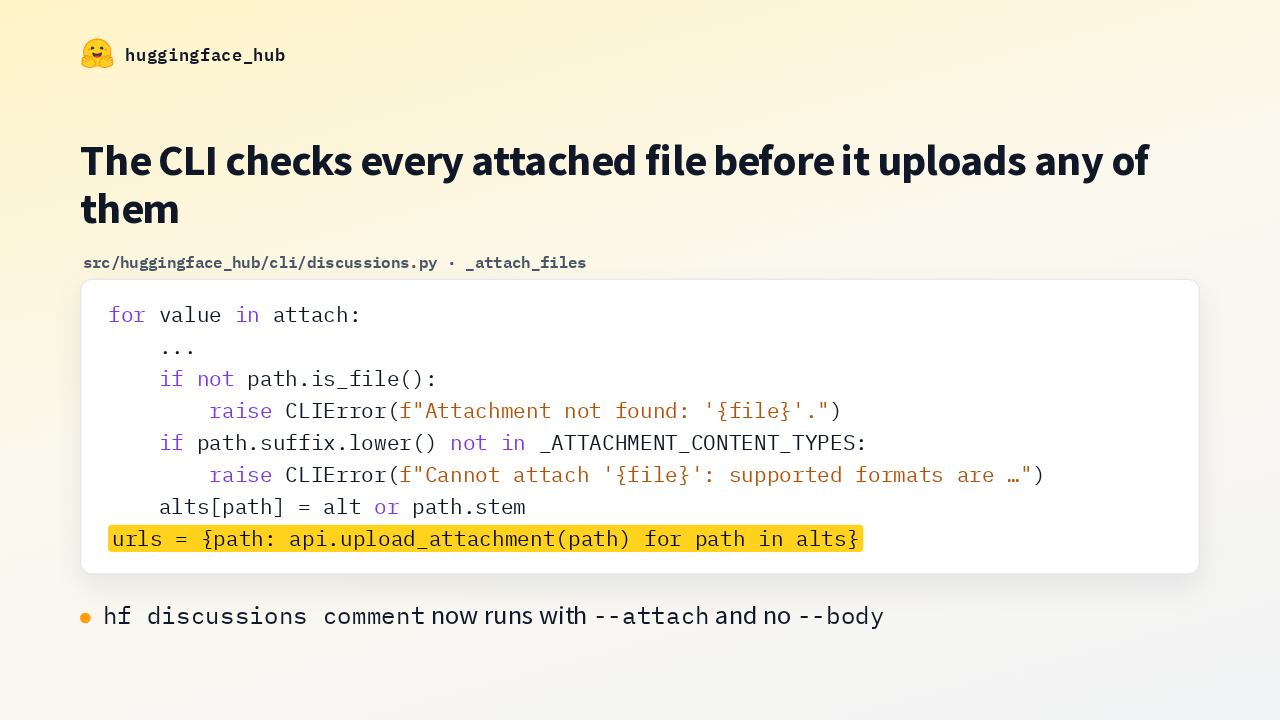
  8. Here's the loop that reads the attach values. It checks every one of them first, and stops with an error if a file is missing or its type isn't on the list. Only then does it upload, so a typo in the third file stops the command before the first two are uploaded. And comment now runs with attach alone, without a body.

    Slide text
    huggingface_hub

    The CLI checks every attached file before it uploads any of them

    src/huggingface_hub/cli/discussions.py · _attach_files
    for value in attach: ... if not path.is_file(): raise CLIError(f"Attachment not found: '{file}'.") if path.suffix.lower() not in _ATTACHMENT_CONTENT_TYPES: raise CLIError(f"Cannot attach '{file}': supported formats are …") alts[path] = alt or path.stem
    urls = {path: api.upload_attachment(path) for path in alts}

    hf discussions comment now runs with --attach and no --body

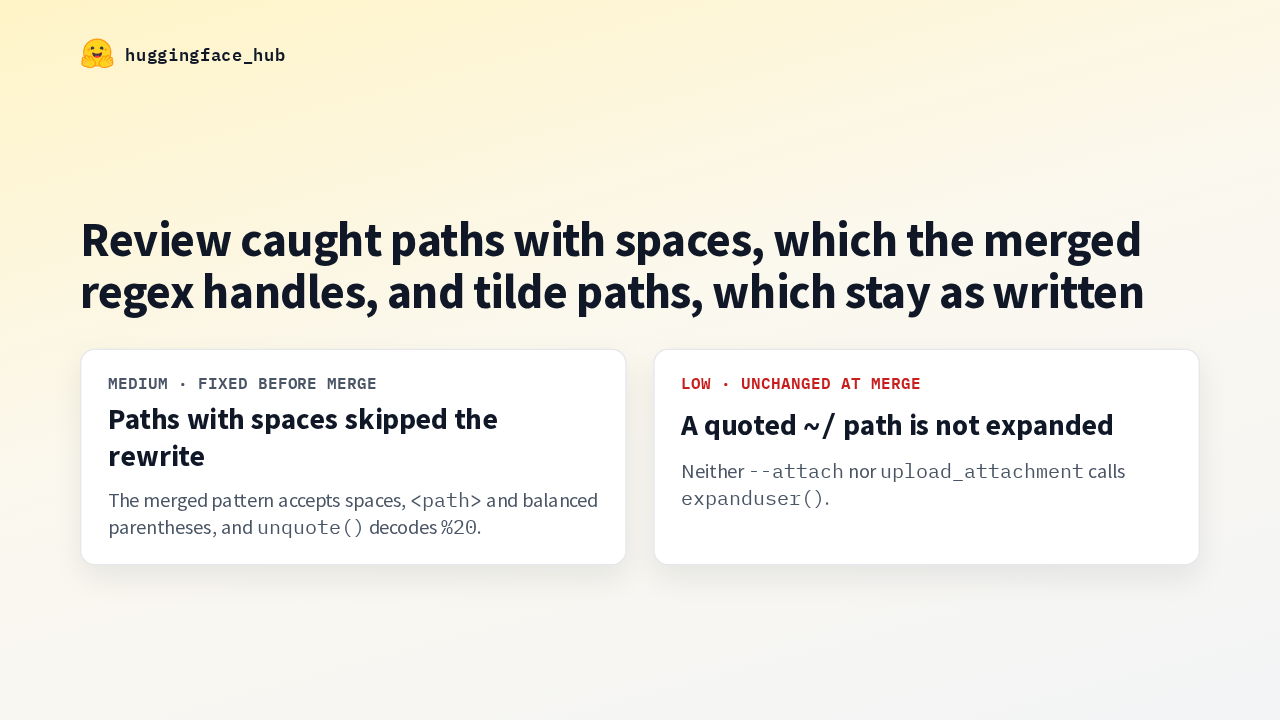
  9. Cursor's Bugbot raised two issues in review. An image reference with spaces, angle brackets or a percent-encoded path didn't match its file. The merged pattern accepts all three, and decodes the path before matching. A quoted path starting with a tilde isn't expanded, and that's still true in the merged code. Write the full path whenever you quote a value to add alt text.

    Slide text
    huggingface_hub

    Review caught paths with spaces, which the merged regex handles, and tilde paths, which stay as written

    Medium · fixed before merge
    Paths with spaces skipped the rewrite
    The merged pattern accepts spaces, <path> and balanced parentheses, and unquote() decodes %20.
    Low · unchanged at merge
    A quoted ~/ path is not expanded
    Neither --attach nor upload_attachment calls expanduser().
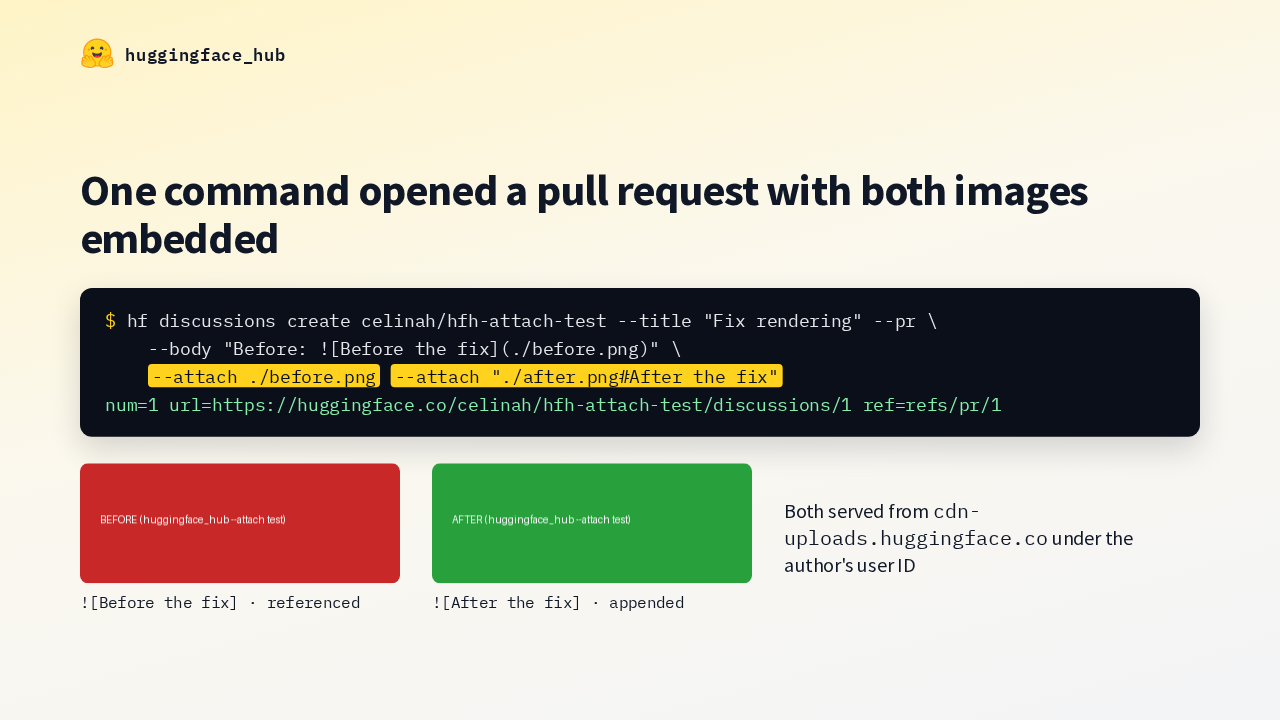
  10. Here's the author's own run against a test repository. One create command, with the pull request option and two attach values, opens pull request number one. Both files landed on the Hub's CDN under the author's user ID. These are the two test images as uploaded: the first replaced its reference in the body, and the second was appended.

    Slide text
    huggingface_hub

    One command opened a pull request with both images embedded

    $ hf discussions create celinah/hfh-attach-test --title "Fix rendering" --pr \ --body "Before: ![Before the fix](./before.png)" \ --attach ./before.png --attach "./after.png#After the fix" num=1 url=https://huggingface.co/celinah/hfh-attach-test/discussions/1 ref=refs/pr/1
    Before the fix
    ![Before the fix] · referenced
    After the fix
    ![After the fix] · appended
    Both served from cdn-uploads.huggingface.co under the author's user ID
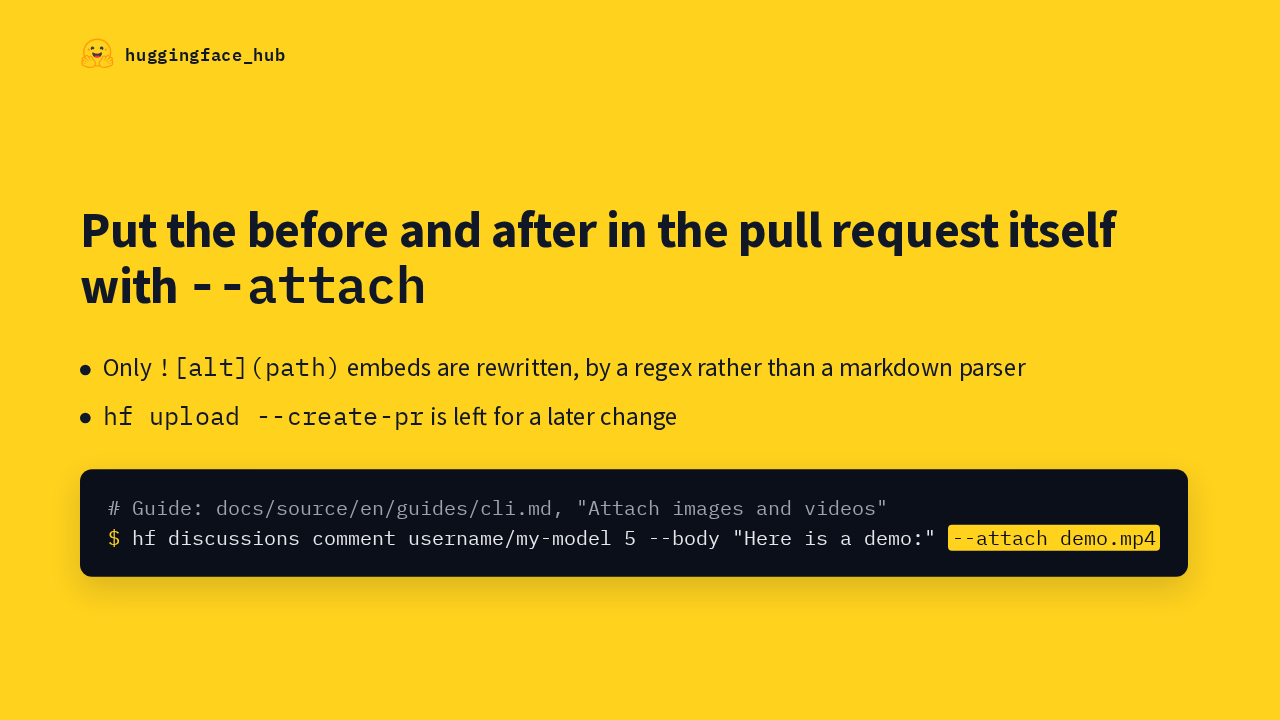
  11. Two limits are deliberate. Only image-style embeds are rewritten, using a regex instead of a markdown parser, and adding attachments to the upload command's create pull request option is left for a later change. The CLI guide's new section, Attach images and videos, has the examples. Next time a fix changes how something looks, put the before and after in the pull request itself, with attach.
    Slide text
    huggingface_hub

    Put the before and after in the pull request itself with --attach

    Only ![alt](path) embeds are rewritten, by a regex rather than a markdown parser
    hf upload --create-pr is left for a later change
    # Guide: docs/source/en/guides/cli.md, "Attach images and videos" $ hf discussions comment username/my-model 5 --body "Here is a demo:" --attach demo.mp4

What happened in AI today, in your inbox

One short email each evening. Read it and you’re caught up.

Built in New York with ❤️