Gemini CLI v0.65.0 keeps resumed sessions intact

2 days ago

Gemini CLI 0.65.0 is a release of fixes, and the ones most people will feel are about resuming sessions. Exiting quickly after a resume could delete the session's history, and pressing Control C rapidly could poison the session. Both are fixed. So are a hang on Enter, sign-in retry loops and slow ignore filtering.

Ask about this presentation

Chapters
  1. 0:00Gemini CLI v0.65.0
  2. 0:22Resumed sessions
  3. 0:39Stuck prompts and sign-in
  4. 0:57Large repositories
  5. 1:11Untrusted folders
  6. 1:26Custom OTLP headers
  7. 1:39More fixes
  8. 1:57Upgrade
Show transcript
  1. Gemini CLI 0.65.0 is a release of fixes, and the ones most people will feel are about resuming sessions. Exiting quickly after a resume could delete the session's history, and pressing Control C rapidly could poison the session. Both are fixed. So are a hang on Enter, sign-in retry loops and slow ignore filtering.

    Slide text
    Gemini CLI v0.65.0
    GEMINI

    Gemini CLI v0.65.0 keeps resumed sessions intact

    Plus fixes for a hang on Enter, sign-in retry loops and slow ignore filtering

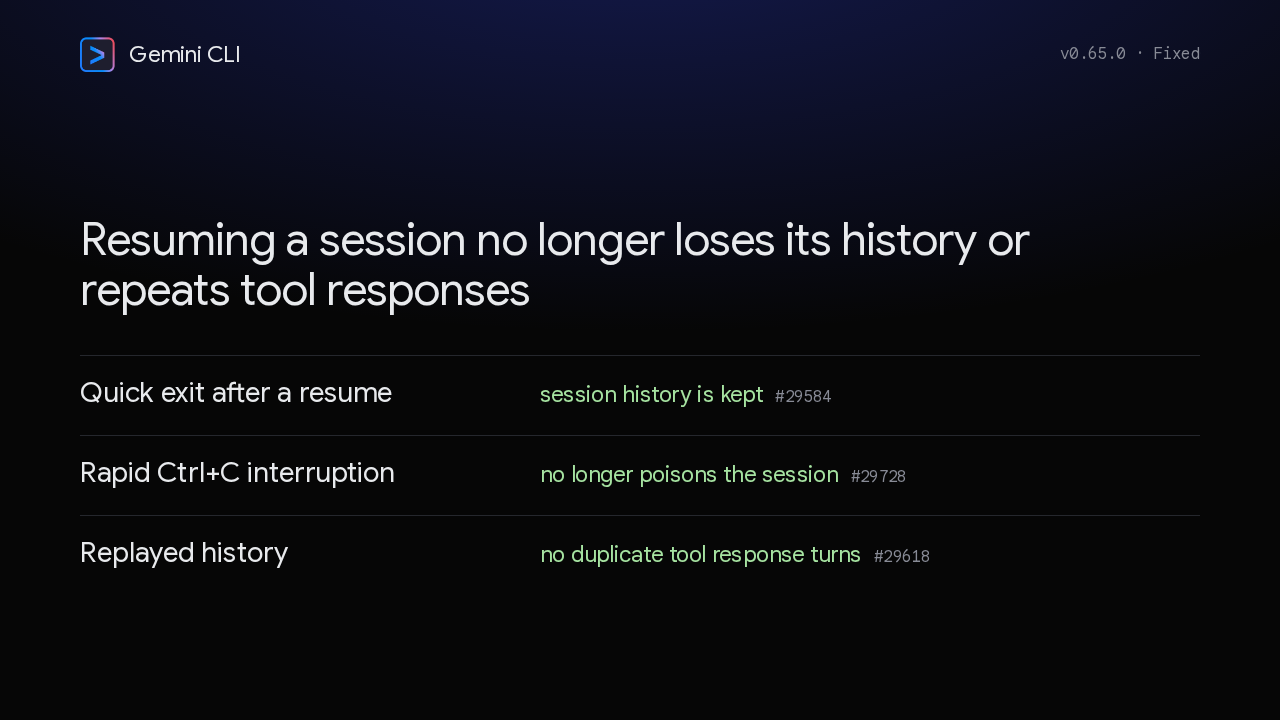
  2. Resume a session and exit quickly, and the CLI could delete that session's history. Now the history is kept. Interrupting with Control C in rapid succession could poison the session. That's fixed too. And a resumed session no longer repeats tool responses.

    Slide text
    Gemini CLI v0.65.0 · Fixed

    Resuming a session no longer loses its history or repeats tool responses

    Quick exit after a resume
    session history is kept #29584
    Rapid Ctrl+C interruption
    no longer poisons the session #29728
    Replayed history
    no duplicate tool response turns #29618
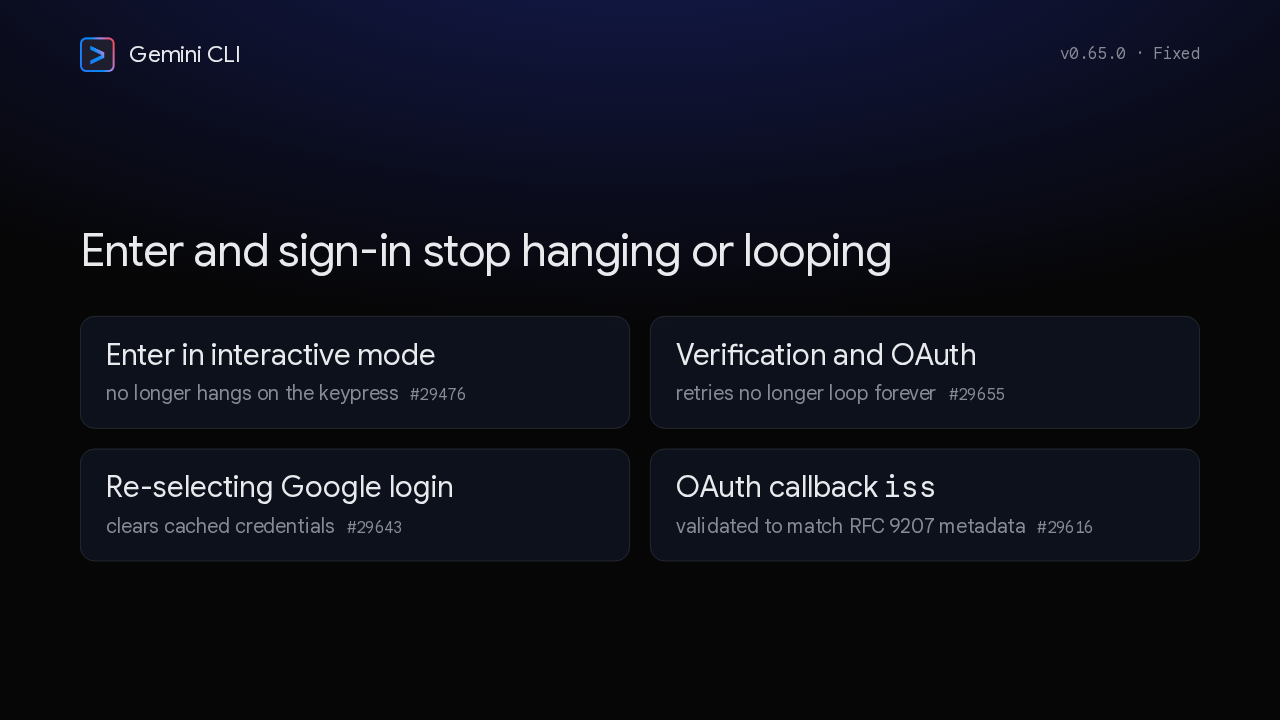
  3. Pressing Enter in interactive mode could hang the CLI. That's fixed. Verification and OAuth retries no longer loop forever. Choosing Google login again now clears the cached credentials. And the OAuth callback's issuer check now lines up with RFC ninety-two oh seven.

    Slide text
    Gemini CLI v0.65.0 · Fixed

    Enter and sign-in stop hanging or looping

    Enter in interactive mode
    no longer hangs on the keypress #29476
    Verification and OAuth
    retries no longer loop forever #29655
    Re-selecting Google login
    clears cached credentials #29643
    OAuth callback iss
    validated to match RFC 9207 metadata #29616
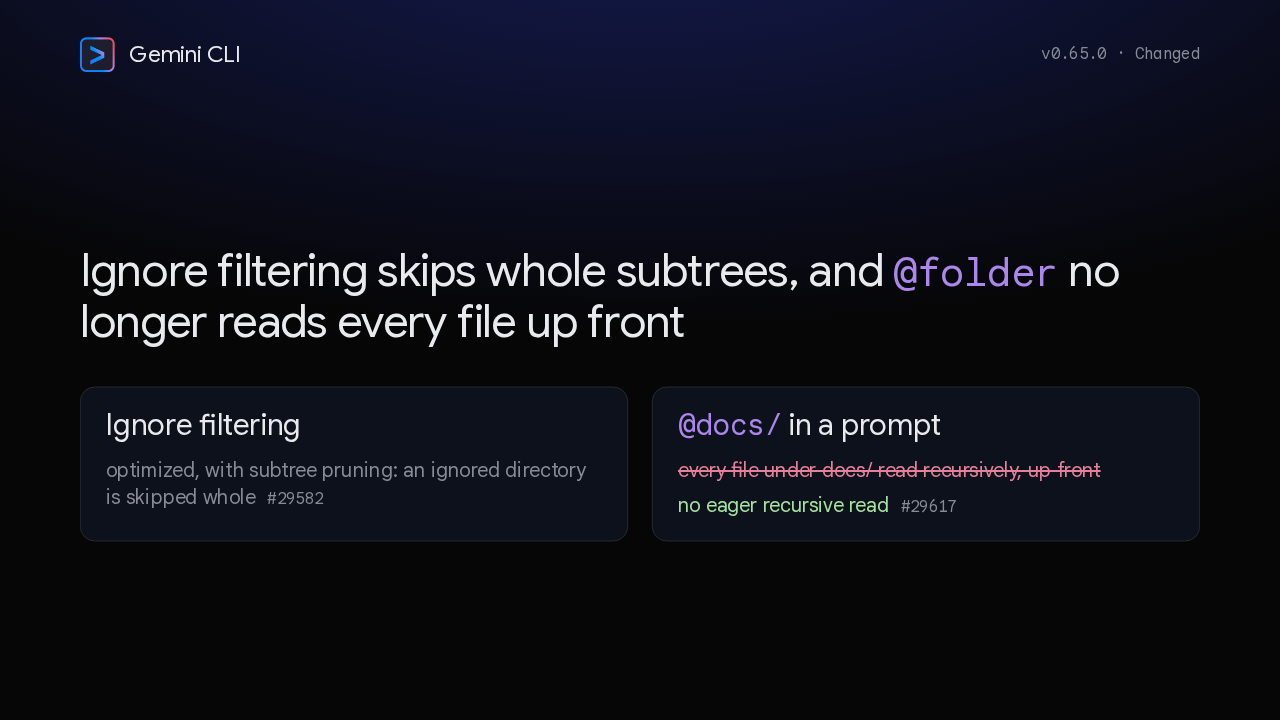
  4. Two changes help in bigger projects. Ignore filtering is faster, and it can now skip an ignored directory whole instead of walking through it. And an @folder reference no longer reads every file inside that folder up front.

    Slide text
    Gemini CLI v0.65.0 · Changed

    Ignore filtering skips whole subtrees, and @folder no longer reads every file up front

    Ignore filtering
    optimized, with subtree pruning: an ignored directory is skipped whole #29582
    @docs/ in a prompt
    every file under docs/ read recursively, up front
    no eager recursive read #29617
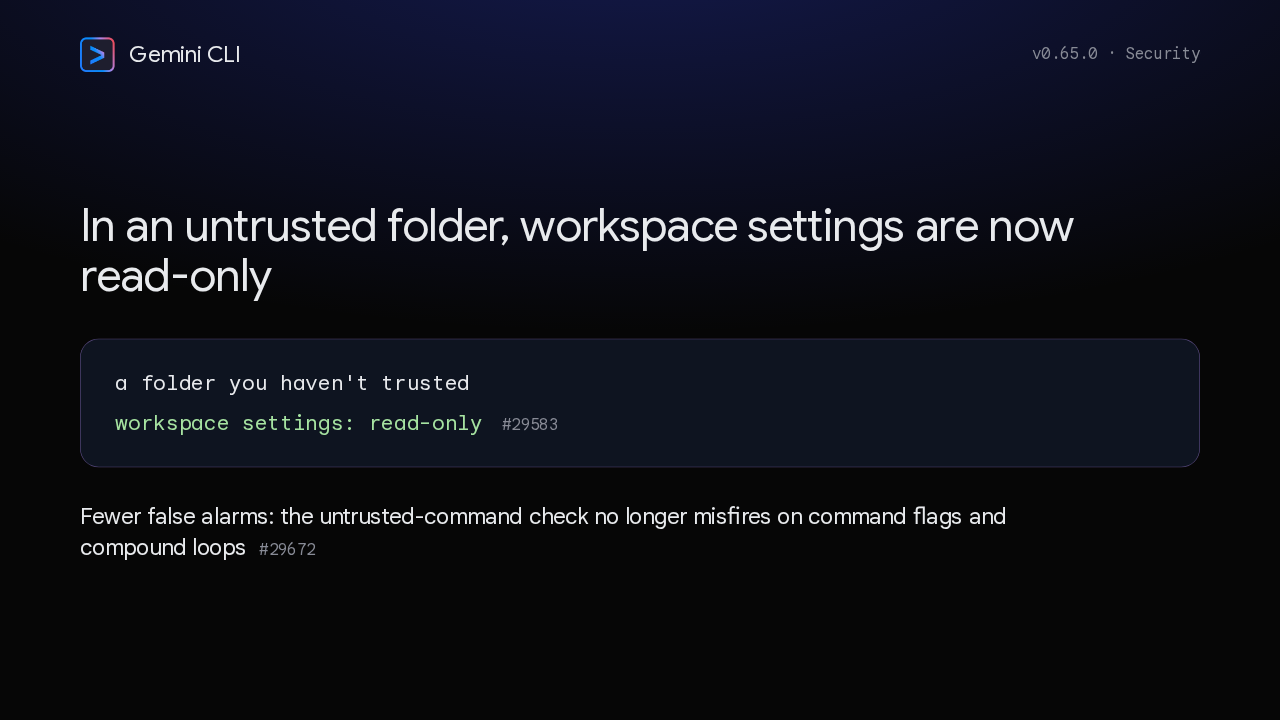
  5. One fix tightens workspace trust. When you work in a folder you haven't trusted, its workspace settings are now read-only. And the untrusted-command check got quieter: it no longer misfires on command flags and compound loops.

    Slide text
    Gemini CLI v0.65.0 · Security

    In an untrusted folder, workspace settings are now read-only

    a folder you haven't trusted
    workspace settings: read-only #29583

    Fewer false alarms: the untrusted-command check no longer misfires on command flags and compound loops #29672

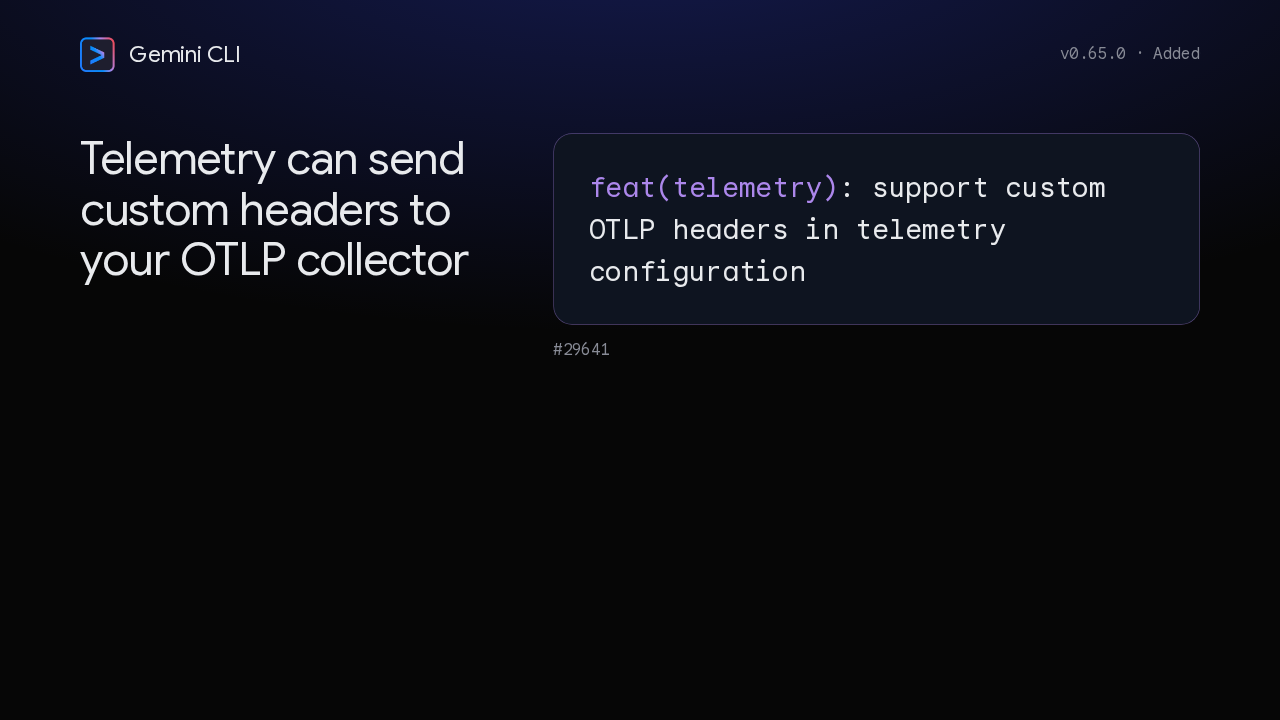
  6. The one new feature is for teams that export telemetry. The telemetry configuration now accepts custom OTLP headers, so the CLI can send your collector the headers it expects.

    Slide text
    Gemini CLI v0.65.0 · Added

    Telemetry can send custom headers to your OTLP collector

    feat(telemetry): support custom OTLP headers in telemetry configuration

    #29641

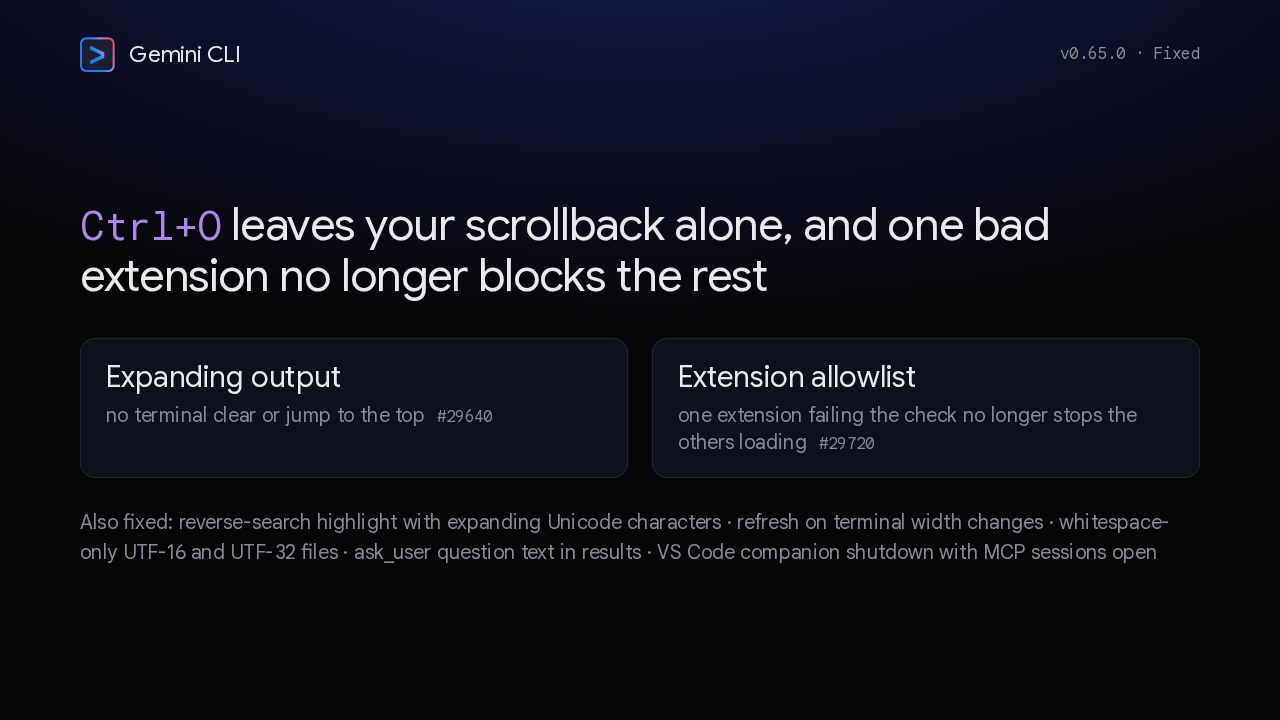
  7. Expanding output with Control O could clear the terminal and reset your scroll position. Now it doesn't. And when one extension failed the allowlist check, the others stopped loading. Now they keep loading. Reverse search, terminal resizing and the VS Code companion got fixes too.

    Slide text
    Gemini CLI v0.65.0 · Fixed

    Ctrl+O leaves your scrollback alone, and one bad extension no longer blocks the rest

    Expanding output
    no terminal clear or jump to the top #29640
    Extension allowlist
    one extension failing the check no longer stops the others loading #29720

    Also fixed: reverse-search highlight with expanding Unicode characters · refresh on terminal width changes · whitespace-only UTF-16 and UTF-32 files · ask_user question text in results · VS Code companion shutdown with MCP sessions open

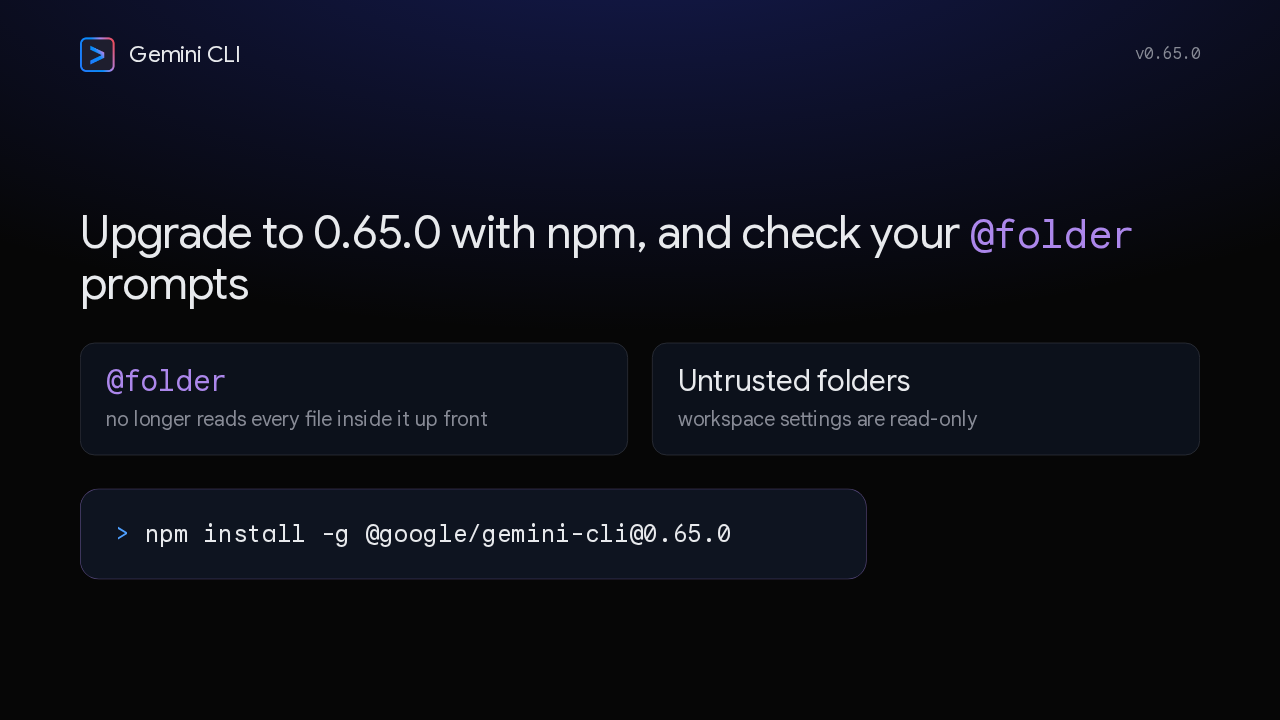
  8. The release notes flag no breaking changes, but two behaviors are different. An @folder reference no longer reads every file inside it up front, and workspace settings are read-only in untrusted folders. To upgrade, install version 0.65.0 from npm. If a workflow relies on @folder reading a whole directory up front, test it first. Version 0.65.0 keeps resumed sessions intact.
    Slide text
    Gemini CLI v0.65.0

    Upgrade to 0.65.0 with npm, and check your @folder prompts

    @folder
    no longer reads every file inside it up front
    Untrusted folders
    workspace settings are read-only
    > npm install -g @google/gemini-cli@0.65.0

What happened in AI today, in your inbox

One short email each evening. Read it and you’re caught up.

Built in New York with ❤️