Performance Studio 1.31: suppress one finding by query hash, and own CPU that adds up

3 hours ago

Performance Studio 1.31 lets you set aside a single finding for one query, with a reason, and keep it in the report. It also fixes an operator's own CPU when batch mode operators sit below it. And it pins two vulnerable packages that arrived through other dependencies.

Ask about this presentation

Chapters
  1. 0:00Performance Studio 1.31
  2. 0:19Suppress a finding
  3. 0:39Suppressed, still visible
  4. 0:58A bad suppression
  5. 1:21Own CPU above a batch zone
  6. 1:43Ranked by own time
  7. 2:05Vulnerable packages pinned
  8. 2:26Upgrading to 1.31
Show transcript
  1. Performance Studio 1.31 lets you set aside a single finding for one query, with a reason, and keep it in the report. It also fixes an operator's own CPU when batch mode operators sit below it. And it pins two vulnerable packages that arrived through other dependencies.

    Slide text
    Darling Data
    Performance Studio 1.31

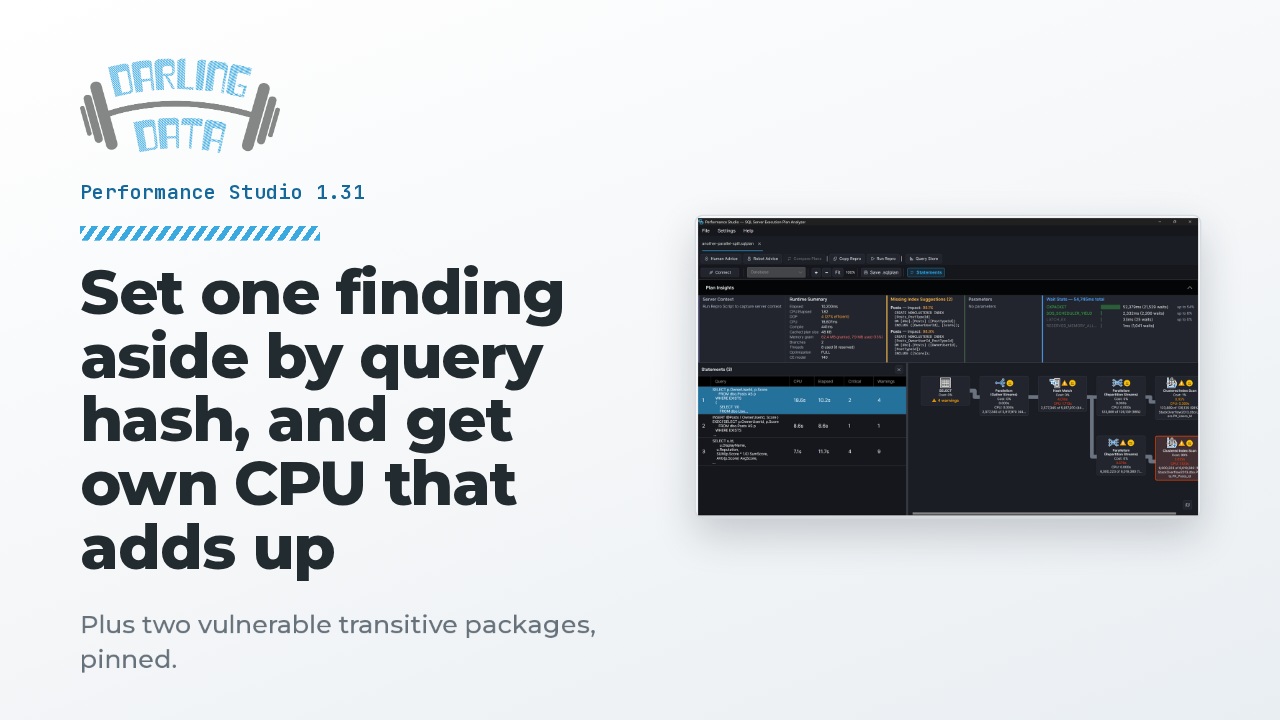
    Set one finding aside by query hash, and get own CPU that adds up

    Plus two vulnerable transitive packages, pinned.

    Performance Studio showing an actual execution plan with Plan Insights
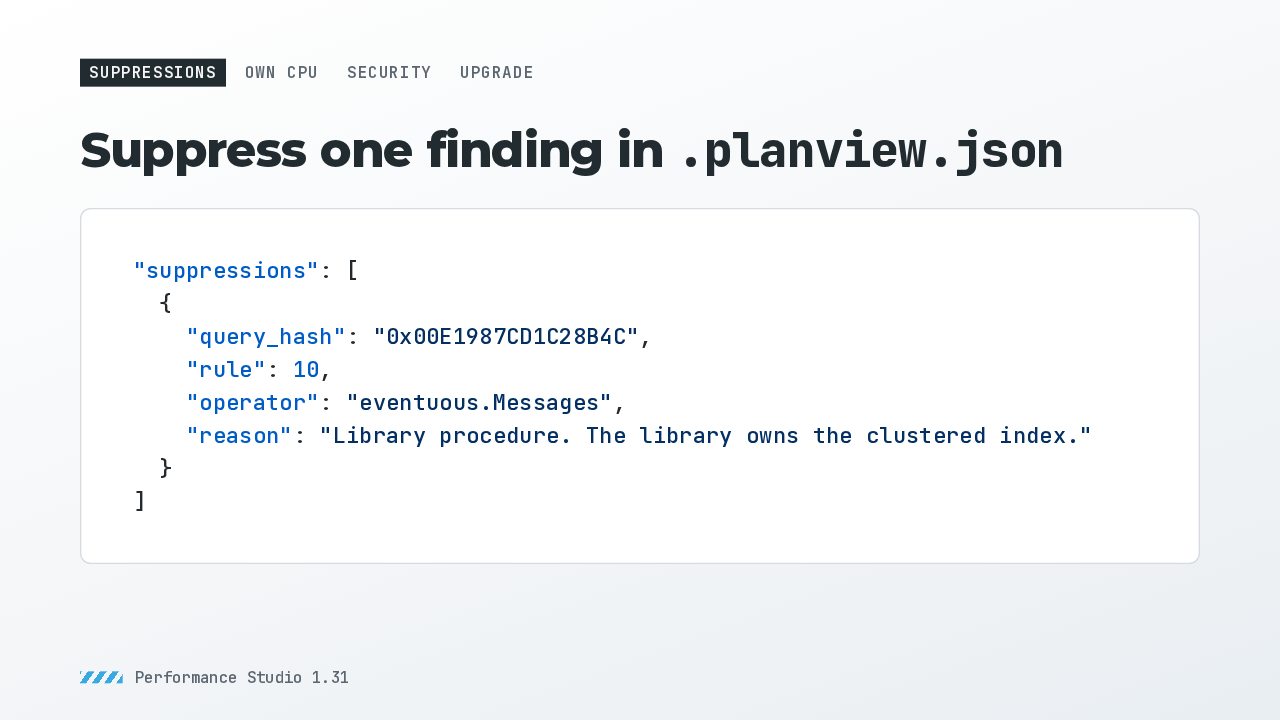
  2. Suppressions go in .planview.json. Each one names a statement by its query hash, then a rule number, or a warning type for warnings SQL Server writes itself. An operator is optional, and part of its label is enough. A reason is required. The CLI and the desktop app both read the file.

    Slide text
    Suppressions Own CPU Security Upgrade

    Suppress one finding in .planview.json

    "suppressions": [
      {
        "query_hash": "0x00E1987CD1C28B4C",
        "rule": 10,
        "operator": "eventuous.Messages",
        "reason": "Library procedure. The library owns the clustered index."
      }
    ]
    Performance Studio 1.31
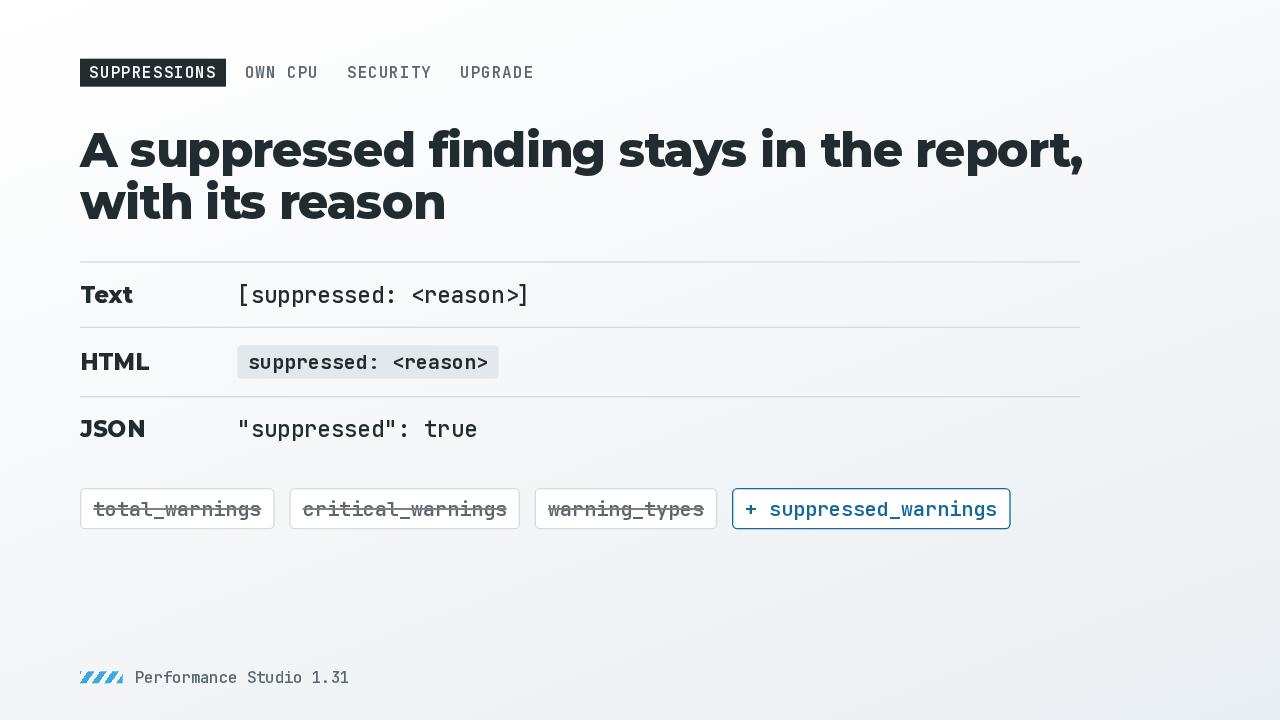
  3. A suppression deletes nothing. The text output tags the finding with its reason, the HTML report shows a badge, and the JSON marks it suppressed. It just stops counting: it leaves the warning totals, and the summary reports it in a new suppressed warnings count. The desktop app counts the same way.

    Slide text
    Suppressions Own CPU Security Upgrade

    A suppressed finding stays in the report, with its reason

    Text
    [suppressed: <reason>]
    HTML
    suppressed: <reason>
    JSON
    "suppressed": true
    total_warnings critical_warnings warning_types + suppressed_warnings
    Performance Studio 1.31
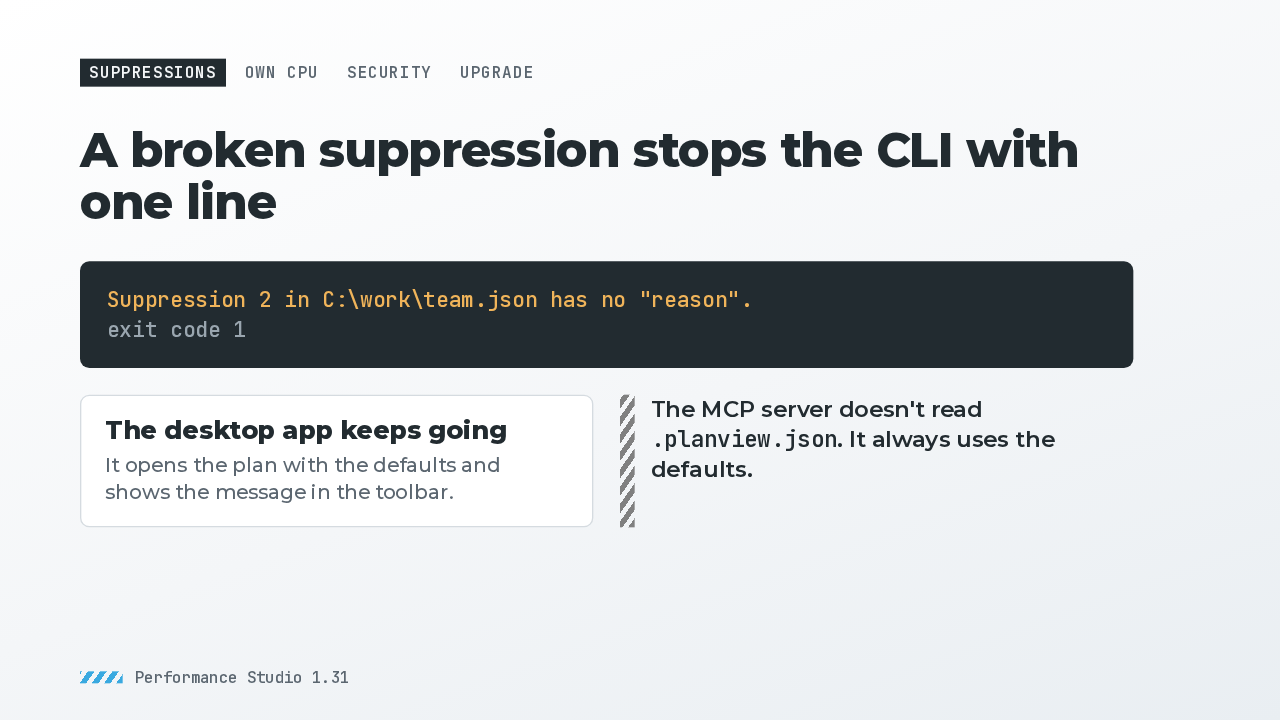
  4. A suppression missing its hash, its rule or type, or its reason stops the command with one line naming the file and the entry, and exit code 1. A malformed or unreadable file gets one line too, instead of a crash. The desktop app opens the plan with the defaults and shows the message in the toolbar. One limit: the MCP server doesn't read this file.

    Slide text
    Suppressions Own CPU Security Upgrade

    A broken suppression stops the CLI with one line

    Suppression 2 in C:\work\team.json has no "reason".
    exit code 1
    The desktop app keeps going It opens the plan with the defaults and shows the message in the toolbar.
    The MCP server doesn't read .planview.json. It always uses the defaults.
    Performance Studio 1.31
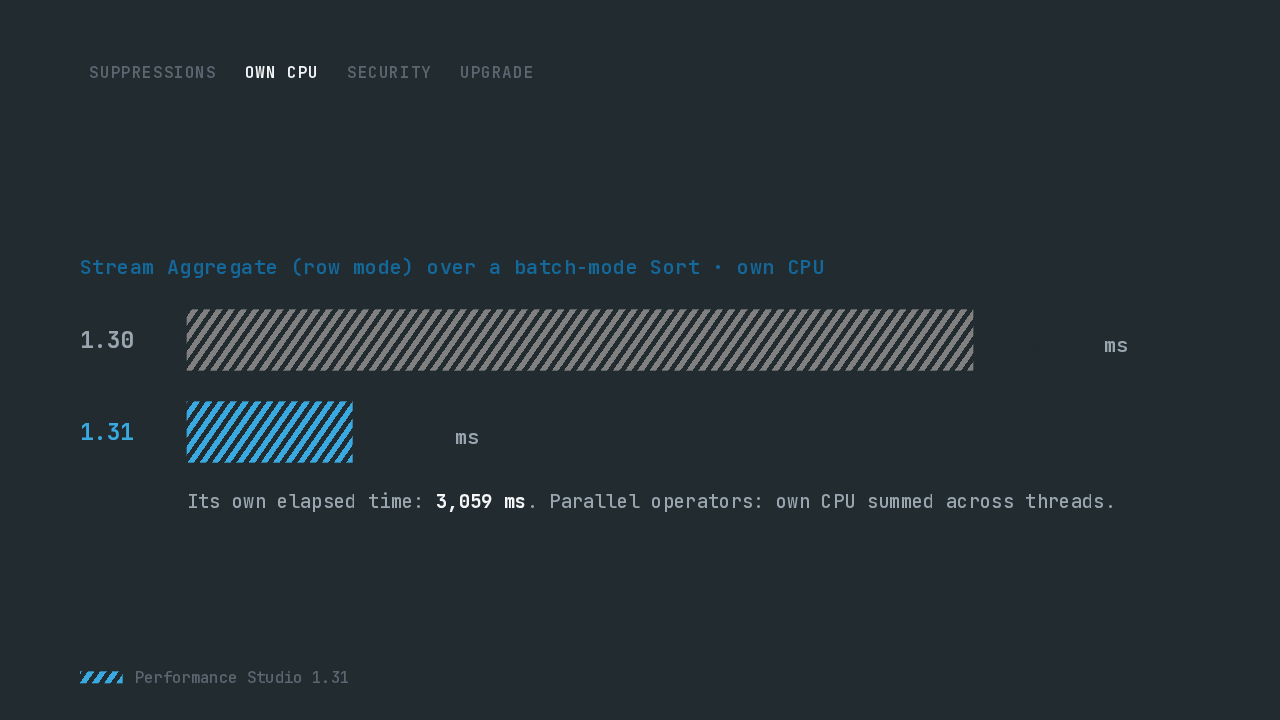
  5. Batch mode operators report their own CPU, not a running total. So for a row mode Stream Aggregate above a batch Sort, subtracting only the Sort's time left the rest of the batch zone on the aggregate: nearly 15 seconds of own CPU, beside about 3 seconds of own elapsed. Subtracting the whole zone gives about 3.1 seconds.

    Slide text
    Suppressions Own CPU Security Upgrade

    Own CPU now subtracts the whole batch zone below an operator

    Stream Aggregate (row mode) over a batch-mode Sort · own CPU
    1.30
    14,771ms
    1.31
    3,112ms
    Its own elapsed time: 3,059 ms. Parallel operators: own CPU summed across threads.
    Performance Studio 1.31
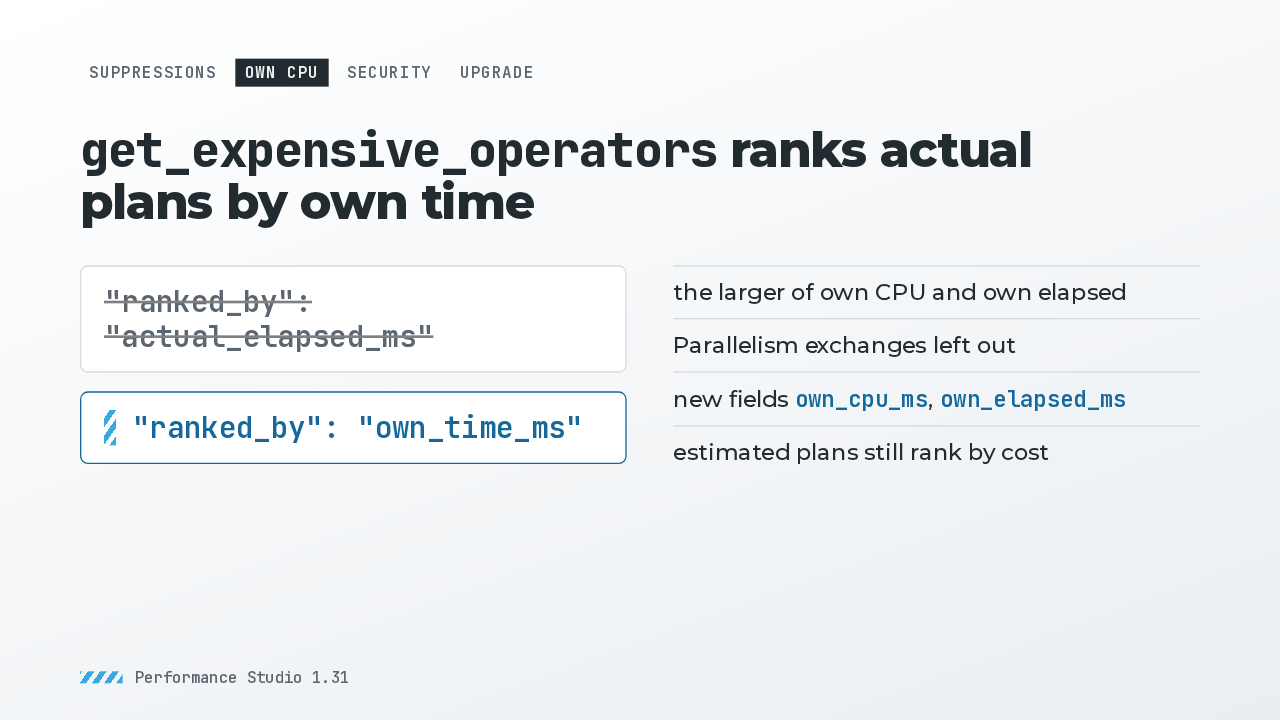
  6. The MCP tool get_expensive_operators uses these own times now. On an actual plan it ranked by elapsed time, which in row mode includes everything underneath, so parents crowded out the operator doing the work. Now it ranks by own time, leaves out exchanges, and matches the CLI's own list. Scripts that read ranked_by will see the new value.

    Slide text
    Suppressions Own CPU Security Upgrade

    get_expensive_operators ranks actual plans by own time

    "ranked_by": "actual_elapsed_ms"
    "ranked_by": "own_time_ms"
    • the larger of own CPU and own elapsed
    • Parallelism exchanges left out
    • new fields own_cpu_ms, own_elapsed_ms
    • estimated plans still rank by cost
    Performance Studio 1.31
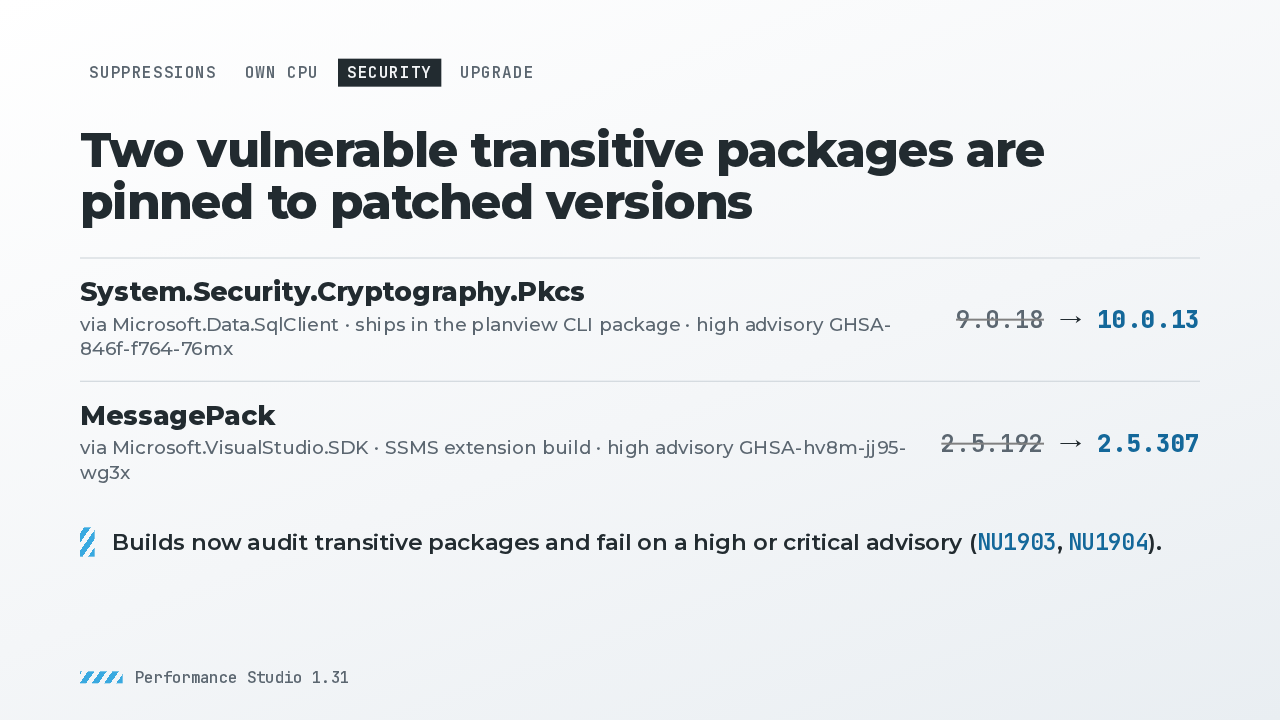
  7. SQL Client pulled in a Pkcs cryptography package with a high severity advisory. It's pinned to version 10, which the planview CLI package now carries. The SSMS extension builds against a patched MessagePack. And builds now fail on any high or critical advisory, transitive packages included.

    Slide text
    Suppressions Own CPU Security Upgrade

    Two vulnerable transitive packages are pinned to patched versions

    System.Security.Cryptography.Pkcs
    via Microsoft.Data.SqlClient · ships in the planview CLI package · high advisory GHSA-846f-f764-76mx
    9.0.18 → 10.0.13
    MessagePack
    via Microsoft.VisualStudio.SDK · SSMS extension build · high advisory GHSA-hv8m-jj95-wg3x
    2.5.192 → 2.5.307
    Builds now audit transitive packages and fail on a high or critical advisory (NU1903, NU1904).
    Performance Studio 1.31
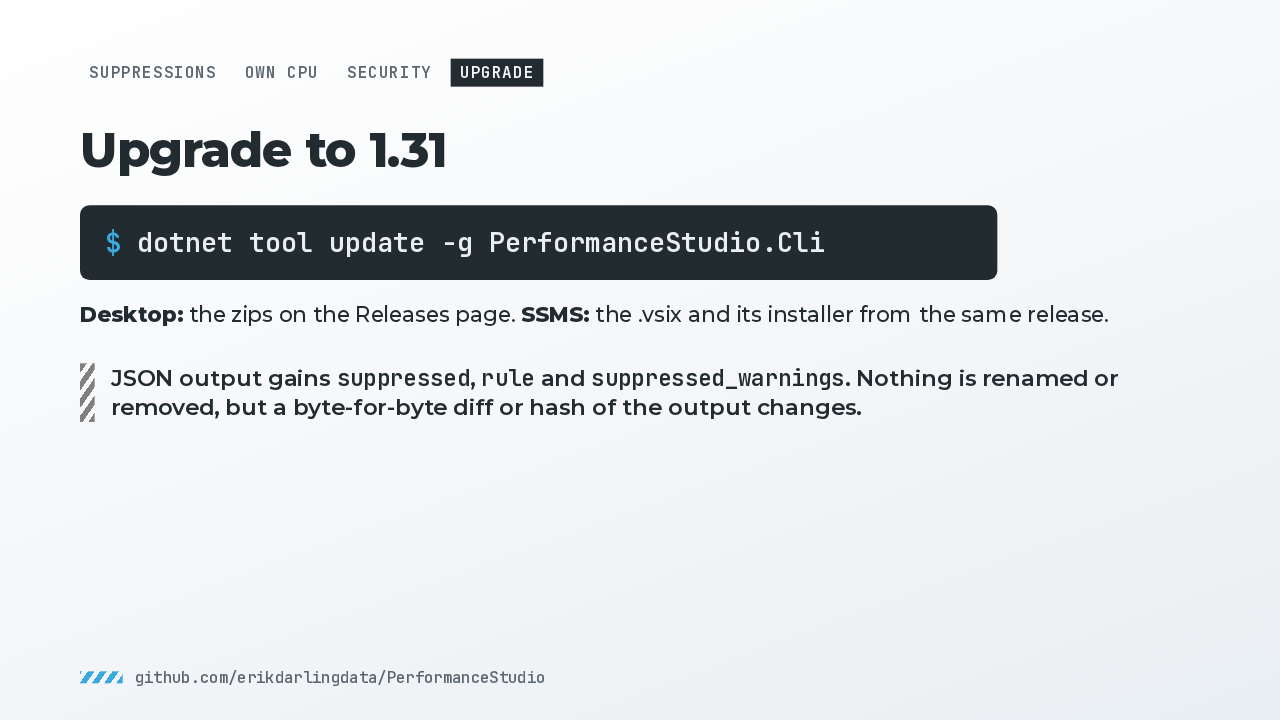
  8. To upgrade the CLI, run dotnet tool update. The desktop zips are on the releases page. The JSON output only adds fields: a suppressed flag on every warning, a rule number where a rule fired, and a suppressed count in the summary. Tools that read fields by name carry on, and anything that hashes the whole output sees new bytes. That's 1.31: set a finding aside by query hash, and get own CPU that adds up.

    Slide text
    Suppressions Own CPU Security Upgrade

    Upgrade to 1.31

    $ dotnet tool update -g PerformanceStudio.Cli

    Desktop: the zips on the Releases page. SSMS: the .vsix and its installer from the same release.

    JSON output gains suppressed, rule and suppressed_warnings. Nothing is renamed or removed, but a byte-for-byte diff or hash of the output changes.
    github.com/erikdarlingdata/PerformanceStudio

What happened in AI today, in your inbox

One short email each evening. Read it and you’re caught up.

Built in New York with ❤️