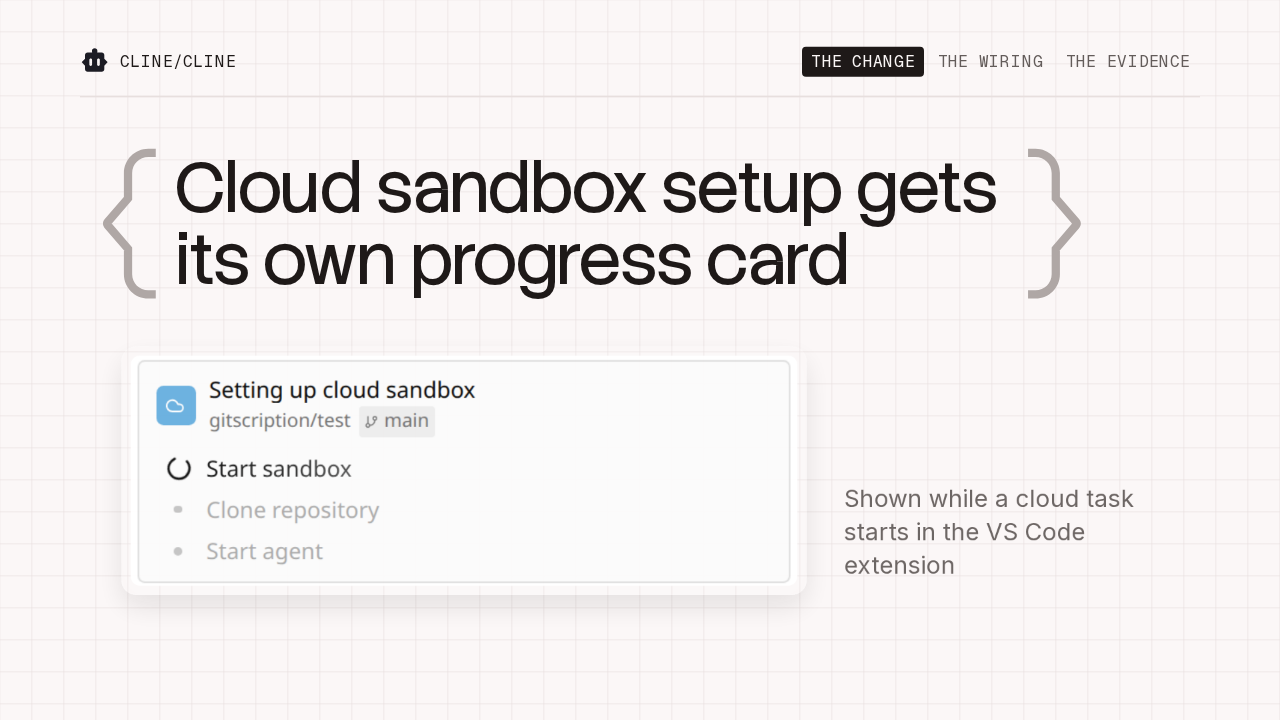
Cline can now run a task in a cloud sandbox
 cline/cline · v4.1.25
Cline Cloud sessions, rolling out gradually, in Cline 4.1.25
Cline 4.1.25 can run a task in a hosted cloud sandbox, on a GitHub repo and branch you pick. It's rolling out gradually. This release also moves several default models, uses OpenAI Compatible base URLs exactly as entered, and stops long local model requests from timing out.
Pick a repo and branch, and the task runs in the cloud
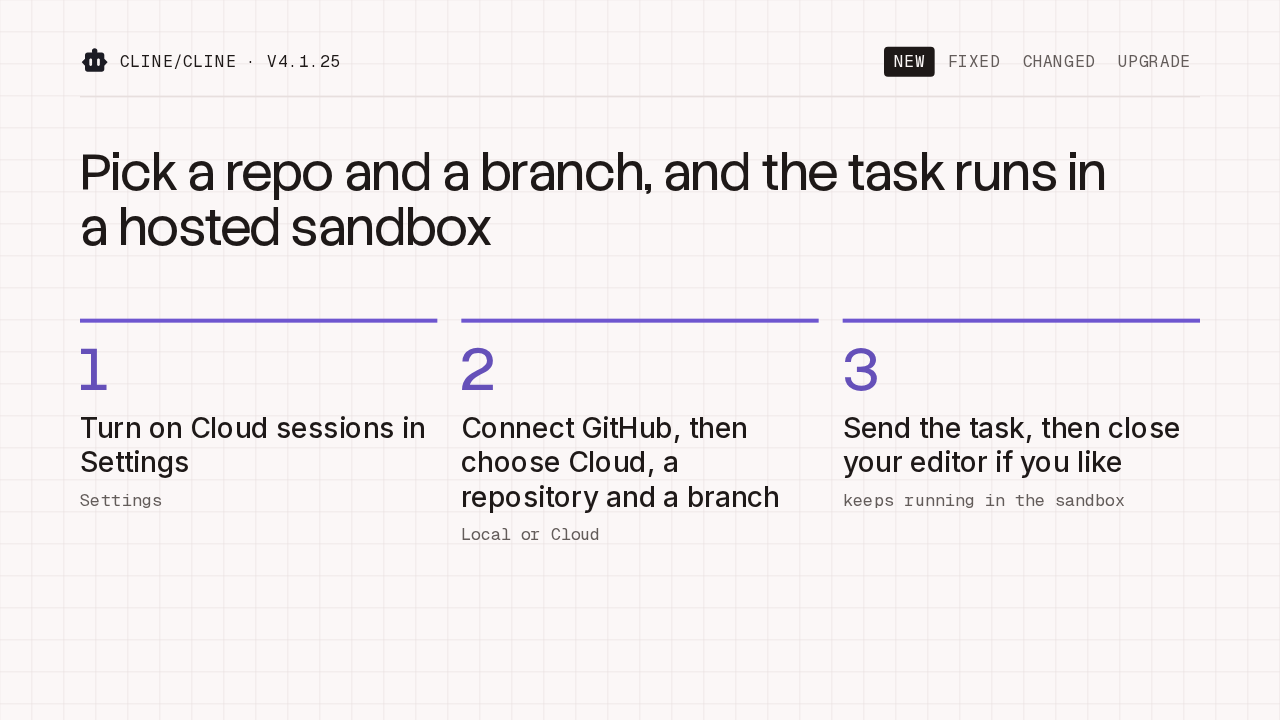
cline/cline · v4.1.25Pick a repo and a branch, and the task runs in a hosted sandbox
Once it reaches your account, turn on Cloud sessions in Settings. Connect GitHub, then choose Cloud instead of Local, with a repository and a branch. Send the task as usual. It runs in the sandbox, and it keeps running after you close your editor.
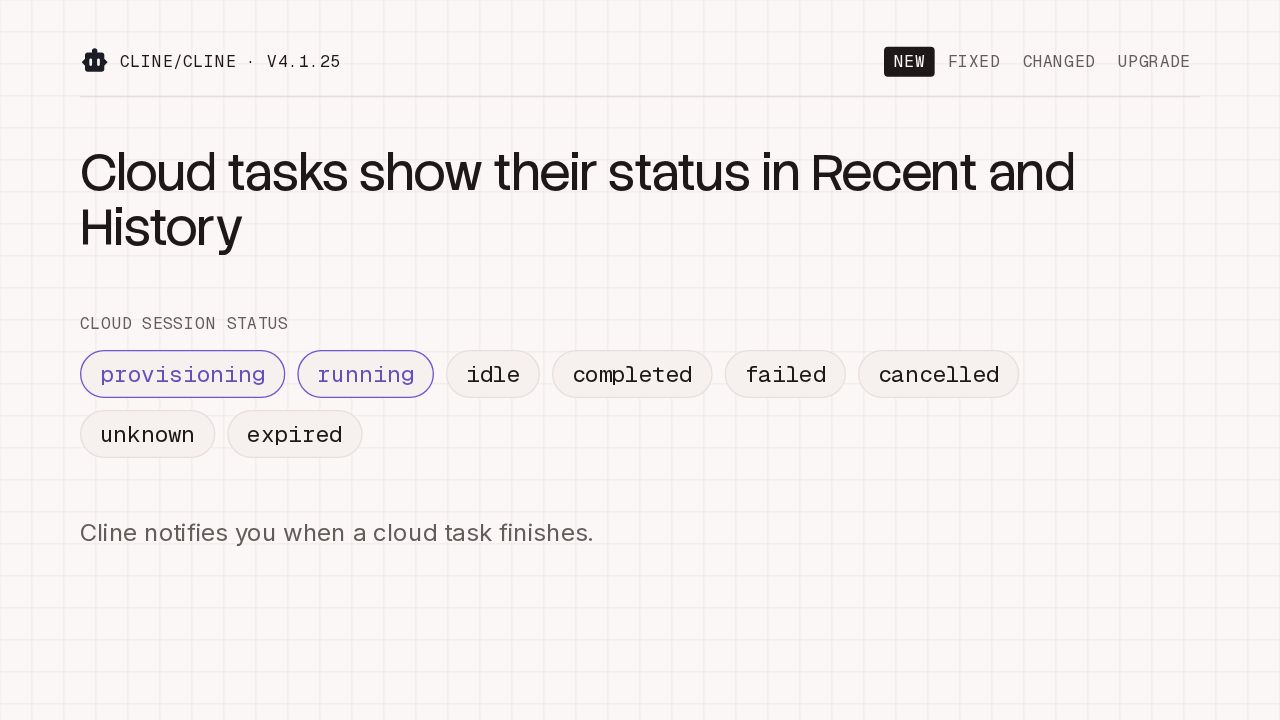
Cloud tasks show their status in Recent and History
cline/cline · v4.1.25Cline notifies you when a cloud task finishes.
Cloud tasks sit in Recent and History next to your local ones, each with its status, from provisioning and running through to completed, failed or expired. When one finishes, Cline notifies you, so you can leave it running and come back to the result.
Long local model requests no longer fail at 5 minutes
cline/cline · v4.1.25Long prompts to LM Studio and Ollama no longer fail after 5 minutes
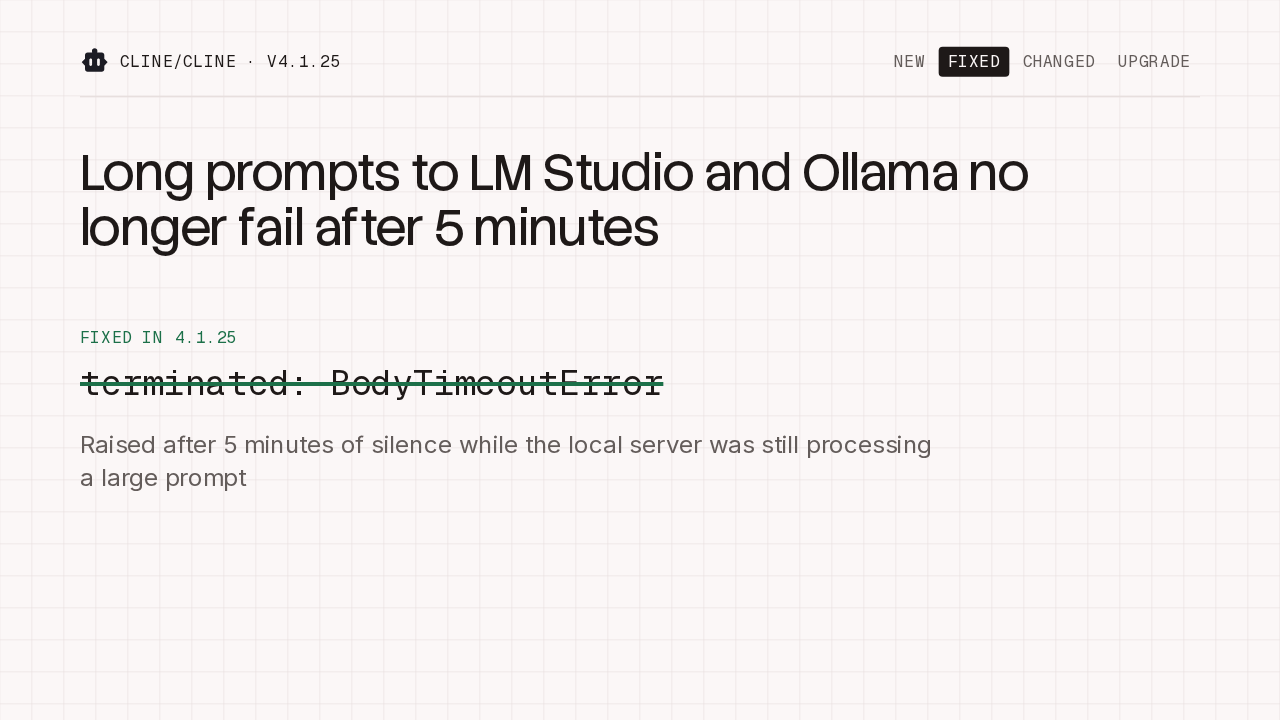
Raised after 5 minutes of silence while the local server was still processing a large prompt
If you run models locally, this one is for you. A long request to LM Studio or Ollama used to fail after 5 minutes of silence, with a body timeout error, while the server was still working through a large prompt. That idle timeout no longer cuts those requests off.
Interrupted responses retry up to 3 times
cline/cline · v4.1.25retries at most, before a mid-stream provider error fails the turn
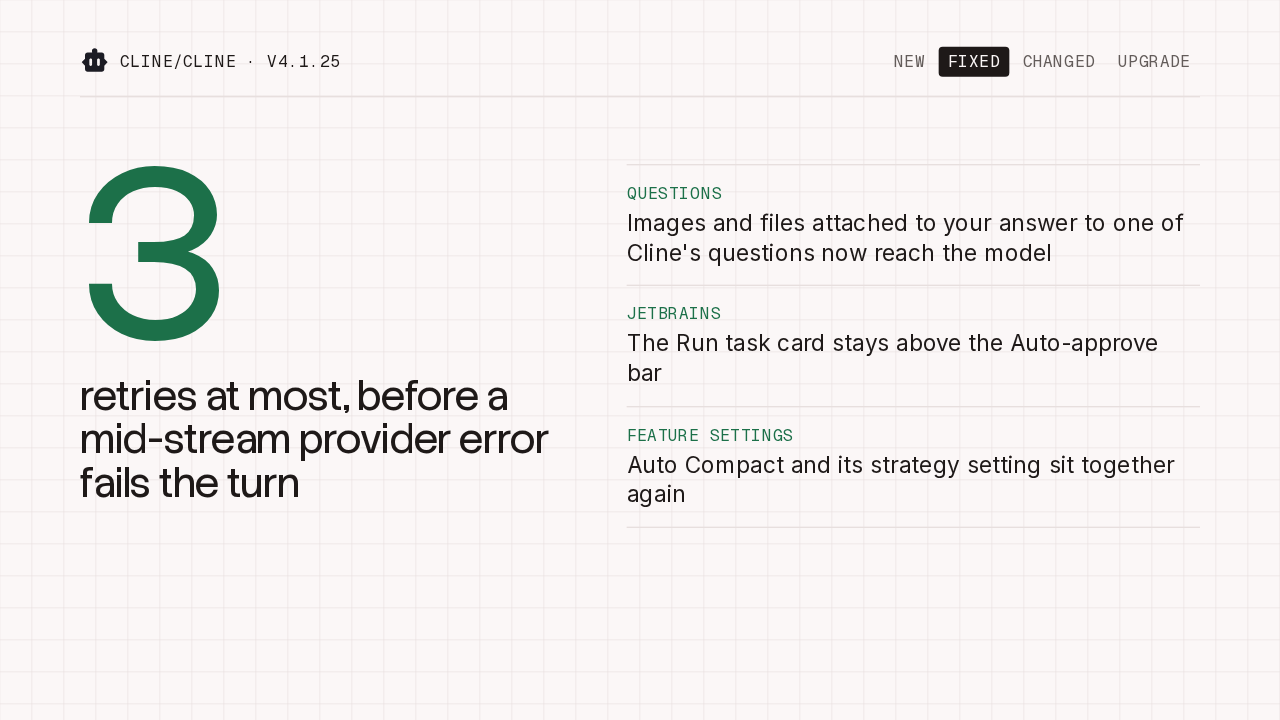
When a provider error cuts off a response mid-stream, Cline now retries it up to 3 times before failing the turn. Images and files you attach when answering one of Cline's questions now reach the model instead of being dropped. In JetBrains, the Run task card stays above the Auto-approve bar. And Auto Compact sits next to its strategy setting again.
OpenAI Compatible base URLs are used as entered
cline/cline · v4.1.25OpenAI Compatible base URLs are used exactly as entered
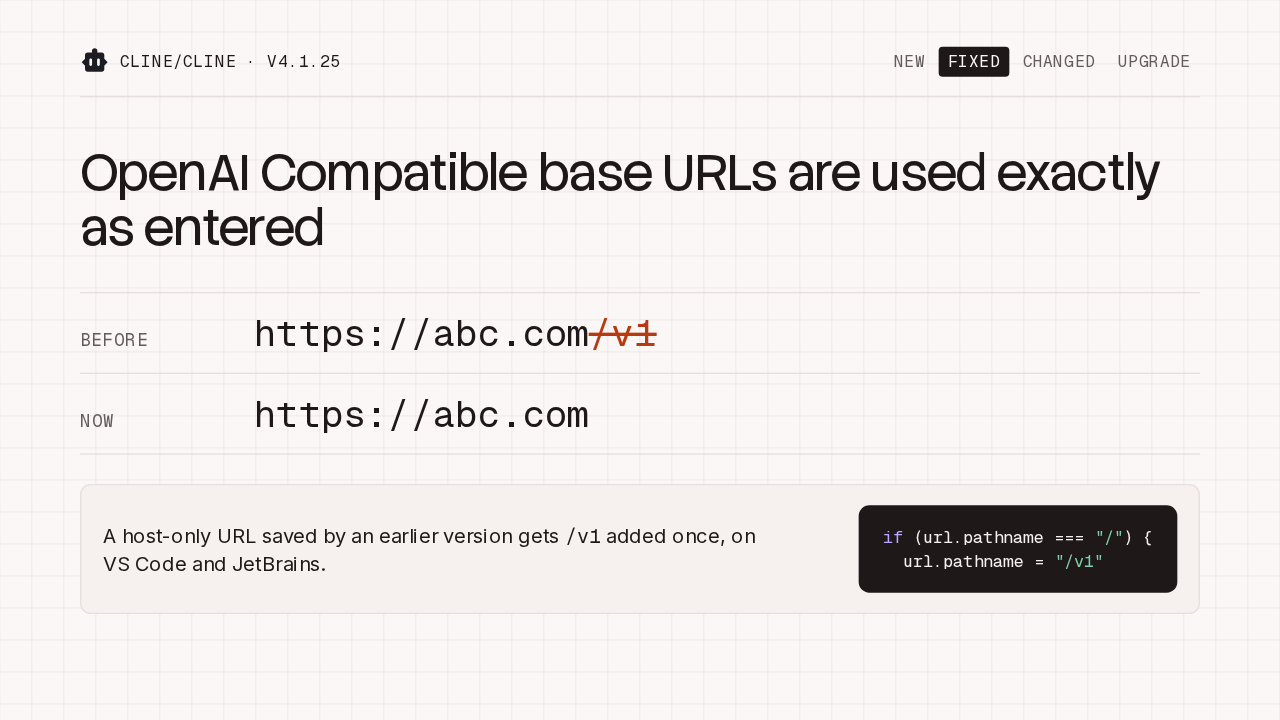
A host-only URL saved by an earlier version gets /v1 added once, on VS Code and JetBrains.
if (url.pathname === "/") {
  url.pathname = "/v1"
OpenAI Compatible base URLs are now used exactly as you type them. A host-only URL used to get /v1 added silently. Now it's sent as entered. If an earlier version saved a host-only URL, the upgrade adds /v1 to it once, so your existing setup keeps working. A new URL you enter later needs its own /v1 if your server expects it.
The model catalog adds two providers
cline/cline · v4.1.25The model catalog adds Boundless and Standard Compute
Providers
Boundless
Standard Compute
SambaNova from the catalog, default MiniMax M3
Cline recommended
Gemini 4 Argon
Grok 4.7
Cline free, and OpenCode Go
Nemotron 3.5 Super VL
Step 5 Preview
MiniMax M2.7 on OpenCode Go
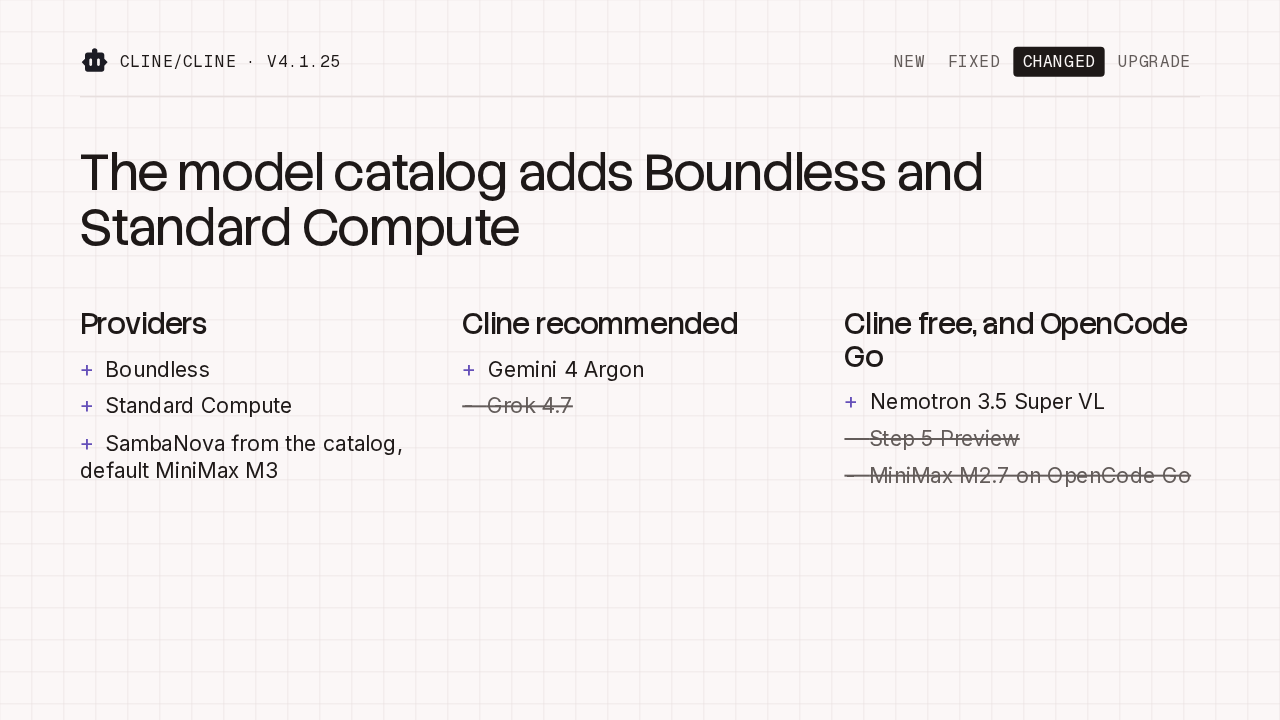
The model catalog was refreshed. Boundless and Standard Compute are new providers, and SambaNova now comes from the catalog, with MiniMax M3 as its default. Cline's recommended list adds Gemini 4 Argon and drops Grok 4.7. The free list swaps Step 5 Preview for Nemotron 3.5 Super VL, and OpenCode Go drops MiniMax M2.7.
Unpinned providers move to new default models
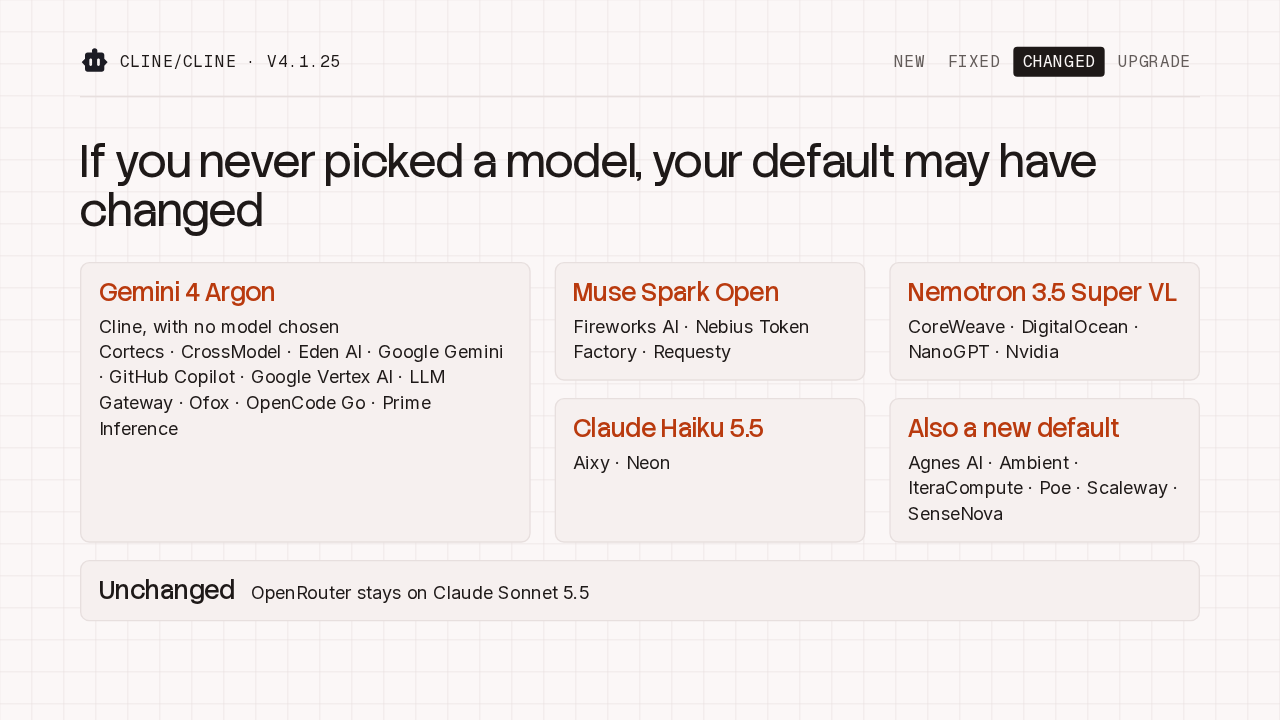
cline/cline · v4.1.25If you never picked a model, your default may have changed
Gemini 4 Argon
Cline, with no model chosen
Cortecs · CrossModel · Eden AI · Google Gemini · GitHub Copilot · Google Vertex AI · LLM Gateway · Ofox · OpenCode Go · Prime Inference
Muse Spark Open
Fireworks AI · Nebius Token Factory · Requesty
Nemotron 3.5 Super VL
CoreWeave · DigitalOcean · NanoGPT · Nvidia
Claude Haiku 5.5
Aixy · Neon
Also a new default
Agnes AI · Ambient · IteraCompute · Poe · Scaleway · SenseNova
Unchanged
OpenRouter stays on Claude Sonnet 5.5
With no model chosen, the Cline provider now uses Gemini 4 Argon, and so do ten other providers. Fifteen more move to Muse Spark Open, Nemotron 3.5 Super VL, Claude Haiku 5.5, or a different new default. OpenRouter stays on Claude Sonnet 5.5. If you rely on a particular model, pin it.
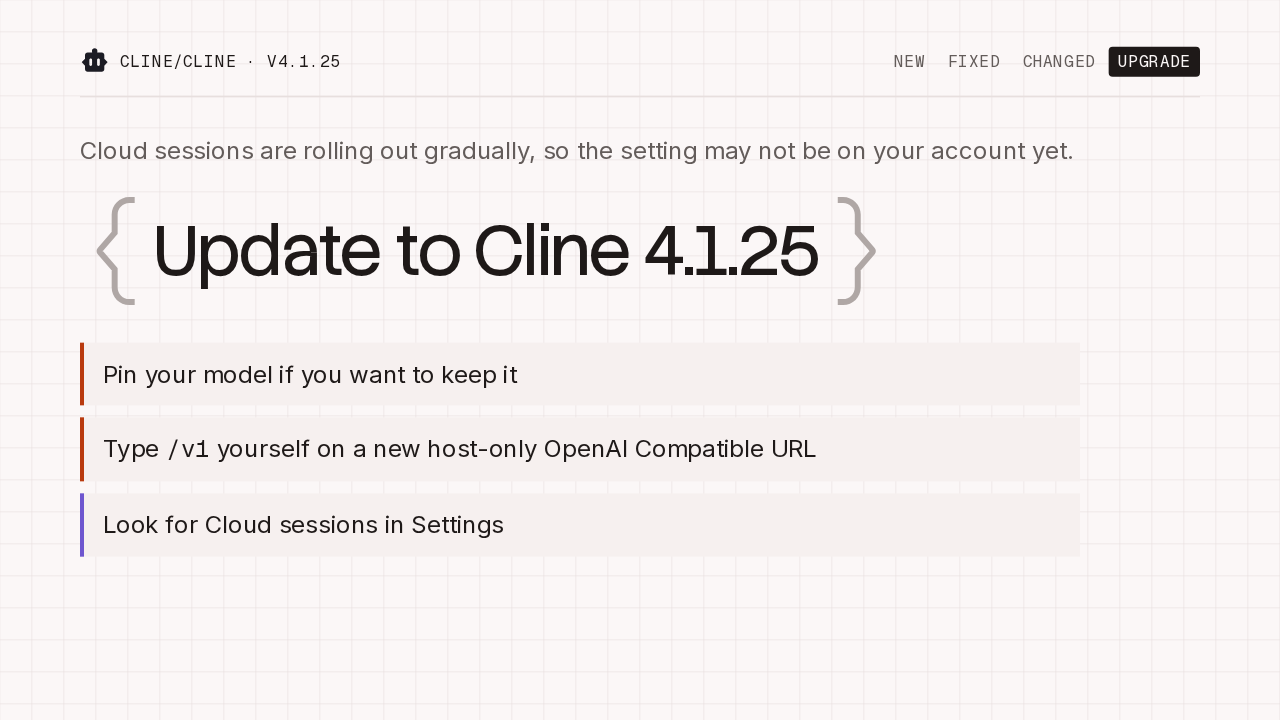
Update to Cline 4.1.25
cline/cline · v4.1.25Cloud sessions are rolling out gradually, so the setting may not be on your account yet.
One limit. Cloud sessions are rolling out gradually, so you may not see the setting yet. When you update, pin your model if you want to keep it, and type /v1 yourself on any new host-only OpenAI Compatible URL. Then look for Cloud sessions in Settings. Update to Cline 4.1.25.