Clementine 1.4.3 plays your music on a Chromecast
3 hours ago
Clementine 1.4.3 is out. It brings together everything since 1.4.2, tagged at the start of October, about three weeks of development builds. The biggest addition is that Clementine can now play your music on a Chromecast. Mac users also get working streams from Plex servers, the icons get sharper across the board, and Clementine Remote gets a round of fixes.
Ask about this presentation
Chapters
Show transcriptHide transcript
Clementine 1.4.3 is out. It brings together everything since 1.4.2, tagged at the start of October, about three weeks of development builds. The biggest addition is that Clementine can now play your music on a Chromecast. Mac users also get working streams from Plex servers, the icons get sharper across the board, and Clementine Remote gets a round of fixes.
Slide text

Clementine 1.4.3 plays your music on a Chromecast
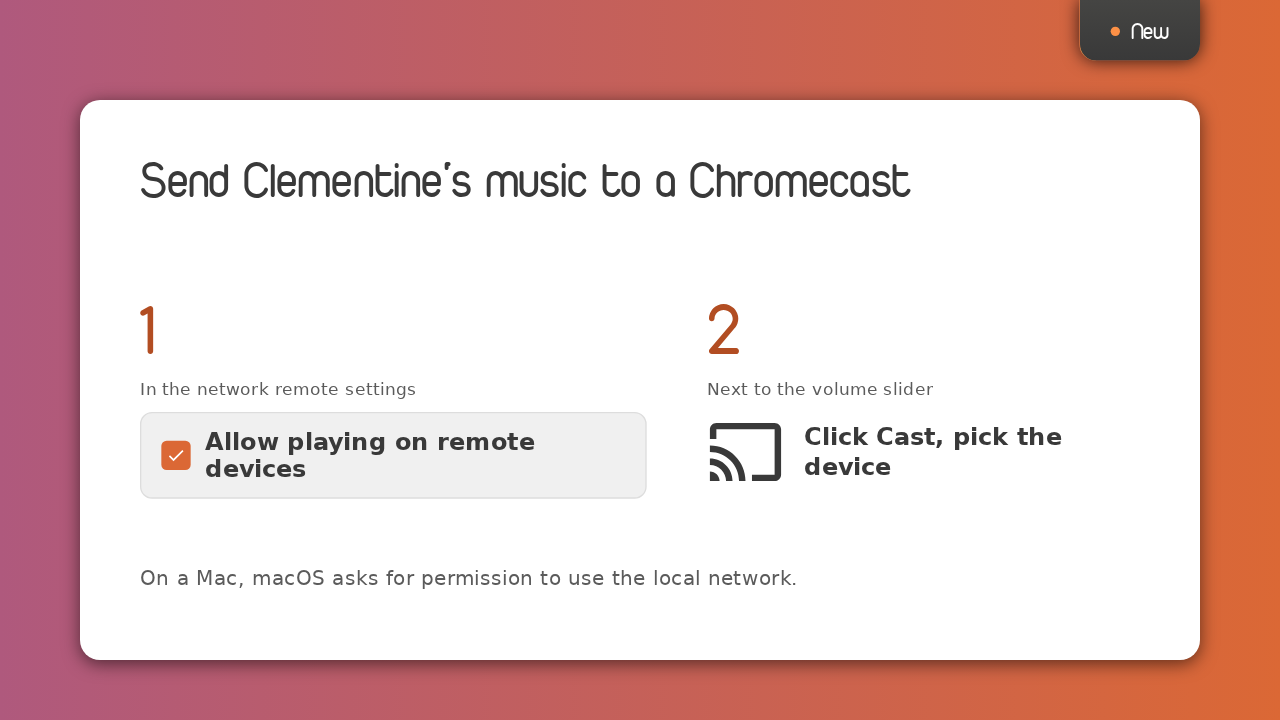
Plus stream fixes on the Mac, sharper icons, and a better Clementine RemoteYou can now play music on a Chromecast, or any other Google Cast device. To turn it on, open the network remote settings and tick Allow playing on remote devices. Then click the Cast button next to the volume slider, and choose the device. On a Mac, macOS asks for permission to use your local network, which is how Clementine finds Cast devices.
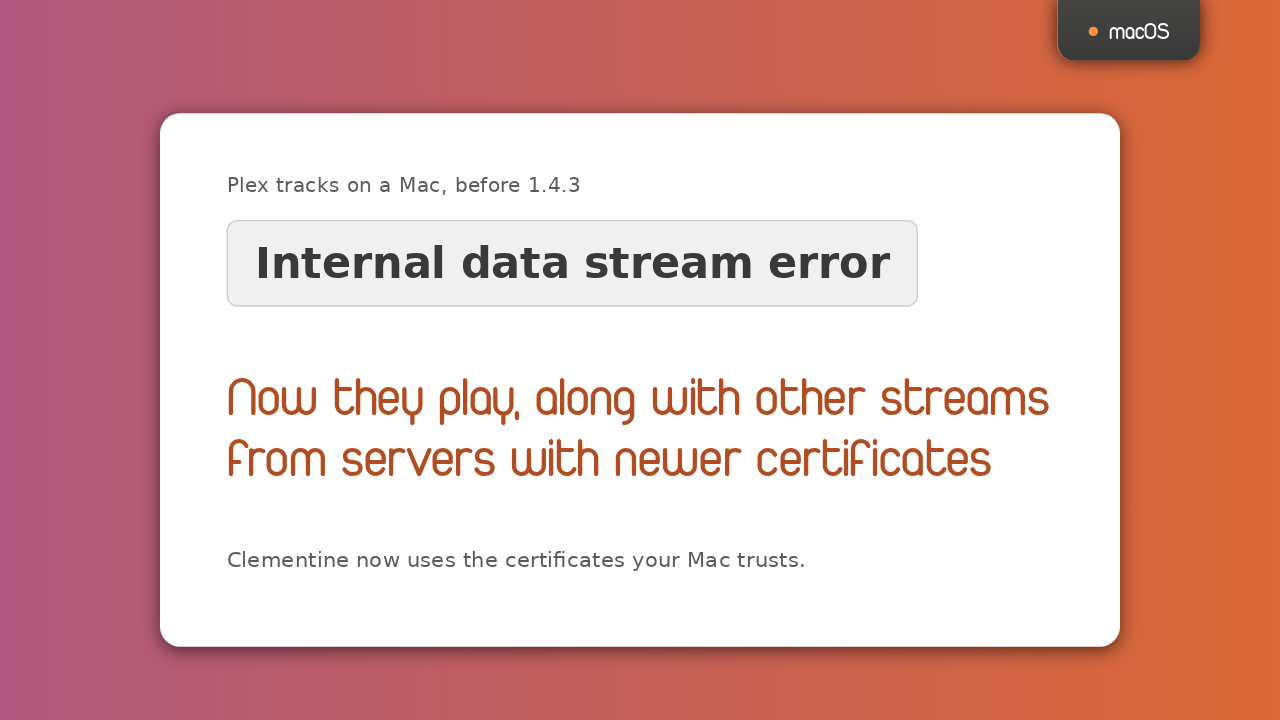
On a Mac, Plex tracks used to fail with Internal data stream error. In 1.4.3 they play, and so do other streams from servers with newer certificates. Clementine now checks those servers against the certificates your Mac trusts, so if you gave up on Plex in Clementine on macOS, this is the release to try it again.
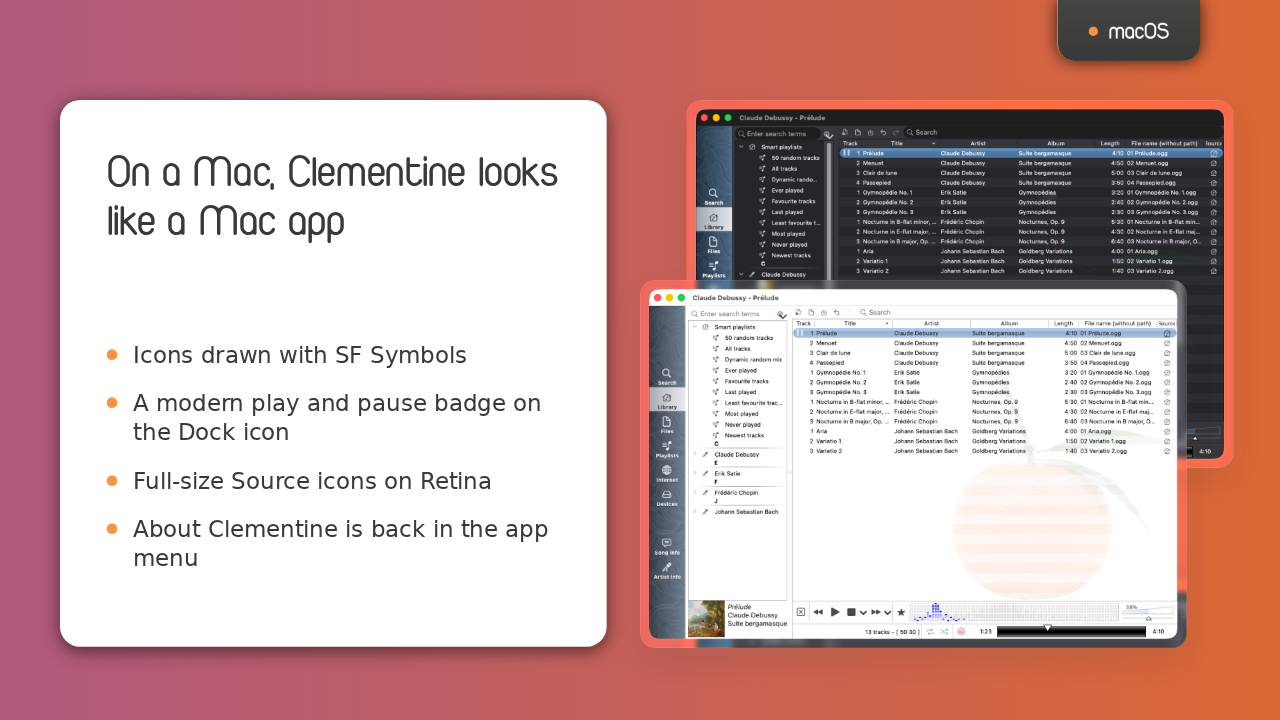
Here is Clementine on macOS in this release. Its icons now use the system's SF Symbols, sharp at any size and following light and dark mode. The Dock icon's badge fits in with current macOS, the Source icons are full size on Retina again, and About Clementine works in the app menu again. And when the theme follows the system, Clementine now switches between light and dark as soon as the system does.
Slide text
macOSOn a Mac, Clementine looks like a Mac app
- Icons drawn with SF Symbols
- A modern play and pause badge on the Dock icon
- Full-size Source icons on Retina
- About Clementine is back in the app menu


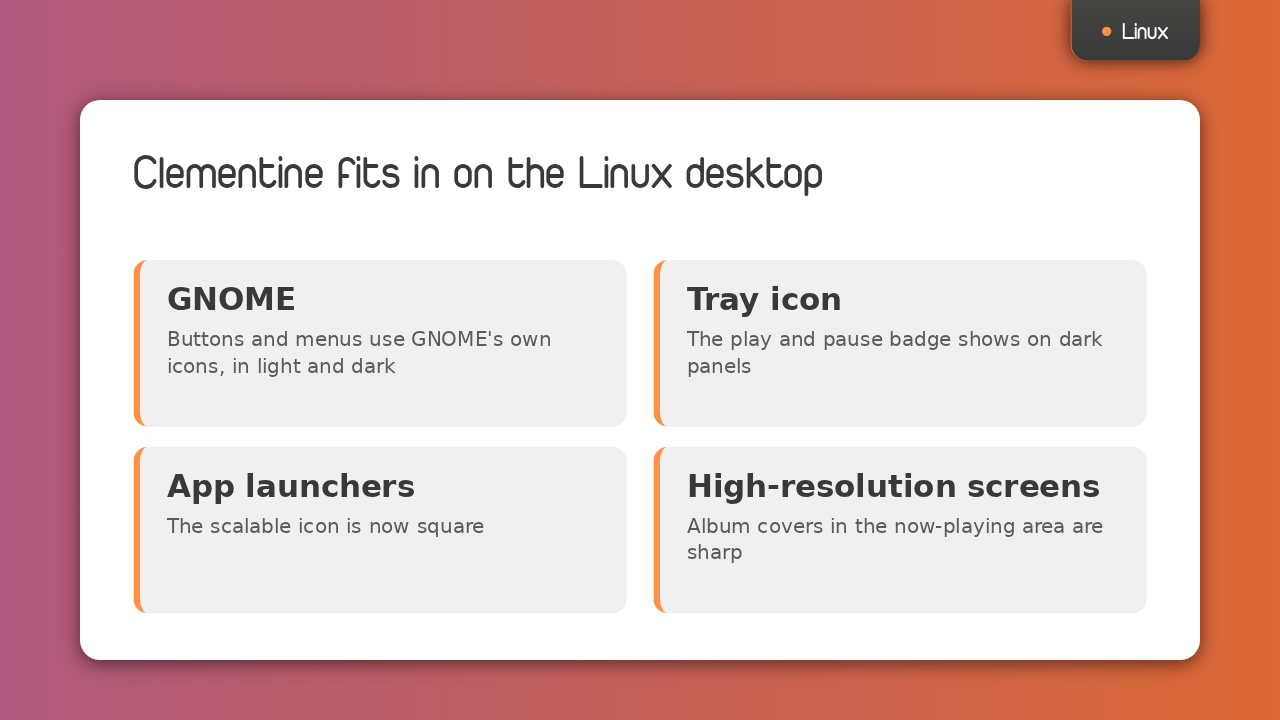
Linux gets the same care. Under GNOME, Clementine's buttons and menus use GNOME's own icons, so they match the rest of the desktop in light and dark mode. The tray icon's play and pause badge is now visible on dark panels. The scalable app icon is square, the way Linux app launchers expect. And on high-resolution screens, album covers in the now-playing area are now sharp.
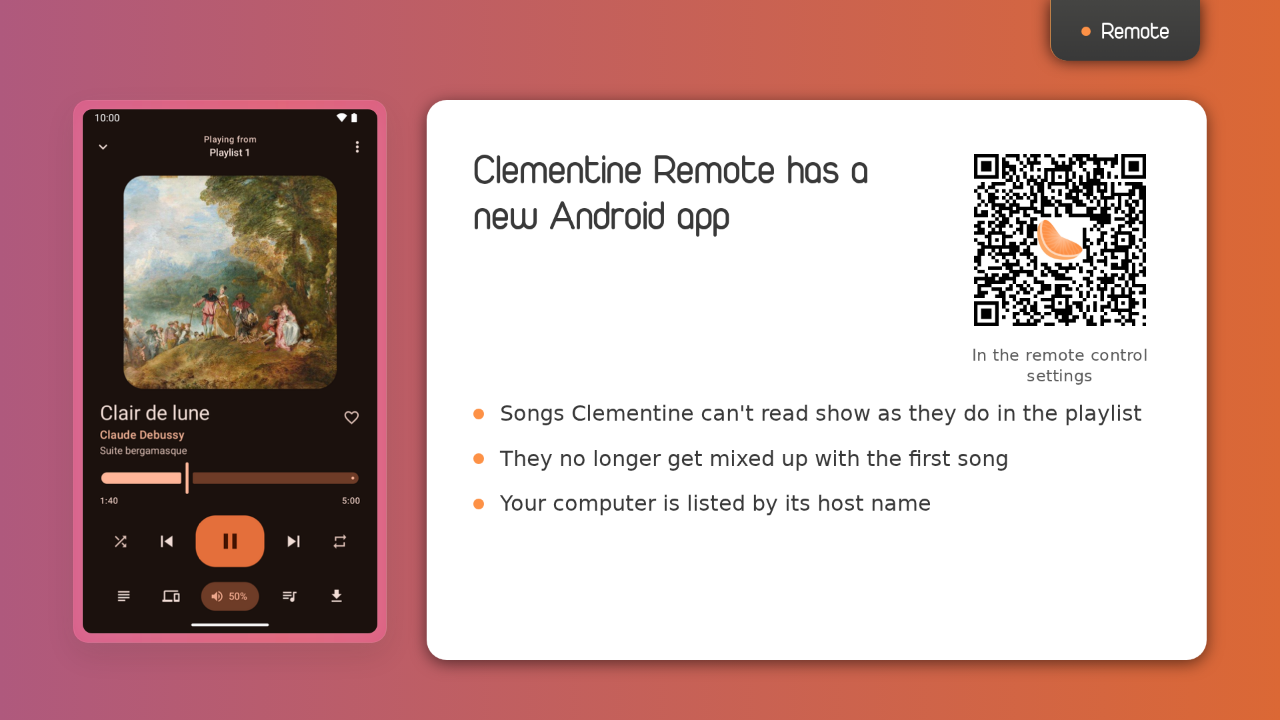
Clementine Remote for Android is now on Google Play, and the remote control settings link to it with this code, and no longer to ClemRemote. Songs Clementine can't read, like a missing file, now show in the remote as they do in the playlist, and no longer get mixed up with the first song. Remotes also list your computer by its host name.
Slide text
Remote
Clementine Remote has a new Android app
 In the remote control settings
- Songs Clementine can't read show as they do in the playlist
- They no longer get mixed up with the first song
- Your computer is listed by its host name
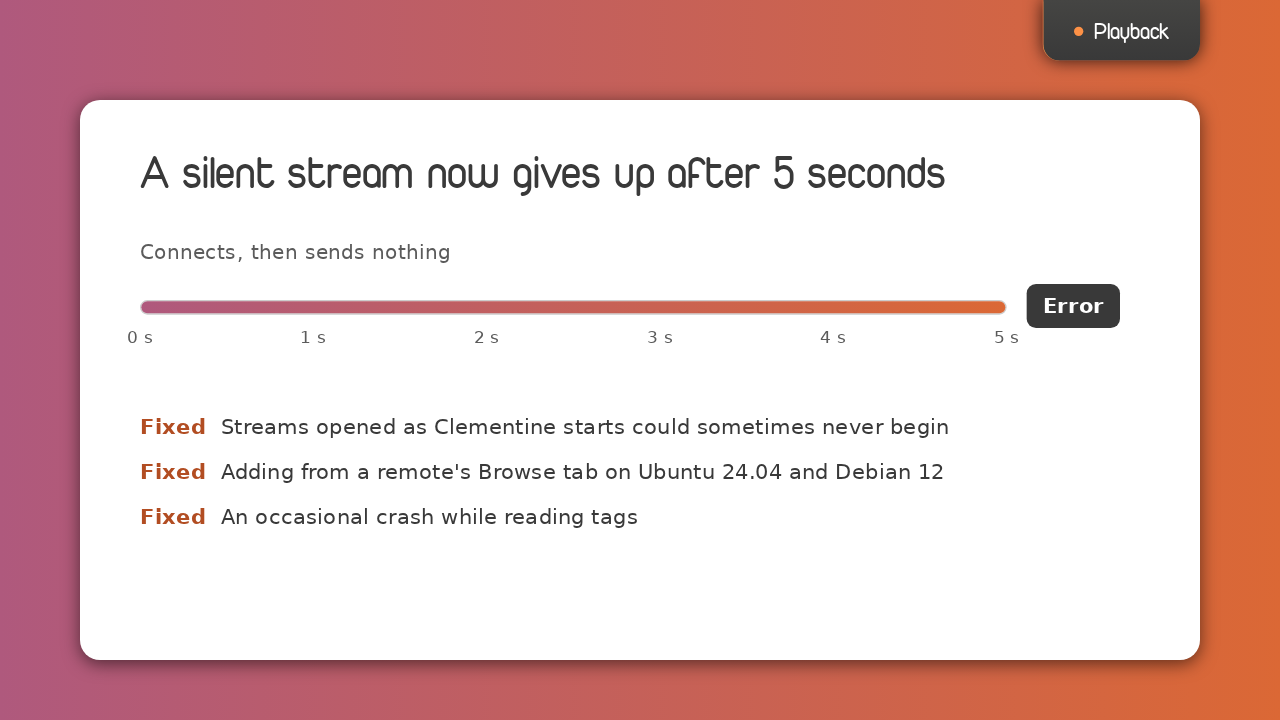
A stream that connects but sends nothing used to wait forever. Now it fails after five seconds with an error. A stream opened as Clementine starts could sometimes never begin, and that's fixed. Adding from a remote's Browse tab now works on Ubuntu 24.04 and Debian 12, and an occasional crash while reading tags is fixed too.
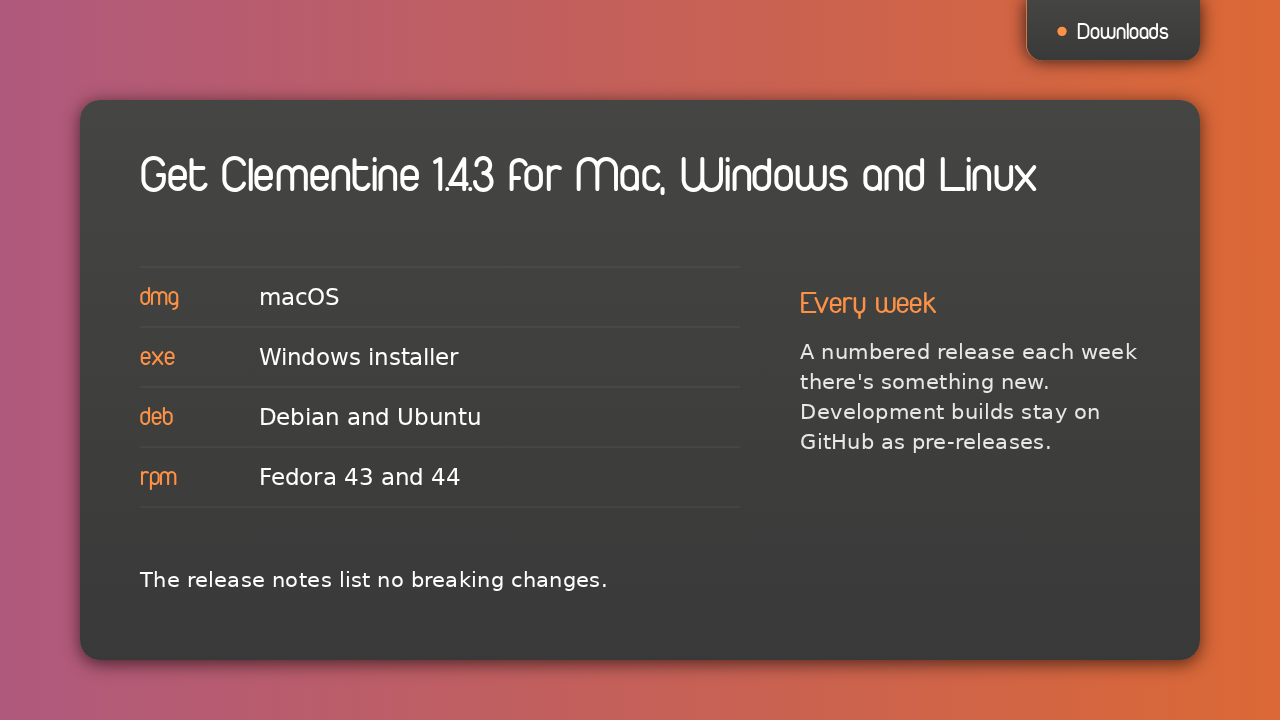
To upgrade, download 1.4.3 from the GitHub release. There's a Mac disk image, a Windows installer, and packages for Debian, Ubuntu and Fedora. Clementine is back to numbered releases, one every week there's something new, and development builds stay on GitHub as pre-releases. The release notes list no breaking changes. That's Clementine 1.4.3, and it plays your music on a Chromecast.