pick Simplified or Traditional Chinese, plus eleven fixes
2 days ago
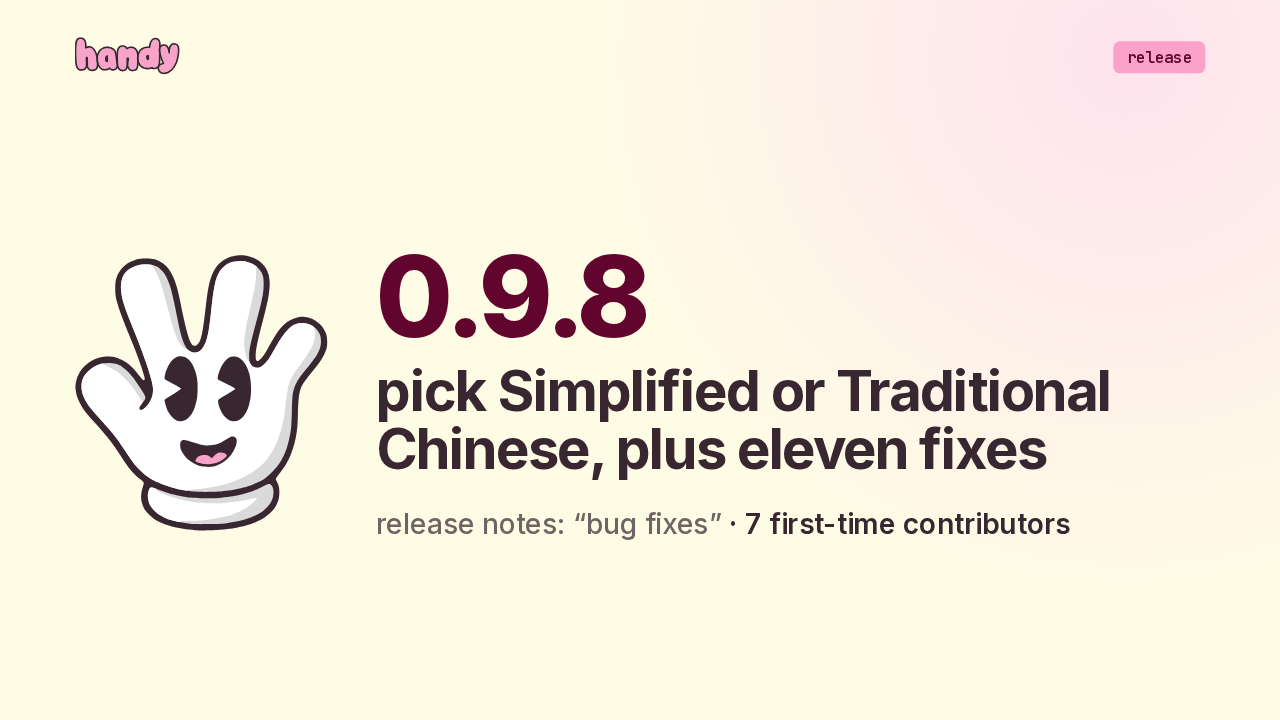
Handy 0.9.8 is a bug fix release, and the notes say so in two words. It fixes eleven bugs, from filler words to keyboard shortcuts, and it adds one setting: whether Mandarin and Cantonese come out in Simplified or Traditional characters.
Ask about this presentation
Chapters
Show transcriptHide transcript
Handy 0.9.8 is a bug fix release, and the notes say so in two words. It fixes eleven bugs, from filler words to keyboard shortcuts, and it adds one setting: whether Mandarin and Cantonese come out in Simplified or Traditional characters.
Slide text
 release0.9.8
pick Simplified or Traditional Chinese, plus eleven fixes
release notes: “bug fixes” · 7 first-time contributors
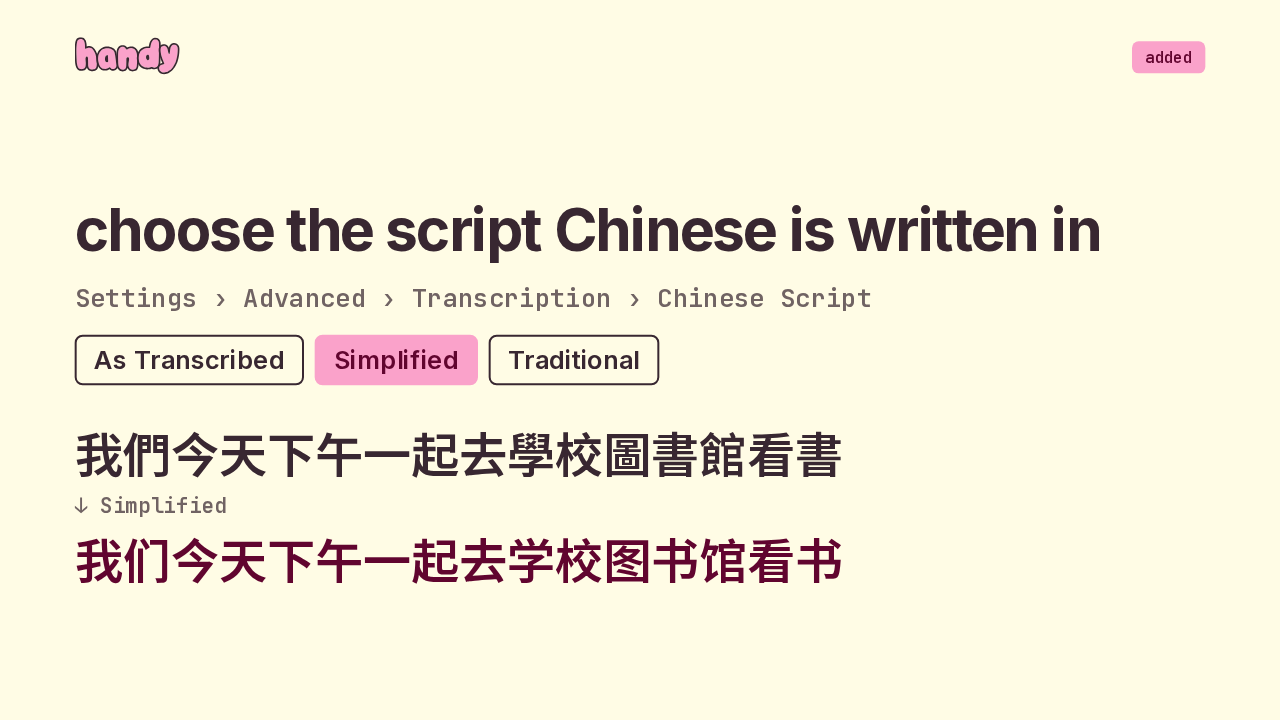
Recognition language and script are now separate choices. The language picks what the model listens for, and the new Chinese Script setting picks how the text is written. It covers the pasted text and the live preview. Mandarin converts with Taiwan's character tables, and Cantonese with Hong Kong's.
Slide text
addedchoose the script Chinese is written in
Settings › Advanced › Transcription › Chinese Script
As Transcribed Simplified Traditional我們今天下午一起去學校圖書館看書↓ Simplified我们今天下午一起去学校图书馆看书Only output known to be Chinese gets converted. A Japanese transcript stays exactly as it was, even though it shares characters with Chinese. On auto detect, Handy reads the language from the text, and the live preview waits for six characters before it decides. Cantonese gets the Hong Kong forms of characters.
Slide text
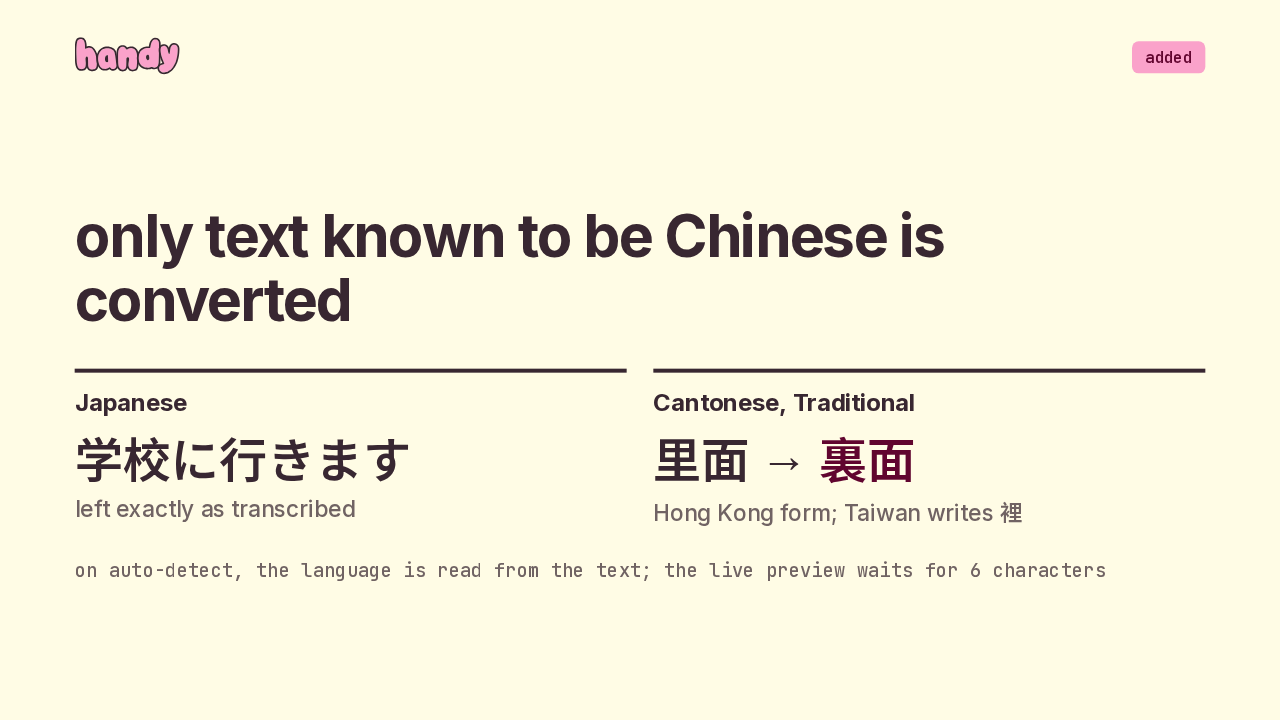
addedonly text known to be Chinese is converted
Japanese学校に行きますleft exactly as transcribedCantonese, Traditional里面 → 裏面Hong Kong form; Taiwan writes 裡on auto-detect, the language is read from the text; the live preview waits for 6 characters
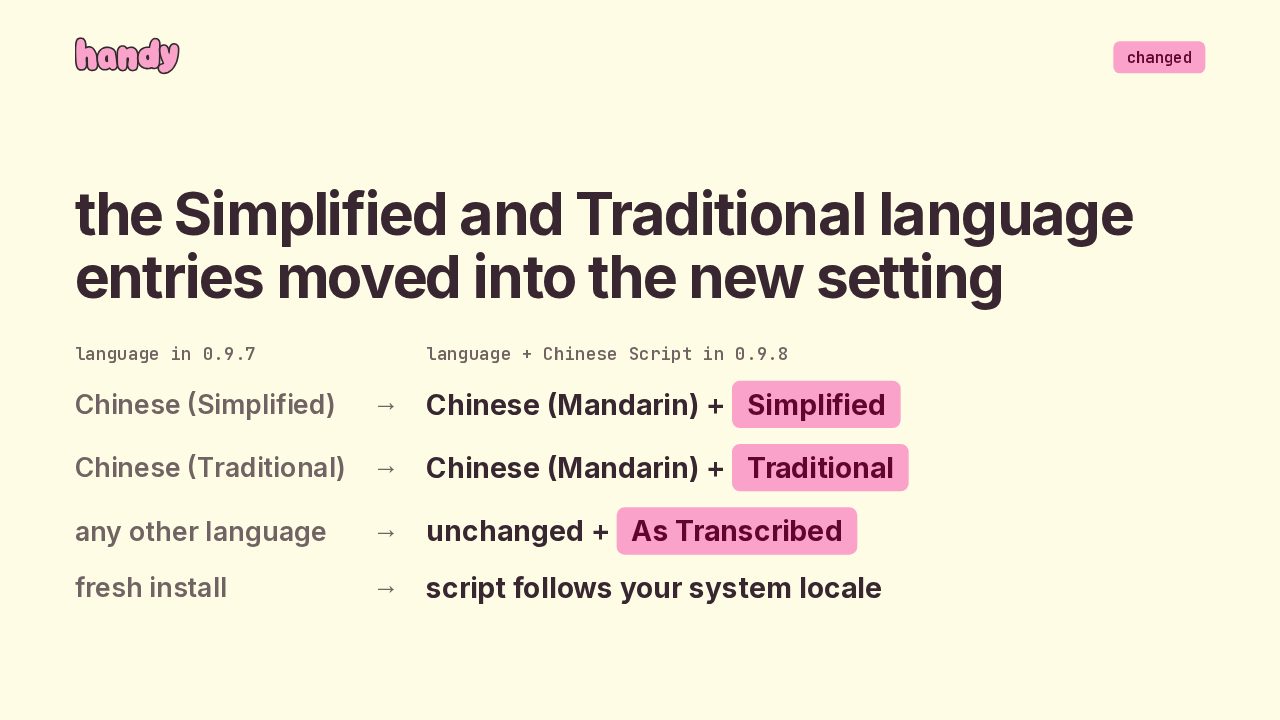
Your language setting migrates by itself. If your language was Chinese Simplified or Chinese Traditional, you'll now see Chinese Mandarin, with the matching script in the new setting. Everyone else keeps the output they had. A fresh install picks the script from your system locale.
Slide text
changedthe Simplified and Traditional language entries moved into the new setting
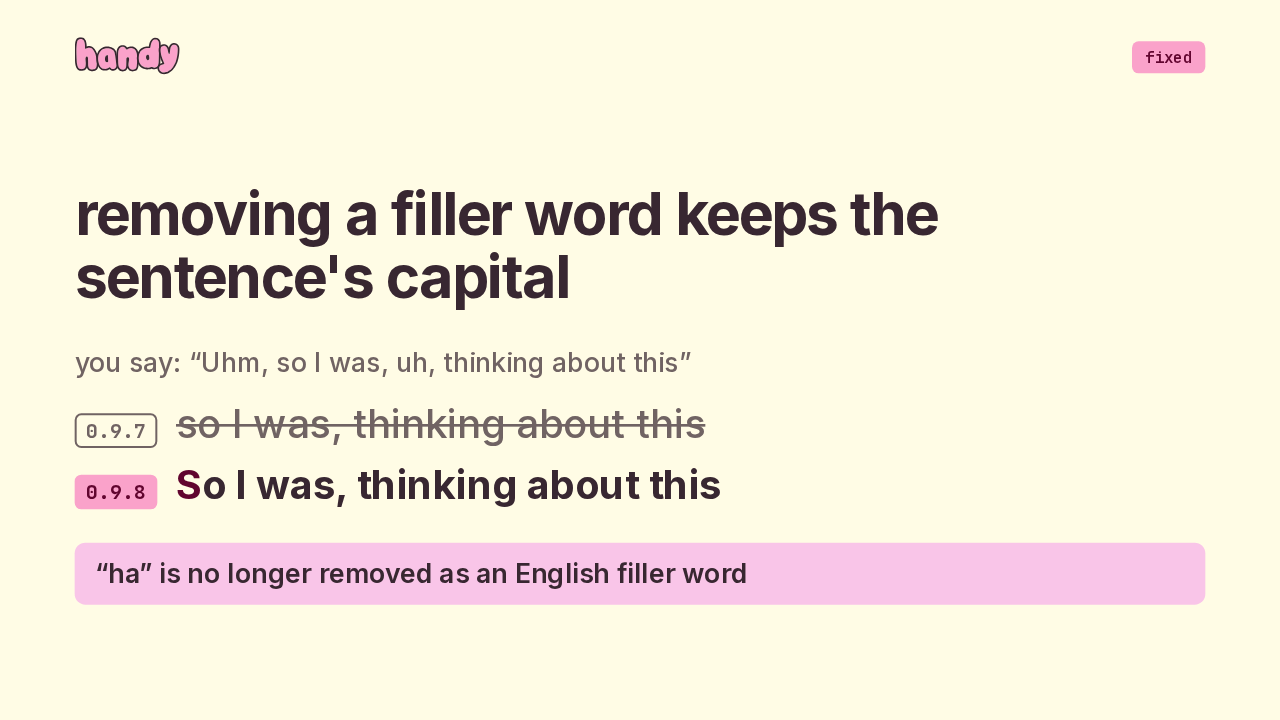
language in 0.9.7language + Chinese Script in 0.9.8Chinese (Simplified)→Chinese (Mandarin) + SimplifiedChinese (Traditional)→Chinese (Mandarin) + Traditionalany other language→unchanged + As Transcribedfresh install→script follows your system localeFiller word removal got two fixes. When a sentence opened with um or uh, removing it left the sentence starting in lower case. Now the capital moves to the word that takes its place. And ha is off the English filler list, so it stays in your text.
Slide text
fixedremoving a filler word keeps the sentence's capital
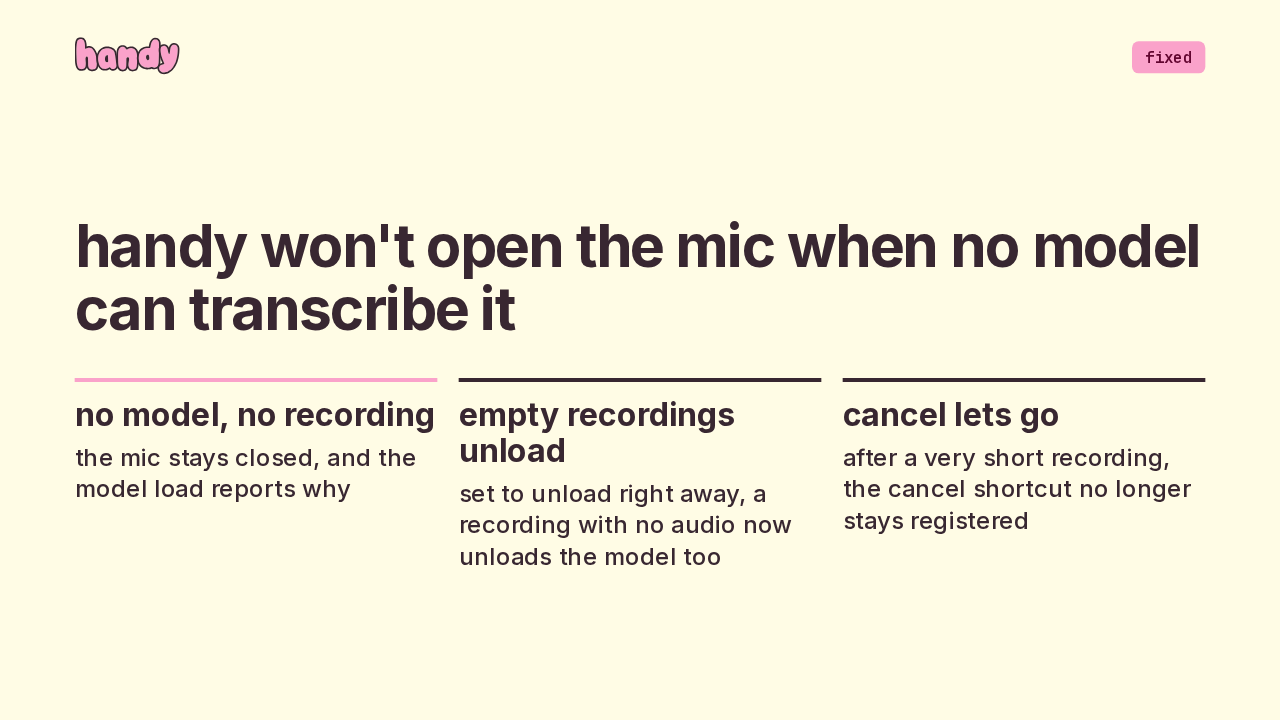
you say: “Uhm, so I was, uh, thinking about this”0.9.7so I was, thinking about this0.9.8 So I was, thinking about this“ha” is no longer removed as an English filler wordThree fixes land around recording. If no model can transcribe, Handy no longer opens the mic. If it's set to unload the model right away, a recording with no audio now unloads it too. And after a very short recording, the cancel shortcut no longer stays registered.
Slide text
fixedhandy won't open the mic when no model can transcribe it
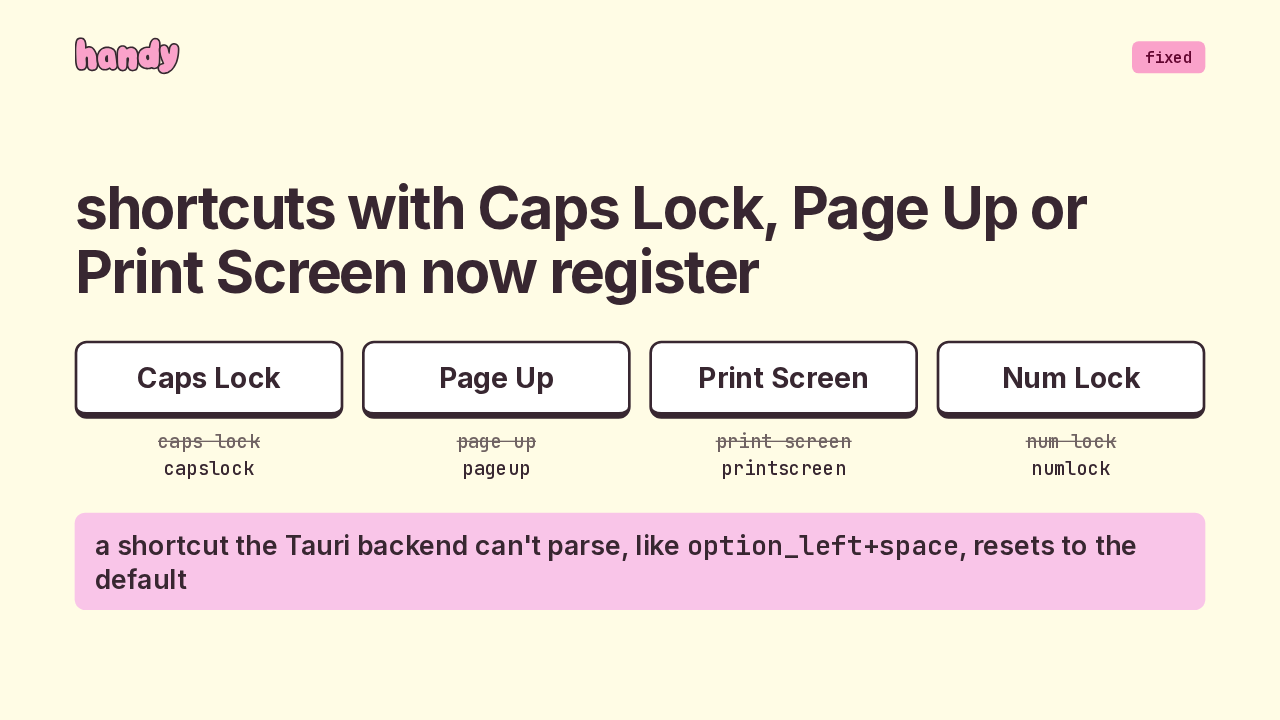
no model, no recordingthe mic stays closed, and the model load reports whyempty recordings unloadset to unload right away, a recording with no audio now unloads the model toocancel lets goafter a very short recording, the cancel shortcut no longer stays registeredShortcuts got stricter, and more of them work. Keys with two word names, like Caps Lock and Page Up, were saved with a space that the shortcut parsers reject. Now they're saved as one word. And a shortcut the Tauri backend can't parse, like one using the left Option key, resets to the default.
Slide text
fixedshortcuts with Caps Lock, Page Up or Print Screen now register
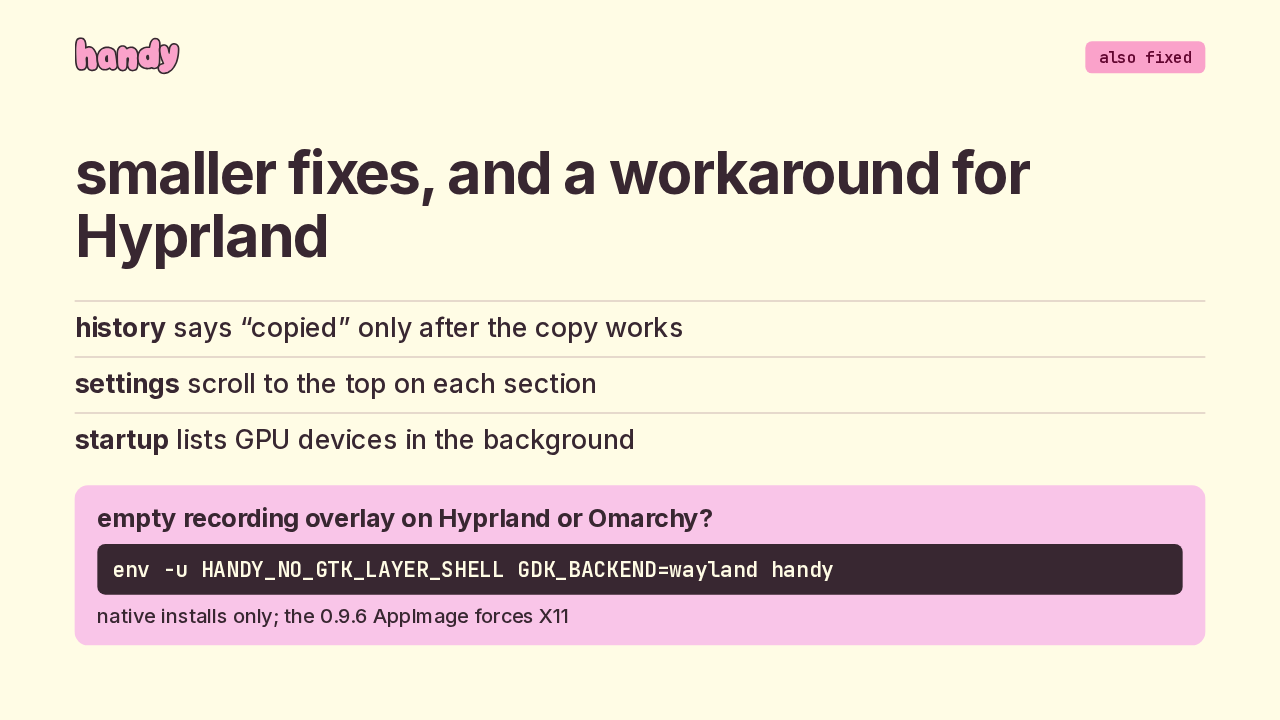
Caps Lockcaps lockcapslockPage Uppage uppageupPrint Screenprint screenprintscreenNum Locknum locknumlocka shortcut the Tauri backend can't parse, like option_left+space, resets to the defaultA few smaller fixes. History only says copied once the copy actually worked. Settings sections open at the top. Listing GPU devices moved off the startup path, where on a Mac it could trigger a one-time shader compile. And if the recording overlay is empty on Hyprland or Omarchy, the readme now has a Wayland workaround for native installs.
Slide text
also fixedsmaller fixes, and a workaround for Hyprland
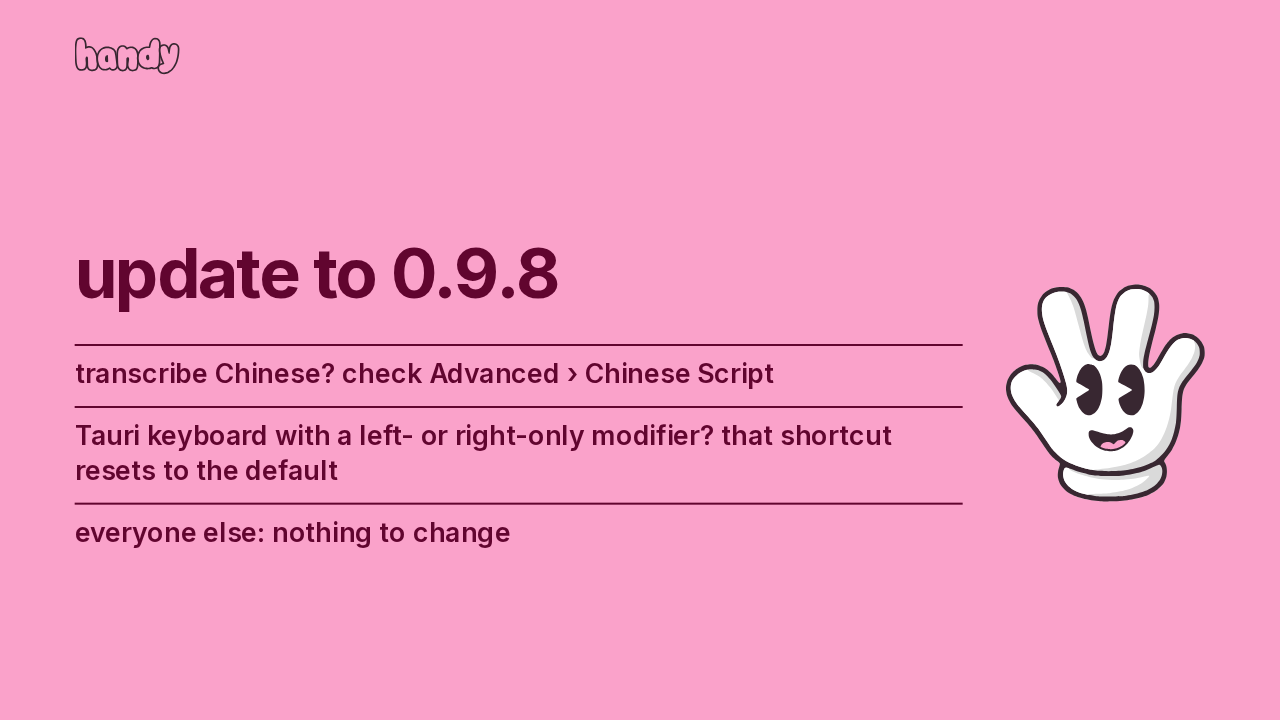
history says “copied” only after the copy workssettings scroll to the top on each sectionstartup lists GPU devices in the backgroundempty recording overlay on Hyprland or Omarchy?env -u HANDY_NO_GTK_LAYER_SHELL GDK_BACKEND=wayland handynative installs only; the 0.9.6 AppImage forces X11For most people, updating to 0.9.8 needs nothing else. If you transcribe Chinese, check the new script setting under Advanced. If you use the Tauri keyboard option with a left or right modifier in your shortcut, it resets to the default, so set a new one. That's 0.9.8: your pick of Chinese script, and eleven fixes.
Slide text
update to 0.9.8
transcribe Chinese? check Advanced › Chinese ScriptTauri keyboard with a left- or right-only modifier? that shortcut resets to the defaulteveryone else: nothing to change