Highlight the one line worth quoting in your subtitle quote images
2 hours ago
Native Subtitle Quote Image turns real video frames into quote images, with subtitle lines stacked under a hero frame. Version 2.10.0 adds one feature, for scripted subtitles. You can now pick a single line and draw it in a warm color, with a heavier outline and a soft backing plate, so the quotable line stands out.
Ask about this presentation
Chapters
Show transcriptHide transcript
Native Subtitle Quote Image turns real video frames into quote images, with subtitle lines stacked under a hero frame. Version 2.10.0 adds one feature, for scripted subtitles. You can now pick a single line and draw it in a warm color, with a heavier outline and a soft backing plate, so the quotable line stands out.
Slide text
Highlight the one line worth quoting
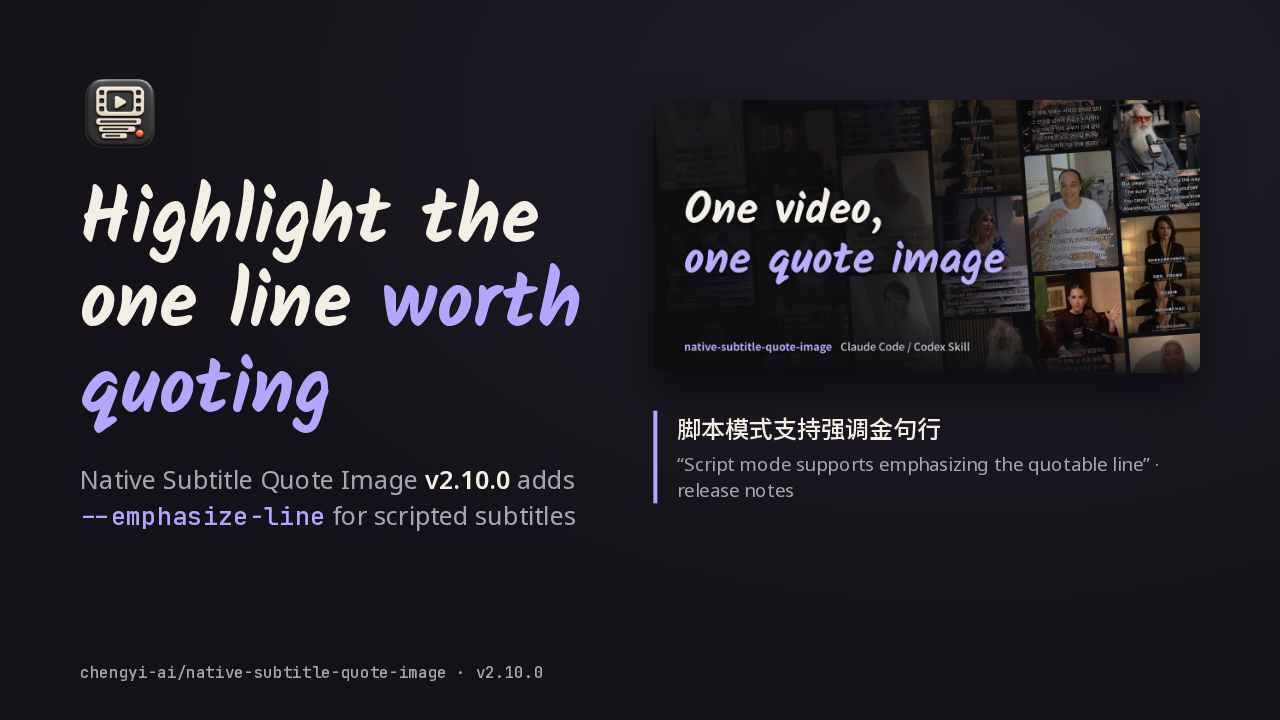
Native Subtitle Quote Image v2.10.0 adds --emphasize-line for scripted subtitles
 脚本模式支持强调金句行“Script mode supports emphasizing the quotable line” · release noteschengyi-ai/native-subtitle-quote-image · v2.10.0
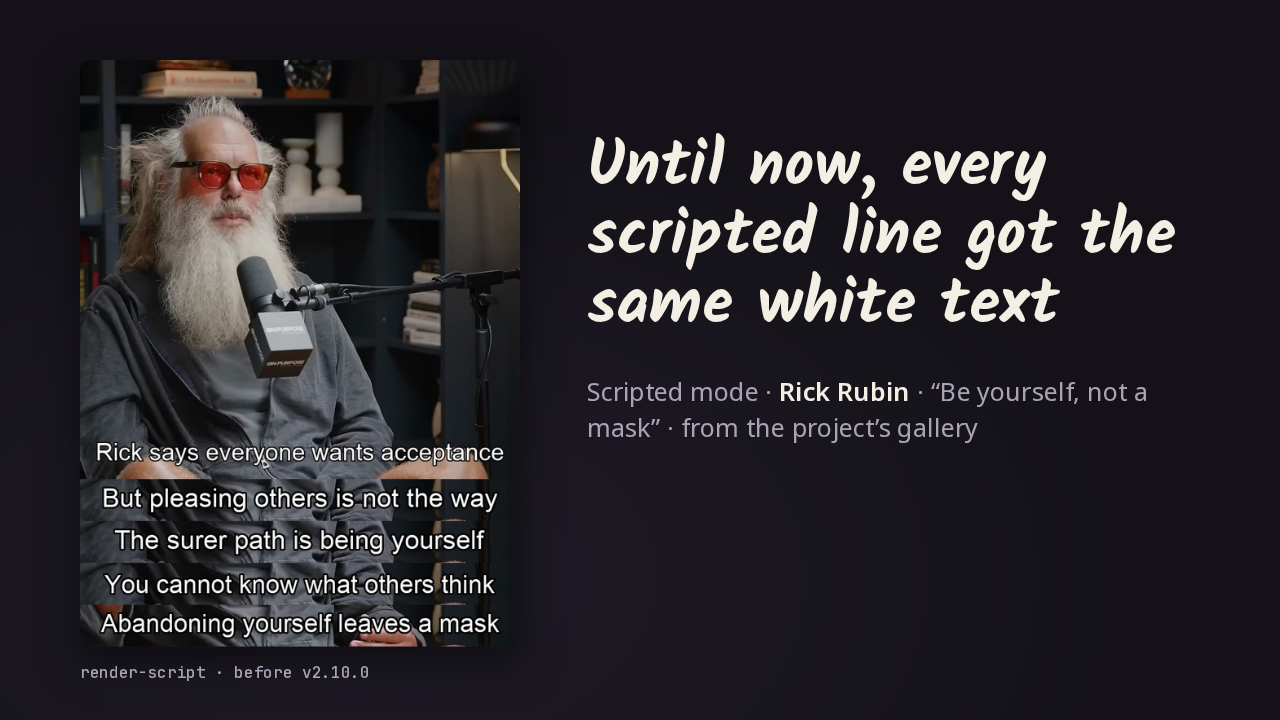
In script mode, the Skill draws your reviewed copy onto real frames, and until this release every line came out in white text with a black outline. This card from the project's gallery has five lines about being yourself, and all five carry equal weight, including the sentence you'd want people to quote.
Slide text

Until now, every scripted line got the same white text
Scripted mode · Rick Rubin · “Be yourself, not a mask” · from the project’s gallery
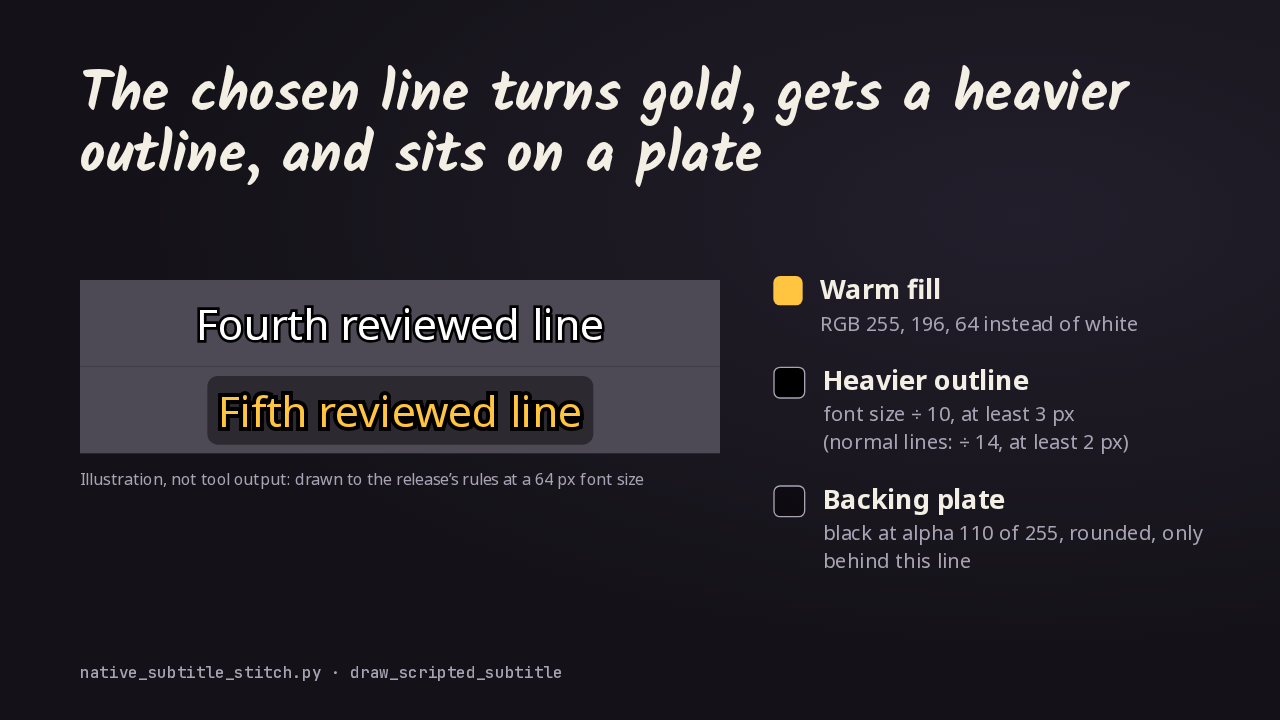
render-script · before v2.10.0This is an illustration drawn to the release's rules, not a rendered image. A normal line is white with a black outline. Emphasize the next one and its text turns a warm gold. The black outline gets heavier, about a tenth of the font size instead of a fourteenth. And a translucent dark plate with rounded corners sits behind just that line. It's drawn first, so a speaker prefix on the same line keeps its own color.
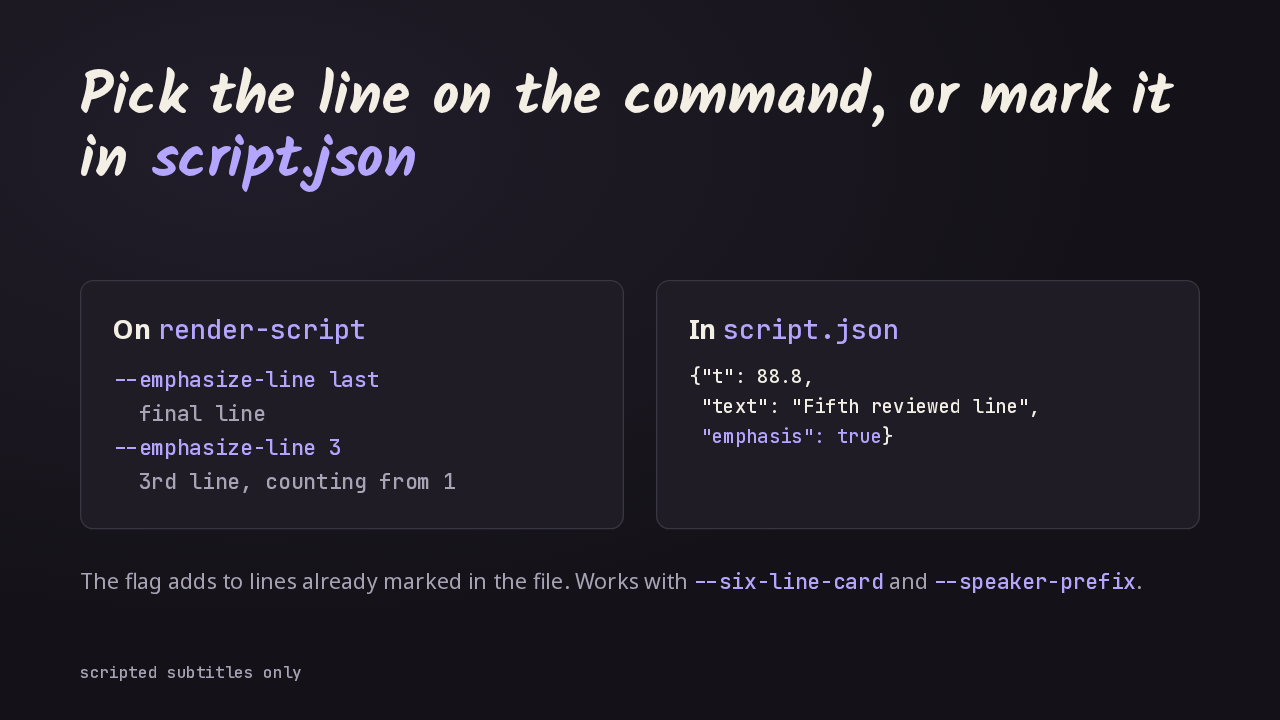
There are two ways to choose the line. On the render script command, pass the emphasize line flag with the word last for the final line, or with a line number that counts from one. Or mark the line itself in your script file by setting emphasis to true. The flag adds to any lines the file already marks, and it works with the six line card and with speaker prefixes.
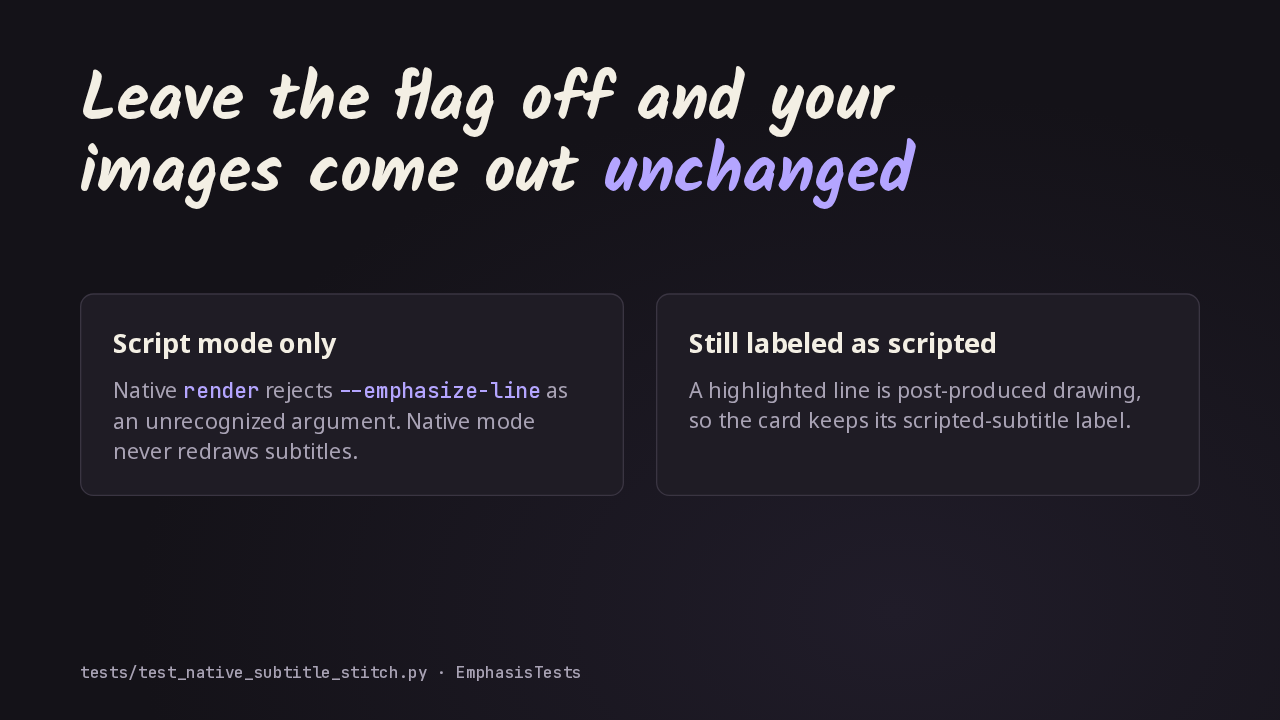
Existing renders stay as they were. Without the flag, every line is drawn the old way, and a new test checks the default output for any trace of the highlight. The option lives only in script mode. The native render command rejects it, because native mode never redraws the subtitles burned into the video. A highlighted card still counts as post-produced, so it keeps its scripted label.
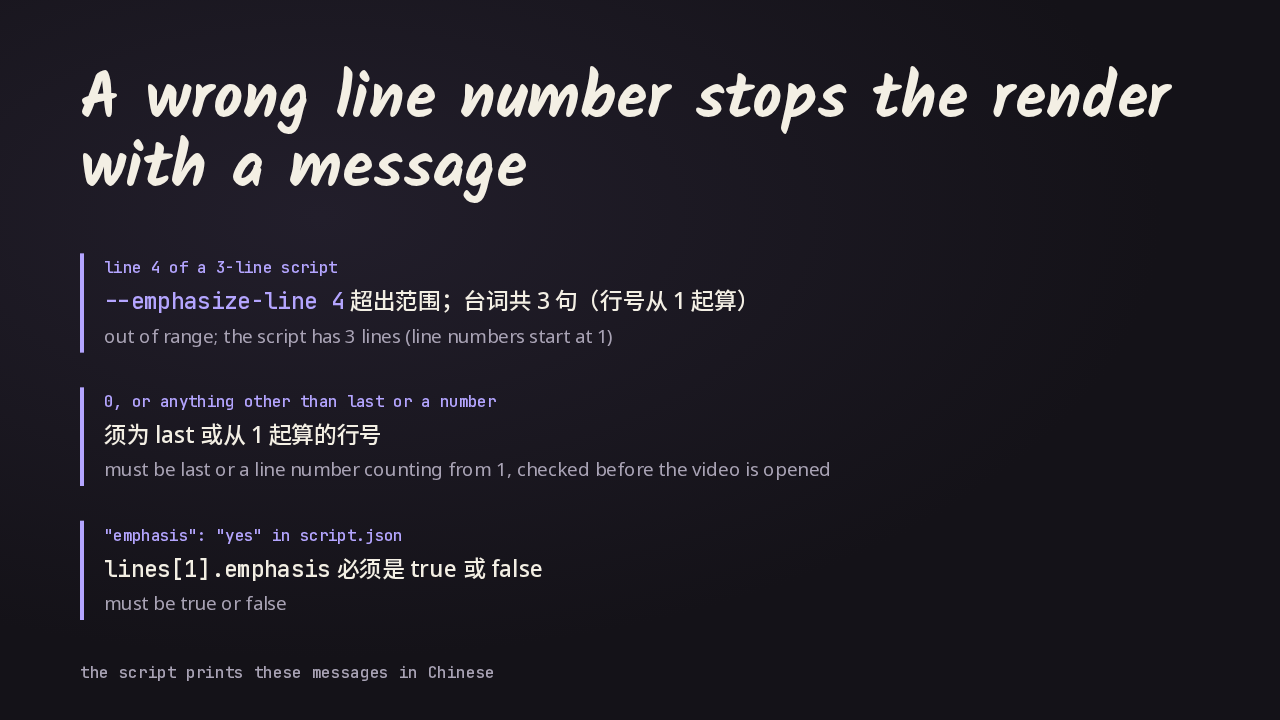
A mistake stops the run with a message. Ask for line four on a three line script and the command exits, telling you how many lines there are and that counting starts at one. A zero, or a word other than last, is rejected while the arguments are read, before any video is opened. And in the script file, emphasis has to be a real true or false.
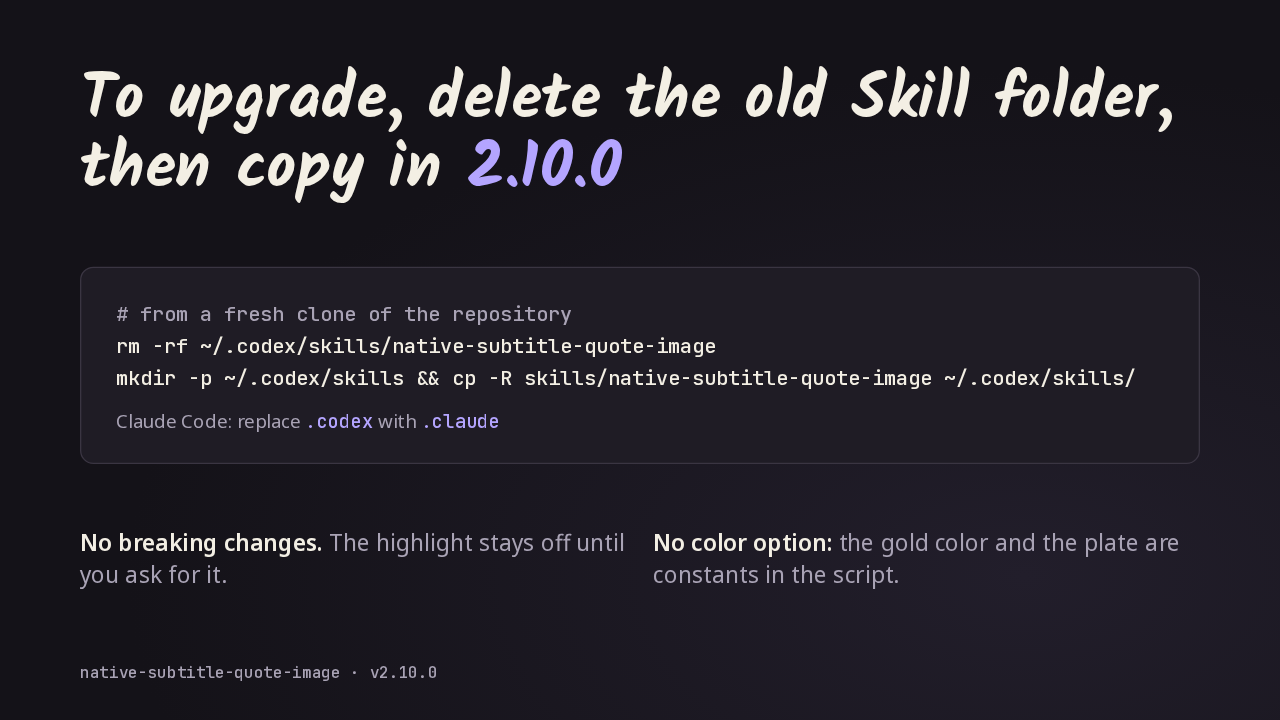
To upgrade, get the new version, delete the old Skill folder, and copy the new one in, so files from older versions don't linger. Claude Code users swap dot codex for dot claude. There are no breaking changes, and the highlight stays off until you ask for it. The gold color and the plate are constants in the script, with no option to change them. That's version 2.10.0, which lets you highlight the one line worth quoting.