OpenAI models can drive Browser Use

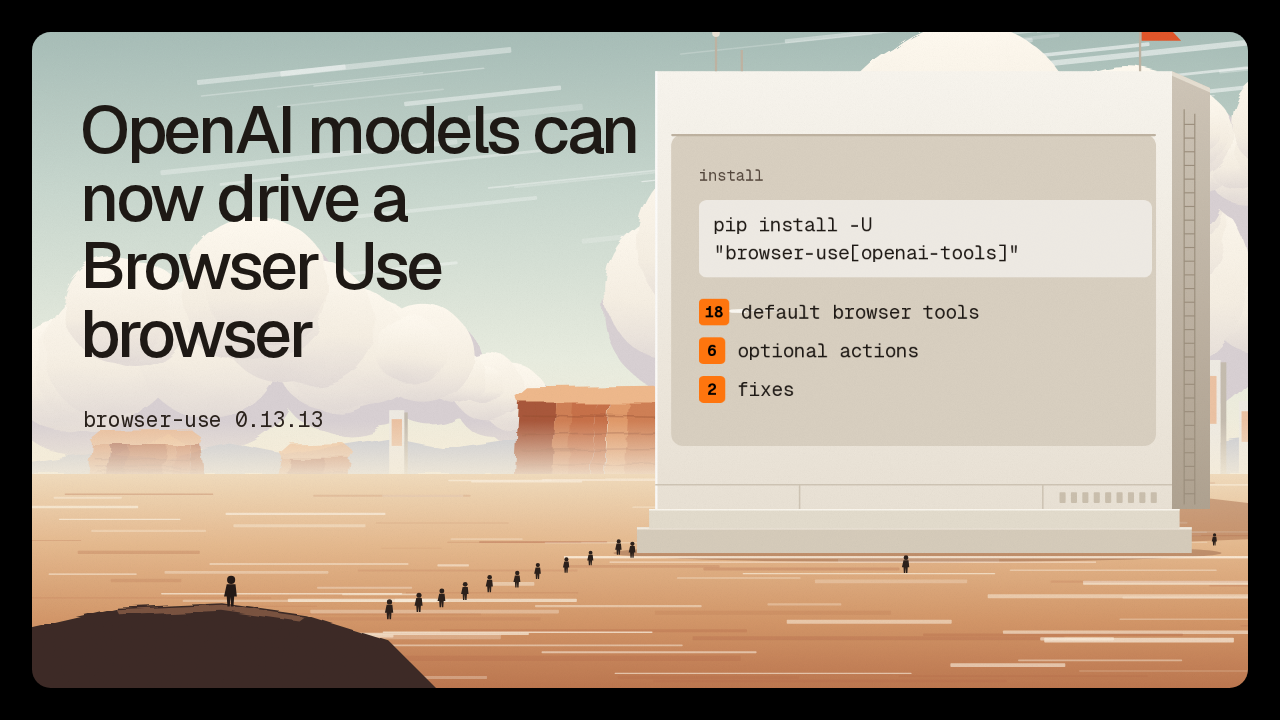
OpenAI models can now drive a Browser Use browser
browser-use 0.13.13
"browser-use[openai-tools]"
With Browser Use 0.13.13, an OpenAI model can operate a Browser Use browser through the browser toolset in OpenAI's Python library. It ships as the openai tools extra. The release also fixes two problems: Cloud tabs that briefly have no address, and screenshots that disagree with clicks on high-density displays.
18 tools and 6 actions
 Browser Use
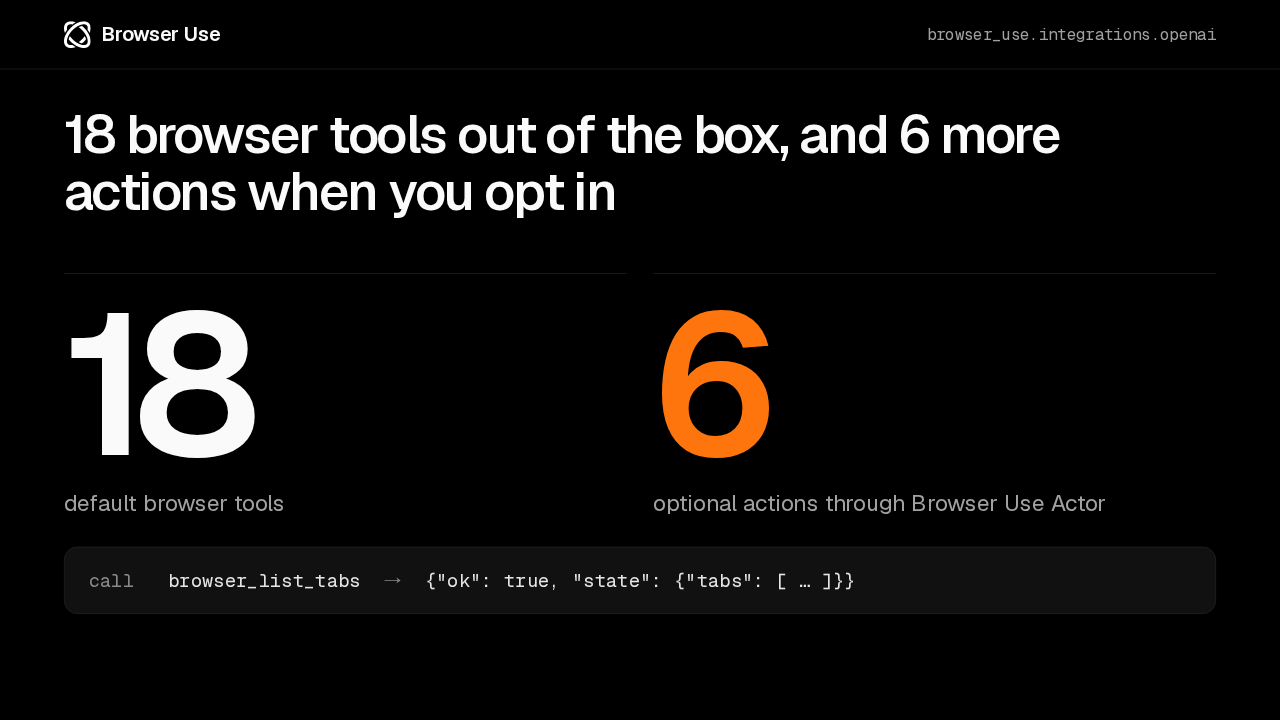
18 browser tools out of the box, and 6 more actions when you opt in
default browser tools
optional actions through Browser Use Actor
The driver gives a model 18 browser tools by default, and six more optional actions through Browser Use Actor. They reach the model as functions with a browser prefix. A call to browser list tabs, for example, comes back as a result the model can read: whether it worked, and the current tabs.
Local, Cloud, or borrowed
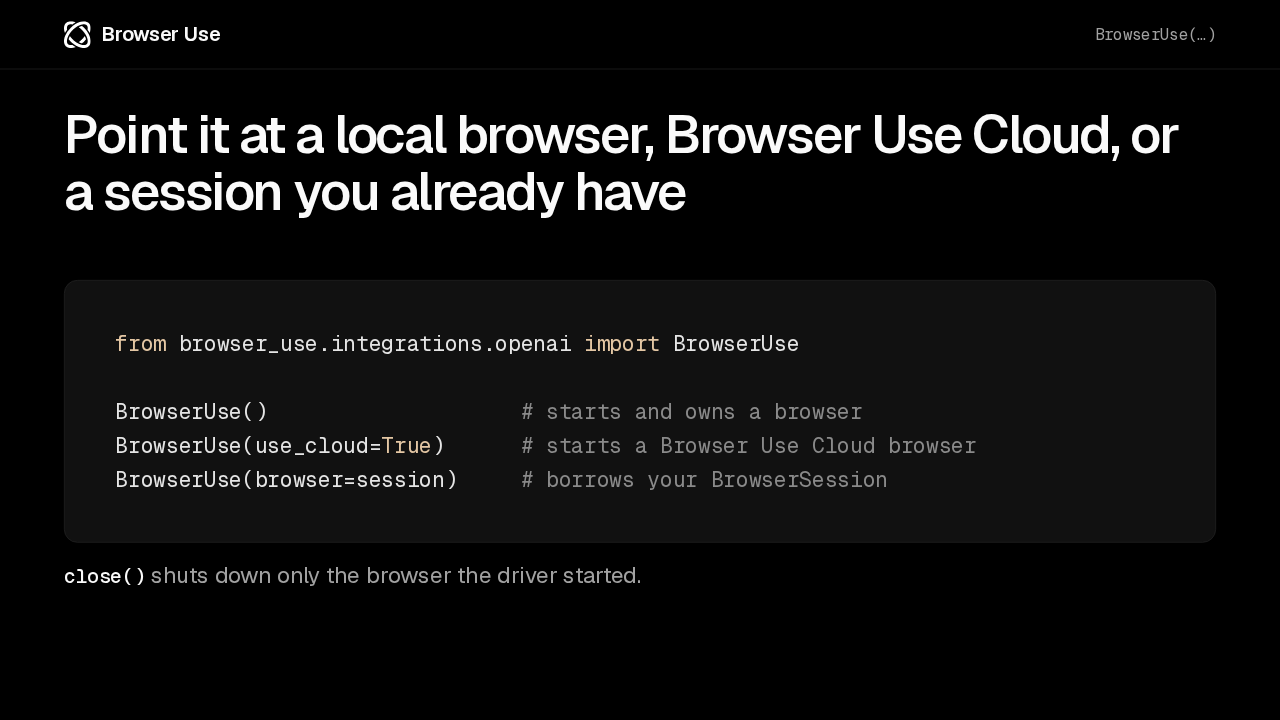
Browser UsePoint it at a local browser, Browser Use Cloud, or a session you already have
from browser_use.integrations.openai import BrowserUse

BrowserUse()                    # starts and owns a browser
BrowserUse(use_cloud=True)      # starts a Browser Use Cloud browser
BrowserUse(browser=session)     # borrows your BrowserSession
close() shuts down only the browser the driver started.
The same driver works with three kinds of browser. With no arguments it starts a browser of its own. Pass use cloud equals true, and it starts one on Browser Use Cloud. Or hand it a browser session your app already has open. Closing the driver shuts down only a browser it started, so a borrowed session keeps running.
Fix: empty Cloud tab URLs
Browser UseAn empty Cloud tab address now reads as about:blank
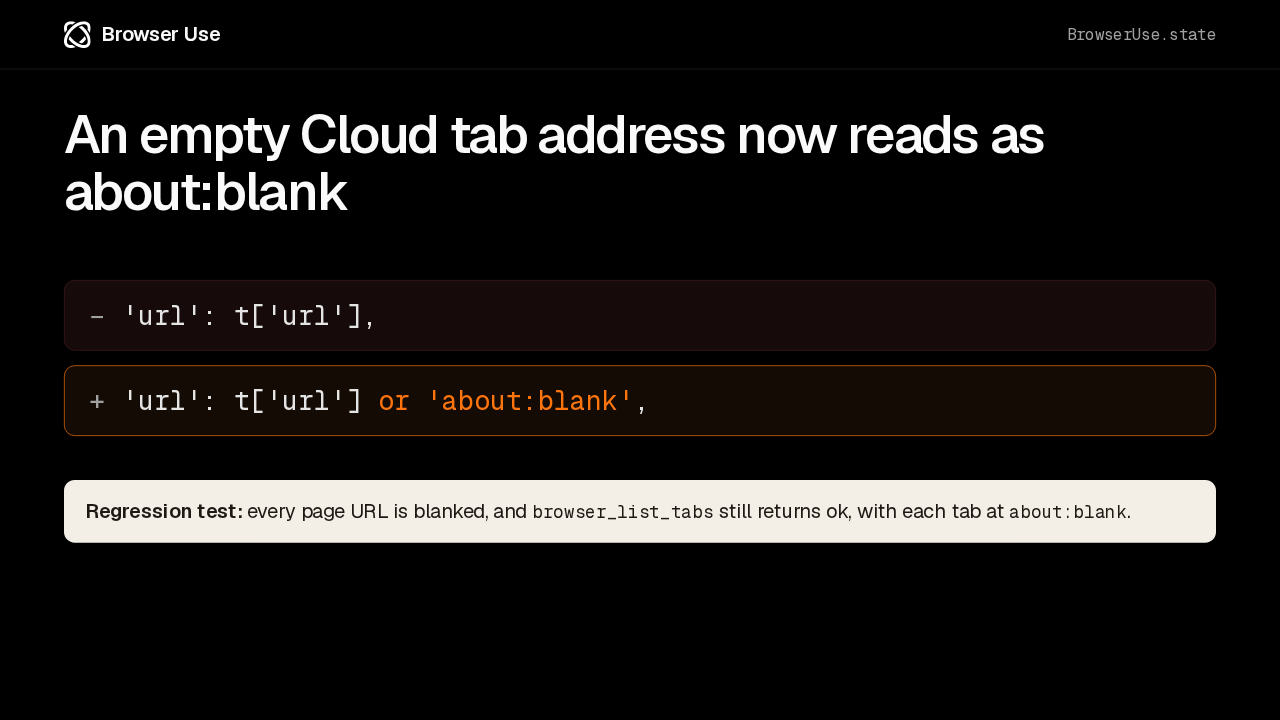
The first fix is for Browser Use Cloud. While a tab is still navigating, Cloud can report it with an empty address, and the driver passed that empty address straight through to the model. Now an empty address is reported as about:blank. The new test blanks every page address, and listing tabs still succeeds.
Fix: screenshots on scaled displays
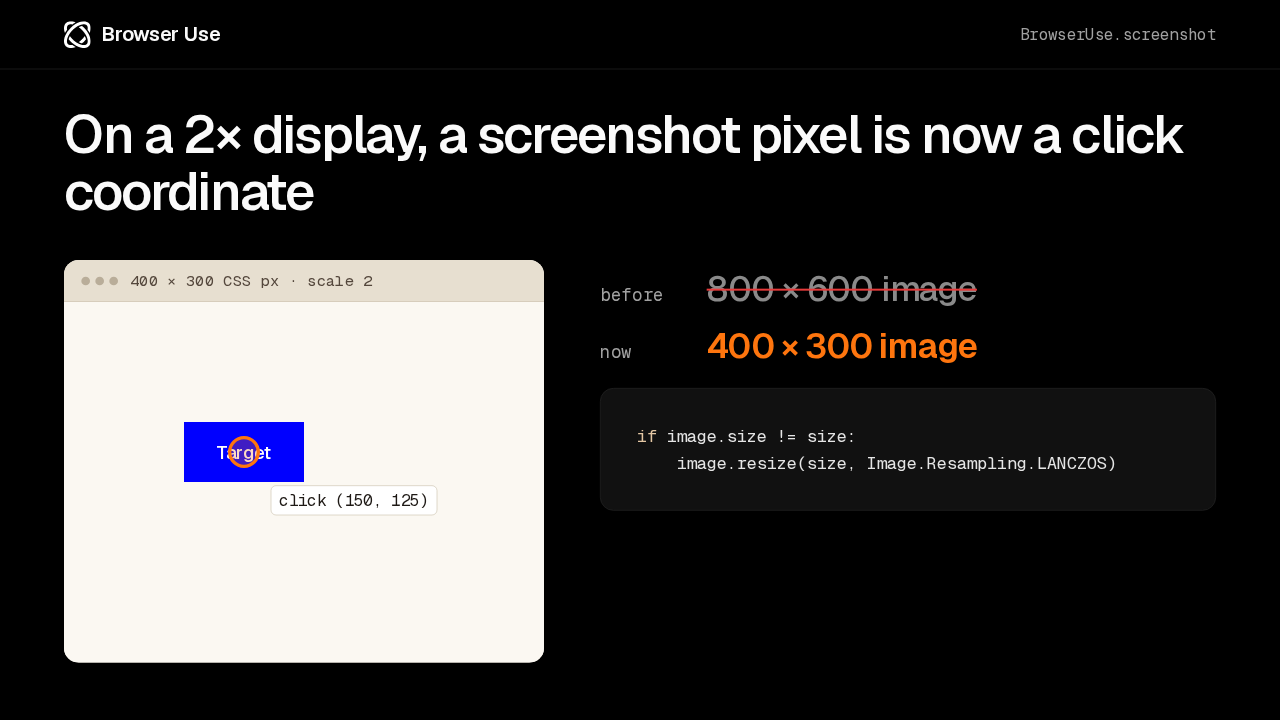
Browser UseOn a 2× display, a screenshot pixel is now a click coordinate
if image.size != size:
    image.resize(size, Image.Resampling.LANCZOS)
The second fix is for high-density screens. Here is the test page: 400 by 300 CSS pixels at twice the pixel density, with a blue button near the top left. The model reads a point off the screenshot and clicks it. Screenshots used to come back at device pixels, twice the size, so that point landed in the wrong place. Now the image is resized to the page's own coordinates, and crops share the same origin.
What you need to change
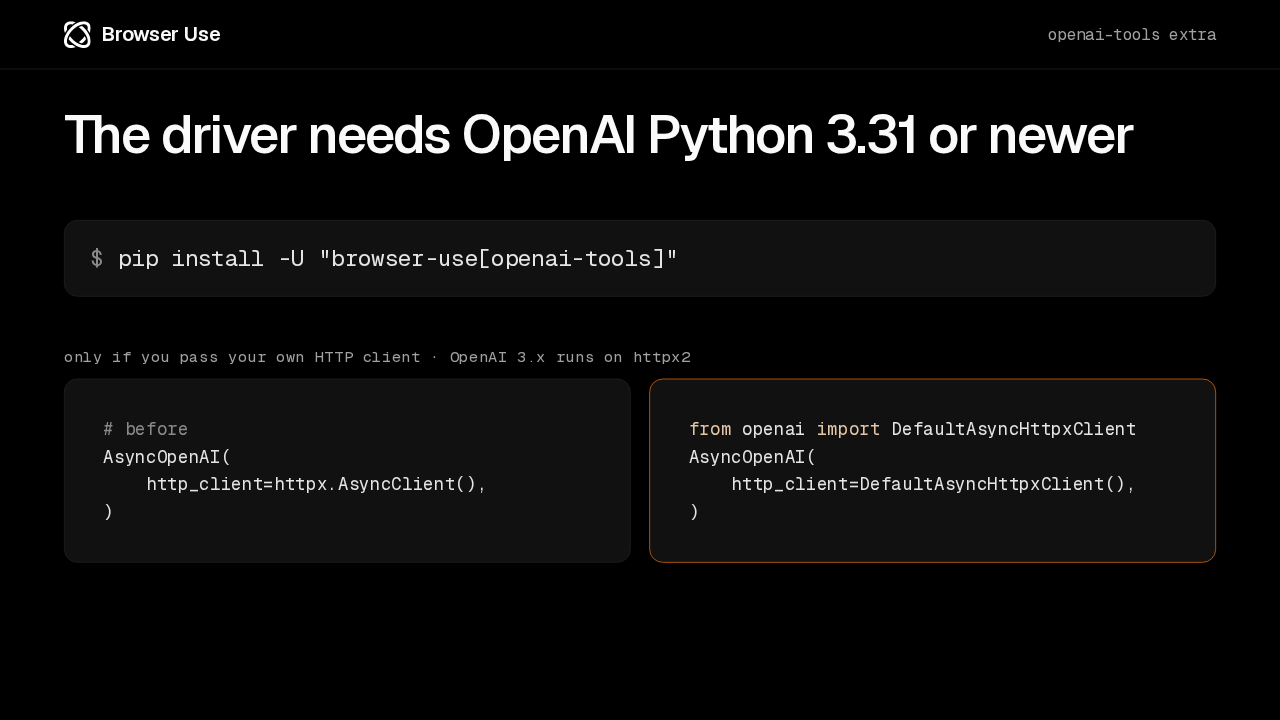
Browser UseThe driver needs OpenAI Python 3.31 or newer
# before
AsyncOpenAI(
    http_client=httpx.AsyncClient(),
)
from openai import DefaultAsyncHttpxClient
AsyncOpenAI(
http_client=DefaultAsyncHttpxClient(),
)To use the driver, install the openai tools extra, which needs OpenAI's Python library at version 3.31 or newer. That's a single install command. One thing can break: OpenAI 3 runs on httpx2. If you hand the OpenAI client your own HTTP client, build it from the library's own default async client class instead of plain httpx.
What was tested
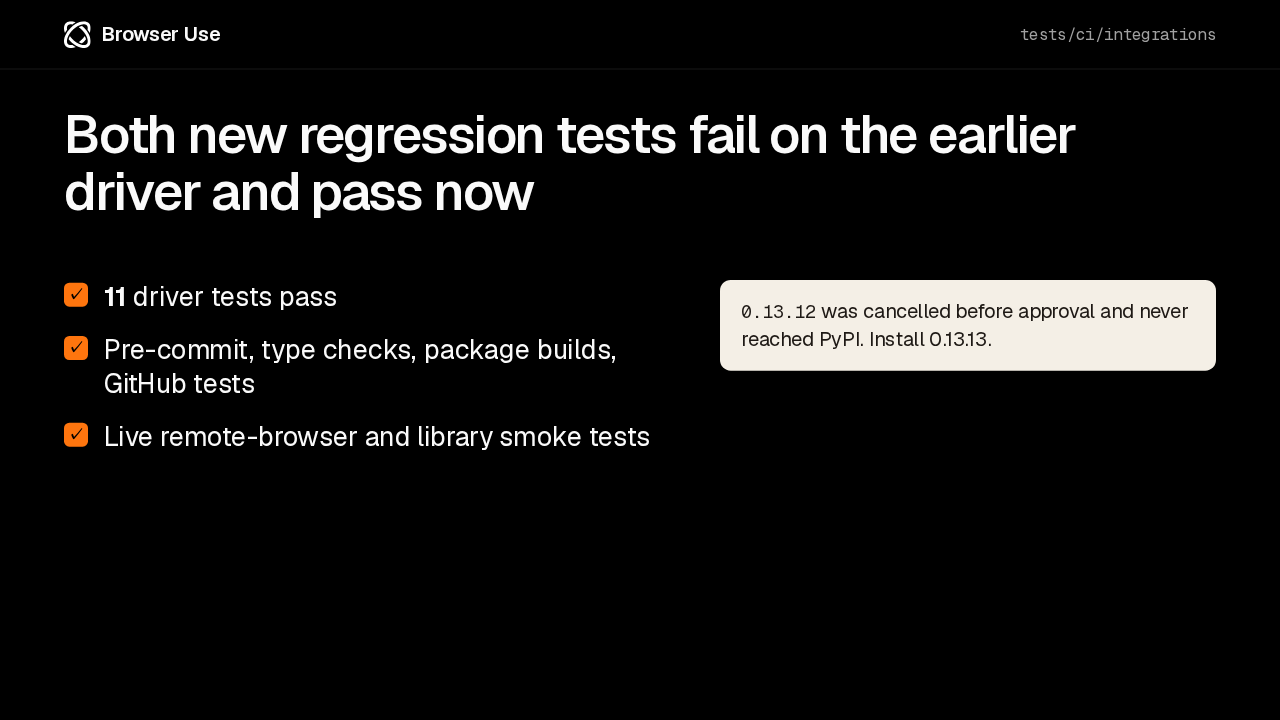
Browser UseBoth new regression tests fail on the earlier driver and pass now
- 11 driver tests pass
- Pre-commit, type checks, package builds, GitHub tests
- Live remote-browser and library smoke tests
Both fixes come with a regression test that fails on the earlier driver and passes on this one. All eleven driver tests pass, along with type checks, package builds, and live smoke tests against a remote browser. And if you were waiting for 0.13.12, its publication was cancelled before it reached PyPI, so this is the version to install.
Upgrade
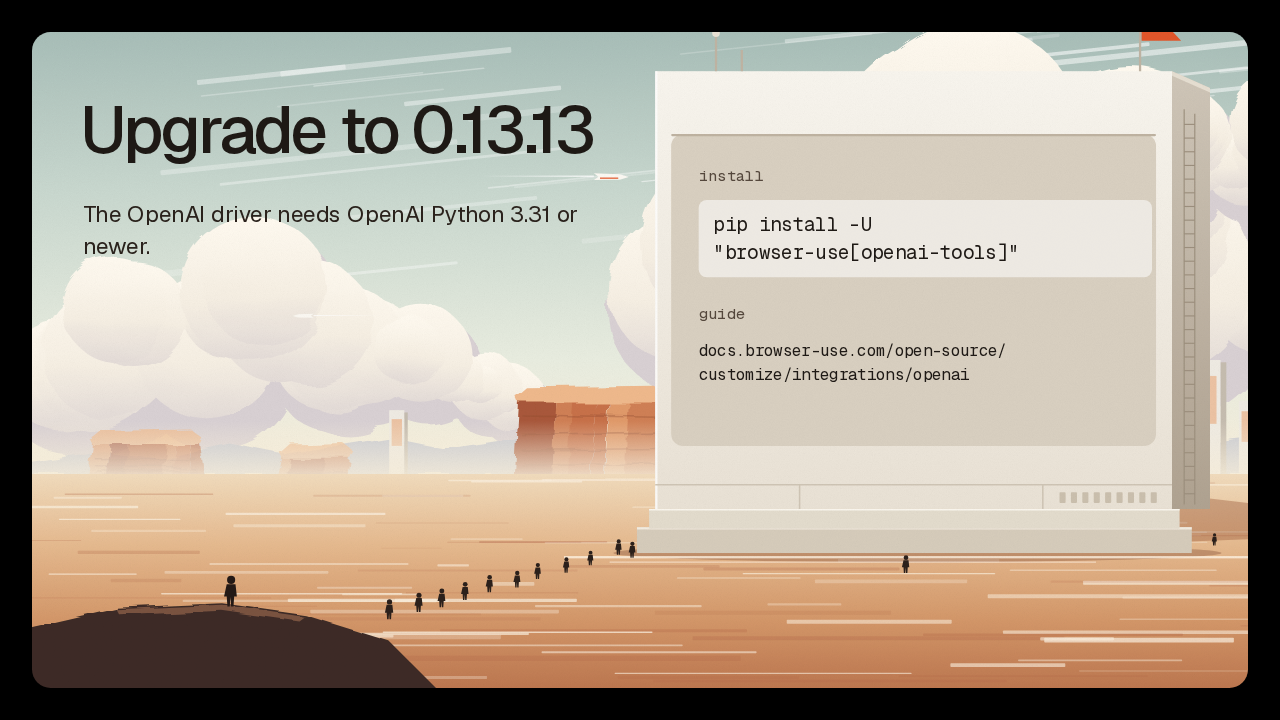
Upgrade to 0.13.13
The OpenAI driver needs OpenAI Python 3.31 or newer.
"browser-use[openai-tools]"
customize/integrations/openai
The driver needs OpenAI's Python library 3.31 or newer. Install the openai tools extra and follow the integration guide in the Browser Use docs. You get the driver, the two fixes, and a choice of local, Cloud, or borrowed browsers. With 0.13.13, OpenAI models can now drive a Browser Use browser.