Nexior Studio adds Arbitrum USDC, MP3 voice clips and read-only YouTube
2 hours ago
This Nexior release brings three changes to Studio. Studio's wallet gains support for USDC on Arbitrum One, behind an opt-in flag. Voice recordings for Fish voice cloning upload as MP3. And connecting YouTube now starts with read-only access.
Ask about this presentation
Chapters
Show transcriptHide transcript
This Nexior release brings three changes to Studio. Studio's wallet gains support for USDC on Arbitrum One, behind an opt-in flag. Voice recordings for Fish voice cloning upload as MP3. And connecting YouTube now starts with read-only access.
Slide text
 Nexior 3.381.0
Nexior Studio adds Arbitrum USDC, MP3 voice clips and read-only YouTube
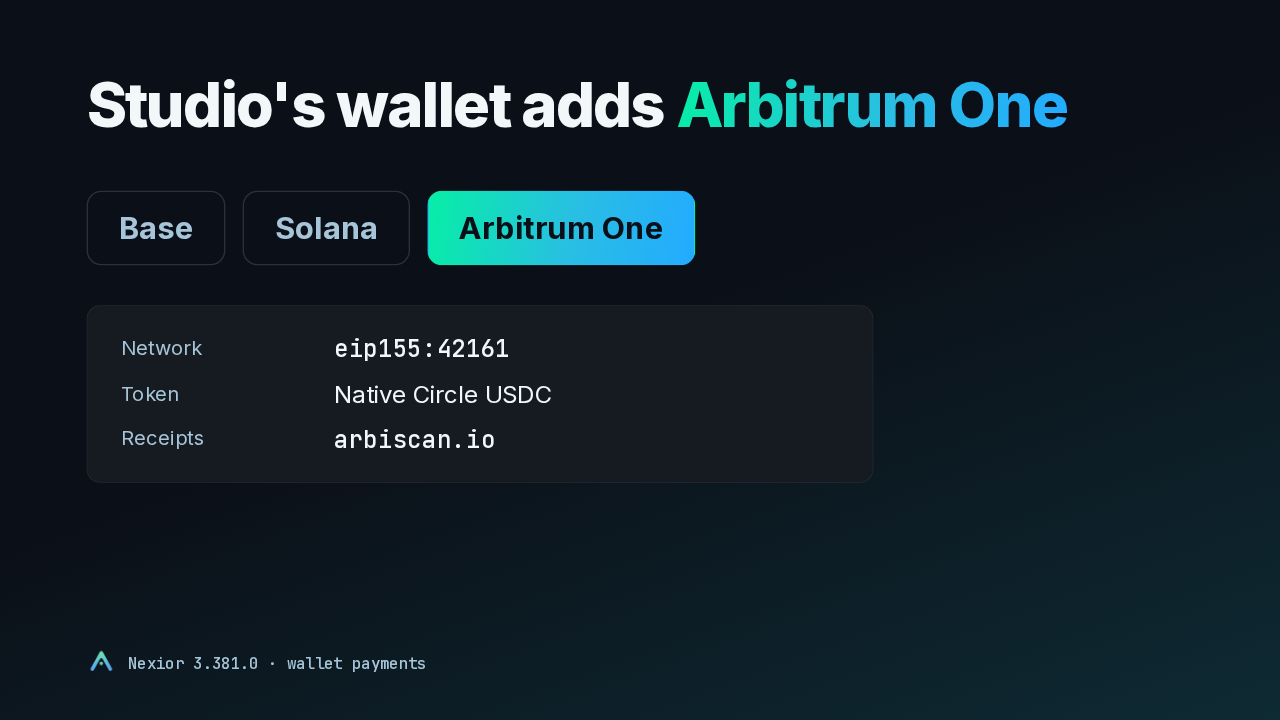
Arbitrum One paymentsMP3 voice cloningRead-only YouTubeThe Studio wallet dialog offered two networks, Base and Solana. Studio can now offer Arbitrum One beside them, in order checkout and in the fixed-price wallet dialog. It pays in native Circle USDC, and when a payment goes through, its record links to the transaction on Arbiscan.
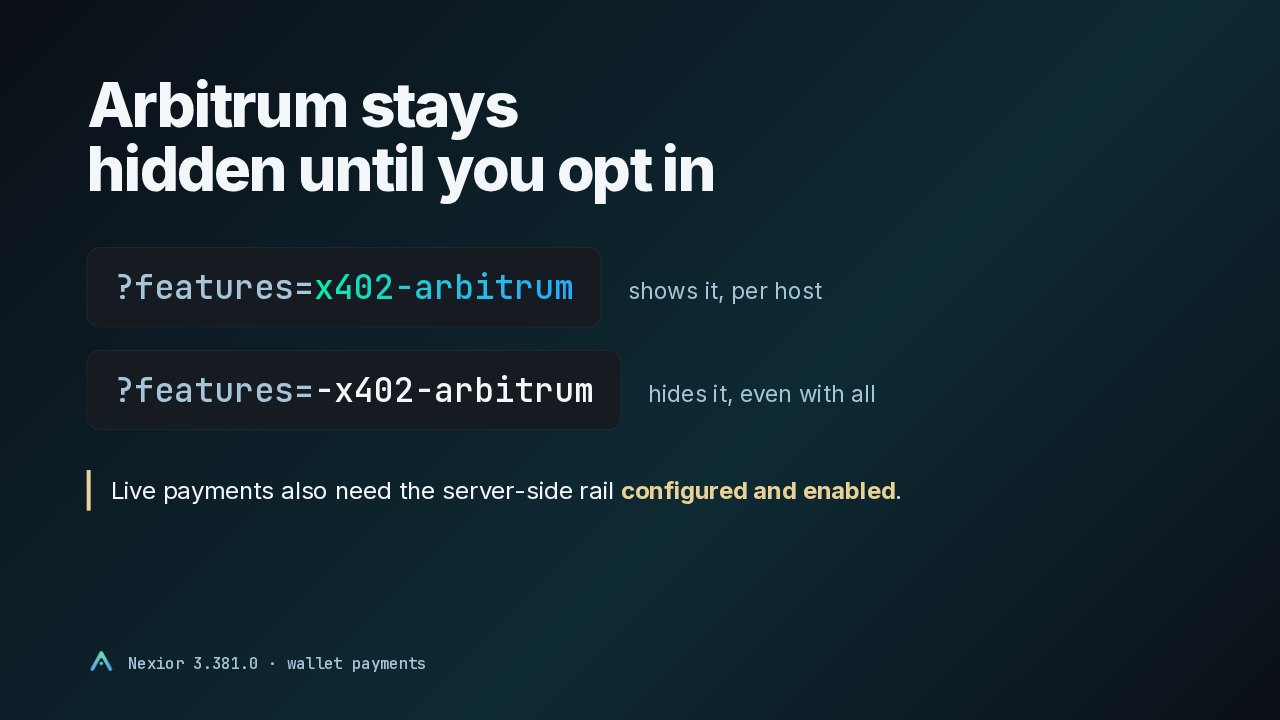
The new network is off by default. To see it, add the x402 arbitrum feature to the page URL, once on each host. A cookie keeps it as you navigate. A minus sign in front hides it again, even when every feature is on. Live Arbitrum payments also need the matching gateway and facilitator rail enabled on the server.
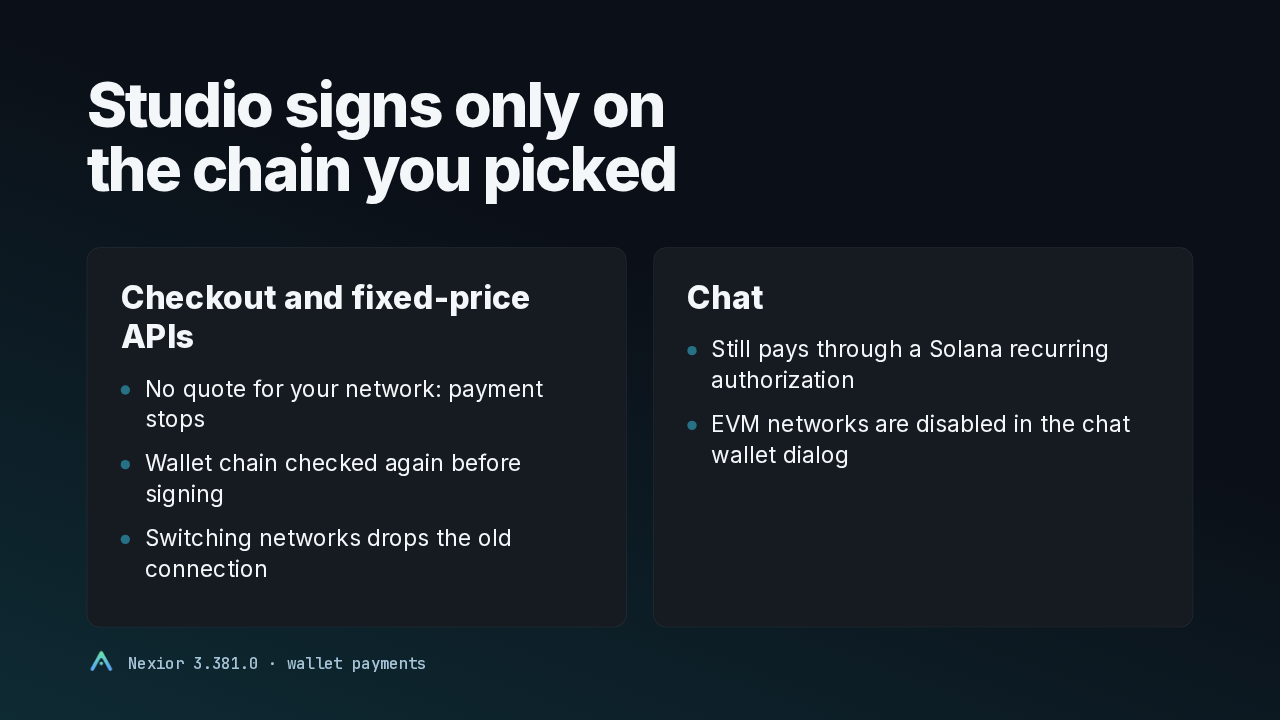
Studio holds to the network you chose. If the payment request has no quote for that network, the payment stops without trying another chain. The wallet's chain is checked again just before signing, and switching networks drops the old connection. Chat still pays through a Solana recurring authorization. The EVM networks are disabled there, and picking one won't charge your existing Solana authorization.
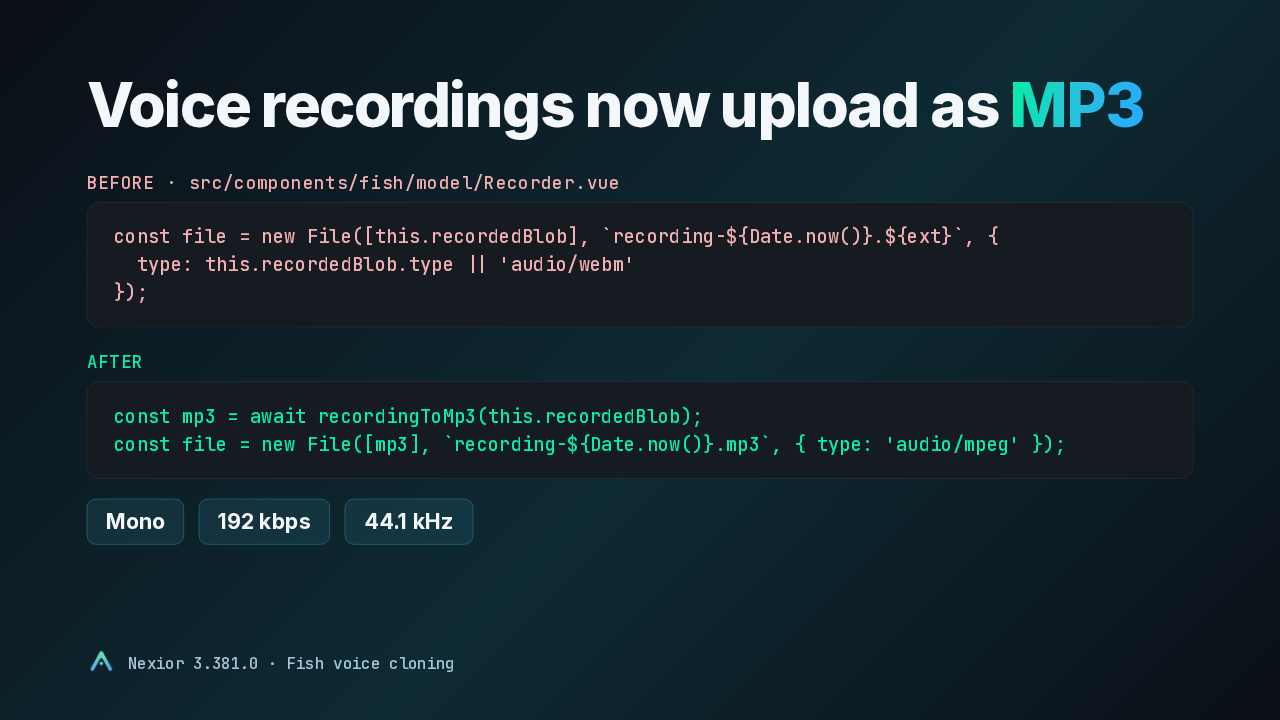
Fish voice cloning lets you record a reference clip right in Studio. Until now that clip uploaded in whatever format the browser recorded, with WebM as the fallback type. Now Studio converts it to MP3 in the browser before uploading, in mono, at 192 kilobits per second, sampled at 44.1 kilohertz.
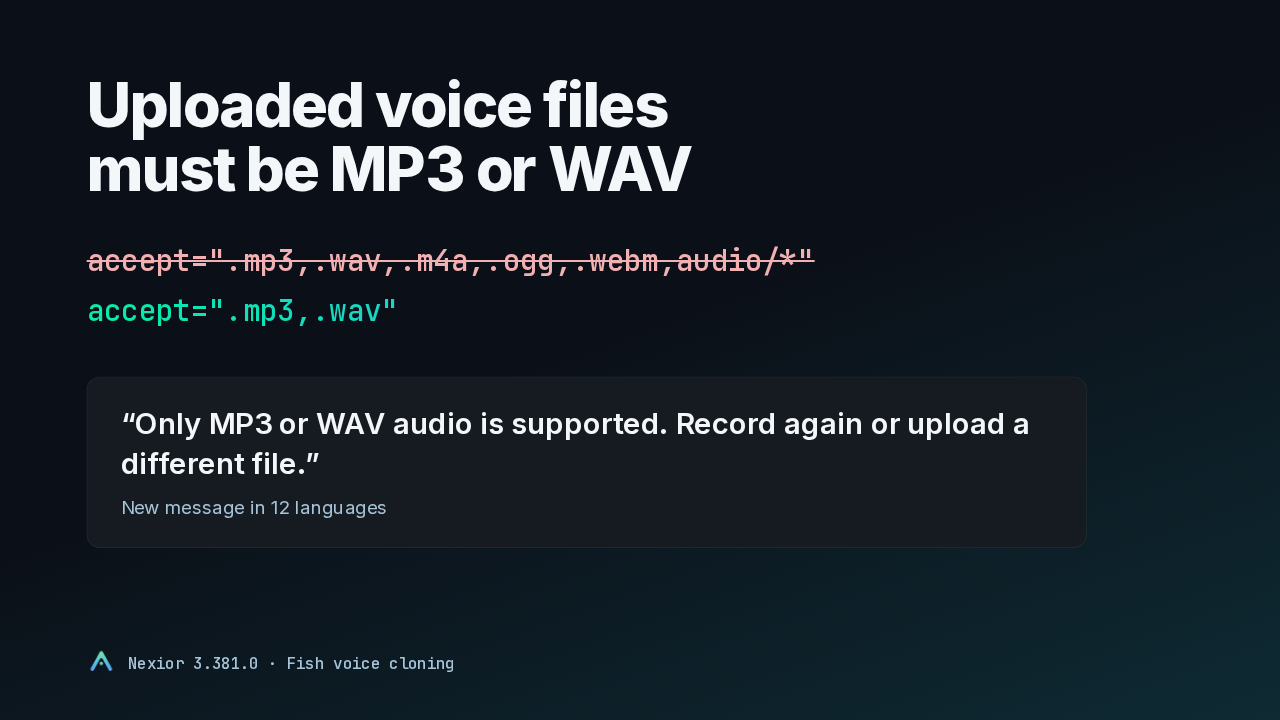
Files you upload get the same treatment. The picker used to accept M4A, OGG, WebM and any audio type. Now it takes MP3 and WAV, and turns anything else away before a voice model gets created. You see this message, in 12 languages. Studio also shows it when the Fish service rejects a file as not being audio, in place of a generic failure.
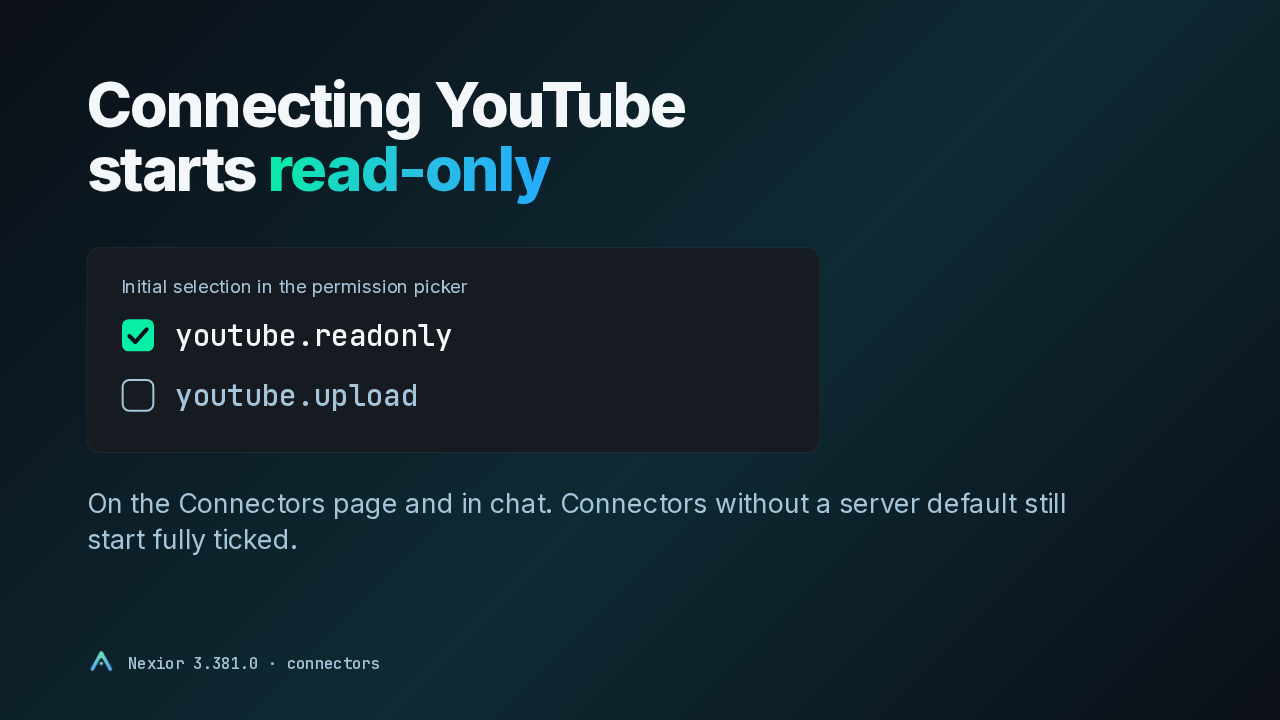
When a connector asks for several permissions, Studio opens a picker, and it used to start with every permission ticked. Now it starts from the defaults the server declares. For YouTube that means read-only, with upload left unticked for you to add if you want it. This applies on the Connectors page and in chat. Connectors without a declared default still start with everything ticked.
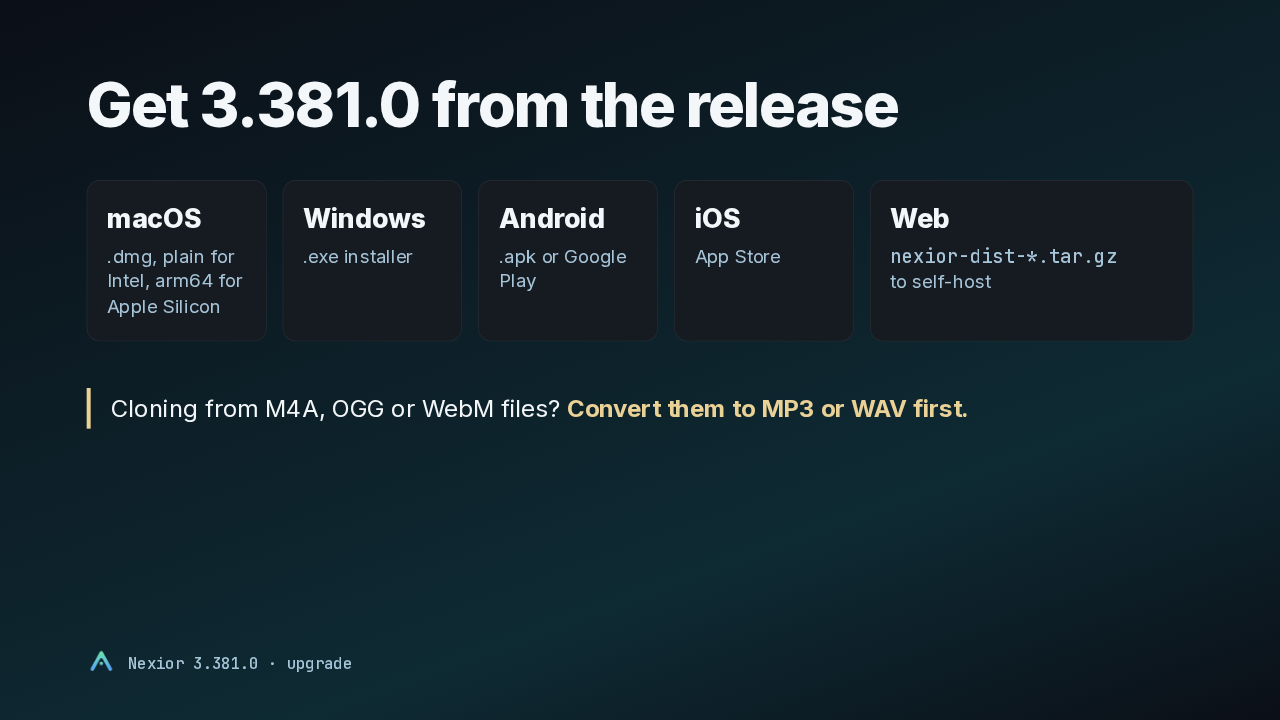
Version 3.381.0 is on the release page. There's a DMG for the Mac, an installer for Windows, an APK or Google Play for Android, the App Store for iOS, and a tarball for self-hosting the web app. If you clone voices from M4A, OGG or WebM files, convert them to MP3 or WAV before uploading. Arbitrum payments are opt-in, and they also need the server-side rail enabled.